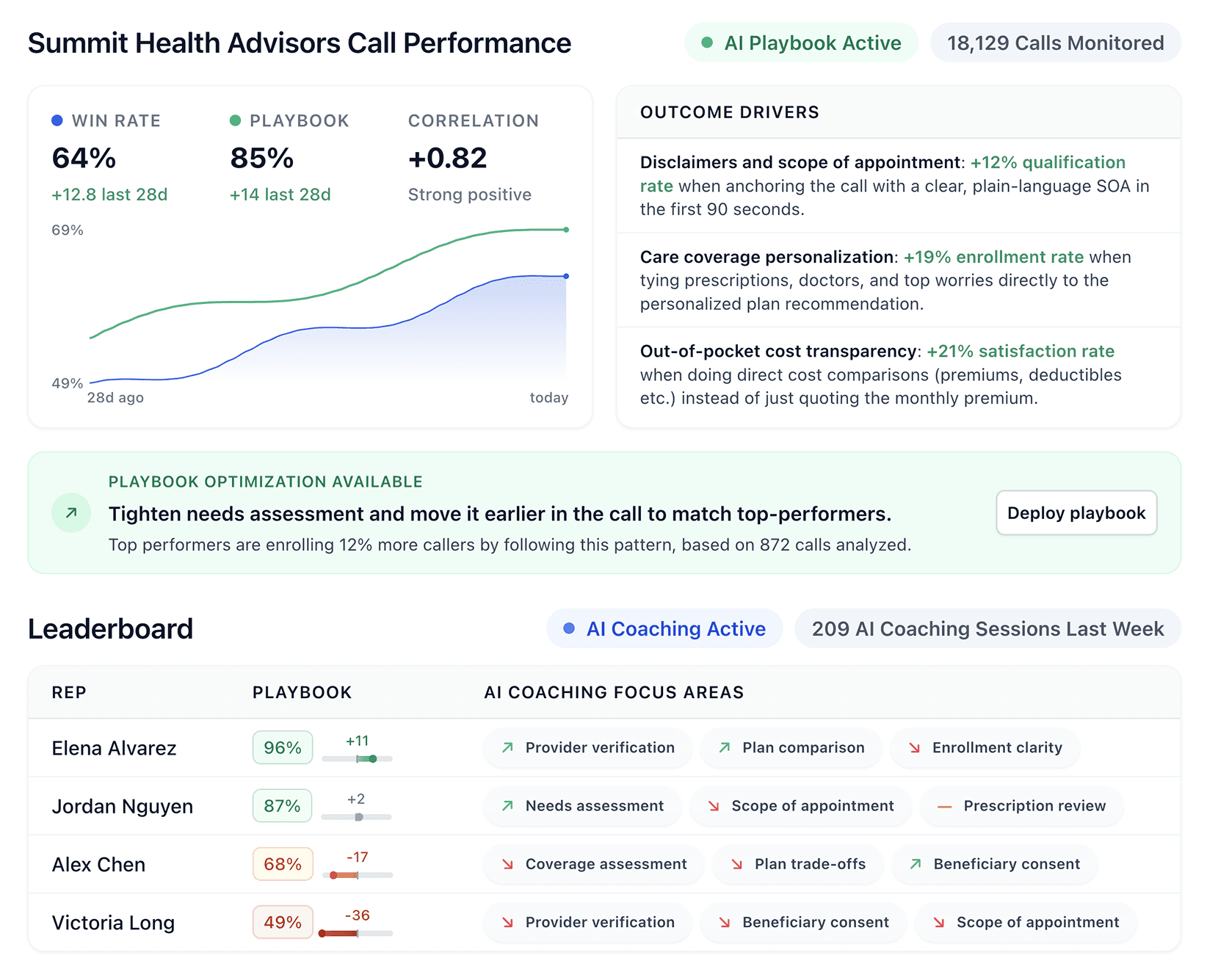


Contact center AI technology is changing how support teams handle high call volumes, improve agent performance, and deliver faster service.
We reviewed the leading platforms for routing, real-time coaching, QA, and compliance to find the 7 best solutions for 2026.
7 best contact center AI solutions: Quick comparison
💻 Tool | ⚡ Strengths | 🎯 Best for | 💰 Starting price |
Genesys | Omnichannel routing, workforce management, AI analytics | Enterprise teams needing omnichannel flexibility | $75/user/month |
Five9 | Outbound dialing, CRM integrations, AI summaries | High-volume outbound teams with 50+ reps | $119/user/month |
NICE CXone | 100% interaction recording, AI QA, compliance | Large enterprises with strict compliance requirements | $110/agent/month |
Talkdesk | Industry Experience Clouds, omnichannel AI | Regulated industries: healthcare, insurance, finance | $85/user/month |
Cresta | Real-time Agent Assist, conversation intelligence | Enterprises needing live guidance across channels | Custom pricing |
Balto | Real-time prompts, live compliance monitoring | Call centers that need in-call script adherence | Custom pricing |
Salesforce Service Cloud | CRM-native AI, pipeline visibility, integrations | Large orgs needing a fully configurable sales system | $25/user/month |
How we researched and tested these contact center AI solutions
We did not rely on marketing pages to build this list. Instead, we focused on how these platforms perform in real contact center environments.
Our research included product trials, demos, documentation, and feedback from sales and operations leaders who use these tools daily. Each platform was evaluated across six areas that matter most for high-volume teams.
Coaching depth: Does the platform surface insights tied to real behaviors or just generic summaries?
Customization: Can teams tailor scoring and coaching to their own playbooks?
Ease of adoption: How quickly can agents and managers start using the platform?
Scalability: Does the system support growing teams without adding complexity?
Integrations: How smoothly does it connect with dialers, CRMs, and existing tools?
Compliance features: Does it meet the requirements of regulated industries like Medicare and insurance?
This process helped us separate platforms with real operational impact from tools that simply add another dashboard.
1. Genesys: Best for enterprise omnichannel operations
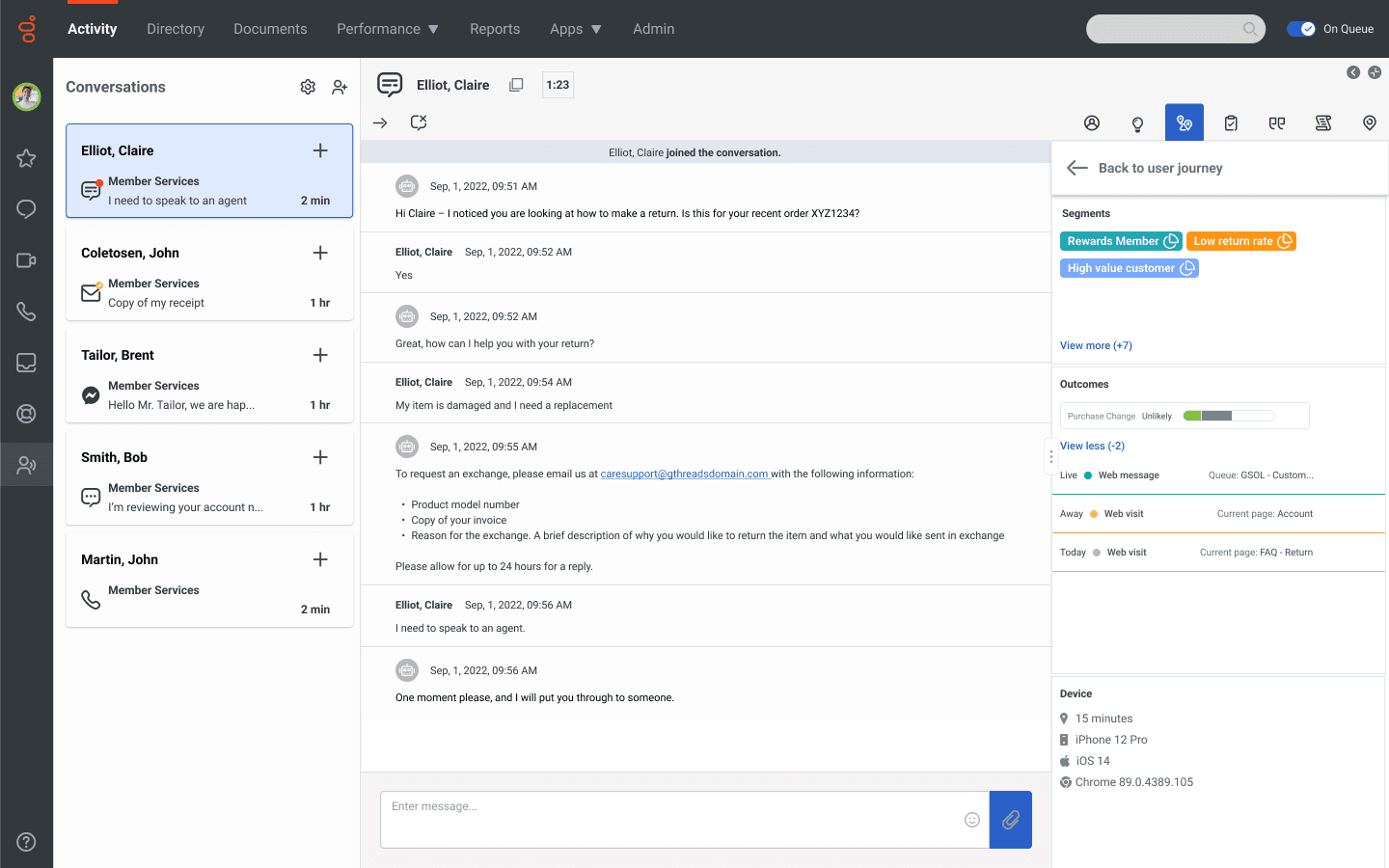
What it does: Genesys Cloud CX is a contact center platform that helps teams manage voice calls, email, chat, SMS, and social media in one place. It also includes tools for workforce management and AI-based routing.
Best for: Enterprise teams that need to support customers across multiple channels while managing large agent teams.
Genesys brings all communication channels into one agent workspace, making it easier for agents to manage conversations. Its predictive routing helps send each customer to the agent most likely to solve their issue.
Key features
Omnichannel routing handles voice, email, chat, SMS, and social in one agent desktop
AI Agent Copilot provides real-time suggestions and guidance during live calls
Speech and text analytics surface key moments, flag compliance issues, and identify training gaps
Workforce forecasting and scheduling uses AI to predict call volumes and build agent schedules
Quality management automates call reviews and compliance checks
600+ app integrations through the AppFoundry Marketplace
Pros and cons
✅ Pros | ❌ Cons |
Brings all channels into one place for agents | Navigation takes time for new staff to learn |
Highly scalable with strong API integrations | Some advanced features require extra licenses |
Highly customizable for complex call center workflows | QA tools focus on compliance monitoring rather than rep coaching |
Built-in workforce management reduces the need for extra tools |
What users say
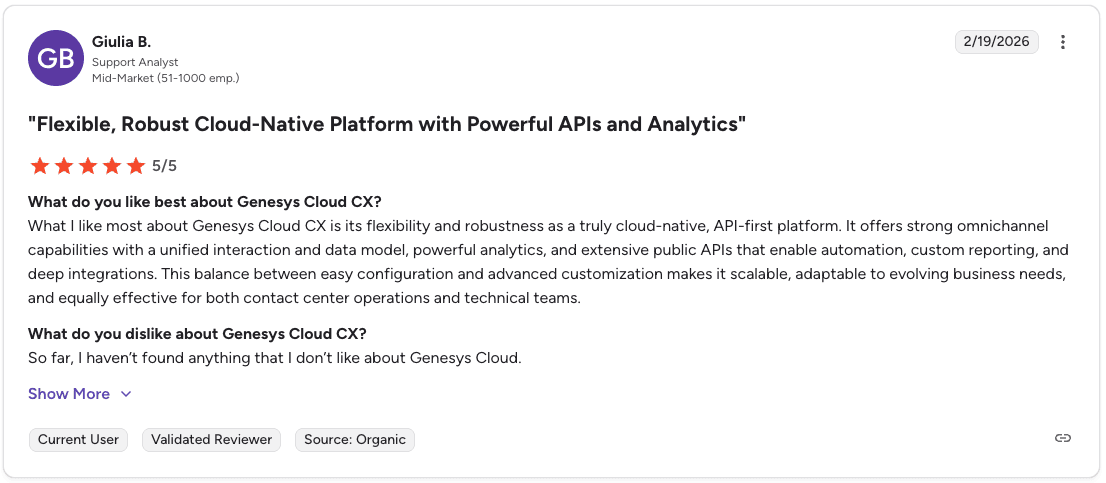
Pro: “Powerful analytics and extensive public APIs that enable automation and deep integrations.” — Giulia B., Verified User, G2
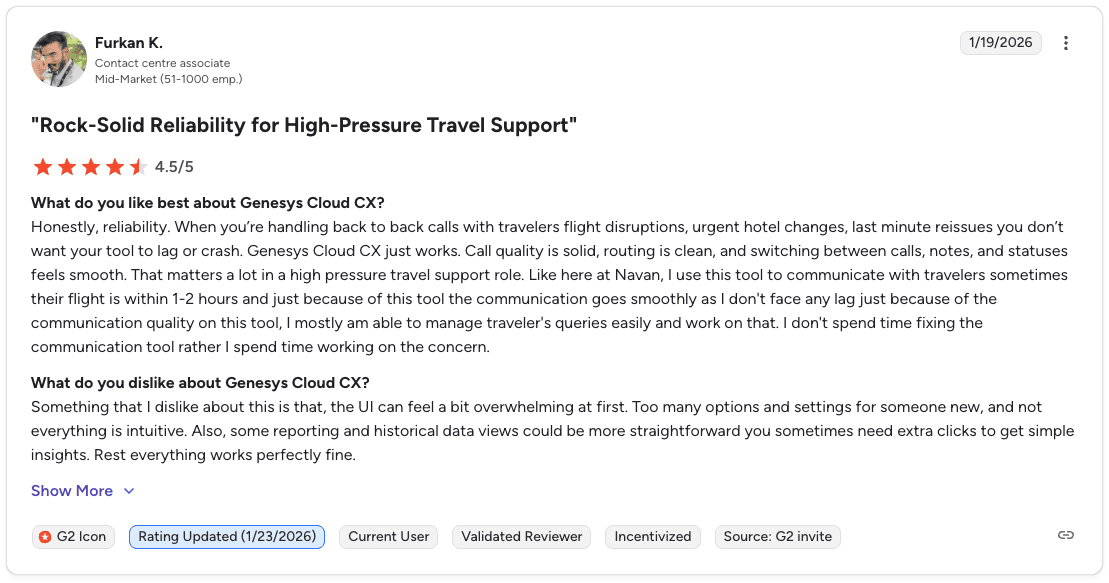
Con: “Some reporting and historical data views could be more straightforward.” — Furkan K., Verified User, G2
Pricing
Genesys plans cover four tiers starting at $75/user/month for voice-only (CX 1). CX2 starts at $115/user/month and has quality assurance and compliance built in. Workforce management and analytics require CX 3 at $155/user/month or above. Then CX4 starts at $240/user/month and adds more AI features.
For a full breakdown, read our Genesys Cloud CX pricing guide.
Is Genesys the right fit for your team?
Genesys is the strongest pick for enterprise teams that need omnichannel routing and workforce management in one platform. Teams that also want real-time rep coaching built from their own top performers' calls should pair it with a dedicated coaching layer (or check out a Genesys alternative).
2. Five9: Best for high-volume outbound dialing
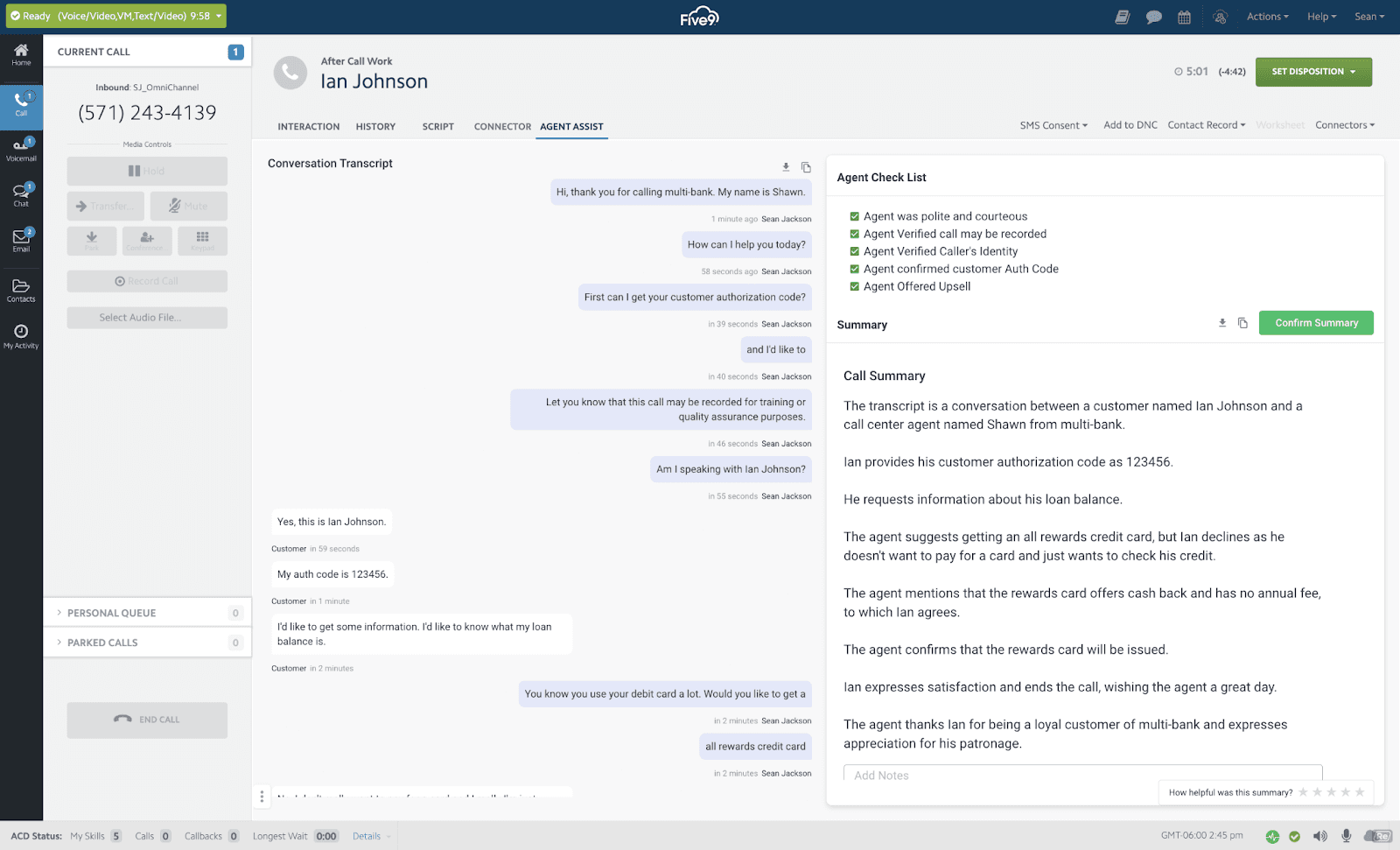
What it does: Five9 is a cloud contact center platform built for high-volume calling, handling inbound routing, outbound dialing, digital engagement, and AI-powered analytics.
Best for: Inside sales teams with 50+ reps who need reliable outbound dialing at scale.
Five9 processes high call volumes without dropping connections, which matters when every missed call means a missed opportunity. The predictive dialer is one of the strongest in the market for outbound-heavy teams. Like Genesys, Five9 handles call infrastructure well.
Key features
Predictive dialer powers outbound campaigns at high volume without dropped connections
AI Agent Assist provides reps with real-time suggestions during live calls
AI Summaries generate call notes automatically, so managers don't review every recording
Quality management scores calls and tracks QA metrics
Workforce management handles scheduling and forecasting
CRM integrations with Salesforce, HubSpot, Microsoft Dynamics, and others
Pros and cons
✅ Pros | ❌ Cons |
Predictive dialer handles high outbound volumes reliably | 50-seat minimum and annual contracts limit smaller teams |
Strong CRM ecosystem integrations | Many advanced features sit behind the Pro tier with custom pricing |
AI summaries reduce post-call admin time | Full QA and workforce management require higher-tier plans |
Supervisor tools allow real-time call monitoring |
What users say
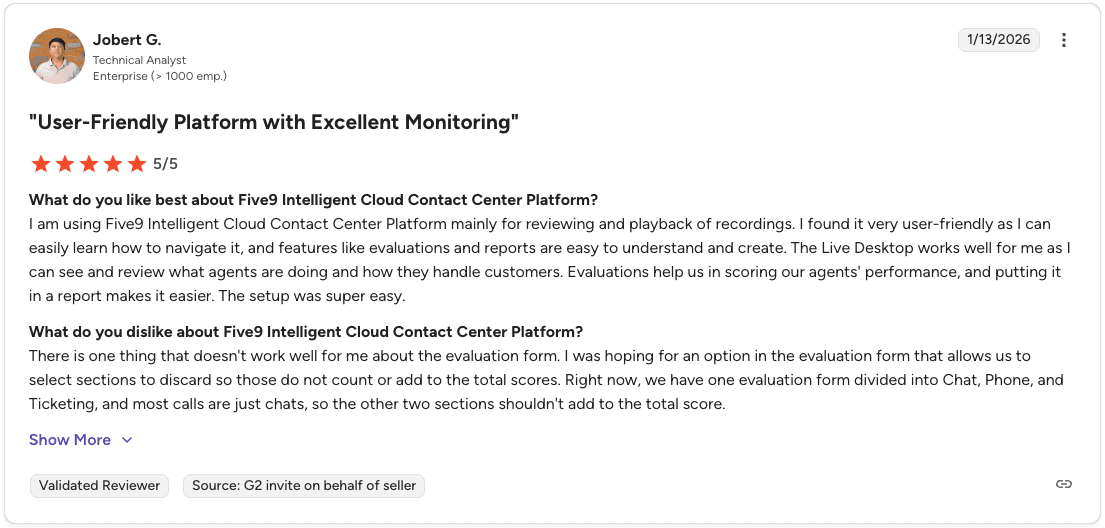
Pro: “I found it very user friendly and easy to learn how to navigate.” — Jobert G., Verified User, G2
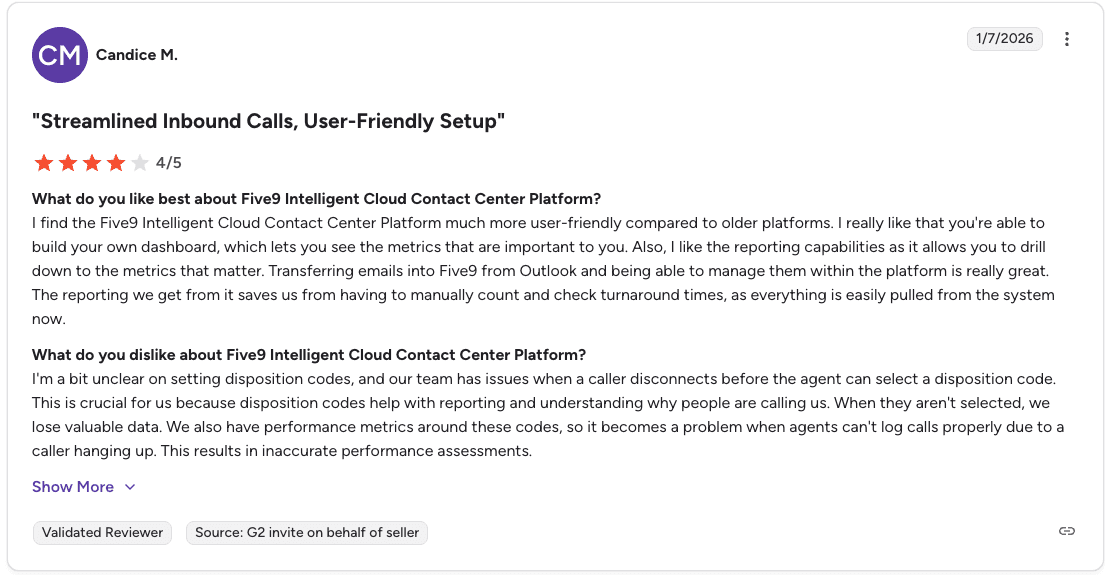
Con: “Our team has issues when a caller disconnects before the agent can select a disposition code.” — Candice M., Verified User, G2
Pricing
Starts at $119/user/month for digital channels, $159/user/month for voice. Requires a 50-seat minimum and annual contracts.
For a full breakdown, read our Five9 pricing guide.
Is Five9 the right fit for your team?
Five9 is the right foundation for outbound-heavy inside sales teams at 50+ reps who need reliable dialing and are ready to commit to annual contracts. Teams that want coaching built from their own best calls should layer Alpharun on top.
For a deeper comparison, see our guide: Five9 vs Genesys vs Alpharun for High-Volume Sales Teams.
3. NICE CXone: Best for enterprise compliance and QA at scale
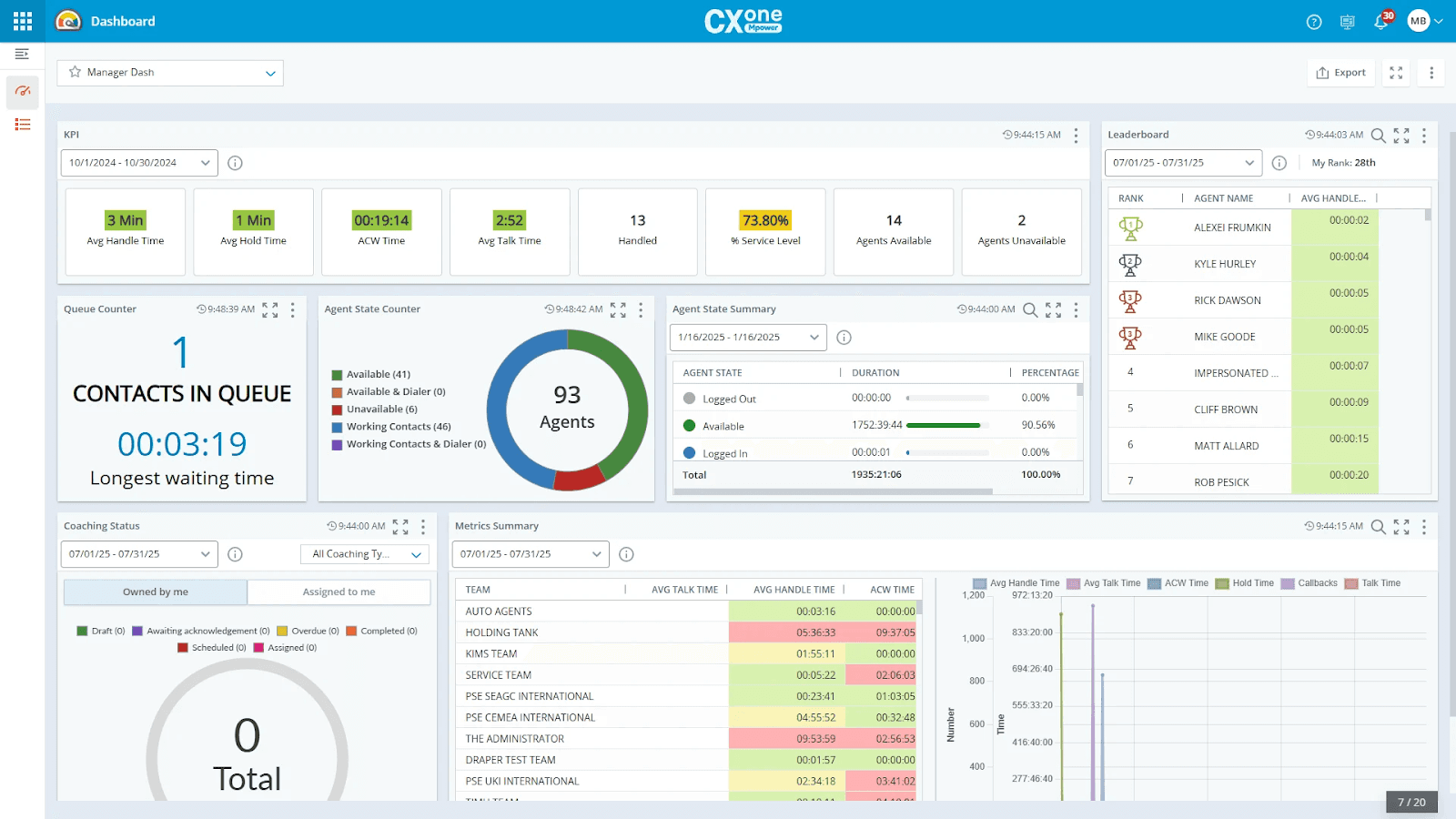
What it does: NICE CXone captures 100% of interactions and uses AI to evaluate, coach, and surface insights across your entire operation.
Best for: Large enterprises with strict compliance requirements that need full interaction recording and AI-powered QA at scale.
NICE CXone is designed for environments where compliance is critical. It records every interaction, analyzes them with AI, and delivers automated coaching. The platform supports voice and digital channels and includes workforce management, analytics, and 40+ cloud apps.
Key features
100% interaction recording captures every call for compliance and performance review
AI quality management evaluates all interactions automatically and delivers coaching to agents
Interaction analytics surfaces AI-powered insights from every conversation
Automated notetaking generates instant summaries to speed up resolution times
Workforce management uses AI-based forecasting and scheduling
Pros and cons
✅ Pros | ❌ Cons |
100% interaction recording meets regulatory requirements | Built for enterprise, which may be more than smaller teams need |
40+ apps built on a secure, reliable cloud | Studio scripting has noticeable lag, and the documentation could be clearer |
Real-time and historical dashboards in one place | Complexity increases setup time for teams without dedicated admin resources |
What users say
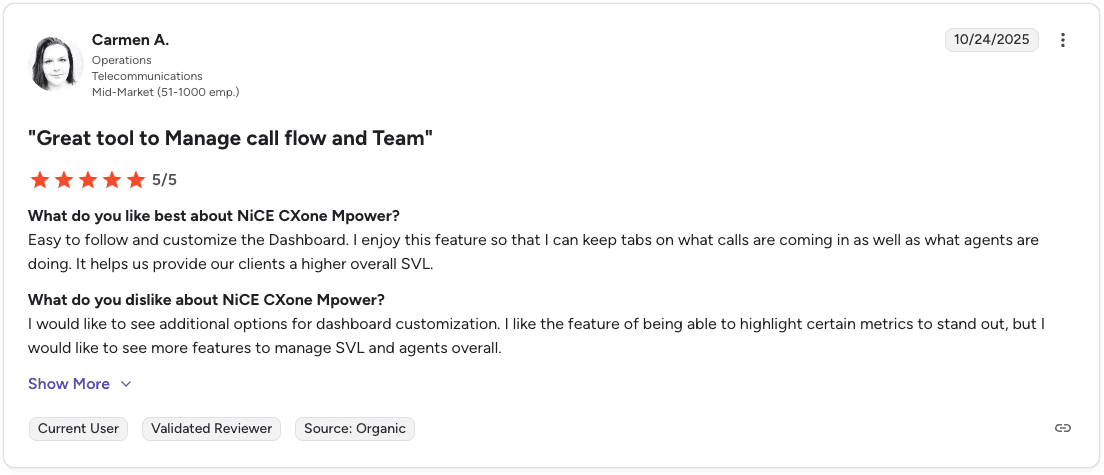
Pro: “It helps me keep tabs on what calls are coming in and what agents are doing.” — Carmen A., Verified User, G2
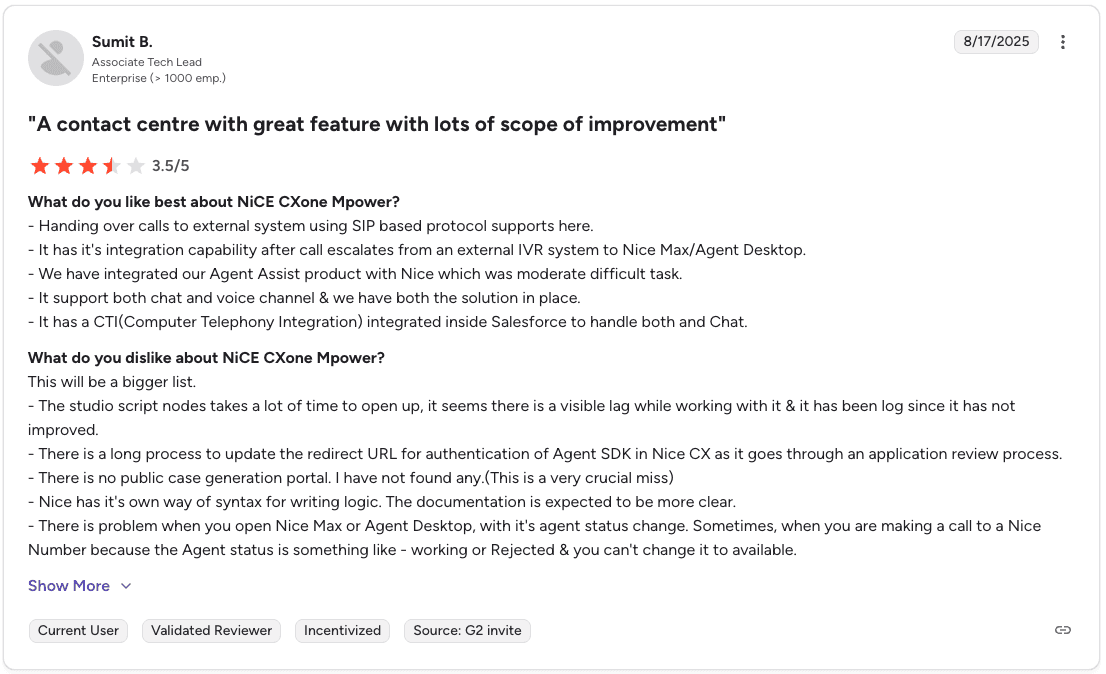
Con: “The studio script nodes take a lot of time to open and there is visible lag while working.” — Sumit B., Verified User, G2
Pricing
Starts at $110/agent/month for the Omnichannel Suite, scaling to $249/agent/month for Ultimate Suite. Recording and compliance features are included across all tiers.
Is NICE CXone the right fit for your team?
NICE CXone is the enterprise pick for large teams that need 100% call recording with AI-powered QA and compliance at scale. Smaller teams will likely find the complexity and cost more than they need.
4. Talkdesk: Best for regulated industry sales teams
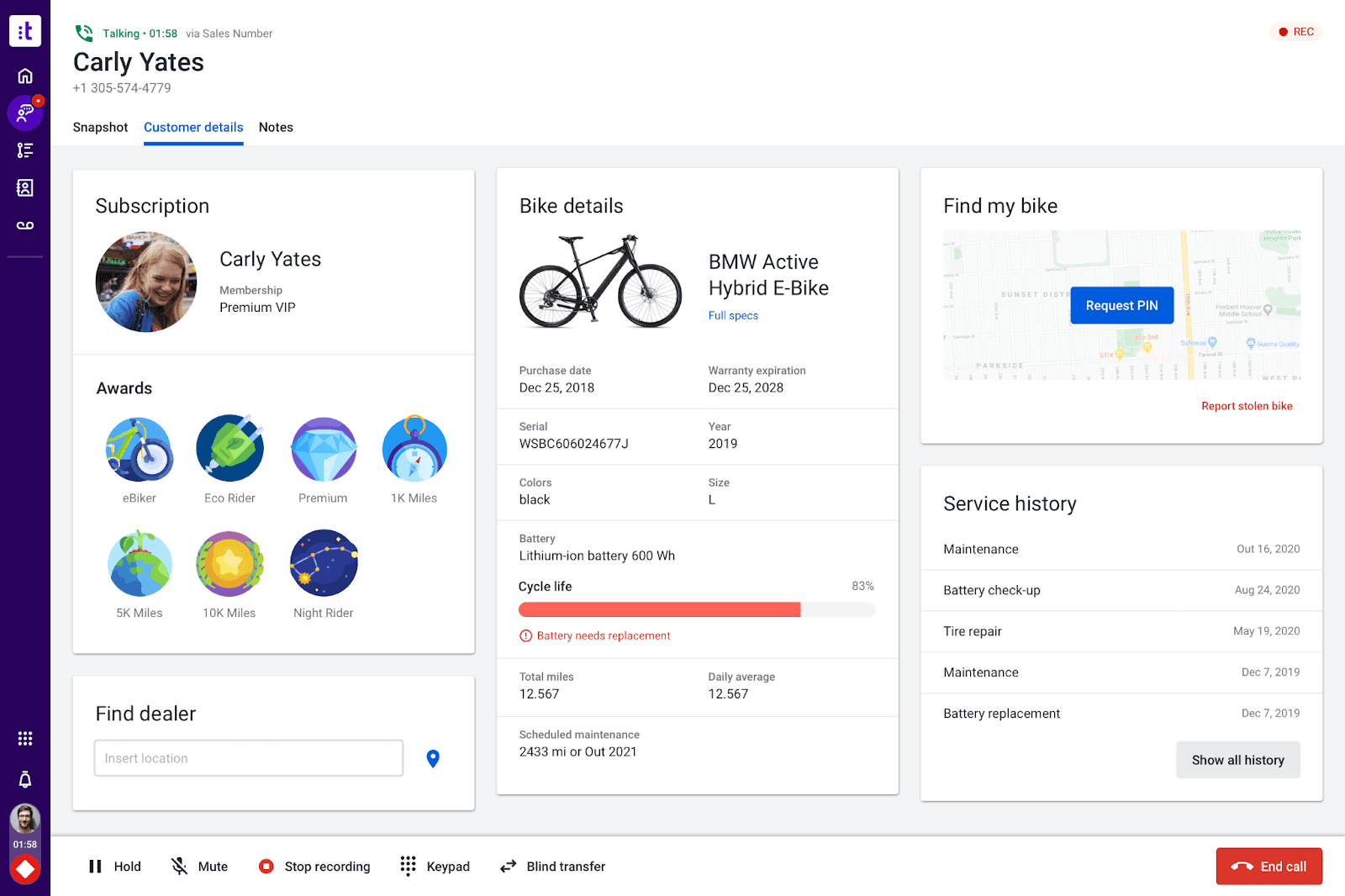
What it does: Talkdesk is a cloud contact center platform with AI automation and prebuilt solutions for industries like banking, insurance, healthcare, retail, and government.
Best for: Sales teams in regulated industries such as Medicare, insurance, and healthcare that need compliance-ready workflows.
What sets Talkdesk apart is its Experience Clouds. Instead of building workflows from scratch, teams get preconfigured processes and AI models designed for their industry. The platform supports voice and digital channels in one place and includes 70+ integrations and a marketplace with 100+ apps.
Key features
Industry Experience Clouds with pre-built solutions for finance, healthcare, insurance, retail, and government
AI for self-service helps callers get answers faster without a live rep
AI for omnichannel engagement across voice and digital channels in one platform
AI for workforce engagement with scheduling and management tools for agents and supervisors
Customer experience analytics covering insights from inbound and outbound calls
Pros and cons
✅ Pros | ❌ Cons |
Industry-specific clouds come with pre-designed workflows and AI trained for that vertical | Pre-built industry clouds may not fit every team's workflow |
Works across voice and digital channels in one platform | Costs add up quickly when scaling beyond basic voice features |
70+ deep integrations plus a marketplace with 100+ apps | General sales teams may find the industry focus more than they need |
Compliance-ready features reduce setup time for regulated industries |
What users say
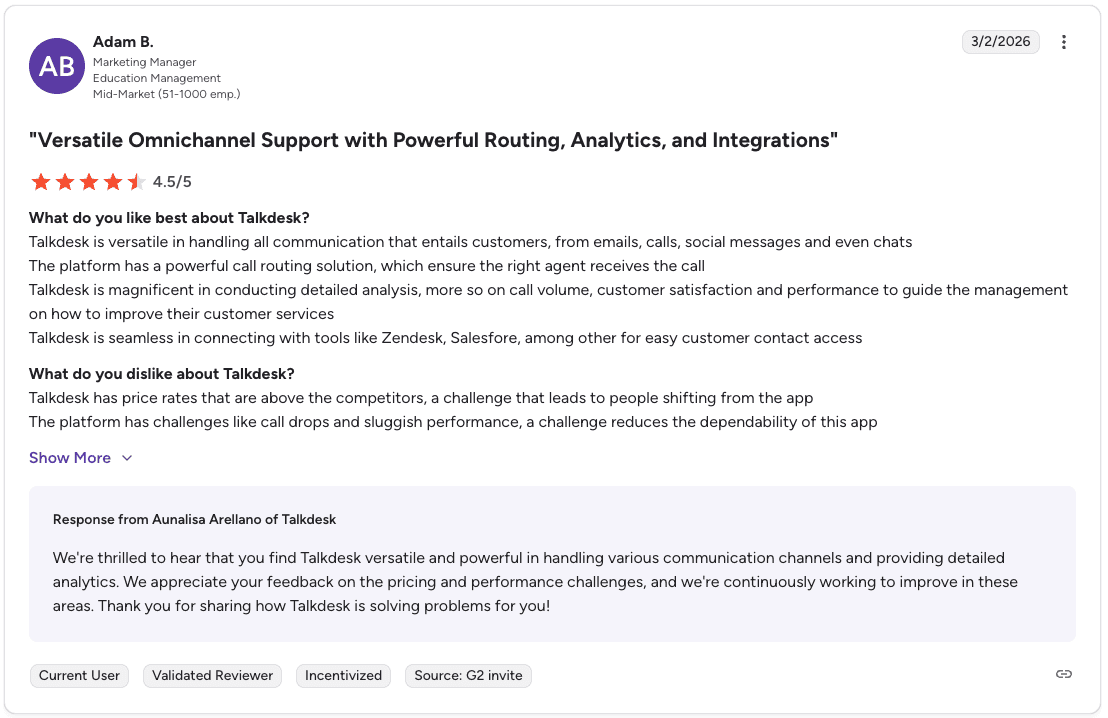
Pro: “Talkdesk is versatile in handling customer communication from emails, calls, social messages, and chats.” — Adam B., Verified User, G2
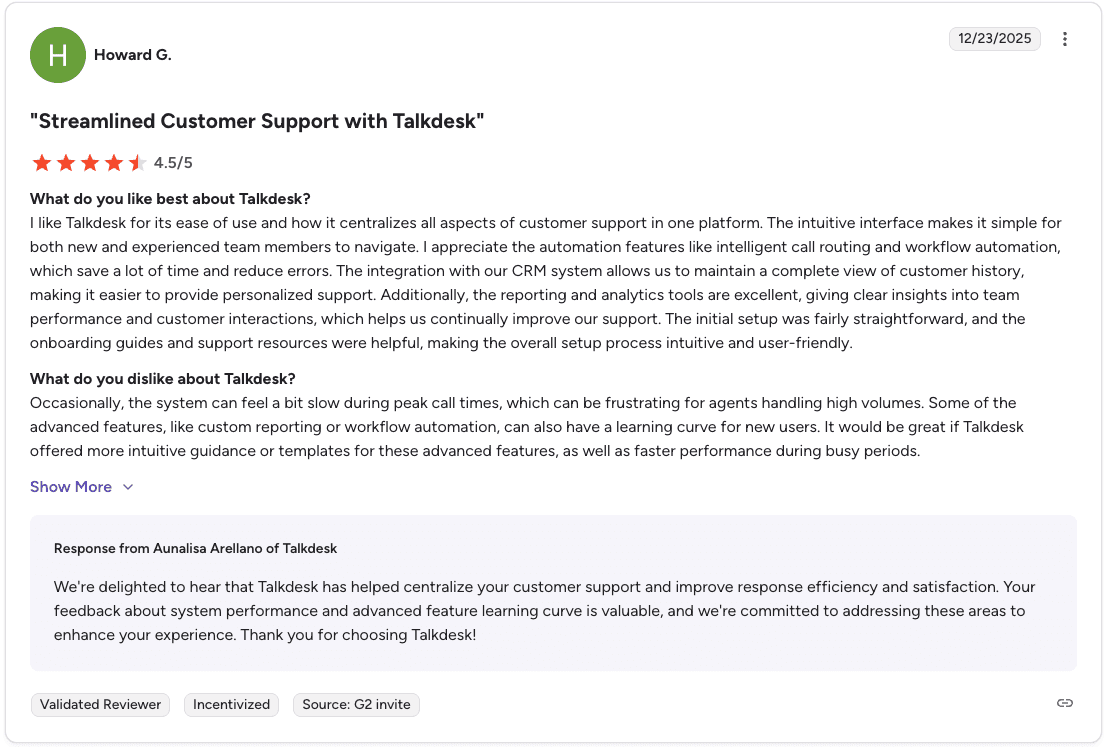
Con: “Some advanced features like custom reporting or workflow automation can have a learning curve.” — Howard G., Verified User, G2
Pricing
Starts at $85/user/month for Digital Essentials, $105/user/month for Voice Essentials, $165/user/month for Elite, and $225/user/month for Industry Experience Clouds.
Is Talkdesk the right fit for your team?
Talkdesk is the strongest pick for regulated industries that want compliance-ready workflows without building everything from scratch. General sales teams outside regulated verticals may find more value in a less industry-specific platform.
5. Cresta: Best for enterprise real-time agent assistance
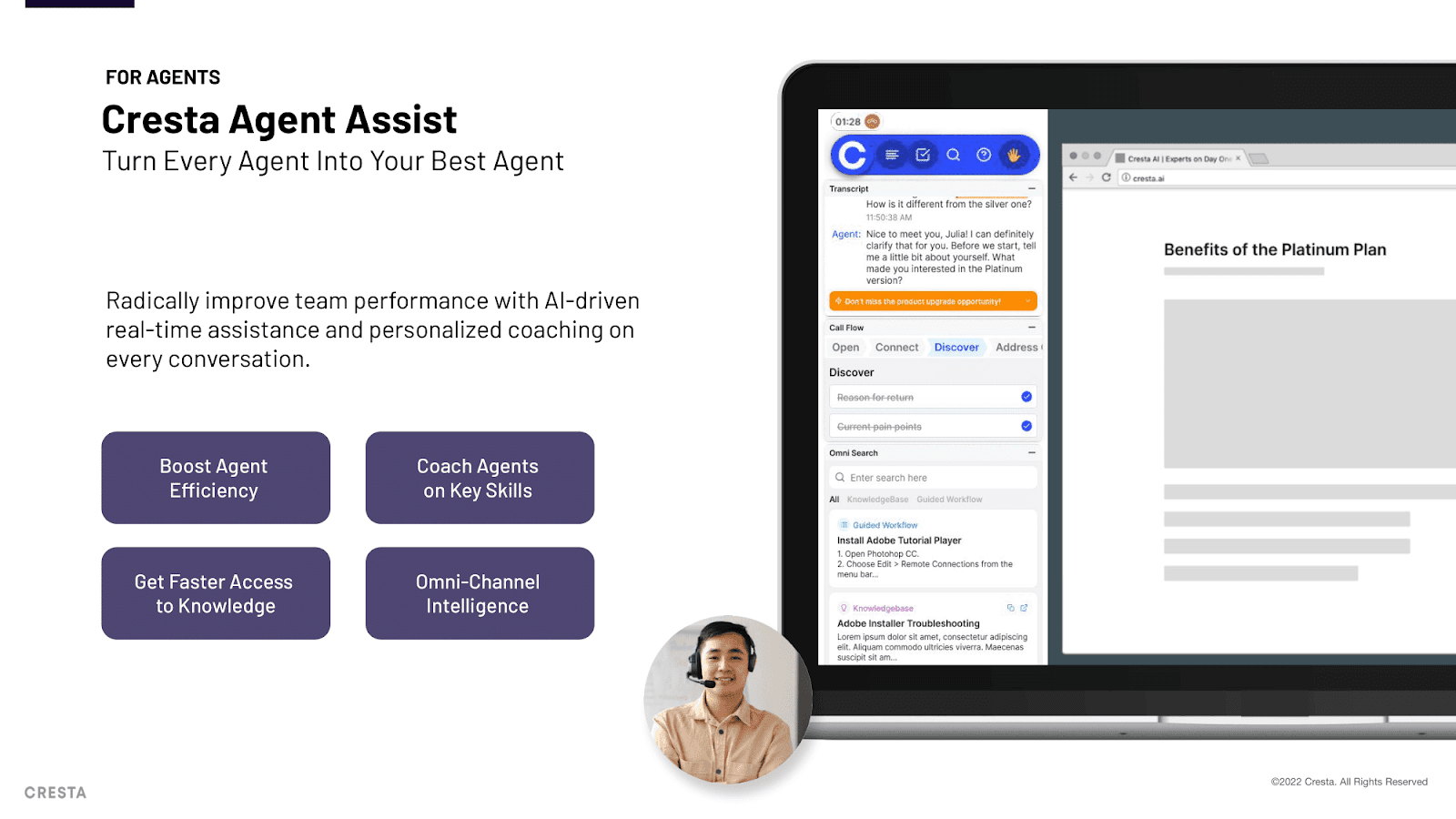
What it does: Cresta automates routine tasks, guides agents during live calls, and extracts insights from every conversation across voice and chat.
Best for: Large enterprises that need both automation and live agent assistance across multiple channels.
Cresta describes itself as "human-centric AI." Its Agent Assist surfaces prompts and behavioral guidance during live conversations, while Conversation Intelligence gives leaders visibility into what drives performance across the team.
Broad integrations with Salesforce, Genesys, NICE, Twilio, and Amazon Connect make it flexible across most enterprise stacks. The enterprise pricing and learning curve put it out of reach for smaller or less structured teams.
Key features
AI Agent for voice and chat that automates common requests across channels
Agent Assist with real-time prompts, behavioral guidance, and AI-generated summaries
Knowledge Assist connects agents to relevant content and speeds up responses
Conversation Intelligence surfaces insights, manages quality, and coaches teams at scale
Broad integrations with Salesforce, Genesys, NICE, Twilio, and Amazon Connect
Pros and cons
✅ Pros | ❌ Cons |
Real-time Agent Assist improves accuracy and speeds up agent response | Lacks flexibility for unique or non-standard processes |
Conversation Intelligence gives deep visibility into performance drivers | Noticeable learning curve before the platform delivers strong results |
Omnichannel AI Agents and wide integrations make it flexible across platforms | Enterprise pricing puts it out of reach for smaller teams |
What users say
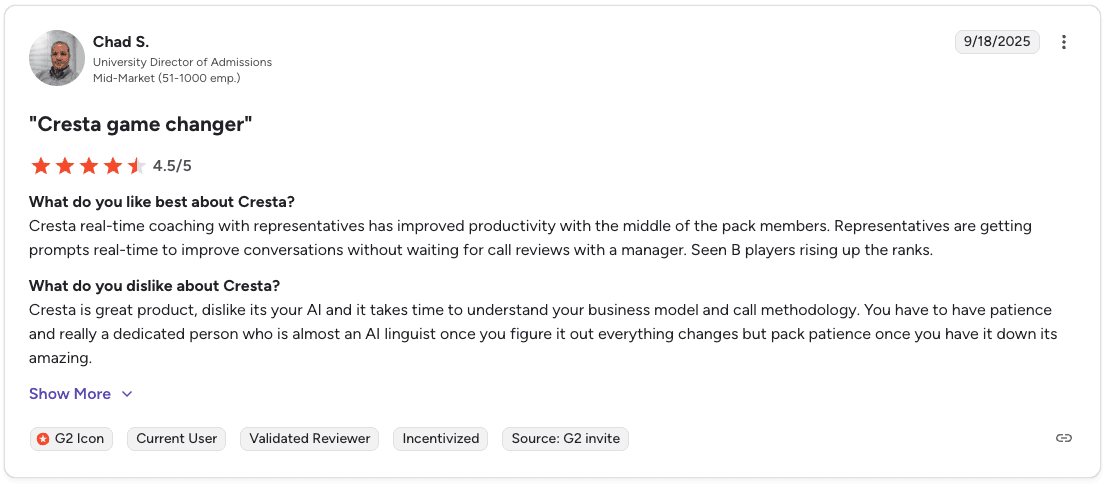
Pro: “Real-time coaching has improved productivity for our mid-level reps.” — Chad S., Verified User, G2
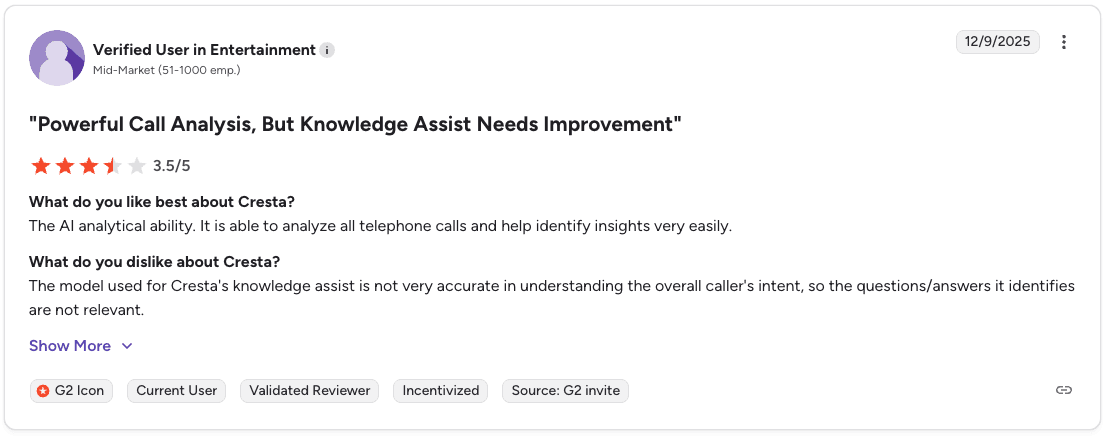
Con: “The knowledge assist is not very accurate in understanding the caller’s intent.” — Verified User, G2
Pricing
Cresta uses custom enterprise contracts that scale with the number of agents, channels, and modules. Read our full Cresta Pricing and Products Guide here.
Is Cresta the right fit for your team?
Cresta works best for enterprises that need automation and live agent assistance across multiple channels. Smaller teams or those with highly specific sales processes may find the enterprise scope and pricing more than they require.
For alternatives focused on sales coaching, see our guide: Top 7 Cresta Competitors for Sales Coaching (Tested).
6. Balto: Best for real-time in-call script adherence
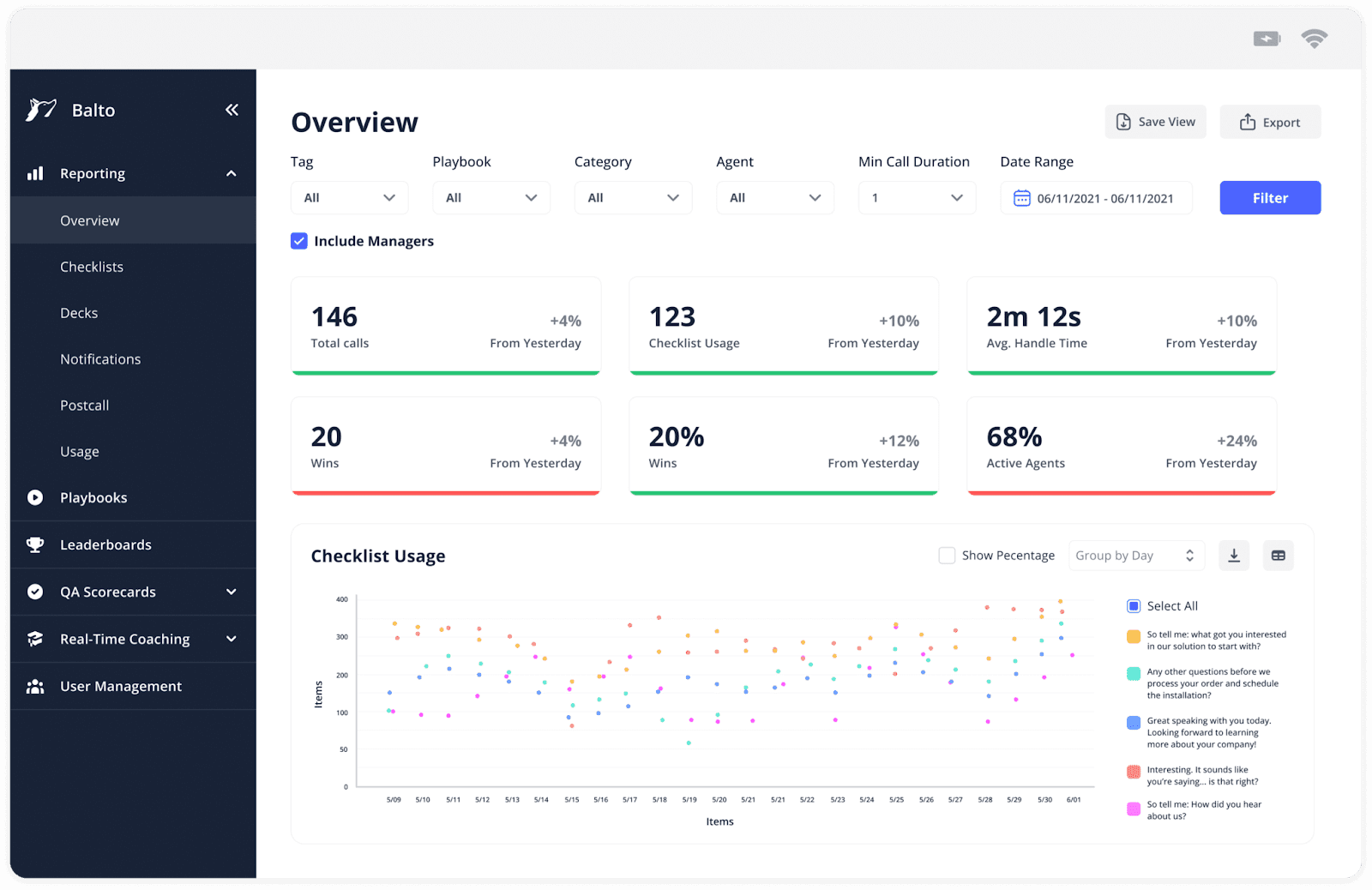
What it does: Balto listens to calls in real time and shows agents on-screen prompts, reminders, and tips to handle objections and stay compliant while the call is happening.
Best for: Call centers that need real-time nudges to keep agents on script and compliant during live conversations.
Balto analyzes conversations in real time and surfaces prompts when specific keywords, objections, or compliance triggers appear. Managers can monitor calls live and intervene when needed.
The platform is strong at real-time guidance but offers fewer tools for post-call analytics and long-term performance development.
Key features
On-screen objection tips tailored to what the prospect just said in real time
Smart checklists of talking points and dynamic prompts that guide agents through the call
Notifications that flag bad habits before they hurt the call outcome
Live manager alerts for calls that need immediate attention
Coaching dashboards that track script adherence and rep performance
Pros and cons
✅ Pros | ❌ Cons |
Real-time coaching during calls prevents compliance issues before they happen | Overlapping alerts can interrupt calls and affect agent concentration |
Works across different CCaaS and CRM platforms for stack flexibility | Integrations take 45 to 60 days to complete, adding lead time before teams see value |
Smart Checklists, prompts, and alerts keep agents on best practices in the moment | Post-call coaching and deeper rep development tools are limited |
Managers can monitor and intervene on live calls in real time |
What users say
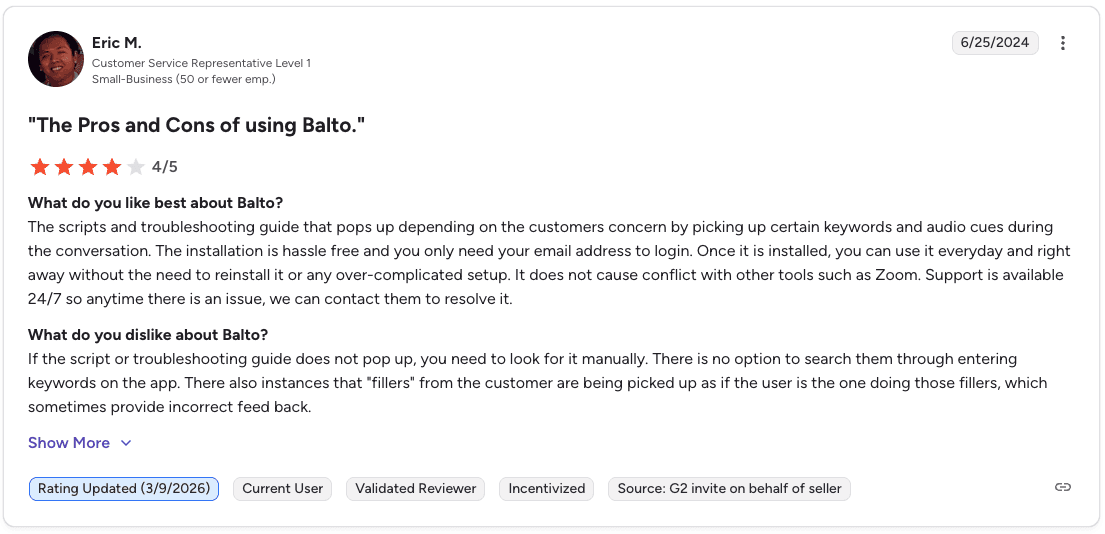
Pro: “Installation is hassle free. You only need your email address to log in and can start using it right away.” — Eric M., Verified User, G2
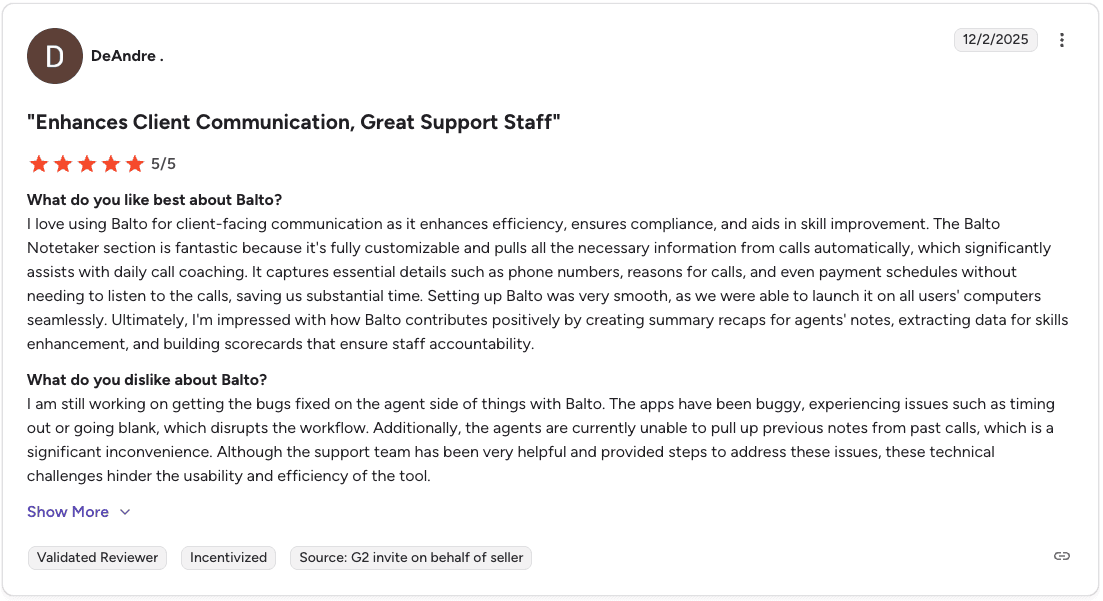
Con: “The app can be buggy on the agent side, with issues like timing out or going blank.” — DeAndre., Verified User, G2
Pricing
Custom pricing based on agent count and contract length. The Balto team reviews expected ROI with you before signing. Read our guide on Balto pricing.
Is Balto the right fit for your team?
Balto is the right choice when real-time script adherence and live compliance monitoring matter most. Teams that also need custom playbooks built from their own winning calls and deeper post-call coaching infrastructure should look at platforms purpose-built for that purpose.
7. Salesforce Service Cloud: Best for large orgs needing CRM-native AI
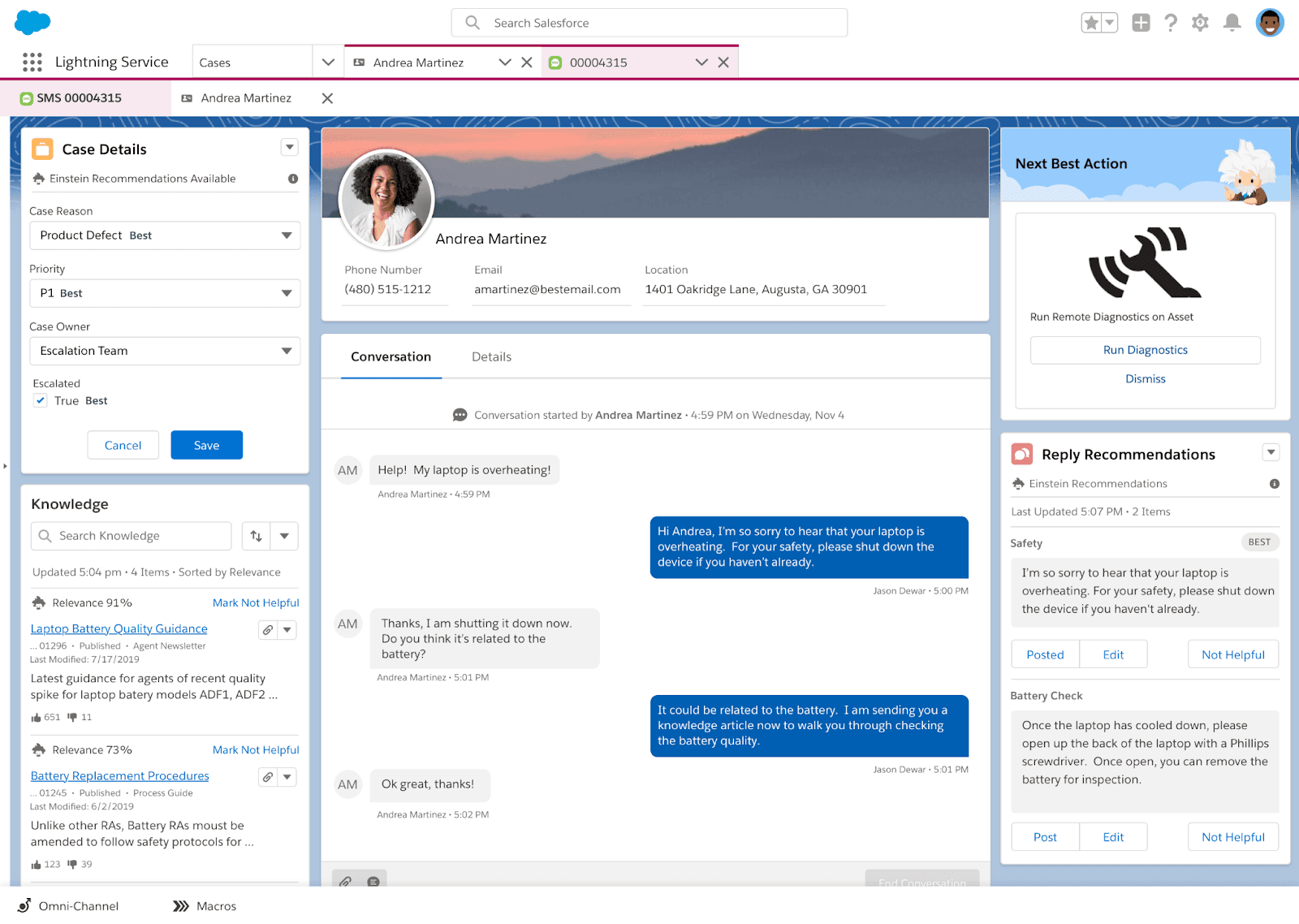
What it does: Salesforce is an enterprise-grade CRM with deep customization, powerful reporting, AI-powered forecasting, and one of the largest integration ecosystems in sales.
Best for: Large organizations with complex sales processes and dedicated admins who need a fully configurable system built for scale.
Salesforce centralizes contact data, automates workflows, and provides real-time pipeline visibility. AI forecasting and advanced dashboards help teams track revenue trends at scale, while AppExchange integrations connect Salesforce to most sales tools.
Key features
AI-powered forecasting and pipeline visibility across the full sales organization
Workflow automation reduces manual data entry and repetitive tasks for reps
Real-time dashboards track revenue trends and individual rep performance
AppExchange connects Salesforce to thousands of third-party tools
Deep CRM customization supports complex sales processes and large team structures
Pros and cons
✅ Pros | ❌ Cons |
Powerful reporting and analytics out of the box | Core contact center AI features require add-ons and additional cost |
Massive automation and integration ecosystem | Requires ongoing admin support to maintain |
Built for large, complex operations at scale | The interface can feel cluttered for daily use |
Free plan available for up to 2 users |
What users say
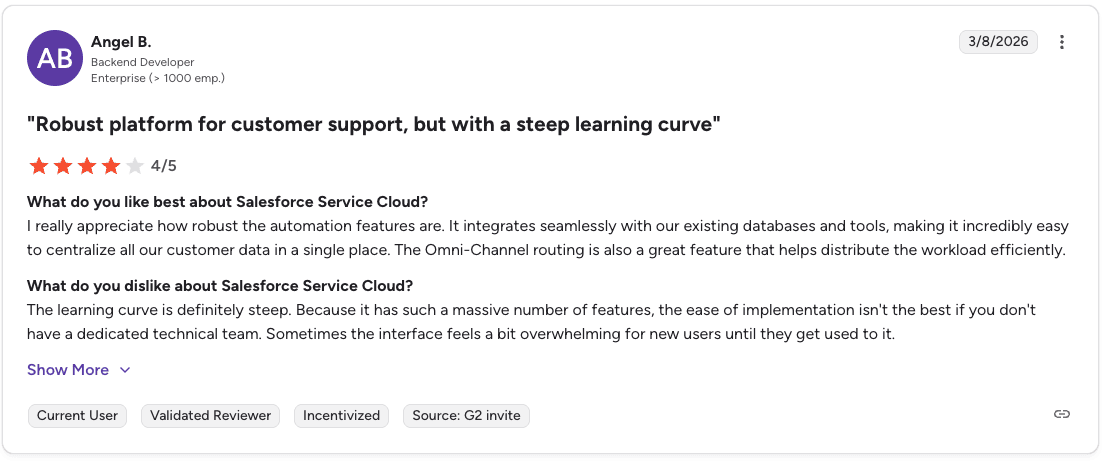
Pro: “It integrates seamlessly with our existing databases and tools, making it easy to centralize customer data in one place.” — Angel B., Verified User, G2
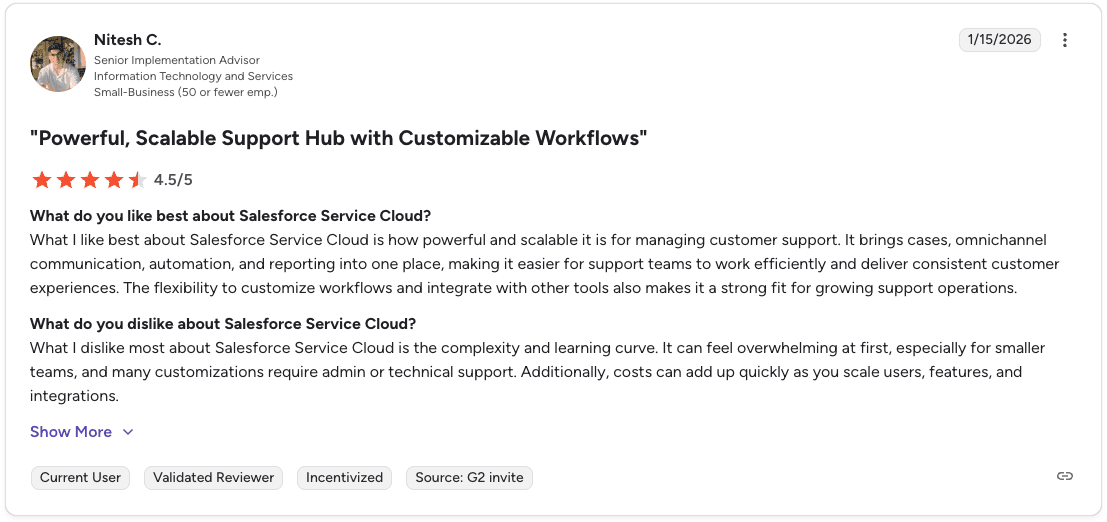
Con: “The complexity and learning curve can feel overwhelming at first.” — Nitesh C., Verified User, G2
Pricing
Free plan for up to 2 users. Paid plans start at $25/user/month for Starter and $100/user/month for Pro Suite when billed annually.
Is Salesforce Cloud Service the right fit for your team?
Salesforce is the strongest pick for large organizations that need a fully configurable CRM with deep reporting, automation, and a broad integration ecosystem. Teams that need dedicated contact center AI for call coaching, QA, and compliance will need to add specialist tools on top.
Which contact center AI solution should you choose?
💻 Tool | ✅ Choose it if... |
Genesys | You need enterprise omnichannel routing and workforce management in one platform |
Five9 | You run a high-volume outbound team with 50+ reps and need reliable predictive dialing |
NICE CXone | You need 100% interaction recording with AI-powered QA for compliance at enterprise scale |
Talkdesk | Your team operates in healthcare, insurance, or another regulated industry and needs compliance-ready workflows |
Cresta | You run a large enterprise that needs automation and live Agent Assist across voice and chat channels |
Balto | Your call center needs real-time in-call prompts and live compliance monitoring more than post-call analysis |
Salesforce | You need a configurable CRM with deep reporting and a large integration ecosystem to manage complex sales operations |
How Alpharun improves contact center AI technology
Alpharun studies thousands of recorded conversations during onboarding to understand how your top reps handle objections, position your product, and close deals. Those insights become a coaching system for the entire team.
Alpharun also integrates with platforms like Five9, Genesys, and other major contact center systems in about a week, so teams can add coaching without replacing their existing infrastructure. That layer is where the call data becomes real-time QA scoring and weekly coaching priorities for every rep on the floor.
Here’s how Alpharun supports contact center teams:
Real-time conversation coaching: Prompts appear during live calls to guide reps through key moments.
Compliance protection: The system flags missing disclosures or risky language before the call ends.
Custom QA scoring models: Every call is scored automatically based on rules defined by your team.
Manager coaching reports: Clear summaries show which reps need support and which behaviors drive success.
Post-call improvement notes: Reps receive quick feedback immediately after each call.
Self-improving playbooks: The platform updates guidance as new calls reveal better selling patterns.
Book a demo to see how Alpharun works alongside your contact center platform.
Frequently asked questions
What is contact center AI technology?
Contact center AI technology uses artificial intelligence to automate tasks, assist agents during live calls, and analyze conversations at scale.
Common features include intelligent call routing, real-time agent guidance, automated QA, call summaries, and workforce forecasting.
What is the difference between a contact center platform and a coaching tool?
The main difference between a contact center platform and a coaching tool is that platforms manage infrastructure while coaching tools improve agent performance.
Platforms like Genesys and Five9 handle routing and call recording, while tools like Alpharun analyze conversations and coach reps using call data.
What should I look for in a contact center AI solution?
The most important features in a contact center AI solution are real-time coaching, customization for your sales process, fast integration with your existing dialer, and strong compliance support.
These factors determine how quickly the platform improves agent performance.
How does AI improve contact center performance?
AI improves contact center performance by guiding agents during live calls, automating QA across every conversation, and identifying patterns across thousands of interactions. This leads to faster rep ramp time, more consistent performance, and better compliance.
What contact center AI solutions work for regulated industries like Medicare and insurance?
Yes, several contact center AI platforms support regulated industries like Medicare and insurance. Tools like NICE CXone, Talkdesk, Genesys, and Balto offer compliance features, while Alpharun adds coaching built from your own call recordings and meets HIPAA and SOC 2 Type 2 standards.