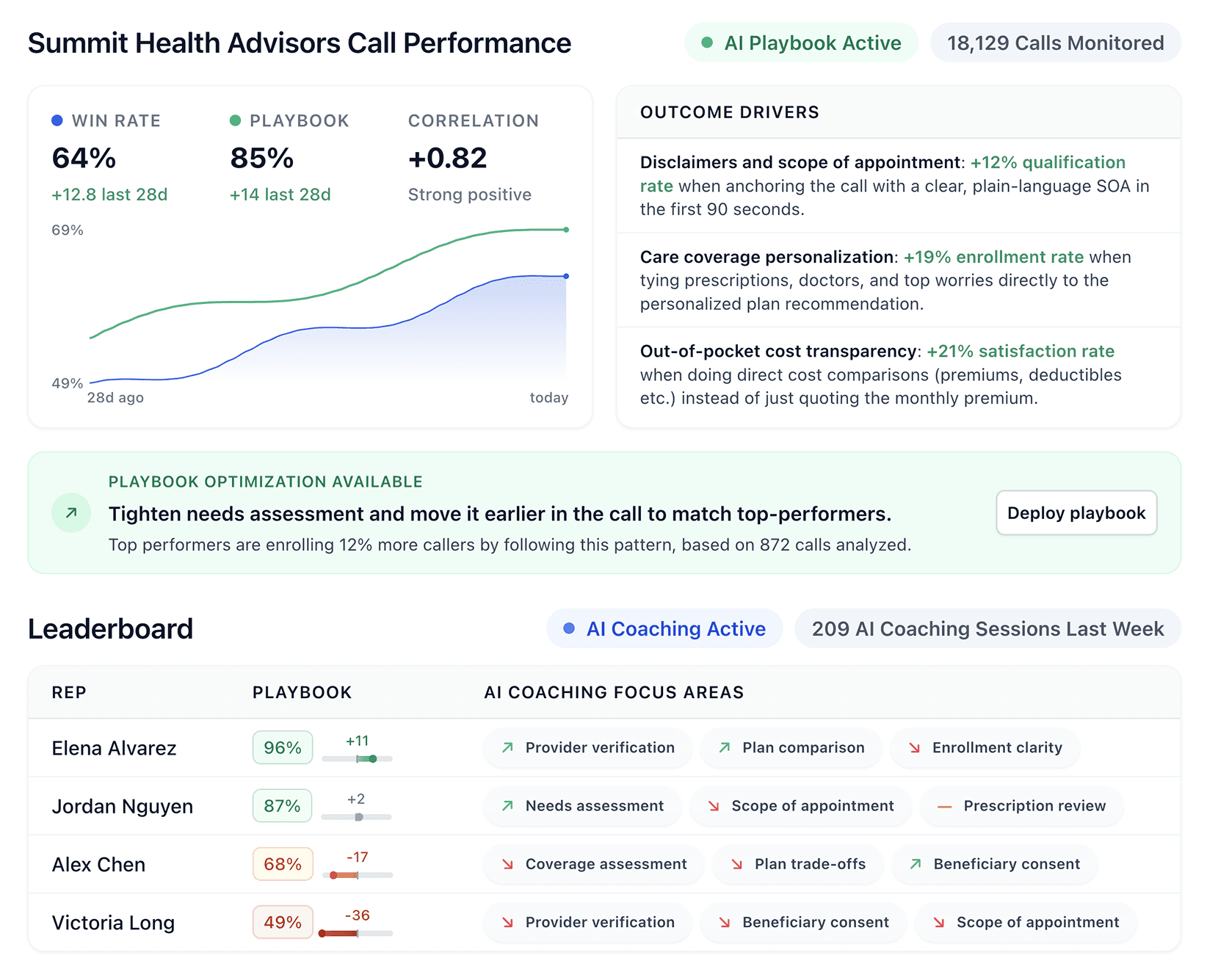


The right contact center automation software can make or break a sales team. After hands-on testing, we found the 7 best Genesys alternatives that actually drive performance.
7 best Genesys alternatives: Quick comparison
Platform | Best for | Starting price | Key advantage |
|---|---|---|---|
Five9 | Large-scale AI automation and call routing | $119 per seat/month for digital channels | Five AI-tiered bundles plus a new agentic AI Agents line that can reason, decide, and act |
NICE CXone | Enterprise operations and advanced analytics | $110 per agent/month (Omnichannel Suite) | Five suites plus industry-specific Ultimate packages for banking, insurance, and healthcare |
Talkdesk | Flexible, modern contact center setup | $85 per user/month (Digital Essentials) | Customer Experience Automation (CXA) stack with agentic AI: Autopilot, Copilot, and Navigator |
Zendesk | Multi-channel customer support and ticketing | $19 per agent/month (Support Team plan) | AI-first repositioning around Forethought-powered AI Agents that bill per resolved conversation |
Salesforce Service Cloud | CRM integration and connected customer data | $25 per user/month (Starter Suite) | Full CRM integration plus the new Agentforce 1 Service edition for fully agentic support |
HubSpot Service Hub | Unified customer communication for smaller teams | $90 per seat/month (Professional plan) | Connects marketing, sales, and support in one platform plus Breeze Customer Agent for AI ticket resolution |
Avaya Infinity Platform | Large organizations needing hybrid or on-prem contact center setups | Custom pricing | Flexible deployment (cloud, on-prem, hybrid) with Model Context Protocol orchestration |
1. Five9
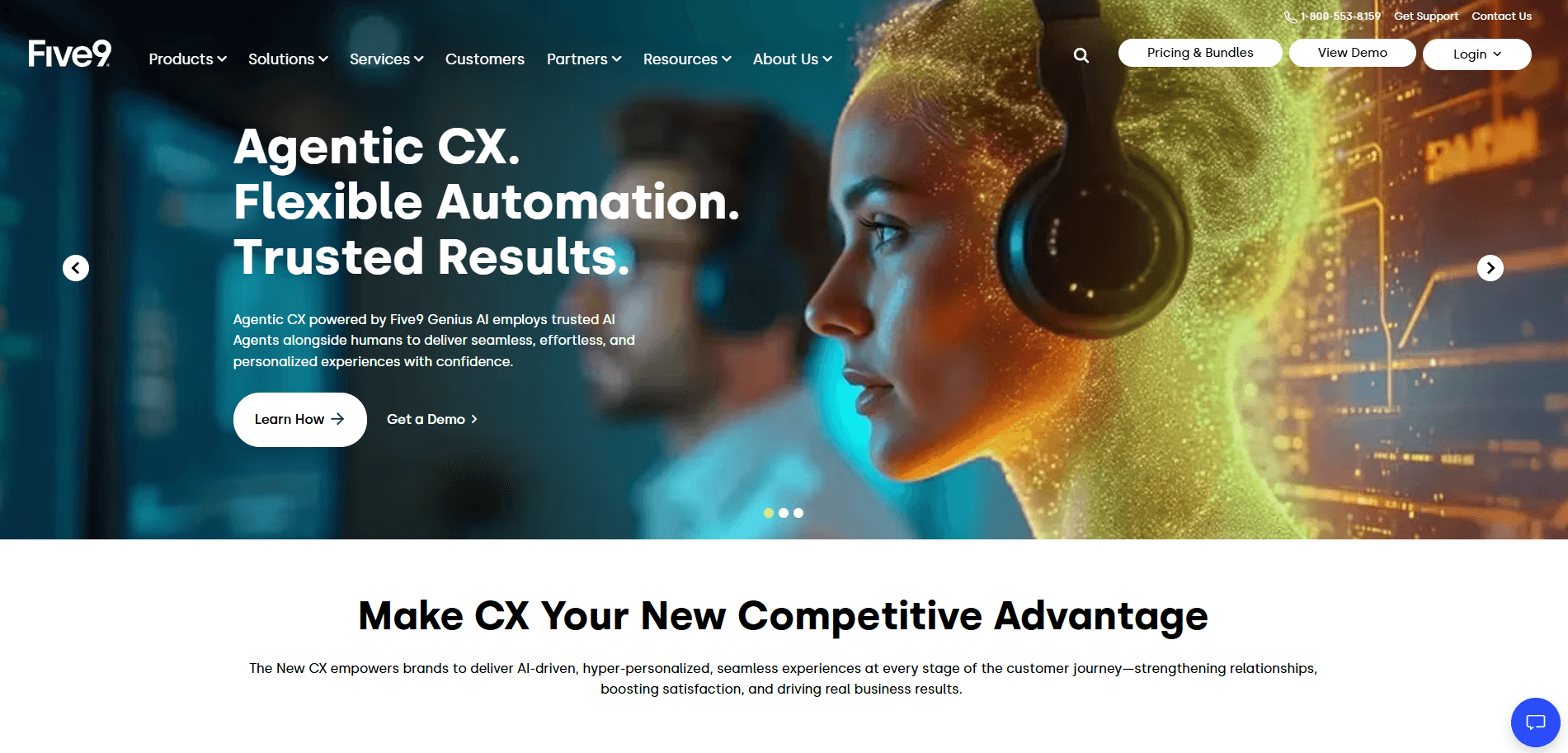
Five9 is a cloud-based contact center platform that uses AI to simplify customer interactions and reduce repetitive work.
It uses voicebots, IVR, and agent assist tools to manage calls and help agents focus on key conversations. The AI finds what customers need, routes calls to the right person, and gives live tips to solve issues fast.
Why Five9 beats Genesys
Five9 offers strong automation and live support. Its IVR greets customers first, and agent assist takes notes, summarizes calls, and suggests replies to help agents work faster. (Check out our detailed Five9 vs Genesys article for high-volume sales team here).
Key features of Five9
Intelligent routing that matches customers with the most qualified agent
CRM integrations with Salesforce, Microsoft Dynamics, and other leading tools
AI-powered voicebots, virtual agents, and a new AI Agents line that can reason, decide, and act autonomously
Automatic call summaries created after every interaction
Agent assist that provides real-time insights and response suggestions
WEM partner flexibility across Five9 native, Verint, or Calabrio
Who Five9 is best for
Enterprises managing high call volumes
Teams focused on automating repetitive workflows
Contact centers aiming to improve speed and accuracy with AI tools
Operations that need consistent, reliable performance at scale
Pros and cons of Five9 (from G2)
Five9 offers powerful AI tools and scalability for enterprise operations. Below are its main strengths and a few areas to consider:
Strengths | Limitations |
|---|---|
mature ai features that power advanced IVR and agent assist tools | Complex pricing structure that can exceed mid-market budgets |
Strong analytics with detailed cross-channel performance tracking | Requires training to master advanced automation capabilities |
Proven scalability for enterprise operations | User reports recurring login issues that cause brief delays and disrupt workflow |
Pricing
Five9 pricing is structured across five bundles. Digital starts at $119 per seat monthly, Core is $159 per seat monthly for all channels with AI Essentials, and Plus, Pro, and Enterprise require contacting sales for a custom quote.
Summary insight
Choose Five9 if you need AI tools to run large contact centers. It helps teams cut manual work, improve accuracy, and grow with less effort. It may not be ideal for smaller teams seeking simpler tools or lower-cost options. (And as an added bonus, see how Five9 compares against Genesys and RingCentral here).
2. NICE CXone
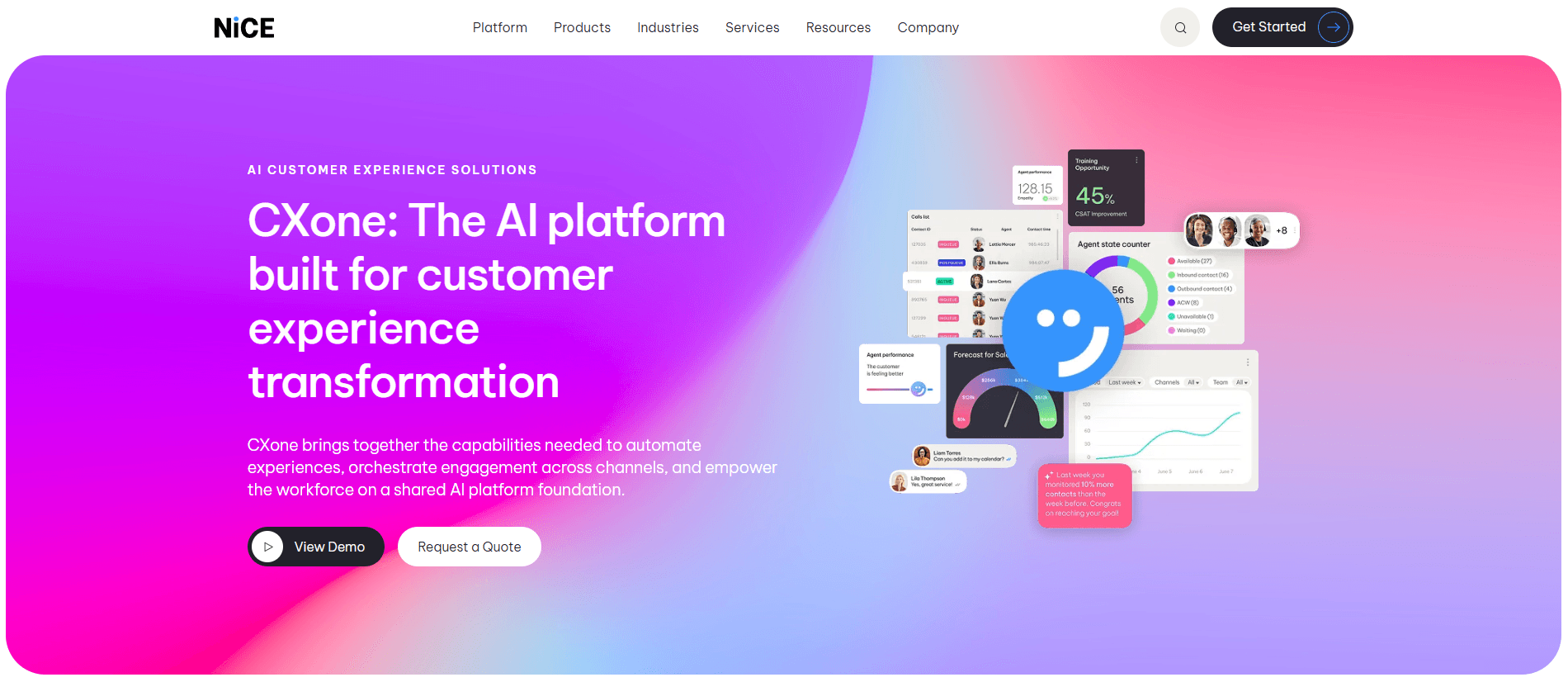
NICE CXone is a cloud contact center platform for large companies that need scale, reliability, and strong analytics.
It includes routing, workforce tools, and AI features like Copilot for Agents, Supervisors, and Leaders, plus a new line of AI Agents for self-service and process automation. These tools help agents work faster and give better customer service.
Why NICE CXone beats Genesys
NICE CXone offers more enterprise support and consulting than most Genesys competitors. Its service team helps with complex setups, hybrid cloud systems, and custom configurations. This support helps large companies set up and manage the platform with ease.
Key features of NICE CXone
Omnichannel routing for voice, chat, email, and social channels
Workforce optimization for forecasting, scheduling, and performance tracking
AI analytics to detect sentiment and spot issues in real time
Automated feedback loops to track problems and suggest improvements
Industry-specific Ultimate packages for banking, insurance, healthcare, and retail
Professional services for setup, training, and support
Who NICE CXone is best for
Large enterprises with complex customer operations
Organizations running hybrid or cloud contact center environments
Businesses that need expert support during setup and scaling
Teams looking for unified analytics, routing, and workforce management
Pros and cons of NICE CXone (from G2)
Designed for enterprise use, NICE CXone delivers a complete contact center solution. Here’s how it performs in different business settings:
Strengths | Limitations |
|---|---|
Complete feature set for routing, analytics, and workforce management | Enterprise pricing that may exceed smaller budgets |
Strong consulting and support team for complex deployments | User reports agent status issues preventing changes to “available.” |
AI-driven automation that boosts agent productivity | User reports call display and drop issues, with some features hard to use |
Pricing
NICE CXone pricing spans five suites. The Omnichannel Suite is $110 per agent per month, the Essential Suite is $135, the Core Suite is $169, the Complete Suite is $209, and the Ultimate Suite is $249 per agent per month plus $0.25 per session. Industry-specific Ultimate packages for banking, insurance, healthcare, and retail use the same Ultimate pricing.
Summary insight
Choose NICE CXone if your team needs a contact center with strong analytics, automation, and expert help. It fits large teams that want reliable tools and support, but small teams might not need it.
3. Talkdesk
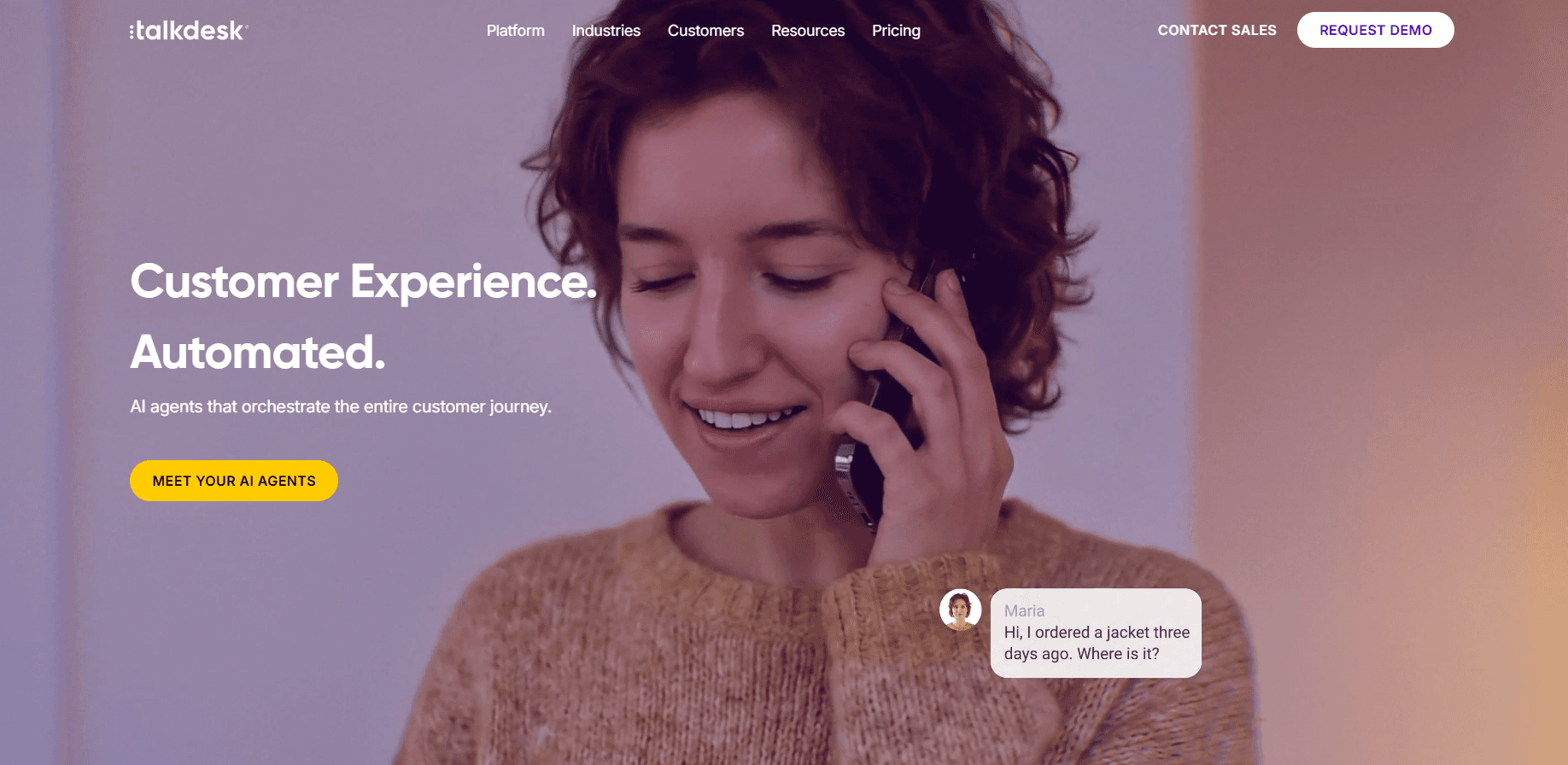
Talkdesk is a cloud contact center built for simple and flexible use. It offers AI routing, automation, and reporting. It also connects with tools like Microsoft Teams, Salesforce, and Zoom for fast setup.
Why Talkdesk beats Genesys
Talkdesk has a modern design and simple interface. Agents learn it fast, and admins can adjust routing, reports, and automation to fit their needs. It gives teams the right balance of control and ease of use. (See a detailed comparison of Talkdesk vs Genesys here).
Key features of Talkdesk
Intelligent routing based on business rules and agent skills
Real-time performance tracking across all channels
Built-in integrations with major CRM and communication platforms
Customizable workflows to match unique business processes
Customer Experience Automation (CXA) stack: Talkdesk Copilot for agent assist, Talkdesk Autopilot for autonomous voice and digital agents, and Talkdesk Navigator for AI-powered routing
Who Talkdesk is best for
Businesses that need a flexible, easy-to-use contact center solution
Teams that rely on tools like Salesforce, Zoom, or Microsoft Teams
Companies looking for a modern platform that is quick to deploy and customize
Organizations that want AI features without a heavy technical setup
Pros and cons of Talkdesk (from G2)
Talkdesk works best for teams that need quick setup and an easy-to-use design. Here’s what it does well and what to watch out for:
Strengths | Limitations |
|---|---|
Modern interface that makes training and daily use simple | Phone system features are still developing compared to older platforms |
Strong integrations with major business apps | Occasional lag when switching screens or loading data |
Flexible customization for workflows and automation | User reports limited reporting and higher costs for advanced features |
Pricing
Talkdesk pricing runs across four tiers. Digital Essentials starts at $85 per user per month, Voice Essentials is $105, Elite is $165, and Industry Experience Clouds (purpose-built for financial services, insurance, healthcare, retail, and other regulated verticals) is $225 per user per month.
Summary insight
Talkdesk works well for daily use and stays reliable. Extra features and custom reports cost more. Data teams may need stronger call detail reporting tools and filters.
4. Zendesk
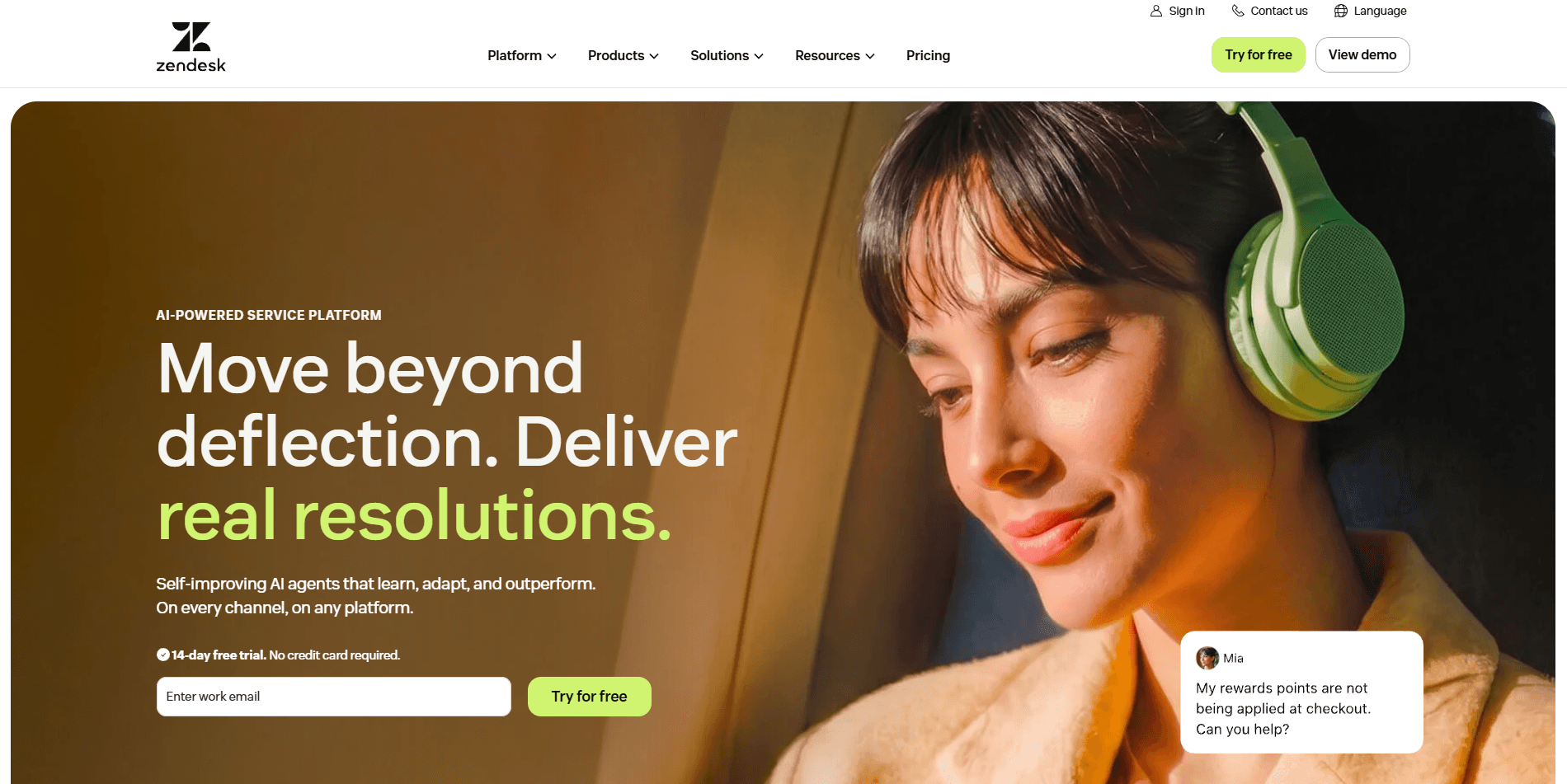
Zendesk is a customer service tool that puts email, chat, social media, and phone support in one system. It helps agents track requests and give clear, consistent service with an easy setup.
Why Zendesk beats Genesys
Zendesk is easy to set up and manage for teams that focus on customer support. Its ticket system keeps all messages in one place, while Genesys needs more setup to handle the same channels.
Key features of Zendesk
Multi-channel ticketing to track messages and requests in one place
CRM integrations that connect customer data with business tools
Clean, intuitive interface that shortens agent training time
Automation rules for ticket routing and quick responses
Forethought-powered AI Agents that resolve customer requests autonomously, billed per successful “Automated Resolution”
Who Zendesk is best for
Businesses that focus on customer support across many channels
Teams needing a unified ticketing system for better organization
Companies looking for a simple, low-maintenance support platform
Organizations with limited sales coaching or analytics needs
Pros and cons of Zendesk (from G2)
Zendesk focuses on simplicity and consistency for support teams. Here’s what it does well and what to consider before choosing it:
Strengths | Limitations |
|---|---|
Easy to set up with a clean, intuitive interface | Limited sales and coaching features |
Strong multi-channel support for email, chat, and social media | Custom configurations can require technical expertise |
Broad integration options that extend functionality | Review mentions poor audio quality during calls |
Pricing
Zendesk pricing spans four tiers. Support Team starts at $19 per agent per month, Suite Team is $55, Suite Professional is $115 (the most popular plan), and Suite Enterprise + Copilot uses custom pricing through sales. Optional add-ons like Copilot, the Workforce Engagement Bundle, and Contact Center are $50 per agent per month each.
Summary insight
Zendesk helps teams handle customer support through email, chat, phone, and social media. It makes communication clear and helps teams reply fast. It may not work well for companies that focus on sales or data analysis. Learn more about Genesys compared to Zendesk here.
5. Salesforce Service Cloud
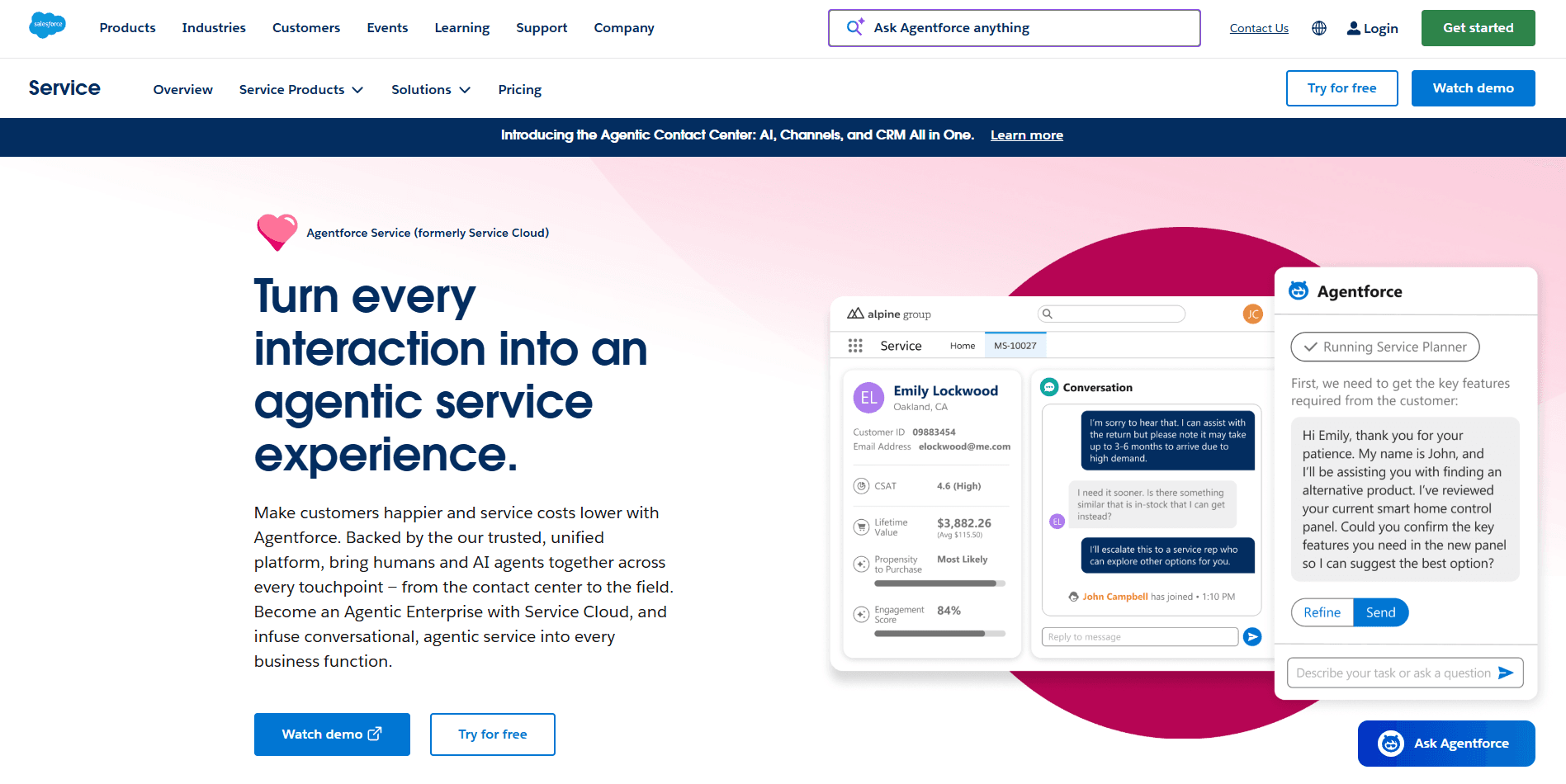
Salesforce Service Cloud helps teams handle customer support on email, chat, social media, and phone. It connects service and sales data to give a full view of each customer and uses AI to manage cases efficiently.
Why Salesforce Service Cloud beats Genesys
Service Cloud connects support, sales, and marketing in one system. Teams can see full customer histories, automate tasks, and use Salesforce analytics to improve service and retention.
Key features of Salesforce Service Cloud
Omnichannel communication to manage all customer touchpoints in one place
Native Salesforce integration that unifies sales, marketing, and support data
Customization options to tailor workflows to business processes
Automation tools for routing, case management, and responses
Agentforce AI agents that can act autonomously, plus Einstein Bots, Einstein Case Classification, and Einstein Article Recommendations
Who Salesforce Service Cloud is best for
Organizations already using Salesforce CRM
Businesses that want to centralize customer data and service operations
Teams needing advanced customization and automation
Companies looking to scale customer support within one ecosystem
Pros and cons of Salesforce Service Cloud (from G2)
Salesforce Service Cloud offers a connected, data-rich experience for managing customer relationships. Here’s what it does well and where teams may need to plan ahead:
Strengths | Limitations |
|---|---|
Complete customer view with unified data across departments | Steeper learning curve for new users |
Highly customizable workflows for complex requirements | Higher cost for advanced or enterprise features |
Strong ecosystem with native Salesforce integrations | Review points out that performance delays reduce efficiency |
Pricing
Salesforce Service Cloud pricing spans five tiers. Starter Suite is $25 per user per month, Pro Suite is $100, Enterprise is $175, Unlimited is $350, and Agentforce 1 Service (the new flagship edition with unmetered Agentforce usage and 2.5M Flex Credits per org per year) is $550 per user per month.
Summary insight
Choose Salesforce Service Cloud if you already use Salesforce and want one system for sales, marketing, and support. It takes setup time but gives clear insights and a connected customer view. The Agentforce 1 Service edition is worth a look if your team is committing to agentic AI as part of its 2026 strategy.
6. HubSpot Service Hub
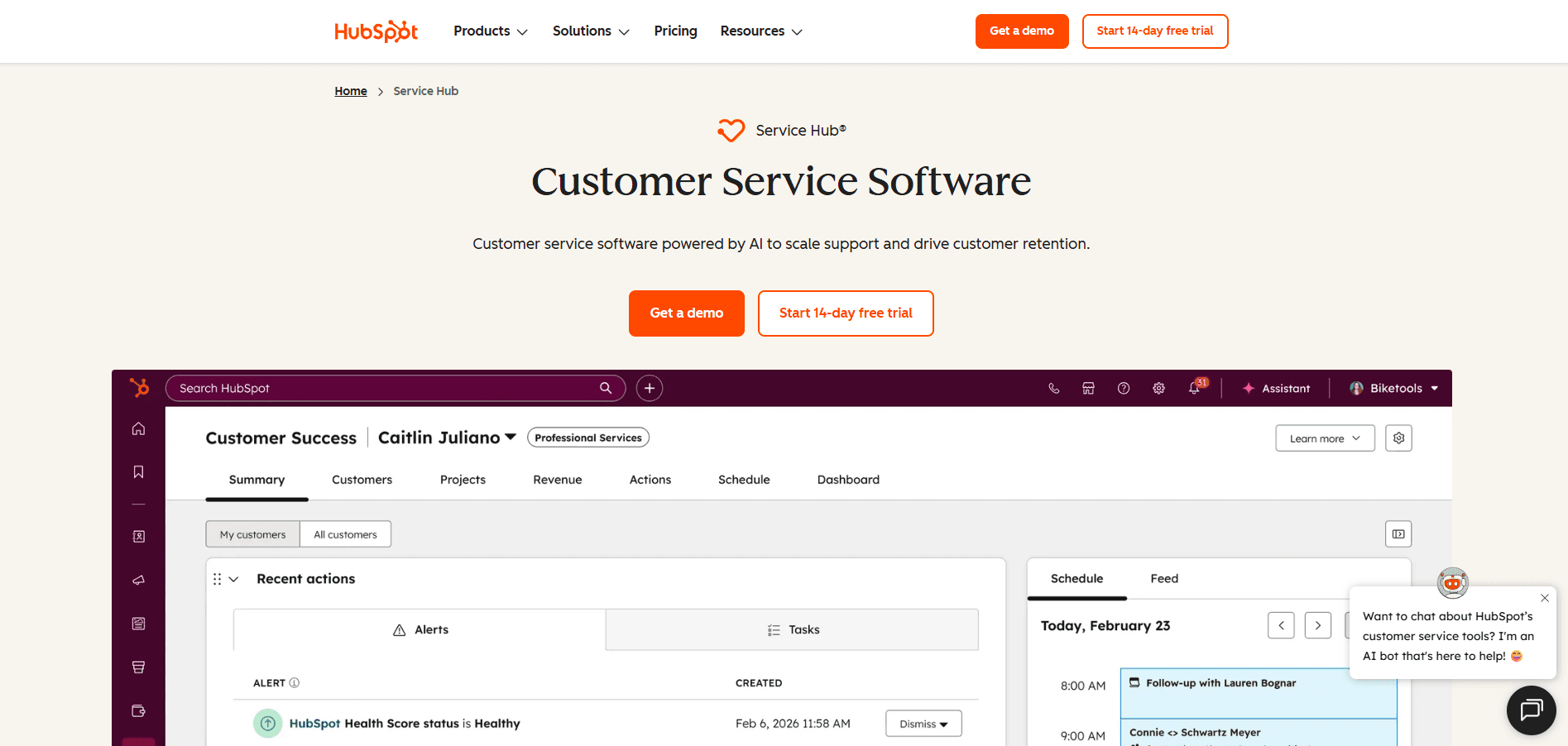
HubSpot Service Hub helps teams manage support, sales, and marketing in one system. It keeps tickets, chats, and emails organized and syncs data so teams can respond faster.
Why Hubspot beats Genesys
HubSpot Service Hub offers a more connected ecosystem for businesses already using HubSpot CRM.
Genesys supports large contact centers. HubSpot connects communication and data across teams, helping smaller groups align marketing, sales, and support using shared customer insights.
Key features of Hubspot
Ticket management that organizes conversations from all channels
Native HubSpot integration linking marketing, sales, and service data
Shared inbox for team communication
Reporting tools to track response times, satisfaction, and performance
Knowledge base for customer self-service
Breeze Customer Agent, HubSpot’s AI customer service agent that resolves inquiries autonomously and escalates complex cases to human agents
Who Hubspot is for
Businesses that already use HubSpot CRM or Marketing Hub
Teams that want unified customer data and communication across departments
Small to mid-sized organizations focusing on collaboration and automation
Companies looking for simple setup and integration rather than heavy customization
Pros and cons of Hubspot Service Hub (from G2)
HubSpot Service Hub focuses on team alignment and ease of use. Here’s what stands out and where it may not fit every organization:
Strengths | Limitations |
|---|---|
Unified customer data shared across marketing, sales, and support | Limited scalability for large or complex support teams |
Intuitive, easy-to-learn interface | Lacks advanced sales coaching and performance tools |
Strong reporting and feedback analytics | Review observes slower and less helpful support responses after ticket submission |
Pricing
HubSpot Service Hub pricing spans a Free plan, a Starter tier at $9 to $20 per seat per month, a Professional plan at $90 per seat per month, and an Enterprise plan at $150 per seat per month.
Higher tiers include advanced routing, analytics, and enterprise-grade controls for growing support teams.
Summary insight
HubSpot Service Hub puts all customer conversations in one place so teams can respond fast and stay organized. Automation handles simple tasks, but advanced tools and customization come with higher plans.
7. Avaya Infinity Platform
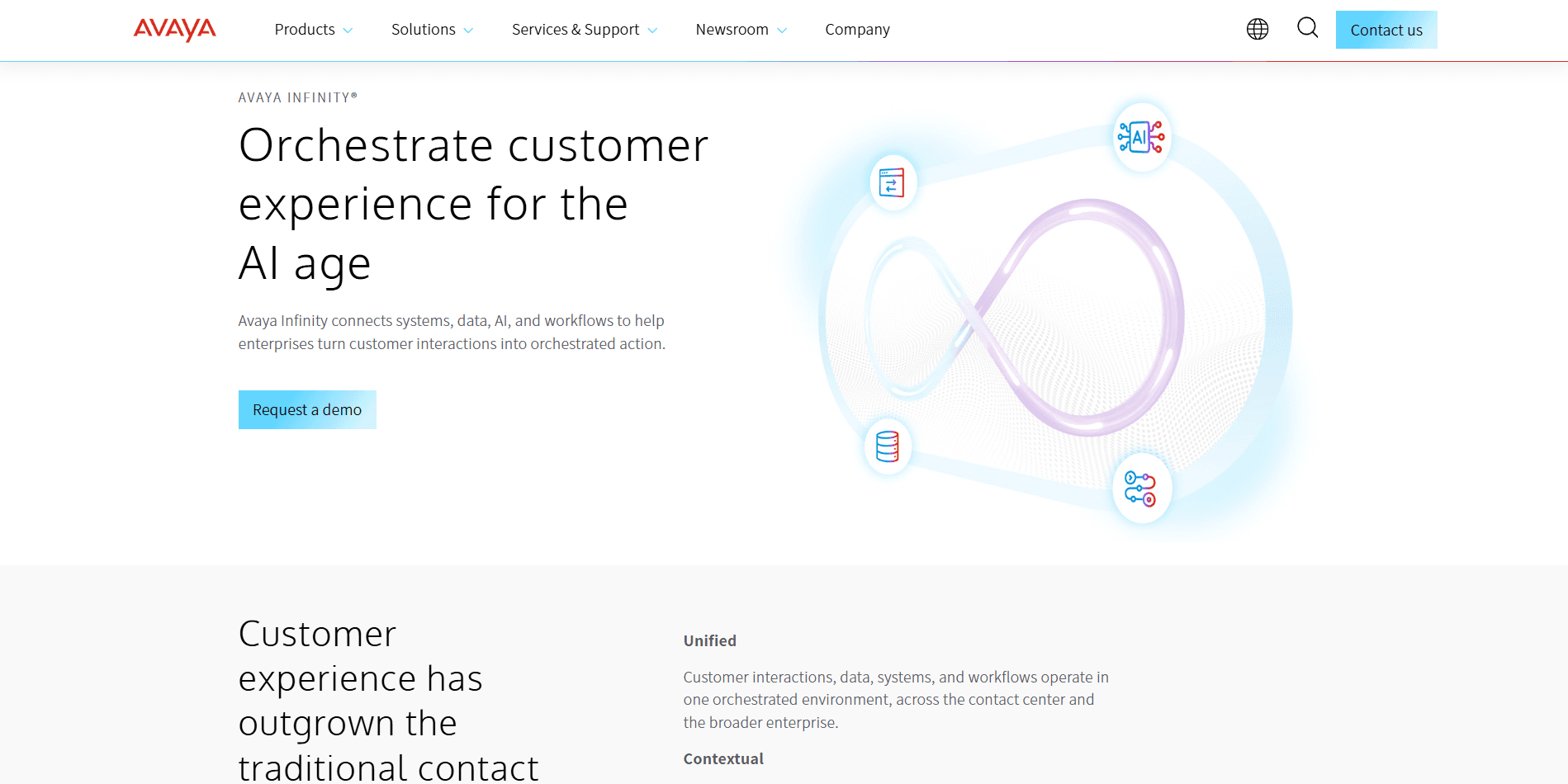
Avaya Infinity (formerly Avaya Experience Platform) is a contact center solution that supports cloud, on-premises, and hybrid deployments. It handles voice, chat, email, and social media interactions with flexible setup options for different business needs.
Why Avaya beats Genesys
Avaya offers flexible deployment models that allow businesses to choose between cloud, on-premises, or hybrid configurations. This flexibility helps companies manage their contact center infrastructure based on specific security, compliance, and operational requirements. Avaya Infinity also adds Model Context Protocol (MCP) orchestration so AI, enterprise data, and workflows act on the same context during the call, not after.
Key features of Avaya
Multichannel contact center with voice, digital, and social support
Built-in video conferencing and Unified Communications as a Service (UCaaS) for unified communication
Strong integration capabilities across major business platforms
Hybrid deployment options for companies transitioning from on-prem to cloud
Tandem care framework that coordinates AI agents and human agents as a single system
AI Performance Index (APIx) for measuring AI outcomes across efficiency, cost, and automation
Databricks partnership for real-time enterprise data activation via Delta Sharing
Who Avaya is best for
Large businesses and enterprises that want a proven, all-in-one communication platform
Companies that prefer hybrid or on-prem deployments instead of full cloud
Existing Avaya PBX or VoIP customers who can benefit from bundled discounts
Teams that want UCaaS, contact center, and video conferencing under one vendor
Pros and cons of Avaya (from G2)
Avaya provides deployment flexibility and strong integration options. Here’s what works well and what to consider:
Pros | Cons |
|---|---|
Flexible cloud, on-prem, and hybrid deployments | Review says authentication errors occur frequently |
Strong integrations and expandable ecosystem | User says deployment, configuration, and integration processes are complex |
Scales easily with business growth | Reports about authentication errors occurring frequently |
Pricing
Avaya Infinity Platform uses custom pricing that isn’t publicly listed. Contact the company for a detailed quote based on your plan and usage needs.
Summary insight
Choose Avaya if you need deployment flexibility or want to maintain on-premises infrastructure while adding cloud capabilities. It works well for businesses with specific compliance requirements or existing Avaya systems looking to migrate from CC Elite to the newer Infinity Platform.
Why we looked for Genesys alternatives
Genesys has strong contact center tools, but three limits pushed us to look for other options:
Coaching feels generic with basic metrics and little insight into what drives results
Setup can be complex and time-consuming for specialized sales processes
Focuses more on general contact center needs than improving sales performance
These limits show up most in regulated, high-volume sales environments like Medicare brokerages, life insurance carriers, and consumer-direct mortgage lenders. In those teams, the coaching layer matters as much as the routing layer. That’s the problem Alpharun was built to solve: AI sales coaching that learns from your best calls, layered on top of whichever contact center platform you already use. Read our in-depth review of Genesys Cloud CX here.
How we compared the best Genesys alternatives
We tested each platform using three key criteria:
AI coaching quality: We checked how each tool used real call data to give useful coaching. The best ones gave clear feedback that helped reps improve and change behavior.
Sales features: We looked for tools that help reps close more deals. The best ones track conversions and give real-time coaching to improve performance.
Implementation complexity: We checked how fast each platform sets up without heavy IT support and how simple it is to maintain over time.
Pricing: See our detailed breakdown of Genesys pricing here.
These three criteria mirror what teams ask us at Alpharun when they’re evaluating their existing stack. Does the coaching actually change rep behavior? Do the sales features measurably lift conversion? How much IT lift does the rollout demand?
We tested each platform by trying it out, reviewing real coaching results, and seeing how it handled compliance rules. Those are the same three questions Alpharun’s real-time QA and sales coaching is built to answer on every call rather than on a sampled few.
Which Genesys alternative should you choose?
If you’re comparing Genesys competitors, here’s how each platform stands out:
Five9: Fits large teams that want to automate routine calls with IVR, AI voice tools, and agentic AI Agents.
NICE CXone: Helps big companies that need strong analytics, workforce tools, and setup support across five suites or industry-specific Ultimate packages.
Talkdesk: Fits teams that want a modern, flexible contact center with agentic AI (Autopilot, Copilot, Navigator) that connects to other tools.
Zendesk: Works for teams that manage customer support across email, chat, and social media with AI agents that bill per resolved conversation.
Salesforce Service Cloud: Fits companies that use Salesforce and want connected data across teams, with optional Agentforce 1 Service for fully agentic support.
HubSpot Service Hub: Helps small teams link marketing, sales, and support in one system, with Breeze Customer Agent for AI ticket resolution.
Avaya Infinity Platform: Best for organizations needing flexible deployment with hybrid cloud options and MCP-based AI orchestration.
JustCall: An honorary mention, see how Genesys compares against JustCall as a cloud-based phone system here.
Choosing the right Genesys alternative for your team
You don’t need to switch contact center systems to get better coaching. Alpharun layers AI sales coaching and AI voice agents on top of tools like Genesys, Five9, and other major contact center platforms. It grades every call, coaches reps in real time, and hands off repetitive work to AI agents.
Built for regulated, high-volume sales teams in Medicare, insurance, and consumer-direct mortgage, Alpharun keeps your existing routing layer in place. It adds the call center coaching software, compliance monitoring, and AI agent capacity that contact-center-first tools weren’t designed to deliver.
With Alpharun, teams can:
Build a custom AI playbook from their own best calls, not generic coaching templates
Coach every rep in real time, with sentence-level feedback that managers don’t have the bandwidth to deliver themselves
Monitor 100% of calls for compliance (TPMO disclaimers, SOA capture, TRID phrasing, recording consent) instead of spot-checking
Hand off after-hours and qualification calls to AI voice agents that route hot leads to reps faster
Deploy quickly via existing integrations with Genesys, Five9, and other major contact center systems
Keep your contact center tools in place and make them smarter with Alpharun. Book a demo.