This guide offers a full breakdown of cloud contact center software: what it is, how it works, and 7 platforms ranked for sales teams with pricing and user feedback.

High-volume sales teams face two problems: phones that can't handle the volume and reps who can't close like their best. This guide covers what cloud contact center software is, how it works, which platforms best fit your operation, and how to solve the coaching gap these tools leave behind.
What is a cloud contact center?
A cloud contact center is software that handles calls and messages through the internet. You don't need physical phone systems sitting in your office.
Traditional call centers rely on hardware installed on-site. Cloud contact centers run on remote servers instead. Your team logs in through a browser or app and starts making calls right away.
Here's what you get with a cloud setup:
Automatic call distribution (ACD): Routes incoming calls to available reps based on rules you set.
Interactive voice response (IVR): Lets callers navigate menus before reaching a live rep.
Call recording and storage: Captures conversations for training and compliance review.
Analytics dashboards: Tracks call volumes, wait times, and rep performance.
CRM integrations: Pulls lead data onto the rep's screen during calls.
Cloud platforms handle voice, chat, SMS, and social channels from one interface. Reps see everything in one place instead of switching between tools.
How do cloud contact center solutions work?
Cloud contact centers convert voice calls into data packets. Those packets travel over the internet instead of traditional phone lines.
Here's what happens when a prospect calls:
Step 1: The call reaches your cloud provider's servers.
Step 2: The IVR system greets the caller and gathers information.
Step 3: ACD routes the call to the right rep based on skills, availability, or queue rules.
Step 4: The rep's screen displays lead data pulled from your CRM.
Step 5: The system records the call and logs activity for reporting.
Everything runs on your provider's infrastructure, so you're not stuck maintaining servers or phone equipment. Updates roll out on their own without you lifting a finger.
Cloud dialers automate outbound calling so reps spend more time talking and less time punching in numbers. Progressive dialers call the next lead when a rep is free, while predictive dialers start dialing before the current conversation ends.
This removes manual dialing and cuts idle time between calls. High-volume teams can process hundreds of calls per rep each day.
How to choose the right cloud call center software
The right platform depends on your team's specific needs. Here's how to think through your options.
Start with your call volume and patterns
How many calls does your team handle each day? What's the split between inbound and outbound? High-volume outbound teams need powerful dialers. Inbound-focused teams prioritize routing and queue management.
Map your channel requirements
Do prospects reach you through phone only? Or do you need chat, SMS, email, and social support? Some platforms excel at voice. Others provide true omnichannel capabilities.
Check integration requirements
What CRM do you use? What other tools do you need to connect? Native integrations save time and reduce errors. API-only connections require developer resources.
Consider your compliance environment
Medicare, insurance, and financial services teams face strict rules. You need call recording, secure storage, and audit trails. SOC 2 compliance matters, and your team may need HIPAA compliance too.
Evaluate the analytics and QA capabilities
Basic platforms show call counts and durations. Advanced platforms offer sentiment analysis, keyword spotting, and performance trending. Think about what insights your managers need.
Calculate the total cost of ownership
Monthly per-seat pricing tells part of the story. Add-ons, overages, implementation fees, and training costs add up. Get quotes that include everything you need.
Test before you commit
Most platforms offer trials or demos. Have your team use the actual interface. Pay attention to the rep experience. Clunky software slows down call handling.
Questions to ask vendors:
What's the minimum seat requirement?
Are contracts monthly or annual?
Which features require higher pricing tiers?
How long does a typical implementation take?
What CRM integrations are native vs. API-only?
What's the uptime SLA?
How does support work? What response times can we expect?
That said, you still need a platform that handles volume without breaking. Here are seven cloud contact center softwares worth considering.
7 best cloud contact center software for 2026
💻 Platform | 🎯 Best for | 💰 Starting price | ⭐ Standout feature |
Aircall | CRM integrations | $30/user monthly | One-click CRM sync |
RingCentral | Unified communications | $65/user monthly | Voice, video, and messaging in one |
CloudTalk | Inbound routing | $19/user monthly | Smart IVR and 160+ country numbers |
Nextiva | AI-powered sales | $15/user monthly | Transcription and sentiment analysis |
Twilio | Custom builds | Pay-as-you-go | Fully programmable APIs |
Zoho Voice | Zoho ecosystem | Free tier available | Native Zoho CRM integration |
Five9 | High-volume dialing | $119/user monthly | Predictive and progressive dialers |
1. Aircall
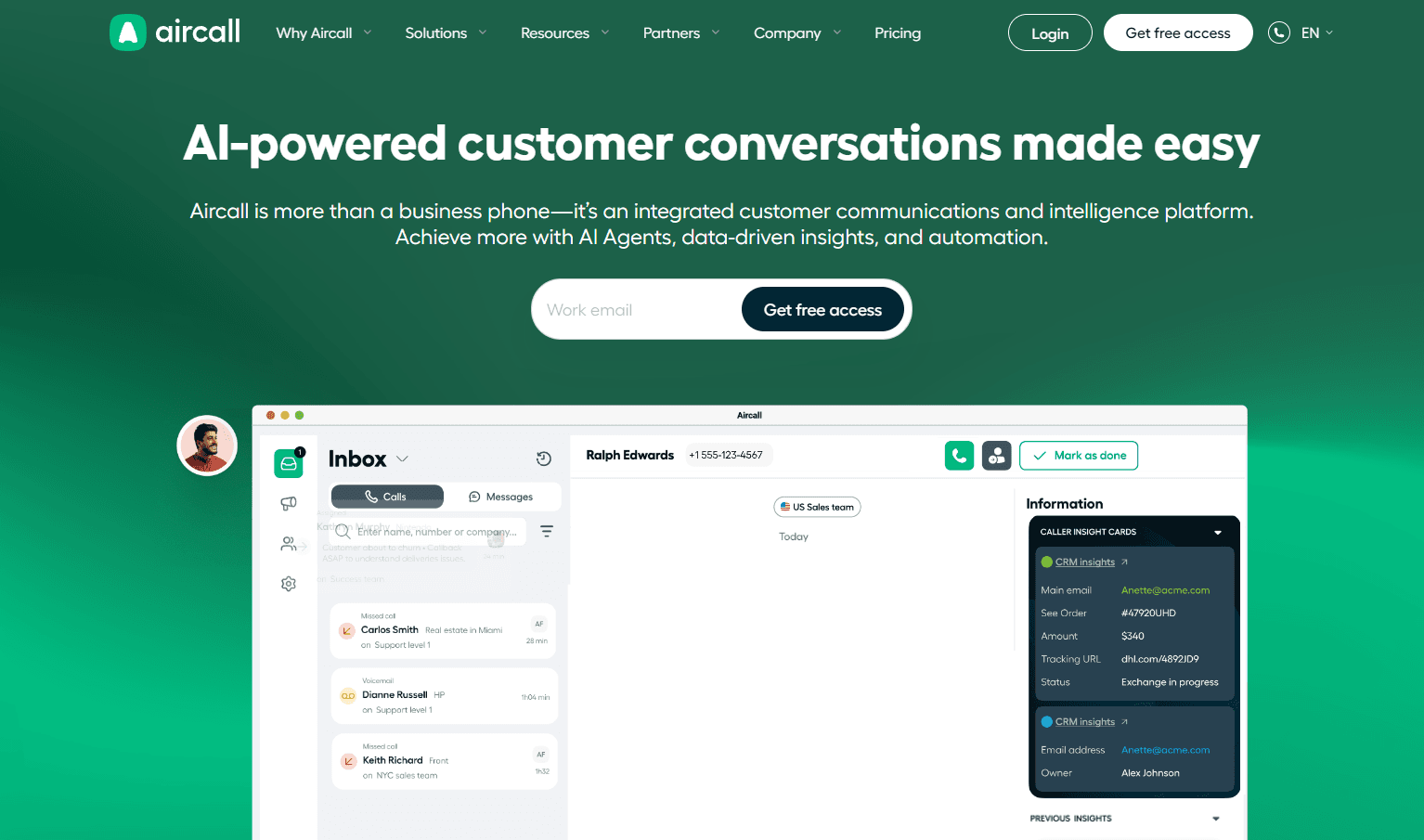
Aircall is a cloud phone platform that connects with the tools sales teams already use. The focus is on clean integrations and simple setup.
Key features of Aircall:
One-click CRM connections: Links with HubSpot, Salesforce, Zendesk, and 100+ other tools. Call data syncs on its own.
Shared call inboxes: Teams collaborate on missed calls and voicemails. No leads fall through the cracks.
Call analytics: Dashboards track inbound and outbound activity, call duration, and rep performance.
Simple onboarding: Clean interface reduces training time for new reps.
Pros and cons of Aircall based on user feedback
✅ Pros | ❌ Cons |
Review says setup is quick and CRM integrations work well out of the box. | A reviewer flags the cost for smaller teams and limited features unless you upgrade. |
The review says recordings and analytics make workflow management easier across teams. | User also says customization and reporting feel limited, and pricing gets steep as teams scale. |
Review says call routing, real-time notes, and automatic logging keep reps organized and workflows smooth. | A reviewer also notes occasional lag in loading call logs and limited customization in reports. |
Aircall pricing:
Essentials: $30 per license monthly with annual billing
Professional: $50 per license monthly with annual billing
Custom: Contact Aircall sales for larger teams
Should you choose Aircall?
Aircall fits teams that prioritize integrations and ease of use. It's a strong choice for inside sales groups that need reliable CRM sync.
Sales teams that need advanced dialing modes or deep call analytics may find Aircall limited.
2. RingCentral Contact Center
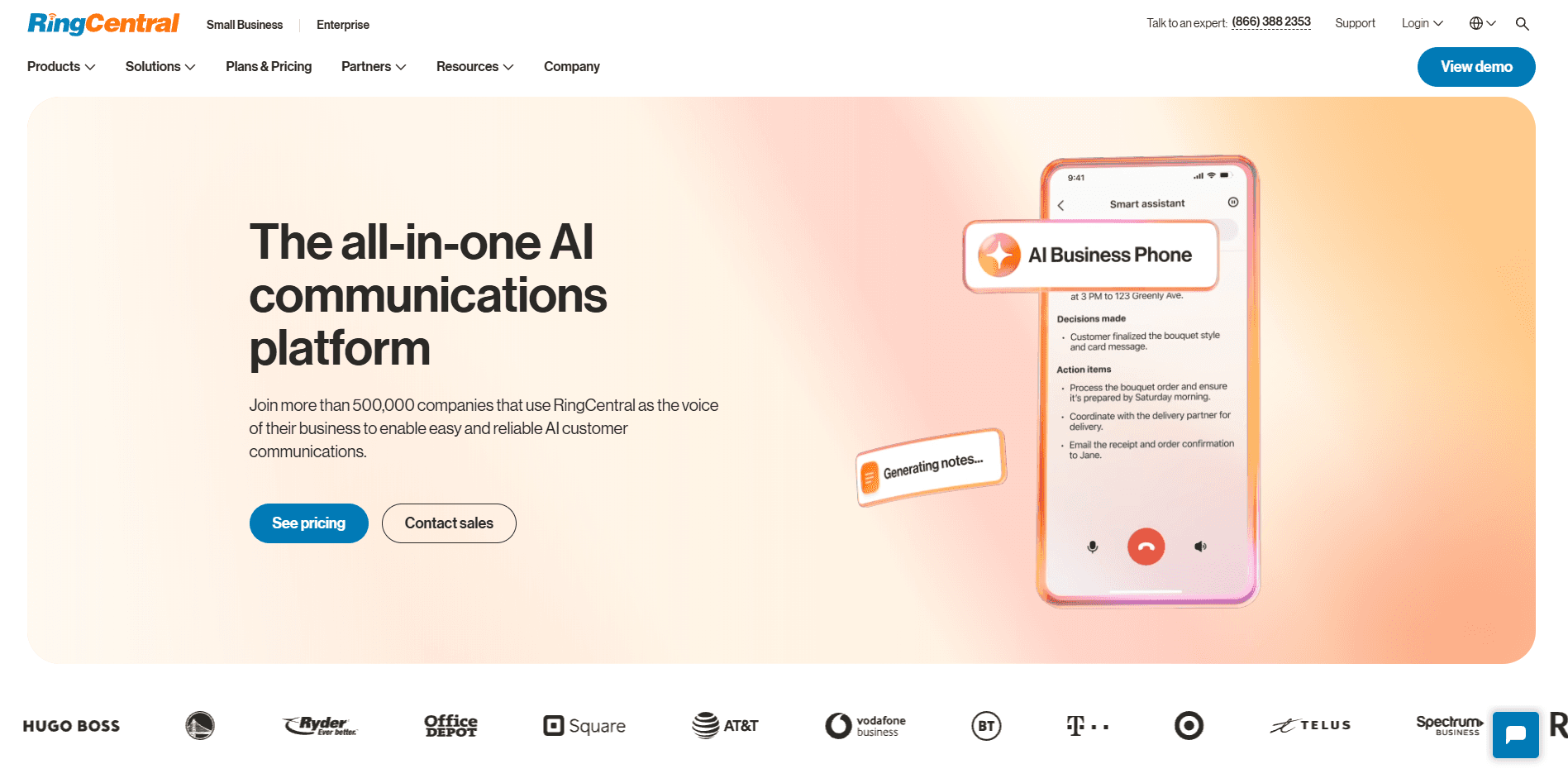
RingCentral combines voice, video, messaging, and contact center tools in one platform. It serves teams that want unified communications without juggling multiple vendors.
Key features of RingCentral:
Unified communications: Voice, video, team messaging, and contact center all share a single platform.
Global reliability: Strong uptime and call quality across regions.
Deep integration library: Connects with Salesforce, HubSpot, Microsoft 365, and hundreds of other apps.
Advanced routing: Skills-based routing, queue management, and overflow rules.
Flexible scaling: Add users and features as your team grows.
Pros and cons of RingCentral based on user feedback
✅ Pros | ❌ Cons |
User highlights desktop and mobile flexibility for constant answering ability. | Review flags poor number quality and a disconnect between teams that hurts user experience. |
Review says it brings all channels together in one unified view. | User says pricing is expensive and the learning curve is steep for smaller teams. |
Review says setup was easy, and creating different teams for various roles is a standout feature. | User says screen sharing causes lag that disrupts presentations. |
RingCentral pricing:
Standard: $65 per user monthly (paid annually)
Professional: $95 per user monthly (paid annually)
Elite: $145 per user monthly (paid annually)
Enterprise: Contact RingCentral for custom pricing
Should you choose RingCentral?
RingCentral works well for growing teams that need voice, video, and messaging in one place. It's built for scale and reliability. Smaller teams with simple calling needs may find the platform offers more than they need.
3. CloudTalk
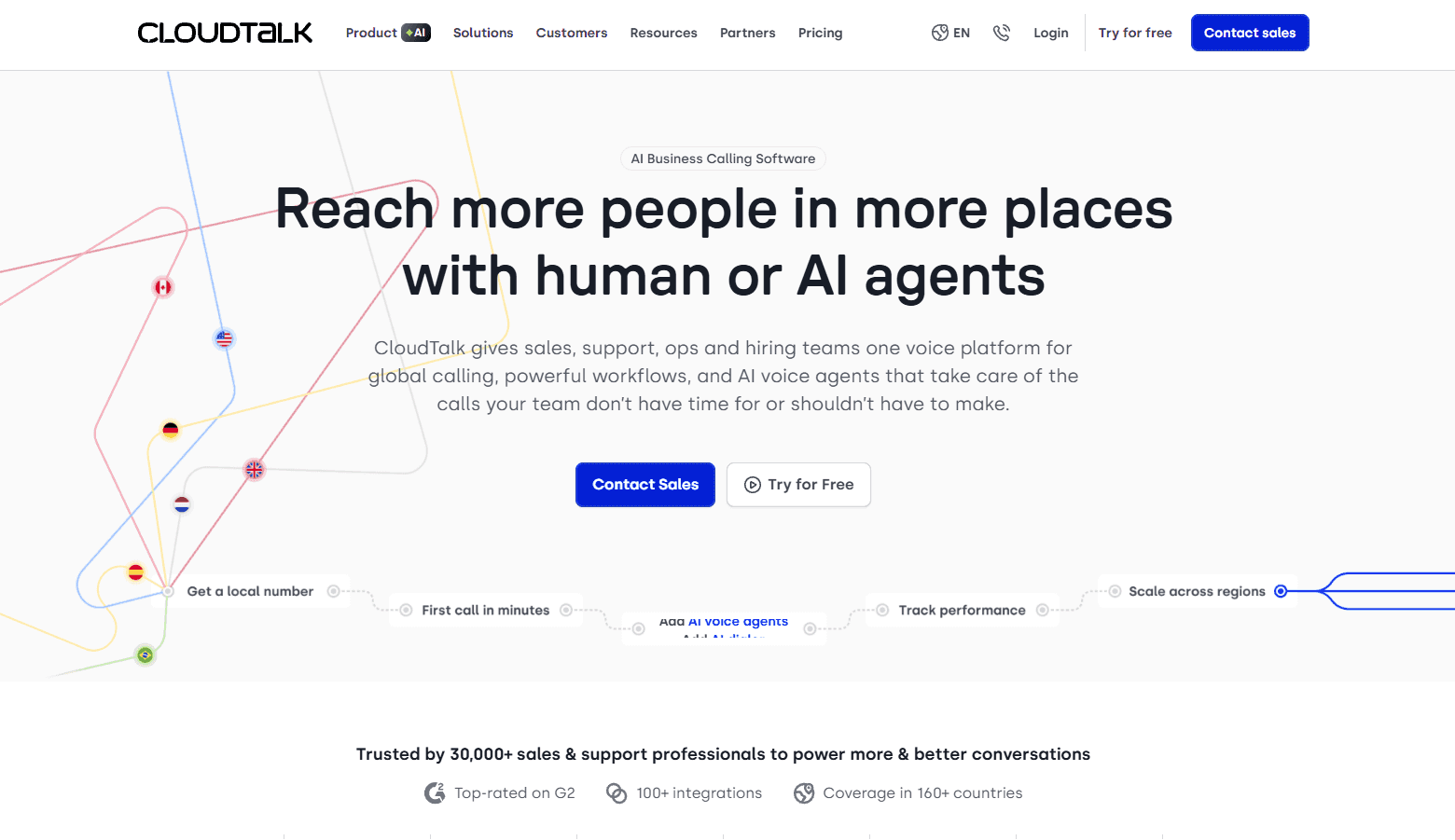
CloudTalk serves inbound-focused teams with strong call routing and queue management. The platform delivers reliability for sales operations that handle high call volumes.
Key features of CloudTalk:
Smart IVR and routing: Directs callers to the right rep based on skills, language, or custom rules.
Real-time monitoring: Managers watch live calls and coach reps in real time.
CRM integrations: Connects with HubSpot, Salesforce, Pipedrive, and other popular tools.
Call analytics: Tracks volumes, wait times, abandonment rates, and rep activity.
International numbers: Offers local and toll-free numbers in 160+ countries.
Pros and cons of Cloudtalk based on user feedback
✅ Pros | ❌ Cons |
Review says the single dashboard for tracking calls and AI summary notes saves time for sales teams. | User says previous call transfers didn't allow speaking with the team member first. |
Review says call queues, recording, and voicemail are easy to manage without telecom headaches. | Review flags call quality depends on the internet connection. |
User highlights easy HubSpot linking with agile workflows. | Review flags status changes that don't register, hurting productivity metrics. |
Lite: $19 per user monthly
Essential: $29 per user monthly
Expert: $49 per user monthly
Should you choose CloudTalk?
CloudTalk is a solid choice for teams focused on inbound sales calls. The routing and queue management work well, and setup is straightforward. Outbound-heavy sales teams may need more powerful dialing features.
4. Nextiva
Nextiva is an AI-powered platform that unifies voice, digital channels, and sales tools. It serves sales teams that want communication and analytics under one roof.
Key features of Nextiva:
Omnichannel desktop: Handles voice, chat, email, SMS, and social from one interface.
AI-powered routing: Directs calls based on skills, availability, and conversation context.
Transcription and summaries: AI generates call transcripts and summaries for review.
Sentiment analysis: Detects caller emotion during conversations.
Outbound dialing: Progressive and predictive dialers for sales campaigns.
Workforce management: Scheduling and performance tracking tools built in.
Pros and cons of Nextiva based on user feedback
✅ Pros | ❌ Cons |
A user notes it feels cohesive for calls, voicemail, and messaging instead of stitched together. | One user mentions the desktop app feels heavy on older machines. |
Feedback praises the ease of use and a support team that resolves issues fast. | A reviewer notes spam detection works, but the calls keep coming through. |
A small team highlights the simple setup and customer-friendly dashboard. | This user ran into CRM integration issues and had to pay extra to get it working. |
Nextiva pricing for enterprise:
Essential: $75 per agent monthly
Professional: Contact sales
Premium: Contact sales
Nextiva pricing for small business:
Core: $15 per user monthly
Engage: $25 per user monthly
Power Suite CX: $75 per user monthly
Should you choose Nextiva?
Nextiva works well for sales teams that want voice, digital, and AI tools in one platform. It fits teams ready to consolidate vendors.
Smaller teams with basic calling needs may find it offers more than they need. The learning curve is steeper than simpler platforms.
5. Twilio
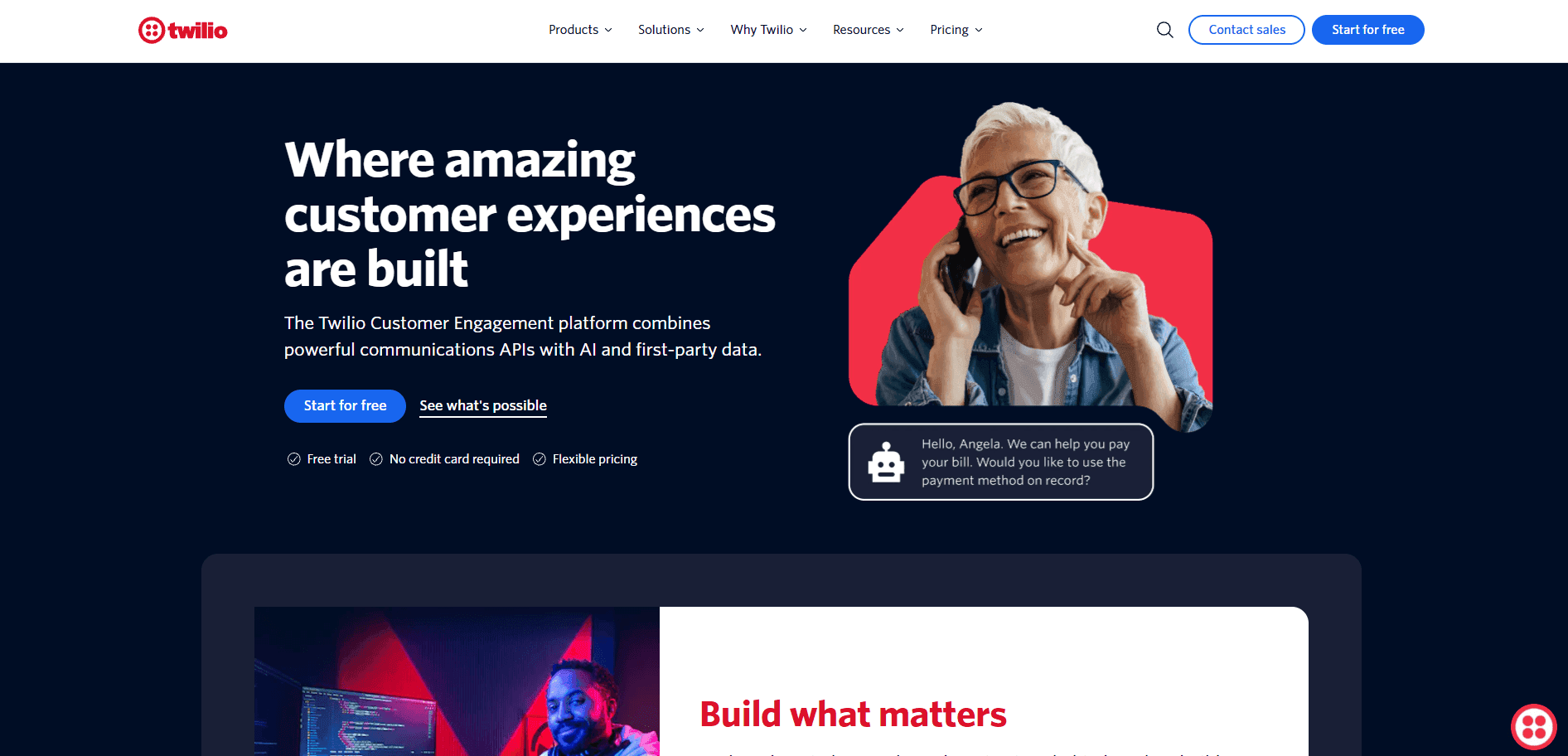
Twilio is a developer platform that lets teams build custom communication systems. It provides APIs for voice, messaging, video, and more.
Key features of Twilio:
Communications APIs: SMS, voice, WhatsApp, email, and video APIs for custom builds.
Flex contact center: A programmable contact center you configure to your exact needs.
Global reach: Phone numbers and voice infrastructure in 180+ countries.
Customer data platform: Segment integration for unified lead profiles.
Authentication tools: Verify and Lookup APIs for identity verification.
Pros and cons of Twilio based on user feedback
✅ Pros | ❌ Cons |
A user highlights flexible integrations and detailed documentation for custom workflows. | One user says pricing gets expensive as SMS and WhatsApp usage scales. |
A two-year user notes it just works for app notifications without issues. | Per this review, the pricing structure is hard to figure out and feels like extra costs sneak in. |
A user notes setup is simple for teams that need SMS to work fast. | A reviewer says support was inconsistent, and their account got locked over unexplained charges. |
Twilio pricing:
Twilio uses pay-as-you-go pricing. SMS starts at $0.0079 per message, voice at $0.0085/min to receive and $0.014/min to make calls, and Flex starts with 5,000 free hours, then $1 per active user hour or $150 per named user monthly.
Should you choose Twilio?
Twilio fits teams with developer resources who want complete control over their communication stack. You can build exactly what you need.
Teams without engineering support should look at turnkey platforms. Twilio requires technical expertise to configure and maintain.
6. Zoho Voice
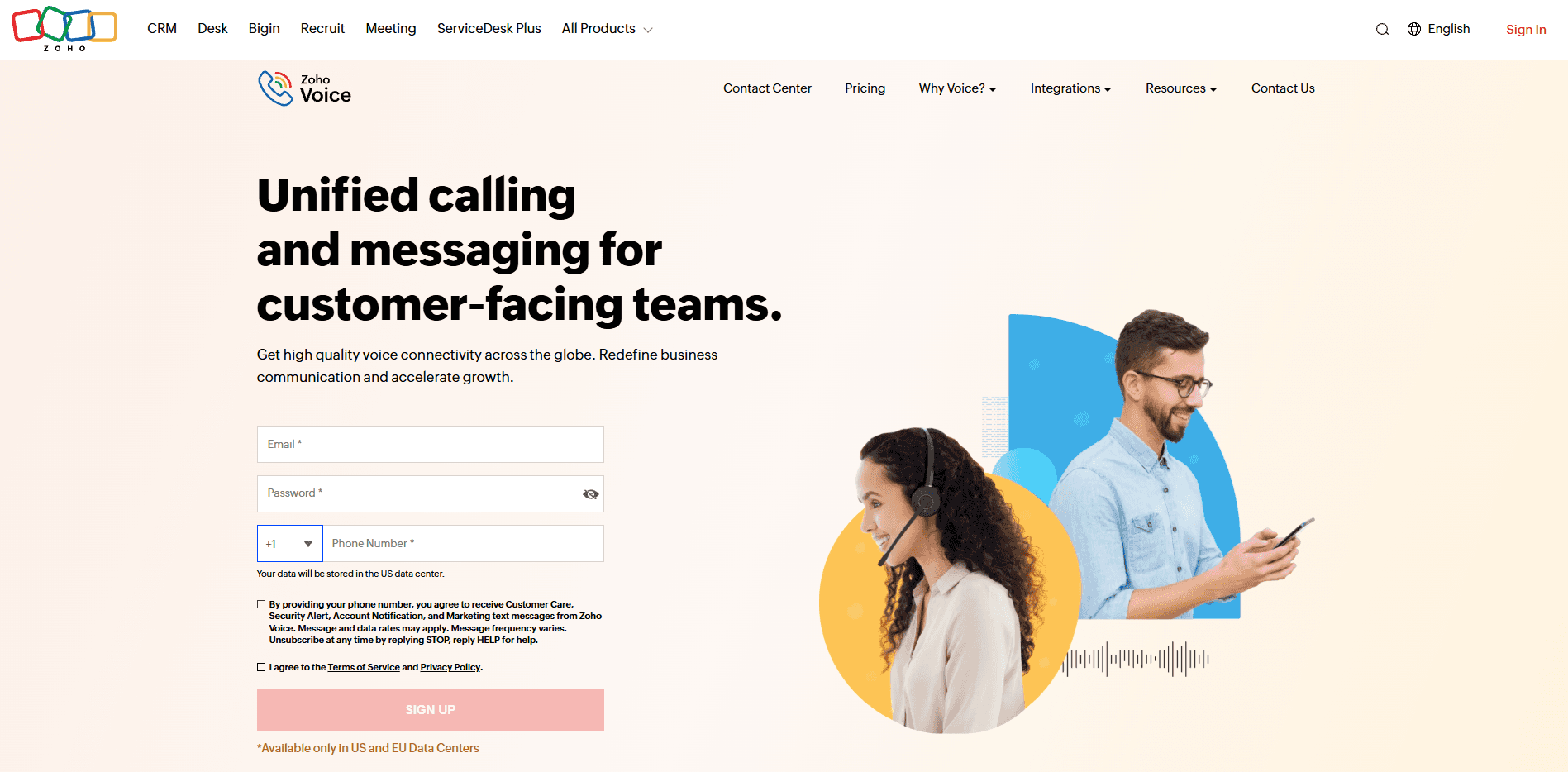
Zoho Voice provides cloud calling that connects with the broader Zoho ecosystem. It fits teams already using Zoho CRM or other Zoho products.
Key features of Zoho Voice:
Zoho ecosystem integration: Calls sync with Zoho CRM and other Zoho apps on their own.
IVR and call routing: Direct callers to the right team or rep.
Call recording: Capture conversations for training and review.
Analytics: Track call metrics and rep performance.
International calling: Local numbers available in multiple countries.
Pros and cons of Zoho Voice based on user feedback
✅ Pros | ❌ Cons |
Feedback from a daily user highlights dependable call handling and voicemail. | Feedback flags poor technical support as the main downside. |
One user picked it for low cost and easy alignment with their existing Zoho stack. | This reviewer notes call quality lags, with 5-10-second delay before the pre-recorded voice starts. |
Feedback highlights lead conversion and prospect engagement as key benefits. | One reviewer flags missing signature options and a clunky upload appearance. |
Free: Basic features for small teams
Basic: $34 per user monthly
Standard: $49 monthly for 1 admin and 10 agents
Contact Center: $74 monthly for 1 admin and 10 agents
Should you choose Zoho Voice?
Zoho Voice makes sense if you're already in the Zoho ecosystem. The integrations work well, and pricing stays affordable. Teams using Salesforce, HubSpot, or other CRMs may find better native integrations elsewhere.
7. Five9
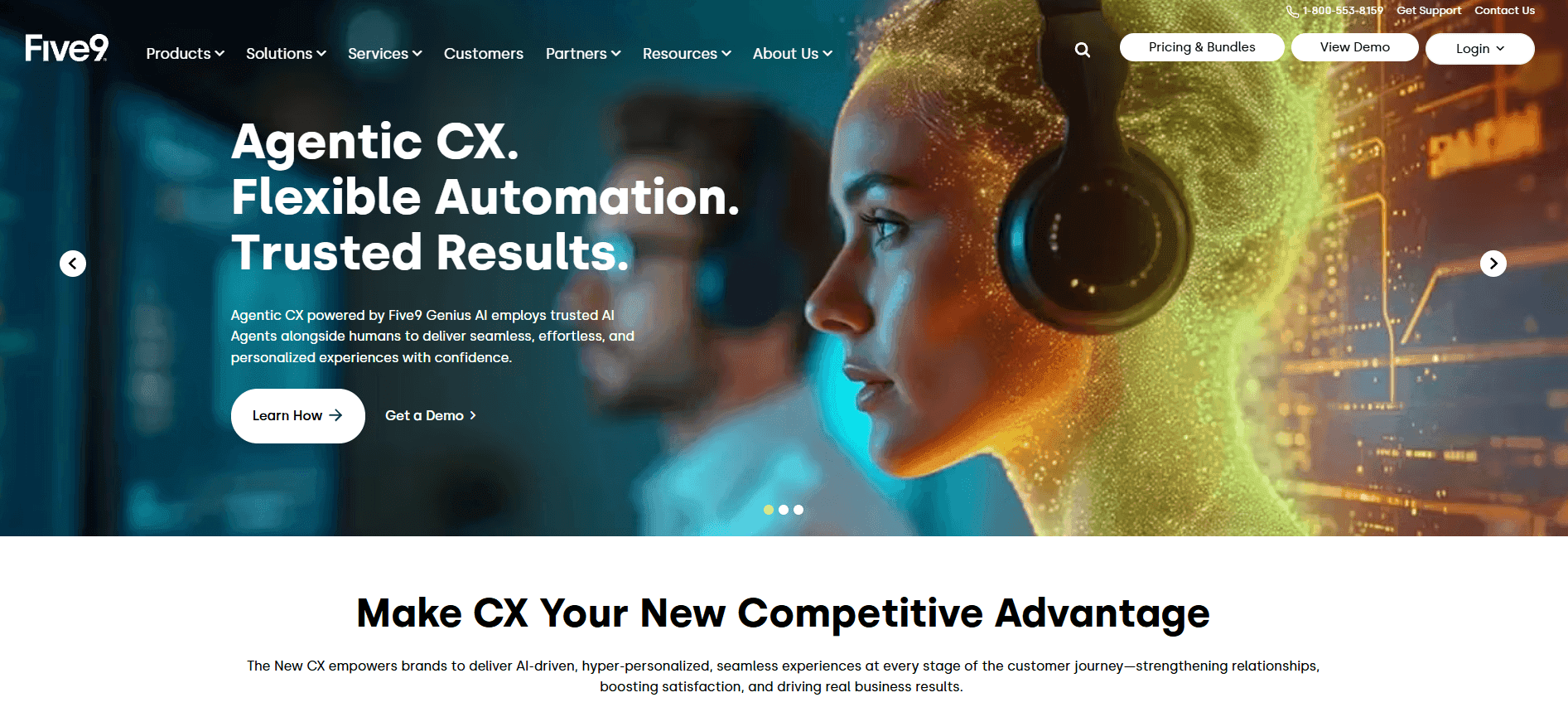
Five9 is a cloud contact center platform built for high-volume operations. It handles inbound routing, outbound campaigns, and multi-channel conversations at scale.
Key features of Five9:
Predictive and progressive dialing: Automates outbound calling for sales campaigns.
Intelligent routing: Skills-based and data-driven call distribution.
CRM integrations: Connects with Salesforce, HubSpot, Microsoft Dynamics, and others.
AI summaries: Generates call summaries so managers don't review every recording.
Quality management: Scores calls and tracks QA metrics (Pro tier).
Workforce management: Scheduling and forecasting tools (Pro tier).
Pros and cons of Five9 based on user feedback
✅ Pros | ❌ Cons |
One user highlights fast deployment that reduced costs and improved staff morale. | This feedback flags email as requiring more steps than other channels. |
According to this feedback, setup was super easy, and reports make scoring simple. | Per this reviewer, evaluation forms can't exclude sections that don't apply to certain call types. |
One reviewer says reporting lets them drill down without manually counting turnaround times. | One reviewer says lost disposition data throws off reporting and performance assessments. |
Digital: $119 per user monthly
Core: $159 per user monthly
Plus: Custom pricing
Pro: Custom pricing
Enterprise: Custom pricing
Important: 50-seat minimum and annual contracts required. Need more options? Check out the 7 best Five9 competitors for high-volume sales teams.
Should you choose Five9?
Five9 handles what high-volume sales teams need. The dialer processes thousands of calls without dropping connections. CRM integrations keep data accessible.
The barriers are real, though. Smaller teams get blocked by the 50-seat minimum. Teams needing Quality Management face Pro-tier pricing.
Cloud call center vs. traditional infrastructure
These seven platforms all run in the cloud. Here's why that matters compared to traditional on-premise setups.
Factor | Traditional infrastructure | Cloud contact center |
Setup time | Weeks to months for hardware installation | Days to one week for configuration |
Upfront cost | High capital expense for equipment | Low or zero upfront cost |
Ongoing cost | Maintenance, upgrades, IT staff | Monthly subscription per user |
Scalability | Requires new hardware purchases | Add or remove seats instantly |
Remote work | Difficult or impossible | Built-in support |
Updates | Manual upgrades, potential downtime | Automatic, no maintenance windows |
Disaster recovery | Requires backup systems on-site | Built into the provider's infrastructure |
With traditional setups, you're stuck with whatever capacity you bought. Cloud flips that. Spin up new seats when volume spikes, pull back when it cools off, and only pay for what you actually use.
Benefits of cloud contact center solutions
Cloud contact center software does things traditional systems can't touch. Here's what you get when you make the switch:
Faster deployment
Your team starts calling in days instead of waiting months for hardware installation. Most cloud platforms are configured in under a week, which means you're generating revenue while competitors are still waiting on IT.
Lower upfront costs
Monthly subscriptions replace hardware purchases, so you skip the capital expense approval process entirely. No budget negotiations, no finance team back-and-forth, no waiting for next quarter's spending cycle.
Automatic updates
Providers push improvements without downtime or maintenance windows. You run the latest version without scheduling anything or worrying about outdated software creating security gaps.
Remote work support
Reps log in from anywhere with a browser and start taking calls. No VPN configurations, no special equipment, no "you have to be in the office" policies holding back your hiring.
Instant scalability
When enrollment season hits, or a marketing campaign drives volume, add seats that morning. When things cool off, scale back and stop paying for empty chairs. Your infrastructure matches your actual demand.
Built-in redundancy
Cloud providers maintain backup systems across multiple regions. If one data center fails, traffic routes elsewhere automatically, and your team keeps calling without missing a beat.
Unified reporting
Voice, chat, SMS, and email data flow into one dashboard instead of living in separate systems. Managers see the complete picture without manual exports or toggling between tabs.
Integration flexibility
CRMs, dialers, and workforce tools connect through APIs or pre-built connectors. Most platforms offer native integrations with Salesforce, HubSpot, and other popular tools without custom dev work.
Simplified compliance
For sales teams in regulated industries, cloud platforms handle the heavy lifting. Recordings are stored securely, access controls limit who sees what, and audit trails track every action for when auditors come knocking.
What cloud contact center software doesn't solve
Your top 10% of reps drive 2-5x the revenue of your bottom half. That gap is costing you real money every single day.
The problem isn't effort. It's that nobody has codified what the winners actually do. Not the generic "build rapport" advice. The specific words, the exact timing, the questions that move prospects to yes.
Alpharun closes that gap:
Custom playbooks: Alpharun analyzes thousands of your calls to find the specific behaviors that separate closers from everyone else, then builds those into a playbook your whole team can follow.
Real-time coaching: Those winning behaviors get delivered to reps during live conversations, right when they need them, not in a post-call review when the deal is already lost.
Full visibility: Every call gets scored against your playbook so managers can see exactly who's improving, who's stuck, and where to spend their coaching time.
Compliance scoring: Alpharun builds your specific rules into the scoring model so you can track closes and compliance side by side, all on SOC 2 Type 2 certified infrastructure.
AI agents: Scheduling and qualification calls run on autopilot so reps can focus on the conversations that actually close deals.
Alpharun works with what you've already built. It integrates with Five9, Genesys, and other platforms in about a week, so you get coaching without replacing your infrastructure.
Schedule a demo to see what's hiding in your call data.
Frequently asked questions
1. How is a cloud contact center different from a call center?
A call center handles voice calls only, while a contact center handles multiple channels like voice, chat, SMS, email, and social. Cloud refers to the delivery model, where everything runs on remote servers instead of on-premise hardware.
2. What are the main benefits of cloud contact center solutions?
The main benefits are speed and flexibility. Teams deploy in days instead of months, add seats instantly, and let reps work from anywhere.
3. How long does implementation take?
Implementation takes a few days to one week for simple deployments. Complex setups with custom integrations and data migrations take longer.
4. How do I turn call recordings into better sales performance?
You use a coaching layer like Alpharun. It analyzes thousands of recordings to find what your best reps do differently and delivers those behaviors to every rep during live calls.

