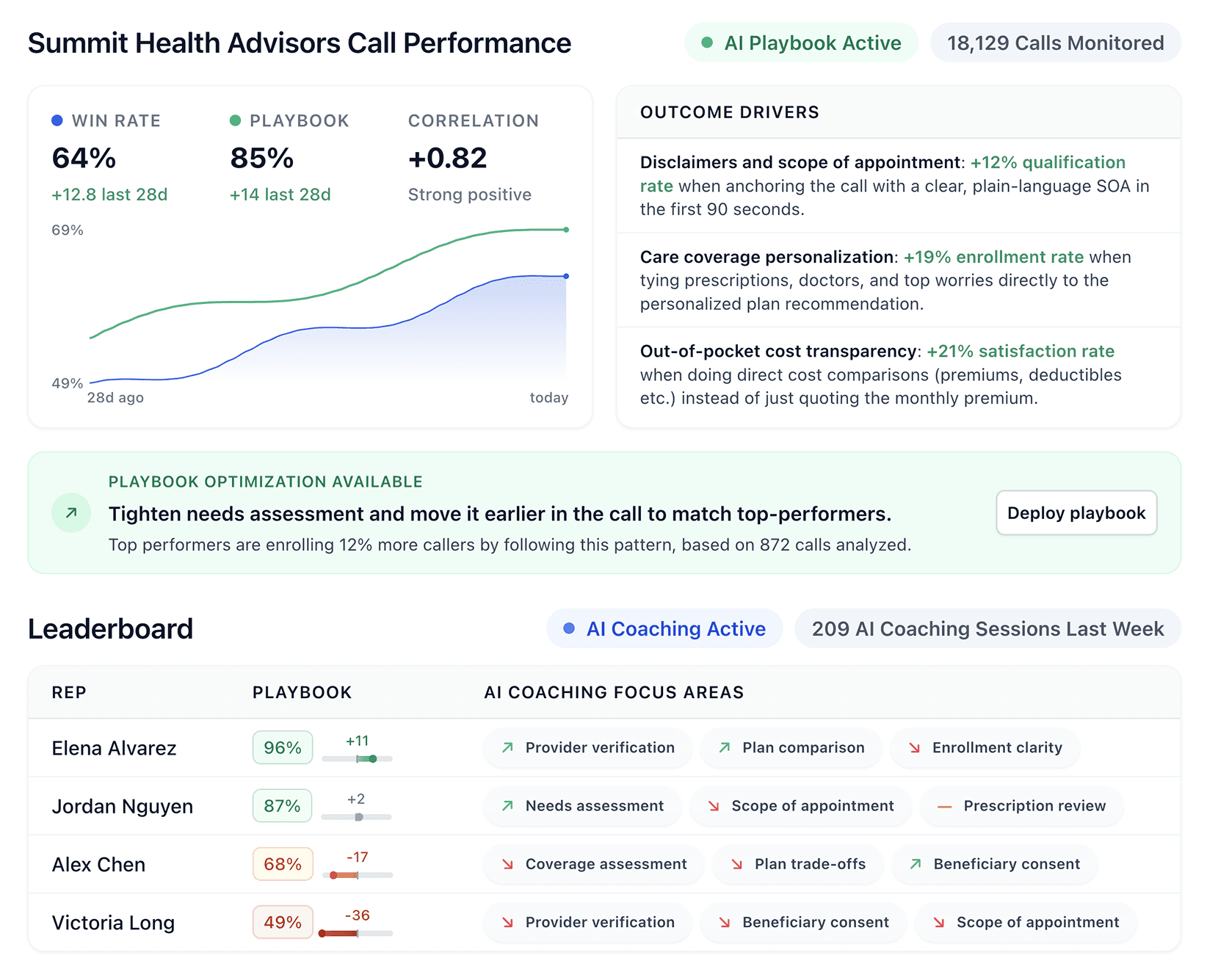


Five9 works for a lot of teams, but it's not the only option worth considering. We spent time testing the top Five9 competitors to see how they stack up on AI coaching, pricing transparency, and setup speed.
Quick comparison: Five9 competitors
Tool | Starting price | Best for | Key advantage |
Nextiva | $75/agent/month | Sales teams consolidating voice, digital, and AI tools | All channels and workforce tools in one platform |
Genesys Cloud CX | $75/user/month | Mid-size to enterprise omnichannel teams | 600+ app integrations with AI included from the base tier |
Talkdesk | $85/user/month | Teams needing industry-specific workflows | Low-code customization with prebuilt solutions for healthcare, finance, retail |
NICE CXone | $110/agent/month | Enterprise operations with dedicated IT resources | Domain-specific AI trained on a large CX dataset |
Avaya | Custom pricing | Teams needing hybrid or on-prem deployment | Flexible cloud, on-prem, and hybrid options |
PhoneBurner | $140/user/month | High-volume outbound sales teams | Fastest power dialer with one-click voicemail drops |
Dialpad | $15/user/month | Teams wanting ai features at a lower price | Real-time transcription and sentiment detection out of the box |
7 best alternatives for Five9
These Five9 competitors help sales teams call, coach, and scale with AI support for repetitive tasks. We break down features, pricing, and real user feedback for each one:
1. Nextiva
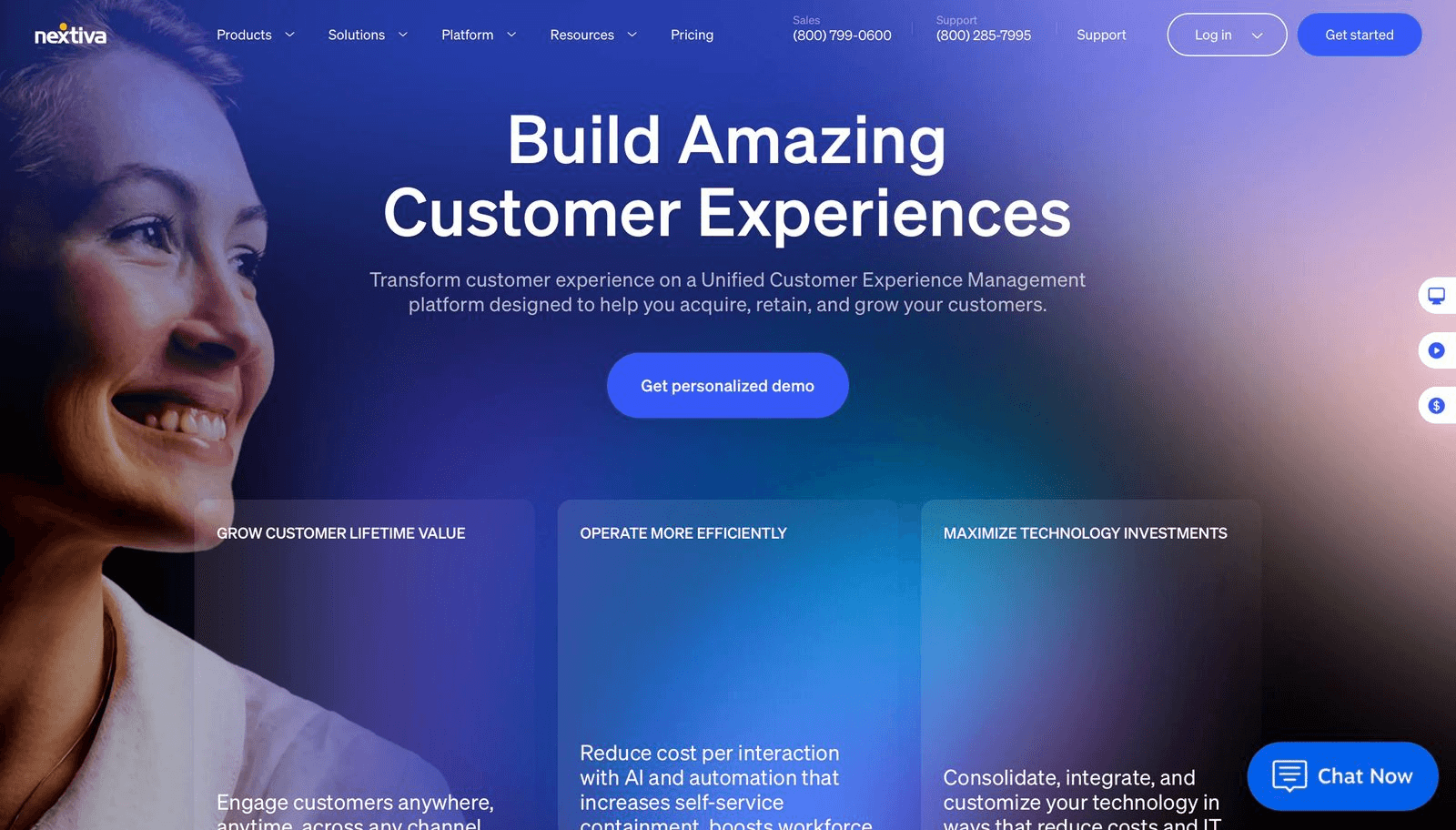
Nextiva is an AI-powered platform that combines voice, digital channels, and customer experience tools in one system. It supports sales teams that want all their communication tools under one roof.
Key features of Nextiva
Handles voice, chat, email, SMS, and social media from one agent's desktop
Routes calls based on skills and availability with AI-powered logic
Provides AI transcription, sentiment analysis, and call summaries
Offers progressive and predictive outbound dialing for sales campaigns
Includes workforce management tools for scheduling and performance tracking
Nextiva pros and cons
Pros | Cons |
Easy to use across desktop and mobile apps | The platform flags spam calls, but won't block them permanently |
Strong AI features, including transcription and sentiment analysis | CRM integration caused issues and required extra cost |
Built-in workforce engagement tools | Setup took longer than expected, and the admin page takes time to learn |
Overall, Nextiva offers strong AI tools and works well across devices. Users report that setup takes longer than expected and CRM integrations can cause issues.
Nextiva pricing
The Essential plan starts at $75 per agent monthly. Professional and Premium tiers require a sales conversation.
Should you switch to Nextiva?
Nextiva works well for sales teams that want voice, digital, and AI tools in one platform. It fits teams ready to consolidate vendors. Smaller teams with basic calling needs may find it offers more than they need.
2. Genesys Cloud CX
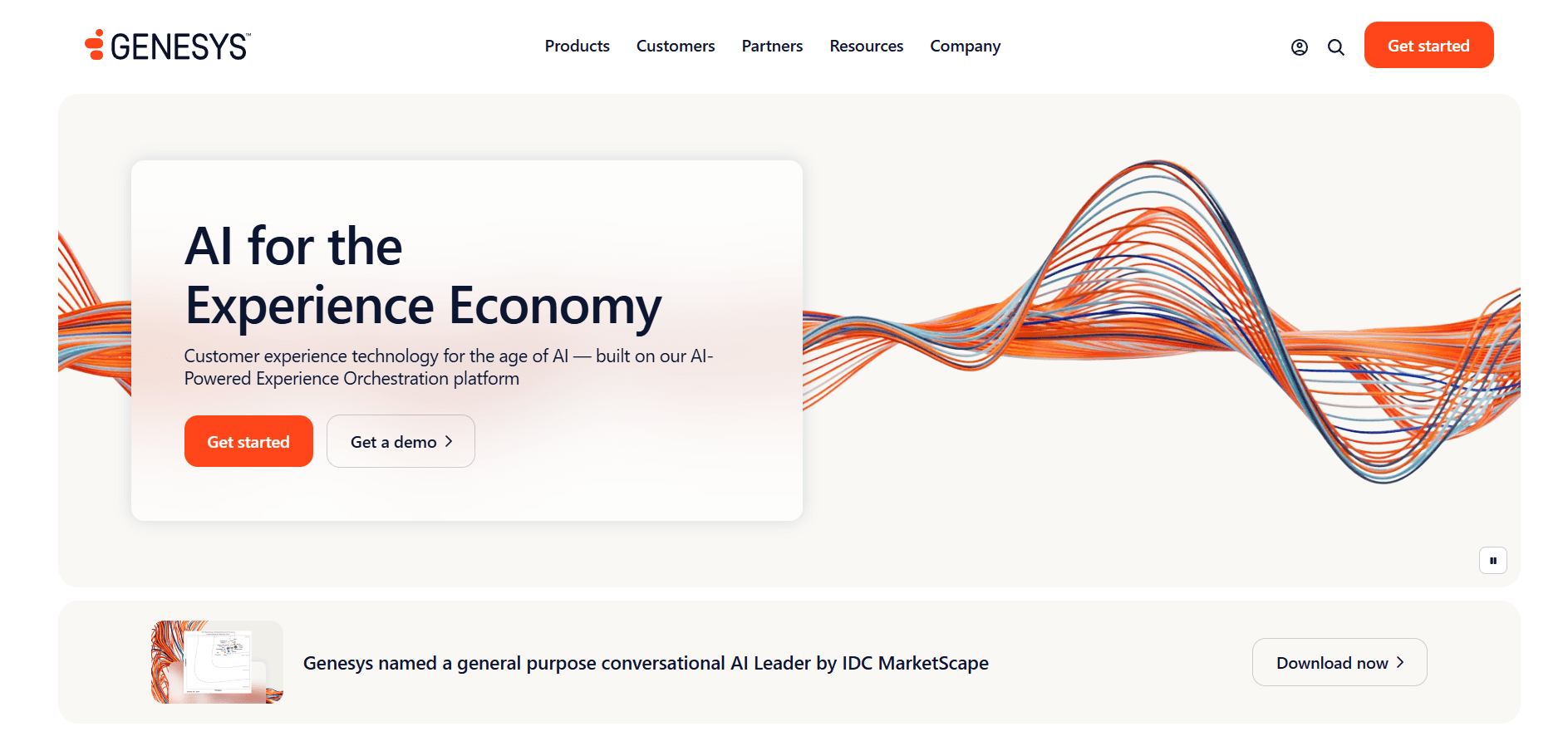
Genesys is an AI-powered platform that manages customer calls, emails, chats, and social media messages. The platform runs in the cloud and connects with over 600 apps through its AppFoundry Marketplace.
Key features of Genesys Cloud CX
Routes calls, emails, and chats to the right agents based on skills and availability
Connects phone, email, chat, SMS, and social media in one agent desktop
Powers chatbots, predictive routing, and interaction analytics with AI
Tracks customer interactions across touchpoints to spot trends
Integrates with CRMs like Salesforce, HubSpot, and Microsoft Dynamics
Genesys pros and cons
Pros | Cons |
Complete AI features included from CX 1 tier | $75/user/month feels expensive for voice-only teams |
Strong omnichannel routing across all channels | There are occasional bugs and freezing; the navigation can take time for new staff to learn |
Deep integration library with 600+ apps | Some advanced features require additional licenses or extra costs |
To sum up, Genesys fits omnichannel sales teams that want AI built in. Users flag occasional bugs and a complex interface for newer team members.
Genesys pricing
CX 1 starts at $75 per user monthly. CX 2 is $115, CX 3 is $155, and CX 4 is $240 with full AI and workforce tools.
Should you switch to Genesys?
Genesys fits mid-size to enterprise sales teams that need omnichannel support and AI routing. CX 2 offers the best value for growing teams. Looking for something lighter? See our full list of Genesys alternatives.
3. Talkdesk
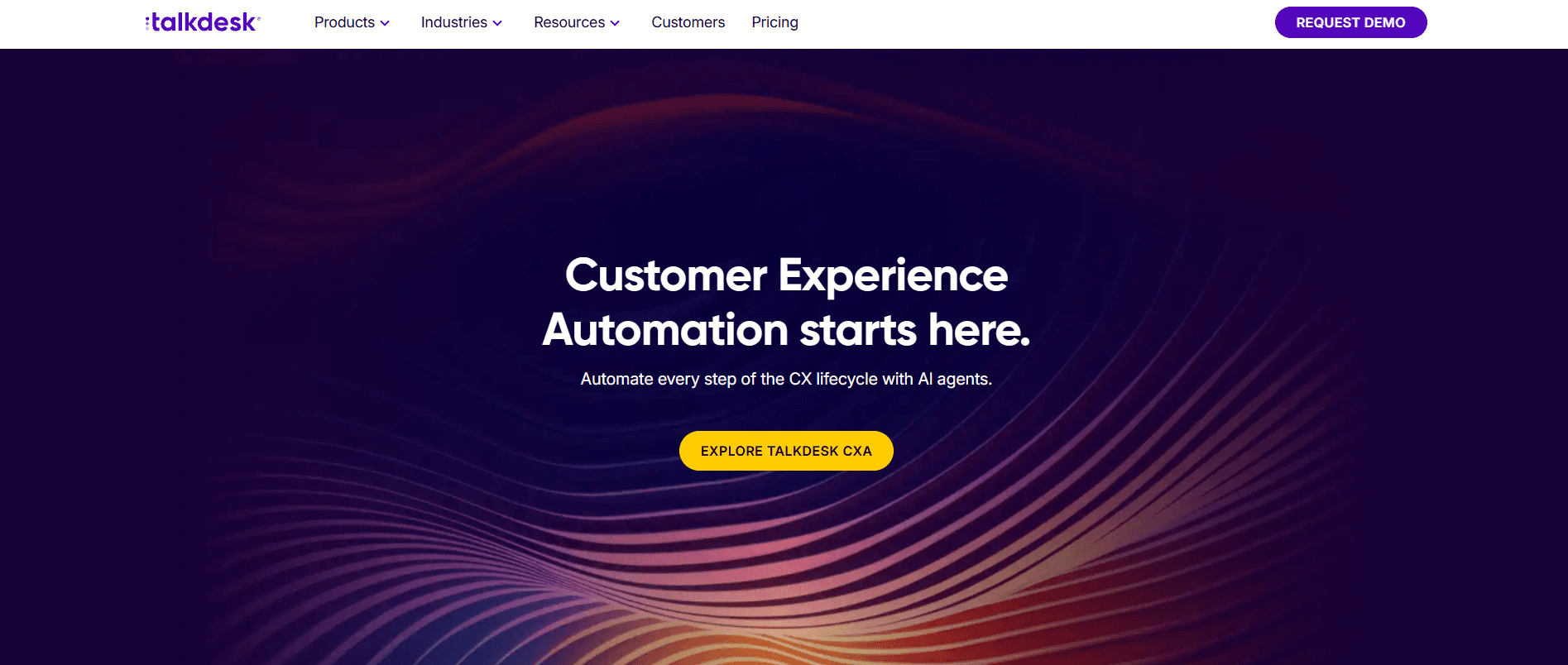
Talkdesk is an AI-powered cloud contact center built for sales and service across every channel. It offers industry-specific solutions for healthcare, financial services, retail, and government.
Key features of Talkdesk
Automates the customer journey with AI agents across sales and support
Supports voice and digital channels from one platform
Provides AI-driven analytics for customer and interaction insights
Offers prebuilt workflows for specific industries
Allows low-code and no-code customization through Talkdesk Builder
Talkdesk pros and cons
Pros | Cons |
Low-code customization for flexible workflows | Network issues can cause call delays; high call volumes may overload the system and reduce performance |
Centralized call management with smart routing and high-quality recordings | The platform is comprehensive, but its costs and maintenance fees are higher than average |
Routing, IVR, and voice flows are easy to set up, and real-time dashboards give supervisors clear visibility to act quickly | Some screens load slowly, and deeper reports can feel complex and hard to read |
When it comes down to it, Talkdesk delivers smart routing and quality recordings. Users report that the platform can slow down under heavy load and some analytics feel hard to read.
Talkdesk pricing
Plans range from $85 to $225 per user monthly. Higher tiers add custom reporting, performance management, and workforce tools.
Should you switch to Talkdesk?
Talkdesk fits sales teams that want AI automation with industry-specific solutions. It works well for teams that want to add automation on top of existing systems. Teams that build playbooks from top performer calls may prefer tools focused on coaching.
4. NICE CXone
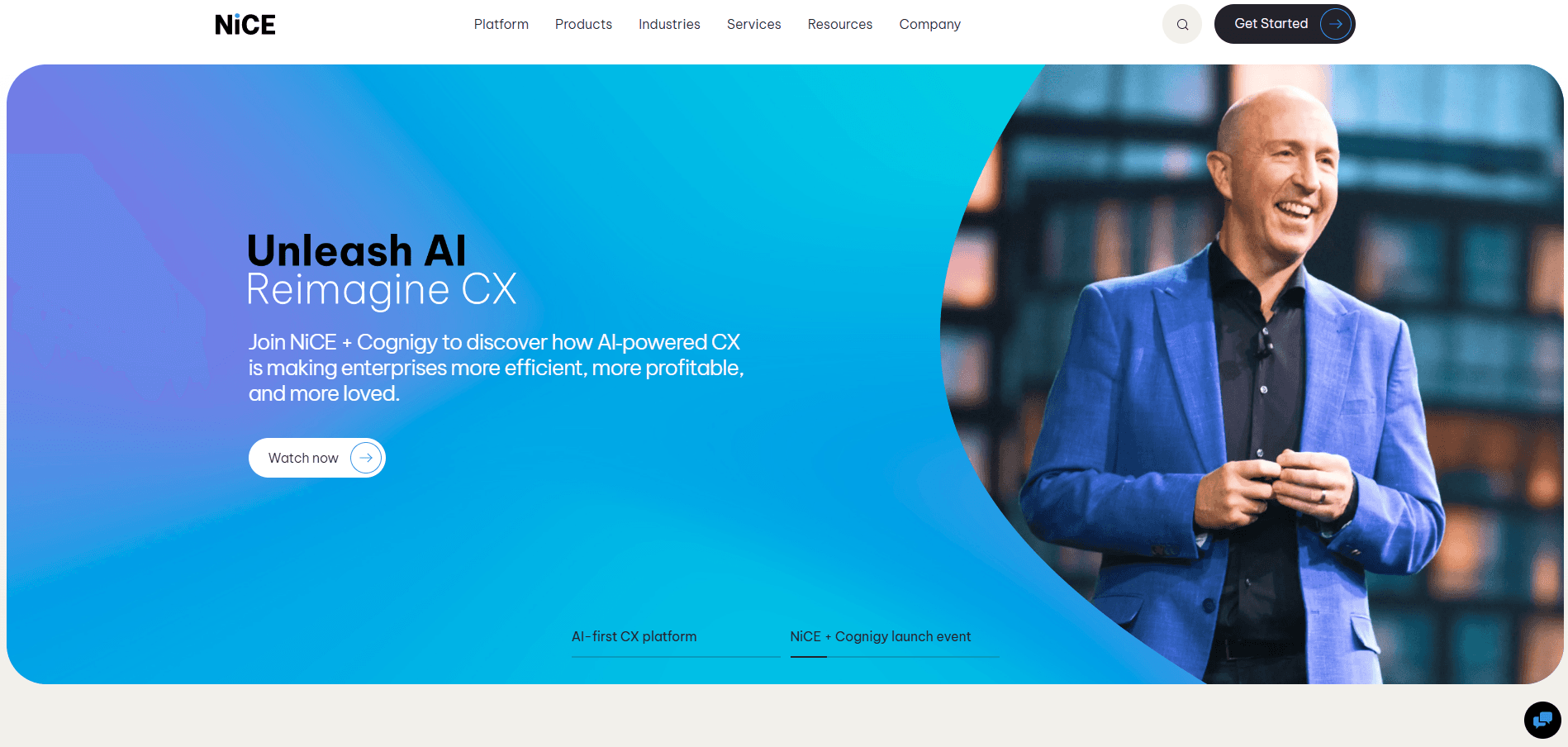
NICE CXone is a cloud platform that combines customer engagement, workforce tools, and AI automation. It helps enterprise teams manage all their CX tools in one place.
Key features of NICE CXone
Automates quality management with AI scoring
Gives real-time guidance to agents through Enlighten AI
Supports workforce management with AI-driven forecasting
Provides 30+ digital channels and dedicated agent workspaces
Offers domain-specific AI trained on a large CX dataset
NICE CXone pros and cons
Pros | Cons |
Strong employee engagement and scheduling tools | Studio script nodes are slow to open and have ongoing lag issues |
Fast onboarding and coaching improve retention | The dashboard offers limited customization and few options for managing SVL and agents |
Excellent call quality, easy setup, intuitive design, and smooth website integration | Agents may face issues taking inbound calls when multiple applications are running at the same time |
From what users report, NICE CXone delivers excellent call quality and fast onboarding. Lag issues and limited dashboard customization are common complaints.
NICE CXone pricing
NICE CXone pricing ranges from $110 to $249 per agent monthly. Higher tiers add AI routing, proactive engagement, and outbound campaign tools.
Should you switch to NICE CXone?
NICE CXone fits enterprise sales operations that need AI-driven quality management and workforce tools. The platform works best with dedicated engineers to manage it. Smaller teams may find it more complex than needed.
5. Avaya Experience Platform
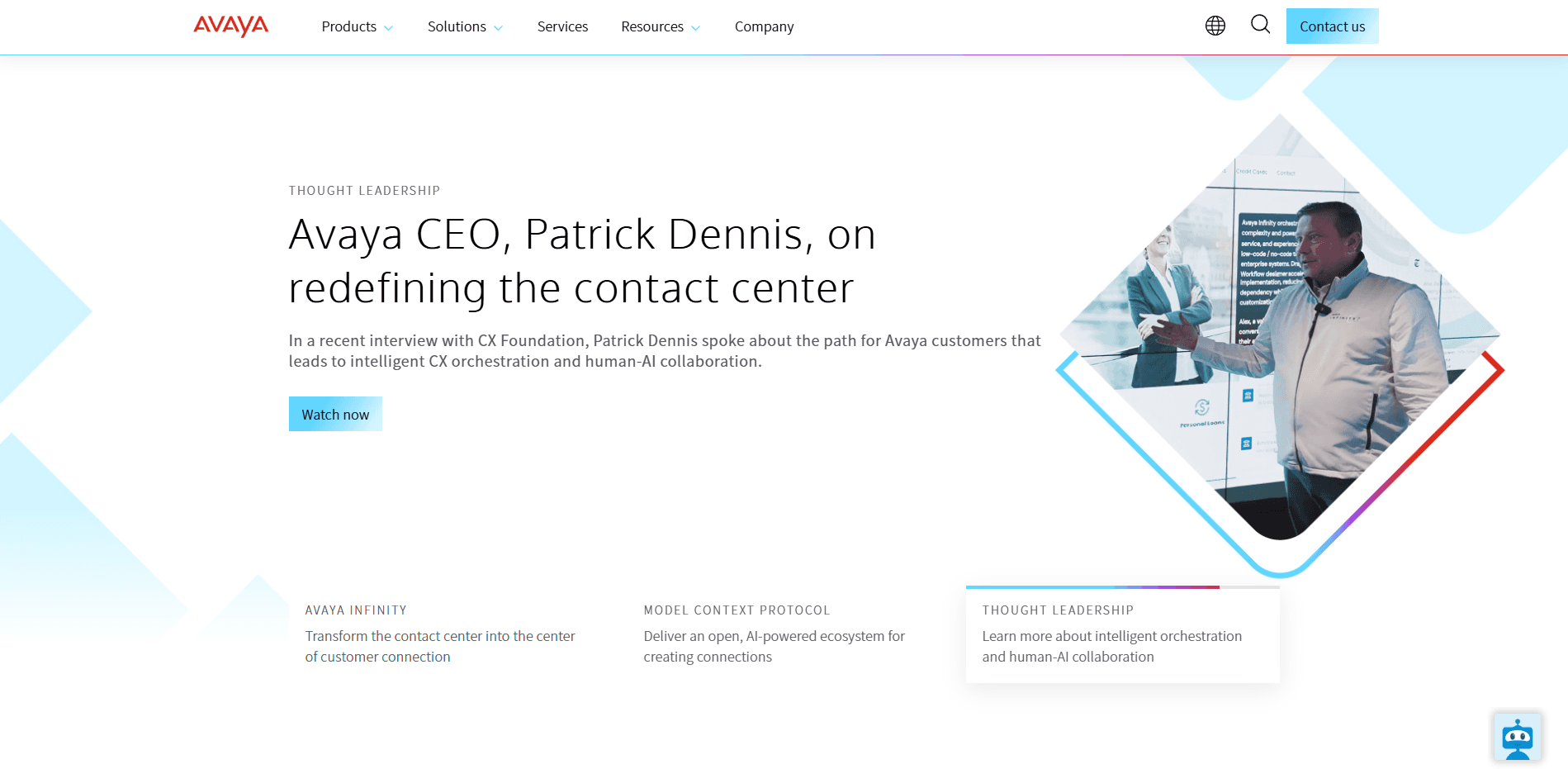
Avaya is a contact center solution that supports cloud, on-premises, and hybrid deployments. It handles voice, chat, email, and social media with flexible setup options.
Key features of Avaya
Offers a cloud-contact-center-software multichannel contact center with voice, digital, and social support
Includes video conferencing and unified communications
Provides strong integration capabilities across major platforms
Supports hybrid deployment for teams moving from on-prem to cloud
Scales with business growth through flexible licensing
Avaya pros and cons
Pros | Cons |
Flexible cloud, on-prem, and hybrid deployments | Authentication errors occur frequently |
Strong integrations and an expandable ecosystem | Deployment, configuration, and integrations can be complex |
Connects customers and employees in one platform, supporting strong engagement and business growth | Keyboard shortcuts can cause accidental call actions |
Across reviews, Avaya scores well for hybrid deployments and integrations. Users flag authentication errors and a steep learning curve during setup.
Avaya pricing
Avaya uses custom pricing based on deployment type and usage. Contact their sales team for a quote.
Should you switch to Avaya?
Avaya works well for teams that need deployment flexibility or want to keep on-premises infrastructure. It fits businesses with specific compliance requirements. Teams that want a simple, cloud-only setup may prefer Avaya over other Five9 competitors.
6. PhoneBurner
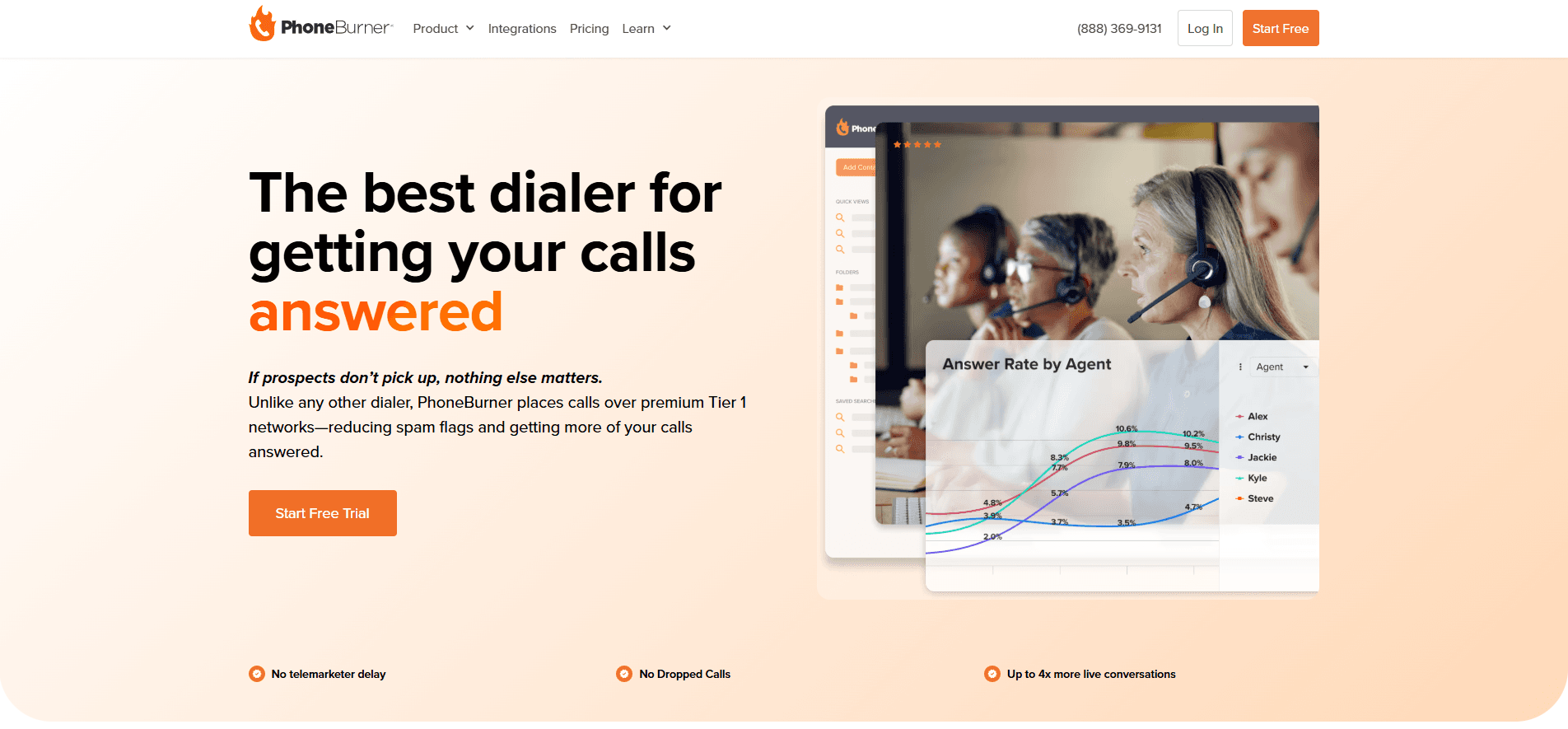
PhoneBurner helps outbound sales teams connect faster by removing busywork between calls. Its simple interface and smart automations let reps focus on selling.
Key features of PhoneBurner
Speeds up outbound calls with one-click power dialing
Logs every call and syncs with your CRM in real time
Lets reps drop pre-recorded voicemails with a single click
Offers built-in email and SMS follow-ups
Provides simple performance reports to track calls and conversions
PhoneBurner pros and cons
Pros | Cons |
Increases productivity and lead conversions with an intuitive, easy-to-use platform | The interface can feel more complicated than needed and takes time to learn |
Clean CRM integrations that work smoothly | Phone numbers cannot be easily changed or reassigned between contacts after initial calls |
Enables faster calling with clear call quality and keeps calls and follow-ups well organized | The power dialer skips some out-of-state numbers, forcing reps to call them manually |
User feedback shows PhoneBurner speeds up outbound calling and keeps leads organized. Expect a learning curve with the interface and manual workarounds for some out-of-state calls.
PhoneBurner pricing
Standard plan starts at $140 per user monthly. Professional is $165, and Premium is $183 with added features.
Should you switch to PhoneBurner?
PhoneBurner is hard to beat if your team spends most of the day on outbound calls. It's fast and built for efficiency. Teams that need inbound support or broader communication tools should look elsewhere.
7. Dialpad
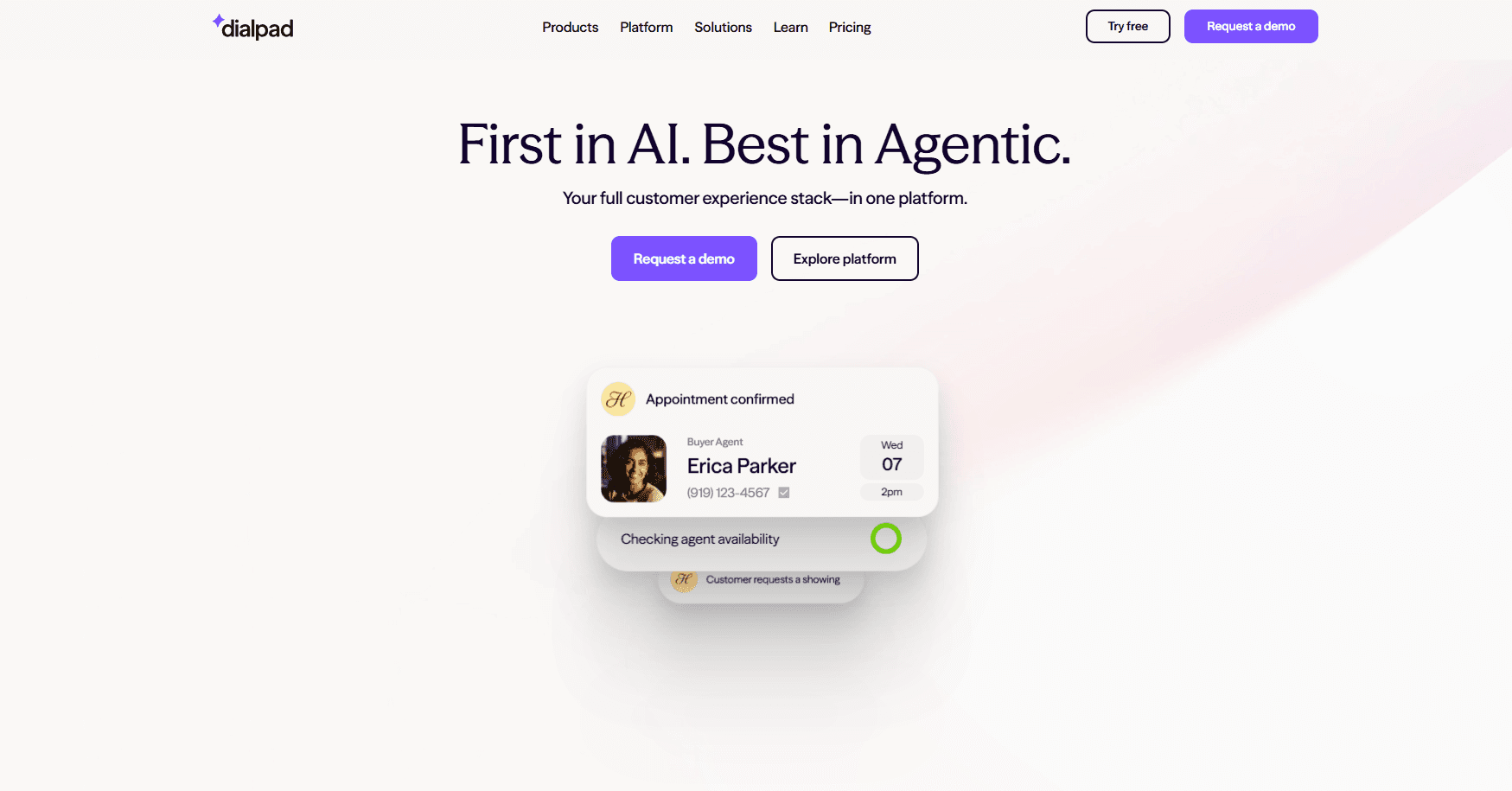
Dialpad adds practical AI features to everyday calling. It works well for teams that want immediate insights from their conversations without a complex setup.
Key features of Dialpad
Provides real-time transcriptions and post-call summaries
Detects sentiment during calls to gauge customer tone
Works across voice, video, and messaging in one interface
Integrates with CRMs and productivity tools
Offers live keyword tracking for managers during calls
Dialpad pros and cons
Pros | Cons |
Real-time AI transcriptions and summaries | Some users report strict contract terms with limited flexibility around renewals |
Brings calls, meetings, and chats into one easy-to-use platform with reliable performance | Minor bugs and notification issues occur, especially when switching networks |
Setup is simple and does not require extra security steps or additional costs | Call quality can drop on mobile devices in low-bandwidth conditions, leading to dropped calls or one-way audio |
Across feedback, Dialpad scores high for simple setup and real-time summaries. Users note contract inflexibility and occasional bugs when changing networks.
Dialpad pricing
Standard plan starts at $15 per user monthly. Pro is $25, and Enterprise offers custom pricing.
Should you switch to Dialpad?
Dialpad suits teams that want AI features out of the box at a lower price point. Teams that need personalized coaching tied to their sales process may benefit from a platform built for that.
How we tested these Five9 alternatives
We tested each platform with real sales teams running real campaigns.
One team was handling 300+ outbound calls a day with 15 reps. Another had strict compliance requirements on every inbound call. A third was scaling from 10 to 40 reps and needed something that wouldn't fall apart as they grew.
We wanted platforms that actually help reps perform better. That means faster call connections, clearer coaching feedback, and integrations that don't require constant IT support.
What we looked for:
Coaching depth: Does the platform give generic call summaries, or does it provide feedback tied to actual sales techniques and top-performer behaviors?
Reliability and performance: We tested call quality, connection stability, and how well each tool handled CRM integrations without constant troubleshooting.
Ease of adoption: We tracked how fast reps picked up each system and whether teams actually used the tools after the initial setup.
Scalability: We evaluated how well each platform adapts as teams grow, including pricing flexibility and integration options.
Which Five9 competitor should you choose?
Each platform serves a different type of team based on your goals, call volume, and need for coaching or automation.
Choose Nextiva if:
You want voice, digital, and AI tools consolidated in one platform
You need built-in workforce management
You have resources to manage a full-featured system
Choose Genesys if:
You need omnichannel support across voice, email, chat, and social
You want AI routing and quality assurance built in
You operate at mid-size to enterprise scale
Choose Talkdesk if:
You want industry-specific solutions with prebuilt workflows
You need low-code customization options
You want AI automation across the customer journey
Choose NICE CXone if:
You need enterprise-grade AI and workforce management
You have dedicated engineers to manage the platform
You want domain-specific AI trained on CX data
Choose Avaya if:
You need hybrid or on-premises deployment options
You have specific compliance requirements
You want to keep existing infrastructure while adding cloud features
Choose PhoneBurner if:
Your team focuses on high-volume outbound calling
Dialing speed matters more than inbound features
You want strong CRM integration for sales workflows
Choose Dialpad if:
You want AI transcription and sentiment analysis at a lower price
Your team needs quick setup with minimal training
You don't require custom coaching tied to your sales playbook
Stick with Five9 if:
You need a mature platform with strong predictive dialing
You already use Five9 integrations across your workflow
Your team size meets the 50-seat minimum
Alpharun and Five9: Turn your best reps into a system
Five9 offers built-in coaching through call recordings, quality scores, transcripts, and AI insights. Managers can review calls and coach reps from there.
The problem: that process doesn't scale. Your best manager can't coach 50 reps one-on-one. And Five9's scoring doesn't capture why your top closers win more deals than everyone else.
Alpharun solves both problems.
What Alpharun adds:
Most sales teams know who their top performers are. They don't know exactly what those reps do differently. Alpharun analyzes your best reps' calls and finds those patterns. Then it coaches your whole team to match.
Your top performers become the playbook: Alpharun identifies the phrases, timing, and responses your best closers use. Every rep gets coached on those specific behaviors.
Coaching scales without bottlenecks: Reps get feedback after every call based on your custom playbook. Managers don't have to review every recording to improve the team.
Specificity beats generic scoring: Five9 tells you a rep needs work on objection handling. Alpharun shows them exactly what your top closer says when a buyer pushes back on price.
AI takes over the grind: Scheduling, lead qualification, routine follow-ups. Alpharun's AI agents handle these, so reps focus on conversations that close.
How Alpharun and Five9 work together:
Five9 powers your contact center. It routes calls, runs campaigns, and manages your channels. Alpharun connects directly to Five9 and adds a custom coaching layer on top.
You get Five9's infrastructure with coaching built from what actually works for your team.
Scale your best reps across your Five9 operation
Each of these platforms handles different parts of the sales process well. Some focus on outbound speed. Others prioritize AI features at affordable prices.
But after exploring the top Five9 competitors, one thing stood out: Teams perform best when coaching, compliance, and performance tracking work together.
Alpharun helps make that happen by turning real call data into clear insights every rep can use. It's built for teams that want to coach smarter and keep improving with every conversation.
If you're ready to see it in action, book a demo with Alpharun and discover how AI coaching can help your team sell more.
Frequently asked questions
1. Does Five9 have a minimum seat requirement?
Yes, Five9 requires a minimum of 50 seats. Teams below that threshold should consider alternatives like Dialpad, PhoneBurner, or Talkdesk that offer more flexible minimums.
2. Can I add AI coaching to my existing Five9 setup?
Yes. Alpharun connects directly to Five9 and adds a real-time coaching layer on top of your current infrastructure. Setup takes about one week with no changes to your Five9 workflow.
3. How do I reduce rep ramp time with Five9?
Five9 offers call recordings and transcripts for manager-led training. For faster results, Alpharun automates QA across 100% of calls and delivers sentence-level feedback directly to reps after every conversation, cutting ramp time without adding to your managers’ workloads.
4. How much do Five9 competitors cost?
Five9 competitors range from $15 to $249 per user monthly. Dialpad has the lowest starting price at $15/user/month. NICE CXone runs up to $249/user/month for enterprise features. Avaya uses custom pricing based on deployment type.