

Admin work is stealing almost half of your sales team’s day. From data entry to tool-switching, the time that should go to selling slips away.
We’ve rounded up 15 sales productivity software tools that can help you save time each week and help your team hit quota faster.
15 best sales productivity software tools
Category | Tool | What it does | Best for | Starting price |
|---|---|---|---|---|
AI sales coaching and intelligence | Alpharun | AI sales coaching tool that analyzes real calls and builds custom playbooks | Large inside sales teams (50+ reps) | Custom pricing |
Gong | Records and analyzes sales conversations for coaching and insights | Mid-market and enterprise teams | Custom pricing | |
Chorus.ai | Analyzes sales calls with ZoomInfo integration for deal insights | Teams already using ZoomInfo | Custom pricing | |
Sales engagement and automation | Outreach | Automates email, phone, and social outreach to scale outbound sales | Teams running structured outbound campaigns | Custom pricing |
Salesloft | Manages multi-channel outreach and automates daily sales workflows | Teams using Salesforce | Custom quote | |
Apollo.io | Combines verified contact data with email and engagement tools | Outbound and lead generation teams | From $49/month | |
CRM and sales management | HubSpot Sales Hub | All-in-one CRM with automation, email tracking, and scheduling | Small to mid-size sales teams | From $90/user/month |
Salesforce | Enterprise CRM for managing deals, workflows, and automation | Enterprise sales teams | From $25/user/month | |
Pipedrive | Simple visual CRM for tracking deals and managing pipelines | Small to mid-size teams | From $14/user/month | |
Scheduling and communication | Calendly | Simplifies meeting booking and reminders across calendars | Sales teams booking frequent meetings | From $10/user/month |
Microsoft Teams | Chat, video, and file sharing connected with Outlook and CRMs | Teams using Microsoft 365 | From $4/user/month | |
Slack | Real-time messaging and collaboration with sales tool integrations | Remote or hybrid sales teams | From $4.38/user/month | |
Contract and eSignature Solutions | DocuSign | Enables secure electronic signatures for contracts and proposals | Sales teams closing deals frequently | From $10/user/month |
Dropbox Sign | Basic eSignature tool connected to Dropbox and Google Drive | Small teams and individuals | From $20/month | |
PandaDoc | Creates, tracks, and signs proposals and contracts | Teams managing quotes and proposals | From $19/month |
1. Alpharun
What it does
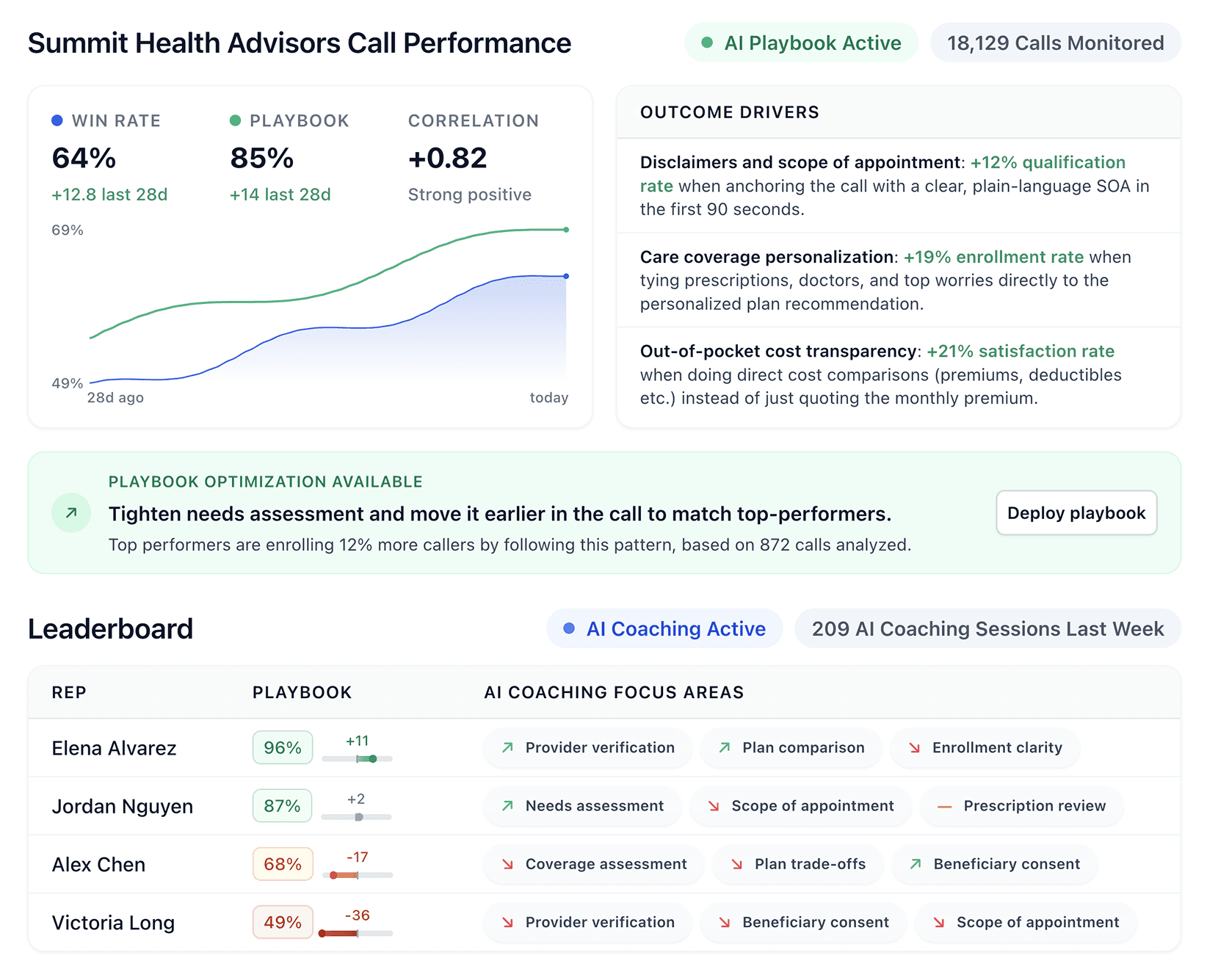
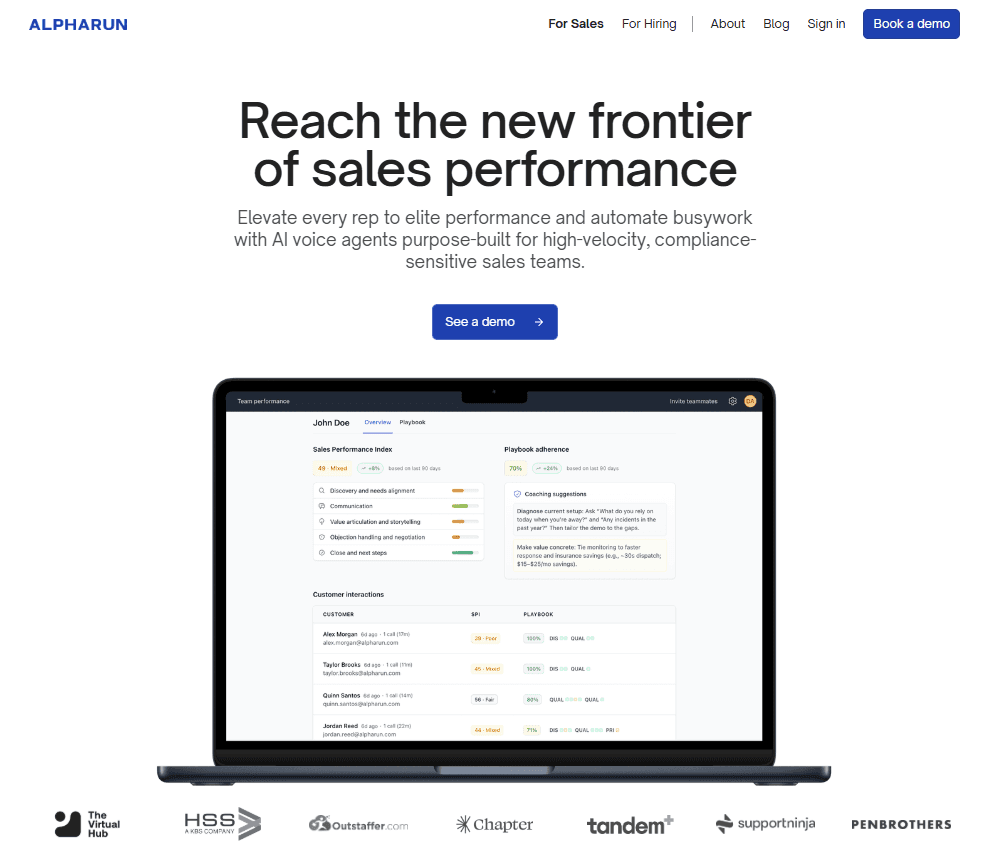
Alpharun is an AI sales coaching tool that analyzes real customer calls to find what top reps do best. It builds smart playbooks based on proven conversations so every rep can follow the same winning patterns.
Why it stands out
Unlike generic coaching platforms that rely on surface metrics, Alpharun pinpoints the exact moments in calls where reps can improve. It connects coaching directly to your playbook standards, compliance rules, and sales goals.
Key features
Custom AI playbooks: Built from your own calls and updated as sales tactics evolve
Real-time coaching: Gives sentence-level feedback during and after calls
Compliance-aware models: Keeps coaching aligned with company and industry rules
Performance insights: Tracks trends and highlights where each rep can improve
Best for
Large inside sales teams (50+ reps) in business-to-consumer (B2C) or transactional business-to-business (B2B) industries like insurance, healthcare, or businesses with repeatable sales processes.
Pricing
We customize pricing based on your team size, chosen features, and compliance requirements.
Pros and cons
Pros | Cons |
|---|---|
Coaching connects to playbook standards and specific call moments. | Best suited for larger sales teams; smaller groups may find it more than they need |
Recommendations pinpoint exact sentences for faster improvement | Pricing targets enterprise and upper mid-market budgets |
AI playbooks update with product, compliance, and buyer changes. | Focuses on sales performance rather than full contact center management |
What you need to know
Choose Alpharun if you want AI coaching that mirrors what your top reps do best. It’s ideal for teams focused on scaling proven sales behaviors and improving performance with data-backed precision.
2. Gong
What it does
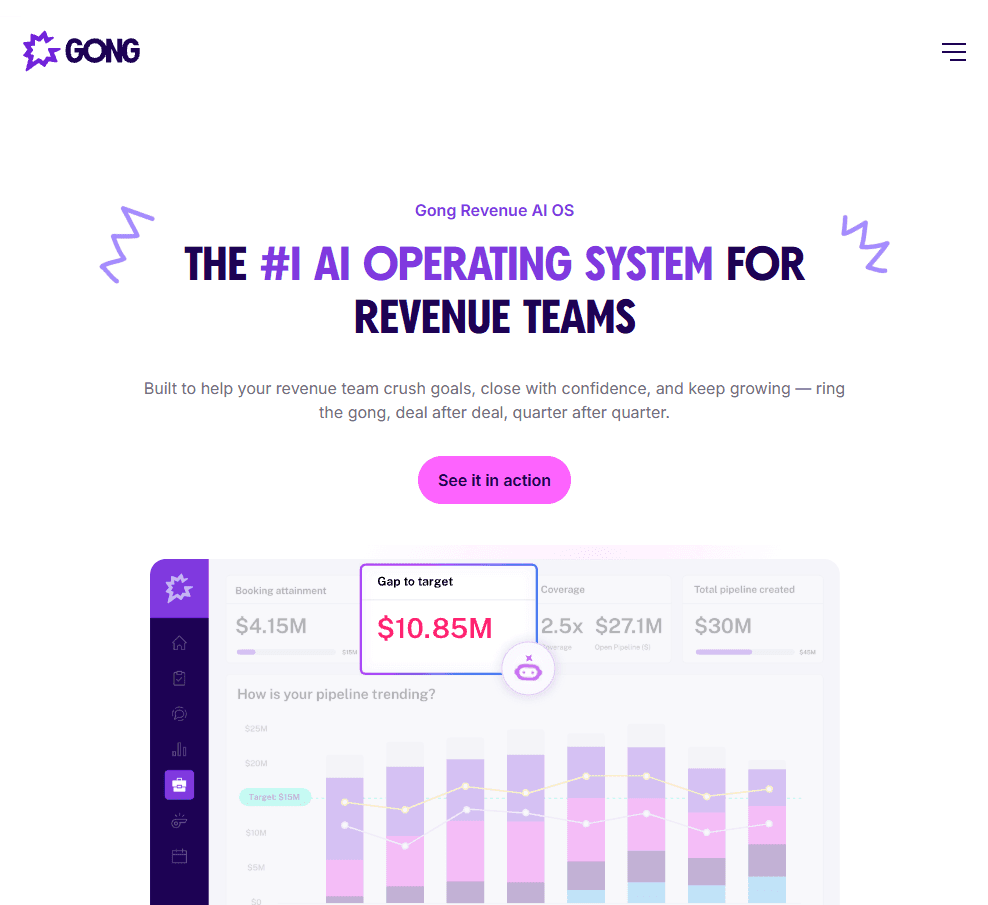
Gong is a conversation intelligence platform that records, transcribes, and analyzes every sales interaction to uncover insights and coaching opportunities. It helps sales teams understand what drives winning conversations and how to replicate top-performer behavior.
Who it’s for
Mid-market and enterprise teams that want deep analytics on sales conversations, deal health, and revenue performance.
Why it stands out
Gong gives leaders a full view of every deal and conversation. By analyzing patterns like talk ratios, competitor mentions, and customer sentiment, Gong helps managers coach more effectively and identify what’s working across the team.
Key features
Automatic call analysis: Records and transcribes calls across phone, video, and email
Deal intelligence: Detects risks, competitor mentions, and key discussion points
Team insights: Reveals what top performers do differently
Revenue intelligence: Connects conversation data directly to pipeline outcomes
Pricing
Gong pricing is per user with a platform fee based on team size, and it includes free integrations with your existing tech stack.
Pros and cons
Pros | Cons |
|---|---|
Proven to boost revenue and customer satisfaction | User says Gong needs built-in AI for faster conversation insights.Feedback is generic and not customized for your company.You can’t turn the reports into a custom playbook like Alpharun. |
Deep customer relationship management (CRM) and conferencing integrations | User mentions call trackers were hard to set up |
Pinpoints specific, actionable coaching moments | Feedback says Gong needs more detailed search filters |
What you need to know
Gong delivers powerful insights, but it works best when your team is ready to act on the data. Expect a learning curve and a higher price tag, but the payoffs are better coaching, smarter conversations, and stronger revenue results.
3. Chorus.ai
What it does
Chorus.ai records and analyzes sales calls while integrating directly with ZoomInfo’s buyer intelligence to give full deal context.
Who it’s for
Sales teams already using ZoomInfo that want conversation insights tied to account data.
Why it stands out
Chorus provides actionable insights from real calls, helping managers coach reps using real examples. When paired with ZoomInfo, it gives a complete view of deals from conversations to account signals.
Key features
call recording: Automatically records and transcribes calls
Pattern analysis: Finds behaviors linked to successful outcomes
ZoomInfo integration: Adds context from buyer data and deal activity
Coaching moments: Highlights strong or weak call moments for feedback
Pricing
Contact ZoomInfo for pricing as part of the platform bundle.
Pros and cons
Pros | Cons |
|---|---|
Strong integration with ZoomInfo data | Best suited for ZoomInfo customers |
Useful for coaching with real examples | Review mentions slow notetaker joining process |
Adds buyer context to conversation analysis | Feedback highlights small transcription errors with multiple speakers |
What you need to know
Chorus is best for teams already in the ZoomInfo ecosystem. If you’re not using ZoomInfo, tools like Gong or Alpharun may offer broader insights for standalone use.
4. Outreach
What it does
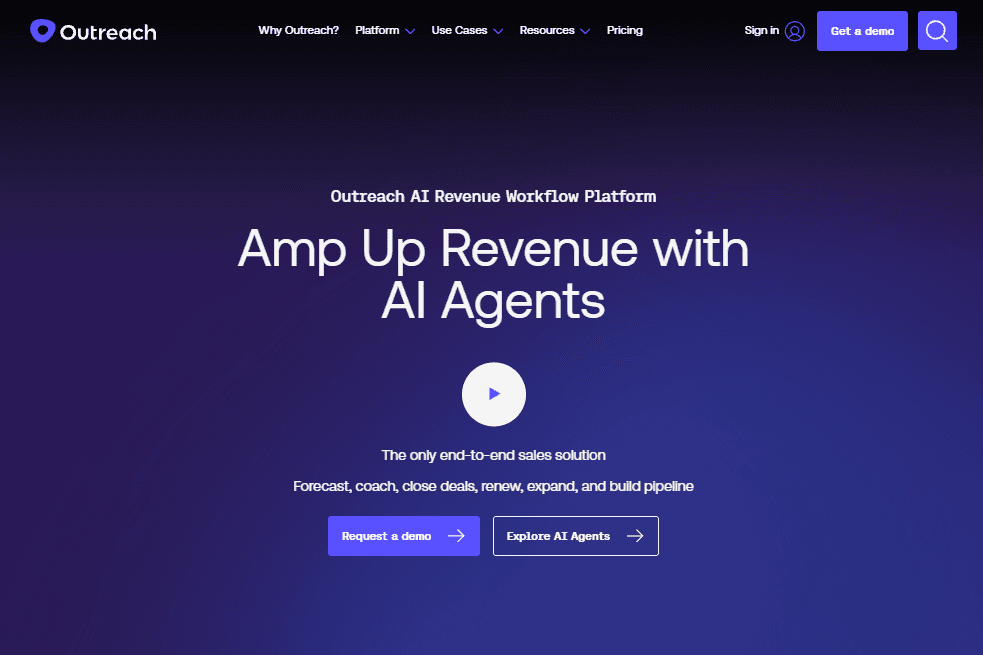
Outreach automates multi-channel sales outreach across email, phone, and social while keeping personalization intact. It helps teams scale outbound campaigns, improve follow-ups, and manage workflows in one place.
Who it’s for
Sales teams running structured outbound campaigns or complex sequences that need a reliable platform to coordinate outreach at scale.
Why it stands out
Outreach simplifies the outbound process from prospecting to scheduling. It helps reps focus on selling instead of managing tools and often leads to higher revenue and lower costs.
Key features
Smart sequences: Create automated, multi-touch campaigns across channels
CRM integration: Syncs directly with Salesforce for accurate, real-time data flow
Analytics dashboard: Tracks performance across reps, messaging, and campaigns
Meeting automation: Automatically books meetings from prospect responses
Pricing
Outreach pricing is per user with no platform fees and support included.
Pros and cons
Pros | Cons |
|---|---|
Scales outbound workflows efficiently | Review notes setup takes months, slowing execution for sales teams |
Strong analytics for message timing and performance | User mentions lag and instability with massive data sets |
Reduces tool sprawl with all-in-one engagement | Learning curve for advanced sequence building |
What you need to know
Outreach is powerful for teams with structured outbound sales processes, but it requires clear workflows and setup time to get the most value. Once in place, it can dramatically improve consistency, visibility, and conversion rates.
5. Salesloft
What it does
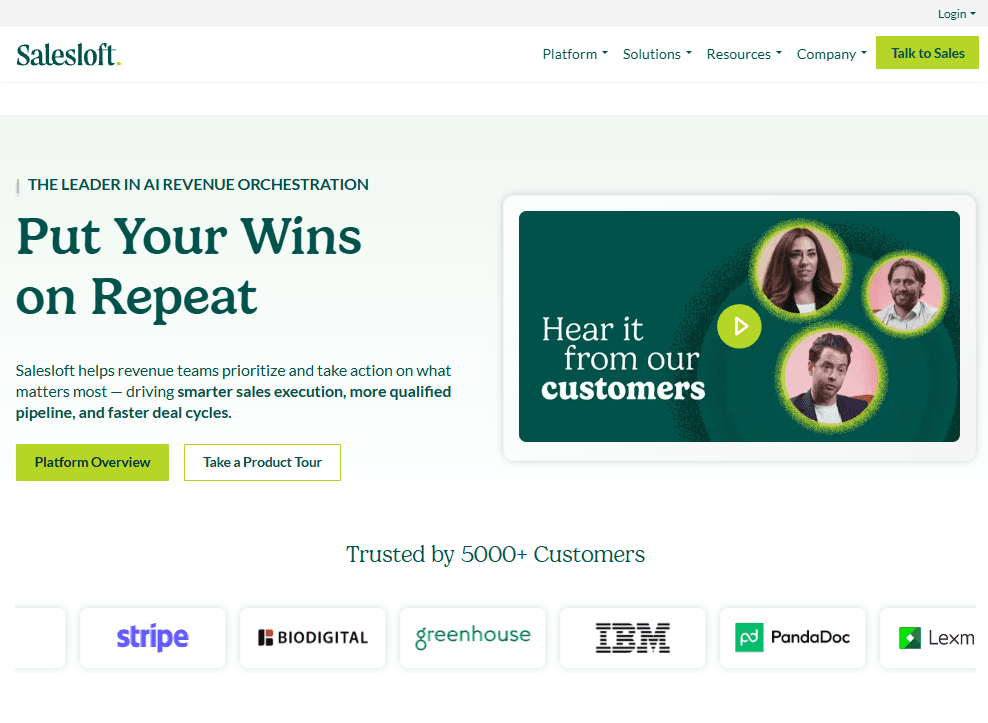
Salesloft acts as a sales “co-pilot,” helping teams manage outreach, automate workflows, and connect CRM data across multiple channels. It centralizes communication and reporting to make the entire sales process more efficient.
Who it’s for
Sales teams using CRMs like Salesforce that want a structured, multi-channel engagement platform.
Why it stands out
Salesloft simplifies how sales reps manage daily tasks by combining calls, emails, and LinkedIn engagement in one place. It gives managers full visibility into pipeline activity and helps teams stay consistent across outreach campaigns.
Key features
Workflow automation: Streamlines follow-ups and reminders
Multi-channel outreach: Engage leads through email, calls, and social media
CRM integration: Syncs data automatically with Salesforce and other tools
Analytics dashboard: Tracks activity, engagement, and deal progress
Pricing
Salesloft’s pricing depends on team size and use case. Contact Salesloft for a custom quote.
Pros and cons
Pros | Cons |
|---|---|
Strong integrations with major CRMs like Salesforce | Some users report issues with call functionality |
Centralized dashboard for all outreach activities | Fewer integration options than competitors |
Great for running coordinated, multi-channel campaigns | Feedback says reporting is limited and needs manual exports for deeper insights |
What you need to know
Salesloft is ideal if your team already uses Salesforce and wants a connected sales workflow. It delivers strong automation and reporting but may feel limited if you rely heavily on less common integrations.
6. Apollo.io
What it does
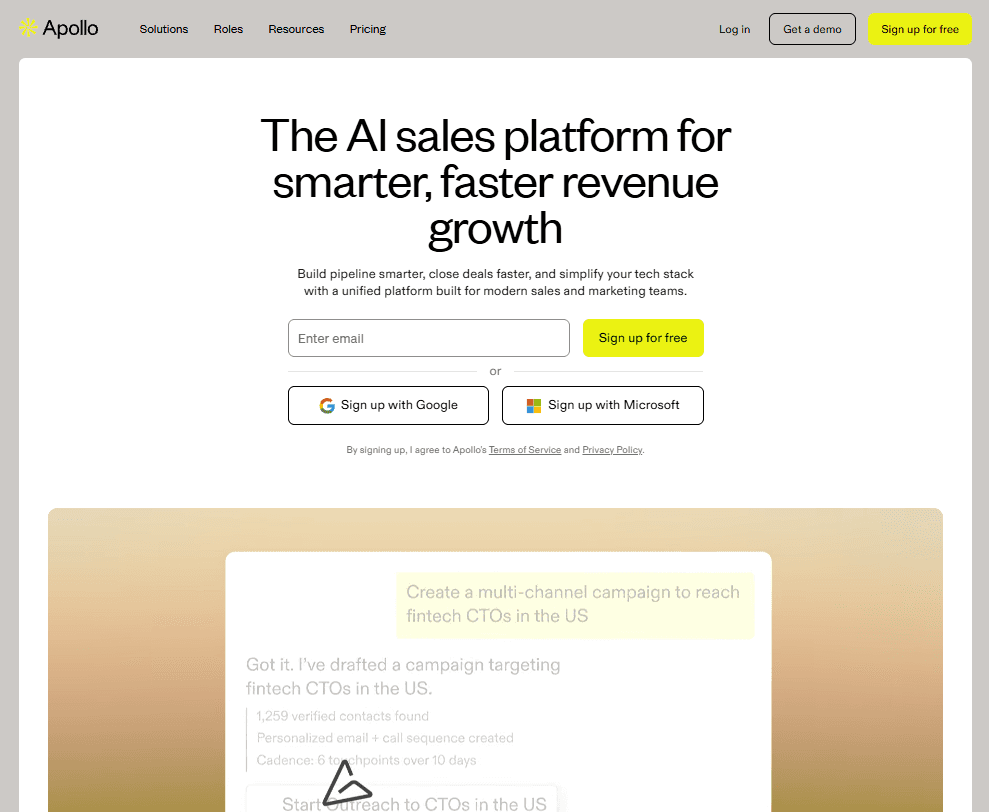
Apollo.io combines B2B contact data, email verification, and sales engagement tools in one platform. It helps sales teams find leads, verify contact information, and automate outreach, all from a single workspace.
Who it’s for
Sales teams focused on outbound prospecting and lead generation.
Why it stands out
Apollo.io simplifies outbound prospecting by merging data enrichment, engagement, and automation. With over 270 million verified contacts and strong intent data, it’s a cost-effective alternative to enterprise tools.
Key features
Contact database: Access verified data for millions of prospects
Intent data: Identify buyers researching your solutions
Sequences: Build and automate email campaigns
CRM integration: Sync seamlessly with Salesforce and HubSpot
Pricing
Free plan available; paid plans start at $49 per month and scale to $119 per month for teams.
Pros and cons
Pros | Cons |
|---|---|
Combines data and engagement tools in one place | Review says Apollo.io often has incorrect contact details |
More affordable than most competitors | Feedback highlights need for better contact data cleanup features |
Reliable data accuracy and built-in verification | Feedback highlights issues with unreliable email data |
What you need to know
Apollo.io is great for teams that want accurate data and engagement automation in one platform. It’s best suited for outbound-focused teams that need reliable prospecting without enterprise-level pricing.
7. HubSpot Sales Hub
What it does
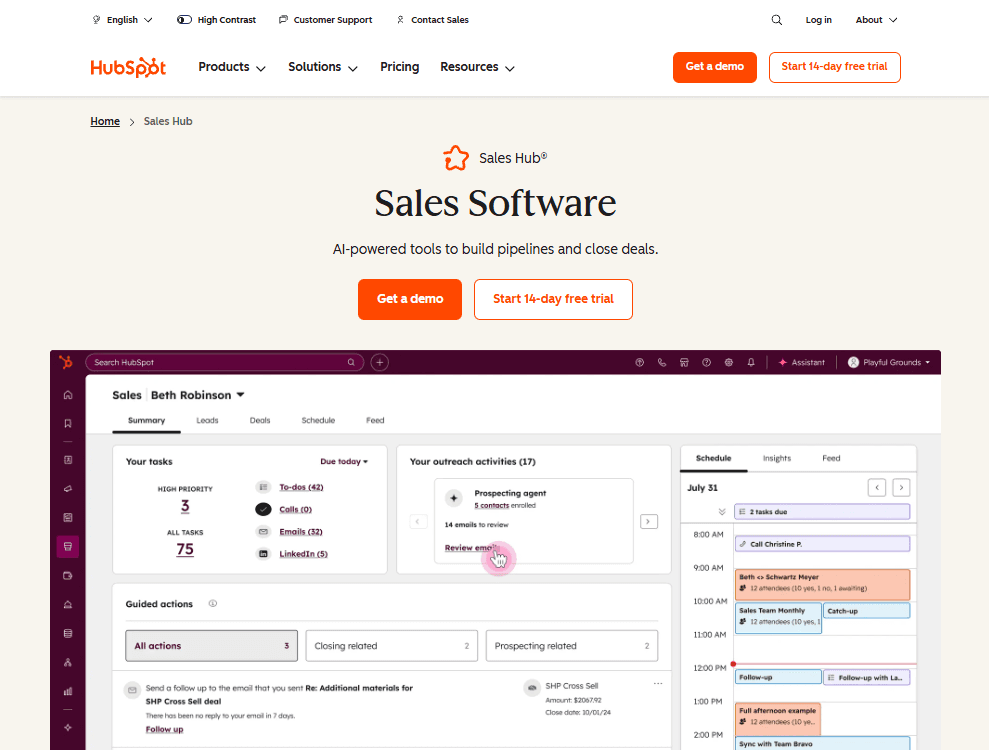
HubSpot Sales Hub is an all-in-one sales platform that combines CRM, email tracking, meeting scheduling, and automation in a single workspace.
It helps teams manage pipelines, track performance, and engage leads without juggling multiple sales productivity tools.
Who it’s for
Small to mid-size sales teams that want a connected system for managing deals, communication, and follow-ups.
Why it stands out
HubSpot Sales Hub has a simple, easy-to-use design and a free CRM with real value. It grows with your business by adding tools for automation, analytics, and coaching. It also keeps sales and marketing connected in one system.
Key features
Free CRM: Manage contacts, deals, and pipelines at no cost
Email tracking & templates: See when prospects engage and send personalized outreach at scale
Meeting scheduler: Built-in calendar booking that replaces extra scheduling tools
Sales automation: Trigger follow-ups and workflows automatically based on lead activity
Pricing
HubSpot Sales Hub pricing starts at $90 per user/month for Professional and $150 per user/month for Enterprise.
Pros and cons
Pros | Cons |
|---|---|
Free version includes strong core features | Costs rise quickly as advanced tools are added |
Smooth integration with HubSpot Marketing Hub | Customization can feel limited compared to enterprise CRMs |
Great for keeping sales and marketing in sync | Feedback says HubSpot Sales Hub needs stronger AI features for productivity |
What you need to know
HubSpot makes it easy to get started and scale as you grow, but costs can rise as you add features. It’s best for teams that value simplicity, integration, and ease of use over deep customization.
8. Salesforce
What it does
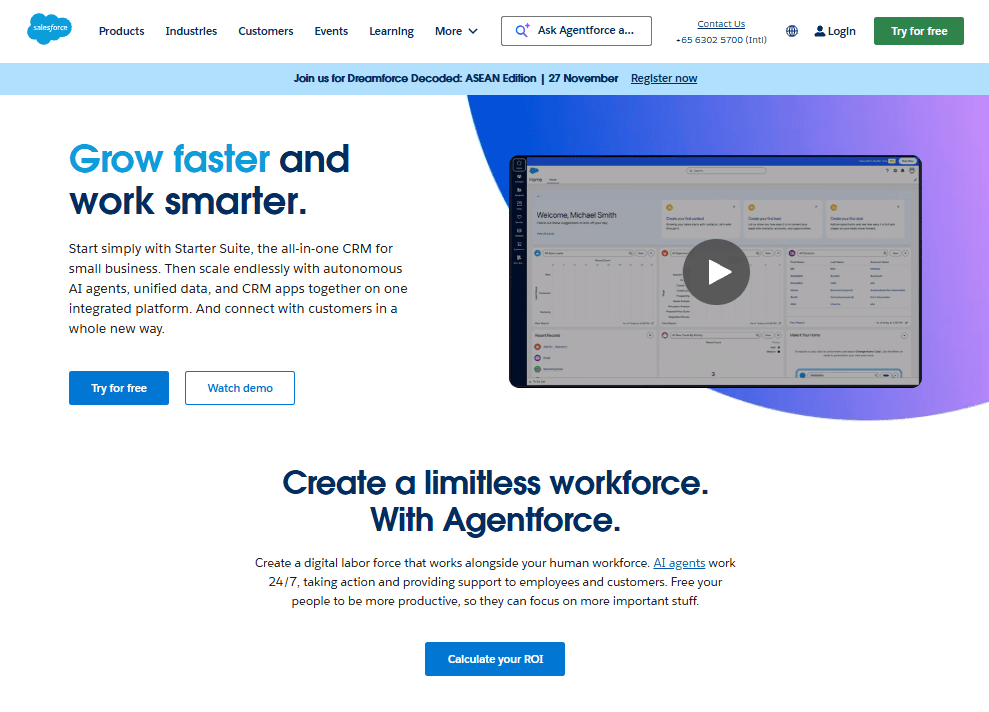
Salesforce is a comprehensive CRM that manages sales processes, customer relationships, and revenue operations across departments.
Who it’s for
Enterprise teams that need deep customization, automation, and integration capabilities.
Why it stands out
Salesforce is the industry standard for enterprise sales management. With advanced automation, reporting, and an ecosystem of integrations, it scales from startups to global enterprises and supports even the most complex sales workflows.
Key features:
Sales Cloud: Manage pipelines and forecasts
Einstein AI: Predict outcomes and recommend next steps
AppExchange: Access thousands of third-party integrations
Custom workflows: Automate unique sales processes
Pricing
Salesforce plans typically start around $25 per user/month, with higher tiers for advanced functionality.
Pros and cons
Pros | Cons |
|---|---|
Extremely customizable for complex sales needs | User notes key features are locked behind expensive tiers |
Deep analytics and forecasting tools | Requires setup and dedicated admin support |
Most integrations available on the market | Steep learning curve for new users |
What to know before choosing Salesforce
Salesforce is the right choice if you need full control and scalability. Smaller teams, however, might prefer simpler tools that don’t require ongoing admin support.
9. Pipedrive
What it does
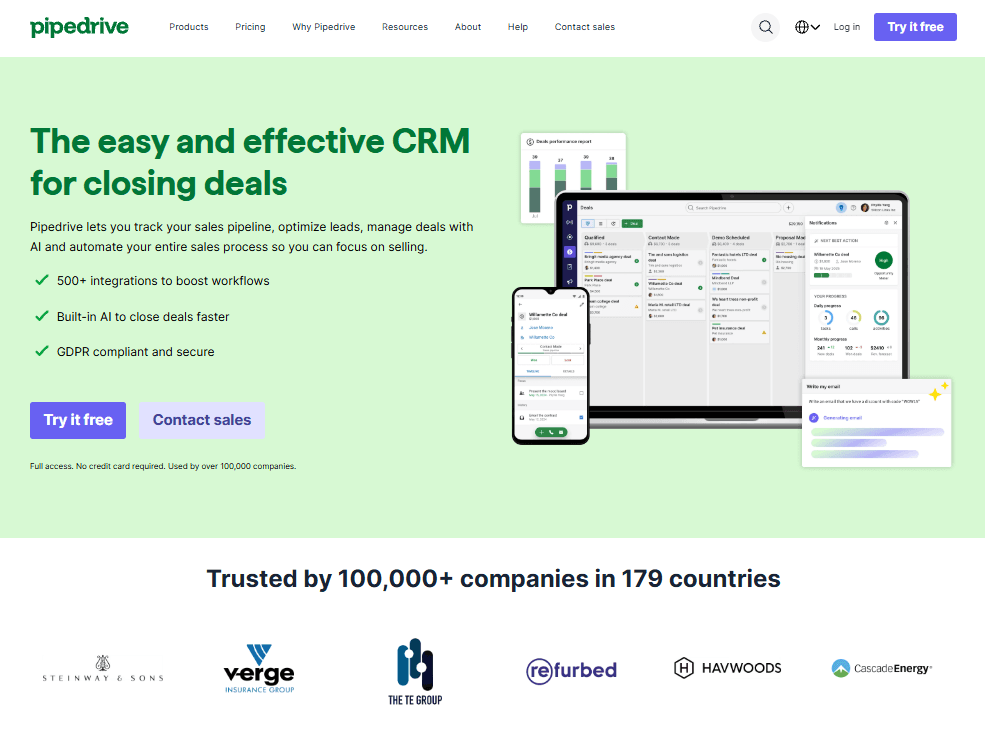
Pipedrive is a visual CRM that focuses on deal tracking and pipeline management. It keeps sales processes simple and easy to follow.
Who it’s for
Small and mid-size sales teams that want an affordable, easy-to-use CRM.
Why it stands out
Pipedrive helps reps stay organized with a drag-and-drop sales pipeline. It focuses on activities that move deals forward and includes clear reporting to track progress.
Key features
Pipeline management: Track every deal in one view
Activity tracking: Stay on top of calls, emails, and tasks
Email sync: Log communication automatically
Mobile app: Manage deals on the go
Pricing
Pipedrive pricing starts at $14 per user per month, with plans at $39, $59, and $79 billed annually, plus a free 14-day trial.
Pros | Cons |
|---|---|
Simple interface for quick onboarding | User says reporting is limited by too few filters |
Affordable compared to larger CRMs | Feedback notes limited report customization and pricey advanced tools |
Helps teams stay focused on key actions | User says advanced features are locked in higher plans, limiting small teams |
What you need to know
Pipedrive is ideal for teams that want an easy, visual CRM without extra complexity. It covers the essentials well but may not fit large organizations needing advanced automation.
10. Calendly
What it does
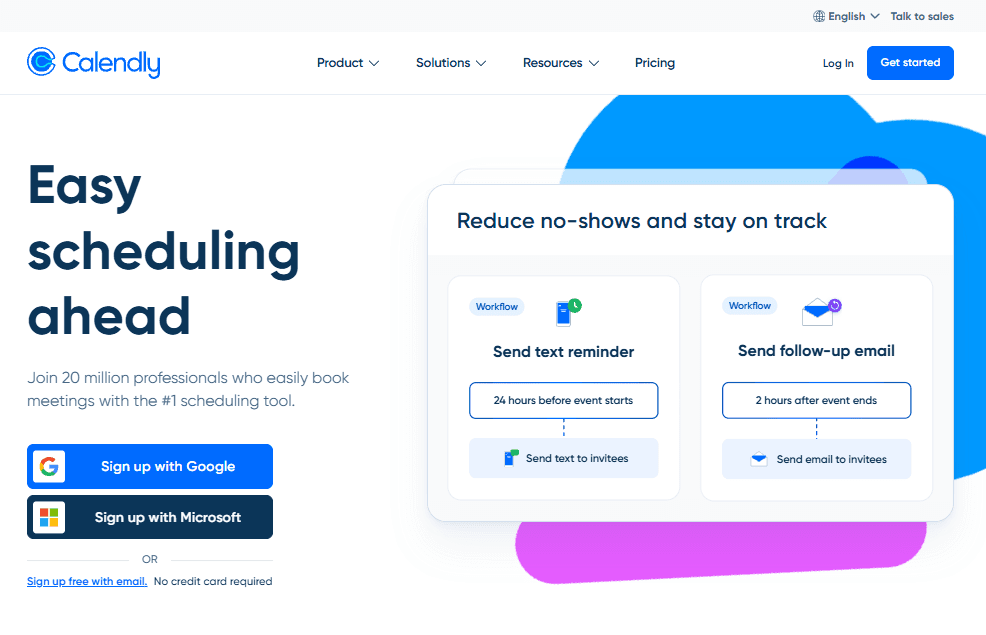
Calendly removes the back-and-forth of scheduling by letting prospects choose available meeting times directly from your calendar. Once a time is picked, everyone automatically receives a calendar invite.
Who it’s for
Sales professionals and teams that regularly schedule demos, discovery calls, or follow-ups.
Why it stands out
Calendly saves time by making it easy to find meeting times that work for everyone. It organizes your calendar, reduces no-shows, and helps you focus on closing deals instead of scheduling.
Key features
Smart availability: Displays only your open times across all connected calendars
Meeting types: Customize durations, formats, and pre-meeting questions
Team scheduling: Automatically routes bookings to the right team member
Automatic reminders: Sends confirmations and reminders to reduce no-shows
Pricing
Calendly pricing starts with a free plan, then $10 and $16 per user per month, with enterprise plans starting at $15K per year.
Pros and cons
Pros | Cons |
|---|---|
Saves hours each week by automating scheduling | Premium features may require upgrades |
Simple interface prospects can use instantly | Can feel impersonal for relationship-driven sales |
Works seamlessly with Zoom, Google Meet, and Teams | Some prospects still prefer manual scheduling |
What you need to know
Calendly is perfect for busy reps who book multiple meetings each day. It’s fast, reliable, and easy to use, but may feel too transactional for teams that rely on high-touch, personal communication.
11. Microsoft Teams
What it does
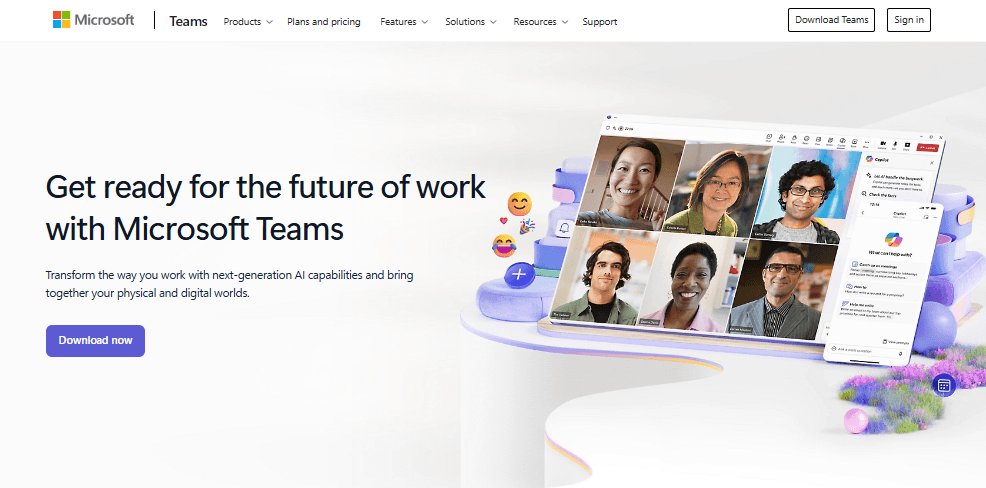
Microsoft Teams brings chat, video meetings, and file sharing into one place. It connects with Outlook and CRMs to make communication easier inside and outside your sales team.
Who it’s for
Sales teams using Microsoft 365 or those that need a single tool for communication, meetings, and file sharing.
Why it stands out
Teams helps sales reps stay connected through real-time chat, calendar sync, and shared documents. It is especially helpful for remote or hybrid teams that depend on quick coordination.
Key features
Video and chat: Talk or meet with teammates and clients
Outlook integration: Schedule and manage meetings directly from your inbox
File sharing: Work together on proposals, presentations, and contracts
CRM connectivity: Links with major platforms for unified workflows
Pricing
Included in most Microsoft 365 Business plans. Standalone plans start at $4 per user per month.
Pros and cons
Pros | Cons |
|---|---|
Brings chat, meetings, and files together | Interface can feel crowded for new users |
Connects easily with Outlook and Microsoft 365 | Needs setup for CRM integrations |
Works well for remote and hybrid teams | Feature-heavy for smaller groups |
What you need to know
Teams is a strong option if your company already uses Microsoft tools. It keeps sales communication organized, but smaller teams may find it more than they need.
12. Slack
What it does
Slack keeps sales teams connected through real-time messaging, channels, and integrations with key sales tools.
Who it’s for
Any sales team, especially remote or distributed teams that need better internal collaboration.
Why it stands out
Slack replaces messy email threads with organized conversations. Channels for deals, customers, or regions help sales teams communicate efficiently, share updates, and stay aligned with marketing and support.
Key features
Organized channels: Keep topics separate and searchable
Direct messaging: Quick answers without meetings
File sharing: Share documents and proposals instantly
Integrations: Connect with CRMs, schedulers, and analytics tools
Pricing
Slack pricing starts with a free plan, then $4.38 and $9 per user per month, with enterprise plans available on request.
Pros and cons
Pros | Cons |
|---|---|
Keeps teams connected and aligned | Can create notification overload |
Reduces internal emails and delays | May cause distractions if not managed |
Searchable messages make information easy to find | Some teams rely too much on casual chat |
What you need to know
Slack helps sales teams stay in sync, but it works best with clear communication guidelines. Without them, it can easily become noisy or distracting.
13. Docusign
What it does
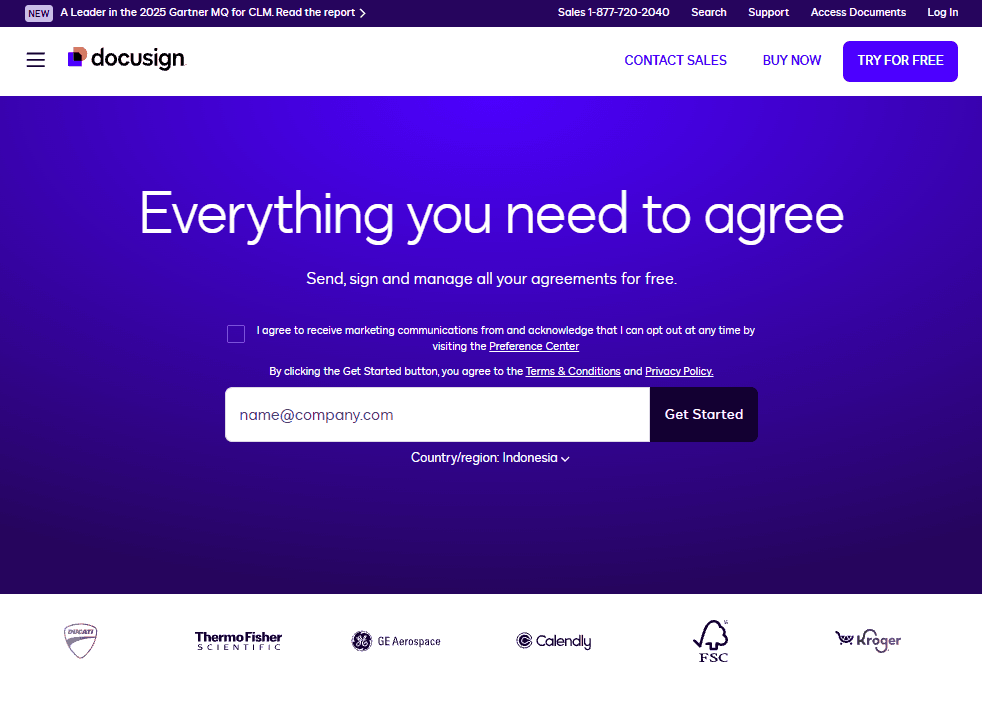
DocuSign enables secure electronic signatures for contracts, proposals, and agreements, speeding up the deal-closing process.
Who it’s for
Sales teams that need fast, compliant digital signatures for frequent deal closures.
Why it stands out
DocuSign is the gold standard for eSignatures. It’s legally recognized in most countries and integrates with major CRMs, making it a go-to for modern sales teams.
Key features
eSignature: Legally binding digital signatures worldwide
Mobile signing: Sign documents from any device
Templates: Save time with reusable contracts
Audit trail: Track signature activity for compliance
Pricing
DocuSign pricing starts at $10 per month, with Standard at $25, Business Pro at $40, and custom Enhanced plans available through sales.
Pros and cons
Pros | Cons |
|---|---|
Industry-leading reputation and trust | Higher cost than some competitors |
Fast and secure signing experience | May be overkill for basic needs |
Easy for signers to use on any device | Some mobile users report glitches |
What you need to know
DocuSign is ideal if your team handles frequent contracts or needs compliance-grade eSignatures. The price is worth it for reliability and customer confidence.
14. Dropbox Sign
What it does
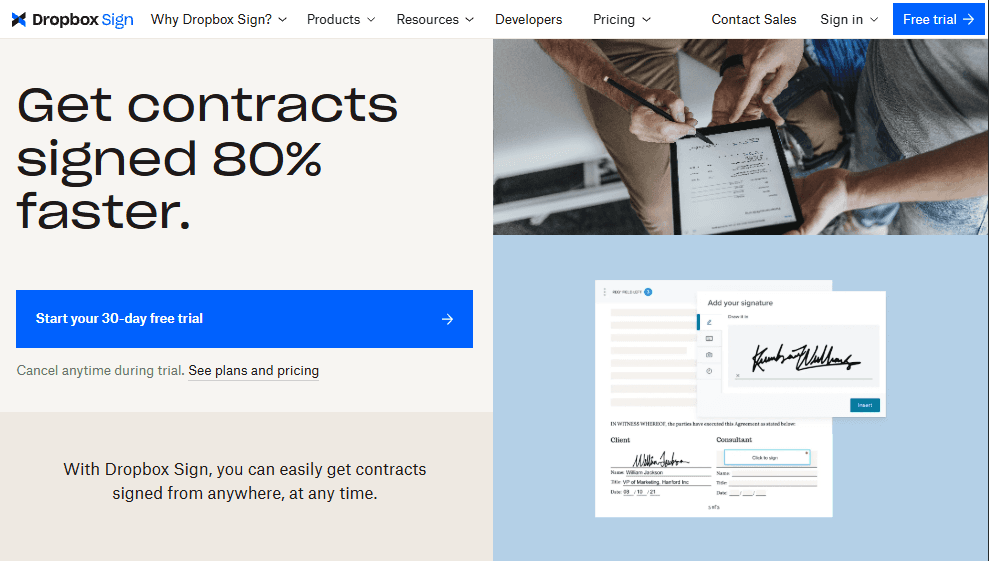
Dropbox Sign is Dropbox’s streamlined tool for electronic signatures. It lets users send, sign, and manage documents securely without leaving their cloud storage workspace.
Who it’s for
Small teams and individuals who need an easy, affordable way to collect signatures digitally.
Why it stands out
Dropbox Sign focuses on simplicity and tight integration with Dropbox and Google Drive. It’s ideal for smaller teams that need basic eSignature capabilities without the complexity or cost of enterprise-level tools.
Key features
Document signing: Send and sign legally binding contracts online
Cloud integration: Works seamlessly with Dropbox and Google Drive
Template library: Reuse frequently used forms and agreements
Audit trail: Tracks document status for transparency and compliance
Pricing
Dropbox Sign pricing starts at $15 per month for Essentials, $25 per user per month for Standard, with custom pricing for Premium plans.
Pros and cons
Pros | Cons |
|---|---|
Integrates smoothly with Google Drive and Dropbox | User says emails lag and tracking multiple documents is confusing |
Simple setup for individuals and small teams | User says Dropbox Sign’s email delivery is unreliable, often forcing manual PDF signings |
Affordable entry-level pricing | Review says signing emails often get delayed or land in spam, causing consent form delays |
What you need to know
Dropbox Sign is a solid choice for small teams that value simplicity and low cost. However, if your workflow relies on Salesforce or mobile access, you may want a more robust eSignature tool like DocuSign.
15. PandaDoc
What it does
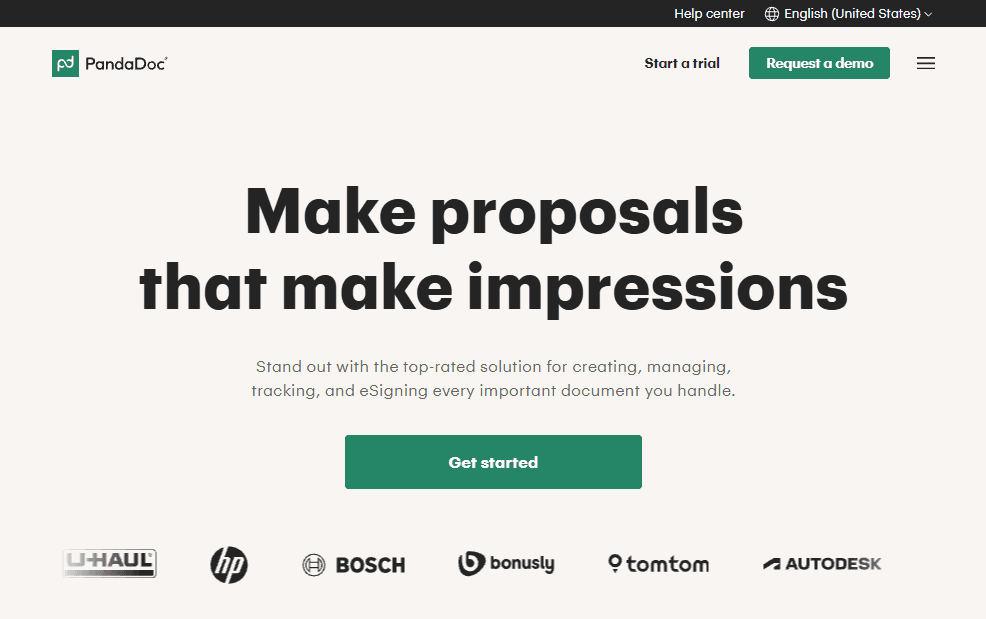
PandaDoc combines document creation, templates, analytics, and eSignatures in one platform. It helps sales teams send quotes, proposals, and contracts faster.
Who it’s for
Sales teams that handle frequent proposals or need to manage the full document workflow from creation to signing.
Why it stands out
PandaDoc saves time by giving teams ready-made templates and drag-and-drop tools. It tracks when clients open, view, and sign documents, helping reps follow up at the right time.
Key features
Templates: Create and reuse branded proposals
eSignatures: Collect secure signatures online
Document tracking: See when clients open or sign
Integrations: Works with CRMs and payment tools
Pricing
PandaDoc pricing starts at $19 per month for Starter, $49 for Business, with custom Enterprise pricing available on request.
Pros and cons
Pros | Cons |
|---|---|
Easy to create and send sales documents | Some features locked behind higher tiers |
Tracks client engagement in real time | Custom branding can take extra setup |
Integrates with CRMs and payment apps | Occasional syncing issues with older CRMs |
Types of sales productivity software
Different tools help with different parts of the sales process. Here’s an easy way to think about the key types in your sales productivity stack:
AI sales coaching and intelligence
These tools analyze sales calls to find what top performers do differently. They use AI to listen, track patterns, and give reps clear, real-time feedback they can act on. Instead of broad coaching tips, reps get specific guidance that helps them improve every conversation. Gong anchors this category for B2B teams; if it isn’t the right fit, we compared the leading Gong competitors separately.
Sales engagement and automation
Sales engagement tools help reps connect with more prospects through email, calls, and social media. They handle routine tasks like follow-ups and scheduling, freeing up time for actual selling. The best ones keep outreach personal while making sure nothing slips through the cracks.
CRM and sales management
Your CRM is where sales happens day to day. It tracks deals, customer relationships, and pipeline progress. A good CRM gives your team a single view of every opportunity so everyone knows what to focus on and what’s next.
Scheduling and communication
These tools make it easy for sales teams to stay in touch and book meetings fast. They combine chat, video, and calendar features so reps can spend less time coordinating and more time selling. They’re especially useful for remote or hybrid teams.
Contract and eSignature solutions
These tools simplify the final steps of the sale. They let you create, send, and sign proposals or contracts online in minutes. With everything tracked and stored securely, deals close faster and without paperwork delays.
How to choose the right sales productivity tools
The best tools depend on how your sales process works. Don’t just pick what your competitors use. Start by identifying where your team loses time or momentum.
Find your biggest bottlenecks:
Reps spending too much time on data entry? Try CRM automation.
Struggling to find qualified prospects? Look into lead intelligence tools.
Seeing inconsistent performance across your team? Add AI coaching or conversation intelligence.
Long sales cycles with too many touchpoints? Use engagement automation to keep deals moving.
Most sales teams use multiple tools every day, and the more disconnected they are, the harder it is to stay productive. Tools that don’t integrate well often create extra manual work instead of saving time.
Before choosing, consider:
Ease of use: Will your team actually use it every day?
Integration: Does it sync with your CRM and other key tools?
Scalability: Can it handle growth as your team expands?
ROI timeline: How soon will it deliver measurable results?
Training needs: How long will it take for reps to get comfortable?
Start small. Choose two or three tools that solve your biggest challenges first. Once your team sees success, you can expand your stack with confidence.
Choosing what truly fits
The key to sales productivity is finding tools that make your team faster, more focused, and more consistent. The right sales productivity software connects everything in one place so your reps can spend more time selling and less time managing tools.
If improving coaching and performance is your goal, Alpharun is a strong place to start.
It analyzes your best sales calls and builds AI playbooks that show every rep what works. Combined with a solid CRM and engagement tool, it creates a smoother sales system that helps your team hit targets with confidence.
Book a demo with Alpharun today and find out how your top reps can become the standard for your entire team.