We tested 10 call center recording software tools for high-volume sales teams. Here's what separates tools that capture calls from ones that improve them.

The call center recording software you pick in 2026 determines whether your QA process scales or becomes a bottleneck your team quietly works around.
After evaluating 10 platforms built for high-volume inside sales, here's what separates tools that capture calls from ones that actually improve them.
10 best call center recording software: Quick comparison
💻 Tool | ⚡ Strengths | 🎯 Best for | 💰 Starting price |
1. Five9 | AI call summaries, real-time agent assist | Large contact centers that need AI-powered recording | $159/seat/month |
2. Talkdesk | AI model training, automated quality scoring | Teams wanting recordings to power AI and self-service | $105/user/month |
3. NICE CXone | AI quality scoring, 30+ channel support | Enterprise contact centers with workforce management needs | $110/agent/month |
4. RingCentral | Scalable storage, flexible API | Enterprises needing reliable recording at scale | $20/user/month |
5. Aircall | CRM logging, live whisper coaching | CRM-driven sales teams | $30/user/month |
6. Dialpad | Real-time transcription, sentiment detection | Teams wanting instant AI call insights | $15/user/month |
7. CloudTalk | IVR routing, call queue management | Inbound-focused sales teams | $19/user/month |
8. JustCall | CRM logging, live call monitoring | Teams needing telephony + basic recording | $29/user/month |
9. Calabrio | Omnichannel recording, speech analytics | Compliance-heavy contact centers | Contact sales |
10. Nextiva | Unified cloud comms, call analytics | Teams needing voice and recording in one platform | $15/user/month |
How we researched these call center recording software tools
We've spent years working with high-volume B2C inside sales teams, which means we've seen firsthand what happens when recording software doesn't match how a sales floor actually operates.
For this guide, we signed up for free trials across each platform and tested them against real inside sales workflows. Where free plans weren't available, we worked from demo environments and drew on direct conversations with sales managers and QA leads actively using these tools.
Every platform was evaluated against the same six criteria:
Recording features: Call and screen recording, storage options, and retention controls.
AI capabilities: Transcription, summarization, sentiment detection, and real-time coaching prompts.
Usability: How fast and clear each platform is in day-to-day use.
Integrations: How well each tool connects with dialers like Five9 and Genesys, and CRMs like Salesforce and HubSpot.
Pricing: What each tier includes and where costs add up.
Compliance tools: Recording rules, data redaction, and audit features for regulated industries like Medicare and insurance.
The goal was to separate platforms genuinely built for high-volume B2C sales teams from those designed for general contact center or support use, because those are not the same product even when they look similar on a features page.
1. Five9: Best for large contact centers needing AI-powered recording
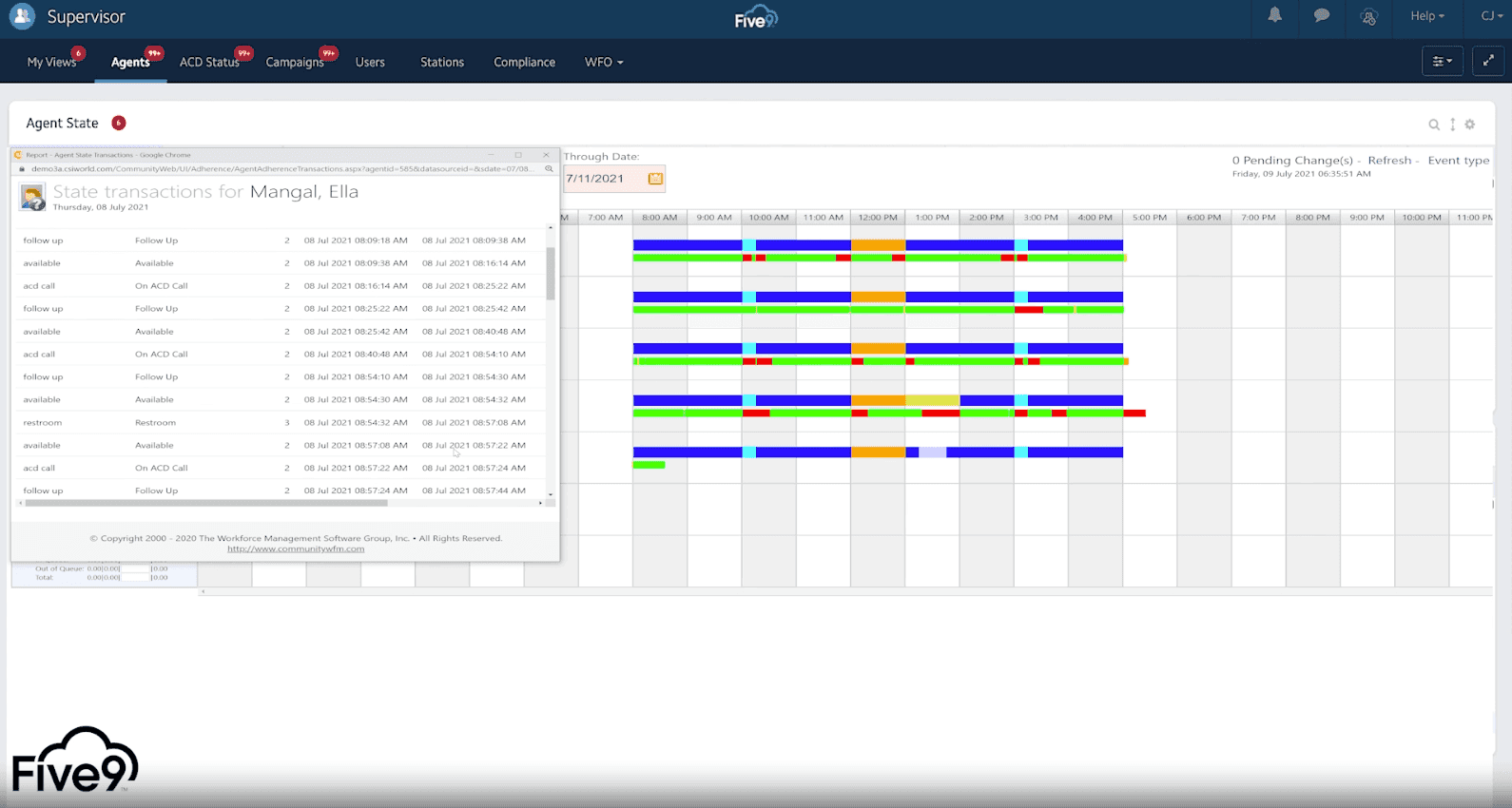
Manual note-taking and after-the-fact coaching are two of the biggest time drains in any call center. Five9 addresses both with AI-generated call summaries and live on-screen prompts during active calls.
Layer in keyword and sentiment search across your full recording library, and you have a real picture of what's working on the floor.
What it does: Five9 turns call recordings into actionable data through AI summaries, real-time agent coaching, and searchable analytics.
Best for: Large contact centers that use AI to automate tasks and coach agents from recorded data.
Five9 integrates with Alpharun, so teams can layer custom coaching playbooks on top of their recording data.
Key features
Generative AI call summaries: Auto-creates a concise summary of every recorded call.
Real-time agent assist: Delivers live on-screen prompts based on the conversation as it happens.
Sentiment and topic analytics: Tracks customer sentiment and key topics across all recordings.
Searchable transcripts: Full transcription library searchable by keywords, phrases, and sentiment scores.
Configurable retention: Set custom policies for how long recordings are stored.
Role-based access: Admins define specific permissions for viewing, playing, and downloading recordings.
Pros and cons
✅ Pros | ❌ Cons |
Decent AI features, including summaries and live agent assistance. | Pricing is expensive for smaller teams. |
Strong outbound dialing and campaign management. | Advanced features are locked behind higher tiers. |
Detailed analytics for tracking performance trends. | The interface feels dated compared to competitors. |
What users say
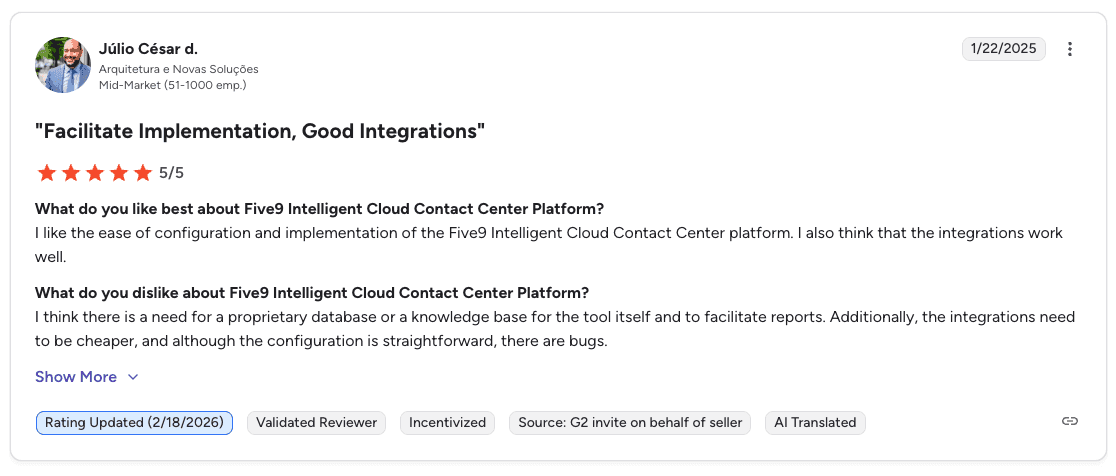
Pro: "I like the ease of configuration and implementation. The integrations work well." — Júlio César d., G2 Review
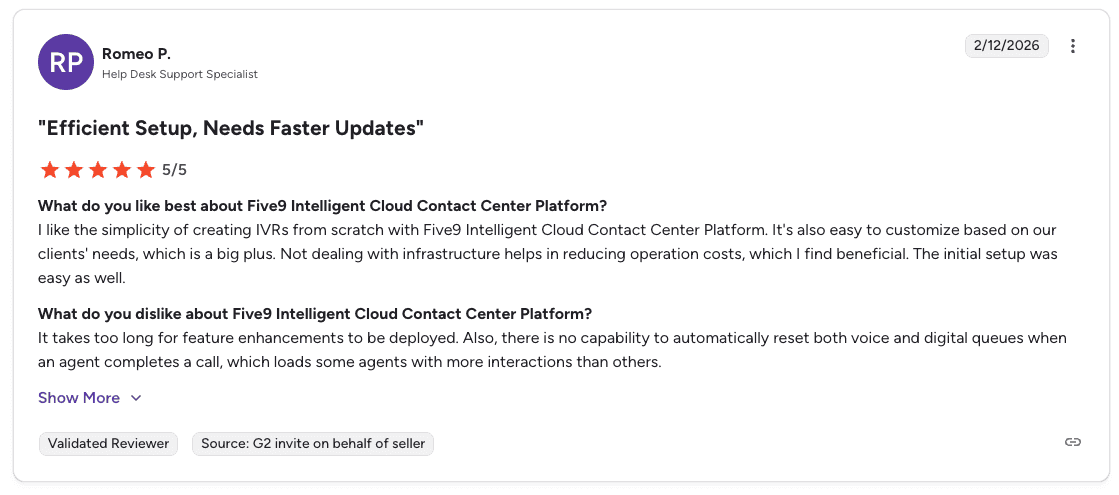
Con: "It takes too long for feature enhancements to be deployed. There is no capability to automatically reset voice and digital queues when an agent completes a call, which loads some agents with more interactions than others." — Romeo P., G2
Pricing
💻 Plan | 💰 Starting price | 🎯 Best for |
Digital | $119/seat/month | Digital channels only |
Core | $159/seat/month | All channels with AI essentials |
Plus | Contact sales | All channels with advanced AI |
Pro | Contact sales | All channels with AI essentials and workforce management |
Enterprise | Contact sales | Advanced AI, workforce management, and enterprise-scale needs |
Note: Five9 pricing is quote-based and varies by features and volume. Read Five9 Pricing: Best Plans + Alternatives Reviewed to learn more.
Bottom line
Five9 is a strong pick for large call centers that want AI-powered summaries and live agent coaching built into their recording platform. Teams focused on sales performance can pair it with Alpharun for a full coaching layer on top.
2. Talkdesk: Best for teams using recordings to power AI tools
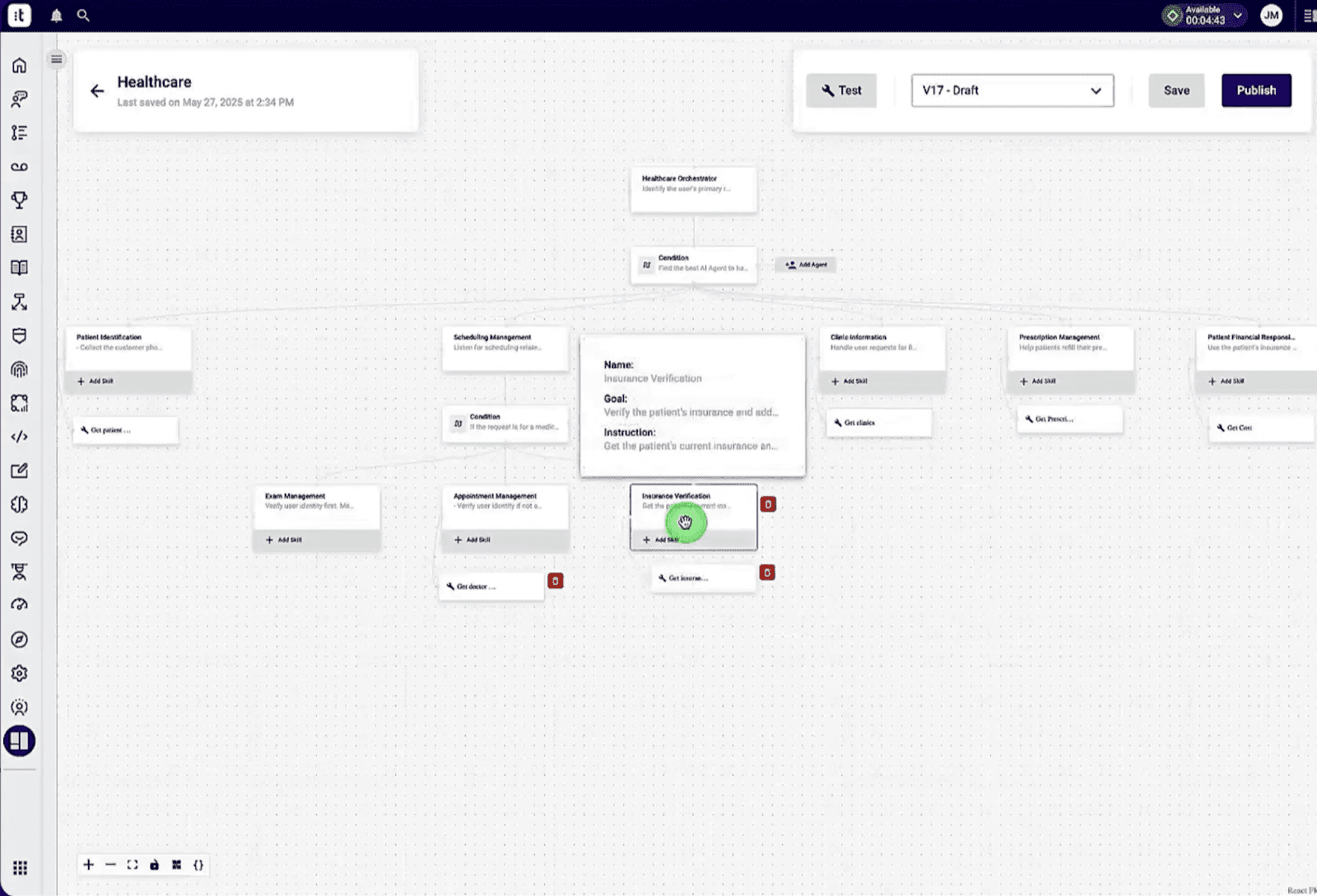
Talkdesk puts its call recordings to work on two fronts. Transcripts feed directly into its AI to sharpen Virtual Agent responses and keep the knowledge base current, while automated quality management scores recorded calls against predefined scorecards without a supervisor having to sit through each one.
What it does: Talkdesk uses call recordings to train its AI engine, automate quality scoring, and guide agents during live calls.
Best for: Businesses that want their recording library to power AI-driven agent assistance and self-service tools.
Key features
AI model training: Feeds call transcripts into AI to improve the Virtual Agent and knowledge base.
Automated quality management: Scores recording samples against predefined scorecards.
Real-time transcription: Provides a live transcript to agents and AI tools during the call.
Searchable transcripts: Post-call transcription with AI-powered analysis.
Redaction tools: Automated redaction of sensitive data within transcripts and recordings.
Pros and cons
✅ Pros | ❌ Cons |
Strong AI features for agent support and self-service. | Some users report a steep learning curve. |
Modern and easy-to-use interface. | One of the more expensive platforms in this category. |
Automated QM tools save supervisor time. |
What users say
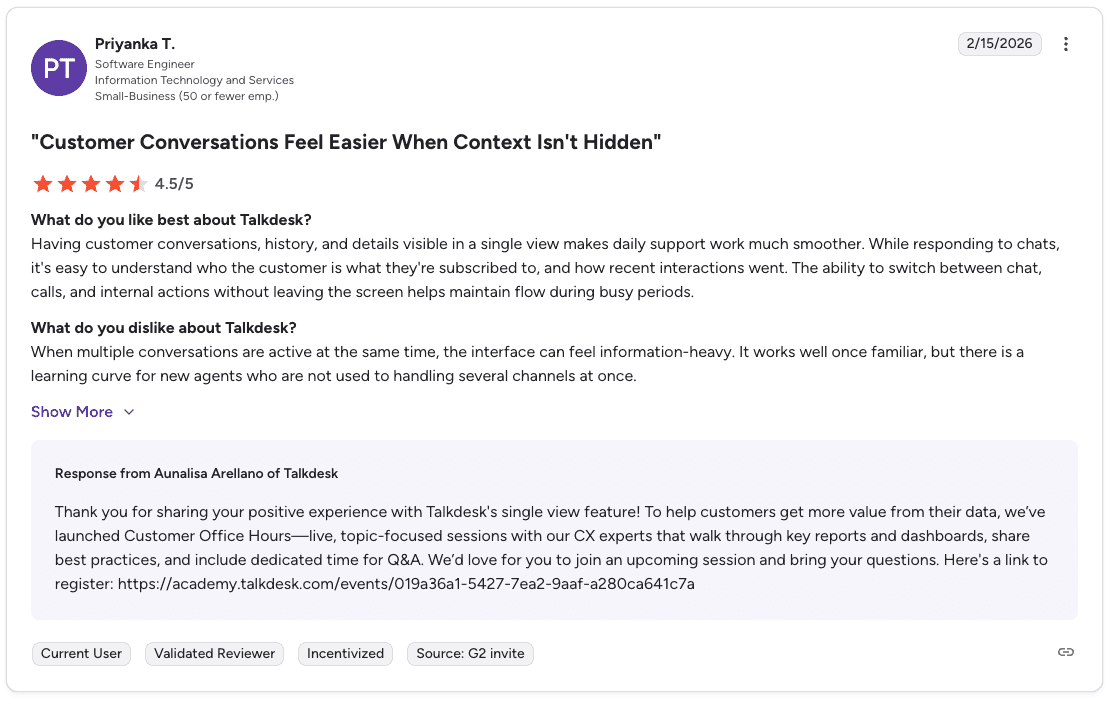
Pro: "Having customer conversations, history, and details visible in a single view makes daily work much smoother. Switching between chat, calls, and internal actions without leaving the screen helps maintain flow during busy periods." — Priyanka T., G2
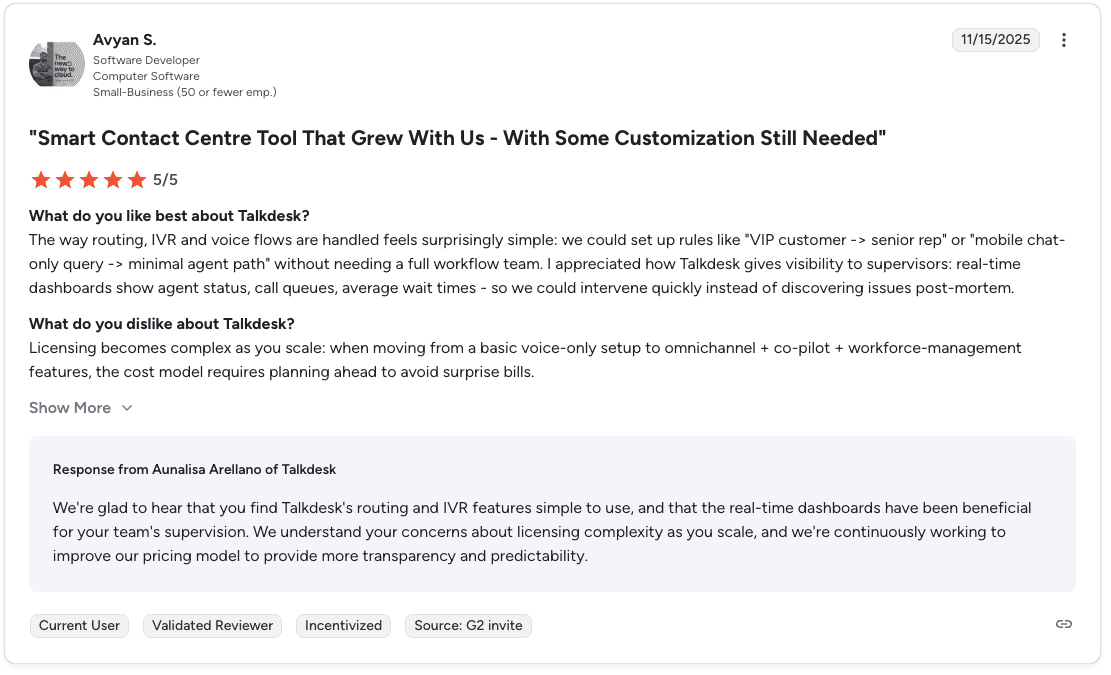
Con: "Licensing becomes complex as you scale. Moving from a basic voice-only setup to omnichannel and workforce management features requires planning ahead to avoid surprise bills." — Avyan S., G2
Pricing
💻 Plan | 💰 Starting price | 🎯 Best for |
Digital Essentials | $85/user/month | Digital channels only |
Voice Essentials | $105/user/month | Voice engagement and routing |
Elite | $165/user/month | Omnichannel and workforce management |
Bottom line
Talkdesk works well for teams that want their recordings to do more than sit in storage. The AI model training and automated QM make it a good fit for call centers focused on rep development at scale.
3. NICE CXone: Best for enterprise contact centers with workforce management needs
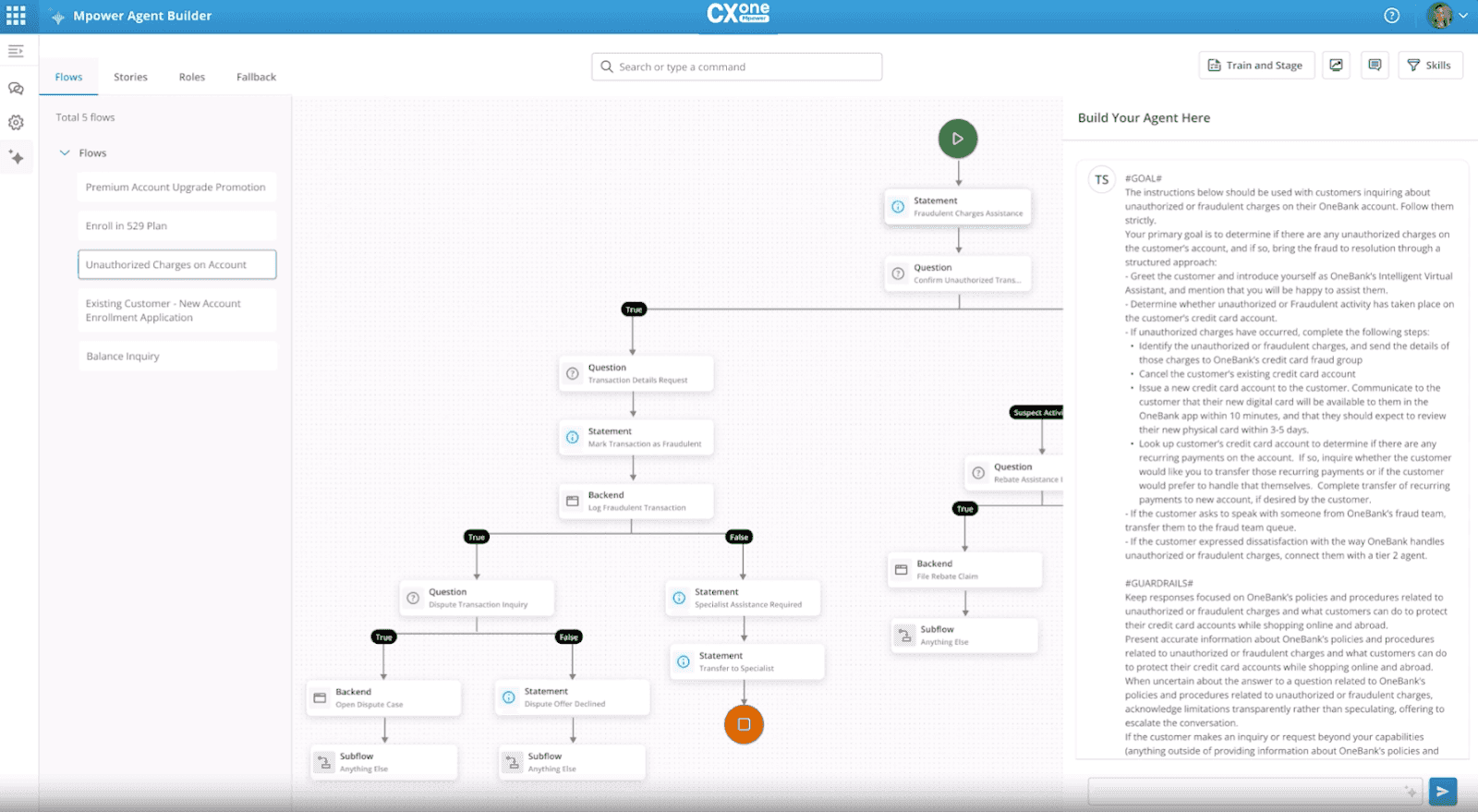
NICE CXone covers more ground than most recording platforms. Enlighten AI handles automated call scoring and live agent guidance, while built-in workforce forecasting and scheduling sit alongside voice, chat, email, and social in a single workspace.
What it does: NICE CXone combines call recording, AI quality scoring, and workforce tools into one enterprise-grade platform.
Best for: Large enterprises managing contact center performance and workforce planning across multiple departments.
Key features
AI-powered quality management: Automates scoring and surfaces coaching opportunities.
Real-time agent guidance: Enlighten AI delivers live prompts during interactions.
Workforce management: AI-driven forecasting and scheduling tools.
30+ digital channels: Voice, chat, email, social, and more.
Pros and cons
✅ Pros | ❌ Cons |
Workforce scheduling and engagement in one platform. | Overkill for teams focused purely on sales performance. |
Domain-specific AI trained on a large CX dataset. | The interface can feel overwhelming. |
Fast onboarding to improve rep retention. |
What users say
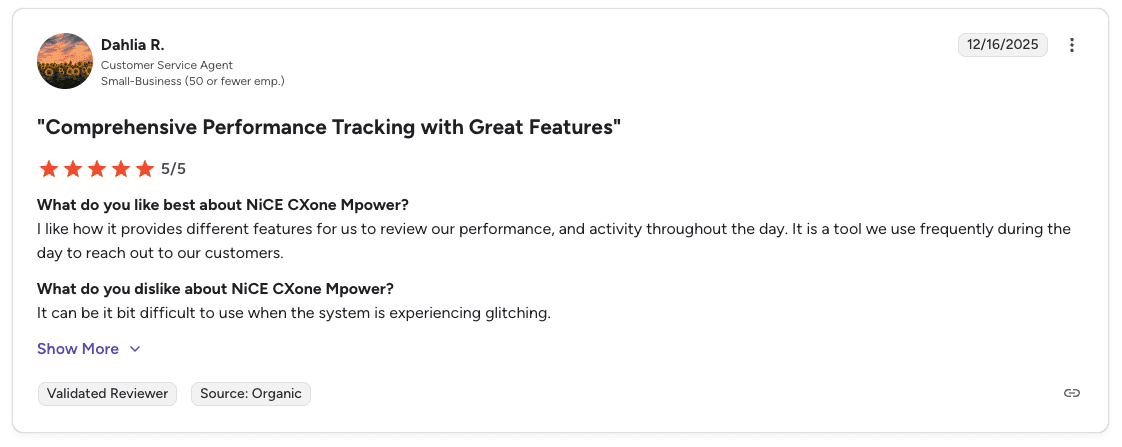
Pro: "It provides different features to review performance and activity throughout the day. It's a tool we use frequently to reach out to customers." — Dahlia R., G2
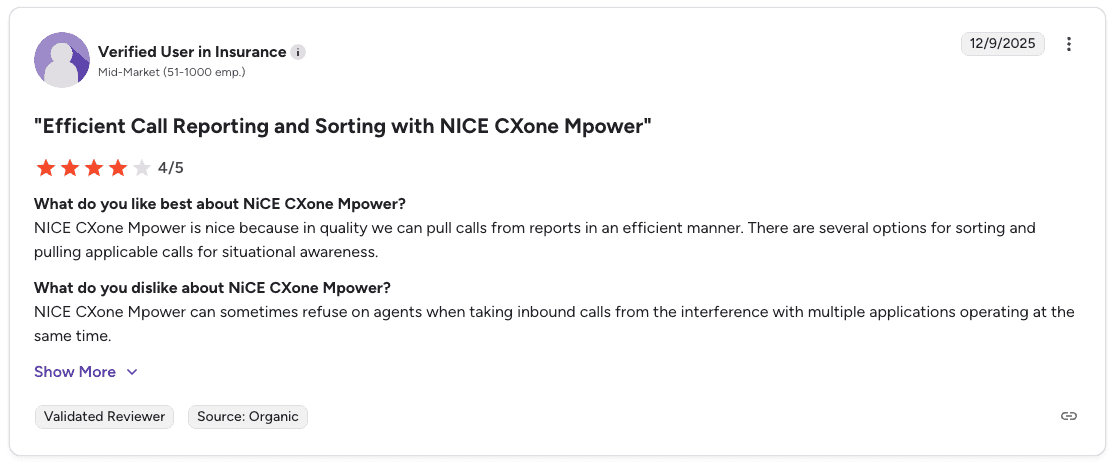
Con: "Inbound calls can fail when multiple applications are running at the same time." — Verified User in Insurance, G2
Pricing
💻 Plan | 💰 Starting price | 🎯 Best for |
CXone Mpower Omnichannel Suite | $110/agent/month | Voice, digital channels, and omnichannel routing |
CXone Mpower Essential Suite | $135/agent/month | Core omnichannel with proactive engagement |
CXone Mpower Core Suite | $169/agent/month | Recording, compliance, and omnichannel routing |
CXone Mpower Complete Suite | $209/agent/month | Full suite with recording and compliance tools |
CXone Mpower Ultimate Suite | $249/agent/month or $0.25/session | AI routing and full enterprise capabilities |
Bottom line
NICE CXone suits enterprises that need workforce management alongside call recording. High-volume B2C sales teams focused on rep coaching and conversion outcomes may find the platform broader than what they need.
4. RingCentral: Best for scalable call recording storage
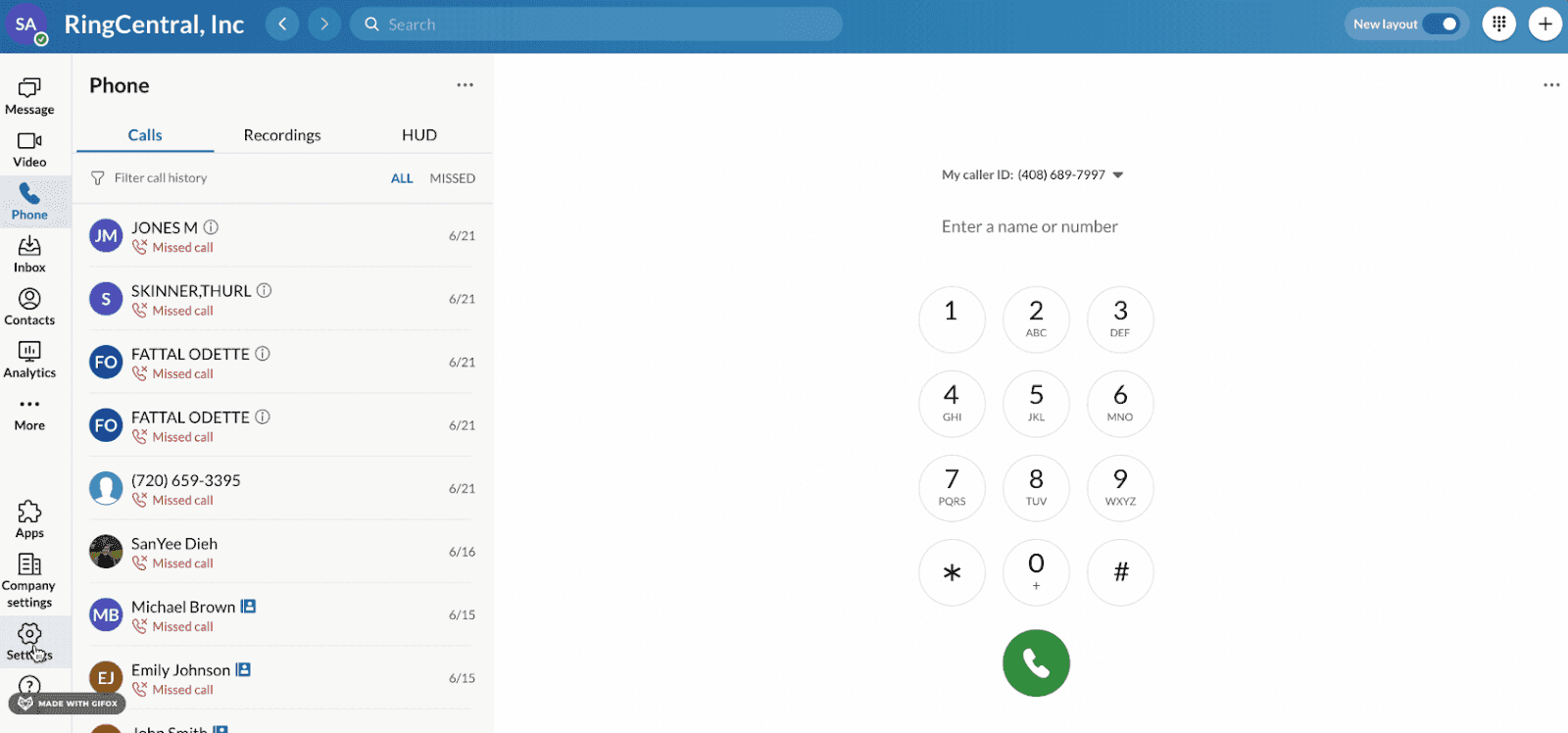
RingCentral keeps recording management simple. Company-wide rules are easy to configure, every file lands in a searchable library tied to customer records, and a flexible API lets teams build custom workflows around their recording data.
What it does: RingCentral provides flexible, scalable call recording with a central searchable library and strong API access.
Best for: Enterprises that need a dependable, easy-to-manage system for capturing and storing call recordings at scale.
Key features
Automatic company-wide recording: Set a global rule to record all inbound and outbound calls.
Recording API: Manage or retrieve recordings for custom workflows.
Configurable retention: Set automatic deletion policies for recordings.
Role-based access: Granular permissions for who can view, play, or download recordings.
Pros and cons
✅ Pros | ❌ Cons |
Good reliability and uptime. | AI transcription and analytics are add-ons. |
Excellent third-party integrations. | Per-user pricing adds up quickly for larger teams. |
Flexible API for custom workflows. |
What users say
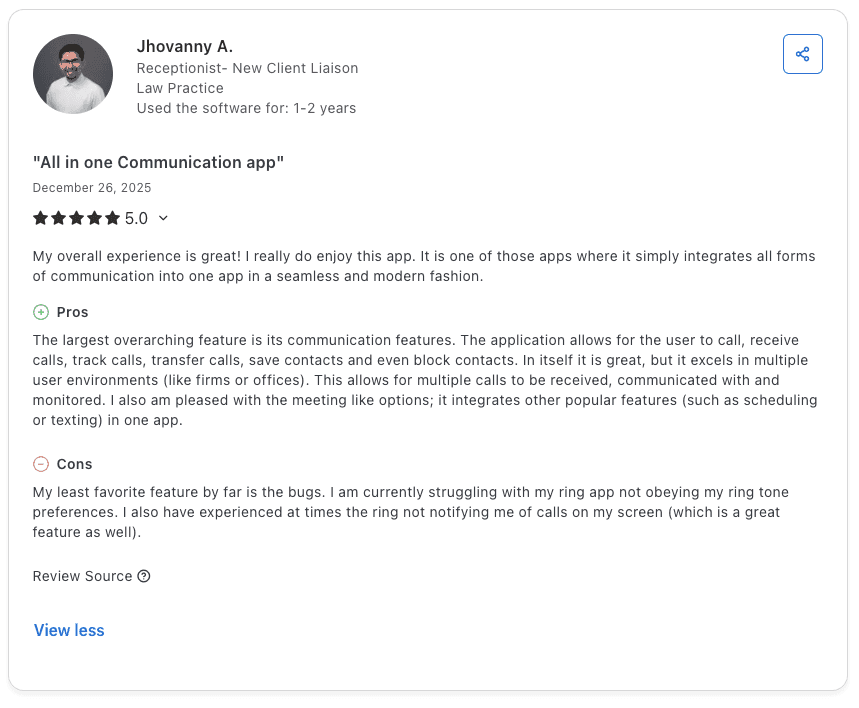
Pro: "The application allows you to call, receive calls, track calls, transfer calls, and save contacts. It excels in multiple user environments like firms or offices, allowing multiple calls to be received, monitored, and managed in one place." — Jhovanny A., Capterra
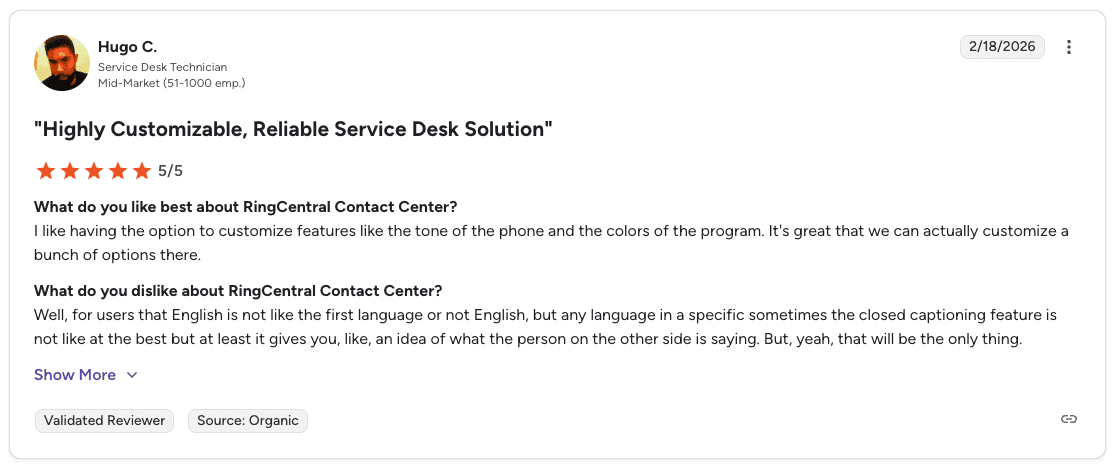
Con: "Closed captioning for non-English languages is not always accurate, though it gives a general idea of what the other person is saying." — Hugo C., G2
Pricing
💻 Plan | 💰 Starting price | 🎯 Best for |
Core | $20/user/month | Calls, meetings, and chat in one app |
Advanced | $25/user/month | Connecting teams across locations |
Ultra | $35/user/month | Audience engagement with business insights |
Customer Engagement Bundle | Contact sales | Connected voice and SMS service |
Bottom line
RingCentral is a solid enterprise choice for teams that need centralized recording with strong API access. It’s worth noting that contact center features come as a separate package, which adds to the overall cost.
5. Aircall: Best for CRM-driven sales teams
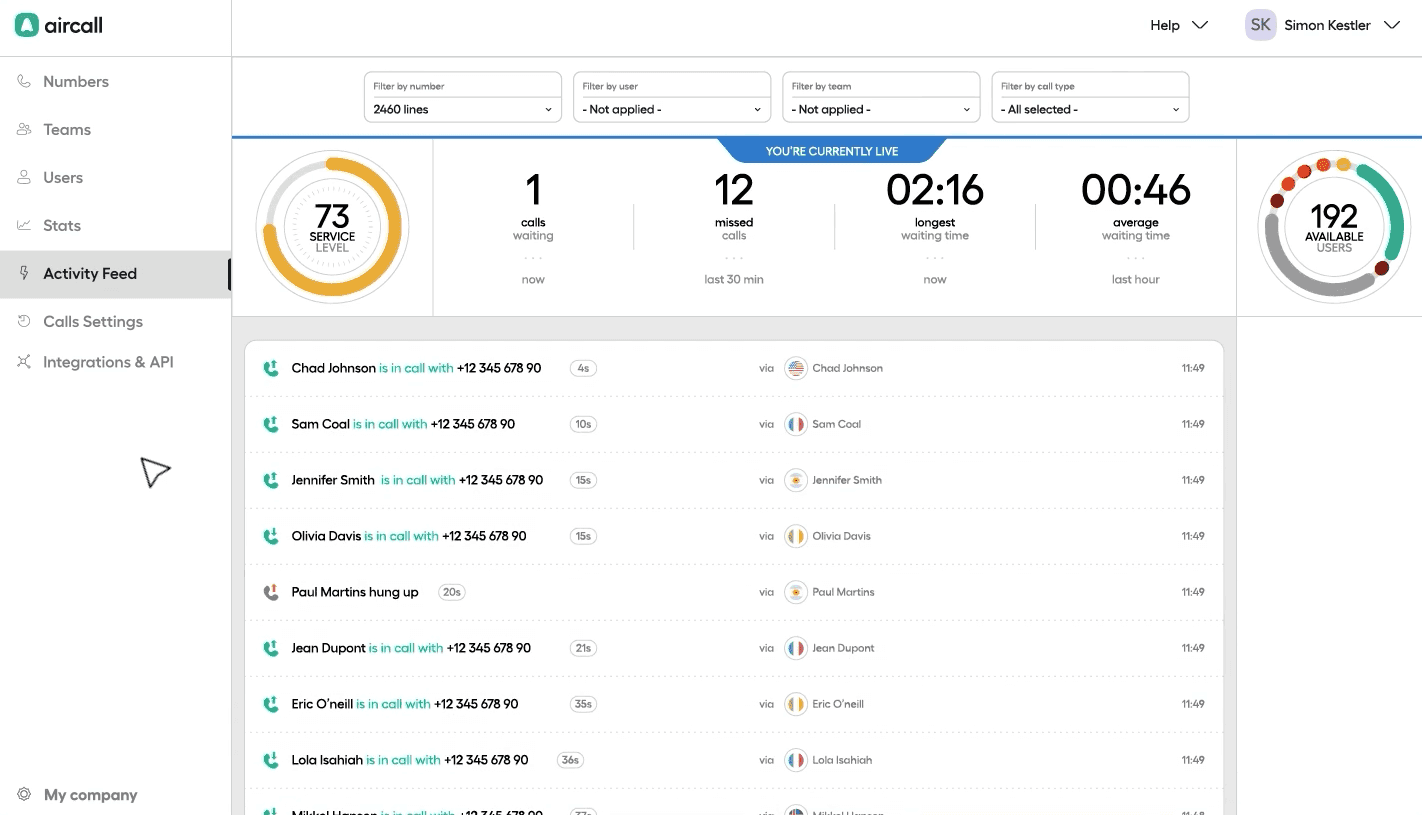
Aircall is built around the idea that recordings should live inside your workflow, not outside it. Every call links to the relevant deal, contact, or ticket in your CRM, and managers can review, whisper-coach during live calls, or share recordings across team inboxes without leaving the platform.
What it does: Aircall records calls and logs them to your CRM, with live whisper coaching built in.
Best for: Sales teams whose coaching process ties directly to CRM data and deal workflows.
Key features
One-click CRM logging: Attaches the recording link to the relevant CRM record.
Live call whisper and barge: Coach agents during a live call without the customer hearing.
Shared call inboxes: Team members access and comment on recordings together.
AI transcription: Available on higher-tier plans with keyword spotting.
Pros and cons
✅ Pros | ❌ Cons |
Deep CRM integrations with Salesforce and HubSpot. | Not built for high-volume outbound dialing. |
Easy for agents to learn and use. | Limited offline capabilities. |
Strong collaborative features for team coaching. |
What users say
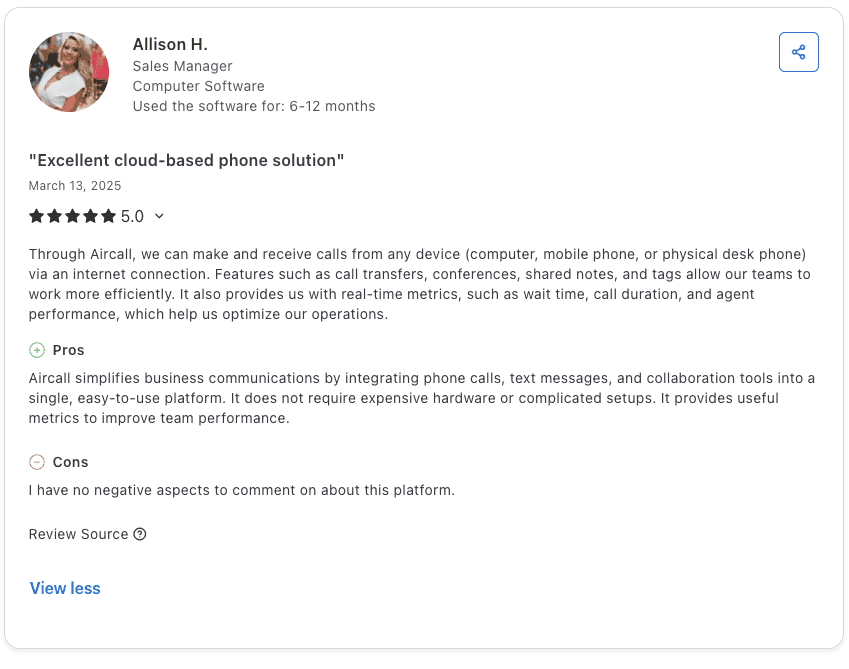
Pro: "Aircall integrates phone calls, text messages, and collaboration tools into a single, easy-to-use platform. It does not require expensive hardware or complicated setups, and it provides useful metrics to improve team performance." — Allison H., Capterra
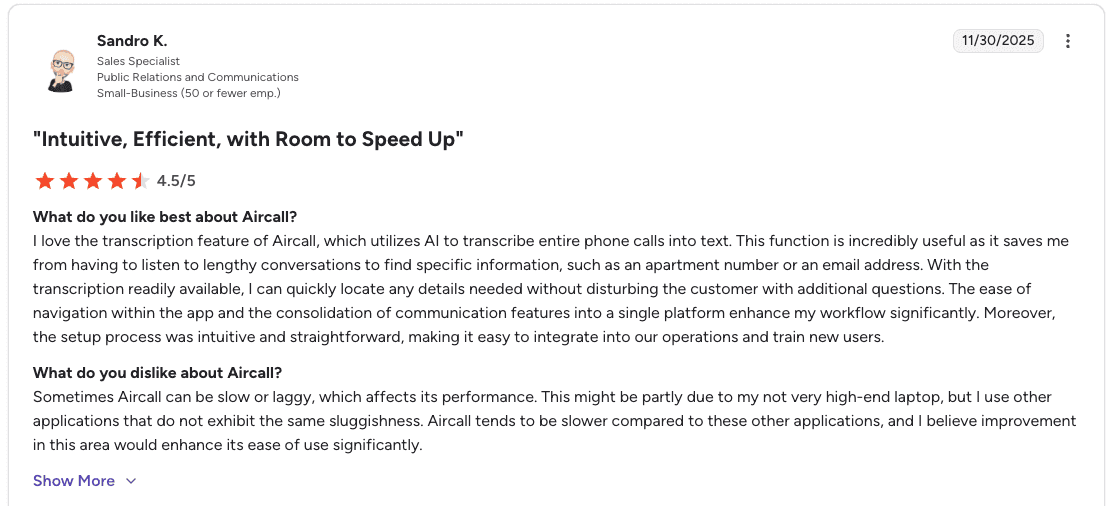
Con: "Aircall can be slow or laggy, which affects performance. It tends to be slower compared to other applications, and improvement in this area would enhance its ease of use." — Sandro K., G2
Pricing
💻 Plan | 💰 Starting price | 🎯 Best for |
Essentials | $30/license/month | Easy setup and basic voice solution |
Professional | $50/license/month | Boosting productivity and performance |
Custom | Call for details | Custom package aligned to business needs |
Note: Aircall requires a minimum of 3 licenses. Prices listed are billed annually.
Bottom line
Aircall works well for sales teams that live in their CRM. The CRM logging is a clear advantage if your coaching process depends on connecting calls to specific deals.
6. Dialpad: Best for real-time AI transcription and call insights
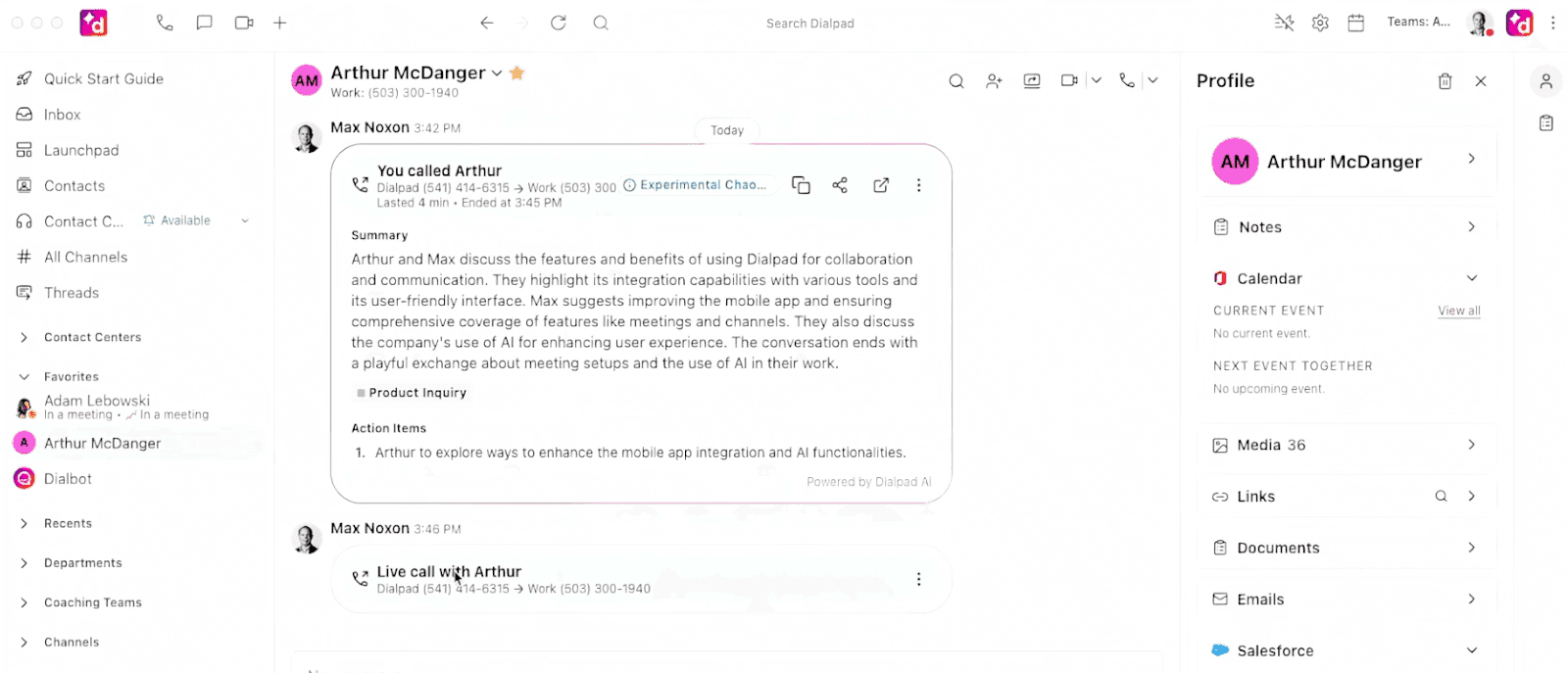
Dialpad gives managers a live view of what's happening on the floor. Calls are transcribed in real time, specific keywords can be tracked as conversations unfold, and sentiment detection flags tone shifts before they become a problem.
Post-call summaries are generated automatically, and voice, video, and messaging all sit in one interface.
What it does: Dialpad adds AI transcription, sentiment detection, and live keyword tracking to everyday calling.
Best for: Teams that want AI call insights out of the box without complex setup.
Key features
Real-time transcriptions: Live transcript visible to agents and managers during the call.
Post-call AI summaries: Auto-generated after every call.
Sentiment detection: Flags shifts in customer tone during calls.
Live keyword tracking: Managers monitor specific phrases in real time.
CRM integrations: Connects with Salesforce, HubSpot, and other tools.
Pros and cons
✅ Pros | ❌ Cons |
Real-time AI transcriptions and post-call summaries. | Call quality depends on your internet connection. |
Smooth CRM integration with fast response times. | Advanced reporting is limited compared to enterprise platforms. |
Combines calls, video, messaging, and SMS in one platform. |
What users say
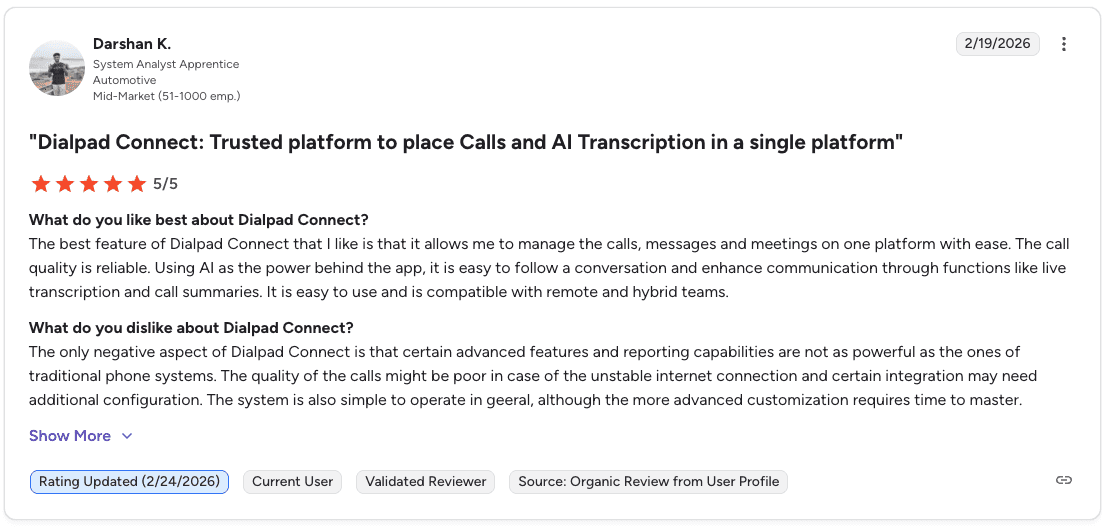
Pro: "Dialpad allows you to manage calls, messages, and meetings on one platform. The call quality is reliable, and AI features like live transcription and call summaries make it easy to follow conversations. It works well for remote and hybrid teams." — Darshan K., G2
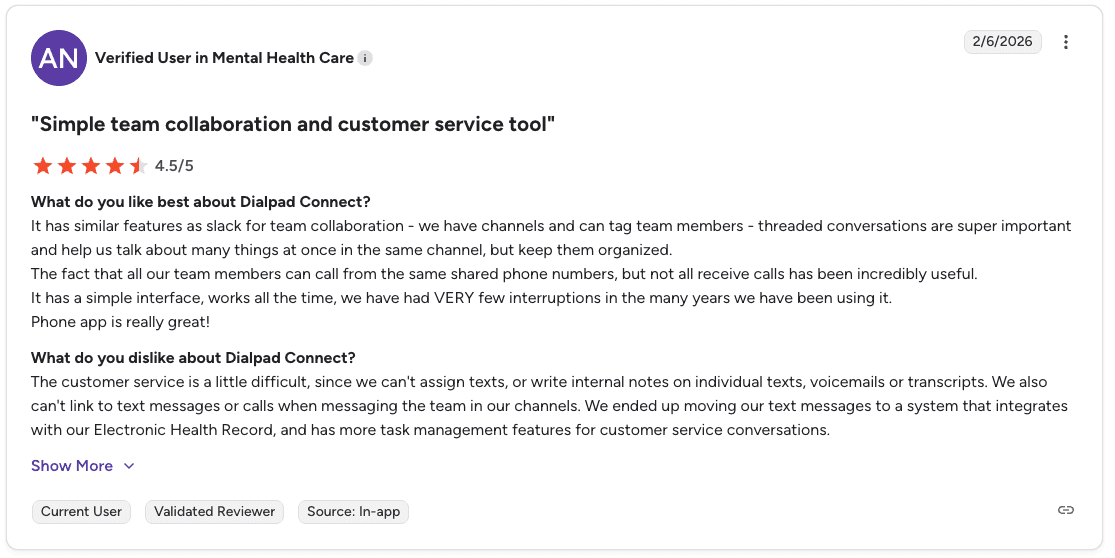
Con: "You can't assign texts or write internal notes on individual texts, voicemails, or transcripts. You also can't link to text messages or calls when messaging the team in channels." — Verified User in Mental Health Care, G2
Pricing
💻 Plan | 💰 Starting price | 🎯 Best for |
Standard | $15/user/month | Small teams needing calls, AI meetings, and built-in messaging |
Pro | $25/user/month | Growing businesses needing CRM integrations and 24/7 support |
Enterprise | Contact sales | Large organizations needing enterprise-grade reliability and scalability |
Bottom line
Dialpad suits teams that want AI features up fast. The real-time insights are general-purpose rather than tailored to your sales playbook, which may limit coaching depth for high-volume B2C centers.
7. CloudTalk: Best for inbound sales teams with high call volumes
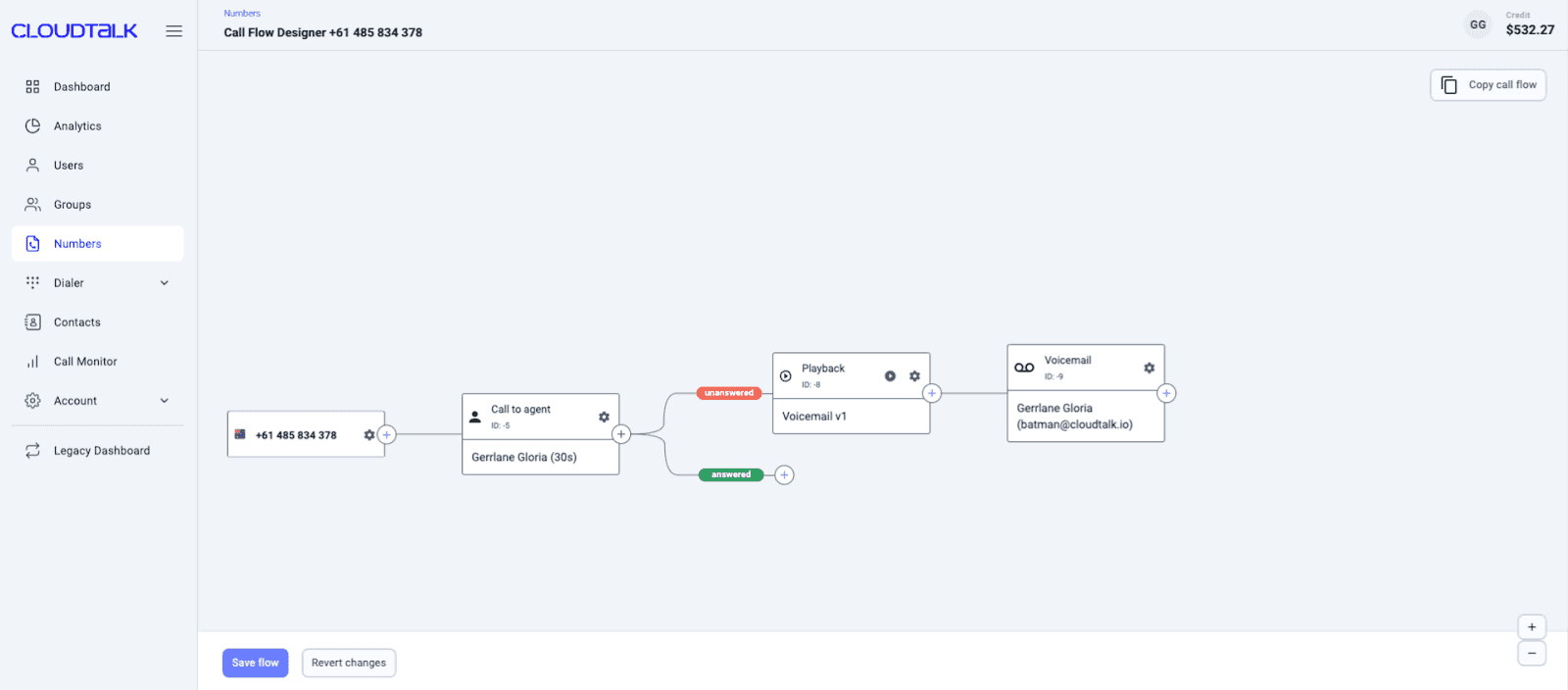
CloudTalk is built around getting the right call to the right rep. Routing rules based on skills, language, or custom logic handle that automatically, while managers can monitor live calls and step in to coach in real time.
Integrations with HubSpot, Salesforce, and Pipedrive keep everything connected, and call analytics cover volumes, wait times, and rep activity across the board.
What it does: CloudTalk manages inbound call flows with IVR, routing, and queue tools, plus call recording.
Best for: Sales teams that handle high volumes of inbound calls and need reliable routing with CRM integration.
Key features
Smart IVR and routing: Directs callers to the right rep based on custom rules.
Real-time monitoring: Managers can watch live calls and coach reps in real time.
CRM integrations: HubSpot, Salesforce, Pipedrive, and other tools.
Call analytics: Tracks volumes, wait times, abandonment rates, and rep activity.
International numbers: Local and toll-free numbers in 160+ countries.
Pros and cons
✅ Pros | ❌ Cons |
Easy-to-use interface built for sales teams. | Limited outbound dialing features. |
Strong call routing and queue management. | Reporting is basic compared to analytics-focused platforms. |
Integrates well with major CRMs. |
What users say
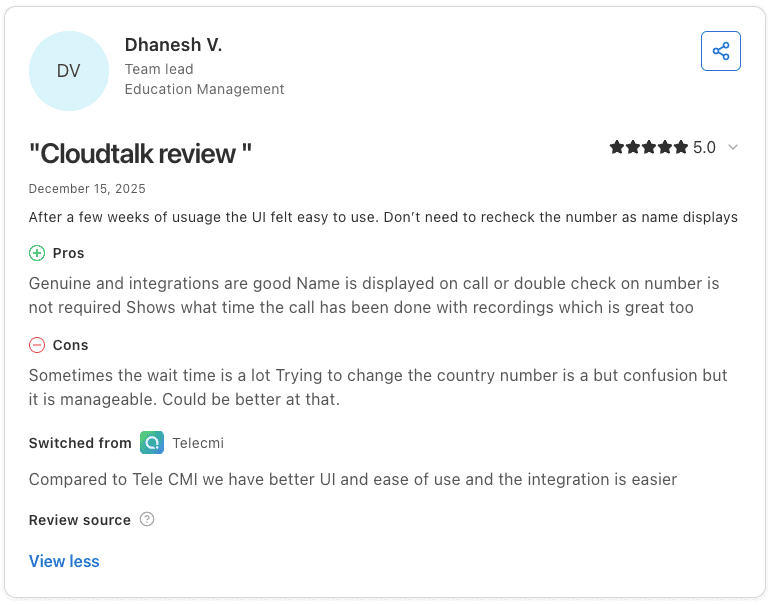
Pro: "The UI felt easy to use after a few weeks. Integrations are good, the caller's name displays on the call so you don't need to double-check the number, and it shows the time the call was made alongside the recording." — Dhanesh V., Capterra
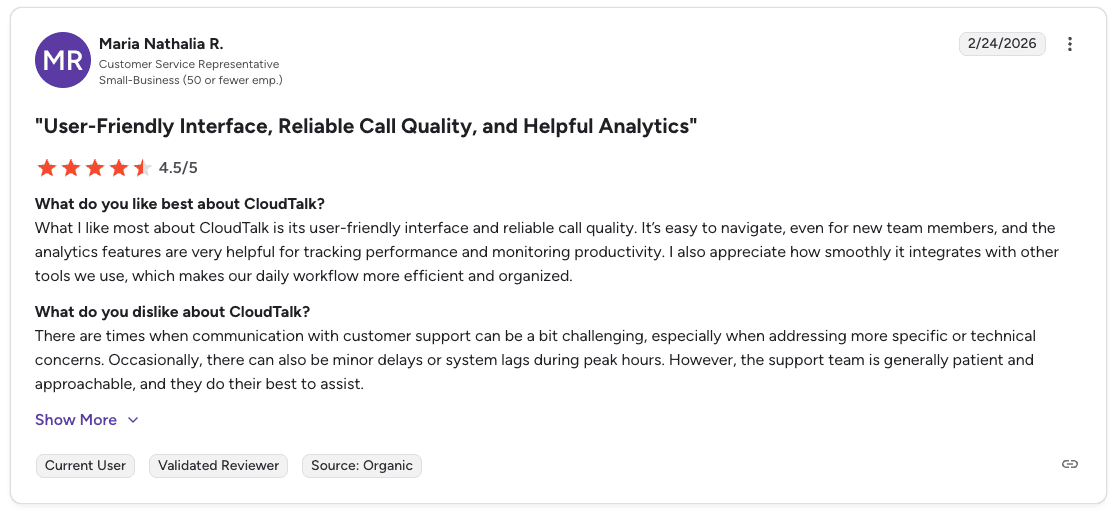
Con: "Communication with customer support can be challenging when addressing specific or technical concerns. There can also be minor delays and system lags during peak hours." — Maria Nathalia R., G2
Pricing
💻 Plan | 💰 Starting price | 🎯 Best for |
Lite | $19/user/month | Setting up a smart, professional phone system |
Essential | $29/user/month | Smart routing, integrations, and messaging for growing teams |
Expert | $49/user/month | Scaling calls with dialers, real-time analytics, and Salesforce |
Note: Prices listed are billed annually. The Expert plan requires at least 3 licenses.
Bottom line
CloudTalk is a solid fit for inbound-focused sales teams that need reliable routing and CRM integration. Teams running heavy outbound campaigns may need more powerful dialing features.
8. JustCall: Best for telephony infrastructure with basic AI recording
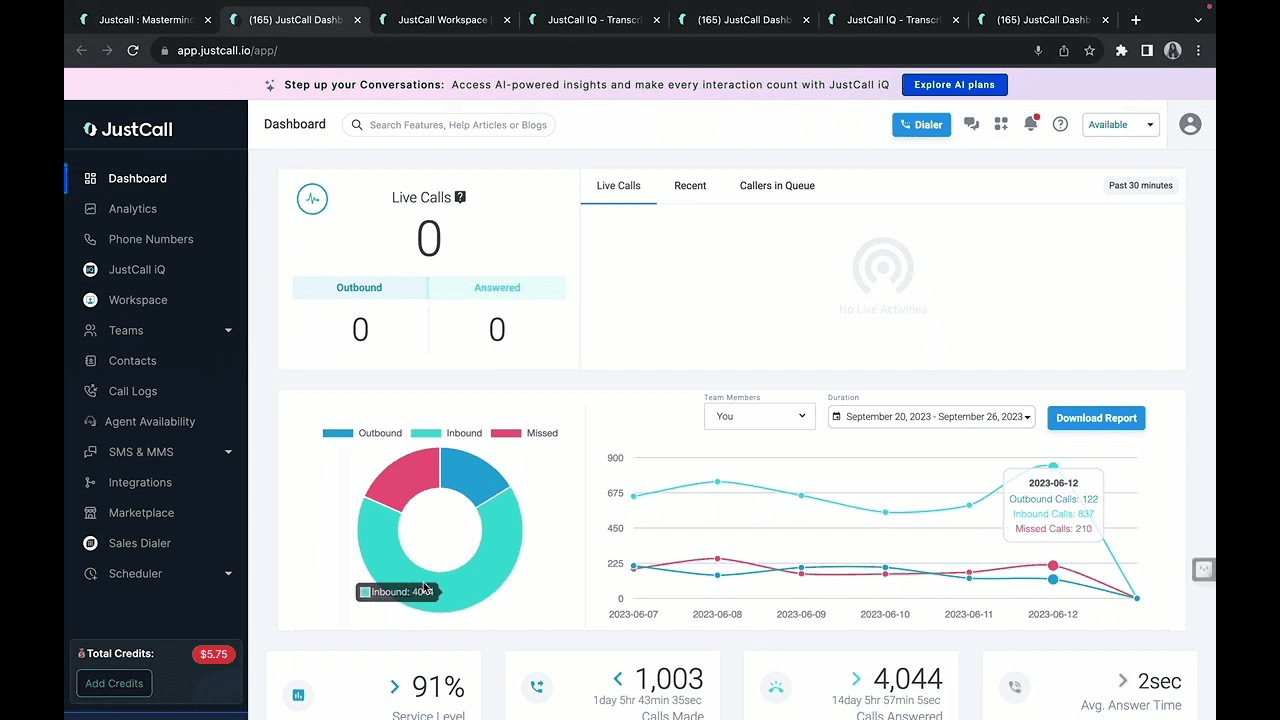
JustCall covers the core recording workflow well. Calls log directly to your CRM, supervisors can monitor live and join when needed, and AI transcription with sentiment analysis is available as a paid add-on.
What it does: JustCall provides cloud telephony, call recording, and CRM logging with an optional AI analytics add-on.
Best for: Sales teams that need reliable call infrastructure and basic recording, with the option to add AI analysis.
Key features
Live call monitoring and barge: Supervisors listen in and join calls when needed.
AI transcription add-on: Transcribes recorded calls for review and analysis (paid).
Public recording links: Generate shareable links to specific recordings.
SMS and automation: Included in core plans alongside call recording.
Pros and cons
✅ Pros | ❌ Cons |
Affordable entry-level pricing. | Not built for deep sales coaching. |
SMS and automation are included in core plans. | Basic call analytics on lower tiers. |
Quick to set up and use. |
What users say
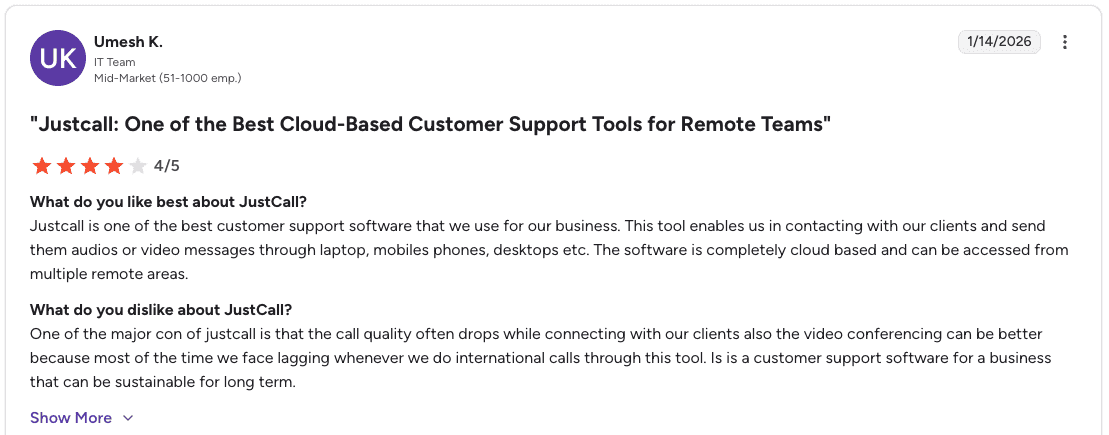
Pro: "JustCall is completely cloud-based and can be accessed from multiple remote locations. It enables contacting clients and sending audio or video messages across laptops, mobile phones, and desktops." — Umesh K., G2
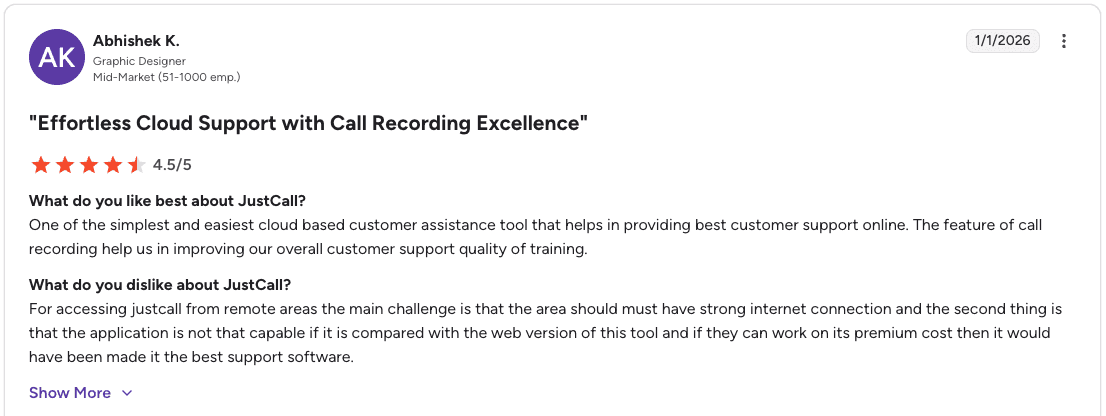
Con: "Accessing JustCall from remote areas requires a strong internet connection. The mobile app is less capable compared to the web version." — Abhishek K., G2
Pricing
💻 Plan | 💰 Starting price | 🎯 Best for |
Team | $29/user/month | Business phone system with CRM integrations |
Pro | $49/user/month | Scaling communication with workflow automations |
Pro Plus | $89/user/month | AI coaching, tracking, and scaling operations |
Business | Request a quote | Enterprise-grade security, compliance, and flexibility |
Note: Prices listed are billed annually. Team, Pro, and Pro Plus require at least 2 licenses. The Business plan requires a minimum of 10 licenses.
Bottom line
JustCall handles the telephony side well. For deeper call scoring and performance intelligence, layering Alpharun on top gives sales teams the analytics JustCall does not provide on its own.
9. Calabrio: Best for compliance-heavy omnichannel contact centers
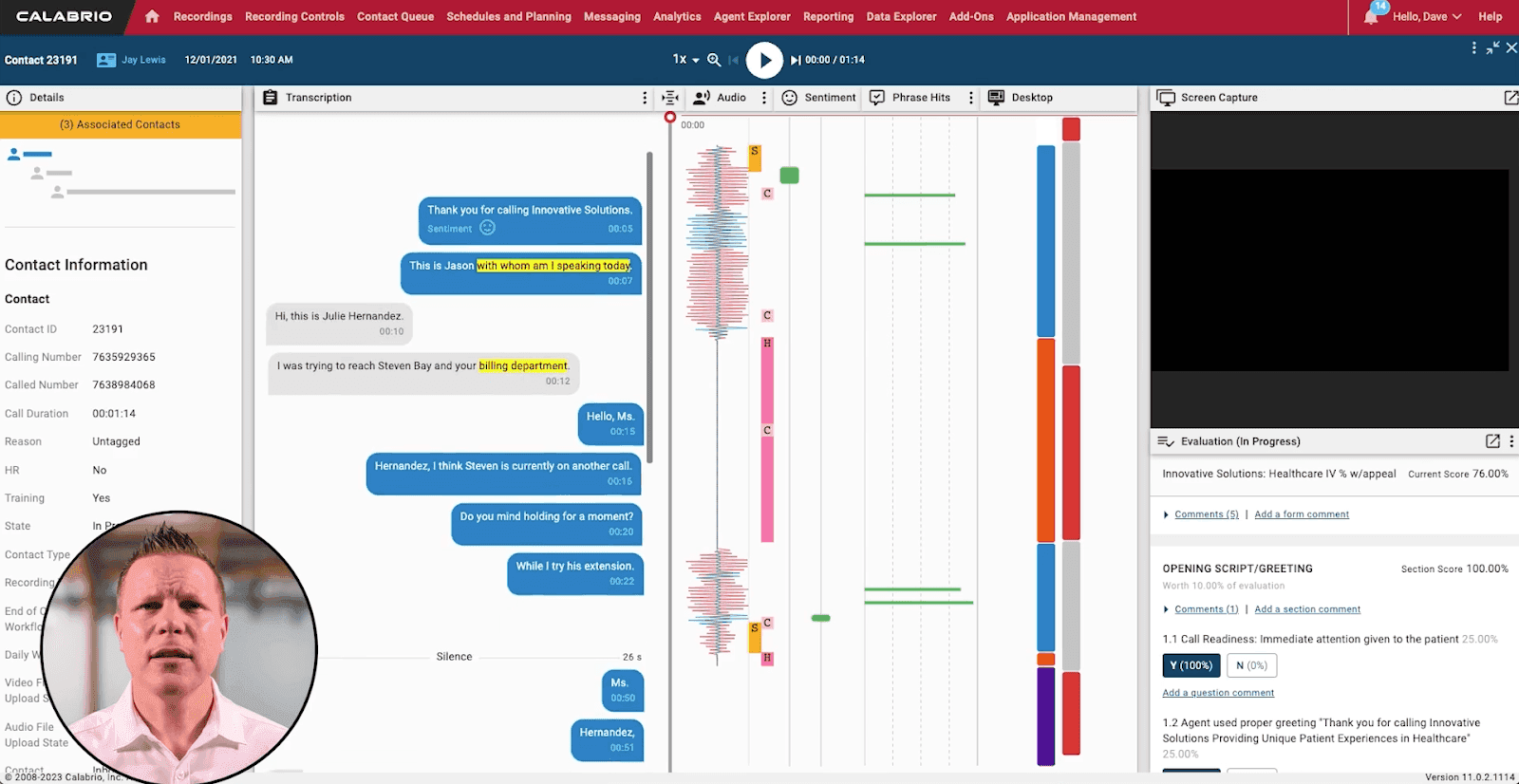
Calabrio gives quality teams a way to work through large volumes of recorded interactions without losing the detail.
Speech analytics surface sentiment and behavior patterns across thousands of conversations, quality management tools keep reps aligned to consistent standards, and customizable dashboards track performance across the team in one view.
What it does: Calabrio records and analyzes interactions across voice, email, chat, and screen in one platform.
Best for: Contact centers that need omnichannel recording with speech analytics and quality management tools.
Key features
Omnichannel capture: Records 100% of interactions across voice, chat, email, text, and screen in one platform.
Auto pause-and-resume: Automatically pauses recording during sensitive data exchanges to meet compliance requirements.
AI-powered search: Searches across all recorded interactions for specific content and insights.
Custom reporting: Builds reports tailored to your contact center's specific needs.
Automated organization: Sorts and stores interactions based on intelligent business rules.
Pros and cons
✅ Pros | ❌ Cons |
Advanced speech analytics. | Requires technical expertise to manage. |
Customizable performance dashboards. | Pricing is not transparent. |
Omnichannel recording across voice, email, chat, and screen. |
What users say

Pro: "Calabrio is easy to use and cloud-based, so teams can access it from anywhere. We use call recordings for training and mentoring agents." — Lynn K., Capterra
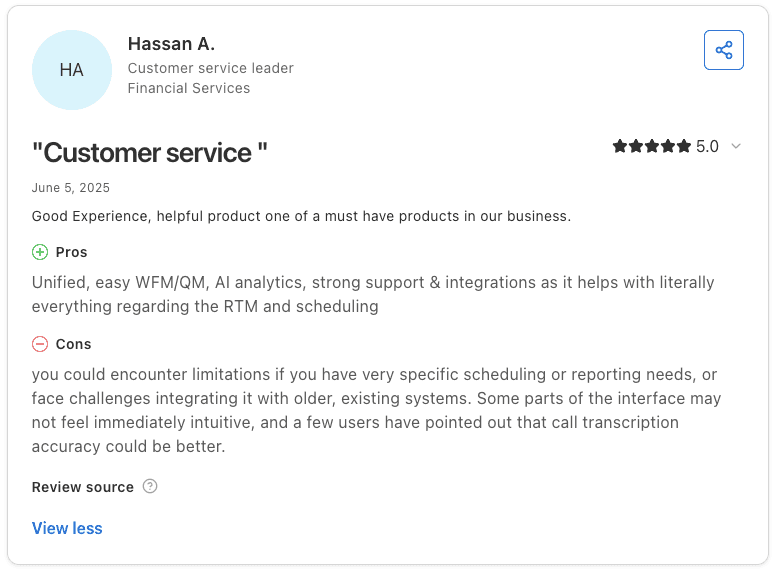
Con: "There are limitations if you have specific scheduling or reporting needs, and integrating with older existing systems can be challenging. Some parts of the interface are not immediately intuitive, and call transcription accuracy could be better." — Hassan A., Capterra
Pricing
Calabrio doesn’t publish pricing publicly. All plans are custom-quoted based on your team's size and needs.
Bottom line
Calabrio suits contact centers that record and analyze interactions across multiple channels. The setup requires technical expertise, so it fits larger operations that have IT resources to support implementation.
10. Nextiva: Best for teams needing unified cloud comms with call recording
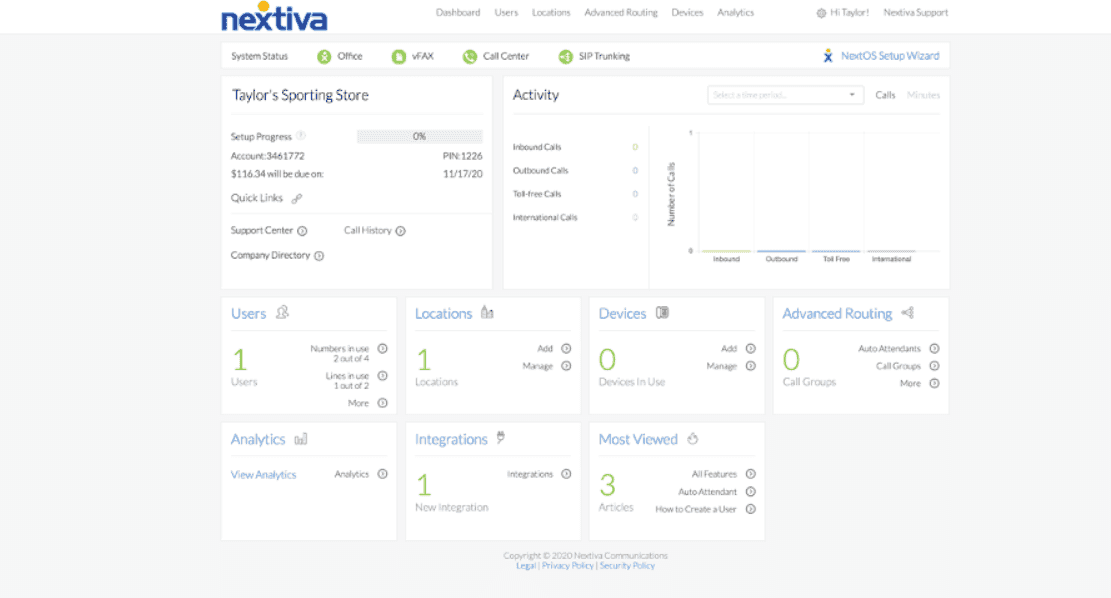
Nextiva bundles call recording into a broader platform that covers voice, video, and messaging in one place. Customizable routing gets callers to the right rep, detailed analytics give teams the data to track performance over time, and setup is designed to move quickly without leaning on IT.
What it does: Nextiva is a cloud communication platform with call recording, voicemail-to-email, and built-in analytics.
Best for: Teams that need voice, recording, and basic analytics in one unified cloud platform.
Key features
Call recording: Captures and stores customer call interactions.
Voicemail-to-email: Sends voicemail messages directly to email.
Detailed call analytics: Tracks call performance and behavior.
Customizable call routing: Routes callers to the right rep based on your setup.
Pros and cons
✅ Pros | ❌ Cons |
Detailed call analytics. | AI and analytics features are basic. |
Quick setup process. | Limited advanced call center features. |
Easy-to-navigate interface. |
What users say
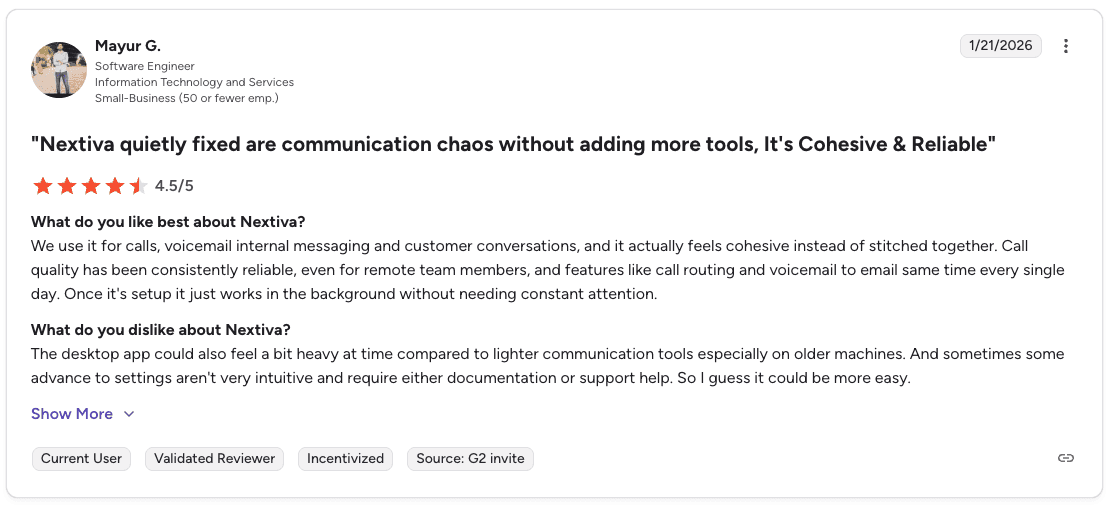
Pro: "Nextiva handles calls, voicemail, internal messaging, and customer conversations in one place. Call quality has been reliable for remote team members, and once it's set up, it runs in the background without needing constant attention." — Mayur G., G2
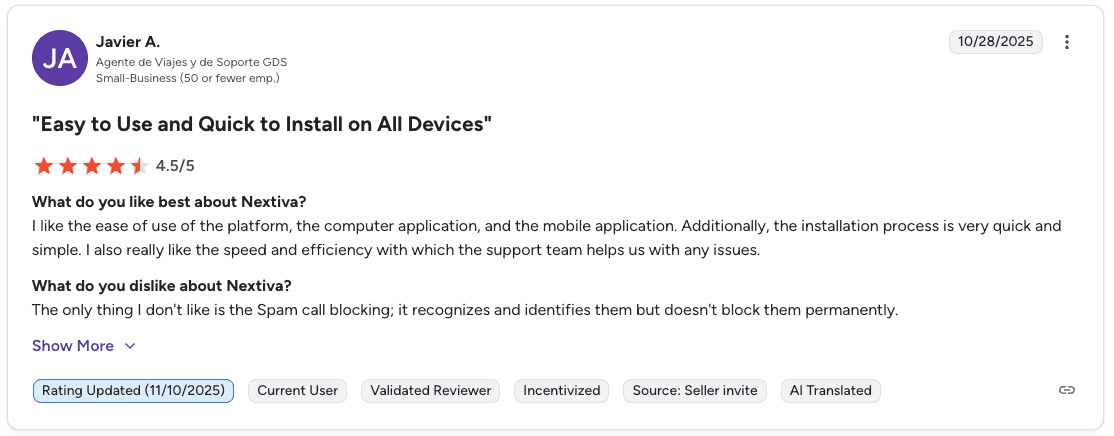
Con: "Spam call blocking recognizes and identifies spam calls but does not block them permanently." — Javier A., G2
Pricing
💻 Plan | 💰 Starting price | 🎯 Best for |
Core | $15/user/month | Small teams needing unified voice, video, SMS, and digital channels |
Engage | $25/user/month | Growing sales and service teams needing automation and advanced reporting |
Power Suite CX | $75/user/month | Sales and service teams needing inbound and outbound voice with AI transcription |
Bottom line
Nextiva works for teams that want voice, recording, and basic analytics in one place. Teams that need call-level coaching and rep performance intelligence will likely need an additional layer on top.
Which call center recording software should you choose?
The right tool depends on your team size, tech stack, and what you plan to do with your recording data.
Choose Five9 if you:
Run a large contact center that needs AI summaries and live agent coaching
Already use Five9 as your dialer (Alpharun integrates directly)
Need advanced analytics and configurable retention for compliance
Choose Talkdesk if you:
Want recordings to train AI and power self-service tools
Need automated quality scoring without heavy manual supervisor review
Choose NICE CXone if you:
Need workforce forecasting and scheduling alongside recording
Manage a large enterprise with multiple departments and channels
Choose RingCentral if you:
Need a reliable, scalable recording system with a strong API
Want to build custom workflows around your recording data
Choose Aircall if you:
Coach reps through your CRM and need recordings linked directly to deals
Want live whisper and barge features for in-call coaching
Choose Dialpad if you:
Want real-time AI transcription and sentiment detection out of the box
Need voice, video, and messaging combined in one platform
Choose CloudTalk if you:
Handle high volumes of inbound calls and need strong IVR and routing
Want CRM integration with a clean, easy-to-use interface
Choose JustCall if you:
Need reliable telephony infrastructure with basic recording and CRM logging
Plan to layer Alpharun on top for deeper call coaching and performance analytics
Choose Calabrio if you:
Need omnichannel recording across voice, email, chat, and screen
Operate in a regulated environment with strict quality standards
Choose Nextiva if you:
Want a unified cloud platform for voice, recording, and basic analytics
Need a straightforward setup without heavy IT resources
Final verdict
Five9 and Talkdesk are the strongest call center recording software picks for high-volume B2C sales. But the teams that actually improve rep performance don't stop at recording. They mine their best calls for what's working and build it into how every rep sells.
Alpharun does that automatically:
Identifies winning patterns from your highest-converting calls, so you know exactly what your best reps are doing differently, not just that they're performing better
Builds a coaching playbook specific to your product, your reps, and your buyers, not recycled sales methodology that has nothing to do with how your team actually sells
Delivers real-time feedback during calls, not after, so reps get the nudge when it can still change the outcome
Scores every call automatically, so QA coverage isn't limited to whatever a supervisor had time to review that week
The recording software captures what's happening on your floor. Alpharun turns it into a system. Schedule a demo to see it in action.
Frequently asked questions
What is call center recording software?
Call center recording software captures and stores phone conversations between agents and customers. Most platforms today also include transcription, AI analysis, and quality-scoring tools to help sales managers coach reps and track performance at scale.
What is the difference between call recording and conversational intelligence?
The main difference between call recording and conversational intelligence is depth. Call recording stores audio files. Conversational intelligence transcribes calls, detects sentiment, scores performance, and surfaces patterns across thousands of interactions.
Does call center recording software work with Five9 and Genesys?
Yes, several platforms in this guide integrate with Five9 and Genesys, including Five9 as a native recording solution. Alpharun integrates with both, pulling recording data to generate call scoring and coaching playbooks on top of your existing dialer setup.
What should sales managers look for in call recording software?
Sales managers should prioritize AI transcription, real-time coaching tools, and CRM integration. Look specifically for automated quality scoring, sentiment detection, and keyword search across recordings.
For Medicare and insurance teams, SOC 2 Type 2 compliance is a requirement. Alpharun is SOC 2 Type 2 certified.
How much does call center recording software cost?
Prices range from $15 per user per month on entry-level plans like Dialpad Standard and Nextiva Core, to $165 or more per user per month for platforms like Talkdesk Elite. Enterprise platforms like Five9, NICE CXone, and Calabrio are custom-quoted.
Costs typically increase when adding AI features, screen recording, or advanced analytics on top of base plans.

