We broke down the 20 best inside sales software tools based on pricing, pros, cons, and real-world fit for high-volume inside sales teams in 2026.

After evaluating inside sales software across teams ranging from 50 to 500 reps in insurance, Medicare, and home services, we narrowed a crowded market down to the 20 tools worth your time in 2026. Here’s what we found:
The top 20 best inside sales software
💻 Tool | 🎯 Best for | 💰 Starting price | ⭐ Key strength |
Alpharun | Large inside sales teams (50+) in insurance, Medicare, and home improvement | Custom pricing | Custom playbooks built from your actual top-rep calls |
Apollo.io | Small to mid-size teams needing affordable data and automation | Free; paid from $49/user/month | Contact data and outreach tools at accessible prices |
Weflow | Salesforce users who want faster updates and clean data | $20/user/month | Streamlines Salesforce workflows with intuitive pipeline views |
Salesforce Sales Cloud | Large enterprises with complex sales operations | Free up to 2 users; paid from $25/user/month | Deep customization and a massive integration ecosystem |
HubSpot Sales Hub | Growing companies that need sales-marketing alignment | Free; paid from $9/seat/month | All-in-one platform with quick setup and easy adoption |
ZoomInfo Sales OS | Teams prospecting into new accounts | Custom pricing | Verified B2B data with millions of direct dials and buyer intent signals |
Outreach | Teams with complex pipelines and automation needs | Custom pricing | AI-guided sales execution with automated sequences |
Salesloft | High-volume, multi-touch prospecting teams | Custom pricing | Structured outreach campaigns across multiple channels |
Close | Small to mid-size outbound calling teams | $35/seat/month | Fast CRM with built-in dialer and communication tools |
LeadSquared | High lead volume teams needing workflow automation | $40/user/month | Automates lead capture, distribution, and multi-channel follow-ups |
Gong | Teams wanting deep conversation intelligence | Custom pricing | AI-powered call analysis and pipeline insights |
Nooks | Remote and distributed sales teams | Custom pricing | AI parallel dialer with virtual sales floor |
Orum | High-volume phone-first sales teams | Custom pricing | AI dialer that skips voicemails and bad numbers automatically |
Lavender | Email-focused outreach teams | Free; paid from $29/month | AI email coaching built into your inbox |
Chili Piper | Inbound lead teams needing fast routing | $30/seat/month | Automated scheduling, routing, and lead handoffs |
Calendly | Teams needing simple, flexible scheduling | Free; paid from $10/user/month | Direct prospect booking with calendar integrations |
LinkedIn Sales Navigator | Teams prospecting decision-makers on LinkedIn | $79.99/user/month | Advanced LinkedIn filters, InMail, and real-time alerts |
Salesken | Call-heavy teams needing in-call guidance | Custom pricing | Real-time coaching based on tone and keyword analysis |
Klenty | Teams running multichannel outreach | $50/seat/month | Email, phone, WhatsApp, and SMS outreach from one place |
Pipedrive | Small to mid-size teams wanting a simple CRM | $14/user/month | Visual drag-and-drop pipeline with affordable pricing |
1. Alpharun
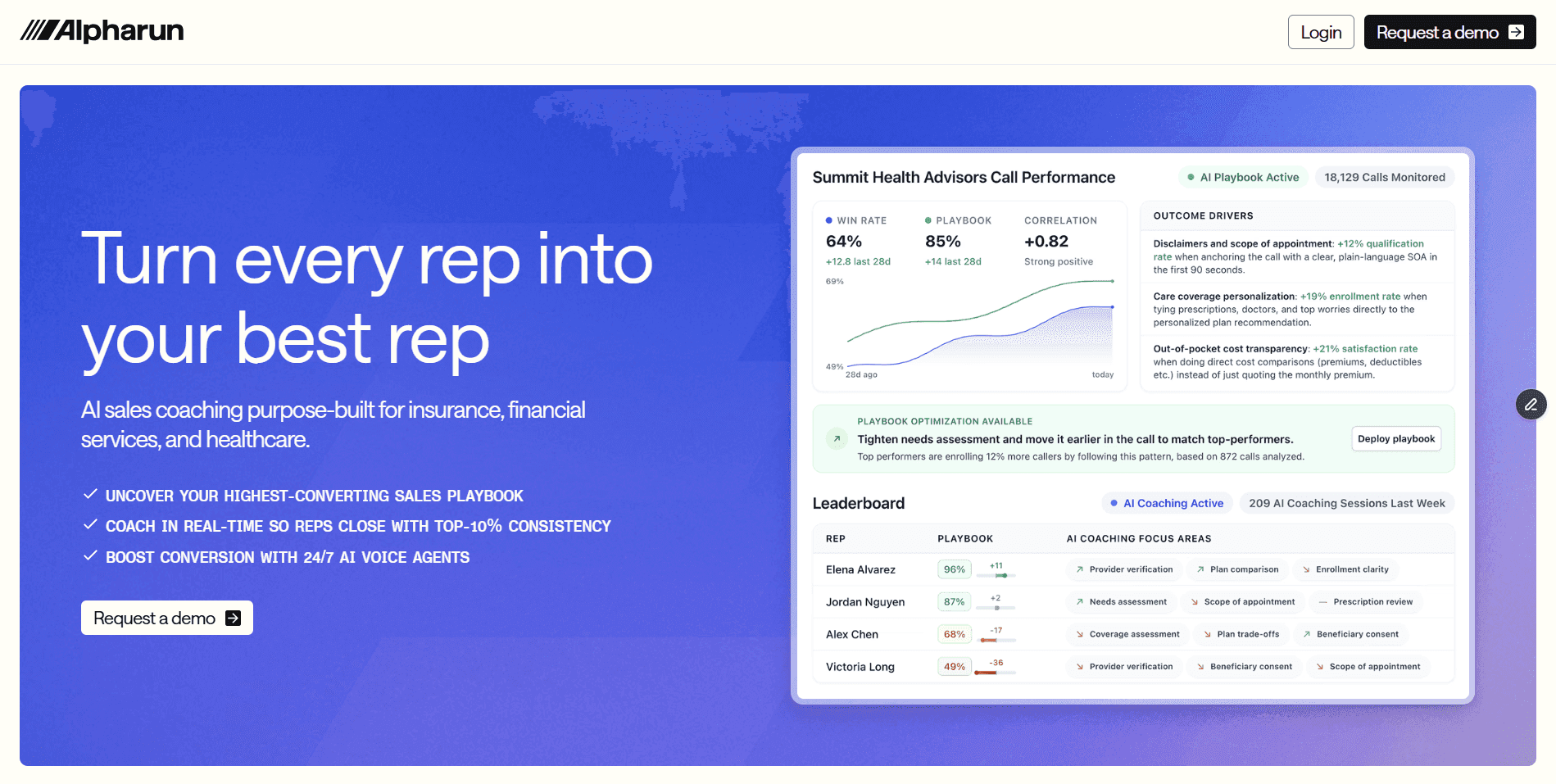
What it does: Alpharun analyzes sales calls, builds a custom playbook from your best reps, and delivers real-time coaching to every agent on the floor.
Who it’s for: Inside sales teams of 50 or more in industries like insurance, Medicare, finance, and home improvement that need consistent, compliant performance at scale.
Alpharun works on both sides of the call, for the rep in the moment and for the manager after it.
For reps: Alpharun delivers real-time coaching cues mid-call, flagging missed questions and suggesting stronger phrasing as the conversation unfolds.
For reps: Every call ends with a summary and specific improvement notes so reps always know where to focus.
For managers: A central dashboard tracks every rep’s performance, coaching gaps, and trends, with a weekly digest that sends agents coaching notes directly.
For compliance: Custom scoring rules cover everything from recording disclosures to complex qualification checks.
Every part of the process is covered, without managers having to chase it manually.
Pros and cons of Alpharun
✅ Pros | ❌ Cons |
Integrates with Five9 and Genesys (roughly one week onboarding) | Works best for teams with steady, high call volume |
Playbooks update as markets, offers, or compliance rules change | Requires enough call data upfront to build a reliable playbook |
SOC 2 Type II and HIPAA compliant for regulated industries |
Pricing
Alpharun offers custom pricing based on team size and call volume.
2. Apollo.io
What it does: Apollo combines a large contact database with outreach automation tools, making it easy to find leads and follow up at scale.
Who it’s for: Small to mid-size teams that need reliable prospecting data and simple automation without enterprise-level costs.
Apollo enriches lead data, automates follow-up sequences, and pulls verified contact info from LinkedIn through its Chrome extension. It’s a solid all-in-one option for teams that want data and engagement tools in one place.
The free plan lets teams test core features before committing. Paid tiers add more contact volume, better analytics, and deeper CRM integrations.
Pros and cons of Apollo.io
✅ Pros | ❌ Cons |
Strong value for data and outreach features | Lower contact volume on free and entry-level plans |
Free plan available for smaller teams or testing | Limited analytics depth compared to enterprise tools |
Integrates with major CRMs and LinkedIn | Contact accuracy can vary depending on the industry |
Pricing
Apollo.io includes a free plan. Paid plans start at $49 per user per month, with higher tiers at $79 and $119 per user per month with annual billing.
3. Weflow
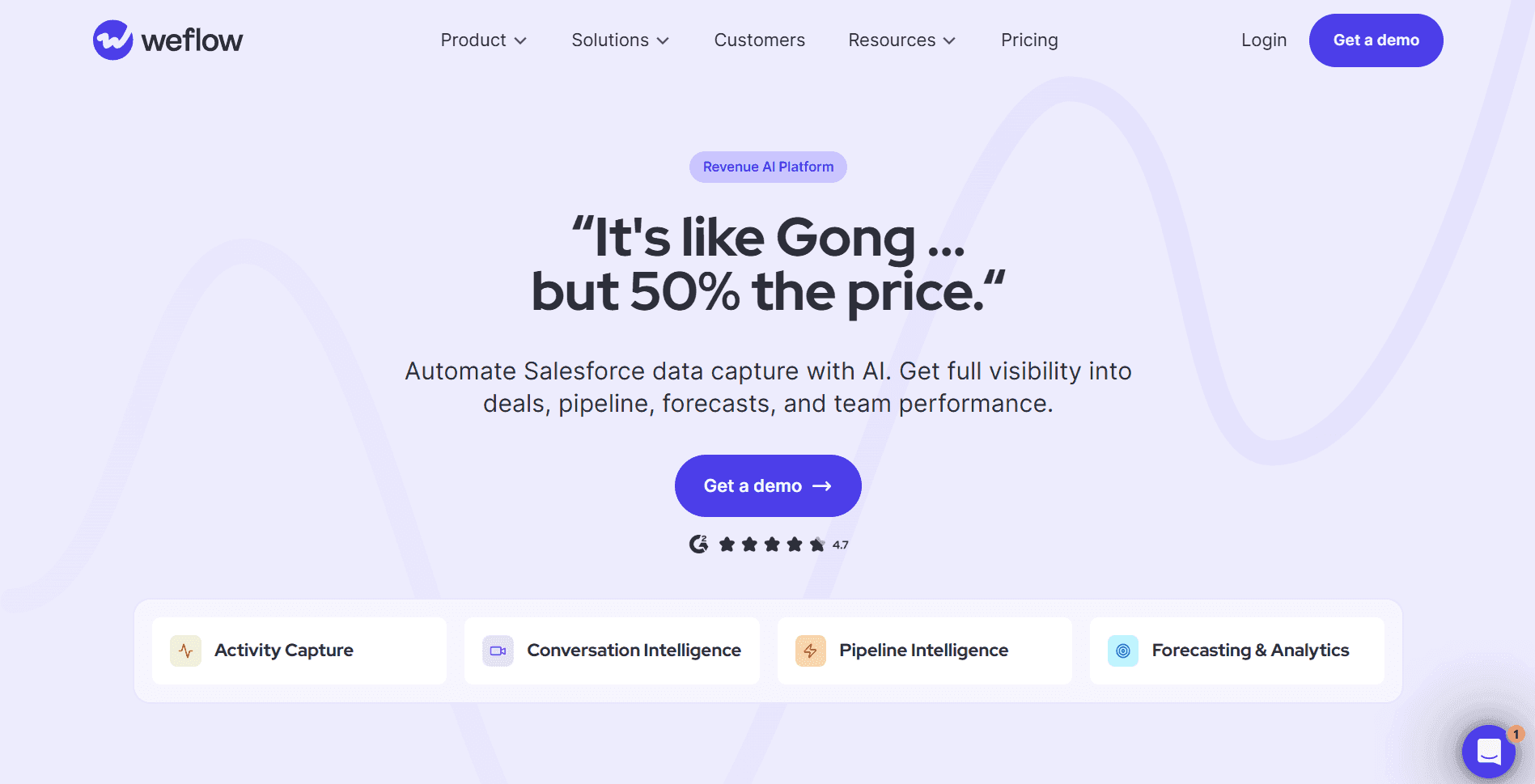
What it does: Weflow sits on top of Salesforce to make pipeline updates faster, data cleaner, and daily workflows easier for reps.
Who it’s for: Inside sales teams running Salesforce that want to reduce admin time and keep CRM data accurate without rebuilding their tech stack.
Weflow adds intuitive pipeline views, templates, and activity reminders directly inside Salesforce. Reps spend less time logging and more time selling.
It’s a good fit for teams that already rely on Salesforce but find the native interface slow or hard to maintain. Setup requires Salesforce admin access, but the payoff in data quality and rep efficiency is clear.
Pros and cons of Weflow
✅ Pros | ❌ Cons |
Speeds up Salesforce updates and activity logging | Only works within Salesforce environments |
Customizable views simplify daily rep workflows | Custom setup may require admin involvement |
Templates and reminders support consistent follow-through | Limited offline functionality |
Pricing
Weflow pricing starts at $20/user/month for Activity Capture. Conversation Intelligence, Pipeline Intelligence, and Forecasting each cost $30/user/month, billed annually.
4. Salesforce Sales Cloud
What it does: Salesforce is an enterprise-grade CRM with deep customization, powerful reporting, and one of the largest integration ecosystems in sales.
Who it’s for: Large organizations with complex sales processes and dedicated admins who need a fully configurable system built for scale.
Salesforce centralizes contact data, automates workflows, and gives managers real-time pipeline visibility. AI-powered forecasting and detailed dashboards make it easier to track revenue trends.
Add-ons like CPQ and sales engagement further extend the platform. The AppExchange connects Salesforce to almost every other tool in a modern sales stack.
✅ Pros | ❌ Cons |
Powerful reporting and analytics out of the box | Steep learning curve for new users |
Massive automation and integration ecosystem | Requires ongoing admin support to maintain |
Built for large, complex operations | The interface can feel cluttered for daily use |
Pricing
Salesforce CRM Suite offers a free plan for up to 2 users. Paid plans start at $25 per user per month for Starter and $100 per user per month for Pro when billed annually.
5. HubSpot Sales Hub
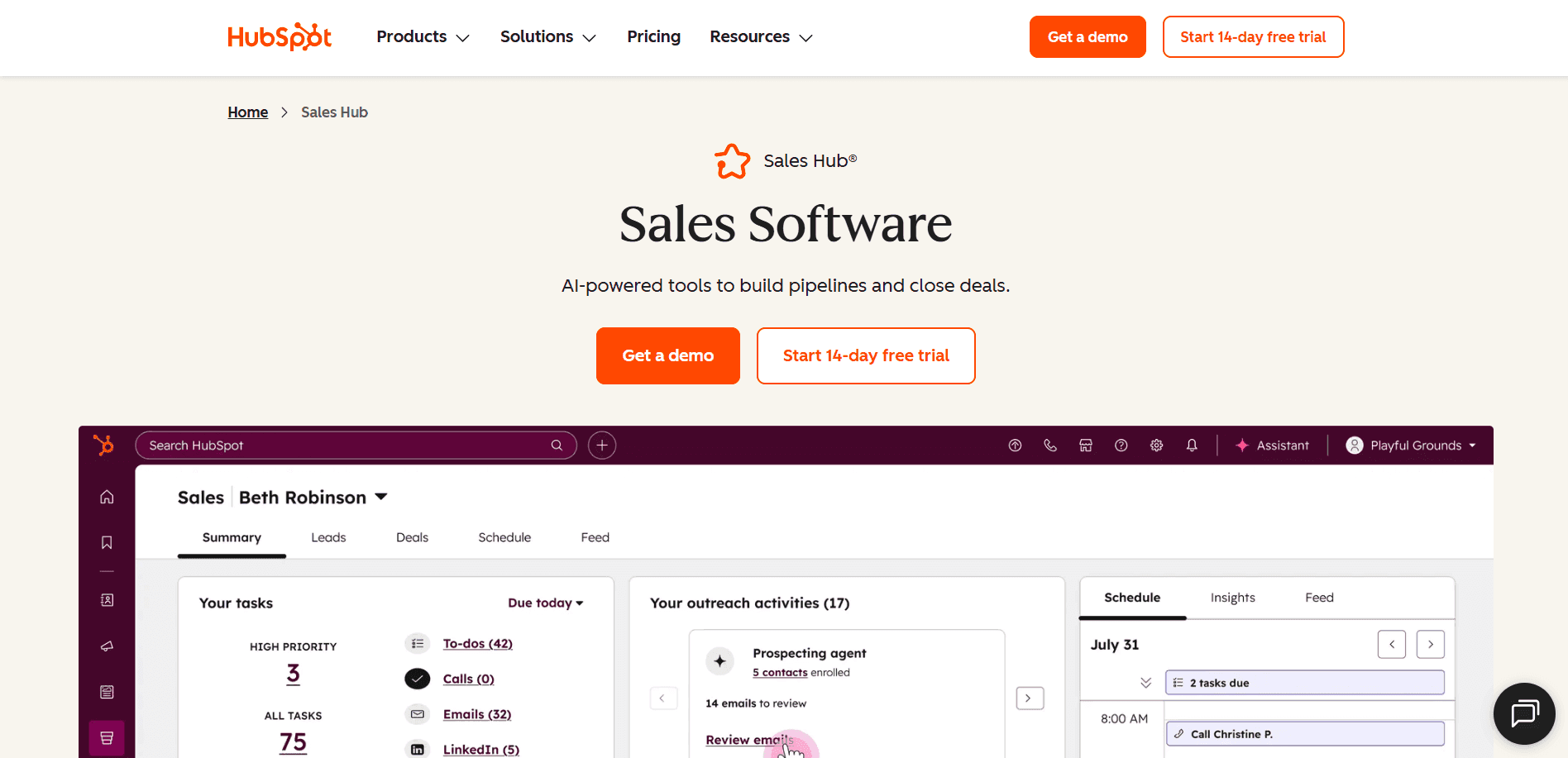
What it does: HubSpot combines CRM, sales engagement, and marketing tools in one platform built for fast setup and easy adoption.
Who it’s for: Growing companies that want sales and marketing working from the same system without heavy IT involvement.
Core tools include a deal pipeline, meeting scheduler, live chat, and reporting dashboard. Higher plans add workflow automation, advanced analytics, and predictive lead scoring.
HubSpot is a strong choice when alignment between sales and marketing matters. Teams can see every prospect’s touchpoint in one place, from the first email to the closed deal.
Pros and cons of HubSpot Sales Hub
✅ Pros | ❌ Cons |
Fast setup and smooth onboarding | Limited customization for complex or non-standard processes |
Clean, intuitive interface that reps adopt quickly | Advanced analytics are locked behind higher-tier plans |
Built-in tools for email, meetings, and automation | Reporting is less powerful than enterprise CRMs |
Pricing
Sales Hub includes a free plan. Starter starts at $9 per seat per month, Professional at $90 per seat per month, and Enterprise at $150 per seat per month with annual billing.
6. ZoomInfo Sales OS
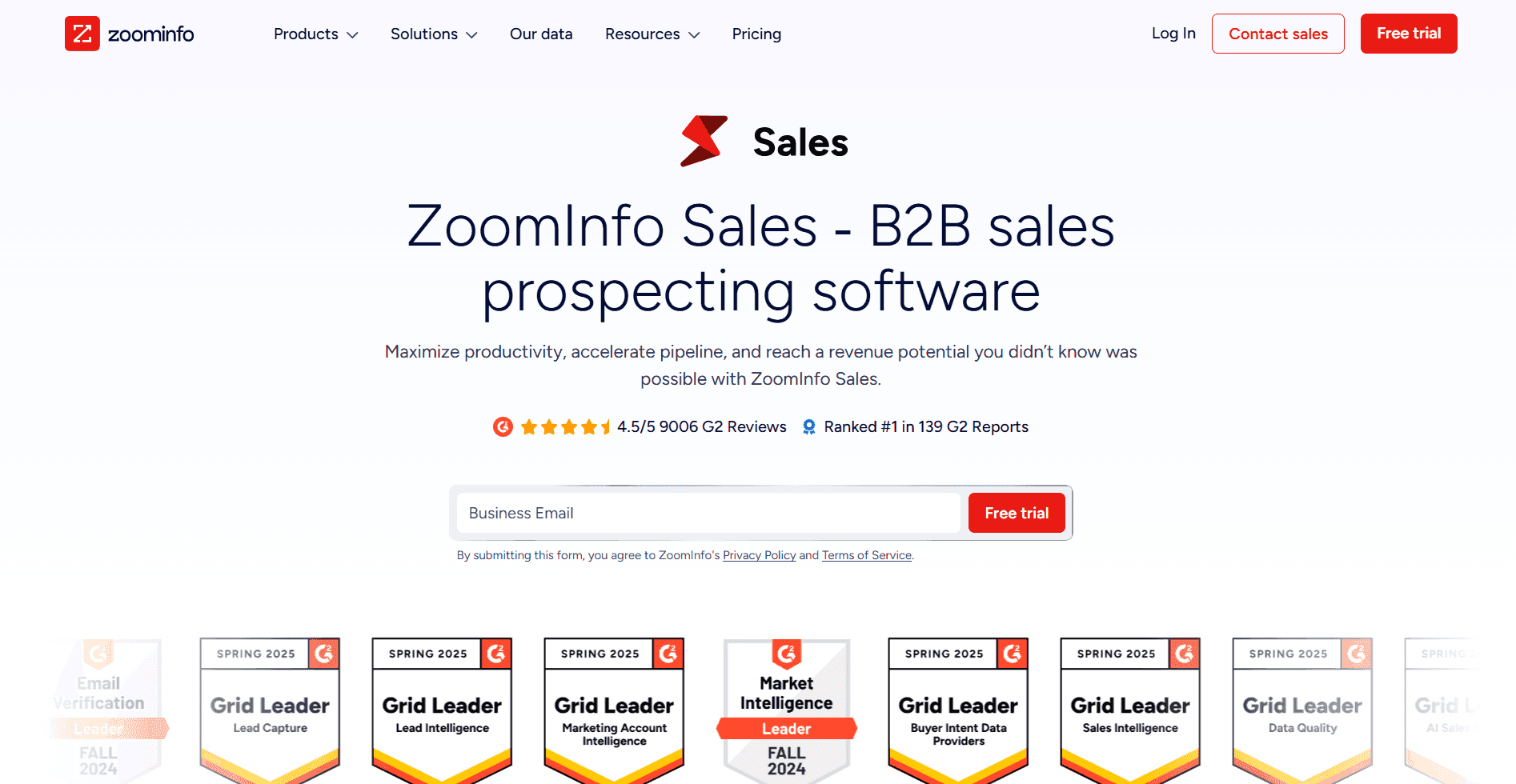
What it does: ZoomInfo delivers verified B2B contact data and buyer intent signals to help reps find and prioritize the right leads.
Who it’s for: Teams prospecting into new accounts that need accurate, current contact information at scale.
ZoomInfo’s database includes millions of verified direct dials and emails. Intent data and lead scoring show which accounts are most likely to buy, helping teams focus effort where it counts.
Data enrichment automatically fills CRM gaps, so reps spend less time researching and more time reaching out.
Pros and cons of ZoomInfo Sales OS
✅ Pros | ❌ Cons |
Industry-leading data accuracy and coverage | Expensive for smaller teams |
Intent signals reveal which accounts are in-market | May include more data than some teams need |
Automatic data enrichment fills CRM gaps | Some features have a learning curve |
Pricing
ZoomInfo Sales OS pricing is not listed publicly. Contact ZoomInfo for a quote.
7. Outreach
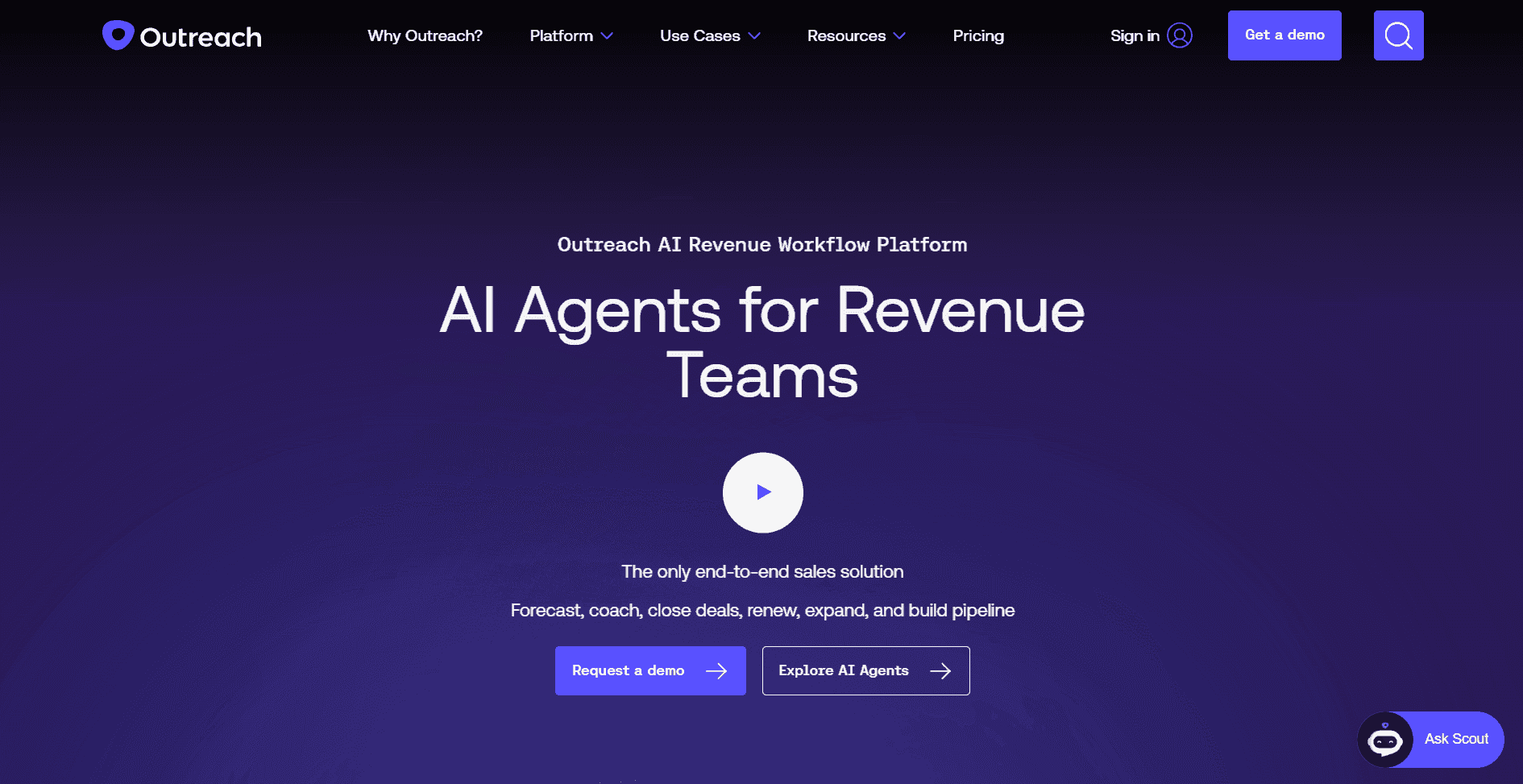
What it does: Outreach automates follow-ups, communication sequences, and task management while using AI to guide reps through each stage of the sales process.
Who it’s for: Inside sales teams managing complex pipelines that want automation and AI-guided execution in one platform.
Outreach handles sequence management, pipeline forecasting, and next-step recommendations to keep deals moving. Managers get clear visibility into activity, performance, and forecast accuracy.
It works best when integrated with a CRM. Setup takes time, but the payoff is a structured, repeatable sales process that scales well.
Pros and cons of Outreach
✅ Pros | ❌ Cons |
Automates follow-ups and task reminders | Configuration takes time to get right |
AI suggests next actions to advance deals | May feel like overkill for smaller or simpler teams |
Strong forecasting and pipeline reporting | Works best when connected to an existing CRM |
Pricing
Outreach offers custom pricing based on team size and features. Contact Outreach for a quote.
8. Salesloft
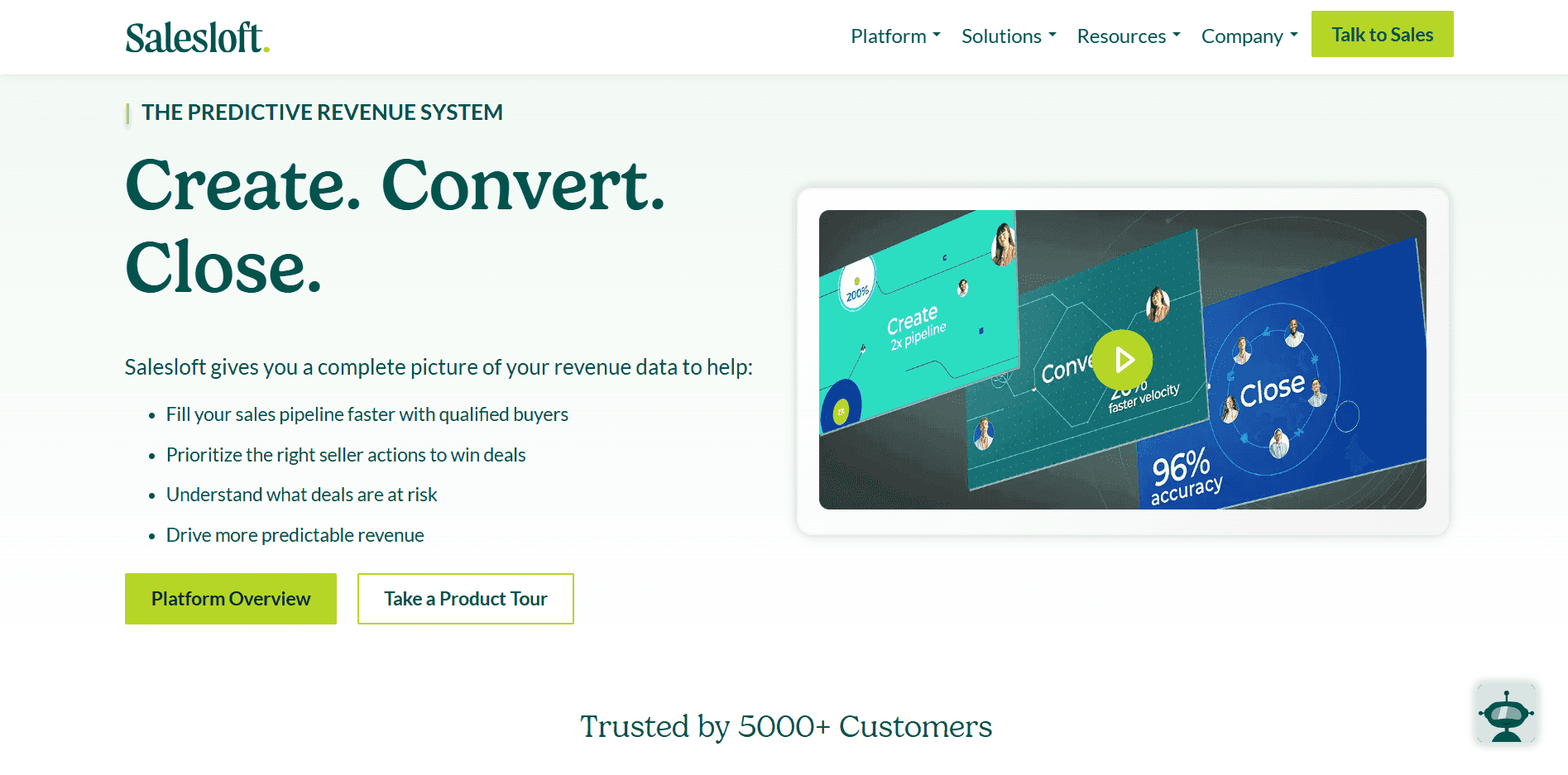
What it does: Salesloft helps sales teams run structured outreach campaigns across email, phone, and social media from one platform.
Who it’s for: Inside sales teams running high-volume, multi-touch prospecting who need cadence management and clear visibility into what’s working.
Salesloft automates outreach and gives managers analytics on rep activity, response rates, and pipeline health. Built-in dialer and CRM sync keep everything connected.
It’s a strong fit for teams that live and die by structured cadences. Teams focused on relationship-driven or longer sales cycles may find it less flexible.
Pros and cons of Salesloft
✅ Pros | ❌ Cons |
Automates outreach with proven cadence structures | Cadences require ongoing maintenance to stay relevant |
Analytics show which tactics drive responses | Less flexible for teams with non-linear sales processes |
Built-in dialer and CRM sync reduces tool switching | Skews toward activity tracking over deal outcome analysis |
Pricing
Salesloft provides custom pricing for its Advanced and Elite plans. Contact Salesloft for more details.
9. Close
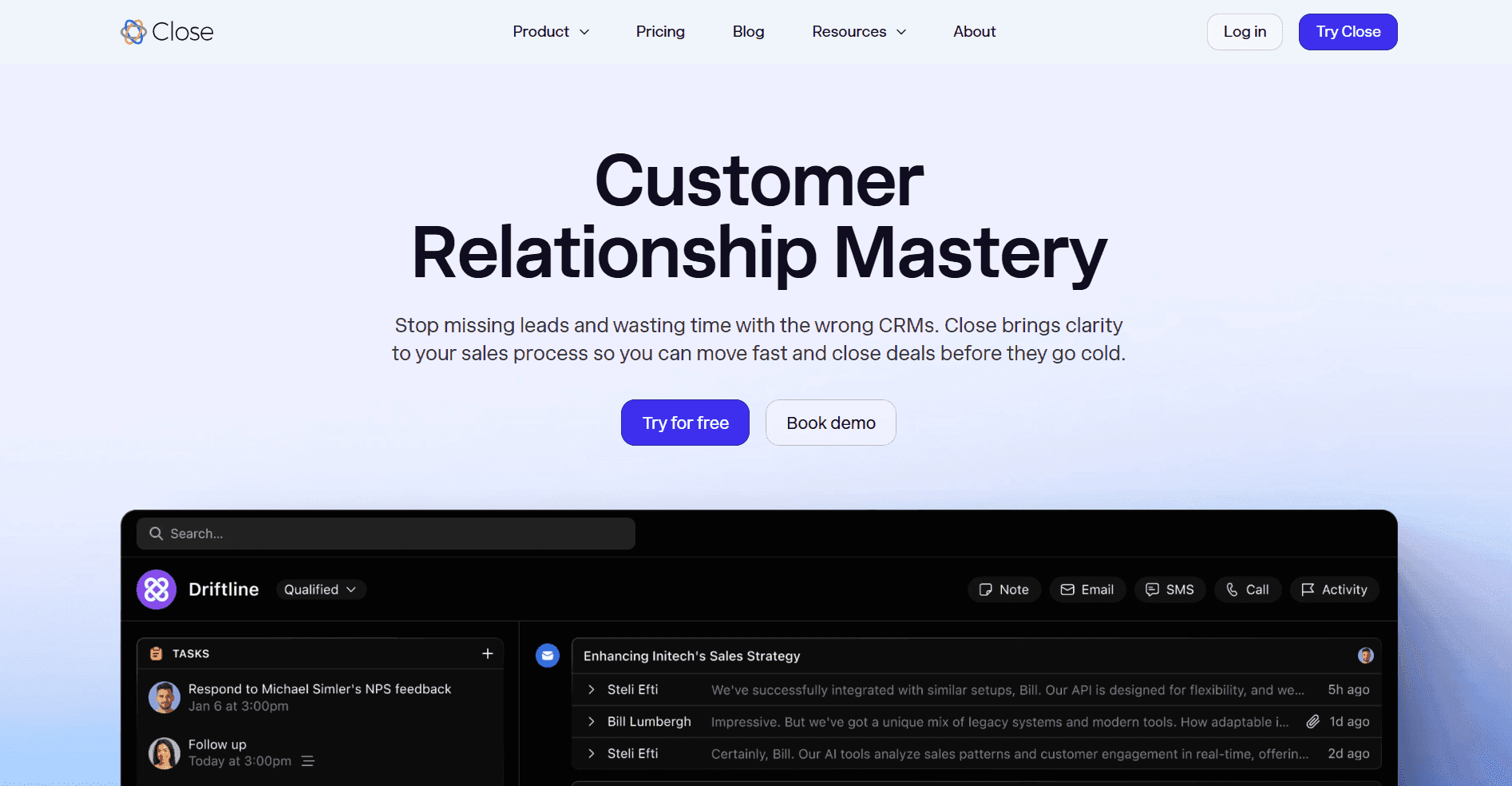
What it does: Close is a fast, all-in-one CRM with built-in calling, email, and SMS designed for outbound sales teams.
Who it’s for: Small to mid-size inside sales teams focused on phone-based outreach that want everything in one place without complex setup.
Close puts the power dialer, call recording, email, and automation in a single interface. Reps can move faster without juggling multiple tools.
It’s one of the more affordable options for outbound-heavy teams. Larger teams with complex reporting needs or deep customization requirements may outgrow it.
Pros and cons of Close
✅ Pros | ❌ Cons |
Built-in dialer and communication tools eliminate extra integrations | Limited customization for complex team structures |
Fast setup with minimal admin overhead | Basic analytics compared to enterprise platforms |
Affordable pricing for smaller teams | Fewer advanced coaching or enablement features |
Pricing
Pricing for Close begins at $35 per seat per month. The top plan is $139 per seat per month.
10. LeadSquared
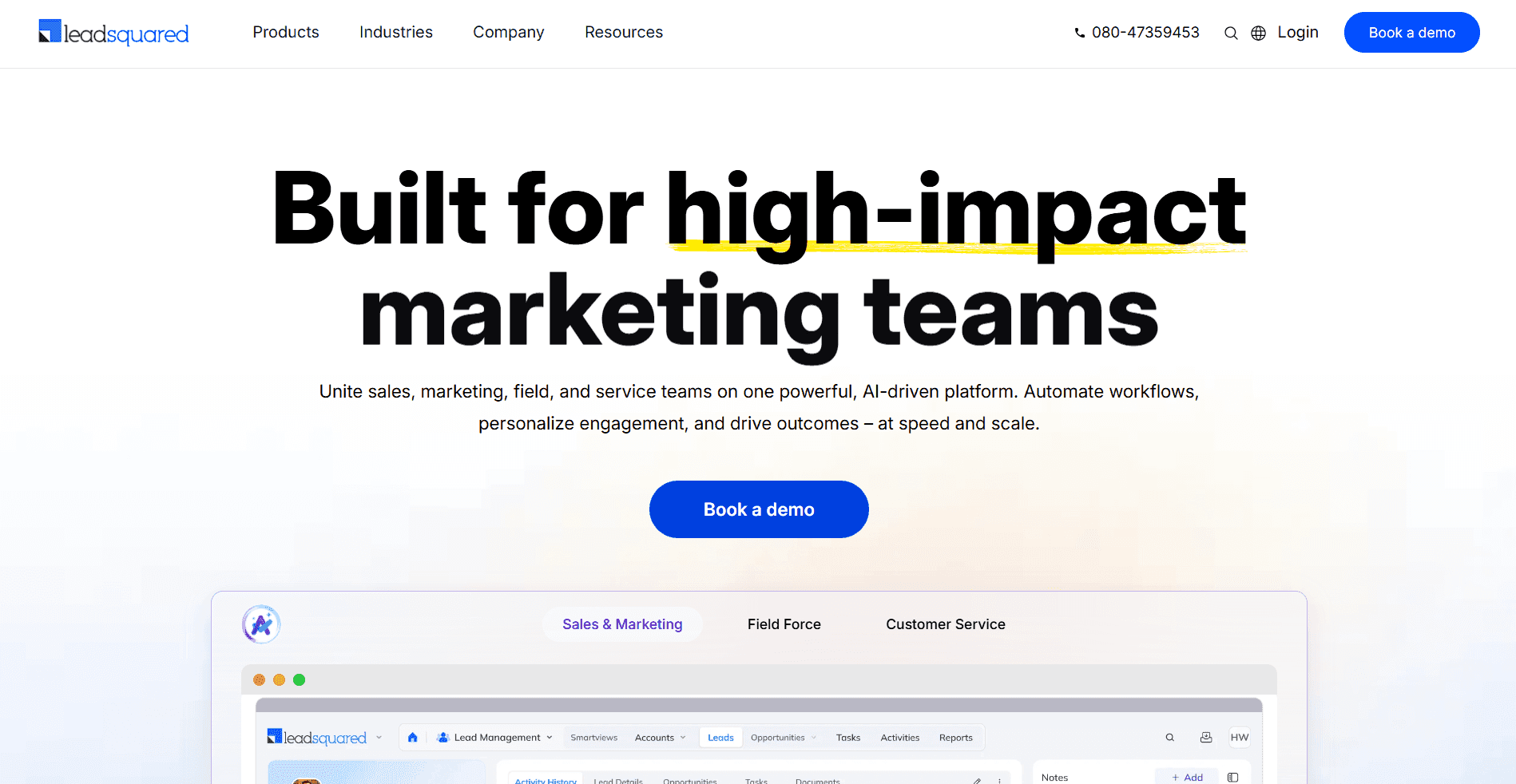
What it does: LeadSquared helps inside sales teams capture leads, automate workflows, and track activity across email, SMS, and calls.
Who it’s for: Teams managing high lead volumes that need automated follow-ups and multi-channel tracking to keep deals from falling through the cracks.
LeadSquared automates lead capture, distribution, and follow-up sequences so reps focus on selling rather than admin. A mobile CRM option supports field and remote reps.
Advanced setup can require admin support, and the interface takes time to learn. But for high-volume operations, the automation payoff is significant.
Pros and cons of LeadSquared
✅ Pros | ❌ Cons |
Automates lead capture, distribution, and follow-ups | The interface can feel busy for new users |
Tracks activity across calls, email, and SMS | Advanced configuration may need admin help |
Mobile CRM for remote and field teams | Pricing rises with added automation features |
Pricing
LeadSquared charges $40 per user per month for Sales Pro. Sales Super costs $60 per user per month.
11. Gong
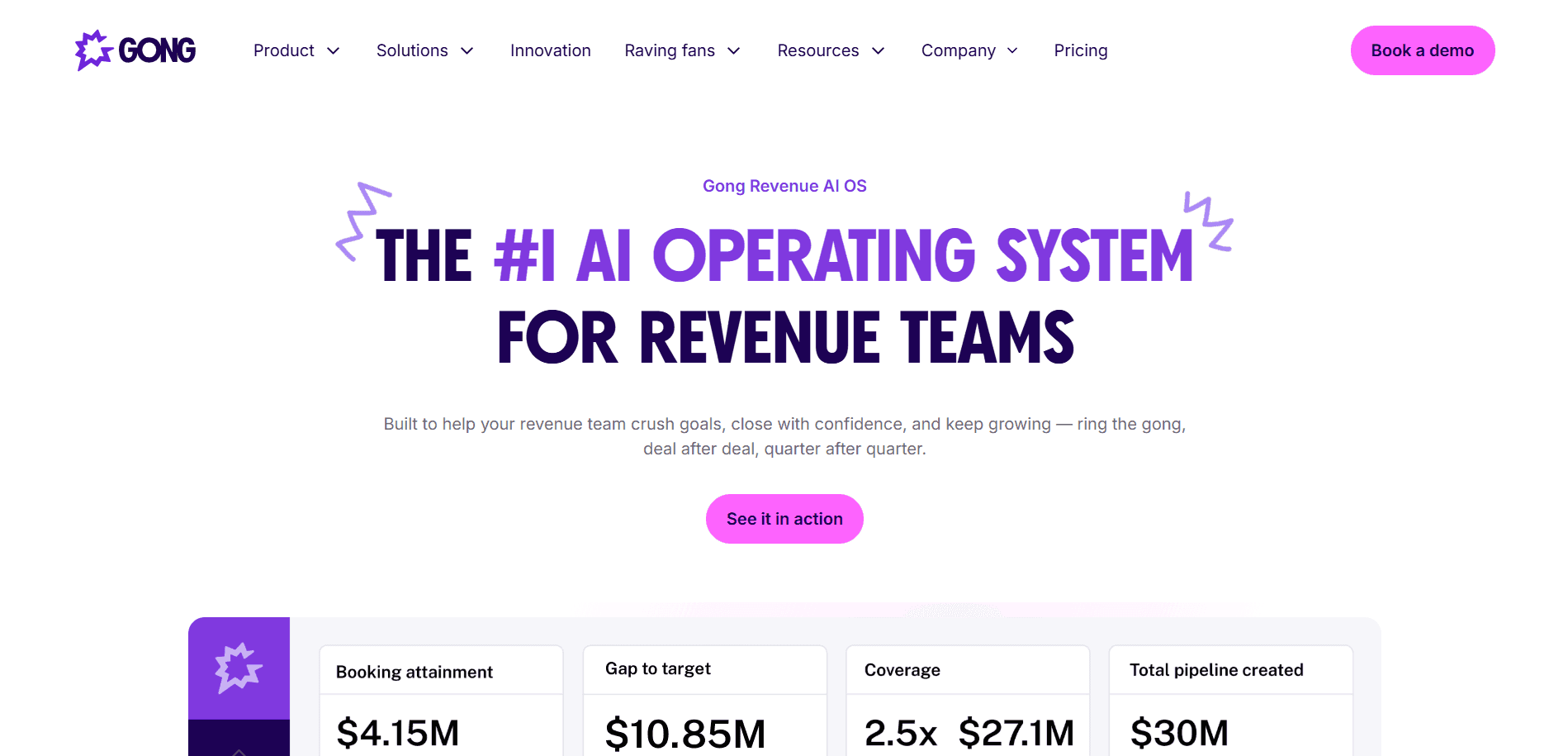
What it does: Gong records and analyzes every call, email, and meeting to surface insights on what’s driving wins and where reps are losing deals.
Who it’s for: Sales teams that want conversation intelligence and data-driven coaching without building a manual review process.
Gong’s AI surfaces deal risks, rep coaching moments, and pipeline trends automatically. Managers see what’s happening across the team without having to listen to every call.
It’s one of the most widely adopted conversation intelligence platforms on the market. Teams that need industry-specific playbooks or real-time in-call coaching may want to pair it with a more specialized tool.
Pros and cons of Gong
✅ Pros | ❌ Cons |
Captures and analyzes calls, emails, and meetings automatically | Higher price point for smaller teams |
Surfaces coaching opportunities and deal risks in real time | Works best as part of a broader tech stack |
Strong pipeline visibility for managers | Setup and onboarding can take time to configure properly |
Pricing
Pricing for Gong is customized to fit your business. Reach out to their team to get a detailed quote.
Want a deeper look? Read our full Gong review: features, pricing, and real user experiences.
12. Nooks
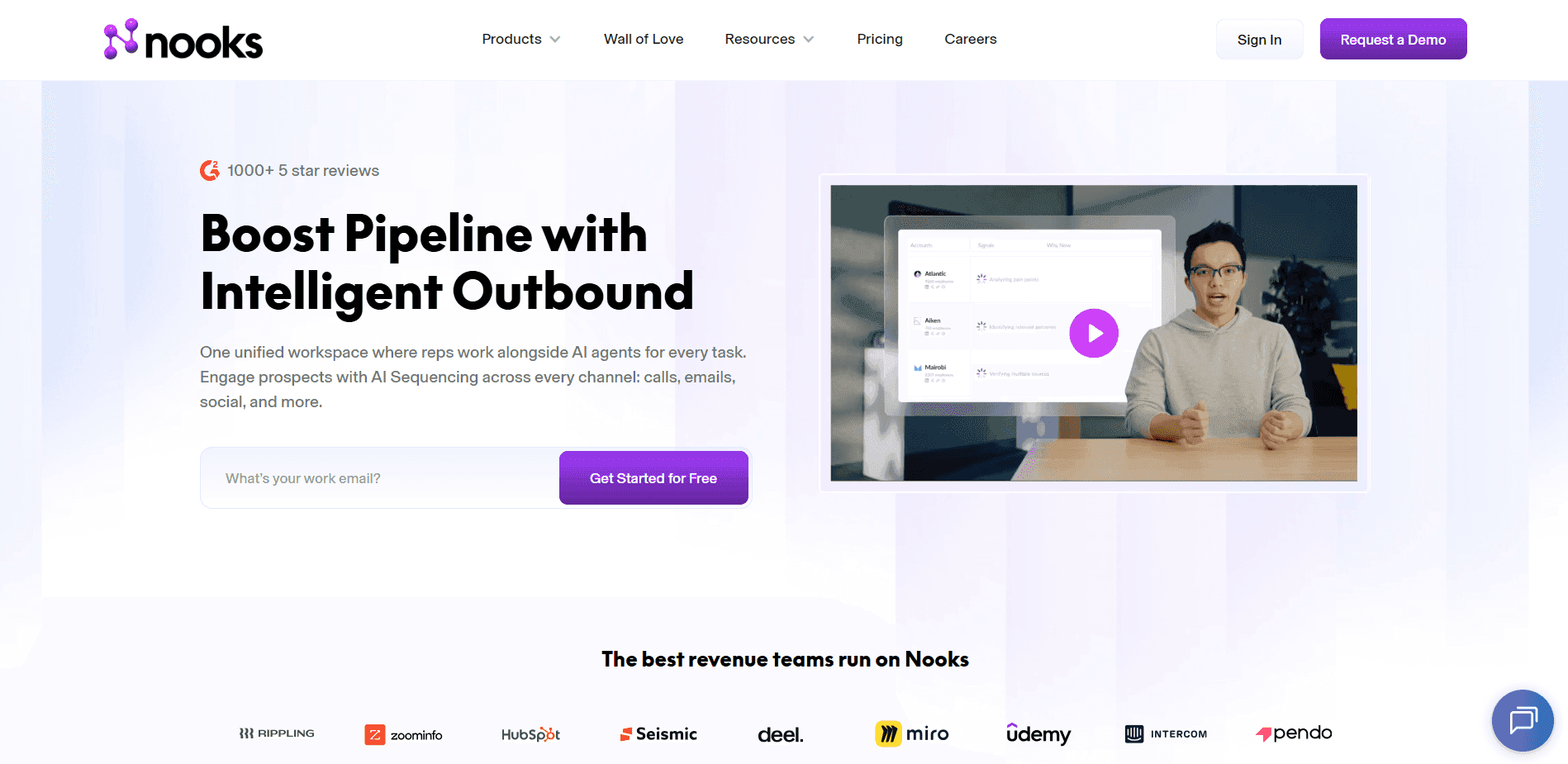
What it does: Nooks is an AI-powered parallel dialer built for remote sales teams looking to reach more prospects in less time.
Who it’s for: Distributed or remote inside sales teams that want the energy and collaboration of an in-person sales floor, regardless of location.
Nooks dials multiple numbers at once and skips voicemails and dead lines automatically, so reps connect with more live prospects per hour. A virtual sales floor lets the team listen in, assist each other, and celebrate wins together.
It’s a good fit for phone-heavy teams where rep motivation and peer energy matter. Teams that primarily use email or social channels may not get as much from the platform.
Pros and cons of Nooks
✅ Pros | ❌ Cons |
Parallel dialing dramatically increases live connections per hour | Best suited for phone-heavy teams only |
Virtual sales floor keeps remote teams engaged and collaborative | Pricing not publicly listed |
Built-in coaching and call insights support rep development | Less valuable for in-office teams already working together |
Pricing
Nooks uses custom pricing based on company size and requirements. Get in touch with their team for a quote.
13. Orum
What it does: Orum uses AI to handle phone trees, voicemails, and bad numbers so reps spend more time in actual conversations.
Who it’s for: High-volume calling teams that need to increase live connections per session and want built-in coaching tools alongside dialing.
Orum’s AI filters out dead ends and connects reps directly to live prospects. Built-in call insights and a virtual sales floor support both coaching and team culture.
It overlaps with Nooks in several areas, but Orum tends to appeal to teams with a slightly more analytics-forward approach. Both are strong choices for phone-first operations.
Pros and cons of Orum
✅ Pros | ❌ Cons |
Parallel dialing dramatically increases live connections per hour | Best suited for high-volume phone outreach |
Virtual sales floor keeps remote teams engaged and collaborative | Less useful for email-first or social-first outreach strategies |
Built-in coaching and call insights support rep development | Pricing not publicly listed; requires a demo to evaluate cost |
Pricing
Orum uses custom pricing based on your requirements. Get in touch with their team for a quote.
14. Lavender
What it does: Lavender is an AI email coach that helps reps write better sales emails, get more replies, and book more meetings.
Who it’s for: Inside sales teams where email outreach is a primary channel and reps want real-time feedback while writing.
Lavender scores each email as you write it, suggests instant improvements, and pulls in prospect data from LinkedIn and other sources. It works directly within Gmail and Outlook, so reps don’t have to switch tools.
It won’t replace a full outreach platform, but it’s a practical add-on for teams where email quality drives pipeline.
Pros and cons of Lavender
✅ Pros | ❌ Cons |
Real-time email scoring and improvement suggestions | Email-only tool; does not support phone or multichannel outreach |
Pulls in prospect context to support personalization | Best used alongside a CRM or outreach platform, not as a standalone |
Works inside Gmail and Outlook without extra setup | Impact depends heavily on email volume and outreach focus |
Pricing
Lavender has a free Basic plan with limited access. Paid plans include Starter at $29 per month, Pro at $49 per month, and Teams starting around $8,500 annually.
15. Chili Piper
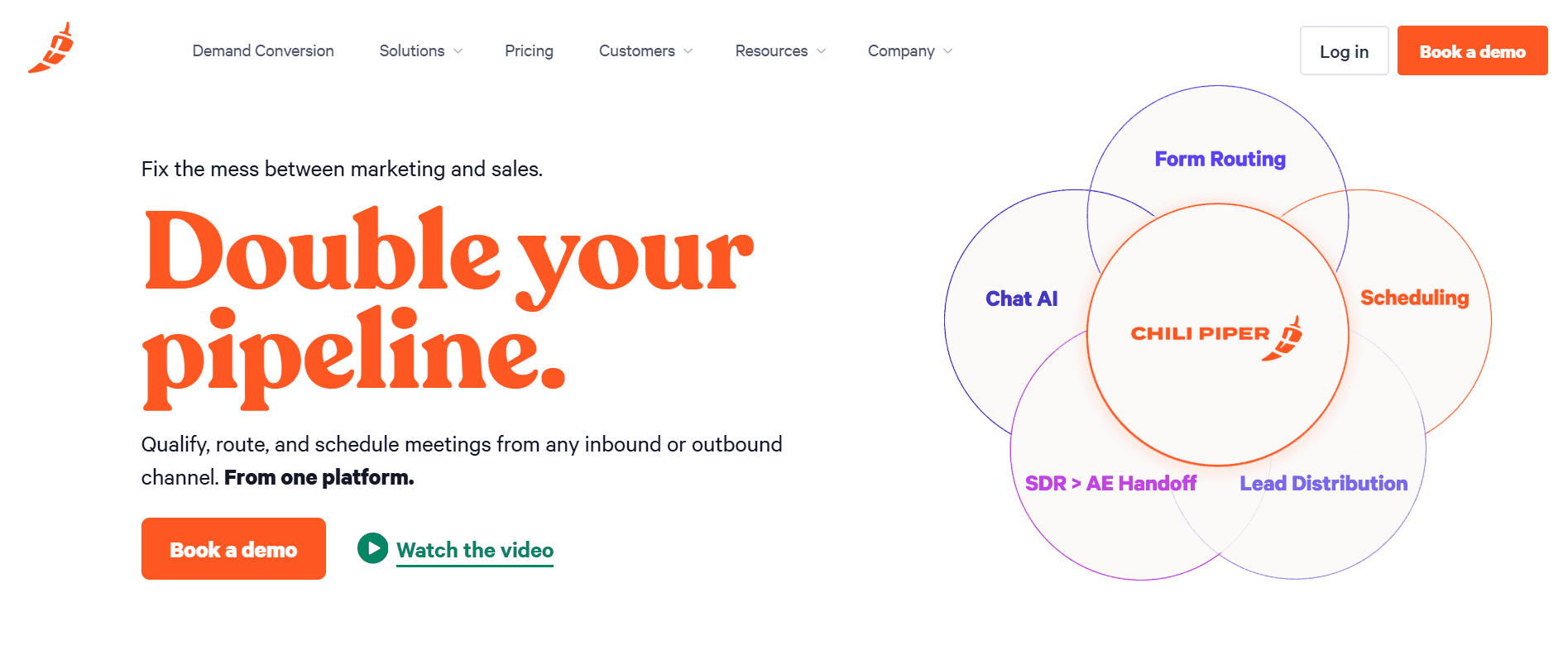
What it does: Chili Piper automates lead routing, scheduling, and handoffs so inbound prospects connect with the right rep fast.
Who it’s for: Inside sales teams handling inbound leads that need to reduce time-to-contact and improve conversion at the top of the funnel.
When a prospect fills out a form or requests a call, Chili Piper routes them instantly to the right rep and lets them book a meeting in one click. No back-and-forth email chains.
It’s most valuable for teams with meaningful inbound volume. Teams that rely entirely on outbound may not get as much lift from the scheduling and routing features.
Pros and cons of Chili Piper
✅ Pros | ❌ Cons |
One-click booking reduces friction for inbound prospects | Less relevant for purely outbound sales motions |
Instant routing gets leads to the right rep without delay | Can require careful configuration to match complex routing rules |
Integrates with most major CRMs and marketing tools | Pricing scales up quickly with team size |
Pricing
Plans start at $30 per seat per month. Contact Chili Piper for full pricing details.
16. Calendly
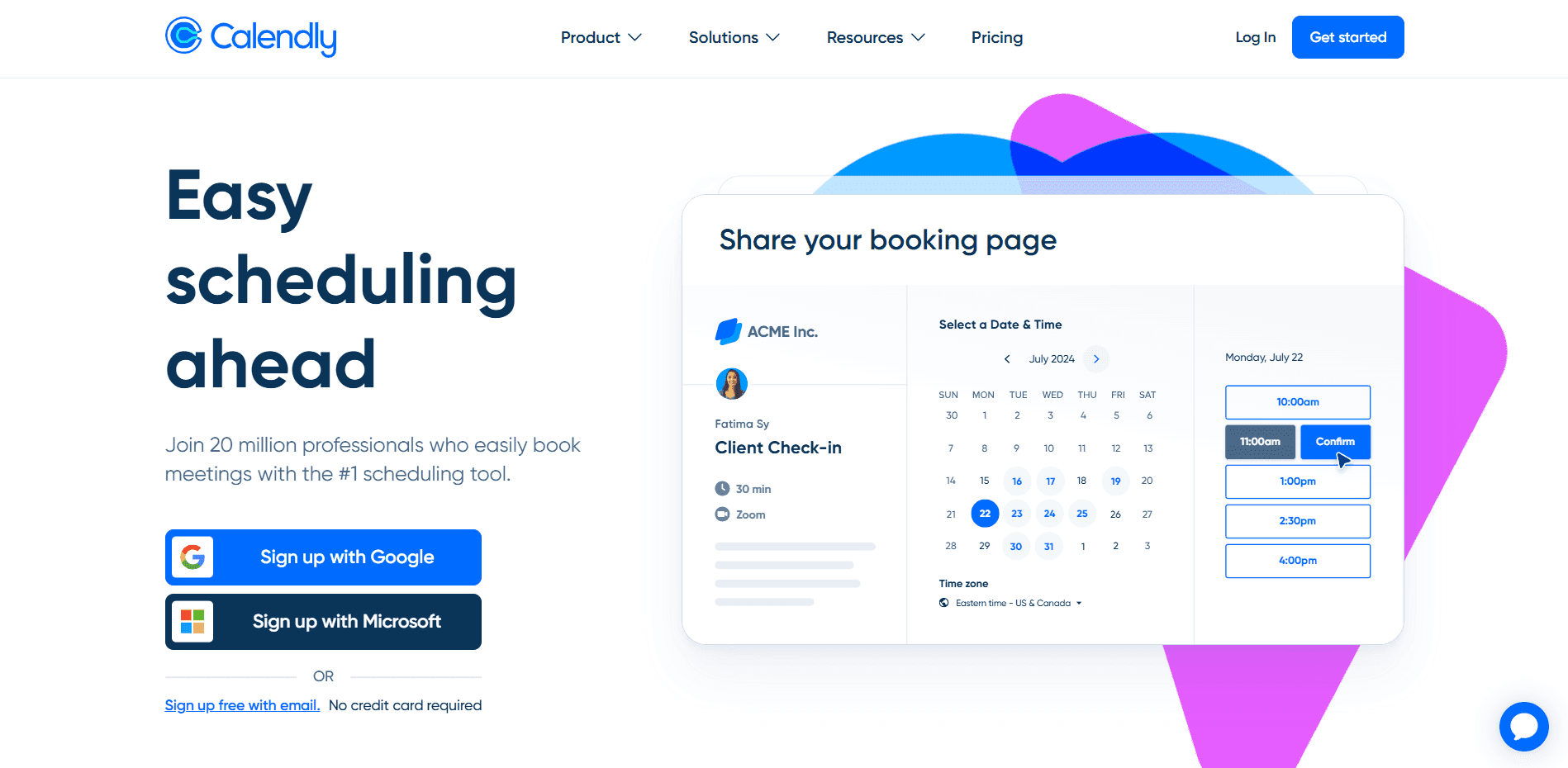
What it does: Calendly makes scheduling simple by letting prospects book meetings directly on a rep’s calendar without email back-and-forth.
Who it’s for: Inside sales teams of any size that want a lightweight, easy-to-deploy scheduling tool with broad calendar and CRM compatibility.
Calendly connects with Google, Microsoft, and iCloud calendars and integrates with most major CRMs. Automated reminders reduce no-shows, and qualification questions can be added to booking forms.
It’s one of the easiest tools on this list to adopt. Teams that need advanced routing, lead distribution, or inbound automation may want to evaluate Chili Piper as an alternative.
Pros and cons of Calendly
✅ Pros | ❌ Cons |
Fast setup with almost no training required | Limited routing and lead distribution compared to dedicated tools |
Integrates with most calendars and CRM tools | Less control over the booking experience on lower-tier plans |
Automated reminders reduce no-show rates | Not built for high-volume inbound lead management |
Pricing
Calendly offers a free plan. Paid plans start at $10 per user per month.
17. LinkedIn Sales Navigator
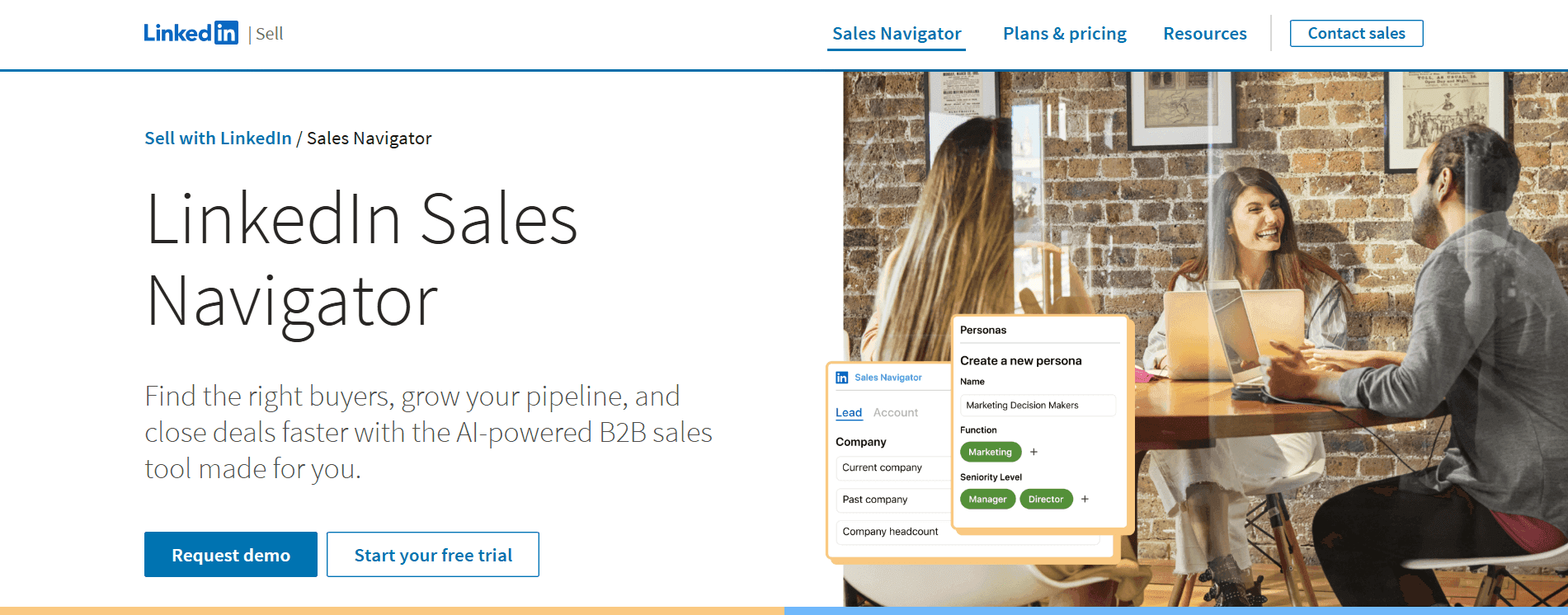
What it does: Sales Navigator helps reps find and connect with decision-makers on LinkedIn using advanced filters, InMail, and real-time engagement alerts.
Who it’s for: Inside sales teams prospecting into new accounts where LinkedIn is a primary research and outreach channel.
LinkedIn Sales Navigator surfaces account updates, job changes, and buyer activity signals so reps can reach prospects at the right moment. Advanced search filters narrow down to the exact decision-maker profiles a team wants to target.
It’s a strong prospecting tool for B2B-leaning teams. Teams selling directly to individual consumers may find it less relevant to their daily workflow.
Pros and cons of LinkedIn Sales Navigator
✅ Pros | ❌ Cons |
Advanced filters surface the right decision-maker profiles | Best suited for B2B or business-adjacent prospecting |
Real-time alerts flag account changes and buying signals | Cost adds up quickly for larger teams |
InMail allows direct outreach to prospects outside your network | Works best alongside a dedicated outreach or CRM platform |
Pricing
LinkedIn Sales Navigator plans start at $79.99 per user per month. You can also choose Team or Enterprise plans.
18. Salesken
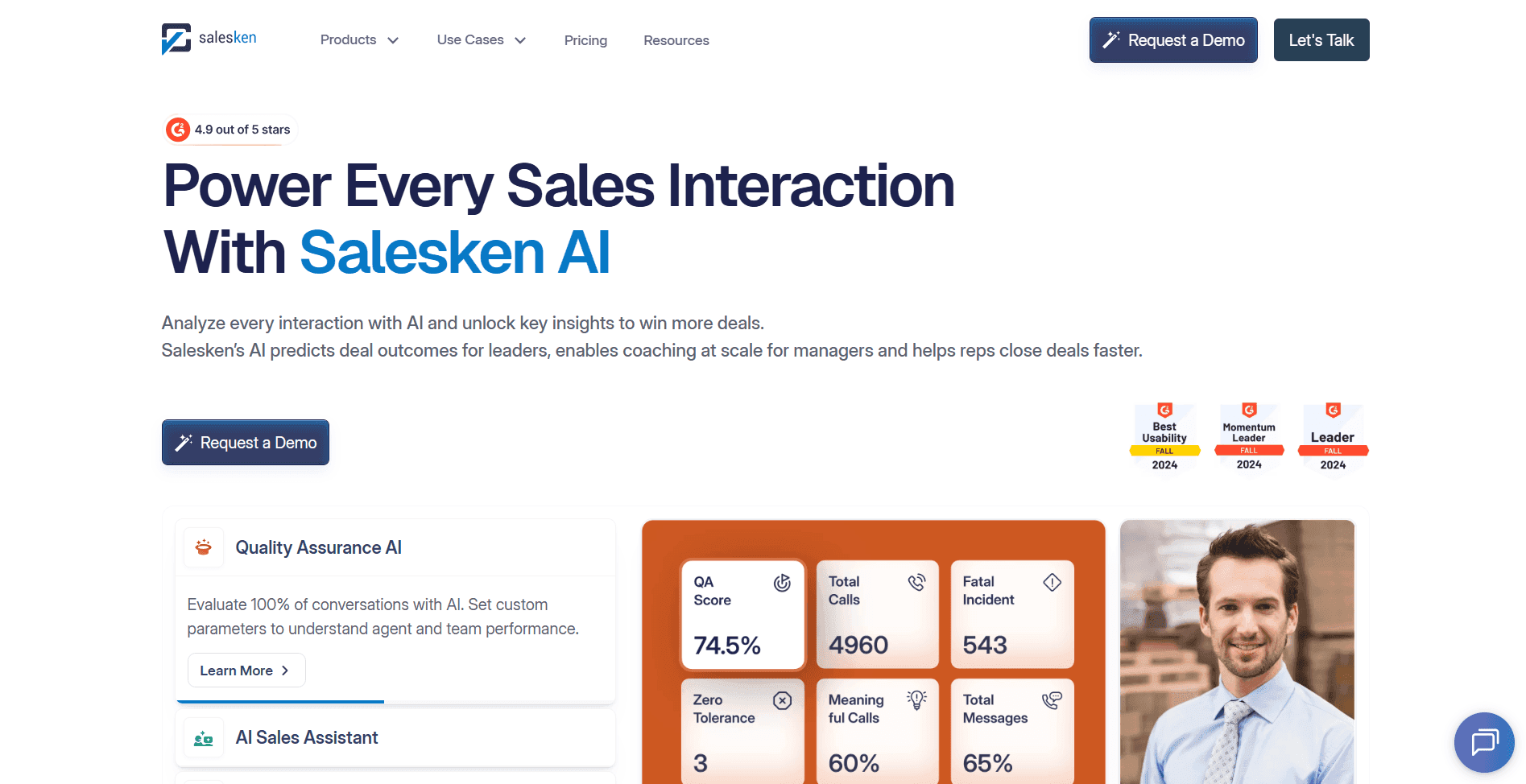
What it does: Salesken gives reps real-time coaching during live sales calls, analyzing tone, keywords, and conversation flow to guide better outcomes.
Who it’s for: Call-heavy inside sales teams where managers want to improve in-the-moment rep performance at scale.
Salesken listens to calls as they happen and surfaces coaching cues in real time: helping reps respond to objections, ask the right questions, and stay on track. Managers can see performance trends across the team without manually reviewing every call.
It’s a natural fit for regulated industries like insurance and Medicare, where consistency and compliance matter on every call.
Pros and cons of Salesken
✅ Pros | ❌ Cons |
Real-time coaching reduces errors and missed opportunities mid-call | Requires integration with your existing call infrastructure |
Tone and keyword analysis surface coaching moments automatically | Teams with very low call volume may not generate enough data for full value |
Helps managers identify patterns across large call volumes | Setup and configuration take time to align with your playbook |
Pricing
Salesken uses custom pricing based on company size and requirements. Get in touch with their team for a quote.
19. Klenty
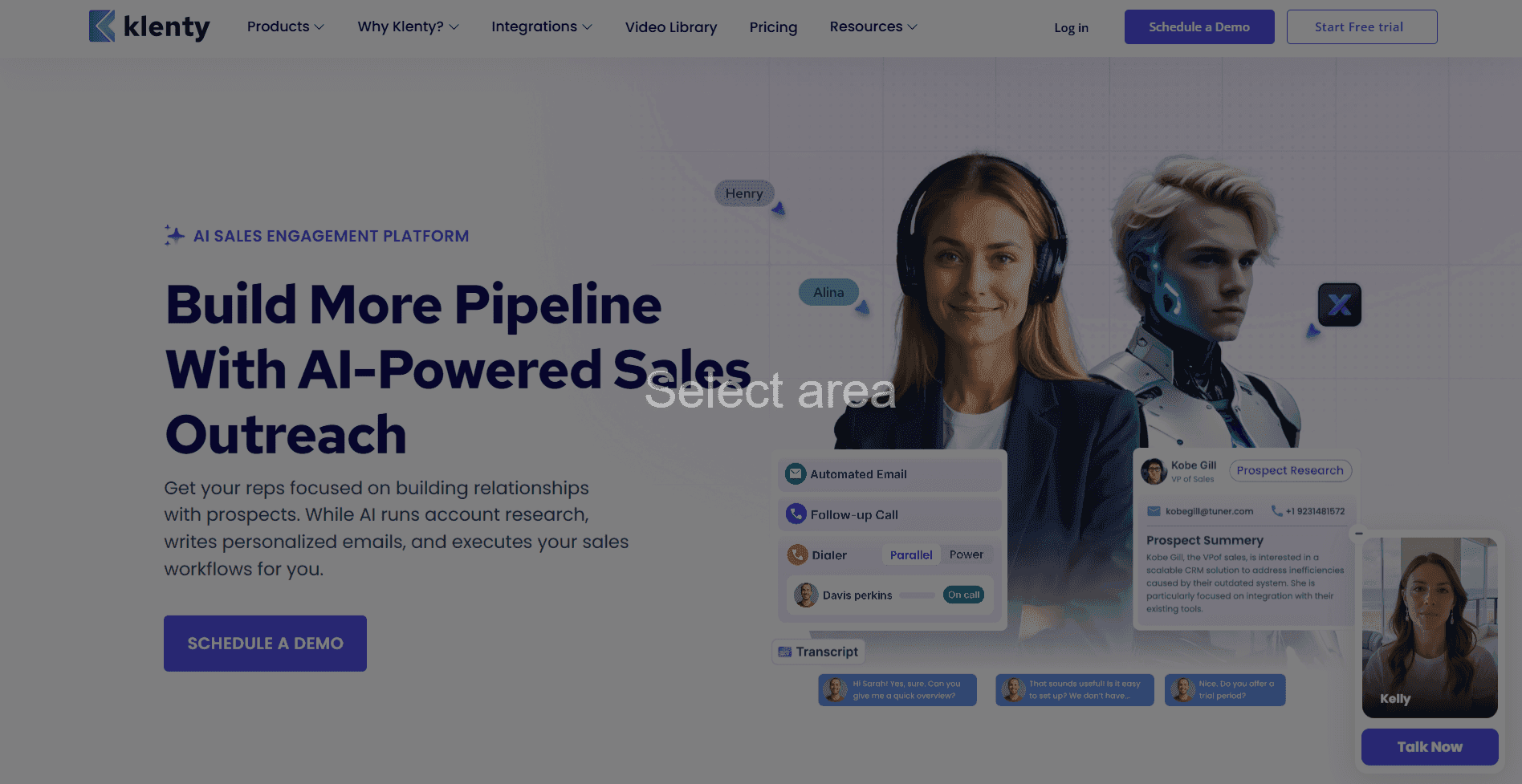
What it does: Klenty is a sales engagement platform that lets reps reach prospects through email, phone, WhatsApp, and SMS from one place.
Who it’s for: Inside sales teams running multichannel outreach who want to manage and automate every touchpoint without switching between tools.
Klenty automates follow-up sequences across channels and uses AI to personalize outreach at scale. Reps can build and manage multichannel cadences from a single dashboard.
It’s a good fit for teams that need more than email but don’t want the complexity of an enterprise-grade outreach platform.
Pros and cons of Klenty
✅ Pros | ❌ Cons |
Email, phone, WhatsApp, and SMS outreach in one platform | Less established than category leaders like Outreach or Salesloft |
AI-powered personalization at scale | Analytics depth may not satisfy data-heavy teams |
Solid automation for multi-touch follow-up sequences | Integrations can require manual setup |
Pricing
Plans from Klenty include Starter at $50 per seat per month, Growth at $70 per seat per month, and Pro at $99 per seat per month when paid annually. Reach out to Klenty for pricing on the Enterprise plan.
20. Pipedrive
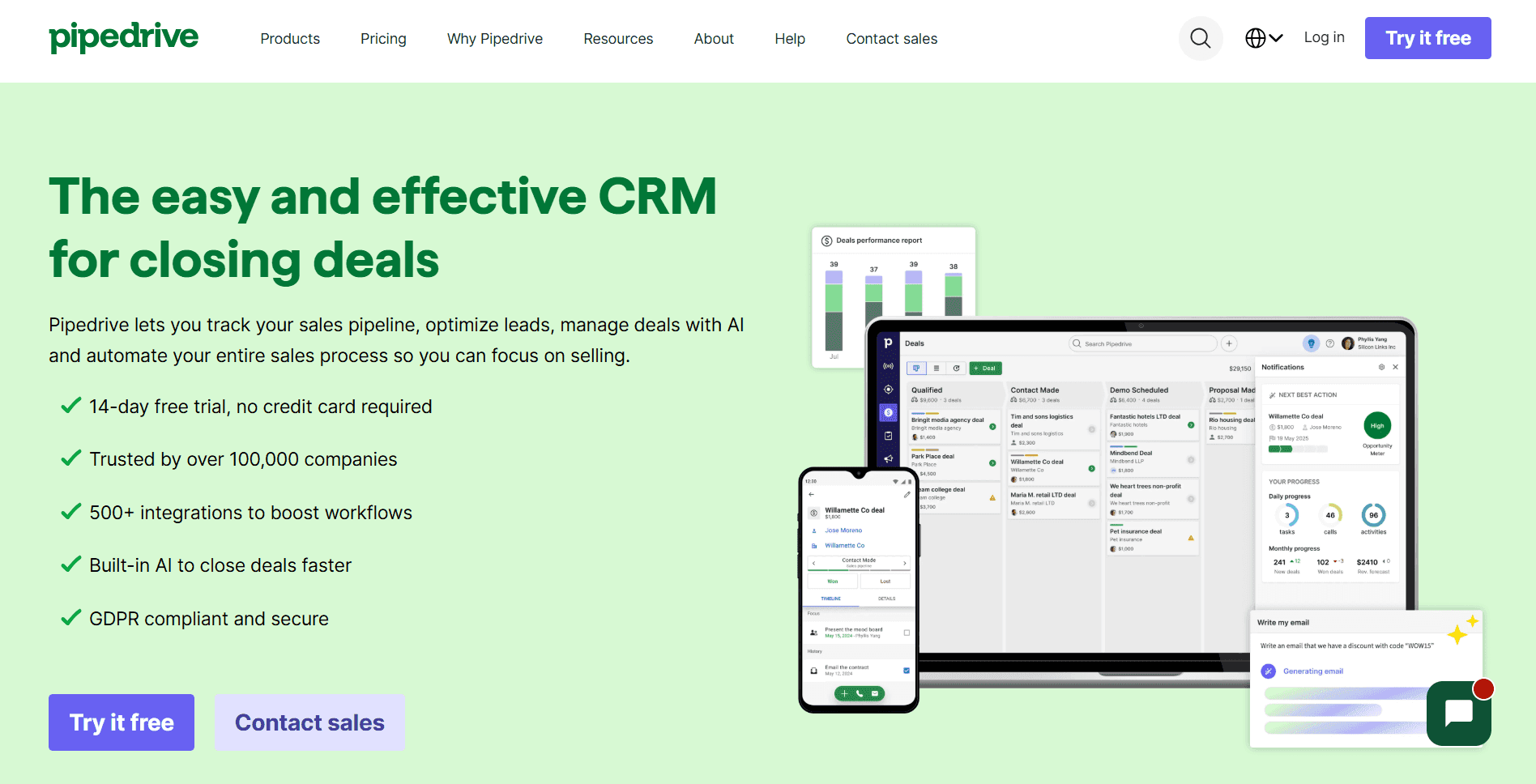
What it does: Pipedrive is a visual CRM that helps teams manage deals using drag-and-drop pipelines, reminders, and email integration.
Who it’s for: Small to mid-size inside sales teams that want an affordable, easy-to-use CRM without the complexity of enterprise platforms.
Pipedrive keeps things simple. Reps can see every deal at a glance and move them through the pipeline without extensive training. Built-in email sync, activity reminders, and workflow automation cover most of what a growing team needs.
For teams that have outgrown spreadsheets but don’t need a full enterprise CRM, Pipedrive is one of the best entry points on the market.
Pros and cons of Pipedrive
✅ Pros | ❌ Cons |
The visual pipeline is easy to learn and update | Limited reporting compared to Salesforce or HubSpot |
Affordable pricing for small and growing teams | Less built for high-volume, call-center-style operations |
Built-in email integration and automation features | Advanced features require higher-tier plans |
Pricing
Pipedrive pricing begins at $14 per seat per month. Higher plans include Growth at $24, Premium at $49, and Ultimate at $69 per seat per month, billed annually.
How we evaluated these inside sales software options
Choosing the right platform comes down to what actually helps reps have more real conversations, close more deals, and ramp up faster. Generic feature lists don’t tell the whole story.
Here’s what we focused on when reviewing each tool:
Rep productivity: Does the software help reps spend more time selling and less time on admin?
Coaching and enablement: Does it help managers find where reps are struggling and give specific, actionable feedback?
Call center integration: Does it connect to systems like Five9 and Genesys without endless setup?
Real-time insights: Does it guide reps during calls, not just after?
Our key questions
As we reviewed each platform, three questions guided every decision:
Does it help average reps perform like top reps? Tools that make strong performance repeatable scored the highest.
How fast can new reps get to full productivity? We looked at how well each platform supports onboarding and shortens ramp time.
What’s the measurable outcome? Higher close rates, faster deal cycles, and more consistent quota attainment are the metrics that matter.
Other factors that mattered
Setup time, IT requirements, and rep adoption all played a role. A powerful tool that reps don’t actually use has zero value. Every platform on this list had to be realistic for a real inside sales team to deploy and stick with.
Finding the right inside sales software for your team
The right platform depends on how your team sells, what slows reps down, and where consistency breaks.
Smaller teams should focus on ease of use and fast setup. Larger teams should prioritize integrations, scalability, and compliance.
Most conversation intelligence tools tell you what went wrong after the call is already over. You get a transcript, a score, and a coaching note that arrives two days too late to change anything.
Alpharun works differently. It coaches reps while the call is still happening, so the right guidance shows up at the right moment, not in a post-mortem.
On top of that, AI agents handle repetitive work, like scheduling, after-hours lead qualification, and initial consultations, so your human reps stay focused on conversations that actually require them.
You get both: a team that sells better on every call and an AI layer that handles everything in between.
Stop settling for inside sales software that only tells you what went wrong. See how Alpharun coaches reps in real time.
FAQs
1. How is inside sales software different from CRM?
CRM software stores contact data and tracks relationships. Inside sales software automates outreach, coaching, and workflows to actively improve rep performance. Platforms like Salesforce manage information.
2. What features matter most in inside sales tools?
The most important features are real-time coaching, call recording and analysis, automated workflows, CRM integration, and performance analytics. Teams in regulated industries, like insurance and Medicare, also need compliance monitoring and secure data handling.
3. What pain points does inside sales software solve?
Inside sales software addresses time lost to manual tasks, inconsistent rep performance, slow ramp time, and poor visibility into what’s happening on calls. It automates repetitive work, so reps focus on closing.
4. How can inside sales software improve lead conversion rates?
Inside sales software improves conversion rates by coaching reps on proven behaviors, automating timely follow-ups, prioritizing high-intent leads, and keeping messaging consistent. Real-time guidance helps reps handle objections and close more deals.

