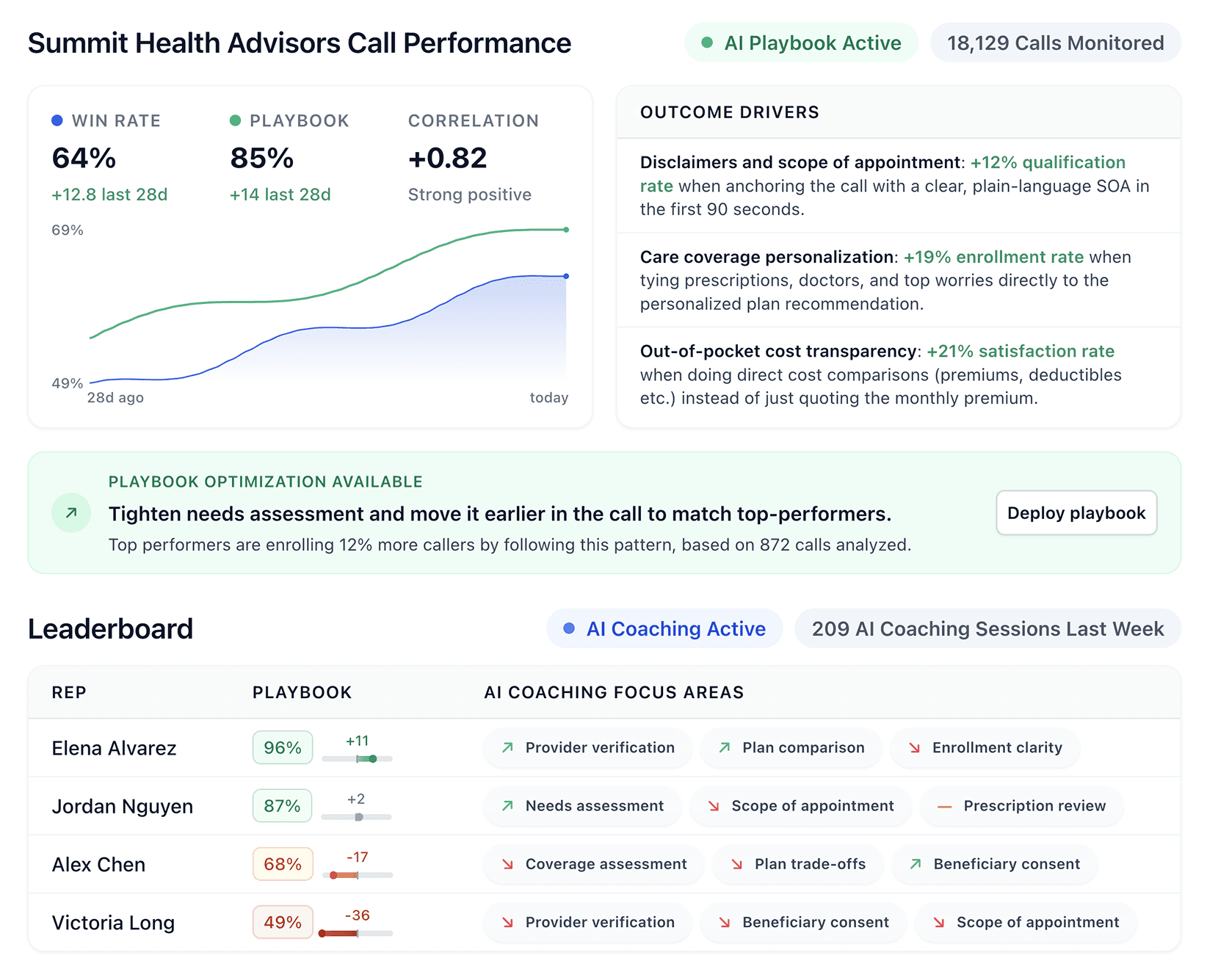


High-volume contact centers face a core problem: Top performers consistently outperform while the rest struggle to keep up.
After testing the leading contact center automation tools, we found the platforms that turn top-performing behaviors into repeatable results across your entire team.
7 Best contact center automation tools: Quick comparison
🛠️ Tool | 🎯 Best for | 💡 Key strength | 💰 Starting price |
Alpharun | High-volume contact centers needing AI coaching and call automation | Coaching tied to real calls and AI agents for routine tasks | Custom pricing |
Five9 | High-volume centers needing full omnichannel and AI support | Strong routing, self-service, and real-time agent tools | $119/user/month |
Balto | Contact centers needing real-time agent guidance | Live prompts, objection handling, compliance nudges | Custom pricing |
Dialpad | Teams wanting AI call insights out of the box | Real-time transcriptions, sentiment detection, and keyword tracking | $15/user/month |
Genesys Cloud CX | Enterprise teams needing AI orchestration across journeys | One platform for engagement, routing, workforce, and analytics | $75/user/month |
Talkdesk | Enterprises needing industry-specific AI automation | Prebuilt industry clouds and strong omnichannel tools | $85/user/month |
NICE CXone | Large CX teams needing full workforce + AI automation | Deep AI tools, WFO, and 30+ digital channels | $110/user/month |
How we tested these contact center automation tools
Feature lists only tell you so much. Each platform was put through real workflows: signing up for trials, running demo environments, and talking directly with contact center managers and QA leads who use these tools every day.
Here's what was evaluated and why it mattered.
What we looked for
Behavior insights: Whether the platform identifies patterns from real conversations and surfaces why top performers succeed.
Coaching clarity: How precisely the system guides agents, pointing to specific call moments rather than offering generic feedback.
Full conversation coverage: Whether the platform scores every interaction or relies on spot checks that miss too much at scale.
Intent and sentiment depth: How well each tool reads customer tone and intent in real time, beyond basic keyword detection.
Compliance alignment: Whether compliance rules are built into coaching and scoring or treated as a separate process.
Team scalability: How each platform performs as call volume grows, not just in a controlled demo environment.
Ease of integration: How quickly each tool connects to major CRMs, CCaaS platforms, and workforce tools without heavy implementation overhead.
We evaluated each platform based on coaching depth, automation coverage, compliance features, and real-world impact across support and sales organizations.
The goal was to separate platforms built for high-volume contact center operations from general-purpose tools that look similar until you put them under real conditions.
1. Alpharun: Best for inside sales call centers
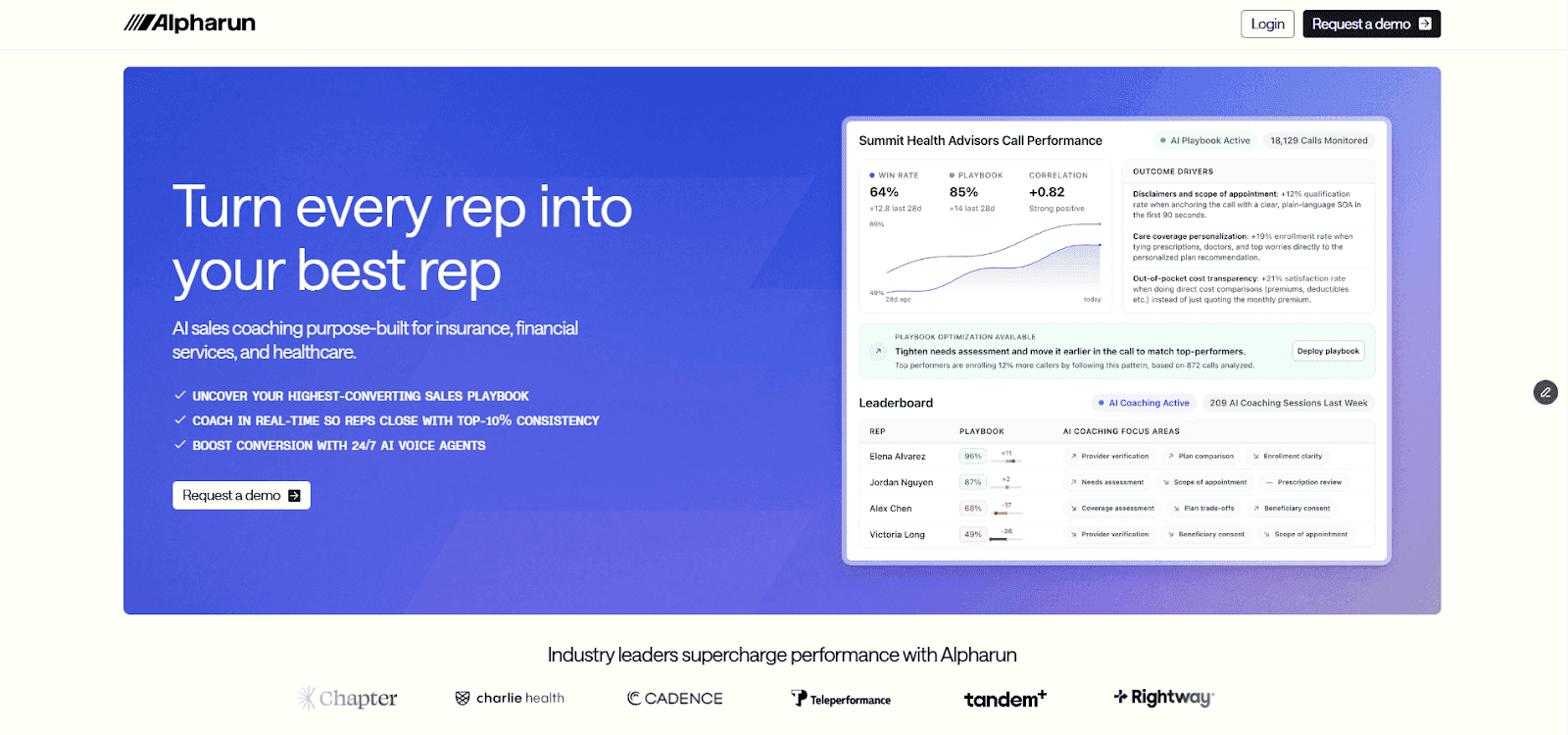
Alpharun is an AI platform that helps contact centers improve sales by learning from real conversations and guiding reps with clear steps.
It analyzes thousands of top-performing calls to find the behaviors that drive conversions. These insights become a custom playbook that teams can apply across the organization.
Key features
Analyzes thousands of your calls during onboarding to build playbooks from your own winning behaviors
Gives sentence-level coaching so that reps know exactly what to say at key moments
Scores every call, so managers see real performance across the whole team
Lets AI agents handle repetitive tasks like scheduling and qualifying after-hour callers
Builds your compliance rules and sales standards into the scoring model
SOC 2 Type 2 and HIPAA certified, so Medicare, insurance, and healthcare teams can use AI coaching without compliance risk
Pros and cons
✅ Pros | ❌ Cons |
Custom playbooks built from your actual top performers | Built for larger teams |
Playbooks update automatically when products or objections change | Not all features are necessary for smaller centers |
Works with Five9, Genesys, and other major call platforms | Custom pricing that might not suit small teams |
Full visibility into team performance without random call sampling |
What users say
"One of the most surprising patterns is how fast calls are getting loaded in. This call just ended ten minutes ago, but it's already here, and it's already scored. I can give immediate feedback on that." — Thomas Pruitt, Head of Advisory at Chapter
Pricing
Custom pricing based on team size, goals, and compliance requirements.
Bottom line
Alpharun works best for inside sales call centers with 50+ reps selling directly to consumers in industries like Medicare, insurance, home improvement, and pest control.
Choose Alpharun when you want coaching built from your real call data, full performance visibility across every agent, and AI that handles routine tasks, so your team stays focused on closing.
2. Five9: Best for high-volume contact centers
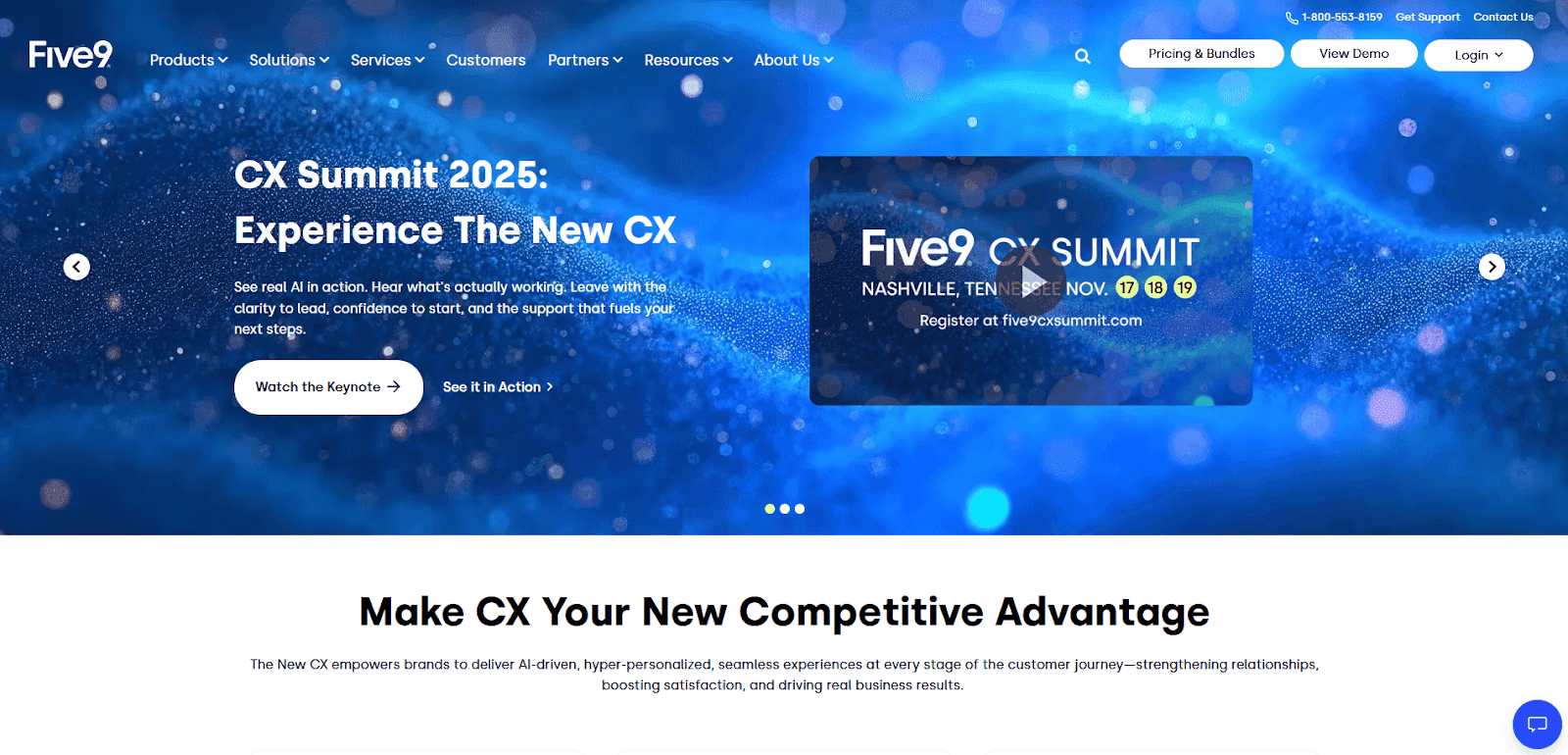
Five9 is a cloud contact center platform that helps teams engage customers on any channel. It simplifies daily operations across voice, chat, and digital channels.
The platform combines AI, automation, and cloud technology to streamline operations. Five9 Genius AI powers intelligent routing, virtual agents, and conversational automation so teams handle higher volumes without adding headcount.
These features help you stay agile as your business grows.
Key features
Combines human service with AI and automation to increase agent productivity
Supports customer self-service with Intelligent Virtual Agent
Provides real-time agent coaching with Agent Assist
Keeps previous customer interactions connected across channels
Routes calls using ACD and skill-based routing based on channel and customer profile
Pros and cons
Five9 delivers a full contact-center platform with strong AI capabilities. The platform works best for organizations that need unified communications across many channels.
✅ Pros | ❌ Cons |
The platform is easy to navigate and great for real-time team monitoring. | Custom reporting turns complicated and slows down during peak hours. |
Remote work is easier when working well on different devices and reducing tech hassles. | User reports that Five9's interface could use a more modern, user-friendly design. |
A reviewer calls Five9 an indispensable tool for daily sales call operations. | User mentions disliking certain design limitations, especially Screen Capture's Chromebook incompatibility. |
What users say
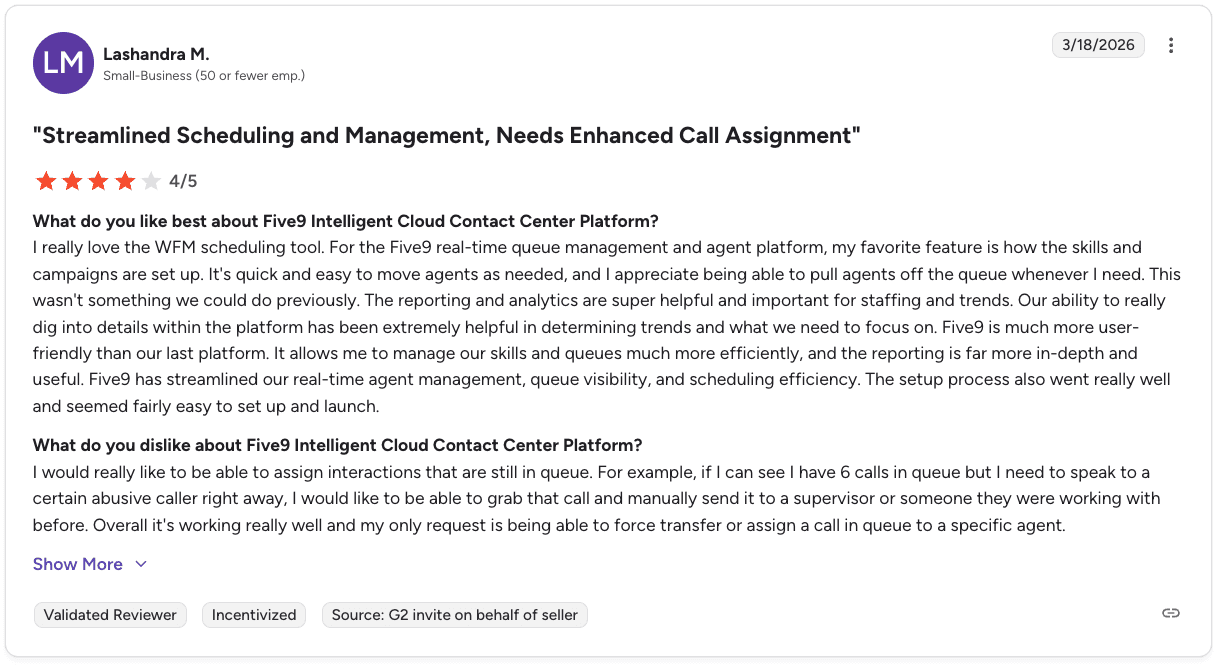
Pro: "Five9 has streamlined our real-time agent management, queue visibility, and scheduling efficiency." — Lashandra M., G2 Review
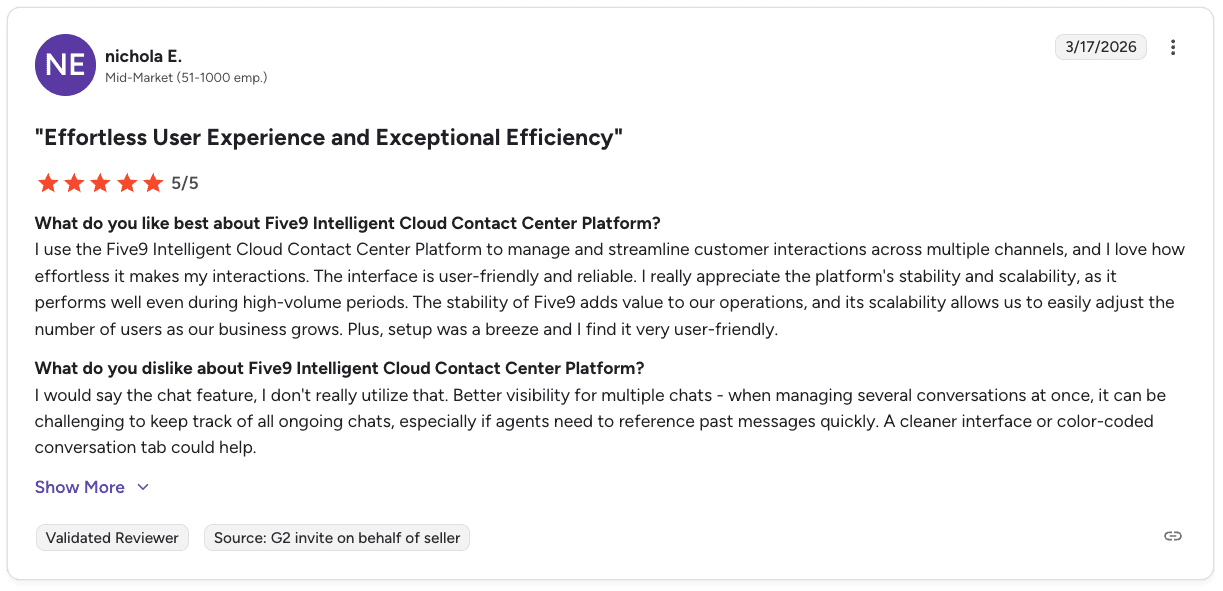
Con: "When managing several conversations at once, it can be challenging to keep track of all ongoing chats, especially if agents need to reference past messages quickly." — Nichola E., G2 Review
Five9 pricing
Five9 pricing starts at $119 per user/month for basic digital channels. Advanced plans use custom pricing for AI and workforce-management tools.
What to know before switching to Five9
Five9 fits high-volume contact centers that want a full cloud platform. It offers omnichannel coverage, AI support, and strong automation across voice and digital channels.
It works well for teams that want to improve customer experience and support agents in real time. You also get a complete set of tools to manage operations, including routing and workforce management, and CRM integrations.
If you want to add call coaching later, tools like Alpharun plug directly into Five9.
3. Balto: Best when compliance is your priority
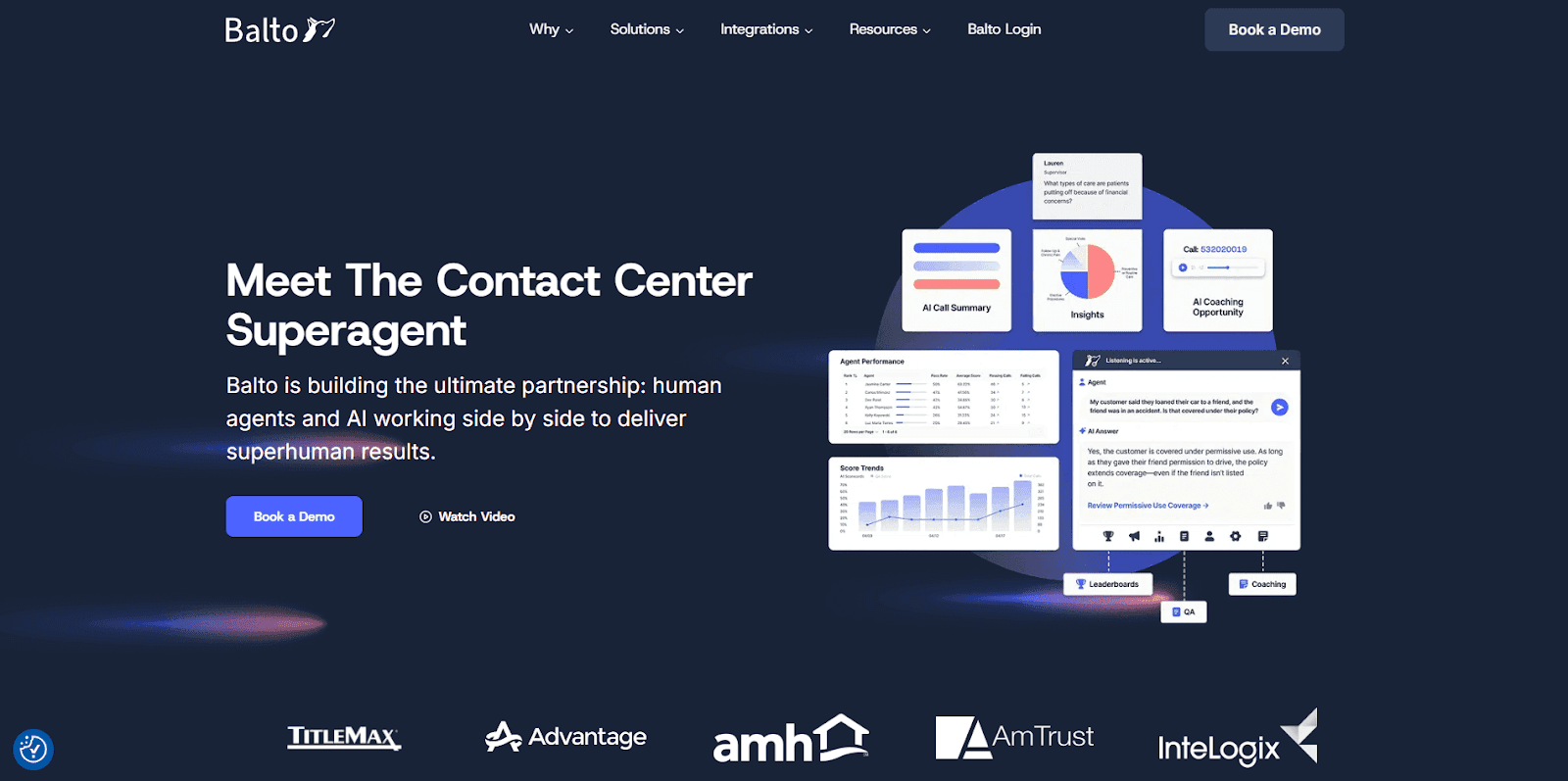
Balto listens to calls in real time and shows agents on-screen prompts as conversations unfold. It helps reps handle objections, stay compliant, and follow the right talk track without guessing.
The platform analyzes every interaction, flags coaching opportunities, and monitors compliance risks as they happen. Managers can watch calls live and jump in when high-stakes conversations need support.
Key features
On-screen objection tips that match what the customer just said
Dashboards that track script adherence and rep performance
Dynamic checklists that guide agents through key talking points
Alerts that catch bad habits before they hurt the call
Live notifications so managers can step in on critical moments
Agent Assist surfaces answers and recommendations during live calls
Pros and cons
✅ Pros | ❌ Cons |
It prevents compliance issues during live calls. | Agent apps can be buggy, with timeouts, blank screens, and limited access to past call notes. |
It connects with most CCaaS and CRM platforms. | Integrations take 45 to 60 days to complete, which adds lead time before teams see value. |
Smart Checklists, prompts, and alerts help agents follow best practices. | Call summarization struggles with some edge cases. |
What users say
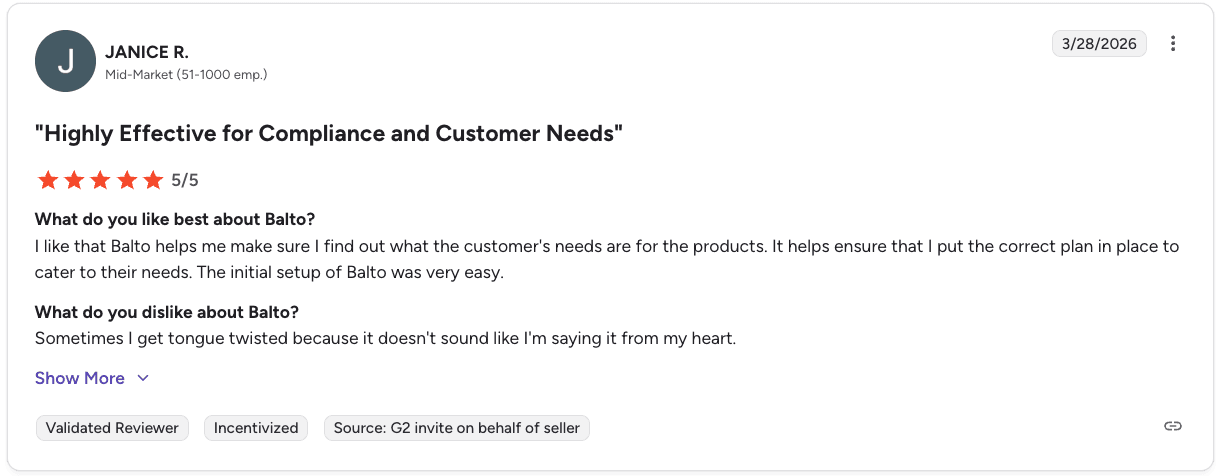
Pro: "Balto helps me make sure I find out what the customer's needs are for the products. It helps ensure that I put the correct plan in place to cater to their needs." — Janice R., G2 Review
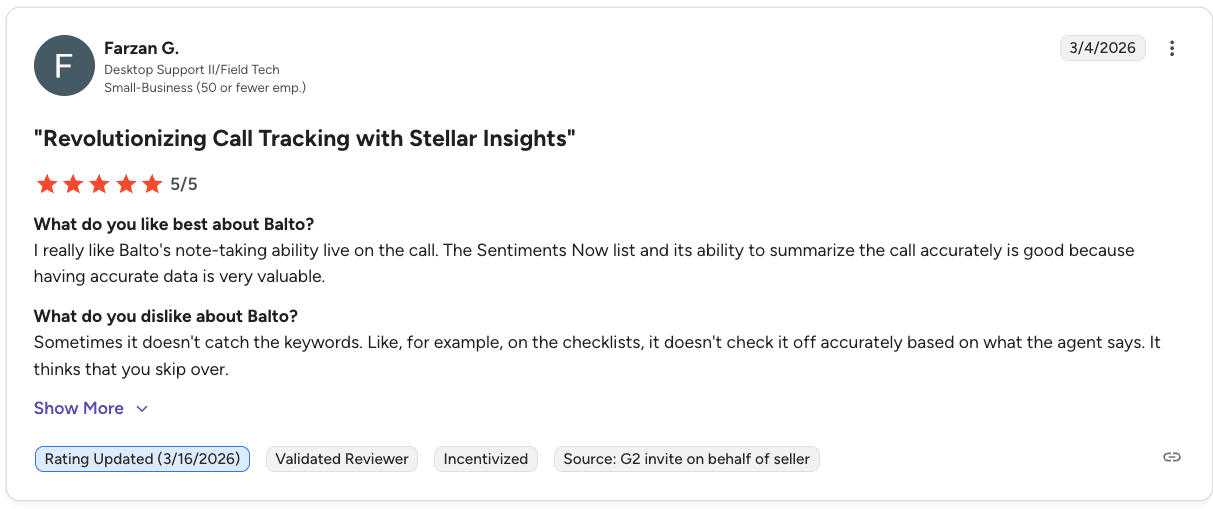
Con: "Sometimes it doesn't catch the keywords. On the checklists, it doesn't check it off accurately based on what the agent says." — Farzan G., G2 Review
Balto pricing
Custom pricing based on agent count and contract length. The Balto team walks through the expected ROI before you sign.
Bottom line
Balto's strongest when compliance during the call is the priority. It catches problems as they happen, which makes it a solid fit for regulated industries like financial services, healthcare, and insurance.
Post-call coaching and deeper performance analysis aren't its strengths. If your team needs detailed call reviews or trend analysis across hundreds of interactions, you'll want to look elsewhere.
4. Dialpad: Best for teams replacing legacy phone systems
Dialpad adds practical AI features to everyday calling. It unifies voice, chat, SMS, and video in one platform so teams manage every conversation from a single interface.
AI agents handle routine inbound flows, route interactions, and deliver real-time transcriptions and call summaries. It's one of the easiest platforms for teams that want immediate insights without heavy configuration.
Key features
Real-time transcriptions and post-call summaries
Sentiment detection during calls to gauge customer tone
Works across voice, video, and messaging in one interface
Integrates with CRMs and productivity tools
Live keyword tracking for managers during calls
Connects natively with Salesforce, Zendesk, and Google Workspace
Pros and cons
✅ Pros | ❌ Cons |
Get real-time AI transcriptions and summaries. | Contract changes are very limited and only allowed during a short window before renewal. |
It has smooth CRM integration, fast response times, and helpful call notes and transcriptions. | The mobile app can have connectivity issues in low-bandwidth environments. |
It combines calls, video, messaging, and SMS into one easy-to-use platform with reliable call quality. | Call quality can suffer on mobile devices in low-bandwidth conditions, leading to dropped calls or one-way audio. |
What users say
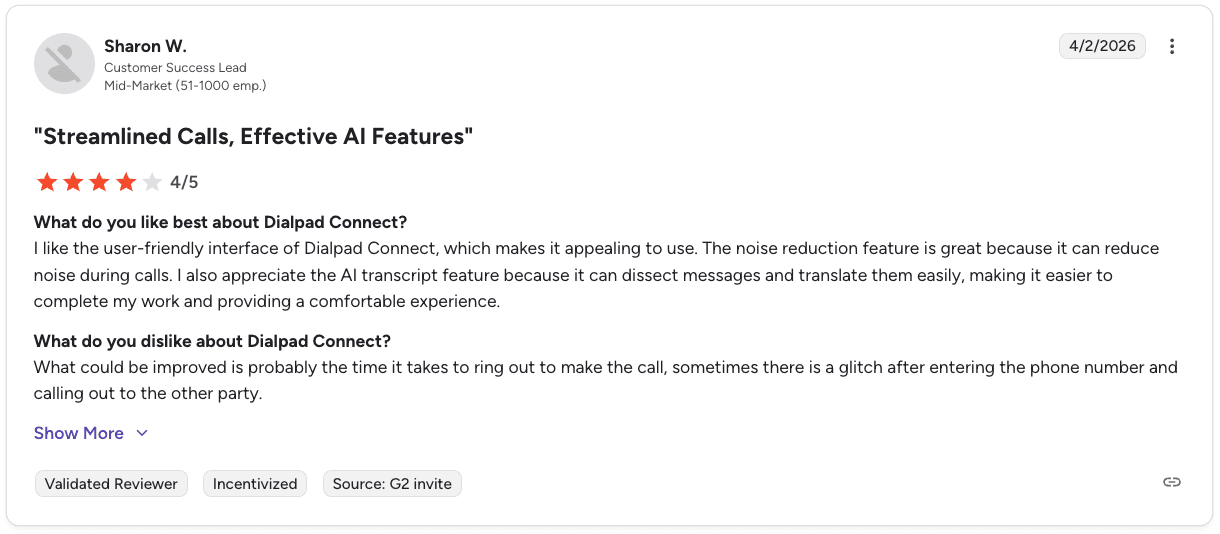
Pro: "I appreciate the AI transcript feature because it can dissect messages and translate them easily, making it easier to complete my work and providing a comfortable experience." — Sharon W., G2 Review
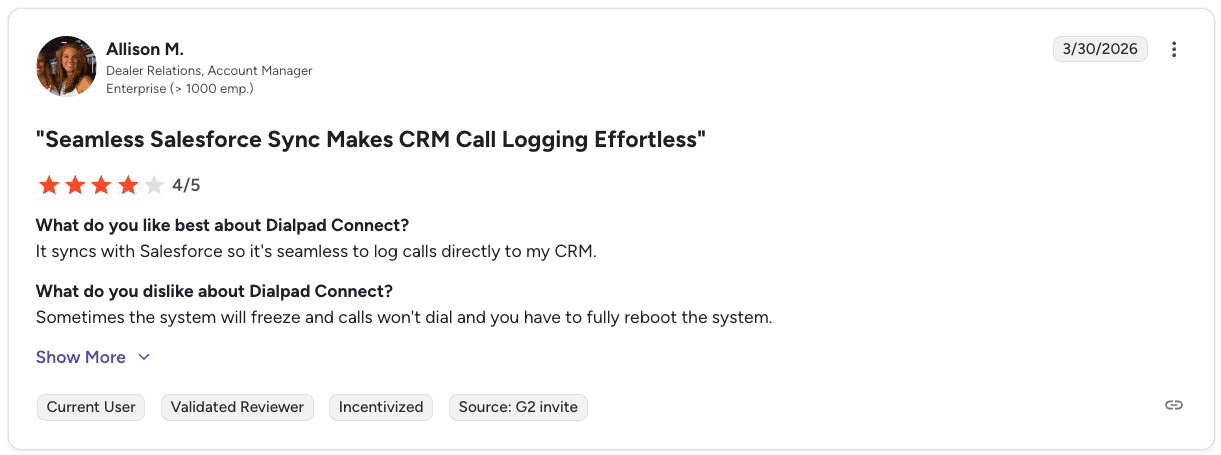
Con: "Sometimes the system will freeze and calls won't dial, and you have to fully reboot the system." — Allison M., G2 Review
Pricing
The standard plan starts at $15 per user monthly (billed annually). Pro is $25, and Enterprise offers custom pricing.
Bottom line
Dialpad's the fastest path to AI features without a lengthy setup. The unified interface works well for teams replacing legacy phone systems, and CRM connections are straightforward out of the box.
Where it falls short is depth. Transcriptions and sentiment detection are solid, but the insights stay fairly surface-level. Teams running high call volumes that need coaching tied to specific call behaviors will outgrow it quickly.
5. Genesys Cloud CX: Best for mid to large-size teams
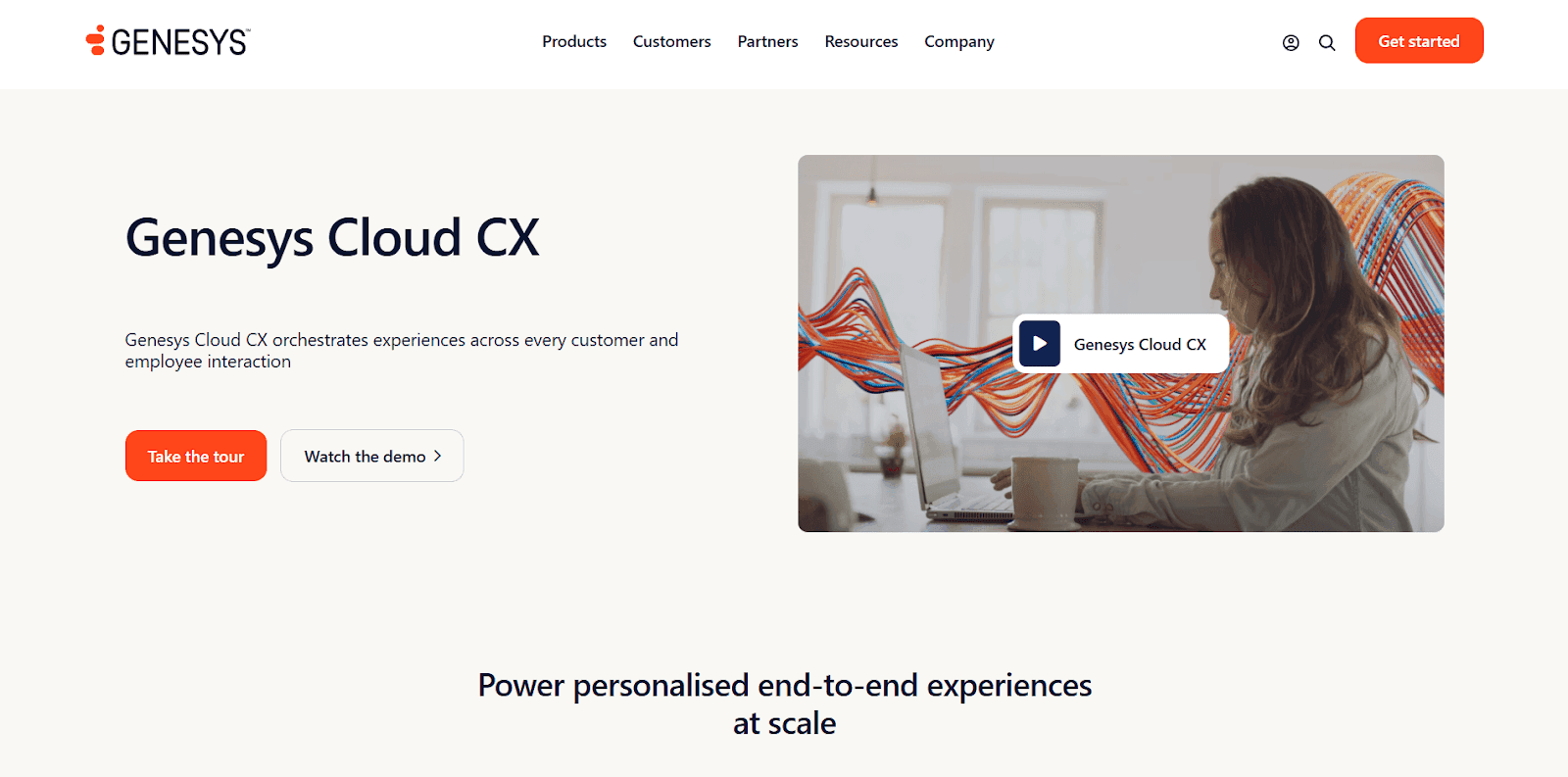
Genesys Cloud CX is an AI-powered platform that manages customer and employee journeys. It brings together engagement, routing, workforce tools, and journey management into a single cloud solution.
The platform covers voice, chat, email, social, and IVR from a single interface. AI handles intelligent routing, real-time insights, and workflow automation across every channel.
Key features
One platform for customer engagement, workforce engagement, and journey management
Gives teams easy analytics and reporting tools to review insights across channels
Supports team communication and collaboration through one platform or third-party tools
Workforce engagement tools for scheduling, coaching, and satisfaction
Routes interactions using skill-based routing and queue management
Tracks customer journeys to identify friction points across channels
Pros and cons
✅ Pros | ❌ Cons |
Get Agent Copilot for real-time support. | User mentions Genesys can feel clunky when trying to work quickly. |
It has a large marketplace with 600+ apps and integrations. | User mentions the audit viewer lacks detail and only retains 30 days of history. |
Get global availability in 100+ countries. | Steep onboarding due to deep customization options for new administrators. |
What users say
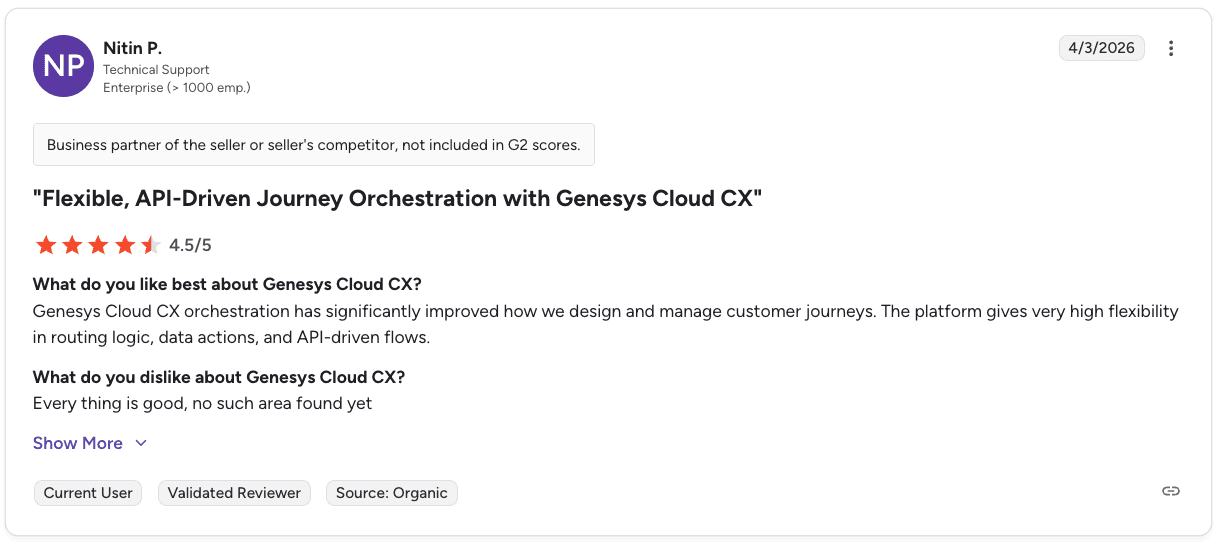
Pro: "Genesys Cloud CX orchestration has significantly improved how we design and manage customer journeys. The platform gives very high flexibility in routing logic, data actions, and API-driven flows." — Nitin P., G2 Review
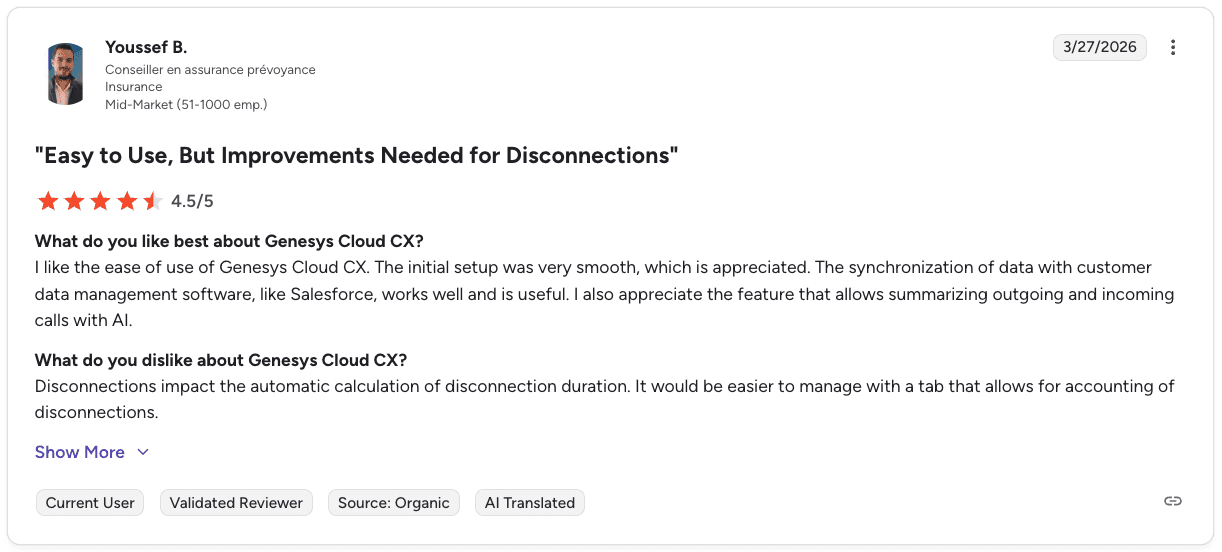
Con: "Disconnections impact the automatic calculation of disconnection duration. It would be easier to manage with a tab that allows for accounting of disconnections." — Youssef B., G2 Review
Pricing
Genesys Cloud CX pricing ranges from $75 to $240 per user/month, depending on the plan you choose. Higher tiers include more AI capabilities, workforce tools, and full omnichannel support.
Bottom line
Genesys Cloud CX is built for organizations that need everything in one place, covering engagement, routing, workforce tools, and journey analytics across multiple regions.
It's a strong fit for mid-size and large teams in retail, finance, insurance, and healthcare that are moving away from on-premises systems. The depth is real, but so is the complexity. Onboarding takes time, and smaller teams with simpler setups often find it more platform than they actually need.
Teams with simpler setups or narrow use cases should consider Genesys alternatives that better match their needs.
6. Talkdesk: Best for regulated industries
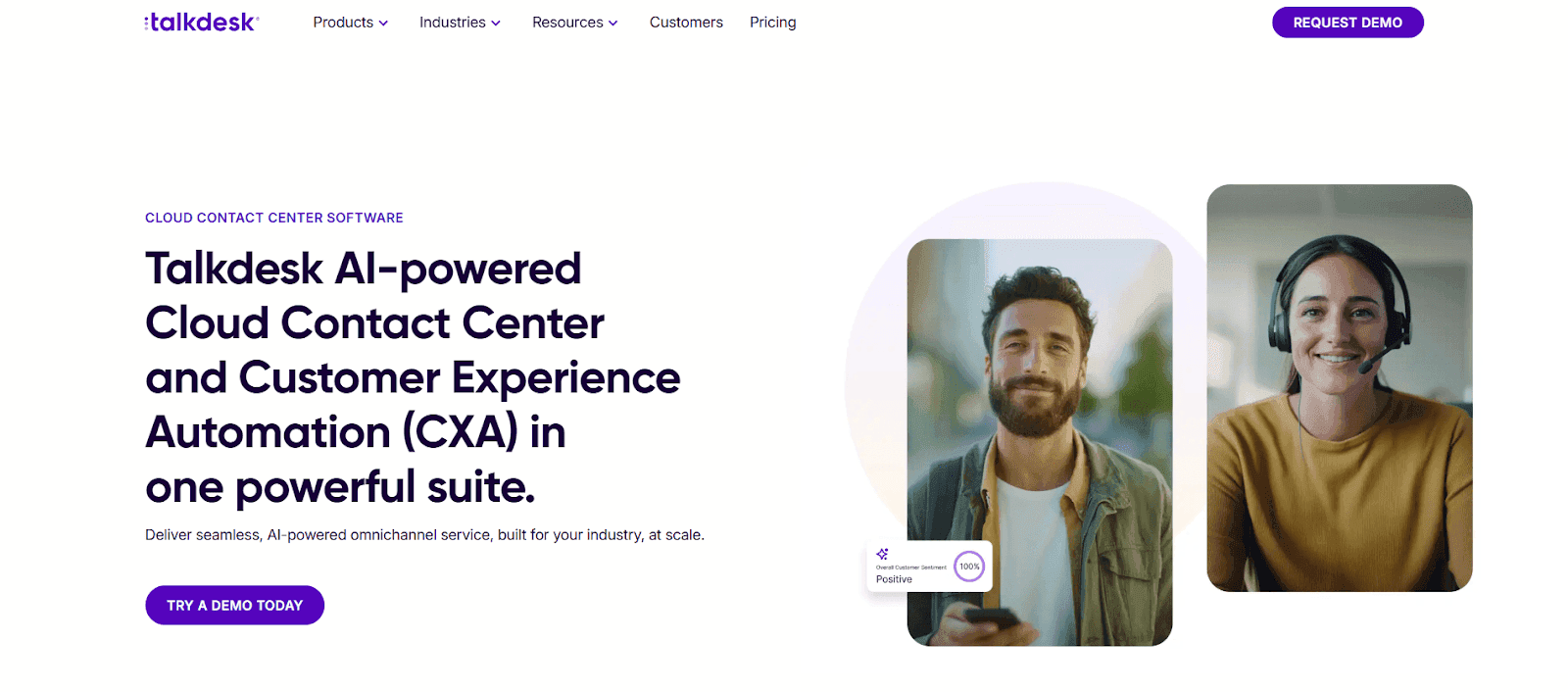
Talkdesk is an AI-powered cloud contact center platform built for consistent service across every channel. It combines customer experience automation with industry-specific solutions across voice and digital channels.
Virtual agents and AI-powered self-service handle first-level interactions automatically, routing complex cases to the right agent or team. This lets enterprises automate service, sales, and support across the entire customer journey.
Key features
Automates the entire customer journey with AI agents across service, sales, and support
Supports omnichannel engagement across voice and digital channels from one platform
Provides AI-driven analytics for deep customer and interaction insights
Offers industry-specific Experience Clouds with prebuilt workflows and automation
Routes interactions using skill-based routing and prebuilt omnichannel queues
Connects with Salesforce, Zendesk, and 60+ apps through AppConnect and open APIs
Pros and cons
✅ Pros | ❌ Cons |
Get low-code and no-code customization through Talkdesk Builder. | User mentions licensing complexity and unexpected costs when scaling to advanced features. |
Get a global communications network with enterprise-grade uptime. | User reports stability issues during peak usage periods. |
It has prebuilt industry clouds for banking, insurance, healthcare, retail, and government. | Managing Talkdesk is initially complex, especially with variables and integrations. |
What users say
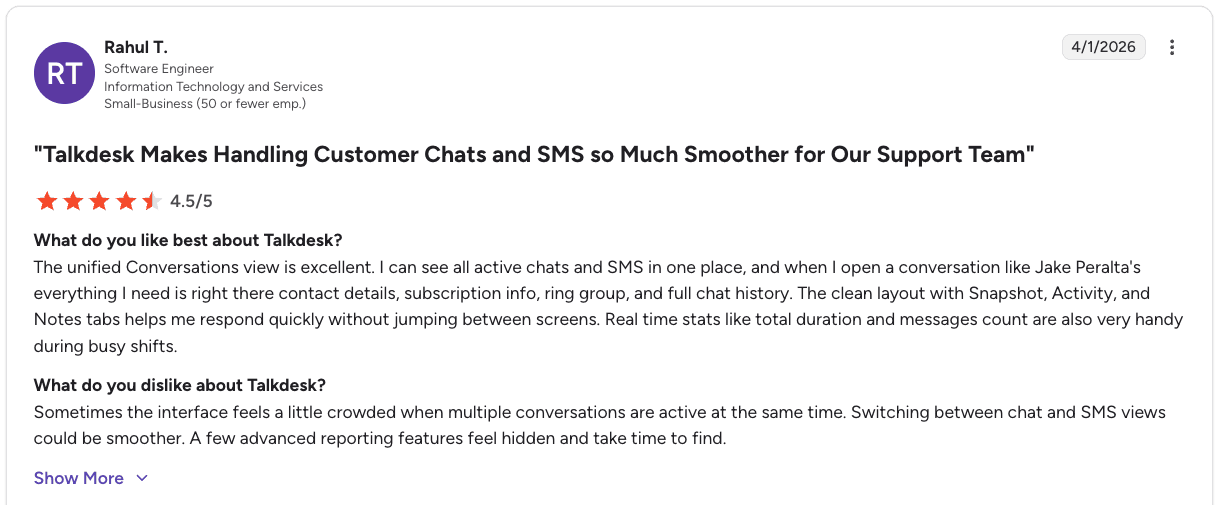
Pro: "The unified Conversations view is excellent. I can see all active chats and SMS in one place, and everything I need is right there: contact details, subscription info, ring group, and full chat history." — Rahul T., G2 Review
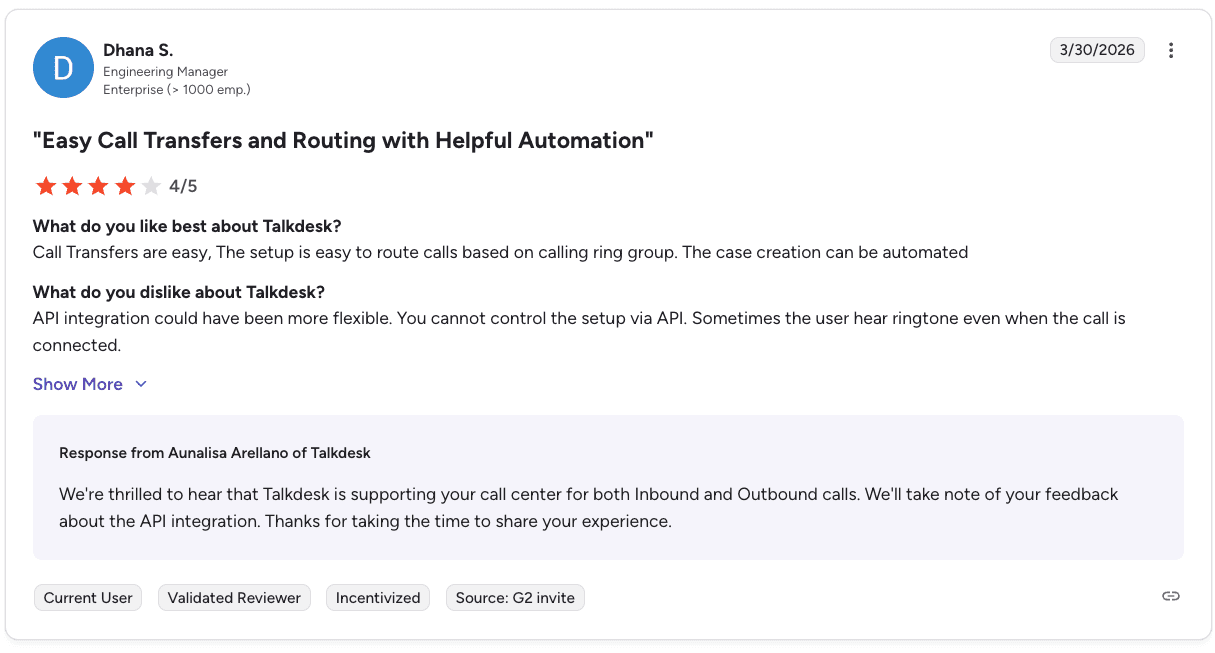
Con: "API integration could have been more flexible. You cannot control the setup via API." — Dhana S., G2 Review
Pricing
Talkdesk pricing ranges from $85/user/month for digital channels up to $225/user/month for industry-specific solutions with full Elite capabilities.
Bottom line
Talkdesk is a strong fit for regulated industries like healthcare, financial services, and retail that need AI automation with industry-specific workflows built in.
Virtual agents and prebuilt solutions reduce deployment time, and the platform layers onto existing systems without requiring a full replacement. Teams that need deep coaching tied to individual call behavior will find it limited in that area.
7. NICE CXone: Best for enterprises in regulated industries
NICE CXone is a cloud platform that combines customer engagement and AI automation in one system. It covers voice, chat, and digital channels with AI-powered journey orchestration and self-service automation.
Enlighten AI guides agents in real time and automates quality management across every interaction. Teams manage all their CX operations in one place while meeting compliance requirements for PCI, HIPAA, and GDPR.
Key features
Automates quality management with AI scoring
Gives real-time guidance to agents through Enlighten AI
Supports workforce management with AI-driven forecasting
Provides 30+ digital channels and dedicated workspaces for agents
Orchestrates customer journeys with AI routing and self-service
Manages scheduling, adherence, and agent performance in one place
Pros and cons
✅ Pros | ❌ Cons |
Get strong employee engagement and scheduling tools. | User reports persistent lag when opening studio script nodes in Talkdesk. |
Get better workforce retention through fast onboarding and coaching. | User mentions smaller organizations struggle to get adequate support without dedicated engineers. |
It has a domain-specific AI trained on a large CX dataset. | Call display issues, random dropped calls, and occasional system errors. |
What users say
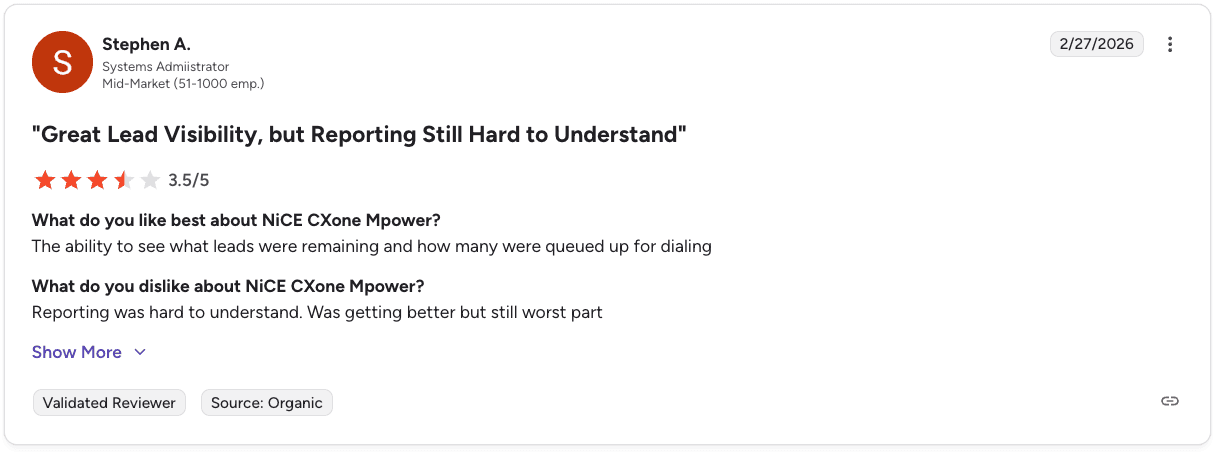
Pro: "The ability to see what leads were remaining and how many were queued up for dialing." — Stephen A., G2 Review
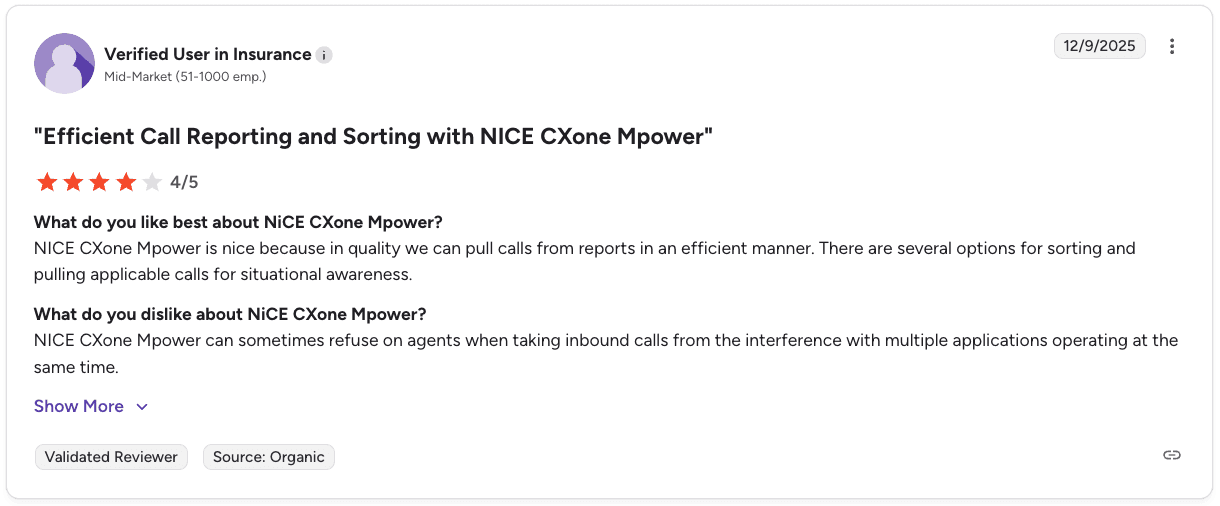
Con: "NICE CXone Mpower can sometimes refuse on agents when taking inbound calls from the interference with multiple applications operating at the same time." — Verified User in Insurance, G2 Review
Pricing
NICE CXone pricing ranges from $110/agent/month for the Omnichannel Suite up to $249/agent/month for the Ultimate Suite with full AI routing and outbound campaign tools.
Bottom line
NICE CXone works best for enterprises in regulated industries with complex CX needs. It fits organizations in retail, financial services, healthcare, and insurance that need omnichannel coverage and compliance built into the same platform.
The platform suits high-volume operations that require consistent availability across regions. Smaller organizations may find it more complex than their operations require.
Which contact center automation tools should you choose?
Each platform serves different needs based on your team size, industry, use case, and goals. Use this guide to match the right tool to your environment.
Choose Alpharun if:
You run a high-volume inside sales team with 50+ reps.
You want playbooks built directly from your top performers instead of generic scripts.
You need precise coaching on the exact moments that drive conversions.
You want every call scored for performance and compliance.
You want AI agents to handle scheduling, qualifying, and routine tasks.
You need full visibility into sales behavior, quality, and outcomes.
Alpharun is best for B2C teams in Medicare, insurance, home improvement, pest control, and similar high-volume environments.
Choose Five9 if:
You need a full cloud platform with strong voice and omnichannel coverage.
You want AI tools for self-service and real-time agent support.
You prefer a mature, widely adopted contact center system.
You run a blended service and sales operation and want everything in one place.
Five9 works well for large operations that want stable routing, automation, and strong tools across channels.
Choose Balto if:
You need real-time guidance to keep agents on script.
You want live prompts and objection-handling tips during calls.
You need manager alerts for critical conversations.
Compliance during calls is a priority.
Balto fits centers where live coaching matters more than post-call analysis.
Choose Dialpad if:
You want AI transcriptions and summaries out-of-the-box.
You need sentiment detection and keyword tracking during calls.
You want a clean interface across voice, video, and messaging.
You need a quick setup with CRM integrations.
Dialpad works well for teams that want instant AI insights without heavy configuration.
Choose Genesys Cloud CX if:
You want one platform for engagement, routing, workforce tools, and journey analytics.
You need global scale and strong security requirements.
You value deep analytics across every interaction.
You run a complex customer journey across multiple teams.
Genesys Cloud CX is ideal for organizations with many channels, regions, or departments to orchestrate.
Choose Talkdesk if:
You want AI automation with industry-specific solutions out of the box.
You work in healthcare, financial services, retail, or government.
You want omnichannel tools that fit your existing systems.
You need deep customization with low-code and no-code options.
Talkdesk fits enterprises that want quick deployment, industry workflows, and flexible integration.
Choose NICE CXone if:
You want a broad CX platform with strong compliance and security.
You need Enlighten AI for real-time guidance and workforce optimization.
You want deep employee engagement and scheduling tools.
You need a platform that unifies voice, digital, and workforce management.
NICE CXone works best for enterprises in regulated industries with complex CX needs.
Drive performance with custom AI coaching
Across every contact center automation tool we tested, the biggest gains came from coaching built on real conversation data, the kind that reflects how your team actually operates.
Most platforms give you data. Alpharun gives you a playbook built from your actual top performers, so every agent on your team knows exactly what good looks like on your calls with your customers, in your market.
Coaching gets sharper, ramp time gets shorter, and AI agents handle the repetitive work, so your team stays focused on closing. Book a demo to see how Alpharun builds that system for your team.
Frequently asked questions
What is contact center automation?
Contact center automation uses AI and software to handle repetitive tasks like routing, call scoring, and agent guidance. It improves consistency across every interaction without adding manual work.
What is the difference between a contact center and a call center?
The main difference between a contact center and a call center is channel coverage. A call center handles voice only. A contact center manages interactions across voice, email, chat, and social media.
What are the main types of contact center automation?
The main types of contact center automation are intelligent routing, virtual agents, automated quality management, and workforce tools like scheduling, coaching, and post-call analytics.
How does AI improve contact center performance?
AI improves contact center performance by analyzing conversations at scale and surfacing coaching opportunities. It detects customer sentiment and gives agents real-time guidance during calls.
What should I look for when choosing contact center automation tools?
Look for conversation coverage, coaching depth, compliance features, and integration flexibility. How well the platform scales with your team's call volume matters just as much as the feature set.