Compare the top 6 call center AI solutions for high-volume inside sales teams. Real-time coaching, automated QA, predictive routing, and pricing are all covered.

If you’re running a high-volume B2C inside sales team and your AI tools aren’t actively improving how every rep sells, this guide is for you.
We tested 6 call center AI solutions and focused specifically on which ones go beyond analytics to drive real performance growth on the floor.
6 best call center AI solutions: quick comparison
💻 Tool | ⚡ Strengths | 🎯 Best for | 💰 Starting price |
1. Genesys Cloud CX | Agent Copilot, predictive routing | Voice-first sales teams needing AI from day one | $75/user/month |
2. Level AI | Semantic intelligence, real-time agent assist | Teams wanting deep QA and conversation analytics | Custom quote |
3. Talkdesk | Scalable AI, omnichannel routing | Growing teams needing intelligent call routing | $85/user/month |
4. CloudTalk | CRM integration, call analytics | Inbound sales teams needing CRM-connected AI | $19/user/month |
5. Nextiva | Intelligent routing, call recording | Teams needing unified comms with AI analytics | $15/user/month |
6. Squaretalk | Predictive dialing, AI voice agents | Teams automating routine calls with AI | $15/user/month |
How we researched these call center AI solutions
Every platform in this guide was tested against the same benchmark: does it actually help a high-volume B2C inside sales team sell more?
We signed up for free trials, worked through demo environments where needed, and drew on direct conversations with sales managers actively running these tools. Platforms built primarily for support or general contact center operations didn’t make the cut.
Here are the criteria used to evaluate each platform:
AI capabilities: Real-time agent assist, predictive routing, automated scoring, and bot automation.
Usability: How fast reps and managers can act on insights during and after calls.
CRM integrations: How well each tool connects with Salesforce, HubSpot, Pipedrive, and other platforms.
Pricing: What each tier includes and where costs increase as teams scale.
Sales fit: Whether the platform is built for high-volume B2C sales or general contact center operations.
Compliance tools: Recording controls, data redaction, and audit features for regulated industries.
The goal was to separate call center AI solutions built for sales performance from platforms that use AI as a feature addition rather than a core part of how reps sell.
1. Genesys Cloud CX: best for voice-first sales teams needing AI from day one
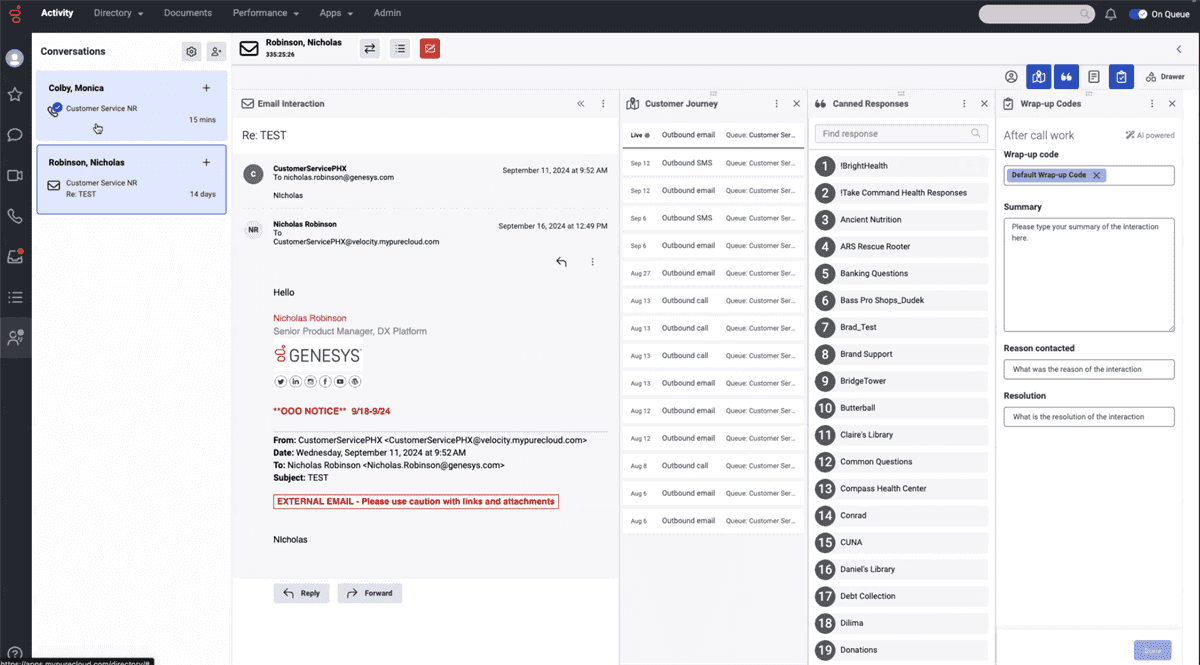
What it does: Genesys Cloud CX delivers AI-powered routing, agent assistance, and omnichannel engagement across all four pricing tiers.
Best for: Sales contact centers that want AI features like predictive routing and Agent Copilot included from the entry-level plan.
Genesys stands out because AI is not a bolt-on. Every plan includes Agent Copilot, predictive routing, native bots, and predictive engagement.
The platform scales from pure voice operations all the way to full omnichannel with workforce management and journey orchestration at higher tiers.
Key features
Agent Copilot: Guides reps during live calls with real-time suggestions.
Predictive routing: Matches each caller to the best available rep based on skills and history.
Native bots: Handles routine interactions without pulling reps off the floor.
Speech and text analytics: Available on CX 3 and above for performance tracking.
AI-powered forecasting and scheduling: Reduces overstaffing and optimizes coverage.
Virtual agents: Available on CX 4 for advanced automation at scale.
Pros and cons
✅ Pros | ❌ Cons |
AI features are included in the entry-level plan. | Overkill for voice-only teams. |
Predictive routing improves call outcomes across all channels. | Digital channels and QA tools are not available on the entry-level plan. |
Scales from voice-only to full omnichannel without switching platforms. |
What users say
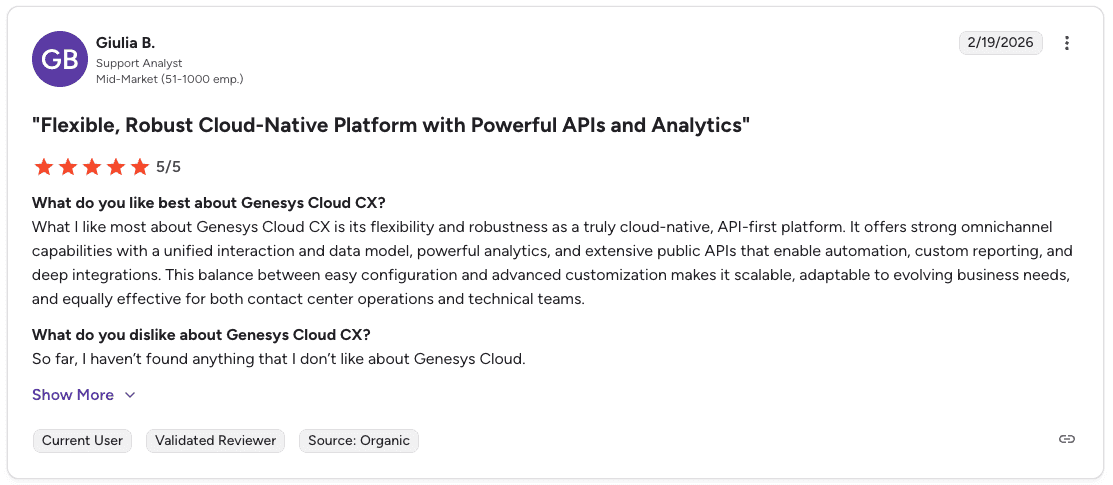
Pro: “Genesys Cloud CX offers strong omnichannel capabilities with a unified interaction and data model, powerful analytics, and extensive public APIs that enable automation, custom reporting, and deep integrations.” — Giulia B., G2
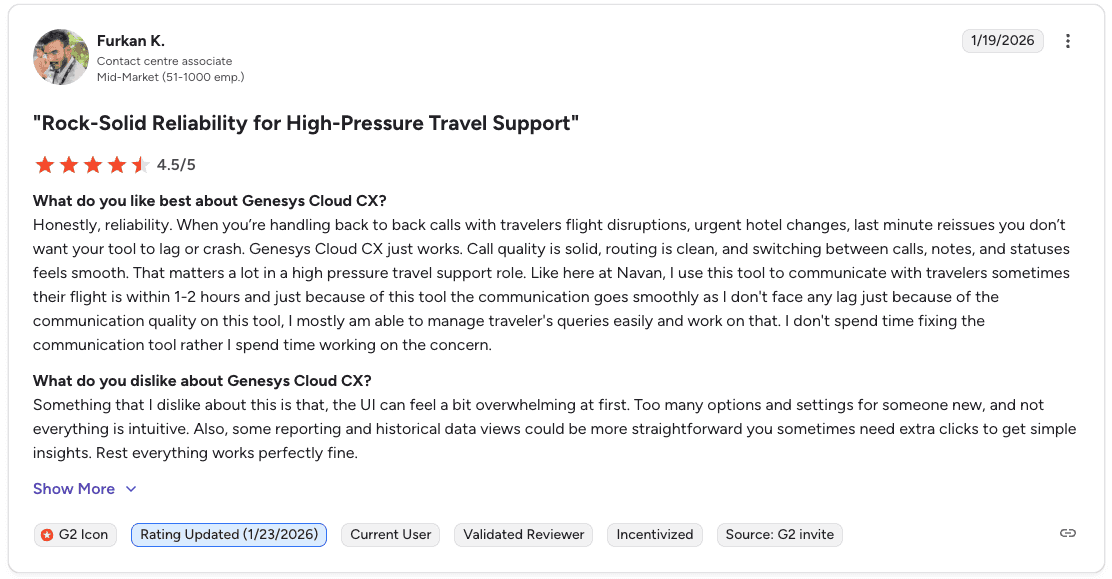
Con: “The UI can feel overwhelming at first. Too many options and settings for someone new, and reporting and historical data views could be more straightforward. You need extra clicks to get simple insights.” — Furkan K., G2
Pricing
💻 Plan | 💰 Starting price | 🎯 Best for |
CX 1 | $75/user/month | Voice-only teams wanting AI from the start |
CX 2 | $115/user/month | Omnichannel teams needing QA and compliance |
CX 3 | $155/user/month | Teams needing workforce management and speech analytics |
CX 4 | $240/user/month | Enterprise sales centers that need full AI capabilities |
Bottom line
Genesys is a strong pick for sales teams that want AI built into every call from day one. CX 2 offers the best value for most growing teams. Smaller operations may find the per-seat cost adds up fast.
2. Level AI: best for teams wanting deep QA and conversation analytics
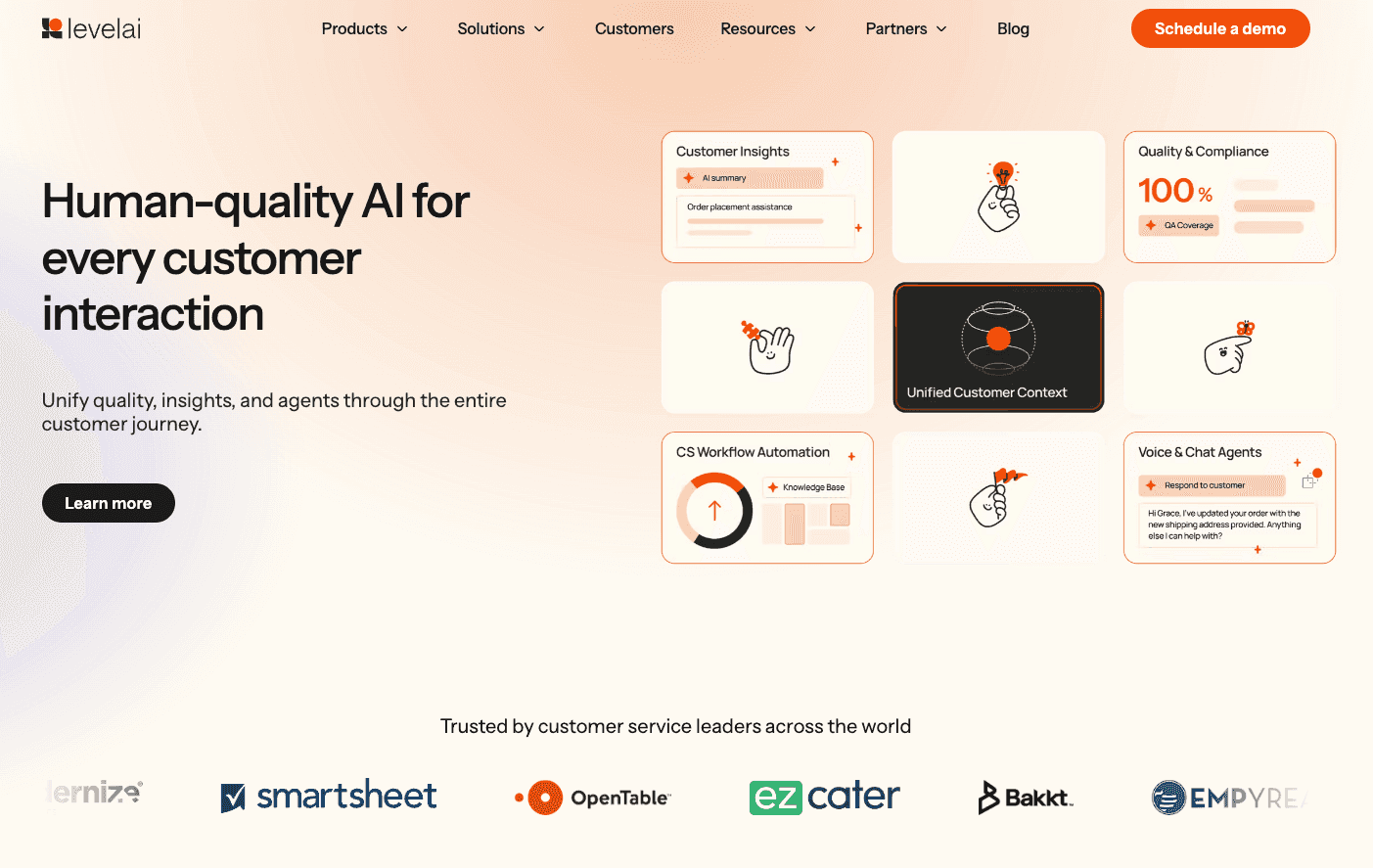
What it does: Level AI uses semantic intelligence to analyze 100% of interactions and surface insights, coaching opportunities, and sentiment trends across all calls.
Best for: Sales operations that need automated QA scoring, real-time agent assist, and deep conversation analytics without manual call review.
Level AI goes beyond keyword detection. It understands the intent behind what customers and reps say, giving it greater accuracy than tools that rely on basic keyword matching.
Managers get a live dashboard showing agent performance scores as calls happen, with the ability to whisper-coach or escalate directly from the interface.
Key features
Real-time agent assist: Surfaces hints, FAQs, and recommended knowledge articles during live calls.
InstaScore: Auto-scores agent performance against defined rubrics as calls happen.
Sentiment analysis: Identifies specific emotions, including anger, worry, happiness, and disappointment, across every call.
Customer intent recognition: Detects the meaning behind customer statements, not just keywords.
Real-time manager assist: Gives managers a live dashboard with call whisper and escalation tools.
Flexible reporting: Combines Level AI data with external sources like CRMs through a custom query builder.
Pros and cons
✅ Pros | ❌ Cons |
Semantic intelligence catches intent that keyword-based tools miss. | Pricing is not transparent. |
Automatically scores 100% of calls, removing manual QA bottlenecks. | Primarily built for quality and analytics, not telephony. |
Live manager dashboard with built-in whisper coaching. |
What users say
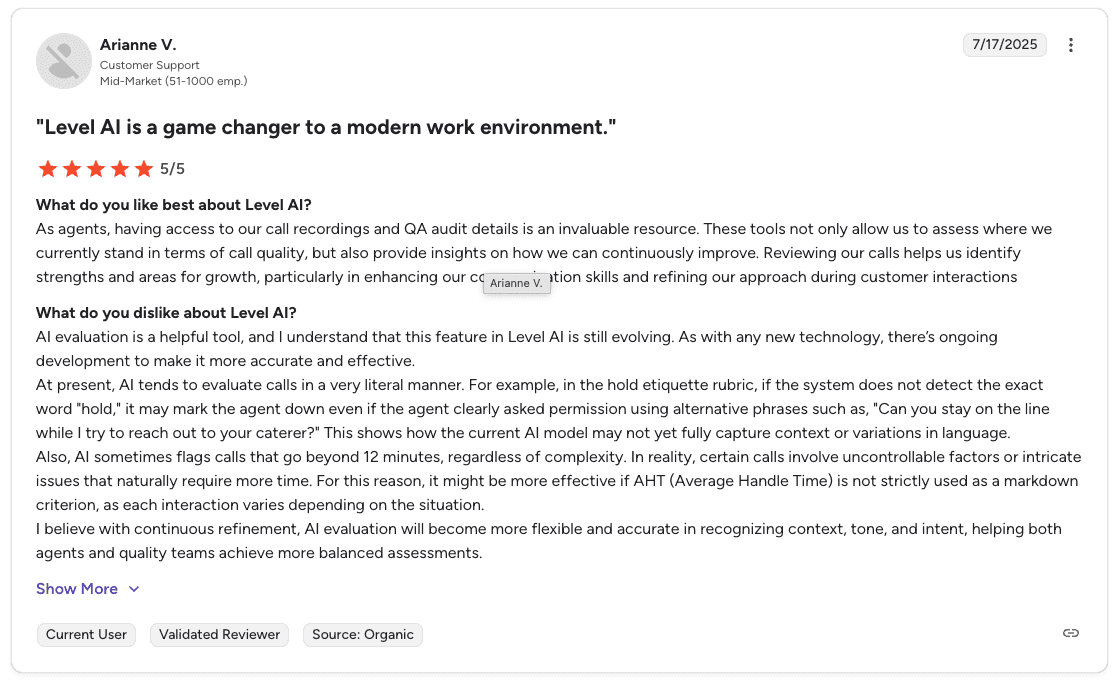
Pro: “Having access to call recordings and QA audit details is invaluable. These tools help agents assess where they stand on call quality and identify strengths and areas for growth, particularly in refining their approach during customer interactions.” — Arianne V., G2
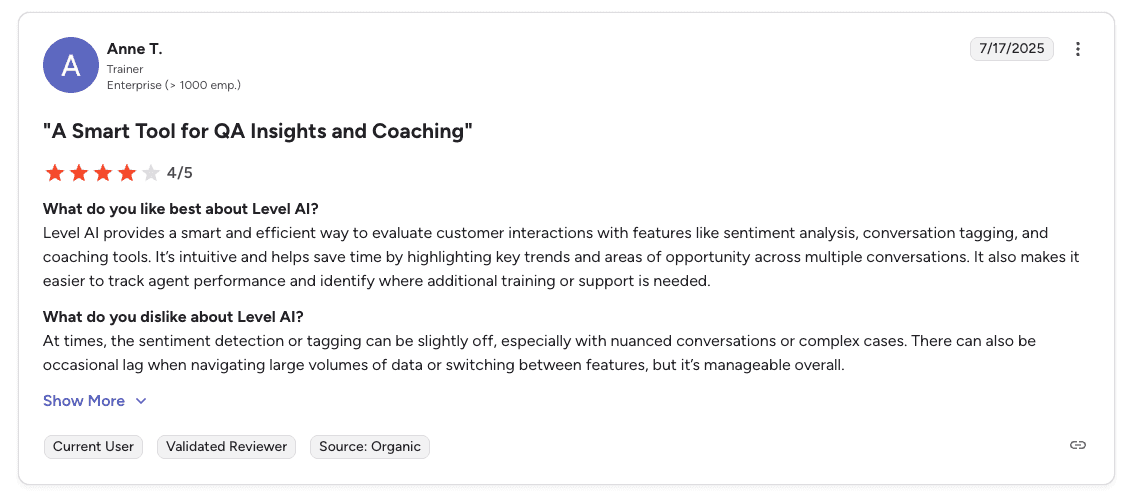
Con: “Sentiment detection and tagging can be slightly off with nuanced conversations or complex cases. There can also be occasional lag when working through large volumes of data or switching between features.” — Anne T., G2
Pricing
Level AI doesn’t publish pricing publicly. All plans are custom-quoted based on your team’s size and needs.
Bottom line
Level AI is built for sales operations that need more than transcription. The semantic scoring and real-time manager tools make it a strong fit for high-volume teams where manual QA simply does not scale.
3. Talkdesk: best for growing teams needing scalable AI call routing
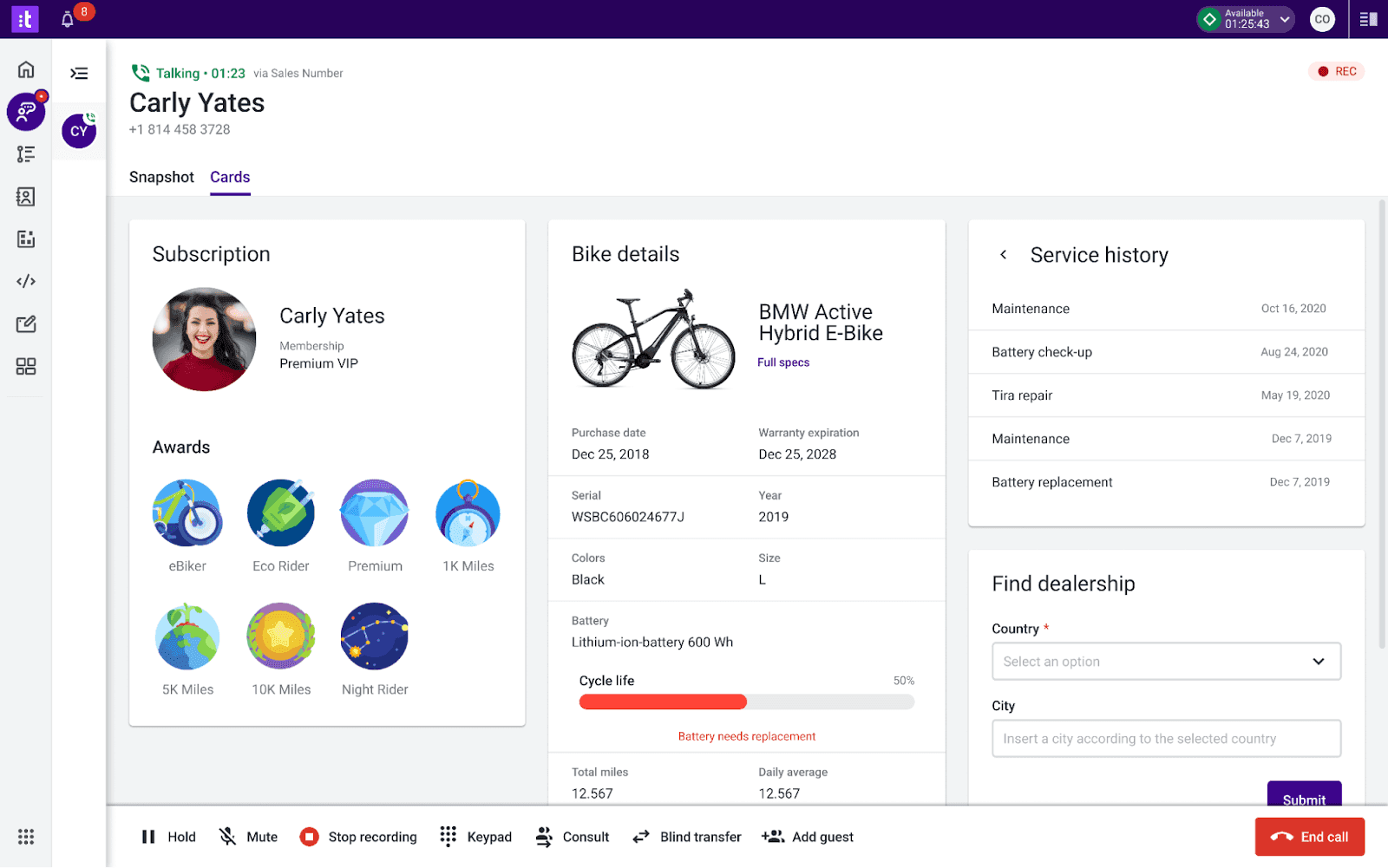
What it does: Talkdesk delivers scalable AI solutions for call routing, performance analytics, and omnichannel support across sales teams of all sizes.
Best for: Growing sales teams that need intelligent routing, real-time analytics, and an easy onboarding process.
Talkdesk’s AI handles routing intelligently so customers reach the right rep quickly. Voice analytics give managers insight into call performance, and automated workflows cut down on manual tasks between calls.
The platform supports omnichannel interactions, so reps manage voice, chat, and digital channels from one interface.
Key features
Intelligent routing: Sends customers to the right rep based on skills and context.
Voice analytics: Analyzes calls to surface performance insights and sales trends.
Automated workflows: Reduces manual tasks between and after calls.
Omnichannel support: Manages interactions across voice, chat, and digital channels.
Real-time analytics: Tracks performance data as calls happen.
Pros and cons
✅ Pros | ❌ Cons |
Strong scalability for growing sales teams. | Learning curve for complex analytics. |
Easy onboarding process for new reps. | Licensing becomes complex as you scale. |
Omnichannel support across voice and digital channels. |
What users say
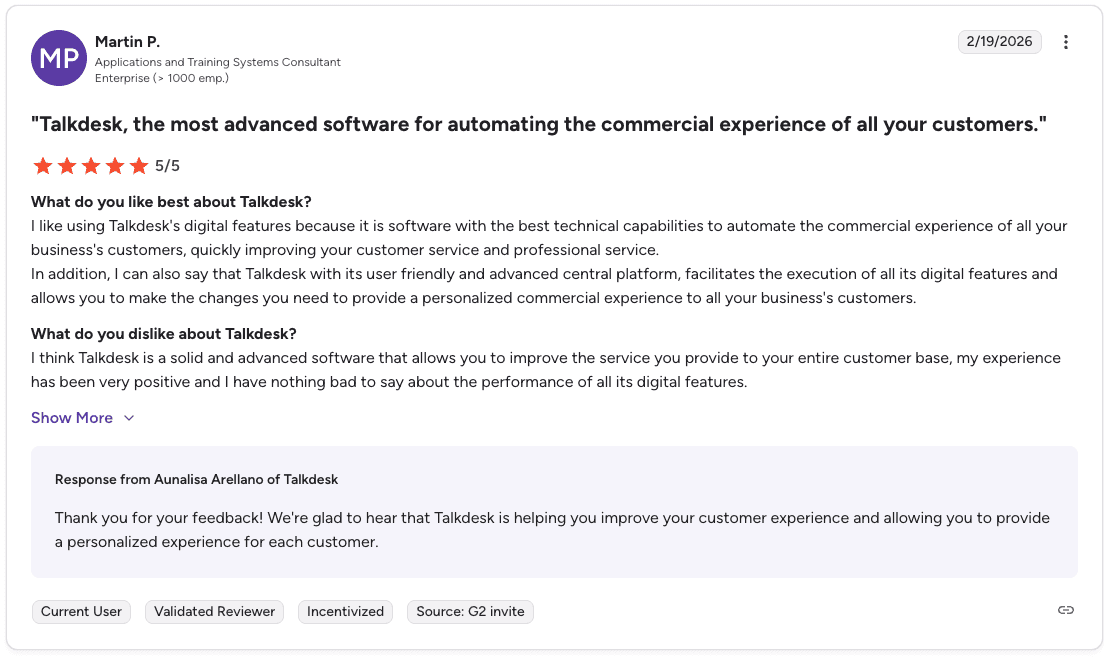
Pro: “Talkdesk has strong technical capabilities for automating the sales experience. The user-friendly central platform makes it easy to execute digital features and personalize the experience for every customer.” — Martin P., G2

Con: “Talkdesk lacks some features that would be helpful for multiple leads dialing, namely no predictive dialer, which would increase efficiency.” — Olga D., Capterra
Pricing
💻 Plan | 💰 Starting price | 🎯 Best for |
Digital Essentials | $85/user/month | Digital channels only |
Voice Essentials | $105/user/month | Voice engagement and routing |
Elite | $165/user/month | Omnichannel and workforce management |
Bottom line
Talkdesk scales well for growing inside sales teams. Some advanced analytics features require technical expertise to configure, which is worth factoring in before committing.
4. CloudTalk: best for inbound sales teams needing CRM-connected AI
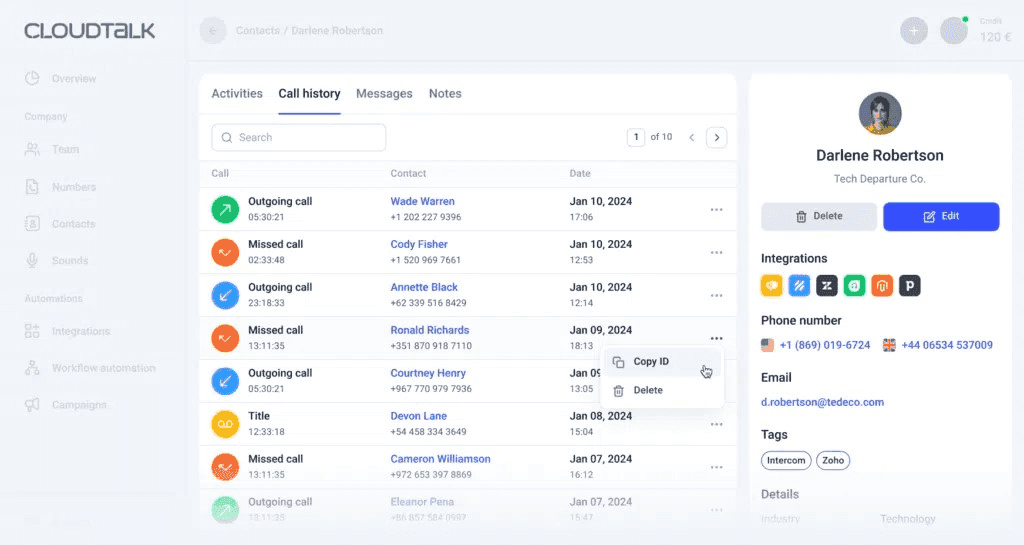
What it does: CloudTalk connects AI call analytics to your CRM, giving reps live customer context during every inbound call.
Best for: Sales teams that need CRM-integrated call routing and analytics to improve rep performance on inbound calls.
CloudTalk’s strength is the connection between call data and your CRM. Reps see customer history during calls, and automated call distribution routes each inbound call to the right rep based on the data available.
Call analytics track volumes, wait times, and rep performance, giving managers a clear view of what is happening across the floor.
Key features
Automated call distribution: Routes inbound calls to the right rep based on skills and custom rules.
CRM integration: Connects with Salesforce, HubSpot, Pipedrive, and other tools for live customer context.
Call analytics: Tracks volumes, wait times, abandonment rates, and rep activity.
Customizable interface: Adapts the platform to your team’s specific workflow.
Real-time monitoring: Managers watch live calls and can step in to coach.
Pros and cons
✅ Pros | ❌ Cons |
Strong CRM integration gives reps context during calls. | Limited AI depth compared to dedicated AI platforms. |
Detailed call analytics for tracking rep performance. | Call quality depends on internet connection. |
Supports remote teams with cloud-based access. |
What users say
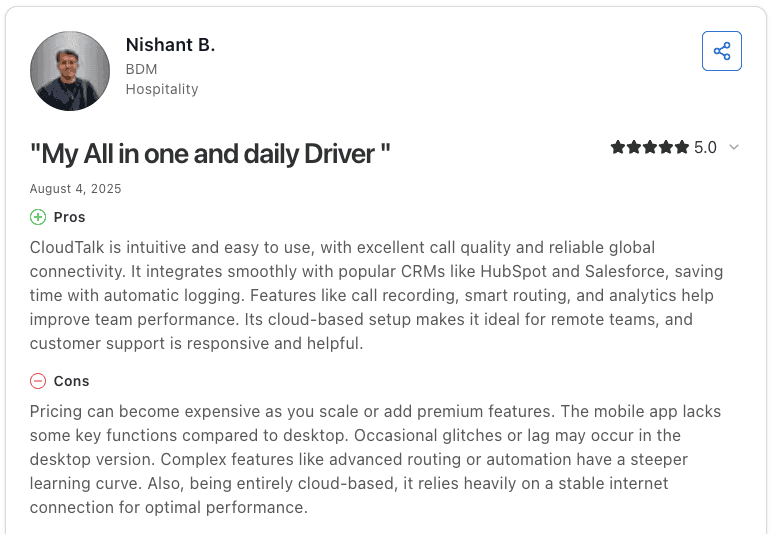
Pro: “CloudTalk is intuitive and easy to use, with excellent call quality and reliable global connectivity. It integrates with CRMs like HubSpot and Salesforce, saving time with automatic logging. Call recording, smart routing, and analytics help improve team performance.” — Nishant B., Capterra
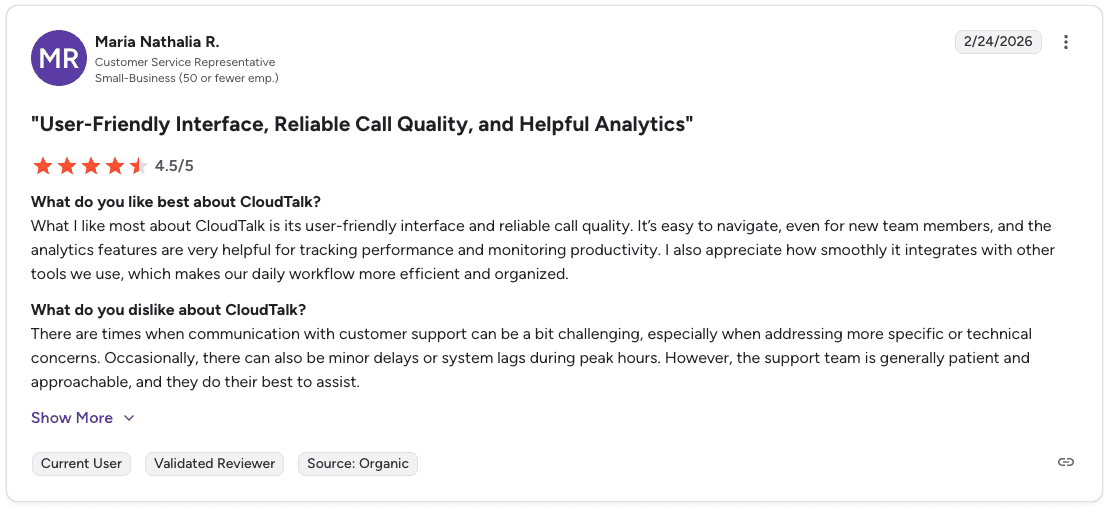
Con: “Communication with customer support can be challenging when addressing specific or technical concerns. There can also be minor delays and system lags during peak hours.” — Maria Nathalia R., G2
Pricing
💻 Plan | 💰 Starting price | 🎯 Best for |
Lite | $19/user/month | Setting up a smart, professional phone system |
Essential | $29/user/month | Smart routing, integrations, and messaging for growing teams |
Expert | $49/user/month | Scaling calls with dialers, real-time analytics, and Salesforce |
Note: Prices listed are billed annually. The Expert plan requires at least 3 licenses.
Bottom line
CloudTalk is a solid choice for inbound sales teams that need CRM-connected routing and analytics. Dashboard customization is limited, which may be a factor for teams that need highly specific reporting views.
5. Nextiva: best for teams needing unified cloud comms with AI analytics
What it does: Nextiva combines intelligent call routing, call recording, and real-time analytics into one cloud platform for sales and service teams.
Best for: Sales teams that need voice, analytics, and call recording in one place without managing multiple tools.
Nextiva uses advanced routing algorithms to match calls with the right rep based on agent skills. Detailed analytics give managers the data to track performance and make informed decisions.
Setup moves quickly without needing heavy IT support, making it a practical choice for teams that want to get up fast.
Key features
Intelligent call routing: Matches callers to the right rep based on skills and context.
Call recording: Captures and stores interactions for QA and coaching.
Real-time analytics: Tracks call performance and rep activity.
Customizable dashboards: Adapts the workspace to your team’s reporting needs.
Voicemail-to-email: Sends voicemail messages directly to email.
Pros and cons
✅ Pros | ❌ Cons |
Quick setup without heavy IT resources. | Limited advanced call center features. |
Scalable for growing sales teams. | Report customization is limited. |
Detailed call analytics for data-driven decisions. |
What users say

Pro: “The platform and mobile application are easy to use, and the installation process is quick and simple. The support team resolves issues fast.” — Javier A., G2
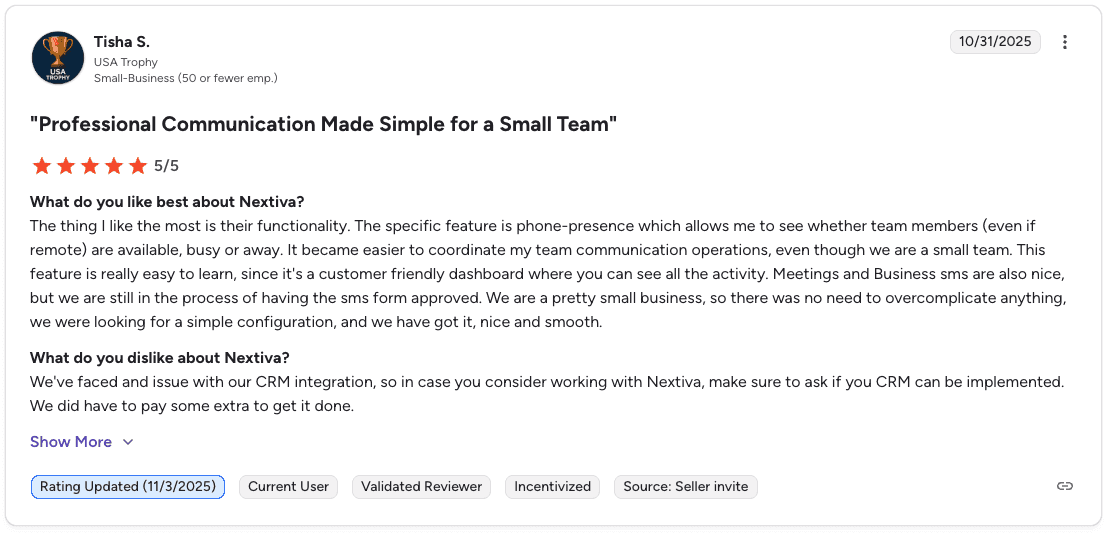
Con: “CRM integration can be an issue. Make sure to confirm whether your CRM can be implemented before committing, as getting it set up may require paying extra.” — Tisha S., G2
Pricing
💻 Plan | 💰 Starting price | 🎯 Best for |
Core | $15/user/month | Small teams needing unified voice, video, SMS, and digital channels |
Engage | $25/user/month | Growing sales and service teams needing automation and advanced reporting |
Power Suite CX | $75/user/month | Sales and service teams needing inbound and outbound voice with AI transcription |
Bottom line
Nextiva works well for sales teams that want call routing, recording, and analytics in one platform. Report customization is limited, and some users report occasional system downtime, which is worth factoring in for high-volume operations.
6. Squaretalk: best for teams automating routine calls with AI voice agents

What it does: Squaretalk combines predictive dialing, AI voice agents, and CRM integration to automate routine call tasks and keep reps focused on closing.
Best for: Sales teams that want to automate initial call steps like routing, qualifying, and scheduling while reps focus on higher-value conversations.
Squaretalk’s predictive dialer cuts idle time between calls, a major drain on rep productivity in high-volume environments.
AI voice agents handle routine interactions automatically. This frees reps from repetitive tasks so they can spend more time on conversations that require a human.
Key features
Predictive dialer: Reduces idle time by connecting reps to live calls faster.
AI voice agents: Automates routine call tasks, including routing and initial qualification.
IVR: Routes callers via voice or keypad inputs to the right team or rep.
Call recording: Captures calls for quality assurance and training.
Spam checker: Filters unwanted calls to protect the integrity of your call flow.
Global HD Voice SIP Trunking: High-quality voice communication across geographies.
CRM integrations: Connects with Salesforce, Freshworks, Pipedrive, and Zoho.
Pros and cons
✅ Pros | ❌ Cons |
Analytics tools provide valuable insights for decision-making. | The feature set is broader than pure sales coaching. |
Strong CRM integration with Salesforce and other major tools. | Dashboard customization is limited. |
High call quality for clear customer communication. |
What users say
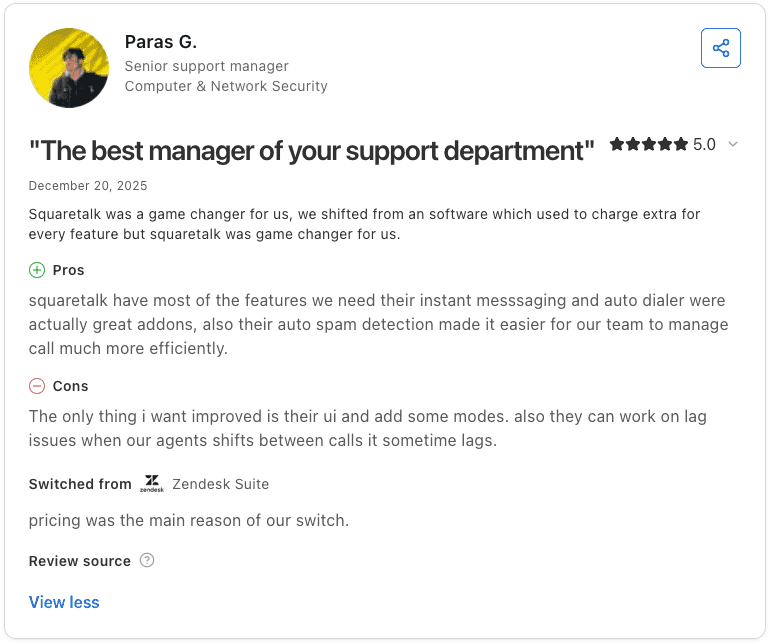
Pro: “Squaretalk has most of the features we need. The instant messaging, auto dialer, and auto spam detection make it easier for the team to manage calls efficiently.” — Paras G., Capterra
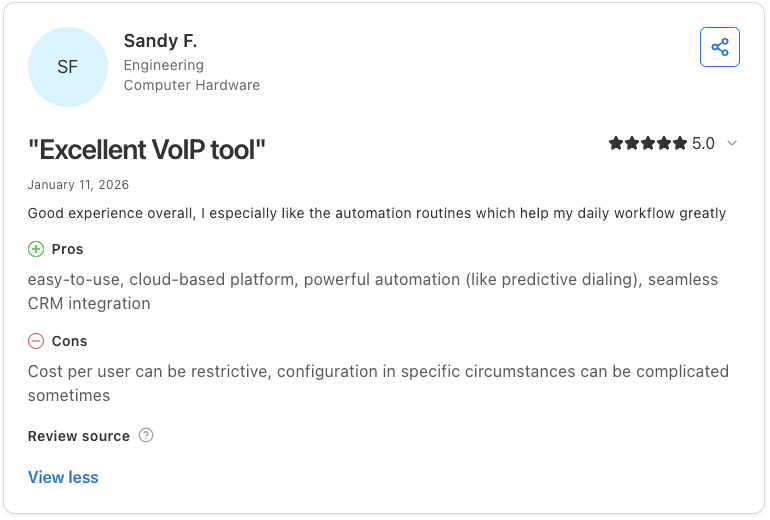
Con: “Cost per user can be restrictive, and configuration in specific circumstances can be complicated.” — Sandy F., Capterra
Pricing
💻 Plan | 💰 Starting price | 🎯 Best for |
Core | $15/user/month (minimum of 3 users) | Cloud contact center with IVR and automated call distribution |
Connect | $25/user/month (minimum of 5 users) | Teams needing AI call summarization, sentiment analysis, and automated workflows |
Scale | Contact us (minimum of 10 users) | Custom package with tailored solutions, including SMS, email, AI voice, and more |
Bottom line
Squaretalk suits sales teams that want to automate the top of the call workflow. Dashboard customization is limited, and mobile optimization may be a factor for teams managing calls on the go.
Which call center AI solution should you choose?
The right platform depends on your team size, call volume, and how much of the workflow you want to automate. If the gap is rep performance rather than routing, that is a coaching problem — real-time QA scoring and sales coaching runs alongside any of these platforms.
Choose Genesys Cloud CX if you:
Want AI features like Agent Copilot and predictive routing included from the entry-level plan
Run primarily voice operations with plans to expand to omnichannel
Need workforce management and speech analytics at scale
Choose Level AI if you:
Need automated QA scoring across 100% of calls without manual review
Want semantic intelligence that understands intent, not just keywords
Need a live manager dashboard with whisper coaching and escalation tools
Choose Talkdesk if you:
Need a scalable AI platform that grows with your team
Want omnichannel support across voice and digital channels
Prioritize easy onboarding for new reps
Choose CloudTalk if you:
Handle high volumes of inbound calls and need CRM-connected routing
Want live customer context visible to reps during every call
Need a clean, easy-to-use interface with strong CRM integrations
Choose Nextiva if you:
Want call routing, recording, and analytics in one unified cloud platform
Need quick setup without heavy IT resources
Have a growing sales team that needs a scalable solution
Choose Squaretalk if you:
Want to automate the top of your call workflow with predictive dialing and AI voice agents
Need to reduce rep idle time between calls
Require global HD voice quality across multiple geographies
Final verdict
Genesys Cloud CX and Level AI are the strongest picks for high-volume B2C sales teams. Genesys delivers AI starting with the entry-level plan, while Level AI goes deeper into automated QA and rep coaching.
That said, call center AI solutions capture and route conversations. Turning those conversations into a coaching system built from your actual winning calls is a different layer entirely.
Every sales team has a handful of reps who consistently outperform the rest. The problem is that what makes them great is rarely written down. It lives in their instincts, their phrasing, the way they handle objections.
Managers know it when they hear it, replicating it across 50+ reps is another story. Alpharun solves that problem:
Analyzes thousands of your actual calls to find the exact behaviors, phrases, and tactics that drive conversions on your team, not generic sales methodology.
Builds a custom playbook from your top performers’ real calls, so every rep knows precisely what good looks like in your specific sales environment.
Delivers real-time coaching during live calls, so reps get the right nudge at the moment it can still change the outcome, not in a debrief three days later.
Scores 100% of calls automatically, so QA coverage is never limited to whatever a manager had time to review that week.
Sends reps short, digestible coaching notes directly, taking work off the manager’s plate between sessions.
Schedule a demo to see how Alpharun builds a performance playbook from your call data.
Frequently asked questions
What are call center AI solutions?
Call center AI solutions are platforms that use artificial intelligence to improve how sales teams handle, analyze, and act on calls. They typically include tools like predictive routing, real-time agent assist, automated quality scoring, and conversation analytics to help managers coach reps and track performance at scale.
How do call center AI solutions help sales teams?
Call center AI solutions help sales teams by reducing manual work for managers, giving reps real-time guidance during calls, and surfacing patterns across thousands of conversations. The best platforms go beyond transcription to automatically score every interaction, flag coaching opportunities, and route calls to the right rep.
What is the difference between call center AI and conversational intelligence?
Call center AI covers a broad set of tools, including routing, bots, scheduling, and analytics. Conversational intelligence focuses on analyzing what is said during calls to surface performance insights and coaching opportunities.
Do call center AI solutions work with Five9 and Genesys?
Yes. Several platforms in this guide integrate with Five9 and Genesys. Alpharun integrates with both, pulling call data to generate automated scoring and coaching playbooks on top of your existing dialer setup.

