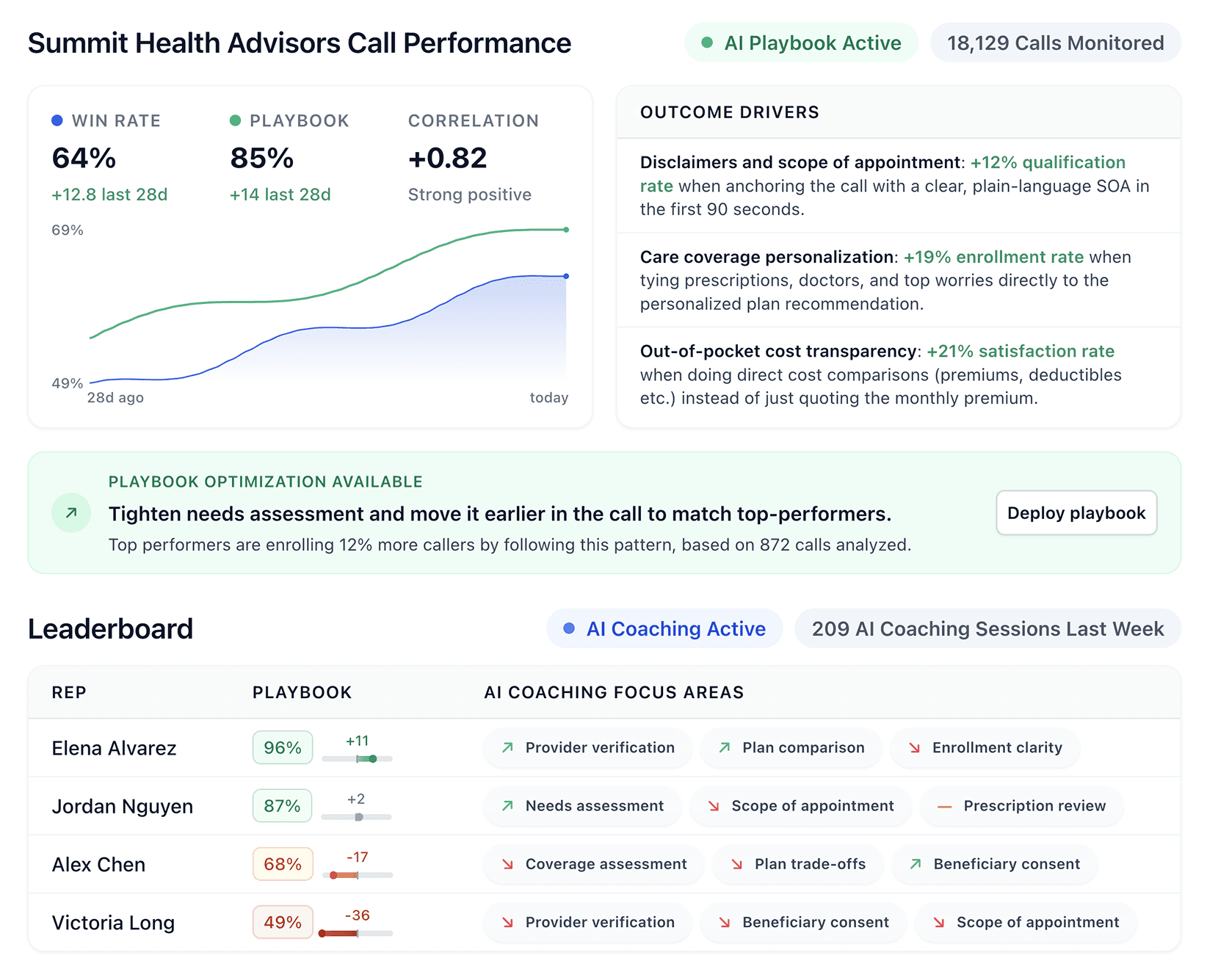


Conversation intelligence software uses AI to turn sales calls into performance insights. We tested the best conversation intelligence software platforms and reviewed user experiences to further categorize the tools that help sales teams better perform.
Quick comparison: 7 Best conversational intelligence software:
Tool | Best for | Who it’s for | Pricing |
|---|---|---|---|
Alpharun | Coaching inside sales reps | Inside sales teams with 50+ reps in Medicare, insurance, wealth management, financial services | Custom pricing |
Gong | Enterprise revenue intelligence | Large enterprises with 200+ users and a RevOps team | Custom pricing |
Chorus by ZoomInfo | Multi-channel intelligence tied to contact data | Sales teams and contact centers that already use ZoomInfo | Custom pricing |
Fireflies.ai | Budget transcription and summaries | Small teams under 20 users testing conversation intelligence | Free tier; Pro about $10 per user per month (annual); Business at $19; and Enterprise at $39 |
Salesloft | Integrated sales engagement + light call insight | Sales teams that want outreach and insights in one system | Custom pricing |
Clari Copilot | Real-time coaching with revenue platform integration | Mid-market to enterprise B2B teams with RevOps and complex deal cycles | Custom pricing |
Avoma | Affordable meeting intelligence with revenue insights | Small to mid-sized B2B sales teams | Startup $19/user/month; Organization $29; Enterprise $39 (annual) |
Alpharun
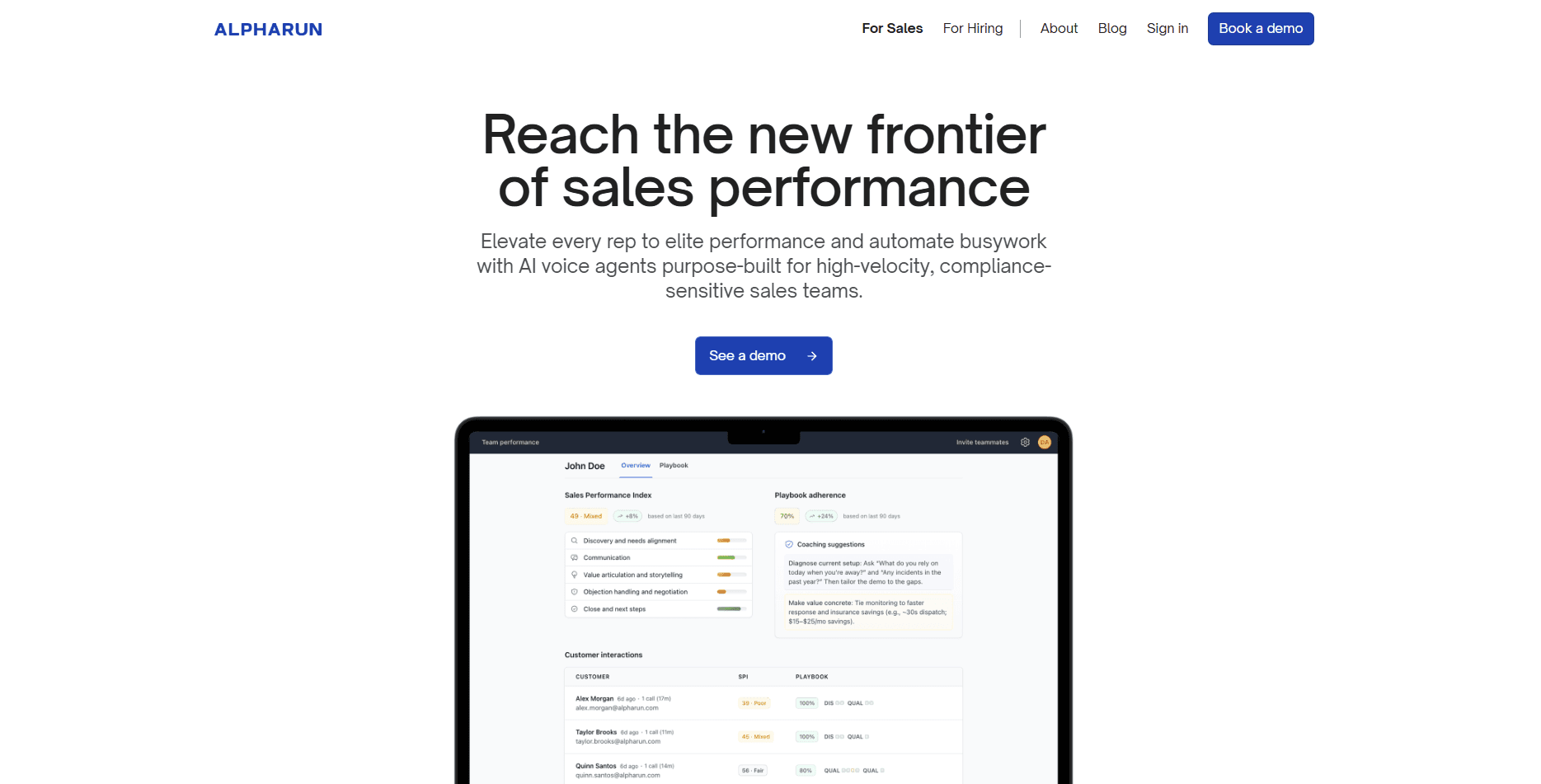
Alpharun learns from your real calls, not from generic sales theory. The system listens to top performers and finds what leads to more sales.
The tool then turns those moments into a clear playbook for your team. Reps see what good sounds like in your market, with your buyers, and in your sales process.
Generic coaching tools often relies on broad best practices. Alpharun's AI sales role-play and training software builds an AI playbook that reflects how your organization works in real life.
Who it’s for: Alpharun fits inside sales teams with at least 50 reps. Insurance (including life insurance), financial services, and healthcare teams looking for the best conversational intelligence platforms for enterprise sales coaching.
Key features of Alpharun
Custom AI playbook from your top reps
Alpharun's AI sales coaching platform reviews thousands of strong calls during setup.
The system captures phrases, timing, and ways of handling concerns that lead to solved customer problems.
Coaching comes from your data and your outcomes, not from a textbook.
Sentence-level feedback
Reps see clear guidance for specific moments in a call.
The tool highlights a sentence and shows a stronger option.
Managers stop saying vague things like “build more rapport” and start pointing to real examples.
Automated quality scoring
Every call receives a score against your AI playbook.
Leaders no longer rely on random call reviews.
Teams view performance patterns across all reps and all calls.
Performance dashboards for managers
Managers track which behaviors link to higher conversion and better customer outcomes.
Dashboards show which reps follow the playbook and who needs focused coaching.
Coaching time goes to the actions that improve revenue, not to guesswork.
Works with common AI call center tools
Alpharun connects with Five9, Genesys, and other major call intelligence solutions.
Teams keep their current tech stack while they add AI coaching.
Built for regulated industries
Alpharun meets SOC 2, HIPAA, and GDPR standards.
Teams that work with health or financial data can use it with strong security controls.
Pros and cons of Alpharun
Pros | Cons |
|---|---|
Custom coaching based on your top calls | High annual cost for small teams |
Sentence-level feedback that shows what to say instead | Built for high volume inside sales, not field teams |
Auto scores every call against your AI playbook | Works best when calls follow a repeat process |
Clear view of which behaviors solve complex problems | |
Pricing for Alpharun
Alpharun uses custom pricing based on team size.
Why Alpharun fits this type of team
Most inside sales teams have a few reps who handle complex customer problems with real skill. Alpharun studies those calls and turns the patterns into clear guidance for everyone. Leaders use the data to focus coaching, lift call quality, and give customers more consistent support.
Gong
Gong is a revenue intelligence platform for big sales organizations. The system reviews calls, emails, and meetings across the full customer journey and surfaces patterns that matter to your team.
Who it’s for: Gong fits large B2B enterprises with at least 200 users and a RevOps function. B2C sales teams with shorter call cycles and higher volume may find the enterprise feature set and price point excessive for their needs.
Key features of Gong
Full view of customer interactions
Gong captures sales calls, emails, web meetings, and in-person meetings where possible.
Teams see the full thread of a customer relationship in one place.
Deal risk tracking
It looks at engagement levels, topics in conversations, and other signals that point to risk.
Leaders and RevOps use these views to decide where to step in and where deals stay on track.
Revenue forecasts from real patterns
Gong forecasts revenue based on thousands of past deals.
The sales coaching software compares current deals to proven patterns, which supports more grounded forecasts.
Insights across the revenue team
Dashboards show talk and listen ratios, mentions of competitors, and buying signals that appear in calls and emails.
Leaders use these views to support coaching, training, and process changes that help teams solve complex customer problems.
Integrations with major sales tools
Gong connects with Salesforce, HubSpot, and other core systems in the sales stack.
RevOps teams can push and pull data to keep reports and workflows in sync.
Pros and cons of Gong (from G2)
Pros | Cons |
|---|---|
Wide set of analytics across calls, emails, and meetings | User says organizing and segmenting calls for training is too manual and time-consuming |
Proven for large, global revenue teams | Service downtime affects access to recordings and transcripts |
Strong Salesforce integration | Review says forecasting setup is confusing, and activity tracking shows errors across devices. |
Pricing for Gong
Gong customizes pricing by team size with per-user licensing and a platform fee. The platform includes tech stack integrations without additional charges.
When Gong makes sense for your team
Gong supports large B2B revenue teams that handle many deals across regions and segments.
B2C sales teams making high-volume, single-call conversions may find better ROI from tools built for inside sales coaching and real-time playbook adherence.
Chorus by ZoomInfo
Chorus by ZoomInfo is a conversation intelligence platform. Chorus captures and analyzes calls, meetings, and emails using patented machine learning.
Who it’s for: Chorus fits sales teams and contact centers that work across phone, video, and email. Teams that want one view of all prospect and customer conversations gain the most value.
Key features of Chorus
All conversations in one place
Chorus pulls meetings, calls, and emails into a single timeline.
Teams see the full conversation history with each prospect or customer on one screen.
Actionable insights from real calls
Chorus tracks keyword mentions and sentiment across interactions.
Leaders and coaches use these views to help reps handle complex questions and concerns.
Integrations with core tools
Chorus connects with major CRMs and communication tools.
Teams avoid long setup projects and keep using their current systems with Chorus on top.
Support for multiple languages
Chorus handles German, English, French, Dutch, Portuguese, and Spanish.
Global teams can review conversations in more than one language with consistent accuracy.
Pros and cons of Chorus (from TrustRadius)
Pros | Cons |
|---|---|
Strong link between ZoomInfo data and conversation insights | User says Chorus is powerful but very expensive to implement and maintain |
Helps new reps learn from top calls and patterns | Recordings and transcripts load slowly, and search could be faster and smarter. |
Captures calls, meetings, and emails in one view | Teams without ZoomInfo may find better value elsewhere |
Pricing for Chorus
Chorus uses custom pricing. Costs depend on team size and feature needs.
How Chorus by ZoomInfo fits your team
Chorus works best for B2B teams already using ZoomInfo, helping connect conversations to contacts across multi-touch cycles.
High-volume B2C teams or those not relying on ZoomInfo may get better value from pure play call center coaching software.
Fireflies.ai
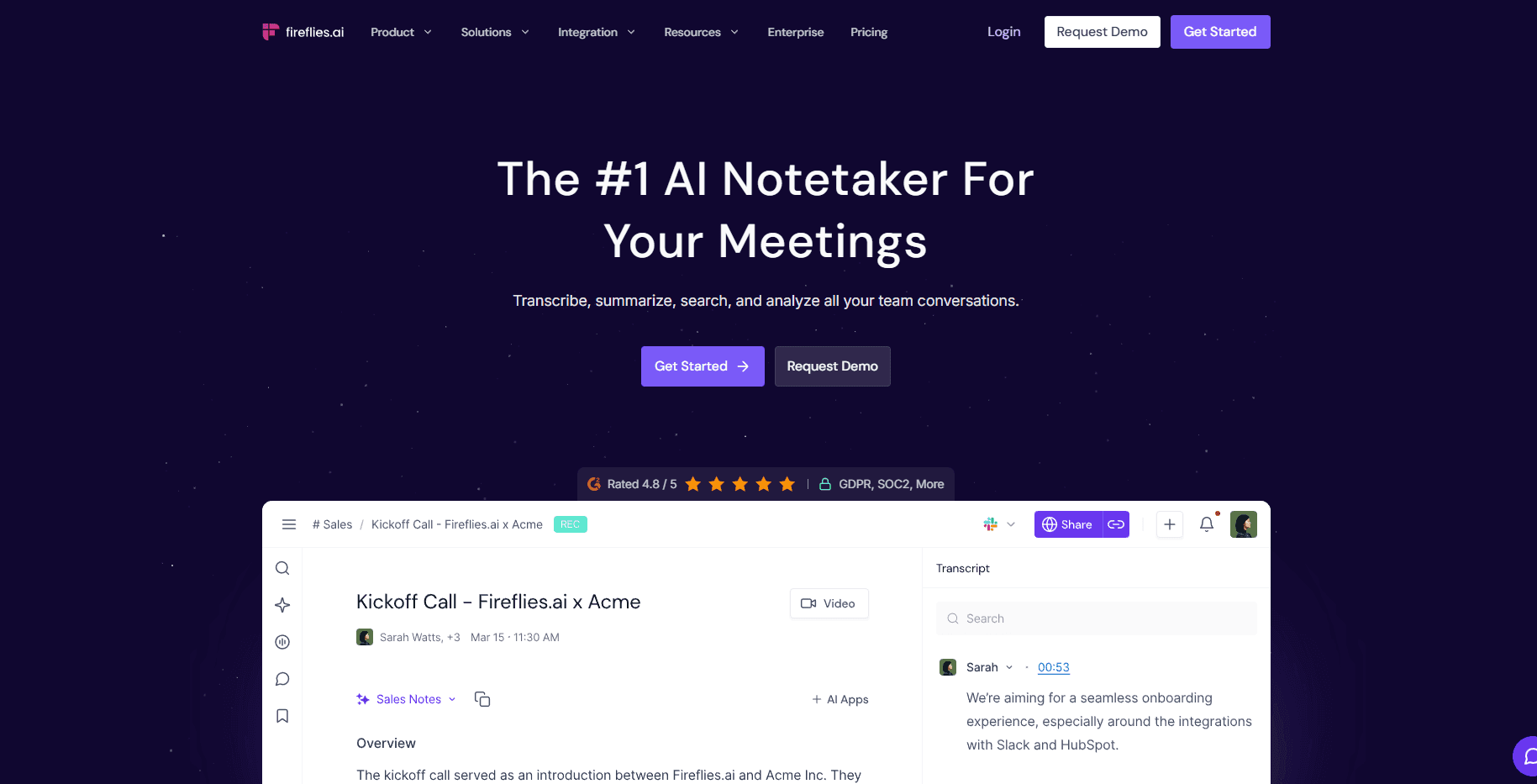
Fireflies.ai is an AI note taker and transcription tool. It records meetings, turns speech into text, and creates clear summaries from your calls.
Who it’s for: Fireflies fits small teams with fewer than 20 users. Teams that want a gentle start with conversation intelligence and have a small budget use it the most.
Key features of Fireflies.ai
Calendar-based auto recording
Fireflies joins scheduled meetings from your calendar.
The system records and transcribes calls without extra clicks from your team.
AI meeting summaries
Fireflies creates short summaries of long meetings.
Key points and action items appear in a simple view that team members can scan.
Wide meeting platform support
Fireflies works with Zoom, Google Meet, Microsoft Teams, and many other tools.
Teams keep their current video setup and still get AI notes.
Pros and cons of Fireflies.ai
Pros | Cons |
|---|---|
Low-cost entry to conversation intelligence | Limited analytics compared to enterprise tools |
Good fit for small teams and new users | Few sales-specific coaching and deal tools |
Simple setup that takes very little time | Not built for complex revenue reporting needs |
Pricing for Fireflies.ai
Fireflies uses clear pricing with one paid entry tier.
Free: Basic transcription for unlimited meetings
Pro: $10 per seat each month, billed annually
Business: $19 per seat each month, billed annually
Enterprise: $39 per seat each month, billed annually with advanced controls
Teams can start on the free tier, then move to Pro when they see value.
How Fireflies.ai fits your team
Fireflies works best as an entry tool for conversation intelligence. You gain solid transcription and AI summaries that beat manual note-taking and scattered docs.
However, you do not gain the deep coaching views, deal insights, and revenue analytics that larger platforms offer, so Fireflies fits the early stages of your journey, not full-scale revenue operations.
Salesloft
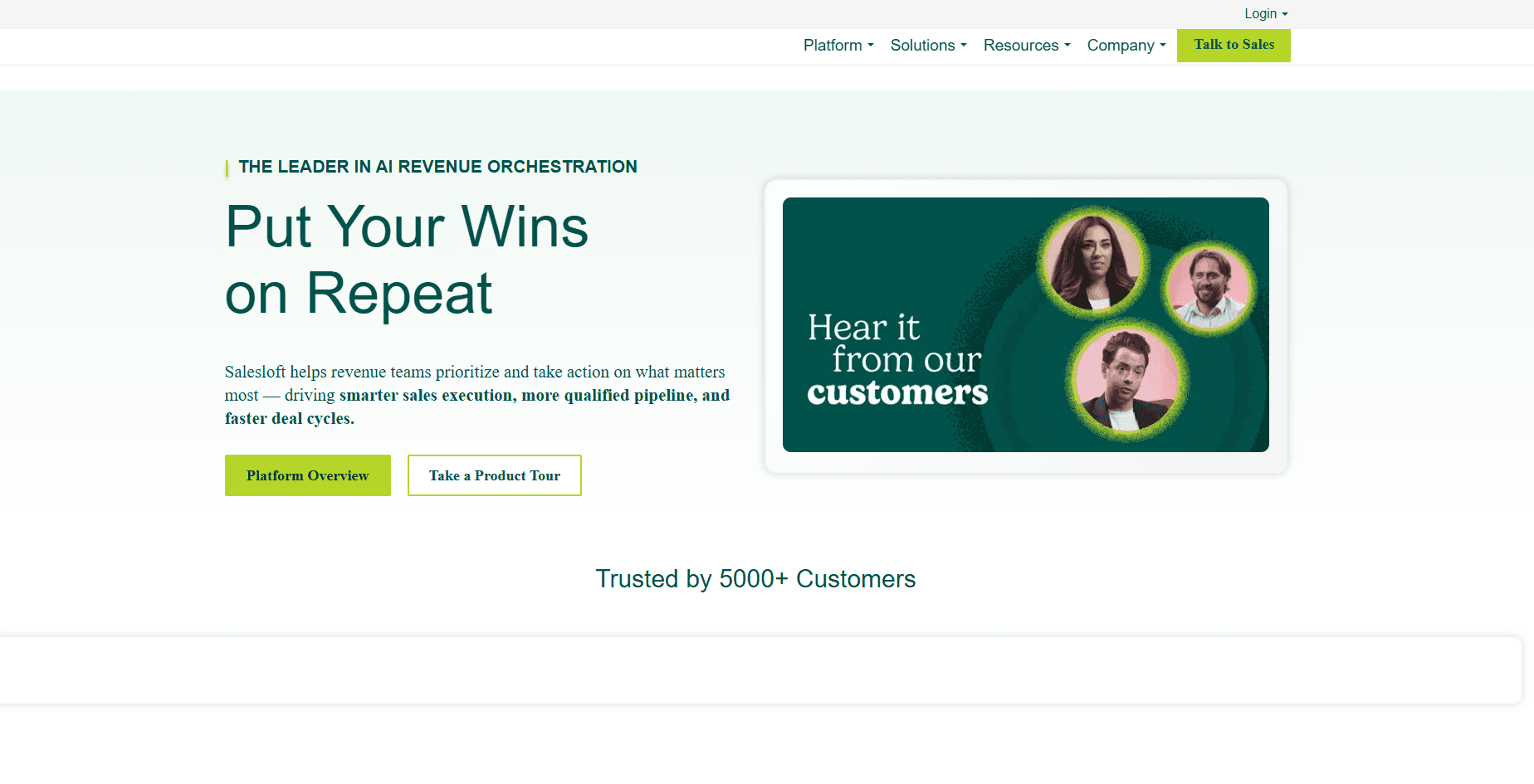
Salesloft presents itself as a full revenue platform where conversation intelligence is one part of a larger toolset. Reps work inside one system instead of moving between a call analysis tool and separate outreach tools.
Who it’s for: Salesloft fits sales teams that want call and meeting insights inside their daily workflow. Teams that care about both outreach and how they handle complex customer problems see strong value.
Key features of Salesloft
Full sales engagement in one platform
Salesloft joins email cadences, prospecting tools, calls, and basic conversation intelligence.
Reps plan outreach, talk with prospects, and review call insights inside the same workspace.
Deal intelligence views
The platform tracks engagement across touchpoints and evaluates conversation quality.
Teams see early signs that deals need attention or that work with a customer is on track.
Workflow automation from conversations
Salesloft automates follow ups, CRM updates, and next steps based on what happens in calls and emails.
Conversation outcomes guide tasks so reps can focus on live work with customers.
Pros and cons of Salesloft (from G2)
Pros | Cons |
|---|---|
One platform for outreach, calls, and insights | Frequent email and calendar disconnects disrupt workflows |
Strong integrations with Salesforce and other CRMs | User says sync delays with Salesforce cause minor data mismatches |
Automations that react to real conversations | User says the dialer is unreliable and often disrupts team productivity |
Pricing for Salesloft
Salesloft pricing does not list standard rates. Teams need to speak with Salesloft to receive a detailed quote.
How Salesloft best supports your sales team
Salesloft fits B2B teams that want one platform for prospecting, outreach, and late-stage work with customers, with conversation insights built into daily workflows.
B2C inside sales teams focused on high-volume calling and single-call conversions typically gain more value from tools that prioritize real-time call coaching and quality scoring.
Clari Copilot
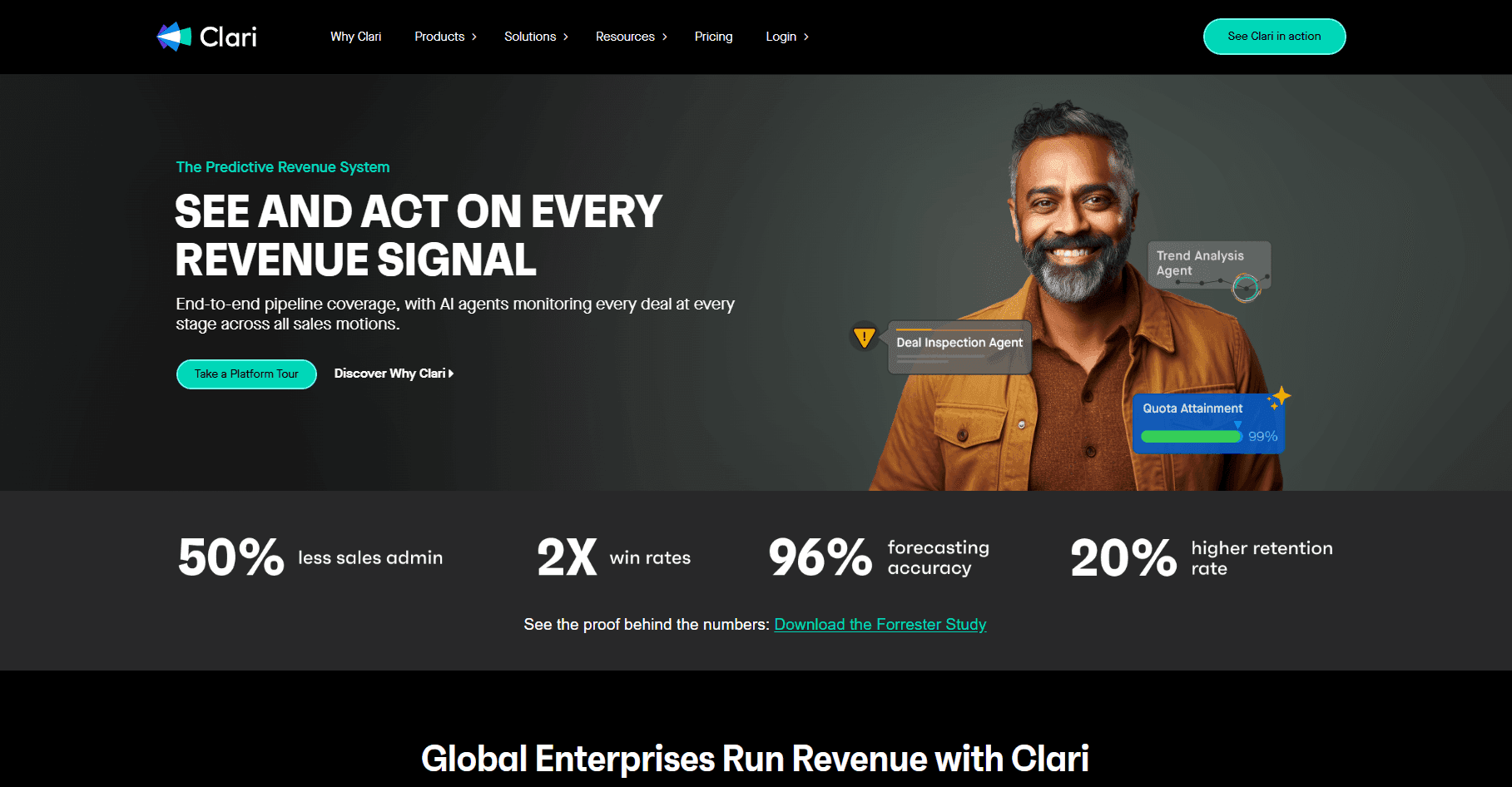
Clari Copilot is the conversation intelligence component of the Clari Revenue Platform. The tool captures and analyzes sales calls to deliver real-time coaching, deal insights, and revenue intelligence that connects directly to forecasting and pipeline management.
Who it’s for: Clari Copilot generally suits mid-market and enterprise B2B sales teams that benefit from conversation intelligence connected to revenue operations. B2C teams with fast single-call cycles may find their deeper deal tracking less essential.
Key features of Clari
Real-time call guidance
Clari Copilot delivers live cue cards, battlecards, and talking points during active sales calls.
Reps receive instant alerts when competitors are mentioned or key objections surface.
AI-powered conversation analysis
It tracks talk ratios, topics, objections, and buying signals across every conversation.
Teams identify which behaviors and conversation patterns lead to closed deals.
Deal and pipeline intelligence
Insights flow directly into Clari's forecasting and pipeline management tools.
Sales leaders see which deals need attention and where revenue forecasts might shift.
Workflow automation from conversations
Salesloft automates follow ups, CRM updates, and next steps based on what happens in calls and emails.
Conversation outcomes guide tasks so reps can focus on live work with customers.
Custom scorecards and coaching frameworks
Teams build scorecards aligned to sales methodologies like MEDDIC, SPICED, or BANT.
Automated scoring replaces manual call reviews and surfaces coaching opportunities at scale.
Pros and cons of Clari (from G2)
Pros | Cons |
|---|---|
Tight integration with Clari's revenue platform for forecasting and deal insights | User says Clari needs clean Salesforce data and active RevOps upkeep to stay accurate. |
Customizable scorecards for sales methodology frameworks | User says Clari’s learning features feel overwhelming. |
Real-time coaching with live cue cards and battlecards | Users report that the interface feels clunky and hard to understand. |
Pricing for Clari
Clari Copilot offers custom pricing, so teams need to contact Clari directly for a quote.
How Clari Copilot fits your team
Clari Copilot fits B2B sales teams with multi-touch deal cycles and a RevOps function that wants conversation insights to support forecasting and pipeline reviews.
It is strongest when call data needs to inform broader revenue decisions. Teams that only need call coaching or run high-volume B2C motions may get better value from tools built just for that purpose.
Avoma
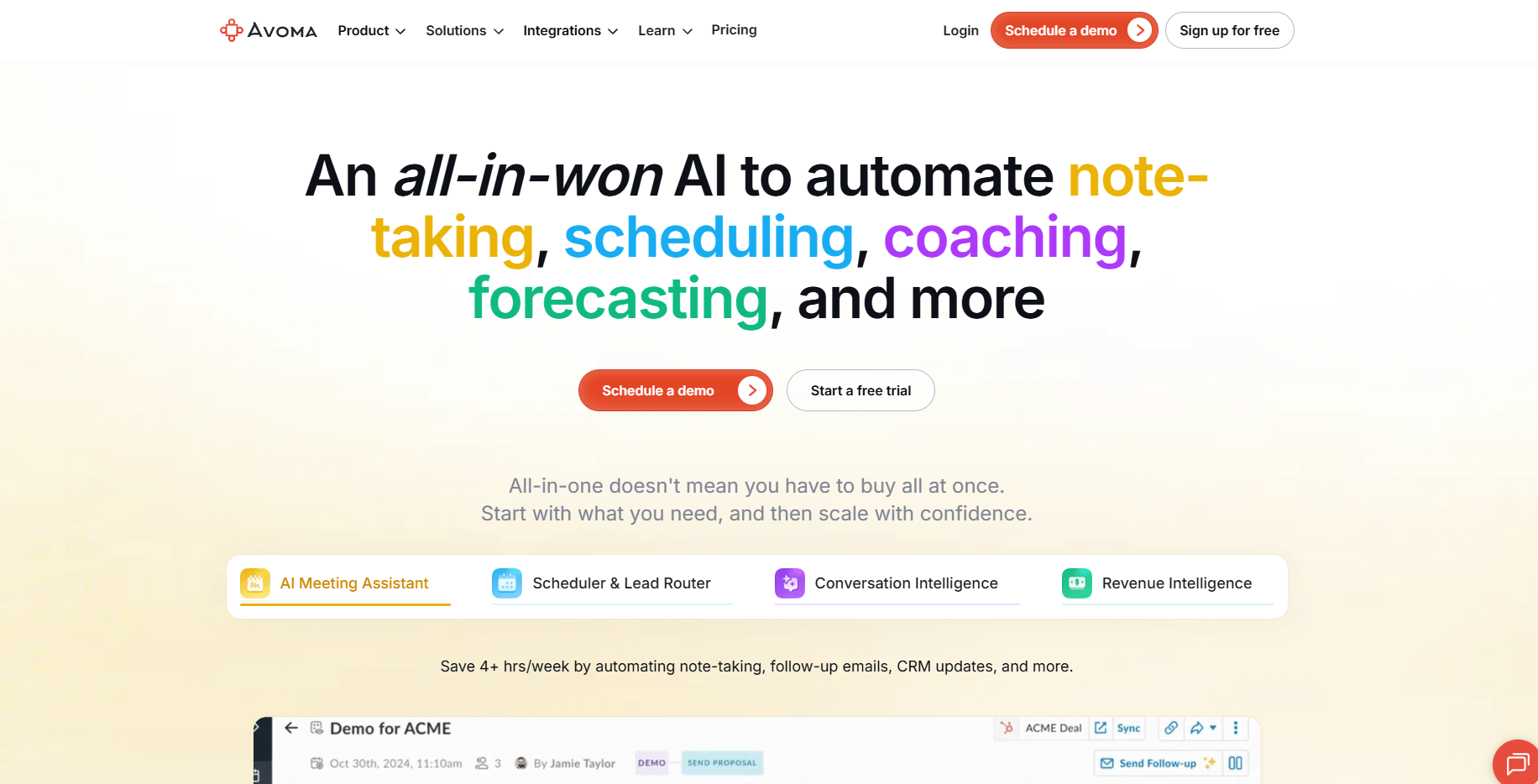
Avoma is an AI meeting assistant that combines conversation intelligence with scheduling, note-taking, and revenue insights. The platform automates meeting workflows while analyzing sales conversations to support coaching, forecasting, and deal management.
Who it’s for: Avoma suits small to mid-sized B2B sales teams wanting affordable conversation intelligence with meeting automation, while high-volume B2C teams may find its meeting-focused features less relevant.
Key features of Avoma
Automated meeting notes and transcription
Avoma records, transcribes, and summarizes meetings automatically across Zoom, Google Meet, Microsoft Teams, and other platforms.
The system identifies speakers and generates searchable transcripts with timestamps.
AI coaching and call scoring
The platform provides AI-generated coaching recommendations based on call performance.
Custom scorecards align with sales methodologies and track behaviors that matter to your team.
Revenue intelligence and forecasting
Avoma includes a forecasting dashboard that tracks pipeline health and deal progression.
Teams monitor forecast attainment across multiple pipelines in real time.
Smart trackers and topic detection
Avoma detects key topics, competitor mentions, objections, and buying signals automatically.
Custom trackers let teams monitor specific phrases or themes that matter to their sales process.
CRM integration and workflow automation
The platform syncs meeting data, transcripts, and insights directly into Salesforce, HubSpot, and other CRM call center software.
Automated follow-ups and task creation reduce admin work for reps.
Pros and cons of Avoma (from G2)
Pros | Cons |
|---|---|
Strong meeting automation with scheduling and note-taking | Review says transcription quality drops when there’s background noise or multiple people talking. |
Revenue intelligence features at the mid-market price point | User says the pricing feels high for small teams. |
Works with 8+ video conferencing platforms | User says the notetaker joins meetings slowly but still works well overall. |
Pricing for Avoma
Avoma uses transparent, tiered pricing:
Startup: $19 per user/month (billed annually)
Organization: $29 per user/month (billed annually)
Enterprise: $39 per user/month (billed annually)
Avoma also offers a Conversation Intelligence add-on at $29/user/month and a Revenue Intelligence add-on at $29/user/month for teams that want deeper sales coaching and forecasting capabilities. A free 14-day trial is available for all plans.
How Avoma fits your team
Avoma best supports your sales team by streamlining discovery calls, demos, and multi-touch B2B cycles with automated notes, summaries, and follow-ups. It gives growing teams affordable revenue intelligence without heavy setup.
For high-volume outbound or single-call B2C motions, tools built for real-time call coaching may be a better fit.
What we looked for
Accuracy and reliability: We tested how well each tool handled different accents, background noise, and technical terms in real meetings. We kept tools that stayed clear and useful in those conditions.
Coaching value: We checked if the feedback actually helped reps improve. The best tools gave clear, practical tips that connect what happens in calls to better outcomes for customers.
Implementation speed: We looked at how long it takes for teams to start seeing value after signing up. Tools that delivered helpful insights quickly scored higher than those that required long setup and configuration.
Which conversational intelligence software should you choose?
Your ideal platform depends on team size, budget, and specific needs. Here's how to decide:
Choose Alpharun if you:
Run a large inside sales team making similar calls each day.
Want coaching based on how your real top performers work.
Need a structured playbook that turns winning calls into repeatable habits.
Operate in regulated industries and require strong security and compliance.
AI answering services for off-hour calls and IVR systems.
Choose Gong if you:
Manage a large revenue organization across several regions or segments.
Have a RevOps team that owns data, systems, and reporting.
Need detailed views across calls, emails, and meetings in one platform.
Choose Chorus by ZoomInfo if you:
Already use ZoomInfo for contact and account data.
Want one view of calls, meetings, and emails tied to that data.
Run sales or support teams that work across phone, video, and email.
Choose Fireflies.ai if you:
Lead a small team that wants to test conversation intelligence for the first time.
Have a tight budget but still need solid transcription and summaries.
Want to replace manual note-taking with AI notes.
Choose Salesloft if you:
Want one platform for prospecting, cadences, calls, and light conversation insights.
Prefer reps to work in a single workspace for outreach and follow-ups.
Use Salesforce or another major CRM and want tight data flow.
Choose Clari if you:
Need real-time call coaching with live cue cards and battlecards.
Want conversation intelligence that feeds directly into forecasting and pipeline management.
Already use or plan to adopt the broader Clari Revenue Platform.
Choose Avoma if you:
Need revenue forecasting and deal intelligence without enterprise pricing.
Run small to mid-sized B2B sales teams with discovery calls and demos.
Value transparent pricing with a clear path from starter to enterprise tiers.
How teams get value from conversation intelligence tools
Conversation intelligence software solves different problems. Some focus on deep analytics for revenue teams. Others lean toward note-taking, contact center quality, or sales outreach. Teams whose starting problem is manager visibility rather than call analysis usually shop contact center reporting software first.
The right choice depends on your team size, call volume, and how ready you are to act on insights.
Alpharun is a practical choice for sales teams because:
It studies real calls from your best reps and finds what they do differently.
It turns those patterns into clear, simple playbooks your team can follow.
It links feedback to exact moments in the call so reps see what to change and how.
It focuses coaching on behavior that solves complex customer problems, not vague “be better” advice.
For larger inside sales teams making many similar calls each day, this structure builds consistent performance and moves coaching away from guesswork.
If you want to learn from every call instead of a few random reviews, you can request a demo with Alpharun and see how an AI playbook built from your calls would support your reps.