

CallMiner works for enterprises managing CX across departments, but it's not built for every team. These 6 CallMiner competitors offer different strengths for sales coaching, compliance, and contact center operations.
Top CallMiner competitors: At a glance
Tool | Best for | Starting price | Key strength |
Alpharun | High-volume B2C sales teams | Custom pricing | Custom playbooks built from your actual winning calls vs. generic best practices |
NICE CXone | Enterprise workforce management | $110/agent/month | AI-driven quality management and workforce tools |
Observe.AI | Healthcare and finance compliance | Custom pricing | Automates routine calls and monitors compliance |
Genesys Cloud CX | Omnichannel contact centers | $75/user/month | Full engagement, routing, and workforce management |
Balto | Real-time agent guidance | Custom pricing | Live prompts and compliance reminders during calls |
Gong | B2B sales teams | Custom pricing | Deal analytics and pipeline visibility |
1. Alpharun: Best for high-volume B2C sales coaching
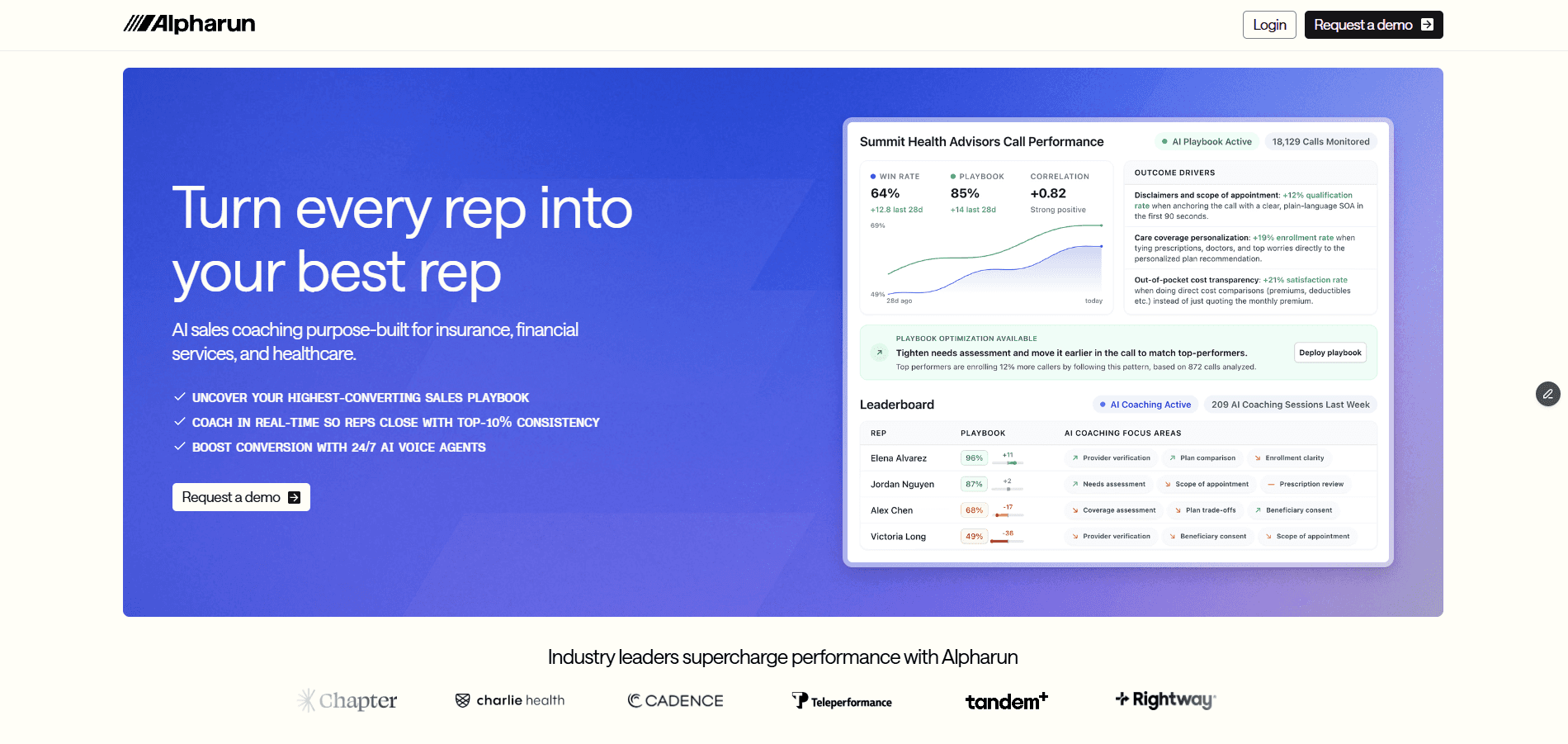
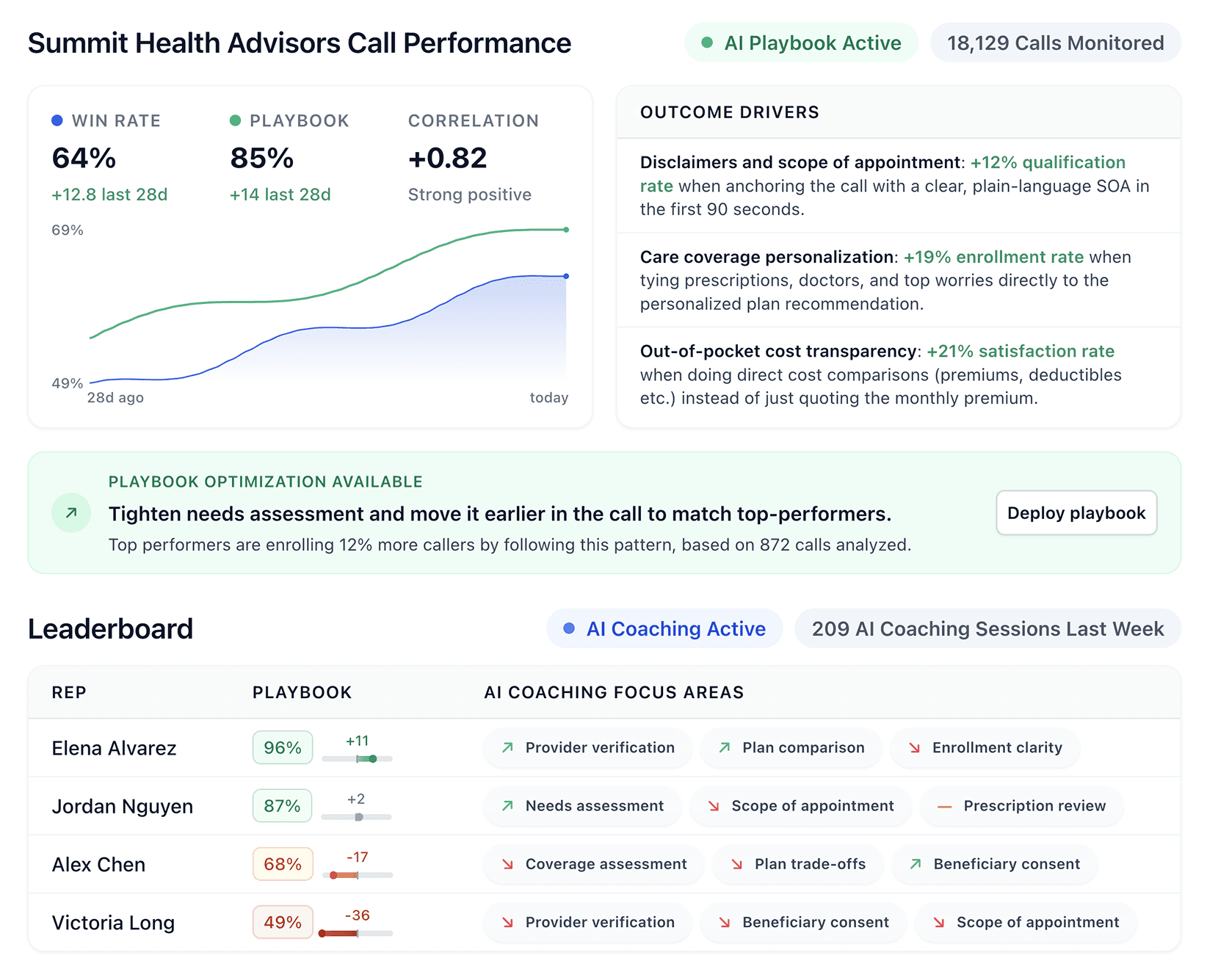
What it does: Alpharun studies your top performers' calls, finds the behaviors that close deals, and coaches every rep to replicate them.
Who it's for: High-volume B2C sales teams with 50+ reps in Medicare, insurance, and home services.
Managers can't listen to every call or coach every rep. Alpharun does both. It analyzes your calls at scale, finds what drives conversions, and delivers coaching to reps while they're still on the phone. This reduces manager workload and makes sure everyone performs like your best rep.
Key features of Alpharun
Custom playbooks from real calls: Studies your top closers' actual conversations to find what drives wins, then builds those behaviors into a playbook your whole team can follow.
Live coaching during calls: Reps see sentence-level guidance on screen while the conversation is still happening, not in a review days later.
Full QA on every call: Alpharun scores every call against your playbook. Managers spot who's improving and who needs attention without having to pull recordings.
Compliance built into scoring: Disclosures, scripts, and rules are scored automatically on every call for Medicare, insurance, and home services.
AI agents: Handle the busywork like scheduling, after-hours leads, and qualification, so reps spend more time closing.
Pros and cons of Alpharun
Pros | Cons |
Managers see performance trends without manual review | Built for high-volume B2C sales, not broad enterprise CX |
Real-time, sentence-level coaching during live calls | Custom pricing requires a conversation |
100% of calls scored with compliance built in | |
Connects to Five9, Genesys, and others in about a week |
Pricing for Alpharun
Custom pricing based on team size and call volume. Book a demo to discuss your setup.
Our thoughts on Alpharun
Alpharun is for B2C sales teams that know their top reps close more but can't explain why. It figures that out and spreads it to the rest of your sales floor.
And because it's SOC 2 Type 2 compliant with compliance rules baked into scoring, regulated teams in Medicare and insurance can use it without extra risk.
2. NICE CXone: Best for enterprise workforce management
What it does: NICE CXone combines customer engagement, workforce tools, and AI automation into a single cloud platform.
Who it's for: Large enterprises managing CX, quality, and workforce planning across departments.
NICE CXone brings contact center operations, quality management, and workforce tools under one roof. The platform uses Enlighten AI to automate scoring, guide agents in real time, and forecast staffing needs.
Key features of NICE CXone
AI-powered quality management: Automates scoring and surfaces coaching opportunities.
Real-time agent guidance: Enlighten AI delivers prompts during live interactions.
Workforce management: AI-driven forecasting and scheduling tools.
30+ digital channels: Voice, chat, email, social, and more in dedicated agent workspaces.
Pros and cons of NICE CXone
Pros | Cons |
Workforce scheduling and engagement in one platform | Agent status changes can freeze, blocking calls |
Domain-specific AI trained on a large CX dataset | Limited options to customize dashboards for agent management |
Fast onboarding improves retention | Inbound calls fail when multiple applications run at once |
Pricing for NICE CXone
NICE CXone pricing ranges from $110 to $249 per agent/month. Higher tiers add AI routing, proactive engagement, recording, compliance, and outbound campaign tools.
Our thoughts on NICE CXone
NICE CXone fits large enterprises that need workforce management and CX tools in one system. Smaller teams or those focused purely on sales coaching may find it more complex than needed.
3. Observe.AI: Best for healthcare and finance compliance
What it does: Observe.AI automates routine calls and monitors compliance with AI-powered conversation intelligence.
Who it's for: Healthcare and finance teams focused on compliance and call automation.
Observe.AI frees agents from repetitive work by automating routine calls. The platform monitors 100% of interactions for compliance and surfaces QA insights. The best features live in premium tiers, so check what you actually need before signing up.
Key features of Observe.AI
Voice-first AI agents: Handle routine calls and free humans for complex conversations.
AI Copilots: Provide real-time guidance and automated workflows for agents.
Auto QA: Monitors 100% of calls for compliance and quality.
CCaaS and CRM integrations: Connects with major platforms through modular products.
Pros and cons of Observe.AI
Pros | Cons |
Automates high volumes of calls with human-like AI | Sentiment detection can be inaccurate, leading to false signals |
Fast insights and AI agent creation | Heavy accents cause transcription issues |
Integrates with major CCaaS and CRM platforms | Profanity detection misfires add noise to QA |
Pricing of Observe.AI
Observe.AI provides custom quotes based on team size and compliance scope.
Our thoughts on Observe.AI
Observe.AI fits healthcare and finance teams that need compliance monitoring and call automation. Pricing is unclear, and better features sit in higher tiers. Check integration needs and costs before committing.
4. Genesys Cloud CX: Best for omnichannel contact centers
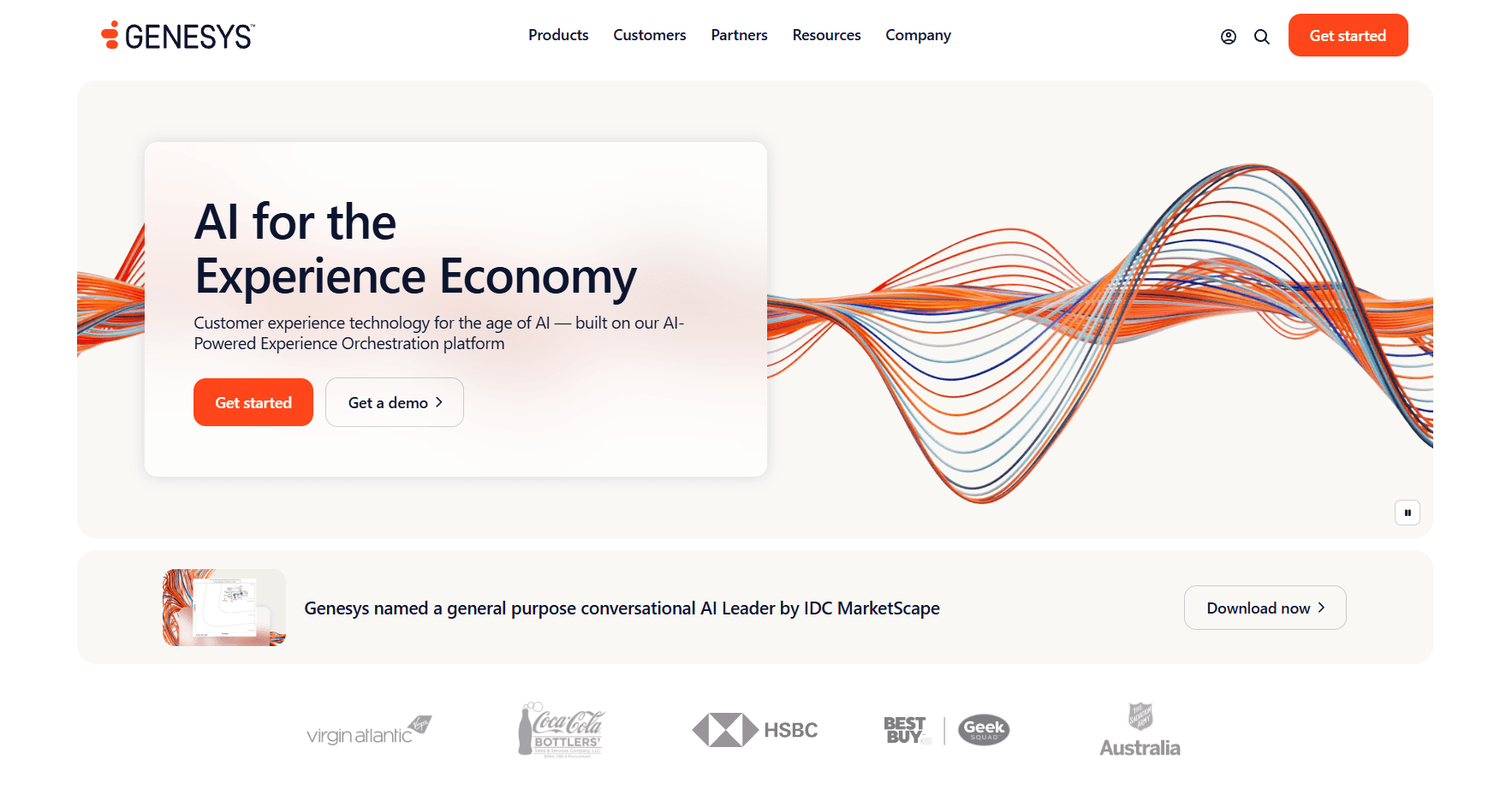
What it does: Genesys Cloud CX manages customer engagement, routing, workforce tools, and journey management in one AI-powered platform.
Who it's for: Contact centers handling high volumes across voice and digital channels.
Genesys Cloud CX brings engagement, routing, and workforce management together. The platform supports 100+ countries and connects with 600+ apps through its marketplace. It handles scale but requires investment to set up properly.
Key features of Genesys
Unified platform: Customer engagement, workforce engagement, and journey management in one place.
Agent Copilot: Real-time support for agents during interactions.
Analytics and reporting: Insights across all channels in one dashboard.
Workforce tools: Scheduling, coaching, and satisfaction tracking.
Pros and cons of Genesys
Pros | Cons |
Agent Copilot for real-time support | Extensive features create a learning curve for new users |
Strong API platform with a clean and easy-to-use interface | Complicated pricing with costly add-ons for advanced features |
Get Agent Copilot for real-time support | Freezes between dashboards and slow onboarding for new staff |
Pricing of Genesys
Genesys Cloud CX pricing ranges from $75 to $240 per user/month. Higher tiers start at $240+ per user/month and include more AI capabilities, workforce tools, and full omnichannel support.
Our thoughts on Genesys
Genesys Cloud CX fits contact centers that need routing, engagement, and workforce management at scale. For teams that also want sales coaching, Alpharun layers on top and integrates directly with Genesys.
5. Balto: Best for real-time agent guidance
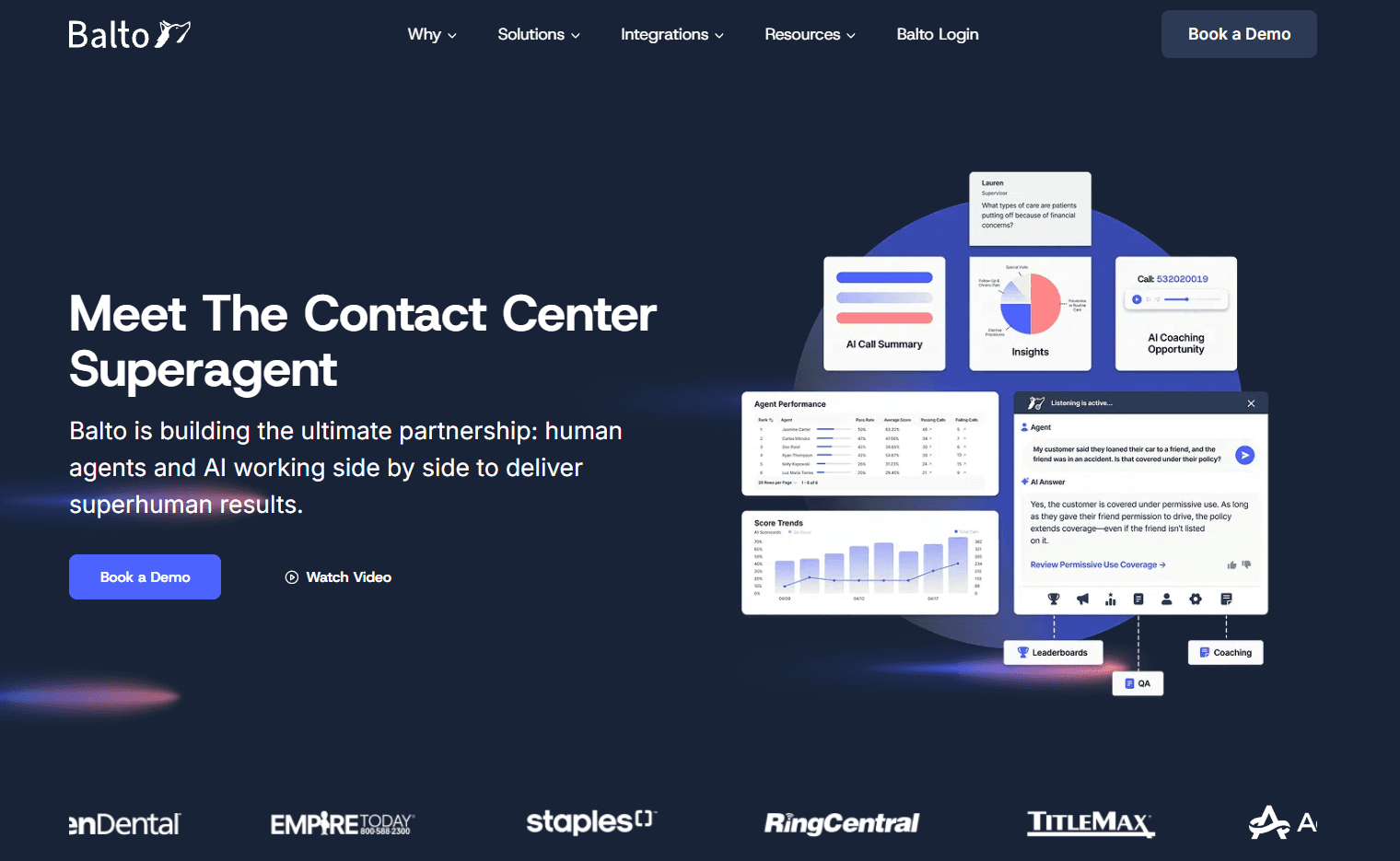
What it does: Balto listens to calls as they happen and gives agents on-screen prompts, reminders, and objection-handling tips.
Who it's for: Contact centers that need live compliance reminders and in-the-moment coaching.
Balto keeps agents on script during calls. The platform surfaces prompts based on what's happening in the conversation and alerts managers when critical calls need attention. Stronger on real-time guidance than post-call analysis.
Key features of Balto
Live prompts: Compliance reminders and talking points shown during calls.
Objection handling: Tips tailored to customer responses in real time.
Manager alerts: Notifications for critical calls that need intervention.
Smart checklists: Dynamic prompts that adapt to the conversation.
Pros and cons of Balto
Pros | Cons |
Real-time prompts keep agents on track | Buggy app disrupts workflow with timeouts and crashes |
Works across CCaaS and CRM platforms | Integrations take 45-60 days |
Smart checklists reinforce best practices | Onboarding new agents takes extra effort |
Pricing of Balto
Balto uses custom pricing based on seats and contract length. Before signing, the team walks through expected results to make sure it pays for itself.
Our thoughts on Balto
Balto fits contact centers that need real-time nudges to keep agents compliant and on script. It excels at keeping reps on script but offers less depth on post-call coaching and playbook development.
6. Gong: Best for B2B sales teams
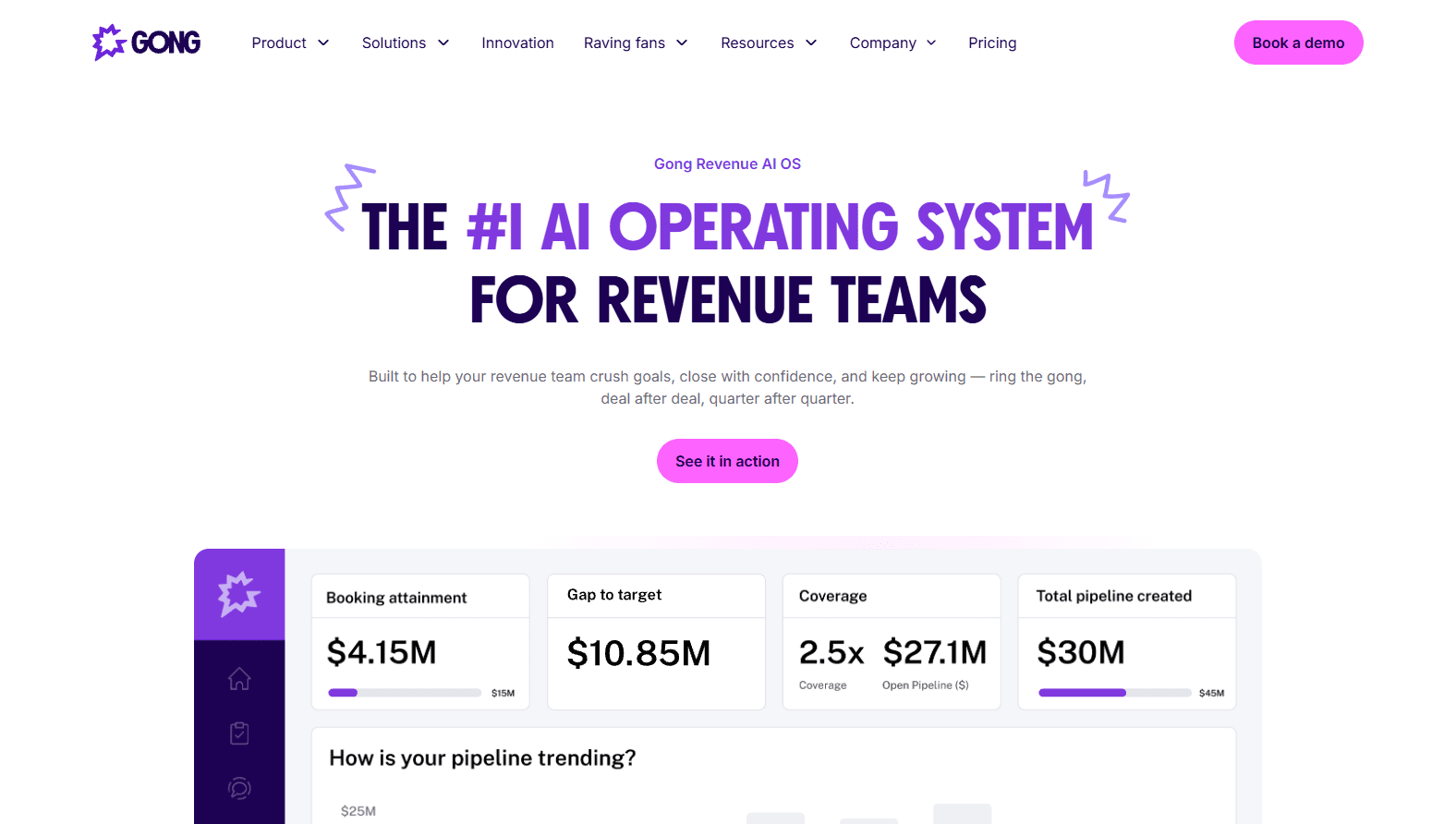
What it does: Gong tracks customer calls and meetings, analyzes the data, and delivers insights for coaching, forecasting, and deal management.
Who it's for: B2B sales teams focused on pipeline visibility and revenue forecasting.
Gong serves Go-to-Market teams that need visibility across the revenue cycle. The platform tracks deals, coaches reps, and automates forecasting. Built for B2B sales with longer cycles and multiple stakeholders.
Key features of Gong
Conversation intelligence: Tracks calls, coaches reps, and uncovers performance drivers.
Gong Forecast: AI-powered pipeline and revenue forecasting.
Gong Engage: Prioritizes and personalizes sales engagement.
Gong Agents: Automates follow-ups, pipeline edits, and forecast corrections.
Pros and cons of Gong
Pros | Cons |
Full visibility into deals and rep performance | Connects to only one CRM at a time |
Forecasting improves pipeline predictability | Transcripts and speaker attribution need occasional fixes |
Works across 70+ languages | Call tracking doesn't reflect actual progress |
Pricing of Gong
Gong charges per user with a platform fee that scales with team size. Integrations with your existing tech stack come free. Contact Gong for a custom quote.
Our thoughts on Gong
Gong fits B2B sales teams that need revenue cycle visibility and forecasting. High-volume B2C teams running thousands of short calls daily may find it less suited to their workflow.
How to choose the right CallMiner alternative
Go with Alpharun if your best reps outsell everyone and you want the rest of the floor to catch up through real-time coaching.
Go with NICE CXone if you need workforce tools, quality management, and CX in one platform with enterprise support.
Go with Observe.AI if you're in healthcare or finance and need compliance monitoring with AI-powered call automation.
Go with Genesys Cloud CX if you run a large contact center and need routing, engagement, and workforce ops in one system.
Go with Balto if reps need live nudges to stay on script and handle objections in the moment.
Go with Gong if you run B2B sales and need visibility into deals, pipelines, and revenue forecasts.
Spread what your winners do to the whole floor
What would change if every rep heard what your best closers hear in their heads? Alpharun answers that. It listens to your calls, decodes the instincts your winners can't articulate, and delivers them to the rest of your team mid-conversation.
Among CallMiner competitors, Alpharun is the one built for B2C sales teams looking to get more reps to hit quota. Book a demo to see your AI playbook with real coaching examples from your sales process.