

If you’re considering a switch from JustCall, you’re in the right place. We tested the top JustCall alternatives to see which tools actually help teams sell smarter and work more efficiently.
7 best JustCall alternatives
Here’s a closer look at the platforms that truly help teams sell, coach, and scale more effectively with the support of AI to handle the repetitive work.
1. Alpharun
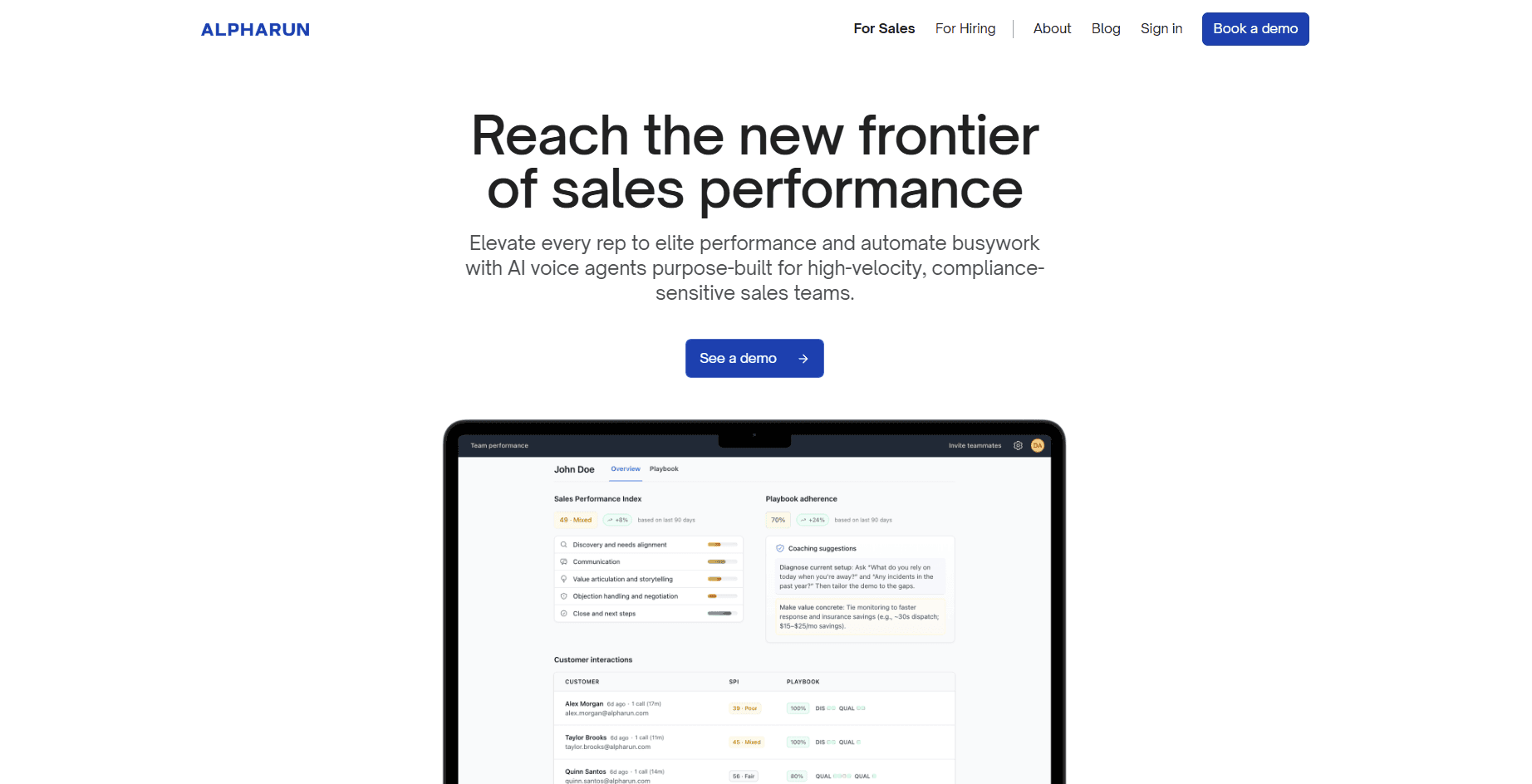
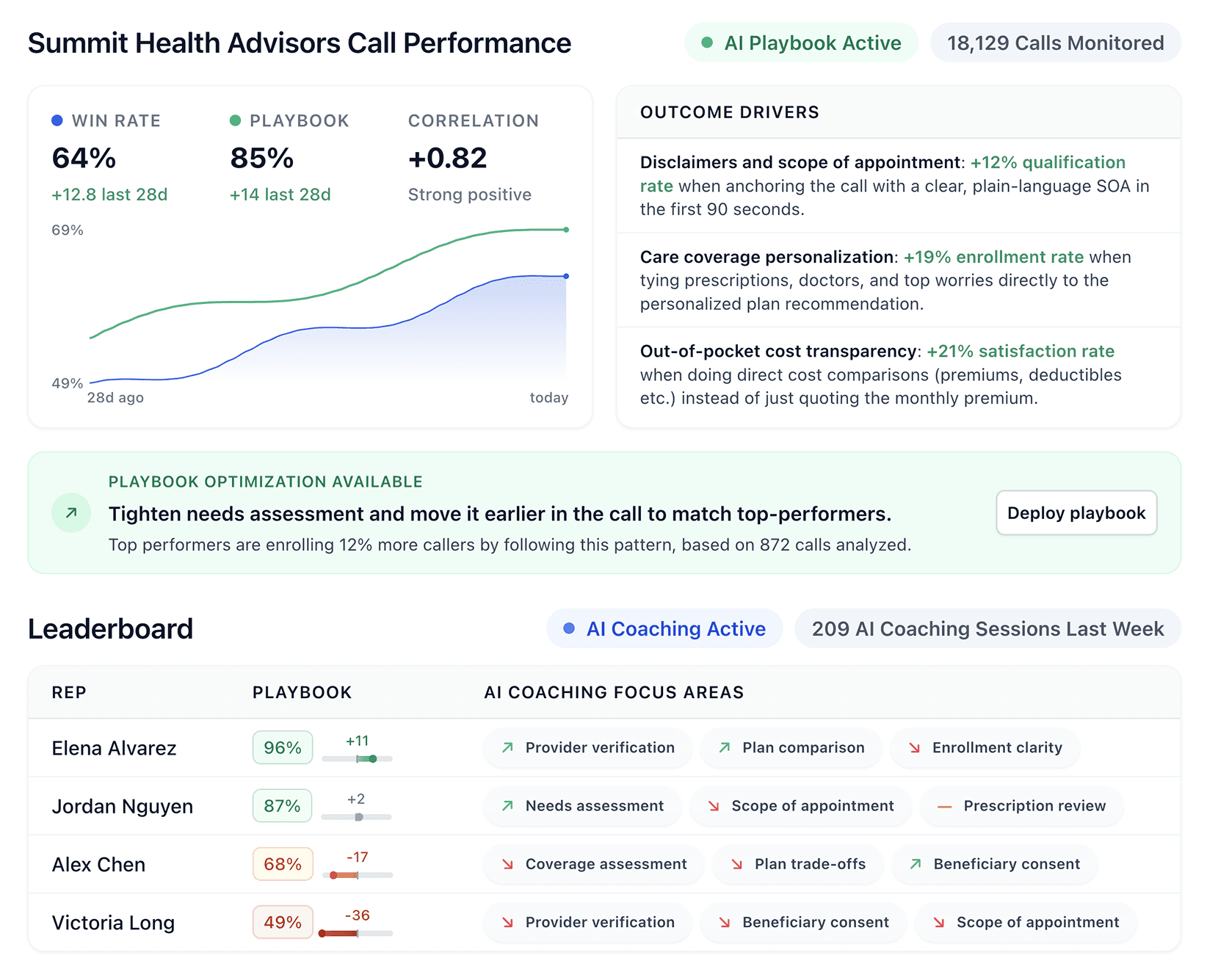
Alpharun helps inside sales call centers by studying your best reps and turning what they do into a playbook everyone can follow.
Your human team gets clear coaching on every call, while AI voice agents handle boring tasks like booking callbacks and sorting leads after hours. Your reps can spend their time closing deals instead.
Key features of Alpharun
Builds playbooks from your winning calls and captures the exact words, timing, and responses that close deals in your market.
Lets AI agents handle repetitive tasks like booking appointments, qualifying leads, and following up after hours so reps focus on high-value conversations.
Provides sentence-level coaching that shows reps exactly what to say at key moments instead of vague feedback like "be friendlier."
Scores every single call so managers see how every rep performs without guessing based on random samples.
Meets SOC 2 Type 2 standards and ensures security, privacy, and compliance to keep customer data safe.
Tracks which behaviors lead to more sales across individual reps, teams, and your entire call center.
Alpharun pros and cons
Alpharun gives inside sales call centers two big wins at once: your human reps get better with targeted coaching, and AI handles the grunt work.
Pros | Cons |
|---|---|
Playbooks update automatically when products or objections change | Built for large teams; smaller centers may not need all features |
Works with Five9, Genesys, and other major call platforms | Custom pricing can be high for mid-sized teams |
Reps improve faster with feedback tied to real moments, not generic tips | Newer player with less market history |
Full visibility into team performance without random call sampling | |
Pricing
Custom pricing based on your team size, goals, and compliance requirements.
Should you switch to Alpharun?
Alpharun works best for inside sales call centers with 50+ reps handling high call volumes in B2C markets like Medicare, insurance, home improvement, and pest control.
Switch from JustCall if you need both coaching tied to your actual sales process and AI automation for routine tasks. Smaller teams or field sales operations may find simpler tools a better fit. Before you switch, it helps to know what you are currently paying for JustCall.
2. Phoneburner
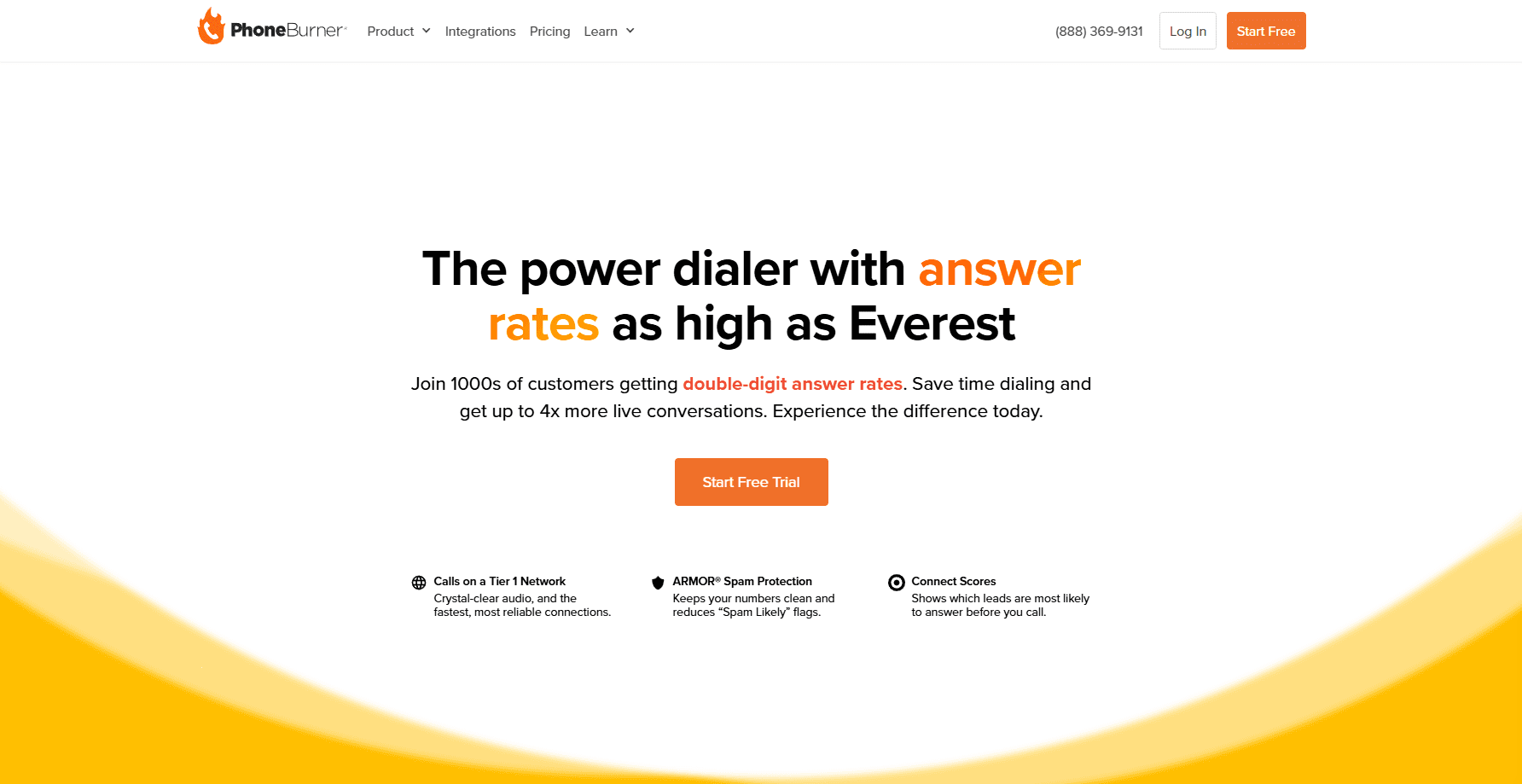
PhoneBurner helps outbound sales teams connect faster by removing the busywork between calls. Its simple interface and smart automations let reps focus on selling, not dialing.
Key features of PhoneBurner
Speeds up outbound calls with one-click power dialing.
Automatically logs every call and syncs with your Customer Relationship Management (CRM) in real time.
Lets reps drop pre-recorded voicemails with a single click to save time.
Offers built-in email and SMS follow-ups to keep leads engaged.
Provides simple performance reports to track calls and conversions.
PhoneBurner pros and cons
PhoneBurner works well for teams that focus on outbound calling. It’s simple to set up, fast, and reliable, though it lacks tools for inbound or multi-channel support.
Pros | Cons |
|---|---|
Fastest power dialer among tested tools | User says the lack of a separate admin login without adding a new seat is inconvenient |
Clean CRM integrations that work smoothly | User says the interface is a bit complicated |
Designed specifically for outbound sales | Fewer collaboration tools than competitors |
Pricing
Standard plan starts at $140 per user monthly. Professional is $165 and Premium is $183 with added features.
Should you switch to PhoneBurner?
If your team spends most of the day making outbound calls, PhoneBurner is hard to beat. It’s simple, fast, and made for efficiency. If you need inbound support or broader communication tools, another platform might suit you better.
3. CloudTalk
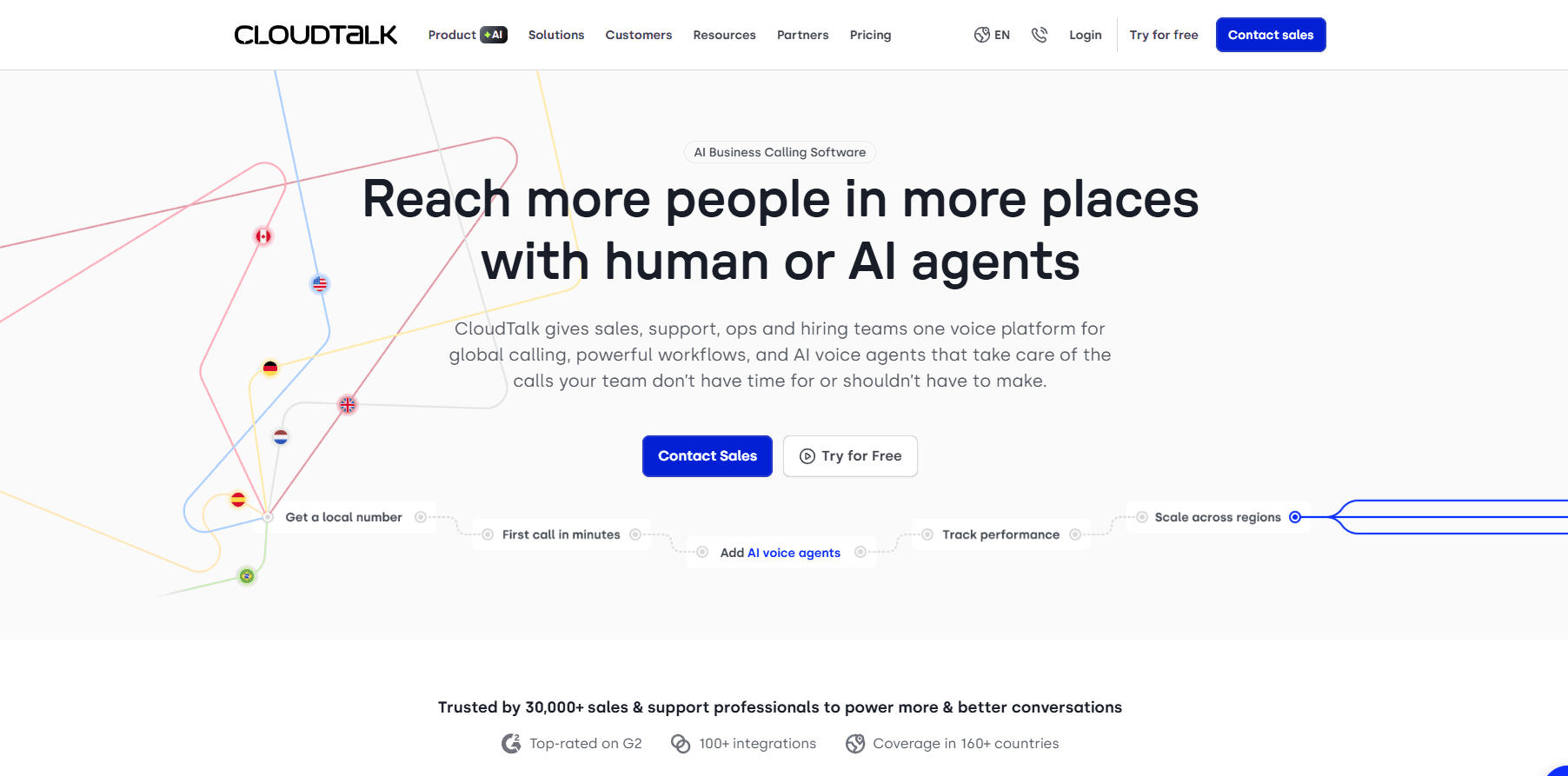
CloudTalk serves customer support and inbound-focused teams. It delivers call center reliability and includes modern features that simplify call flow management.
Key features of CloudTalk
Handles inbound calls with strong Interactive Voice Response (IVR), call routing, and queue management.
Lets managers monitor live calls and coach agents in real time.
Integrates with CRMs like HubSpot, Salesforce, and Pipedrive.
Provides clear analytics for call volumes, wait times, and agent activity.
Offers local and international numbers in over 160+ countries.
CloudTalk pros and cons
CloudTalk is ideal for teams that prioritize reliable inbound support. It’s intuitive and dependable, though less advanced for outbound sales or deep analytics.
Pros | Cons |
|---|---|
Easy-to-use interface built for support teams | Review says silent calls without a dial tone are frustrating |
Strong call routing and queue management | Basic reporting compared to analytics-focused tools |
Integrates well with popular CRMs | User says automatic mode hides the call number and gives no warning when connectivity drops. |
Pricing
Lite plan starts at $19 per user monthly. Essential is $29 and Expert is $49 with more advanced tools.
Should you switch to CloudTalk?
CloudTalk is a great choice for teams focused on inbound calls and strong routing and queue management. It’s simple, reliable, and easy to use. Although it may not be the top pick for heavy outbound sales teams.
4. RingCentral
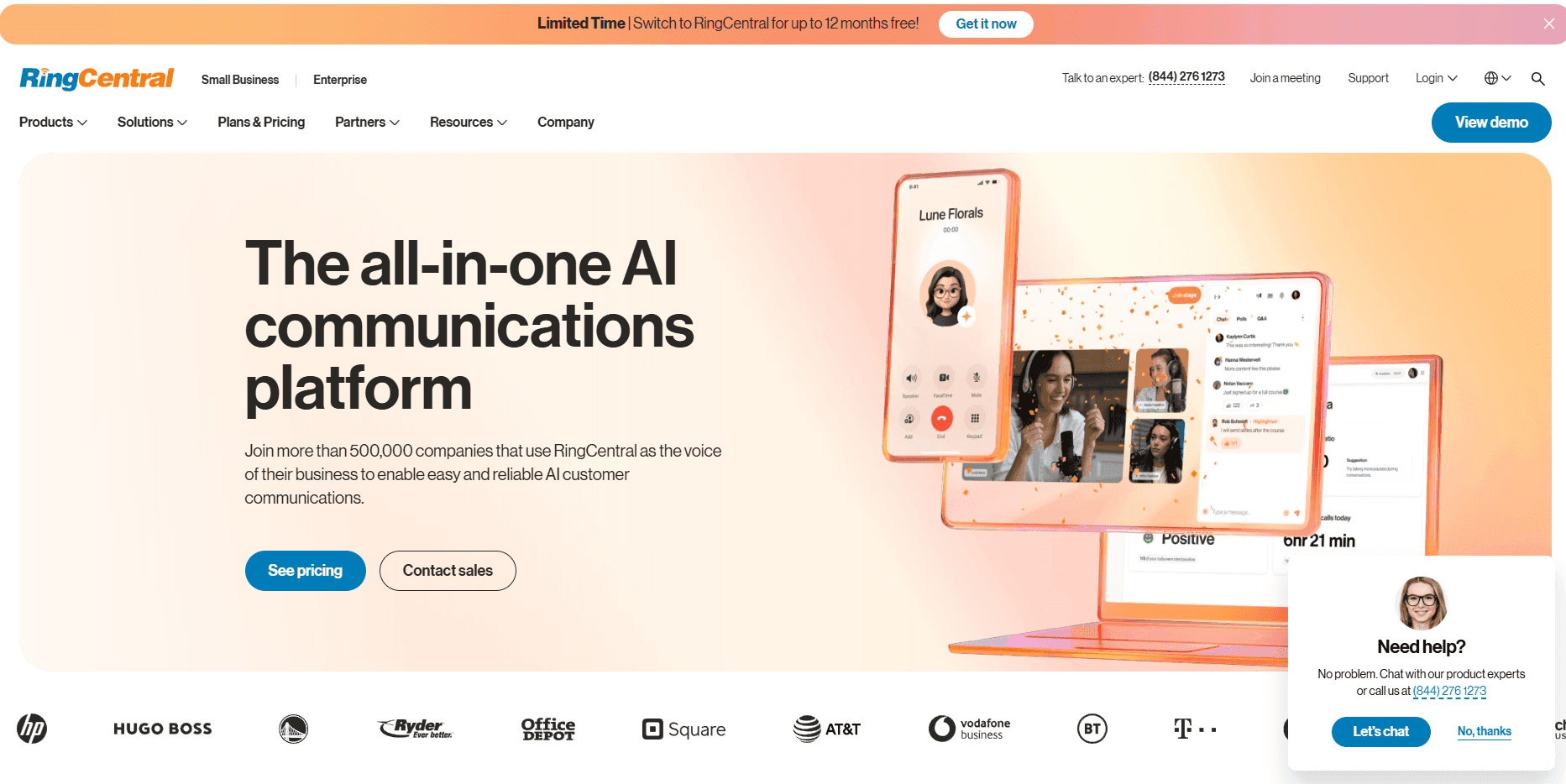
RingCentral is a cloud communications platform that combines voice, video, and messaging in one place, helping teams manage sales and support as they grow.
Key features of RingCentral
Combines calling, messaging, and video in one dashboard.
Delivers reliable uptime and strong global call quality.
Integrates with hundreds of tools including Salesforce, HubSpot, and Microsoft 365.
Offers advanced routing, analytics, and call recording for large teams.
Provides flexible plans that scale easily as your team expands.
RingCentral pros and cons
RingCentral is a strong choice for growing teams that need an all-in-one communication system. It’s not the cheapest or simplest option, but it’s reliable and built to last.
Pros | Cons |
|---|---|
Combines all communication channels in one platform | Review says there are too many features to use effectively |
Excellent reliability and uptime | Can feel complex for smaller teams |
Deep integration library with major CRMs and productivity apps | Some features may go unused for basic calling needs |
Pricing
Core plan start at $20 per user monthly. Advanced is $25 and Ultra is $35 with added tools and features.
Should you switch to RingCentral?
Choose RingCentral if you’re scaling fast and need a single platform for calls, video, and messaging. It’s perfect for large teams that value reliability. Smaller teams with simple calling needs may prefer something lighter.
5.Aircall
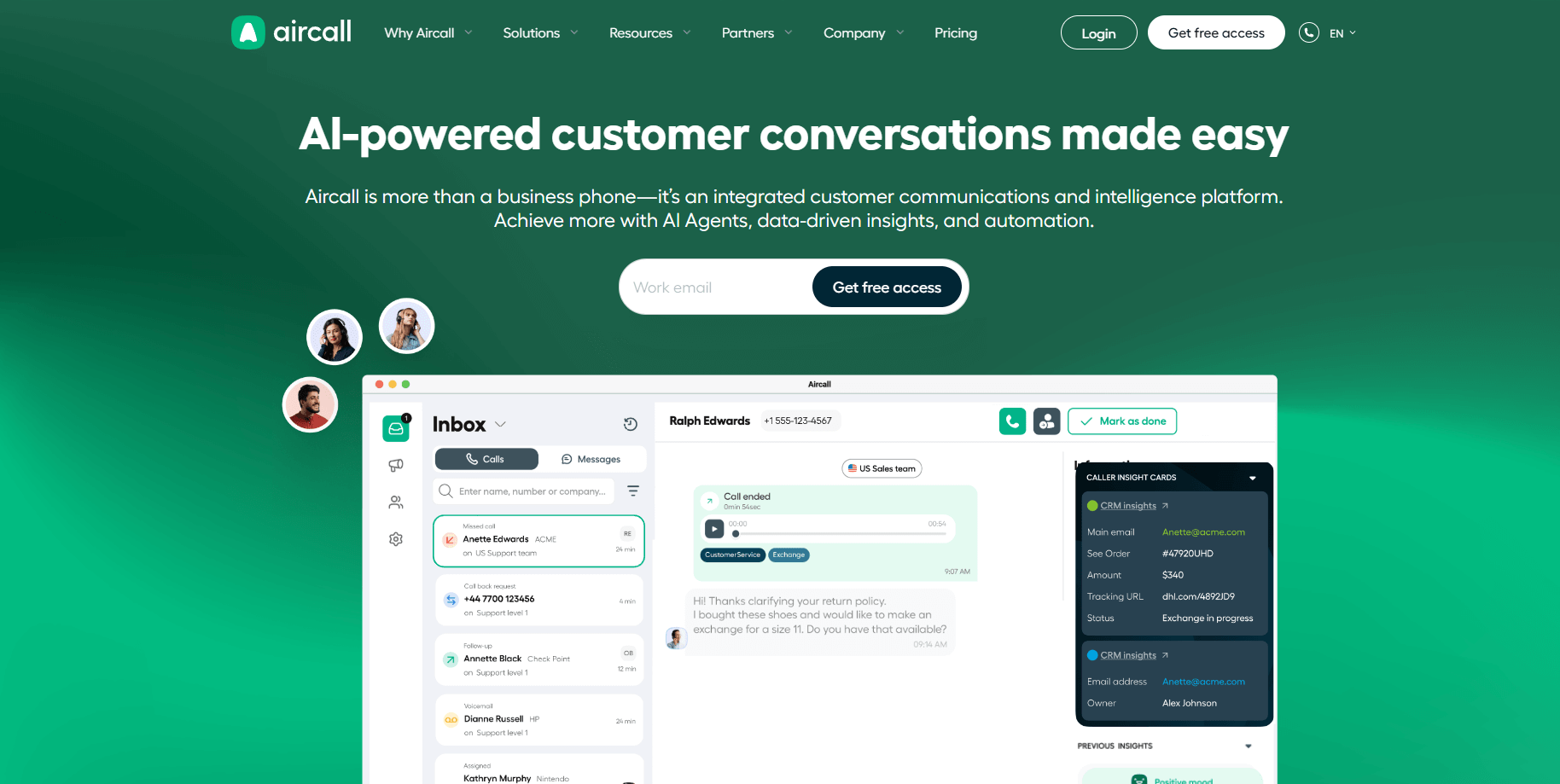
Aircall is a modern business phone platform that blends AI, automation, and deep integrations to help sales and support teams work together and serve customers effectively.
Key features of Aircall
Connects instantly with major CRMs and support platforms like HubSpot, Salesforce, and Zendesk.
Provides shared call inboxes for better team collaboration.
Lets managers monitor calls and coach live.
Offers clear analytics for inbound and outbound activity.
Simplifies onboarding with a clean, intuitive interface.
Aircall pros and cons
Aircall stands out for teams that rely on smooth integrations and collaboration. It’s easy to use and stable, but power dialers or deep AI tools are not its focus.
Pros | Cons |
|---|---|
Smooth CRM and help desk integrations | Higher pricing than similar tools |
Great for team collaboration and support | Review says pricing is confusing and key features require expensive upgrades |
Fast setup with minimal learning curve | Fewer advanced analytics options |
Pricing
Essential plan starts at $30 per license. Professional is $50, and custom pricing is available for larger teams.
Should you switch to Aircall?
Go with Aircall if your priority is clean, reliable integrations and a user-friendly setup. It’s a great fit for support-driven SaaS teams. If you need more advanced dialing or coaching features, other platforms fit better.
6. Dialpad
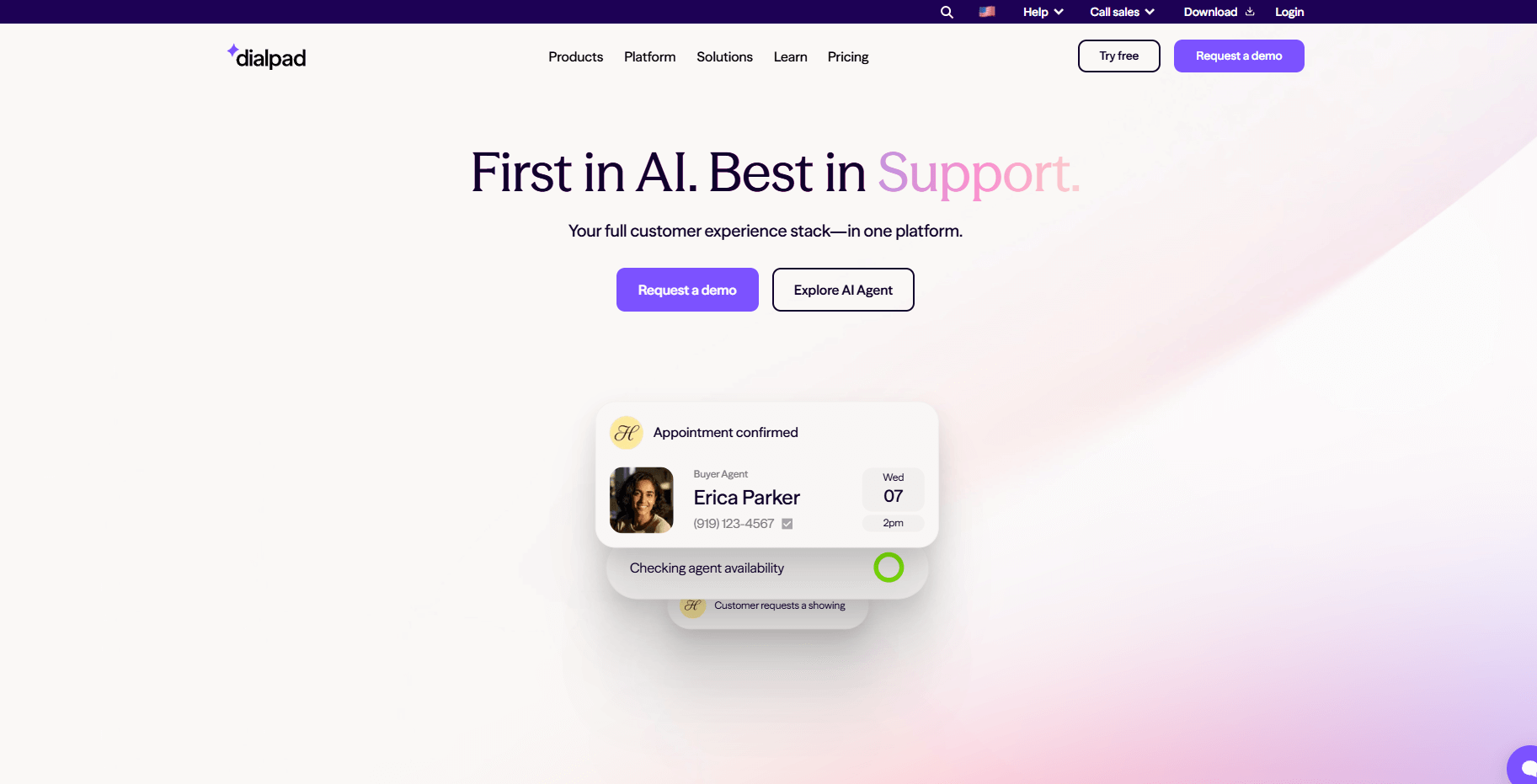
Dialpad adds practical ai features to everyday calling, making it one of the easiest platforms for teams that want immediate insights from their conversations.
Key features of Dialpad
Provides real-time transcriptions and post-call summaries.
Detects sentiment during calls to gauge customer tone.
Works across voice, video, and messaging in one interface.
Integrates easily with CRMs and productivity tools.
Offers live keyword tracking for managers during calls.
Dialpad pros and cons
Dialpad’s AI tools are simple to use and work instantly. It’s a solid choice for tech-savvy teams, but the AI insights are more general and not tailored to specific sales playbooks.
Pros | Cons |
|---|---|
Real-time AI transcriptions and summaries | Review says some features, like the desktop app, feel unpolished |
Clean, modern interface | User say calls often drop unexpectedly, making the app unreliable |
Easy to set up and integrate | User say Dialpad gives too much control to end users and requires direct numbers for every setup |
Pricing
Standard plan starts at $15 per user monthly. Pro is $25, and Enterprise offers custom pricing on request.
Should you switch to Dialpad?
Dialpad suits teams that want AI features that work out of the box. Those who need more personalized coaching or advanced analytics may benefit from a platform designed for that.
7. Zoom Phone
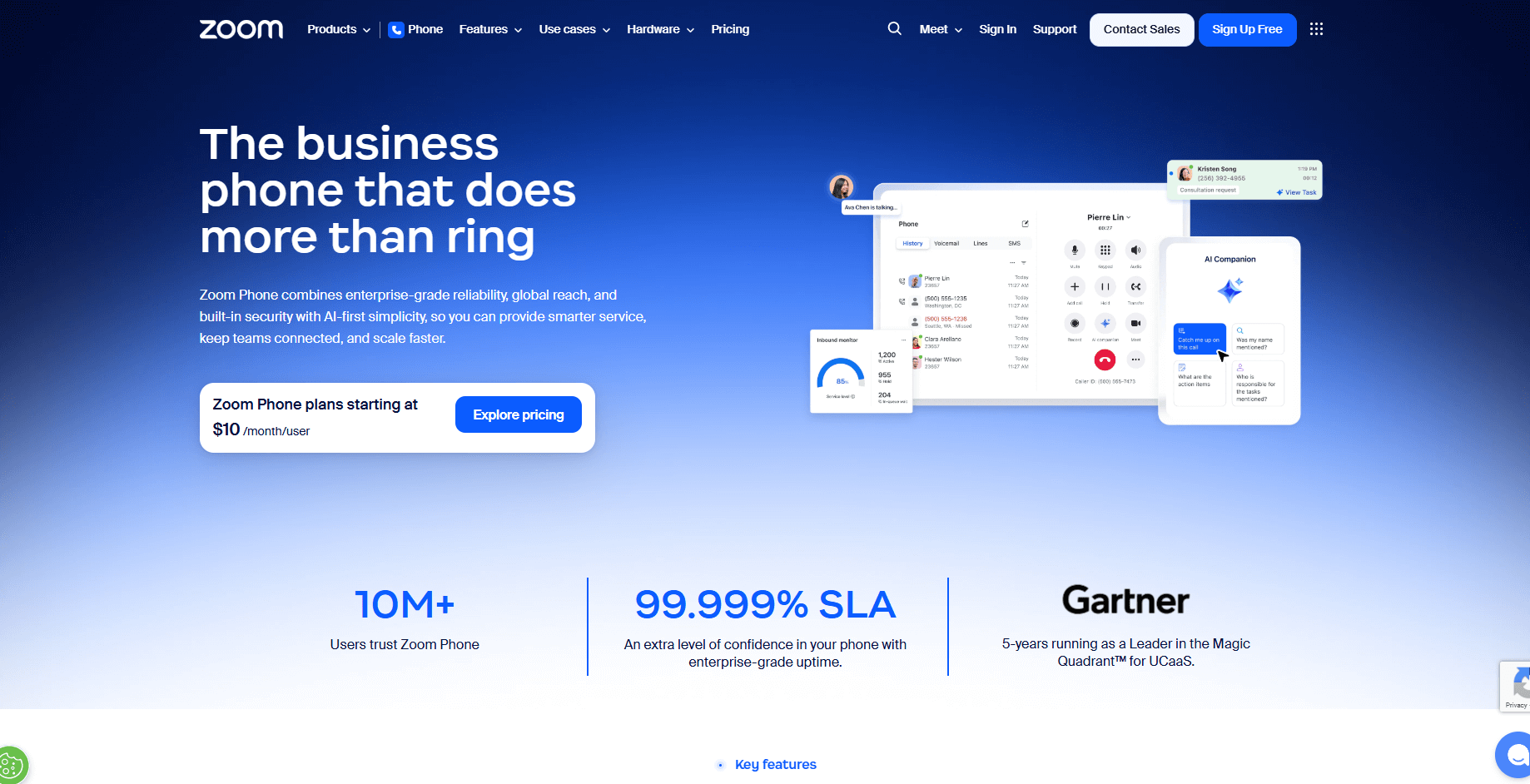
Zoom Phone extends the Zoom platform into a full business phone system. It’s an easy upgrade if your team already lives in Zoom meetings every day.
Key features of Zoom Phone
Adds calling directly into the Zoom app you already use.
Keeps the familiar Zoom interface for easy adoption.
Offers basic call management features like routing and voicemail.
Scales easily across global teams using existing Zoom licenses.
Integrates with CRMs and collaboration tools.
Zoom Phone pros and cons
For teams that rely on Zoom, Zoom Phone adds calling to the same familiar platform. It handles day-to-day communication well but isn’t as feature-rich as purpose-built sales or service tools.
Pros | Cons |
|---|---|
Native Zoom integration for easy adoption | Requires an existing Zoom license |
Simple scaling for growing teams | Limited advanced calling or coaching features |
Reliable and easy to manage | User says contact sync delays and complex setup make Zoom Phone harder for new users |
Pricing
Plans start at $15 per user monthly with unlimited domestic calling within the United States and Canada. Pro Plus is $18.33, and Business Plus is $22.49 with added features.
Should you switch to Zoom Phone?
Choose Zoom Phone if your team already relies on Zoom and wants a simple calling solution in the same environment. For advanced sales coaching or analytics, look at specialized platforms like Alpharun or PhoneBurner.
How we tested these JustCall alternatives
We wanted to find tools that don’t just sound good on paper but actually help sales and support teams perform better every day.
To do that, we ran hands-on tests with real teams, real campaigns, and real customer interactions.
What we looked for
Coaching depth: We compared how each platform handles feedback and training. Does it give generic call summaries, or does it provide insights tied to actual sales techniques, compliance rules, and top-performer behaviors?
Reliability and performance: We tested call quality, connection stability, and how well each tool handled integrations with CRMs, dialers, and ticketing systems without constant troubleshooting.
Ease of adoption: We watched how quickly reps picked up each system, how intuitive the dashboards were, and whether teams used the tools consistently after setup.
Scalability: We evaluated how well each platform adapts as teams grow from small groups to large organizations, including flexibility in pricing and integrations.
Which JustCall alternative should you choose?
Each platform serves a different type of team, depending on your goals, call volume, and need for coaching or automation.
Choose Alpharun if
You manage a sales team in insurance, healthcare, or financial services
You want AI coaching built around your own best practices
Compliance is a priority and should be part of your coaching model
You have 50+ reps and aim to scale top-performer behaviors
Choose PhoneBurner if
Your team focuses on high-volume outbound calling
Dialing speed and efficiency matter more than inbound features
You need strong CRM integration for sales workflows
Choose CloudTalk if
You handle inbound or outbound customer support
You want reliable call center tools in a modern, easy interface
You need something simpler than RingCentral but more advanced than JustCall
Stick with JustCall if:
You only need basic calling and texting
Your team is small (under 10 people)
You don’t require advanced coaching or power-dialing features
Upgrade how your team sells and coaches
After testing the top JustCall alternatives, one thing stood out: Teams perform best when coaching, compliance, and performance tracking work together.
Alpharun helps make that happen by turning real call data into clear, practical insights every rep can use. It’s designed for teams that want to coach smarter, stay compliant, and keep improving with every conversation.
Plus, its AI agents handle repetitive tasks so that your people can focus on closing deals.
If you’re ready to see it in action, book a demo with Alpharun and discover how AI coaching can help your team reach the next level.