Compare the best call center reporting software options for 2026. See features, pricing, and tools that turn call data into clear actions for sales teams.

Most call center reporting tools drown managers in dashboards. After putting 7 platforms through their paces across high-volume B2C sales environments, here are the ones that turn data into something reps can actually act on.
7 best call center reporting software: Quick comparison
💻 Tool | ⚡ Strengths | 🎯 Best for | 💰 Starting price |
Level AI | Semantic intent recognition, auto call scoring, VoC analytics | Sales teams needing deep AI-powered call analytics | Contact for pricing |
Observe.AI | 100% auto QA, compliance risk flagging, voice-first AI | Teams scaling QA coverage without adding headcount | Custom pricing |
NICE CXone | 100% interaction recording, AI-powered evaluation, historical dashboards | Large enterprises with strict compliance reporting requirements | From $110/agent/month |
Genesys | Real-time KPI dashboards, speech analytics, configurable reporting | Contact centers already on Genesys that need built-in performance visibility | From $75/user/month |
Gong | Revenue forecasting, conversation intelligence, 70+ languages | B2B GTM teams tracking deals across a pipeline | Custom per-user pricing |
AmplifAI | 150+ integrations, role-based dashboards, coaching effectiveness tracking | BPOs and enterprise teams with reporting data across multiple systems | Contact for pricing |
Balto | Script adherence tracking, rep performance dashboards, live compliance | Teams that need compliance reporting tied to live call activity | Custom pricing |
How we tested these call center reporting tools
Getting a demo is easy. Knowing if a reporting tool actually works for a high-volume B2C sales team takes more than a quick walkthrough.
We evaluated each platform from the perspective of a manager running an inside sales team. Think Medicare, insurance, or home services, where reps handle dozens of short calls every day, and small changes in close rate drive big results.
For each tool, we focused on five things:
Reporting accuracy: Does the platform reflect what is actually happening on calls, including nuance?
Coverage: Can it analyze 100% of calls, or does it rely on manual sampling?
Actionability: Does the data lead to clear actions for reps and managers?
Compliance fit: Can it track disclosures and flag issues in regulated industries like insurance and Medicare?
Setup and integration: How quickly can teams get value after implementation?
The tools that performed best did more than report on activity. They helped managers understand what to fix and how to improve results. We also weighed how far each platform bends to fit your team: whether custom dashboards can be built without developer help, how much customizable reporting comes out of the box, and whether real-time reporting updates fast enough to change a shift while it is still running.
1. Level AI: Best for all-in-one QA, analytics, and agent support
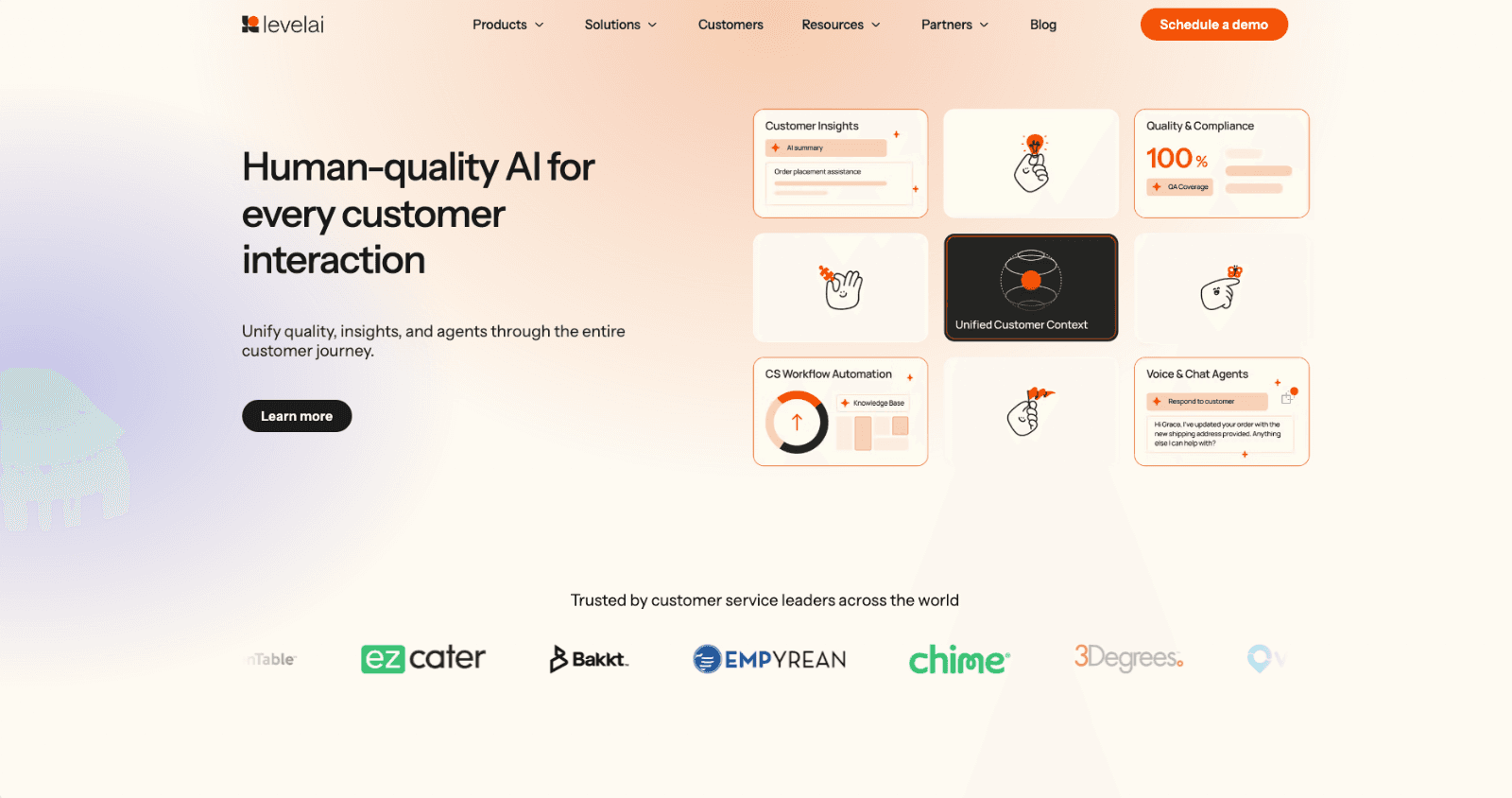
What it does: Level AI is an all-in-one platform that combines Quality Automation, Voice of the Customer insights, and AI Virtual Agents to help teams work faster and deliver better service.
Best for: Teams that want stronger call quality, real-time agent guidance, and clear insight into customer needs without managing multiple tools.
Level AI gives contact centers one place to automate QA, support agents during live calls, analyze conversations, and uncover customer trends. Teams evaluating that QA layer on its own should compare call center quality monitoring software platforms side by side.
Key features
AI Virtual Agent: Handles customer questions with natural, human-like conversations and actions
100% Auto-QA: Scores every conversation based on your exact quality standards
Real-Time Agent Assist: Supports agents during live calls with tips, answers, and suggested actions
Contact center and business analytics: Creates clear custom reports with trends your team can use right away
Pros and cons
✅ Pros | ❌ Cons |
All-in-one platform for QA, coaching, analytics, and virtual agents | Can feel large for small teams with simple support needs |
Strong real-time agent support during live calls | Users say the layout feels overcrowded and hard to navigate |
Secure generative AI built for enterprise use | Users say sentiment tagging can be off in complex conversations |
What users say
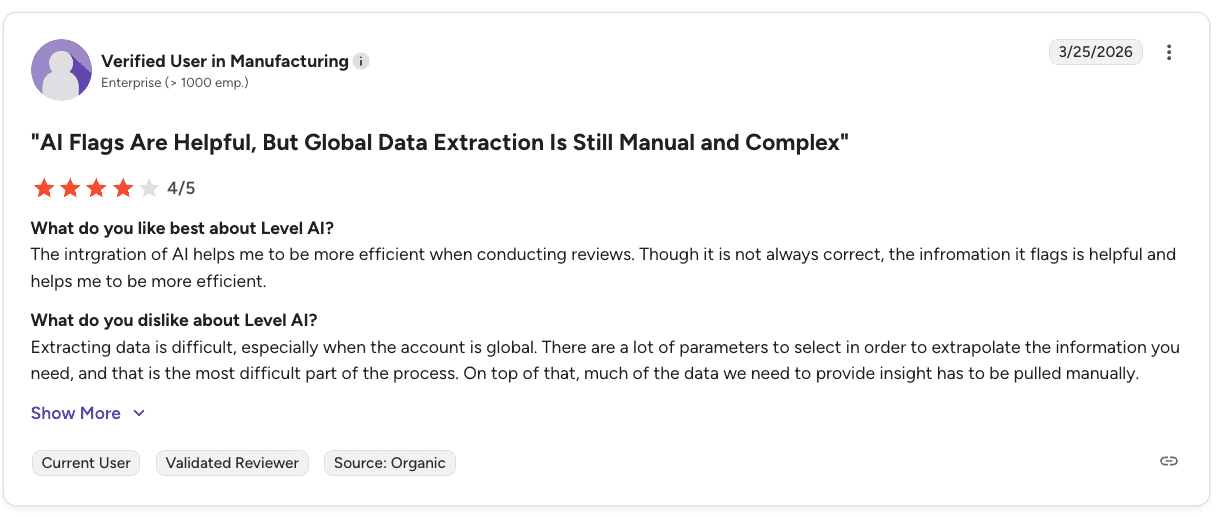
Pro: “The integration of AI helps me be more efficient when conducting reviews… the information it flags is helpful and improves efficiency.” — Verified User in Manufacturing, G2
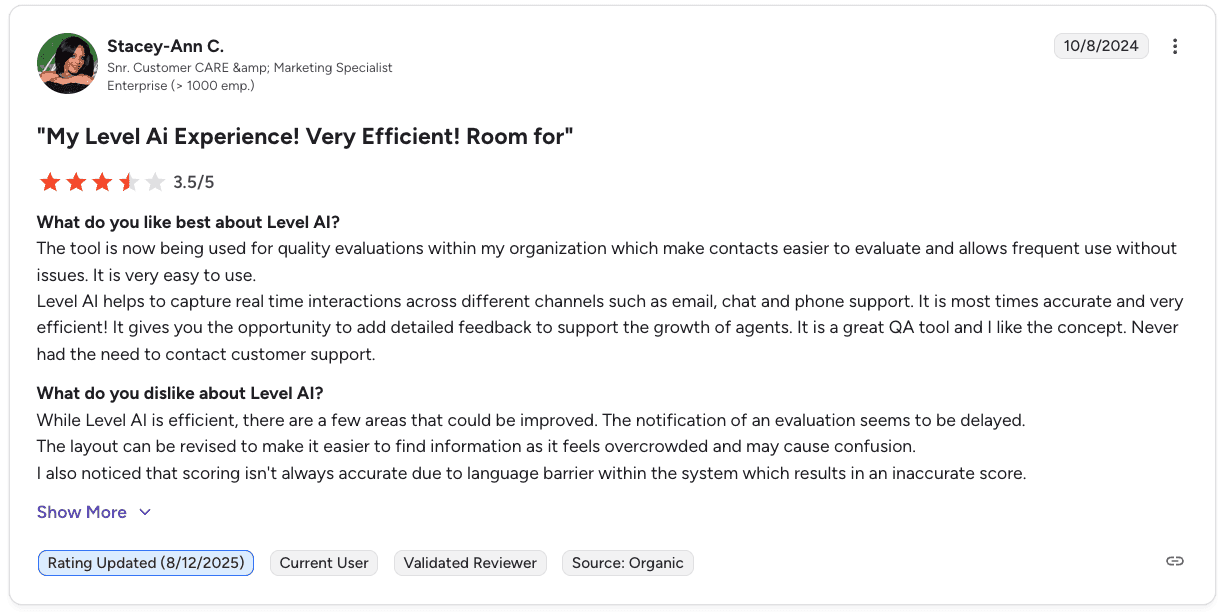
Con: “The notification of an evaluation seems to be delayed, and the layout can feel overcrowded and confusing.” — Stacey-Ann C., Snr. Customer Care & Marketing Specialist, G2
Pricing
Level AI uses custom pricing based on team size, call volume, and the features you choose. Most teams request a demo to see setup options and build a plan that fits their contact center. Request a demo to get a custom quote.
Bottom line
Level AI works best for teams that want real-time agent support, strong AI tools, and clear analytics in one place. If your team currently juggles separate tools for QA, coaching, and reporting, consolidating onto one platform saves time and reduces the gaps between systems. If the deeper need is explaining why the numbers moved rather than reporting them, call center analytics software is a separate shortlist.
2. Observe.AI: Best for automated QA reporting at scale
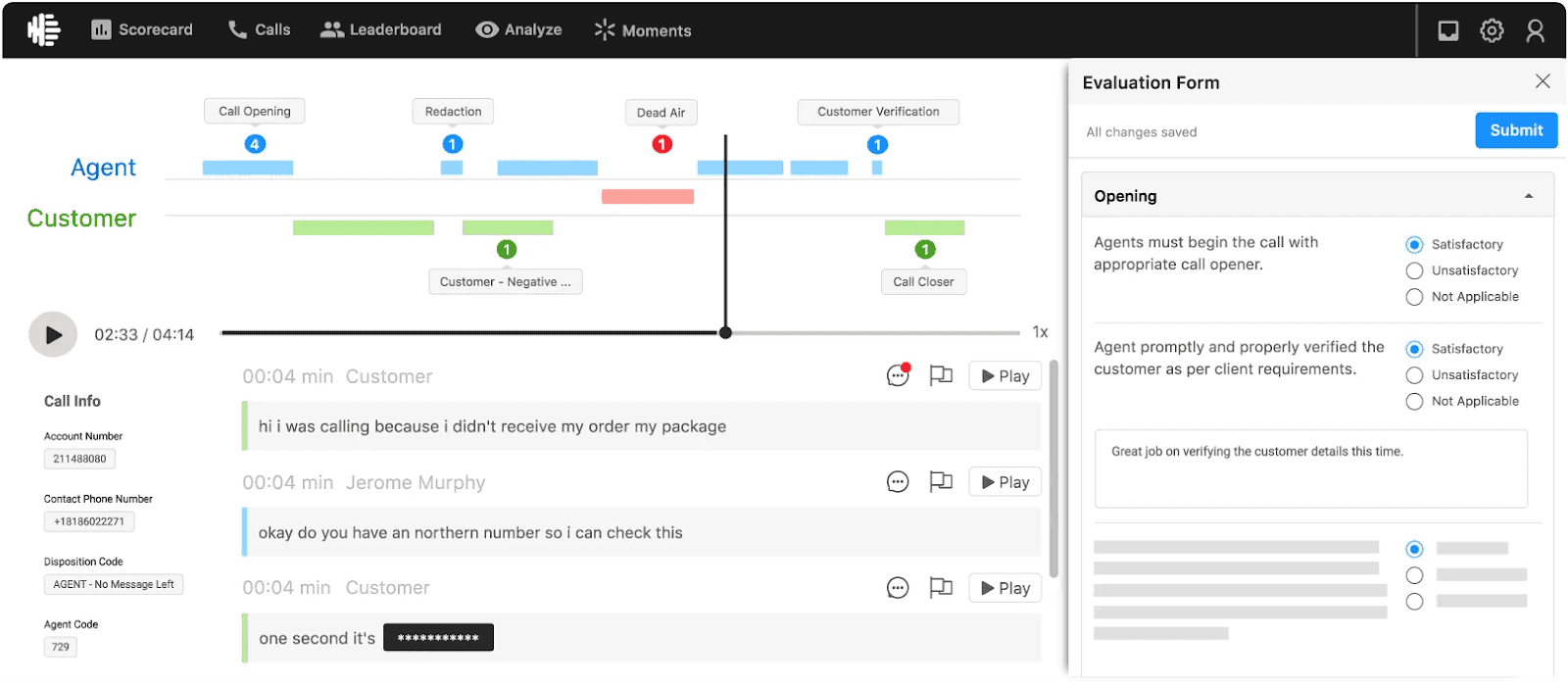
What it does: Observe.AI uses AI to transcribe and score 100% of customer interactions, flagging compliance risks and surfacing performance trends without manual review.
Best for: High-volume sales teams in regulated industries like Medicare, insurance, and financial services that need QA coverage across every call.
Manual QA only reviews a small portion of calls, which makes it hard to spot patterns or risks. Observe.AI automatically analyzes every interaction, giving teams a complete view of performance and compliance without relying on manual reviews.
Key features
Auto QA engine: Scores every call across voice and digital channels
Compliance risk flagging: Identifies missed disclosures, hold time violations, and risky language
Conversation intelligence: Surfaces trends, behaviors, and sentiment by agent or team
AI Copilots: Provides real-time guidance and automated workflows during calls
Modular integrations: Connects with CCaaS and CRM platforms
Pros and cons
✅ Pros | ❌ Cons |
100% call coverage removes blind spots from manual QA sampling | Transcription accuracy can drop in noisy or complex environments |
Strong compliance tracking for regulated B2C industries | Limited coaching recommendations from QA insights |
Fast insight generation without needing to review calls manually | Insights often need to be exported or integrated to drive action |
What users say
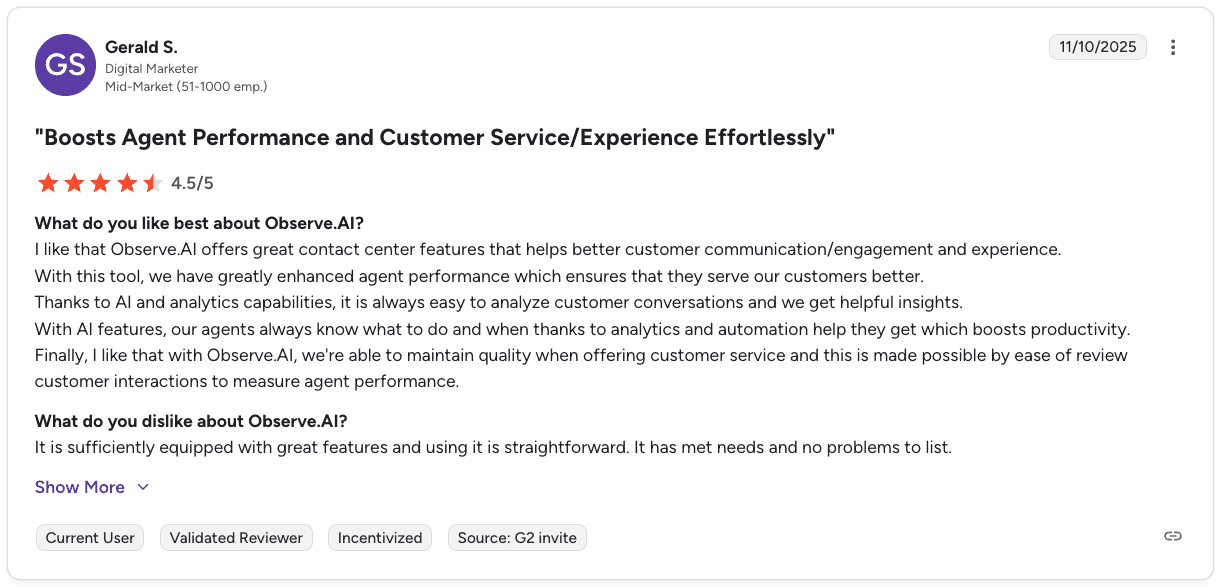
Pro: “It is always easy to analyze customer conversations and get helpful insights, which boosts agent performance and productivity.” — Gerald S., Digital Marketer, G2
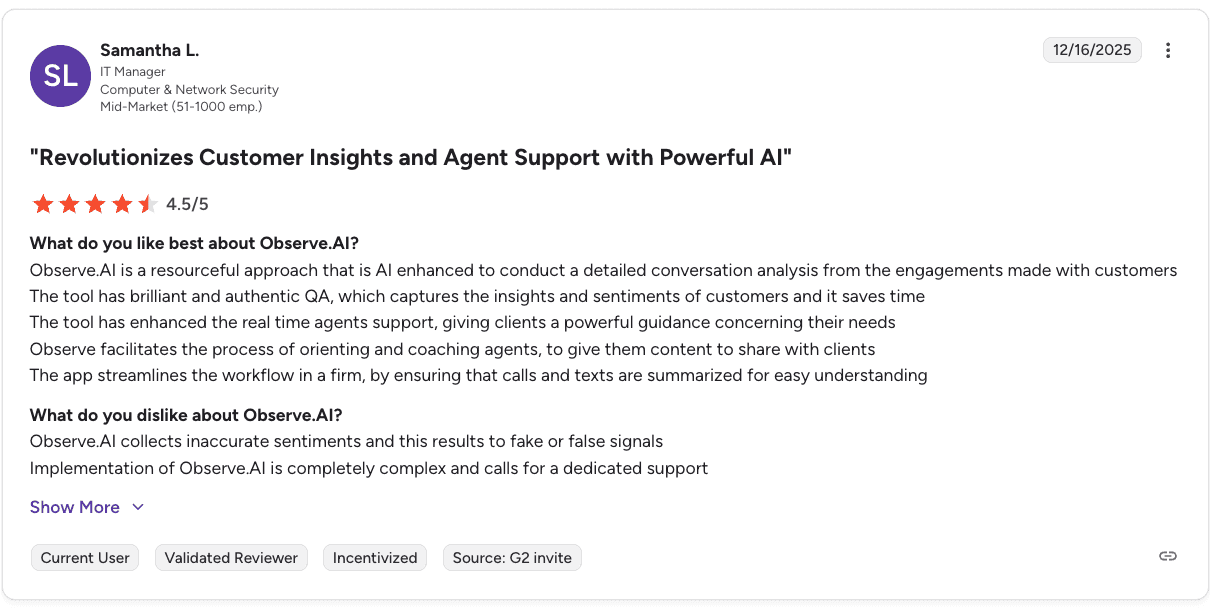
Con: “Observe.AI collects inaccurate sentiments, which can result in false signals, and implementation can be complex.” — Samantha L., IT Manager, G2
Pricing
Observe.AI offers 5 pricing tiers, but you have to contact sales for a custom quote based on team size and compliance needs.
Bottom line
Observe.AI is a strong fit for teams that need full QA coverage and better visibility into compliance. If your main gap is limited call review, it solves that directly. For deeper coaching and rep development, you may need a more connected platform.
3. NICE CXone: Best for enterprise compliance reporting and interaction recording
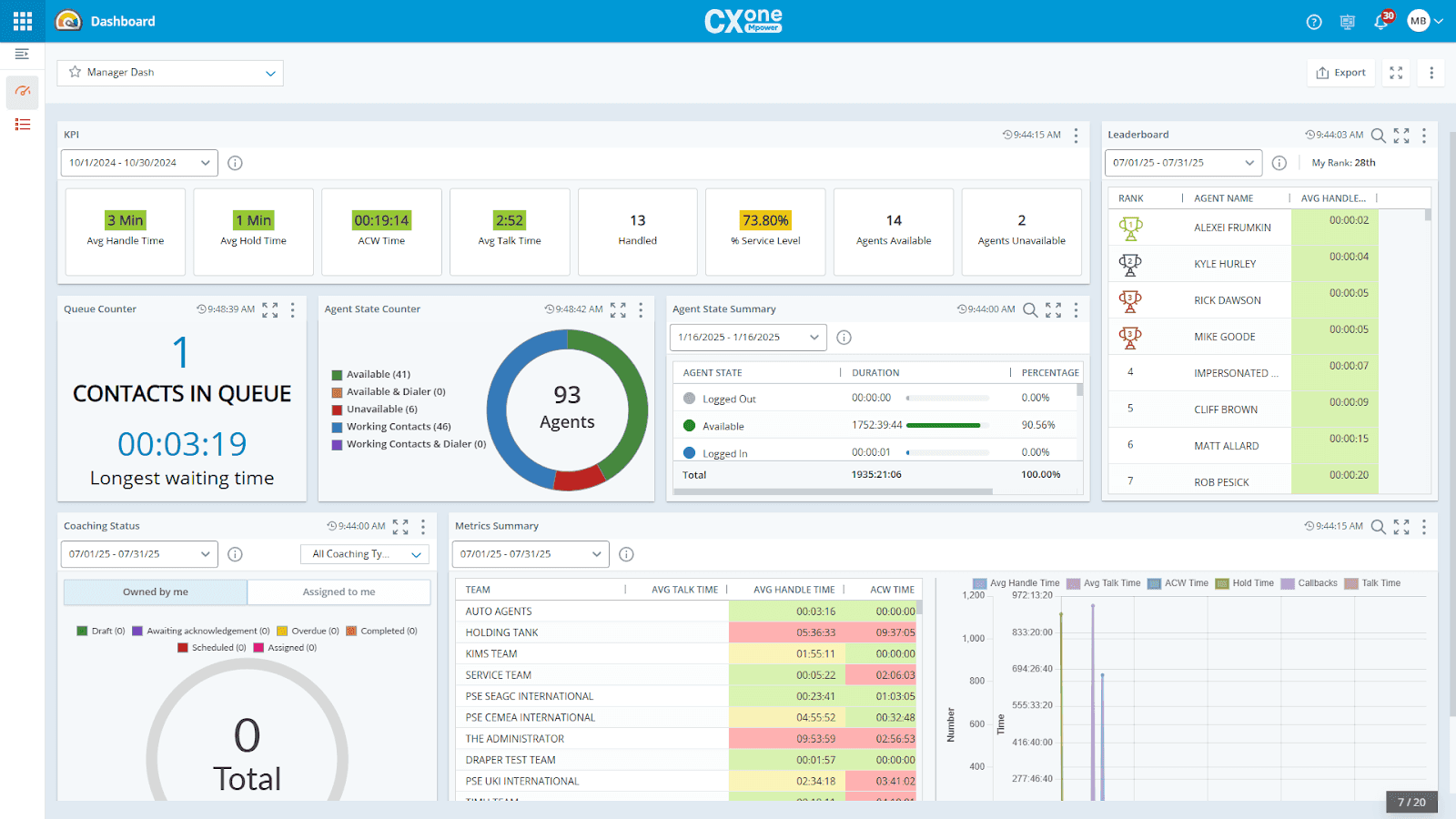
What it does: NICE CXone captures 100% of interactions and uses AI to evaluate, surface insights, and generate compliance-ready reports across your entire operation.
Best for: Large sales call centers with regulatory requirements that need every interaction captured, scored, and reportable.
NICE CXone handles volume at scale. Interaction recording, AI-powered evaluation, automated notetaking, and historical dashboards all run within one platform.
Key features
Interaction recording: Captures 100% of voice and digital interactions for compliance and performance review
AI-powered quality management: Evaluates all interactions and surfaces coaching recommendations to agents
Interaction analytics: Extracts AI-powered insights from every conversation
Automated notetaking: Generates instant call summaries to speed up resolution
Workforce management: Includes AI-based forecasting and scheduling
Real-time and historical dashboards: Combines live and trend reporting in one place
Pros and cons
✅ Pros | ❌ Cons |
100% interaction recording satisfies regulatory requirements across industries | Studio scripting has noticeable lag, and documentation could be clearer per user reviews |
40+ native first-party apps built on a secure, reliable cloud | Agent status changes can be unreliable |
Real-time and historical dashboards available in one place | Built for enterprise; may be more than smaller teams need |
What users say
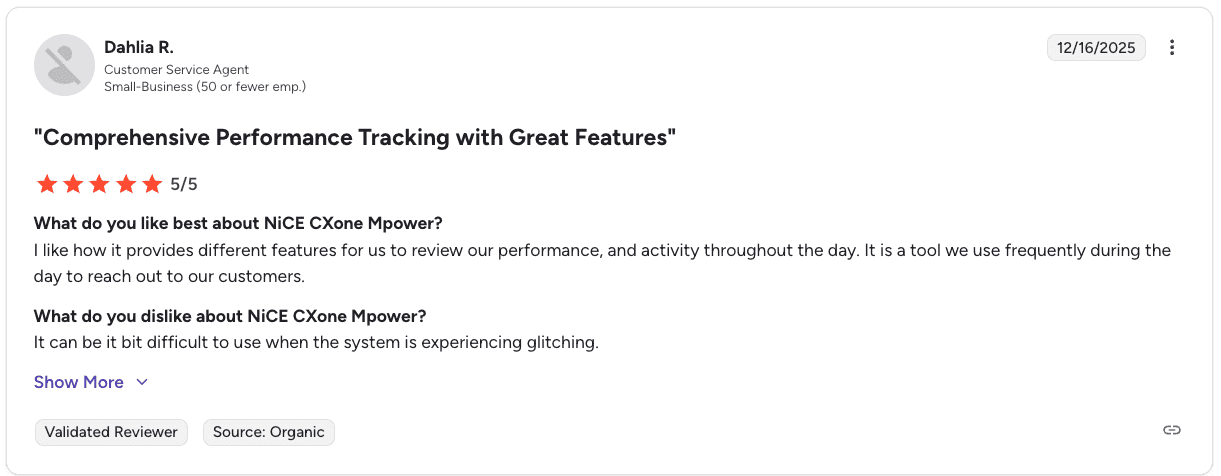
Pro: “It provides different features to review performance and activity throughout the day, making it a tool we use frequently.” — Dahlia R., Customer Service Agent, G2
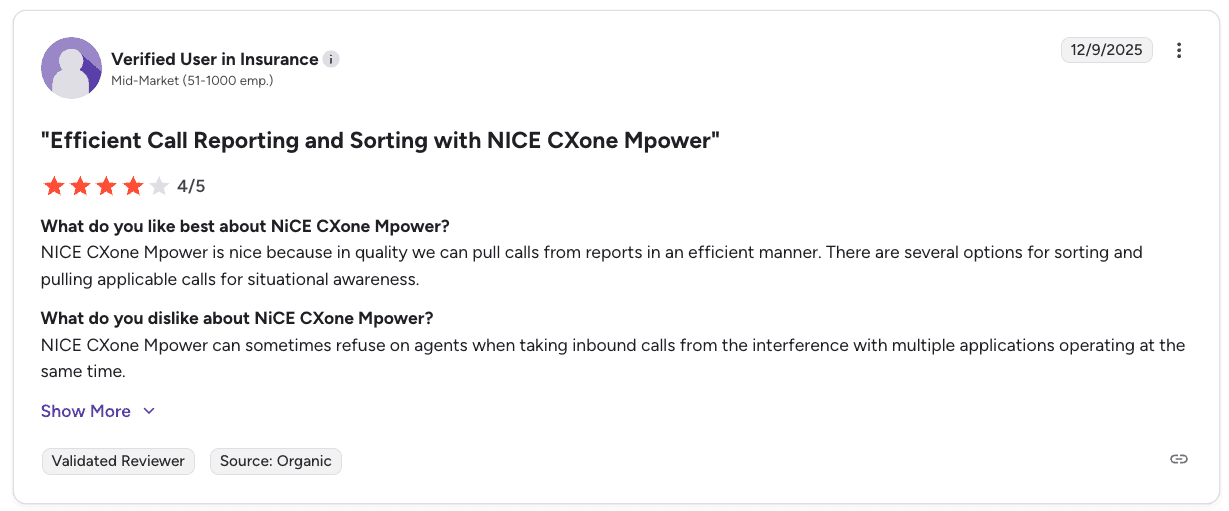
Con: “NICE CXone Mpower can sometimes freeze when agents handle inbound calls with multiple applications running at the same time.” — Verified User in Insurance, G2
Pricing
NICE CXone prices start at $110/agent/month for Omnichannel Suite, scaling to $249/agent/month or more for the Ultimate Suite. Recording and compliance features are included across all tiers.
Bottom line
NICE CXone is the right call for large operations where 100% interaction recording and compliance-ready reporting are non-negotiable. Smaller teams may find the complexity and cost more than they require. When the requirement is capture rather than a full enterprise suite, sales call recording software for QA and coaching is the narrower buy.
4. Genesys: Best for real-time sales performance dashboards
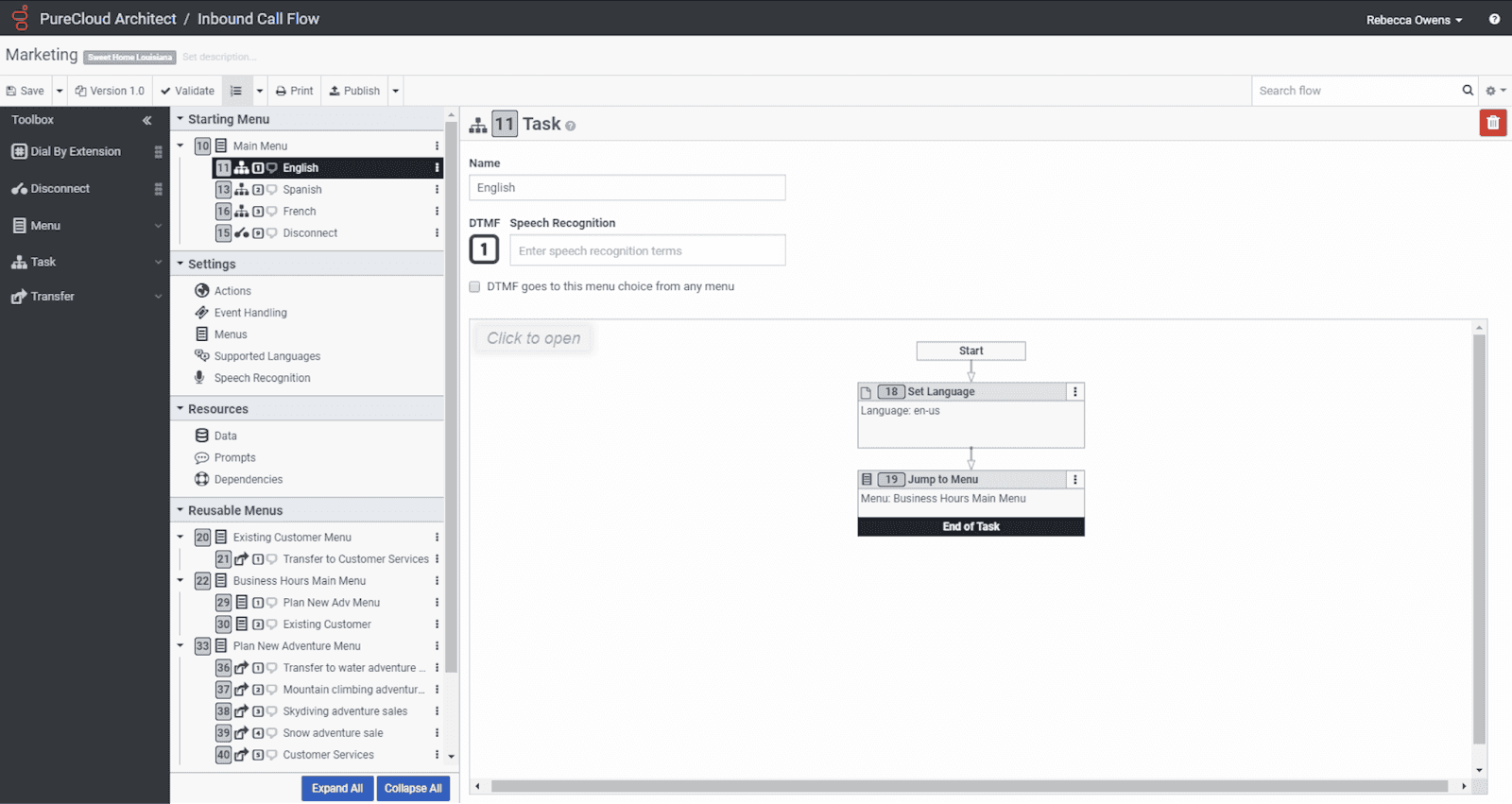
What it does: Genesys is an AI-powered contact center platform with real-time dashboards, speech analytics, and workforce reporting across voice and digital channels.
Best for: Contact centers already using Genesys Cloud CX that want performance visibility within the same platform used for routing and workforce management.
Genesys handles reporting well. Dashboards update in real time, role-based views give each team what they need, and speech analytics surface trends and compliance risks without needing a separate tool.
Key features
Real-time KPI dashboards: Role-based views for agents, managers, and executives
Speech and text analytics: Transcription, keyword detection, and sentiment tracking
AI-powered forecasting: Predicts call volume and builds agent schedules
Gamification: Leaderboards, streaks, and goal tracking for engagement
Journey management: Tracks customer interactions across channels (CX 4 only)
Agent Copilot: Provides real-time guidance during live calls
Pros and cons
✅ Pros | ❌ Cons |
All channels in one place, including voice, email, chat, and social | Navigation can take time for new users |
Strong integrations and an interface that agents can learn quickly | Some advanced reporting features require extra licenses |
Agent Copilot provides real-time guidance during calls | Built-in reporting lacks depth according to some users |
Predictive routing improves customer outcomes | Workforce forecasting may require manual adjustments |
What users say
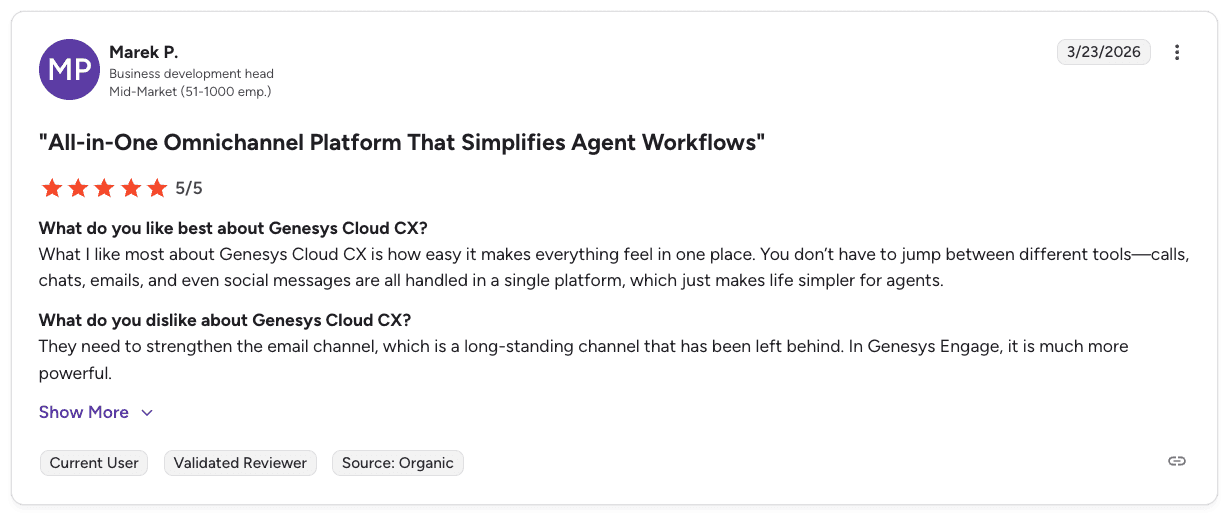
Pro: “It makes everything feel in one place. Calls, chats, emails, and social messages are all handled in a single platform, which makes life simpler for agents.” — Marek P., Business Development Head, G2
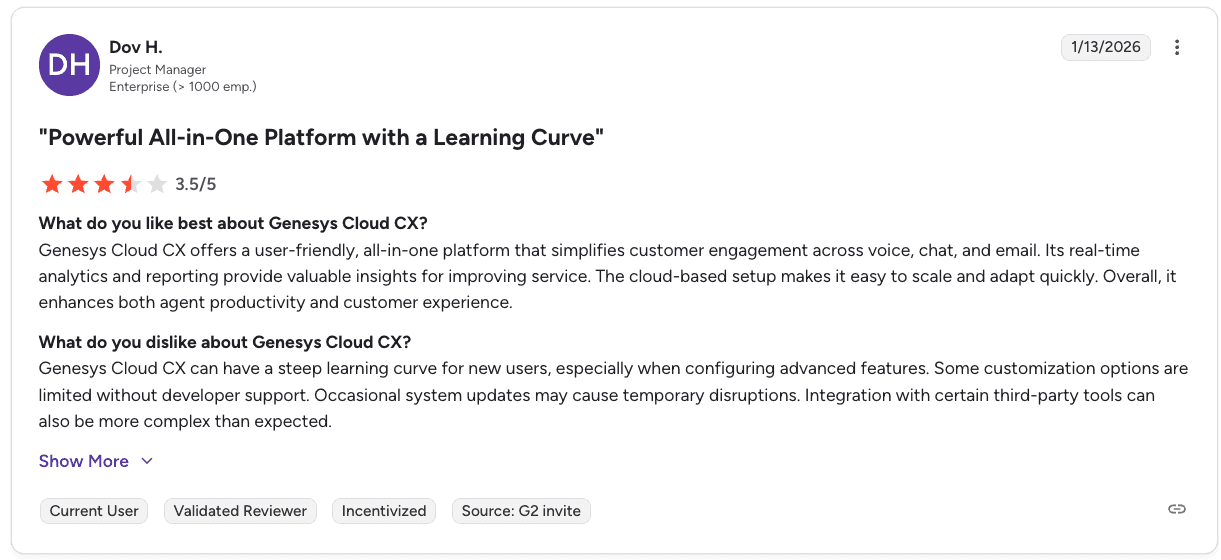
Con: “It can have a steep learning curve, especially when setting up advanced features. Some customizations require developer support, and integrations can be more complex than expected.” — Dov H., Project Manager, G2
Pricing
📦 Plan | 💰 Price | 🎯 Best for |
CX 1 | $75 per user per month | Small voice-only teams |
CX 2 | $115 per user per month | Growing omnichannel teams |
CX 3 | $155 per user per month | Mid-size teams with full WEM needs |
CX 4 | $240 per user per month | Enterprise sales centers |
See our full guide to Genesys pricing for a detailed breakdown of costs, including plans and what to expect.
Bottom line
Genesys is a strong fit for teams already using its platform who want reporting built into their existing system. If your main gap is rep-level coaching rather than dashboards, a more focused tool may be a better fit.
Still evaluating your stack? Check out the top 7 Genesys alternatives to boost sales.
5. Gong: Best for revenue intelligence reporting with a caveat
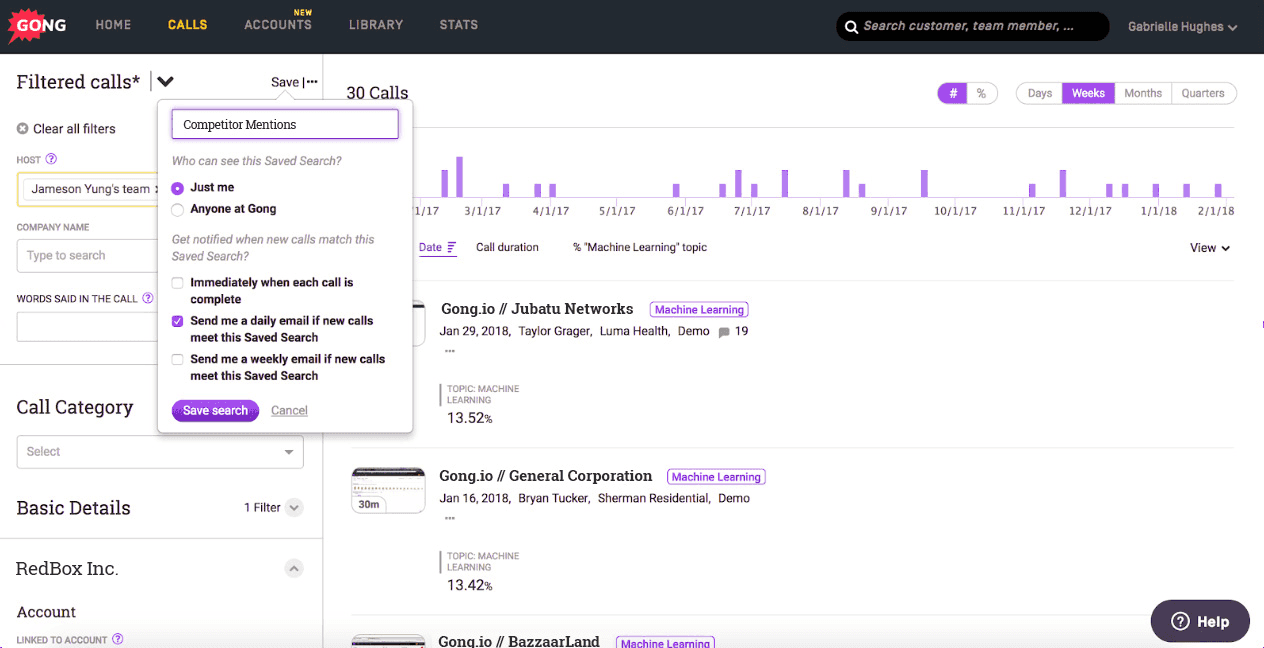
What it does: Gong tracks sales calls and meetings, then uses Revenue AI to surface rep performance insights, pipeline forecasts, and deal-level trends across the revenue cycle.
Best for: B2B GTM teams that need revenue cycle reporting from prospecting through renewal. It is not the right fit for high-volume B2C inside sales call centers.
Gong’s reporting focuses on deal tracking and pipeline forecasting. Its structure assumes a CRM-driven pipeline with multiple touchpoints per deal, which does not match short, high-volume B2C sales environments.
Key features
Conversation Intelligence that connects what reps say to deal outcomes
Gong Forecast for AI-powered pipeline and revenue predictions
Gong Engage to prioritize and personalize outreach
Gong Agents to automate follow-ups and pipeline updates
Support for 70+ languages to keep global teams aligned
Pros and cons
✅ Pros | ❌ Cons |
Strong deal-level reporting with clear pipeline visibility | Can only connect to one CRM at a time, limiting multi-system teams |
Forecasting and revenue analytics improve predictability | Reporting customization is limited according to user reviews |
Deep visibility into multi-touch sales cycles | Not built for high-volume B2C call environments and may feel complex |
What users say
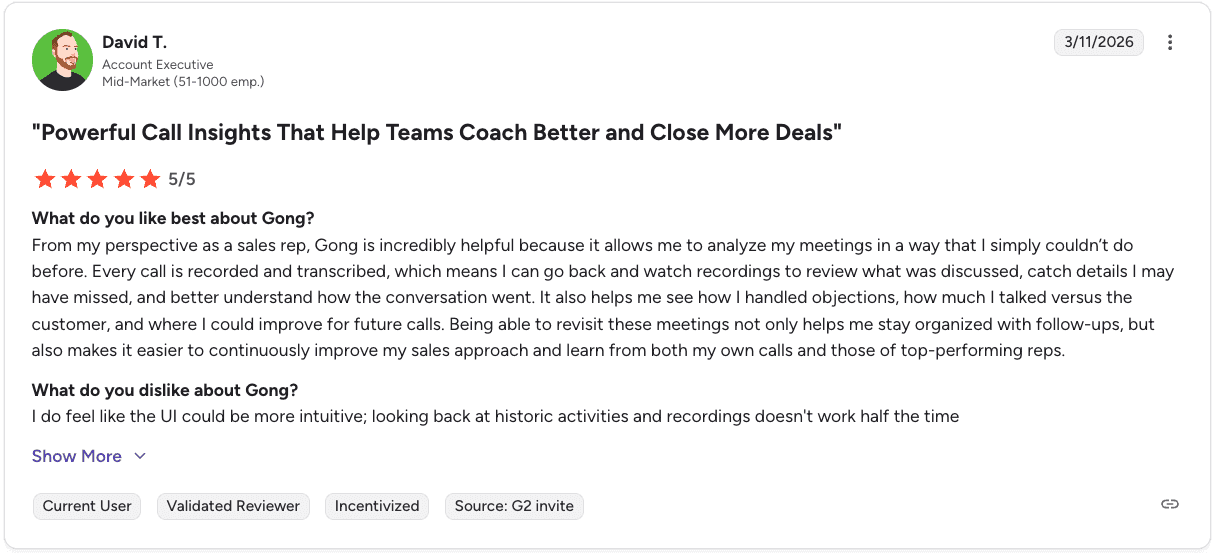
Pro: “Every call is recorded and transcribed, so I can review what was said, catch missed details, and improve how I handle objections and conversations over time.” — David T., Account Executive, G2
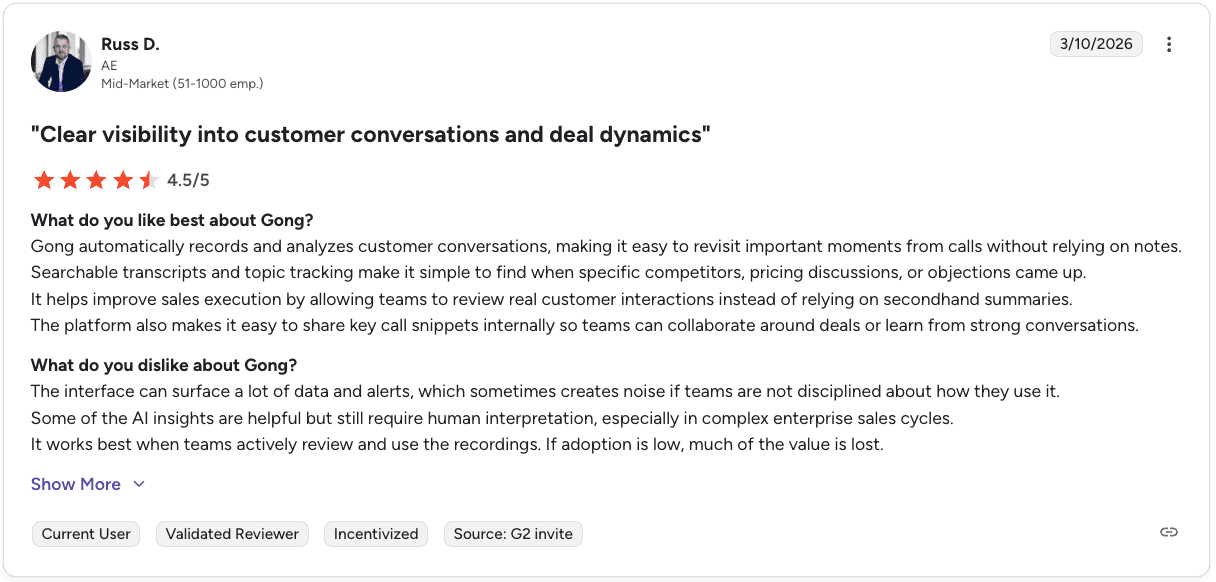
Con: “The interface can surface a lot of data and alerts, which creates noise, and many AI insights still need human interpretation to be useful.” — Russ D., Account Executive, G2
Pricing
You have to request a custom quote based on per-user pricing with a platform fee. Integrations are included at no extra cost.
Bottom line
Gong is a strong fit for B2B revenue teams that need deal intelligence and pipeline reporting. For high-volume inside sales teams, the structure and pricing are often more than needed. Gong sits in a wider field of conversational intelligence software for sales teams, several of which price closer to inside sales budgets.
6. AmplifAI: Best for unified reporting across multiple systems
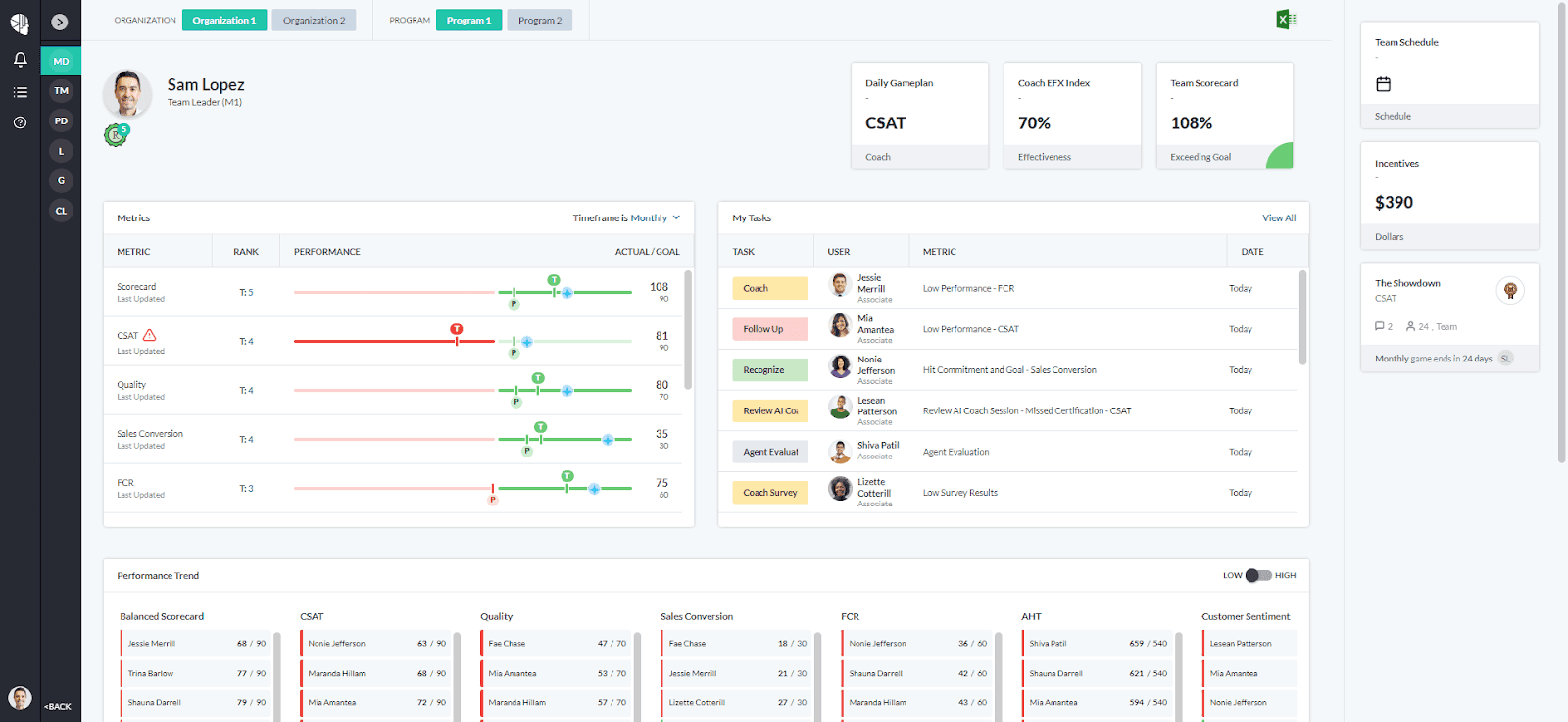
What it does: AmplifAI pulls performance data from QA, workforce management, CRM, and coaching tools into one reporting layer, with 150+ integrations and role-based dashboards for every level of the org.
Best for: Enterprise contact centers and BPOs where reporting data lives across multiple platforms and leaders need one place to act on all of it.
Most reporting tools only show data from their own system. AmplifAI brings data together from across your stack, including QA platforms, CRMs, CCaaS providers, and analytics tools, and presents it in one unified view.
Key features
150+ integrations connecting QA, workforce management, CRM, and analytics tools
Role-based dashboards for agents, team leads, QA analysts, and executives
Coaching Effectiveness Index tracks whether coaching improves KPIs
AI-powered next-best actions for coaching and performance management
Gamification and recognition tied to real performance metrics
Pros and cons
✅ Pros | ❌ Cons |
Unifies data across multiple systems in one place | Adds complexity since it sits on top of your existing stack |
Tracks whether coaching actually improves performance | May be more than smaller teams need |
Strong fit for multi-site and multi-client environments | Less focused on rep-level sales coaching use cases |
What users say

Pro: “It gives us a centralized view of KPIs, quality metrics, and goals, making it easier to track performance and access coaching resources in one place.” — Mickey H., G2
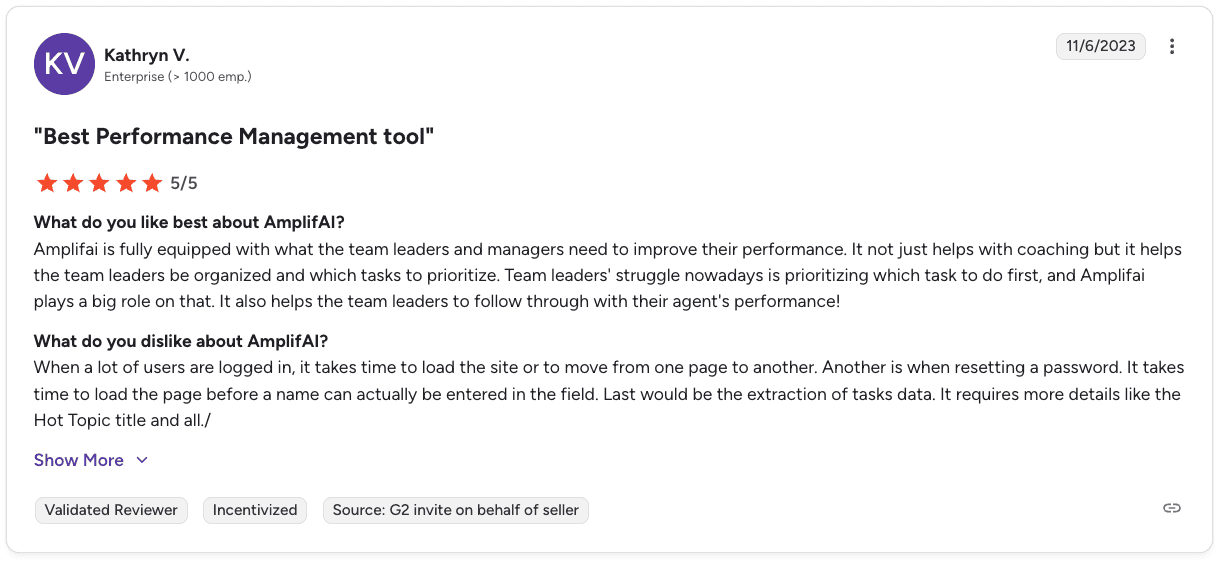
Con: “It can be slow when many users are logged in, and some tasks like navigating pages or extracting data take extra time and effort.” — Kathryn V., G2
Pricing
Custom pricing based on integrations, team size, and data complexity. Schedule a demo to see what AmplifAI may cost you.
Bottom line
AmplifAI is a strong fit when reporting is spread across multiple systems and teams need one clear view. If your main goal is improving rep behavior and coaching quality, a more focused platform may be a better fit. We compare those directly in our guide to the best call center coaching software tools.
7. Balto: Best for real-time script adherence reporting
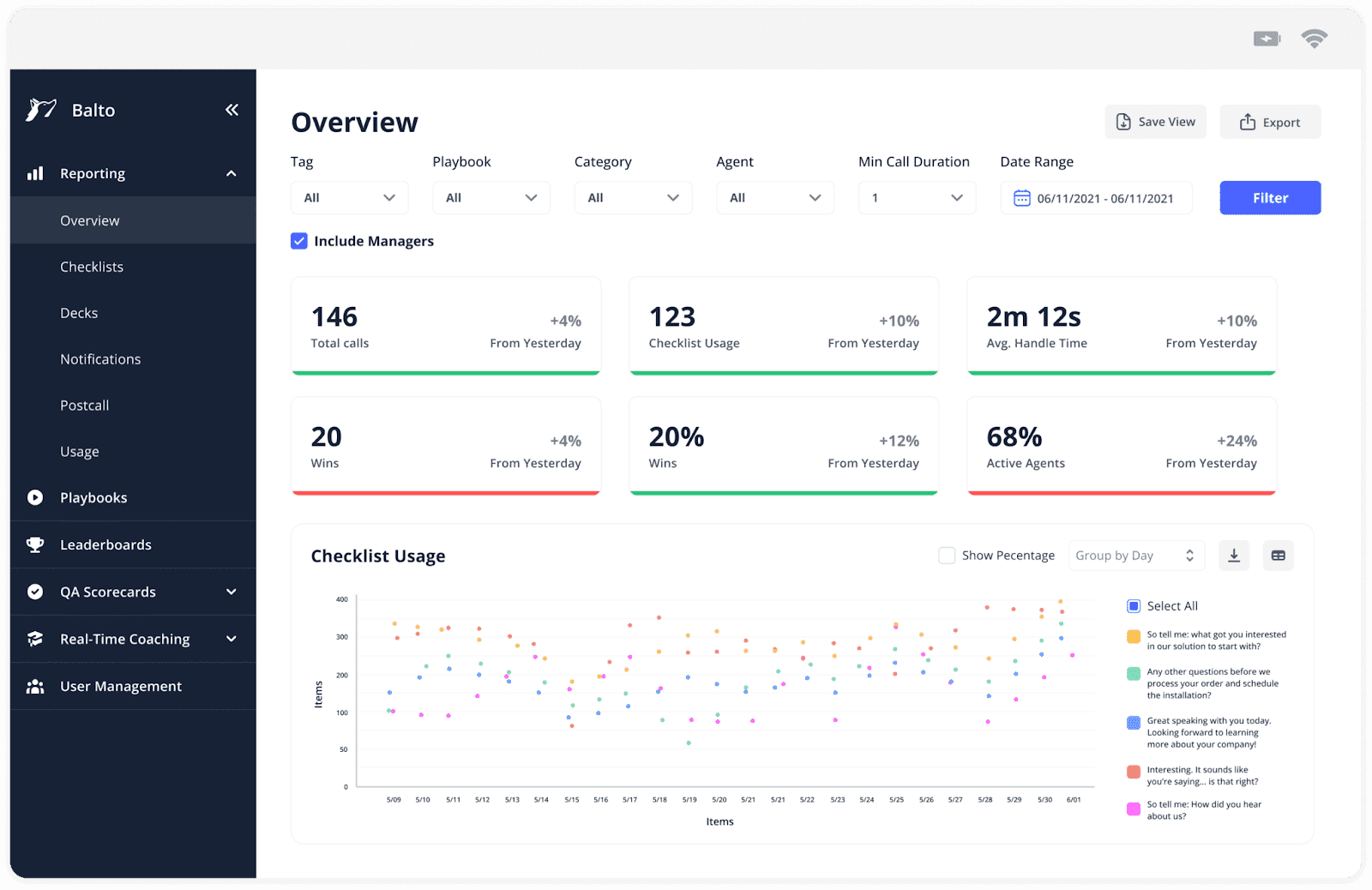
What it does: Balto listens to live calls, guides agents with on-screen prompts, and tracks script adherence and rep performance through dedicated dashboards.
Best for: High-compliance sales environments that need reporting tied directly to what reps say on live calls, not just post-call metrics.
Balto’s reporting starts during the call. Managers can see in real time which agents are following the playbook, and dashboards show adherence patterns across the team over time.
Key features
Script adherence dashboards that track how closely reps follow talk tracks and compliance steps
Live call monitoring so managers can review active calls and step in when needed
Coaching dashboards that highlight reps who need support based on performance trends
Automated QA scoring across compliance items, sentiment, and key behaviors
Compliance inbox that flags and organizes issues across all calls
Pros and cons
✅ Pros | ❌ Cons |
Reporting tied to live call behavior instead of post-call summaries | Agent apps can be buggy with timeouts and blank screens |
The Compliance inbox gives a clear view of flagged interactions | Integrations can take 45 to 60 days to complete |
BaltoGPT makes it easy to explore reporting without custom queries | Post-call analytics and rep development reporting are limited |
What users say
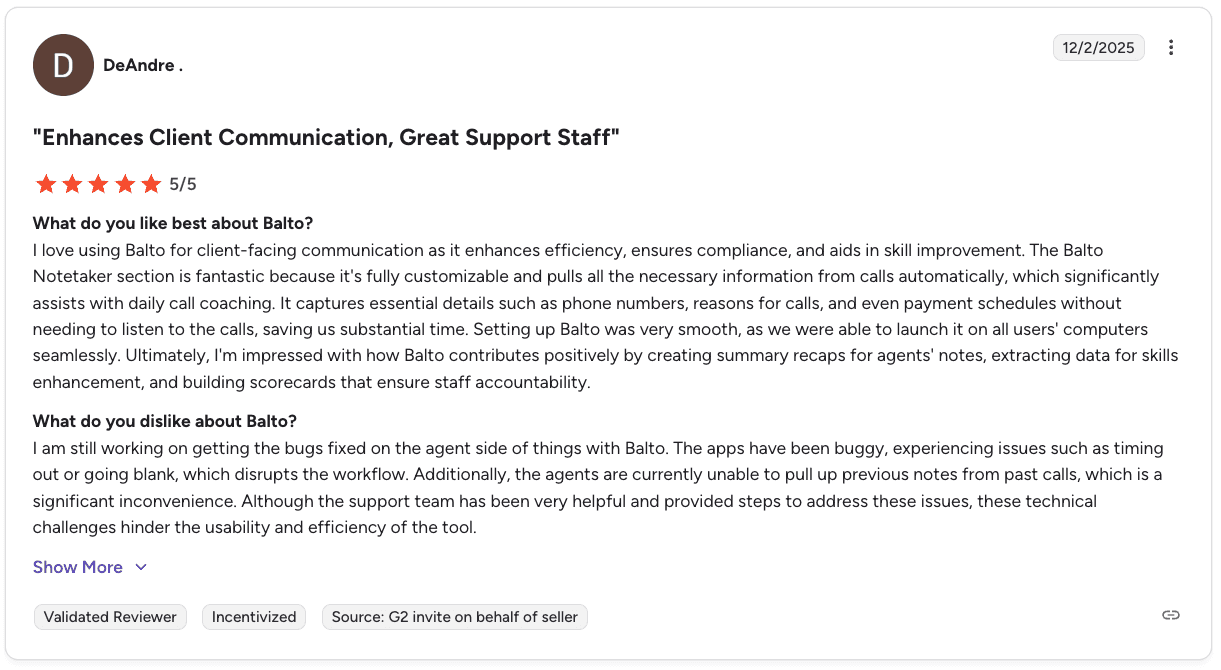
Pro: “It improves client communication, ensures compliance, and saves time with automated notes, summaries, and customizable scorecards for coaching.” — DeAndre, Verified User, G2
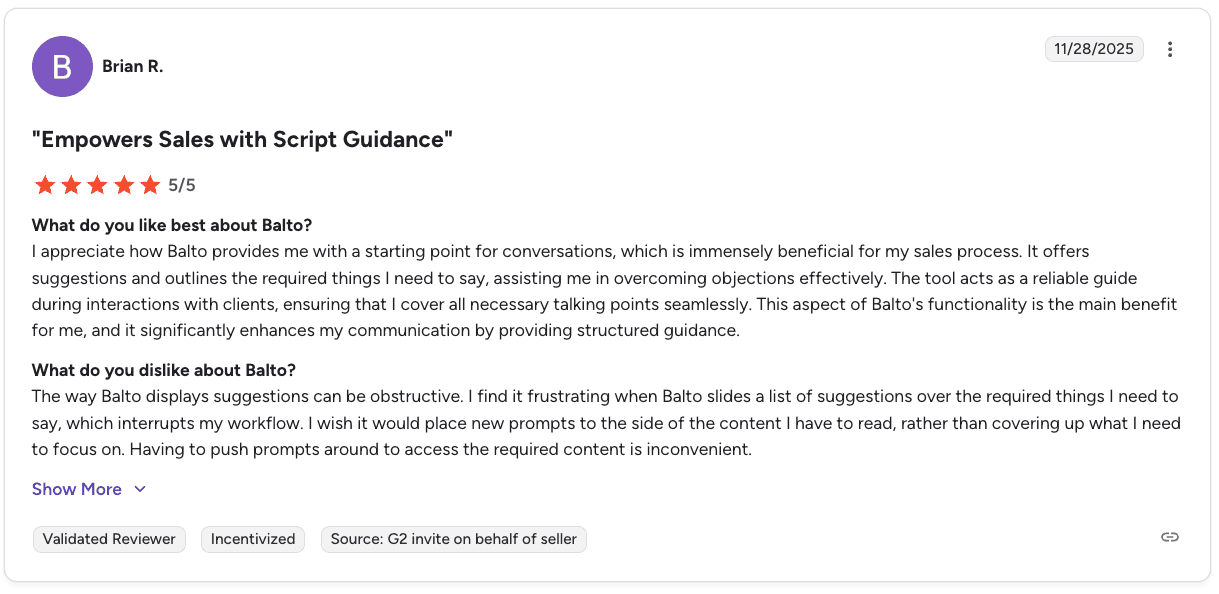
Con: “Suggestions can feel obstructive, with prompts covering key content and interrupting workflow instead of supporting it smoothly.” — Brian R., Verified User, G2
Pricing
Custom pricing based on agent count and contract length. The team reviews expected ROI before you commit. Contact sales or book a demo for a quote.
Bottom line
Balto is a strong fit for teams where compliance reporting during live calls matters most. Teams that need deeper post-call analytics and long-term development reporting may need a more advanced platform.
Which call center reporting software should you choose?
The best choice comes down to the type of visibility your team is missing. Look at what you cannot see clearly today, then match the tool to that gap. One distinction worth naming first: call center dashboard software and full reporting software are not the same purchase. A dashboard shows you the number; the platforms below were chosen for what they let you do about it.
Choose Level AI if you:
Need more accurate call insights that go beyond basic keyword tracking
Want scoring tied to your own QA framework and business logic
Work in industries where understanding intent and context is critical
Choose Observe.AI if you:
Want to move from partial QA reviews to full call coverage
Need consistent compliance tracking across every interaction
Are trying to reduce manual review time while still catching risks
Choose NICE CXone if you:
Require full interaction records for audits and compliance checks
Manage a large operation across teams, channels, and regions
Want reporting, QA, and workforce data in one enterprise system
Choose Genesys if you:
Already use Genesys and want reporting built into your workflow
Need live dashboards to track team performance throughout the day
Want forecasting and scheduling tied directly to performance data
Choose Gong if you:
Focus on B2B sales with longer deal cycles and CRM tracking
Need insight into pipeline health, deal movement, and rep activity
Care more about revenue visibility than high-volume call reporting
Choose AmplifAI if you:
Have performance data spread across multiple tools and systems
Spend time pulling reports together instead of acting on them
Need a single place to view QA, CRM, and workforce data
Choose Balto if you:
Need visibility into what reps say while calls are happening
Want to track script adherence and compliance in real time
Rely on managers to step in during live conversations
Skip this category if:
Your team is small enough to manage performance without heavy tooling
Your main challenge is capacity or staffing, not reporting clarity
Focus on the blind spot that slows your team down. The right tool should make that gap easier to manage from day one. If the blind spot turns out to be wider than reporting — coaching cadence, goal setting, and QA all pulling in different directions — contact center performance management software covers that broader ground.
Final verdict
Each tool on this list solves a different reporting problem, so the right choice depends on what you need to see more clearly and what you need your team to do differently because of it.
Level AI stands out when accuracy and context matter in call analysis. Observe.AI and NICE CXone are strong when your priority is full QA coverage and compliance tracking. Genesys works best if you want real-time dashboards built into the same platform you already use.
AmplifAI is the right fit when your data is spread across systems and hard to act on. Gong is built for B2B teams focused on deals and pipeline visibility. Balto is most useful when you need to track and guide behavior during live calls.
The bigger question is not which tool has the most features. It’s whether the reporting actually leads to action. If your dashboards help managers coach better, fix issues faster, and improve rep behavior, the tool is doing its job. If not, you are just adding another layer of data without changing outcomes. Closing that loop is a different job from reporting — real-time QA and sales coaching for reps takes the same call data and tells a manager what to work on next.
What reporting software won’t tell you
You can have perfect dashboards and still miss the reason your team is underperforming.
Most reporting tools show trends, gaps, and low performers. What they don’t show is what your top reps are actually doing differently on real calls. So coaching stays broad, feedback stays vague, and results barely move.
The issue is not visibility. It’s translation. Turning call data into clear, repeatable behaviors that every rep can follow. Alpharun is built to bridge that gap. It turns your best calls into a system your whole team can execute.
What Alpharun does:
Builds a custom AI playbook from your top-performing calls
Scores every rep against that playbook on every call
Gives sentence-level coaching tied to exact moments in conversations
Sends direct, actionable feedback to reps without relying on manager reviews
Tracks compliance rules alongside performance for regulated industries
Integrates with platforms like Five9 and Genesys in about a week
You get both: human coaching that scales your winners’ behaviors and AI agents that handle repetitive tasks like scheduling, follow-ups, and initial qualification. Book a demo to see how Alpharun works in action.
Frequently asked questions
What is call center reporting software?
Call center reporting software tracks and analyzes agent and team performance across calls, interactions, and workflows. It helps managers monitor KPIs and improve performance through data-driven insights. The per-call metadata beneath those KPIs — timestamps, duration, disposition — is the domain of CDR reporting software, a layer below the dashboards. Contact center reporting software describes the same category for teams handling email, chat, and messaging alongside voice — the metrics and the buying questions are largely the same.
What metrics should call center reporting software track for sales teams?
Call center reporting software should track close rates, conversion rates, script adherence, QA scores, and rep performance trends. These metrics tie directly to revenue, not just activity.
What is the difference between call center reporting and call center analytics?
The main difference between call center reporting and analytics is that reporting shows what happened, while analytics explains why it happened. The best tools combine both to guide better decisions. Our guide to contact center analytics breaks down the eight types and the metrics each one tracks.
How do I choose the right call center reporting software for my sales team?
Start by identifying your biggest visibility gap. Choose tools based on whether you need better QA coverage, unified data, compliance tracking, or real-time insights.
Is call center reporting software worth it for small teams?
No, most call center reporting software is built for larger teams and may not justify the cost for small teams. Smaller teams benefit most when performance gaps are large enough to impact revenue.

