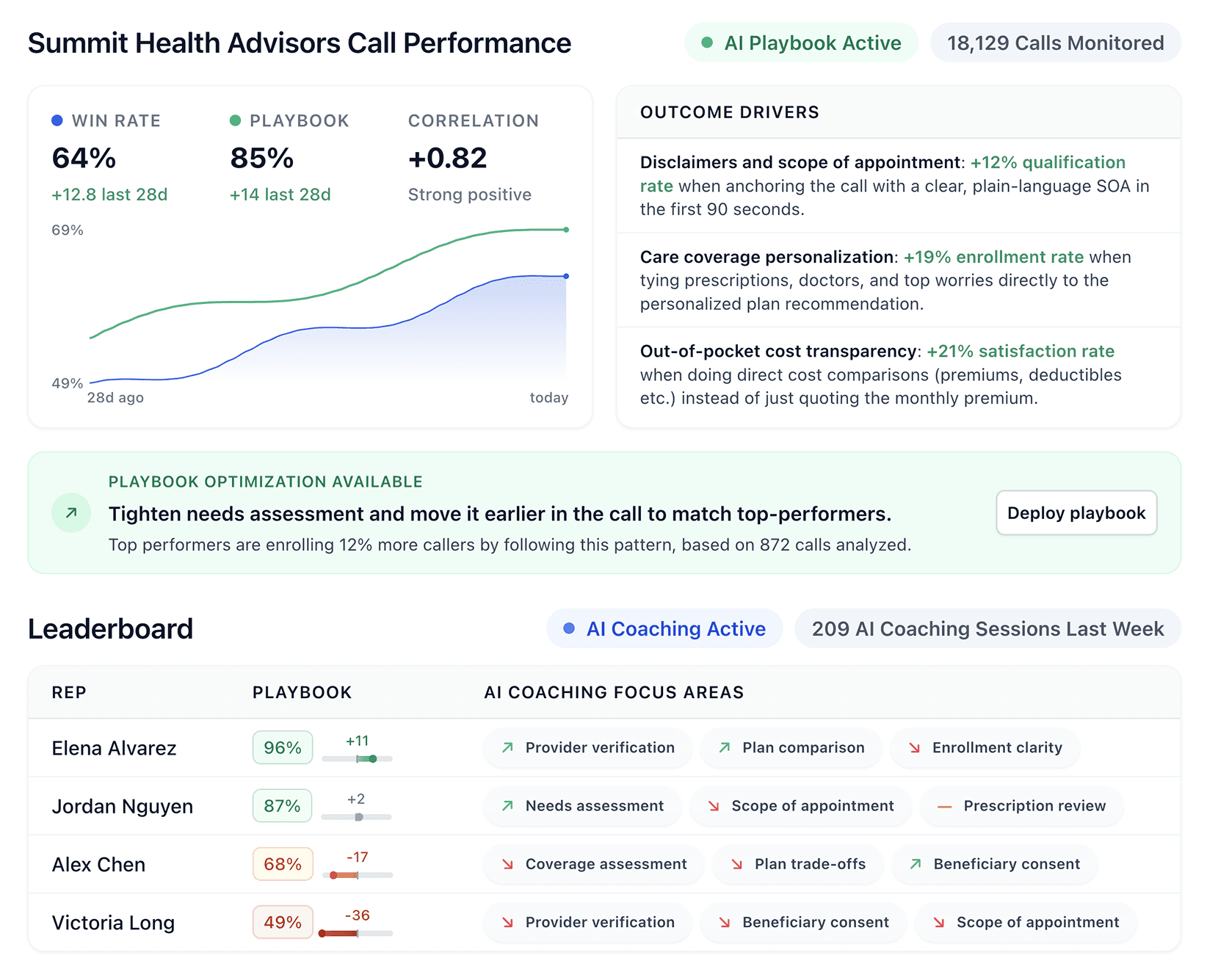


Cresta provides real-time AI coaching for contact centers, but it requires a large investment and a complex setup. After testing 7 alternatives, we found options that deliver comparable results at lower costs with faster setup times.
7 best Cresta alternatives for sales coaching
Tool | Best for | Starting price | Key strength |
|---|---|---|---|
Alpharun | B2C sales teams | Custom pricing | Business-specific playbook intelligence |
Balto | Real-time compliance | Custom pricing | Instant call guidance with checklist system |
Observe.AI | Enterprise contact centers | Custom pricing | AI-powered conversation insight with virtual agent support |
Gong | Revenue intelligence | Custom pricing | Complete deal and forecast visibility |
CallMiner | Customer experience analytics | Custom pricing | Omnichannel conversation intelligence |
Hyperbound | Sales teams needing real call practice | Custom pricing | AI roleplays built from real top-performer calls |
Level AI | Contact centers needing Auto-QA and assist | Custom pricing | Unified QA, coaching, analytics, and virtual agents |
1. Alpharun
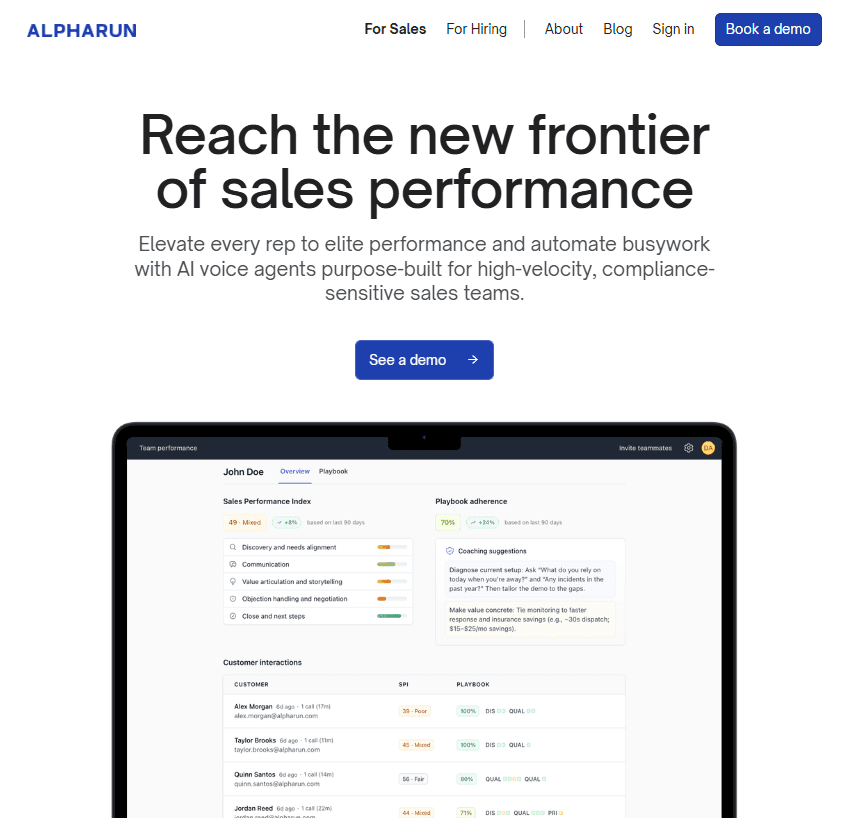
Alpharun studies thousands of your real sales calls to build a custom AI playbook. It then coaches reps in real time with precise, sentence-level feedback during live calls.
Who it's for: Business-to-consumer (B2C) inside sales teams with 50+ reps handling high-volume, repeat sales processes in Medicare, insurance, home improvement, and pest control.
Alpharun stands out for its accuracy. Instead of broad tips like “talk less, listen more,” it tells reps exactly which phrases work best at each stage of the sales process.
Key features of Alpharun
Custom playbook creation: Alpharun reviews your top reps’ calls to find what drives conversions. It identifies winning behaviors and applies them across your team.
Real-time coaching: During calls, reps get instant feedback at the sentence level. The system gives clear prompts, such as “Here’s what to say next,” based on your custom playbook.
Automated quality assurance (QA) and scoring: Replace manual call reviews with automatic transcription and scoring. Managers receive AI-powered coaching recommendations for each rep.
Performance transparency dashboard: Compare reps against team averages and industry benchmarks. Pinpoint where deals die and reps struggle with unmatched precision.
Pros and cons of Alpharun
Pros | Cons |
|---|---|
Prevents compliance issues during live calls | Limited customer relationship management (CRM) integrations may require manual data handling |
Setup takes less than five minutes | Best suited for structured, script-based conversations |
Enables phrase testing to optimize messaging | Can miss nuance in complex or unstructured discussions |
Pricing
Custom enterprise pricing based on team size and features.
When to choose Alpharun
Choose Alpharun if you manage a B2C inside sales team and want to help every rep match your top performers. It works best for teams with clear, repeatable sales processes where proven tactics lead to measurable results.
2. Balto
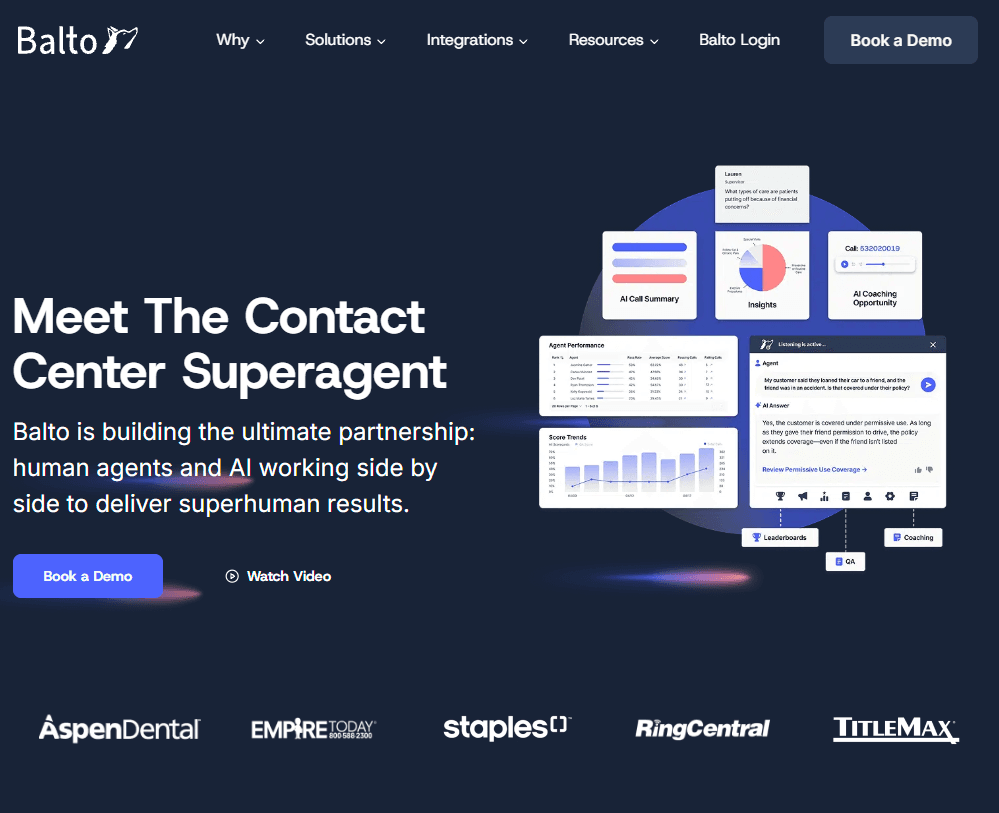
Balto listens to live calls and gives agents real-time tips, checklists, and alerts to help them handle each conversation. It also scores every call for quality and compliance.
Who it’s for: High-volume sales teams that need real-time guidance during customer calls to improve close rates.
Balto stands out for its proactive compliance support. Instead of flagging issues after a call ends, the platform helps agents avoid mistakes in real time. Many teams use it to maintain consistent call quality and meet regulatory standards with less manual oversight.
Key features of Balto
Real-time prompts: Shows the best questions, responses, and rebuttals right when agents need them.
Checklist system: Tracks key milestones with visual indicators to keep agents compliant and on script.
Call scoring: Scores 100% of calls with AI, cutting manual review time and improving feedback accuracy.
Live manager alerts: Notifies supervisors during critical moments so they can coach or assist in real time.
Pros and cons of Balto
Pros | Cons |
|---|---|
Prevents compliance issues during live calls | Limited customer relationship management (CRM) integrations may require manual data handling |
Setup takes less than five minutes | Best suited for structured, script-based conversations |
Enables phrase testing to optimize messaging | Can miss nuance in complex or unstructured discussions |
Pricing
Custom pricing based on agent count and selected features.
When to choose Balto
Choose Balto if your team values real-time compliance, steady call quality, and clear agent guidance. It works well for contact centers that follow set scripts and want to reduce risk while making coaching more effective.
3. Observe.AI
Observe.AI reviews every customer interaction across calls, chats, and emails. It gives clear insights into each conversation and automates quality checks and coaching.
Who it’s for: High-volume B2C sales teams with 100+ agents that want AI to find new revenue opportunities, improve sales scripts, and help every rep sell like the top performers.
Observe.AI uses contact center–trained AI built on years of data. It delivers accurate transcripts, understands context better, and automates tasks more effectively than general AI tools.
Key features of Observe.AI
Contact Center LLM: A custom AI model built for contact centers. It understands what customers mean, when they pause, and how they feel.
Omnichannel Conversation Analysis: Reviews 100% of interactions across voice, chat, and email for consistent, organization-wide visibility.
VoiceAI Agents: AI agents take care of simple calls, letting live agents handle harder ones.
Auto QA with Human Oversight: Automates quality assurance while keeping humans in the loop for calibration and continuous improvement.
Pros and cons of Observe.AI
Pros | Cons |
|---|---|
High transcription accuracy with domain-specific vocabulary support | Pricing tailored to large enterprises |
Observe.AI enables fast insights, coaching, and VoiceAI agent creation | Requires dedicated resources to implement fully |
integrates with contact center as a Service (CCaaS) and CRM platforms through modular products. | More aligned with customer service than pure sales coaching |
Pricing
Observe.AI provides custom quotes based on team size.
When to choose Observe.AI
Choose Observe.AI if your contact center needs one system for coaching, quality checks, and AI call handling.
It works best for large teams that manage many calls, chats, and emails and want clear insight into every customer conversation.
4. Gong
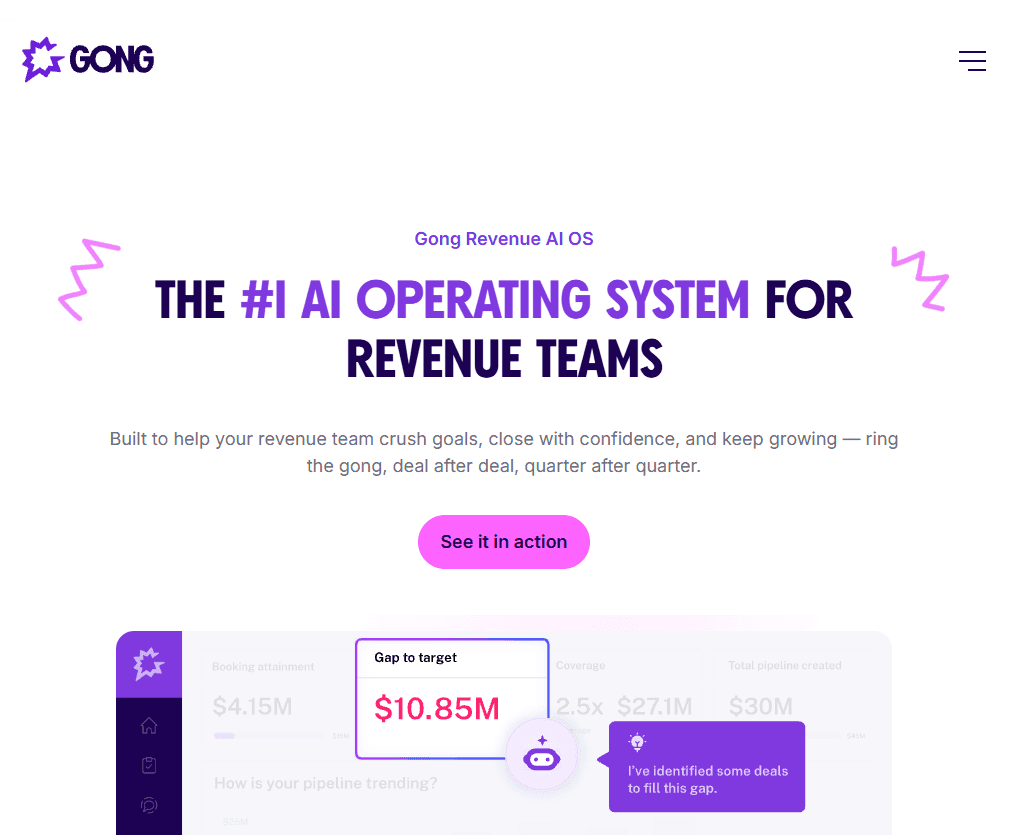
Gong tracks every customer interaction across calls, emails, and meetings. It helps teams see revenue clearly, forecast accurately, and understand each deal better.
Who it’s for: Revenue teams that want one place to see customer relationships, deal progress, and team performance.
Gong stands out as a comprehensive revenue intelligence system that connects every interaction to reveal what drives wins, improves coaching, and strengthens forecasts.
Key features of Gong
Revenue intelligence platform: Captures and analyzes calls, meetings, and messages for complete insight into customer relationships and pipeline health.
Deal intelligence: Finds deal risks, engagement trends, and winning habits so teams can focus on the best opportunities.
Forecast accuracy: Uses real customer data, not guesses, to make sales forecasts more reliable.
Conversation intelligence: Analyzes calls to surface coaching opportunities, objections, and messaging that leads to conversions.
Pros and cons of Gong
Pros | Cons |
|---|---|
Complete visibility across all revenue activities | High cost with platform and per-user fees |
Accurate forecasting reduces missed targets | Processing delay limits live coaching |
Large integration ecosystem for smoother work | Complex interface takes time to learn |
Pricing
Gong customizes pricing by team size with per-user licensing and a platform fee. The platform includes tech stack integrations without additional charges.
When to choose Gong
Choose Gong if your company needs one platform to manage deals, improve forecasts, and coach sales teams. If it turns out to be more platform than you need, see our breakdown of Gong competitors.
It works best for large sales operations with complex deals where accurate forecasting makes the investment worth it.
5. CallMiner
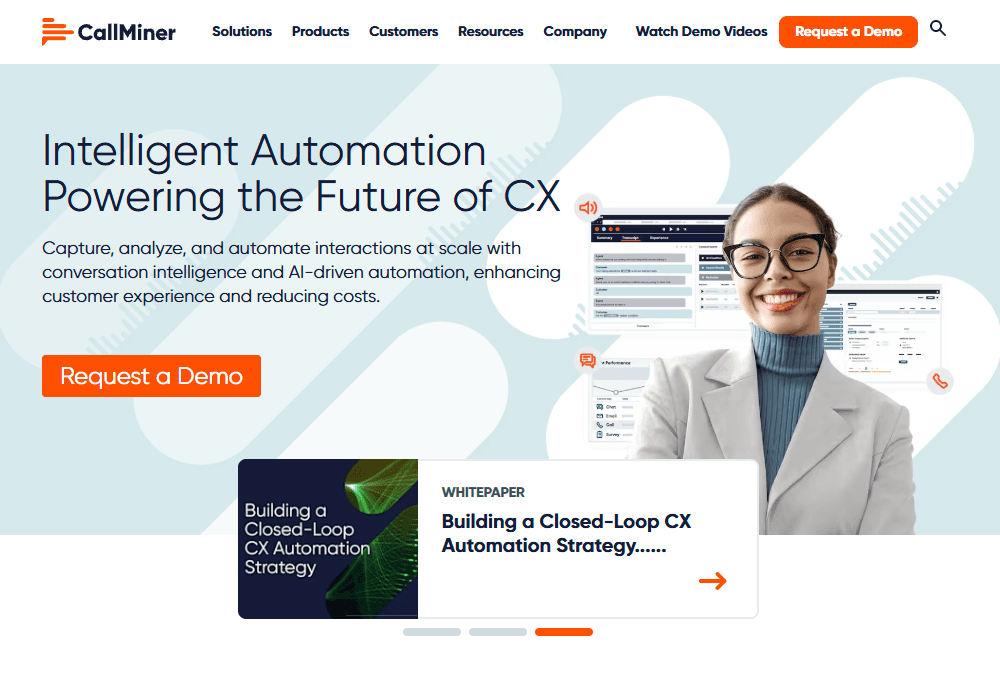
CallMiner’s platform reviews every customer conversation across calls, chats, emails, and texts. It finds insights that help teams improve customer experience, stay compliant, and work more efficiently.
Who it’s for: Outbound and high-volume sales teams that need conversation analytics and coaching to find what works in calls and teach it to every rep.
CallMiner handles huge amounts of data and finds clear insights that help teams perform better and lower risk.
Key features of CallMiner
Omnichannel analytics: Reviews all calls, chats, emails, and texts to give a full view of customer interactions.
Automatic performance scoring: Uses AI to score each conversation for tone, emotion, and compliance.
Compliance and risk detection: Finds risks, fraud, and policy issues in real time.
Customer journey mapping: Connects insights from every channel to show where customers face problems and how to fix them.
Pros and cons of CallMiner
Pros | Cons |
|---|---|
Handles billions of conversations at enterprise scale | Focused on post-call analysis, not live coaching |
Strong compliance and risk detection capabilities | Complex setup requires technical resources |
Flexible data access with Application Programming Interfaces (API) for custom reporting | Designed for large organizations with bigger budgets |
Pricing
CallMiner provides custom pricing through direct quotes only.
When to choose CallMiner
Choose CallMiner if your organization manages large-scale customer interactions and prioritizes experience analytics and compliance insights.
It’s ideal for enterprises that need to analyze millions of conversations to improve service quality, compliance, and operational efficiency.
6. Hyperbound
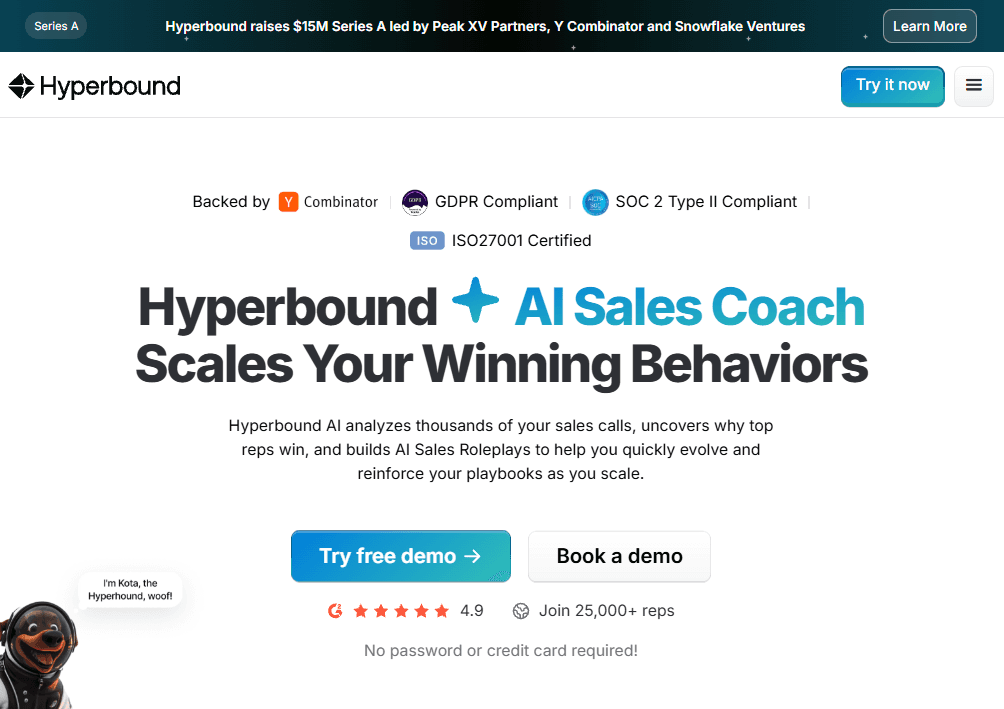
Hyperbound AI studies thousands of your sales calls, finds the habits your top reps use, and builds AI Sales Roleplays that help your team practice real situations. It helps you update your playbooks, train faster, and give every rep a clear path to improve.
Who it’s for: Sales teams that want better coaching, stronger onboarding, and clear insight into what makes high performers successful.
Hyperbound gives you training, scoring, and coaching tools that feel natural to use. It helps teams grow skills without hours of manual review.
Key features Hyperbound
AI Sales Roleplays: Reps practice real sales situations with lifelike AI buyers.
AI Real Call Scoring: The system scores calls with clear notes on what went well and what needs work.
AI Coaching: Reps get simple, direct coaching based on your playbooks.
AI Post-Sales Roleplays: Account managers learn how to improve renewals and retention calls.
AI Roleplay Hiring Assessments: Screen new candidates with real selling scenarios so you can spot top talent early.
Pros and Cons of Hyperbound
Pros | Cons |
|---|---|
Strong roleplay tools that feel realistic | User says they need broader dashboards for a large team |
Clear call scoring with simple coaching notes | Review says Hyperbound is more expensive than other options |
Helps reps practice at any time | Some teams may want deeper CRM analytics |
Pricing
Hyperbound offers a free tier with core AI coaching feedback and call tools. Advanced features require a custom plan, and pricing is only available by contacting sales.
When to choose Hyperbound
Choose Hyperbound if you want a simple way to train reps with real conversations and consistent coaching.
It helps with onboarding, call scoring, roleplays, and hiring. Hyperbound works best for teams that want stronger skills without adding more manual coaching work.
7. Level AI
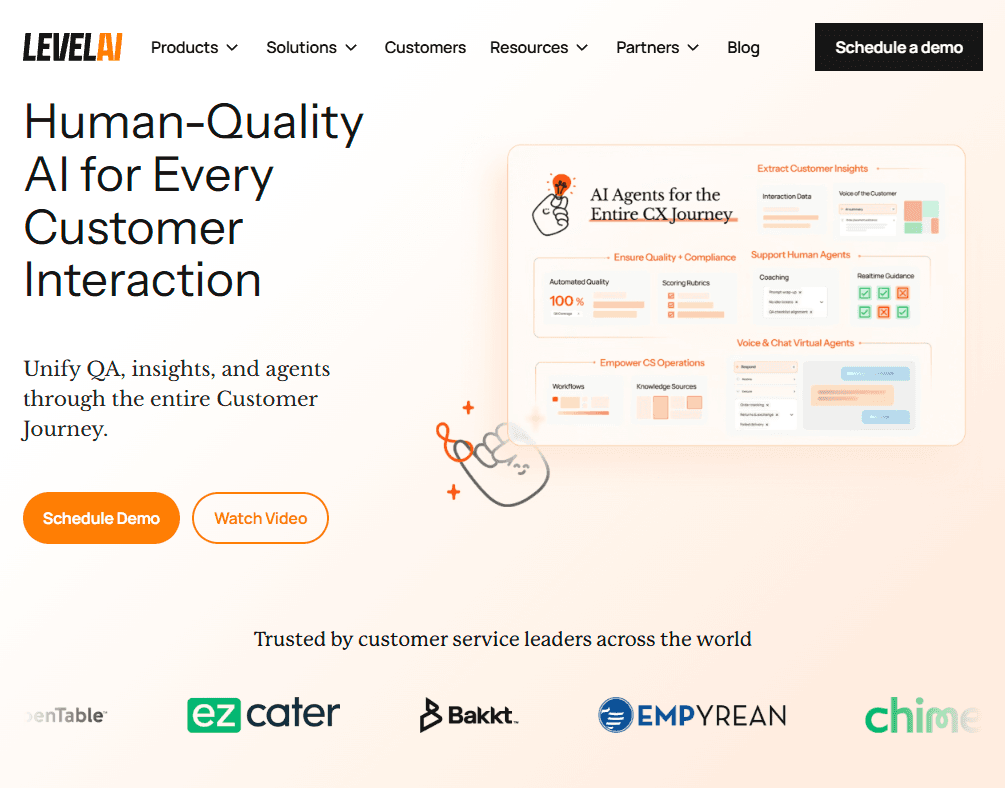
Level AI is an all-in-one platform that supports your full customer experience journey. It combines Quality Automation, Voice of the Customer, and AI Virtual Agents to help teams work faster and deliver better service.
Who it’s for: Teams that want stronger call quality, real-time guidance, and clear insight into customer needs without managing multiple tools.
Level AI gives contact centers one place to automate QA, support agents, analyze conversations, and uncover customer trends.
Key features of Level AI
AI Virtual Agent: Handles customer questions with natural, human-like conversations and actions.
100% Auto-QA: Scores every conversation based on your exact quality standards.
Real-Time Agent Assist: Supports agents during live calls with tips, answers, and suggested actions.
Contact Center and Business Analytics: Creates clear custom reports with trends your team can use right away.
Pros and cons of Level AI
Pros | Cons |
|---|---|
All-in-one platform for QA, coaching, analytics, and virtual agents | Can feel large for small teams with simple support needs |
Strong real-time agent support | User says the layout feels overcrowded and hard to navigate |
Secure generative AI built for enterprise use | User says sentiment tagging can be off at times, especially in complex conversations |
Pricing
LevelAI uses custom pricing based on team size, call volume, and the features you choose. Most teams request a demo to see the setup options and build a plan that fits their contact center.
When to choose Level AI
Choose LevelAI if you want one platform that improves agent performance, automates QA, and gives you insight into every customer conversation. It works best for teams that want real-time support, strong AI tools, and clear analytics without managing multiple systems.
How we tested these sales coaching platforms
We tested each platform to find the best sales coaching and conversation tools. Our focus was on how easy they are to use and how well they help with coaching.
What we evaluated:
Coaching detail: We looked for tools that give clear, useful feedback instead of vague scores. The best ones guide reps on what to say or adjust during the call, not just after it ends.
Real-time vs. post-call coaching: Timing makes all the difference. We checked whether each platform helps during live conversations or only provides insights once the call is over.
Ease of setup: We focused on how quickly teams can start seeing real results, from setup and onboarding to the first useful insight. We also looked at how easy it is to integrate with existing systems.
Pricing transparency: We looked at how clearly each vendor shares their pricing. Do they post clear details, or do you need to talk to several sales reps just to get an estimate?
Which Cresta alternative should you choose?
The best Cresta alternative depends on your specific needs, budget, and priorities. Here's our recommendation framework based on testing all 7 Cresta competitors:
Choose Alpharun if you:
Run a B2C inside sales team with 50+ reps
Need playbooks built from your actual best performers
Want sentence-level coaching specificity during calls
Prioritize scaling winning behaviors across medium and low performers
Require HIPAA and SOC 2 Type II compliance for secure operations
Choose Balto if you:
Prioritize compliance and need real-time violation prevention
Want instant agent guidance with visual checklists
Have structured sales or service scripts
Choose Observe.AI if you:
Operate an enterprise contact center
Need omnichannel conversation intelligence
Want to deploy AI agents alongside human agents
Require deep analytics across voice, chat, and email
Choose Gong if you:
Need complete revenue intelligence across all customer touchpoints
Prioritize forecast accuracy and deal visibility
Want the most established platform with 4,500+ customers
Choose CallMiner if you:
Focus on customer experience analytics at massive scale
Need powerful post-call analysis for quality, compliance, and coaching
Prioritize post-call insights over real-time coaching
Choose Hyperbound if you:
Want AI sales roleplays built from real call patterns in your team
Want to assess deals, train reps, and improve skills without manual call review
Run a sales team that needs consistent behavior across reps at scale
Choose LevelAI if you:
Run a support or service team that needs one platform for QA, coaching, analytics, and virtual agents
Need Auto-QA to score every conversation without manual work
Prefer enterprise-grade AI that works with your existing tools
Avoid these platforms if you:
Run a small team (under 25 agents). Most require significant scale to justify investment
Need month-to-month flexibility. Enterprise platforms typically require annual commitments
Want plug-and-play simplicity. All require meaningful configuration and training
Turn every sales call into a winning playbook
Choosing the right sales coaching platform depends on your team's goals. Some tools focus on compliance, others on analytics. Among the Cresta competitors we tested, Alpharun delivers the most precise performance coaching.
Alpharun studies your top performers' actual calls to find what drives conversions. Then it coaches every rep in real time with sentence-level feedback: "Here's exactly what to say next."
You get custom playbooks built from your best calls (not generic frameworks), plus AI agents that handle scheduling and qualification so reps spend more time closing.
See how Alpharun turns your best calls into repeatable wins. Book a demo today.