We reviewed 9 call center analytics software options for high-volume sales teams. See features, pricing, and which platform fits your operation.

Your reps make hundreds of calls a day. But without the right analytics, you can't see what's working or coach them to improve.
This guide covers 9 call center analytics software options with pros, cons, and pricing, along with how Alpharun adds a coaching layer to turn your call data into action. Our guide to contact center analytics types and metrics covers the concepts behind these tools.
9 best call center analytics software: At a glance
💻 Tool | 🎯 Best for | 💰 Starting price | ⭐ Key strength |
Five9 | High-volume outbound teams | $119/user/month | Deep analytics in Pro tier with QM, WFM |
Genesys | Omnichannel sales operations | $75/user/month | Speech/text analytics with predictive routing |
CallMiner | Enterprise compliance + QA | Custom pricing | 100% interaction analysis with AI trends |
Level AI | All-in-one QA and coaching | Custom pricing | 100% Auto-QA with real-time agent assist |
Observe.AI | Healthcare/finance compliance | Custom pricing | 100% call monitoring with AI agents |
Nextiva | Teams wanting telephony + analytics | $75/agent/month (Enterprise) | Voice Analytics add-on with custom reports |
RingCentral | Growing teams needing unified comms | $20/user/month | Real-time analytics across all tiers |
CloudTalk | Inbound-focused teams | $19/user/month | Basic call volume and wait time tracking |
Aircall | Support-driven SaaS teams | $30/license/month | Inbound/outbound activity analytics |
1. Five9: Best for high-volume outbound operations
Five9 is an enterprise contact center platform that thousands of organizations use for call routing, outbound dialing, and multi-channel conversations.
What it does: Five9 is an enterprise contact center platform that handles voice, digital channels, and AI-powered analytics for high-volume B2C sales teams.
Who it's for: Inside sales teams running outbound campaigns at scale. Teams with 50+ reps who need reliable dialing and performance tracking get the most value here.
Worth noting: Alpharun integrates with Five9, so you can add custom playbooks and sentence-level coaching on top of Five9's infrastructure.
Key features of Five9
Blended inbound and outbound: The platform routes calls and runs outbound campaigns from one place. This keeps your tech stack simpler.
AI summaries and live transcription: Starting at the Core tier, managers see call content without listening to every recording.
Quality Management and Analytics: The Pro tier unlocks QM and analytics for tracking team performance. This matters if you're serious about optimization.
CRM and UC integrations: Five9 connects to your existing tools through adapters. Reps stay in one system instead of jumping between apps.
Pros and cons of Five9
✅ Pros | ❌ Cons |
Mature platform with strong reliability at scale | 50-seat minimum prices out smaller teams |
Outbound dialing handles high-volume campaigns well | Email integration feels disconnected from the omnichannel workflow |
Deep CRM integrations fit into daily workflows | Evaluation forms lack the option to exclude sections from scoring |
Five9 pricing
Plan | Price |
Digital | $119/user/month |
Core | $159/user/month |
Plus | Custom |
Pro | Custom |
Enterprise | Custom |
50-seat minimum. Annual contracts required.
Is Five9 right for you?
Five9 delivers for high-volume B2C sales teams that need dependable voice coverage and strong outbound dialing. The analytics depth increases with each tier, so budget for Pro if performance tracking matters to your operation.
2. Genesys: Best for omnichannel sales with built-in AI
Genesys includes AI features across all pricing tiers, even the lowest. Agent Copilot gives reps real-time suggestions during calls, and predictive routing matches customers with agents based on performance history.
What it does: Genesys is an AI-powered platform that manages customer calls, emails, chats, and social messages from one cloud-based system.
Who it's for: Mid-size to enterprise sales teams that handle conversations across multiple channels. Teams that want AI routing and analytics from day one will find strong value here.
Worth noting: Alpharun integrates with Genesys to add custom playbooks and real-time coaching on top of Genesys's contact center infrastructure.
Key features of Genesys
Predictive routing: The platform matches customers to agents based on skills and availability. This works smarter than basic round-robin distribution.
Speech and text analytics: The system surfaces key moments, flags compliance issues, and finds training gaps across calls.
Agent Copilot: Reps get AI-powered suggestions while talking to customers. The guidance comes during the call, not after.
600+ integrations: Genesys connects with CRMs like Salesforce, HubSpot, and Microsoft Dynamics without custom development.
Pros and cons of Genesys
✅ Pros | ❌ Cons |
Complete AI features included from CX 1 tier (Agent Copilot, predictive routing, native bots) | Headset reconnection delays slow down call readiness |
Strong omnichannel routing across all channels | Steep learning curve, especially for advanced feature configuration |
Open API and pre-built connectors simplify custom integrations | Complicated pricing structure with costly add-ons |
Genesys pricing
Plan | Price |
CX 1 | $75/user/month |
CX 2 | $115/user/month |
CX 3 | $155/user/month |
CX 4 | $240/user/month |
Is Genesys right for you?
Genesys pricing makes sense for omnichannel sales teams that want AI features without paying for premium tiers. CX 2 hits the sweet spot for most growing teams. You get digital channels and QA without the full WEM suite you might not need yet.
3. CallMiner: Best for enterprise compliance and conversation intelligence
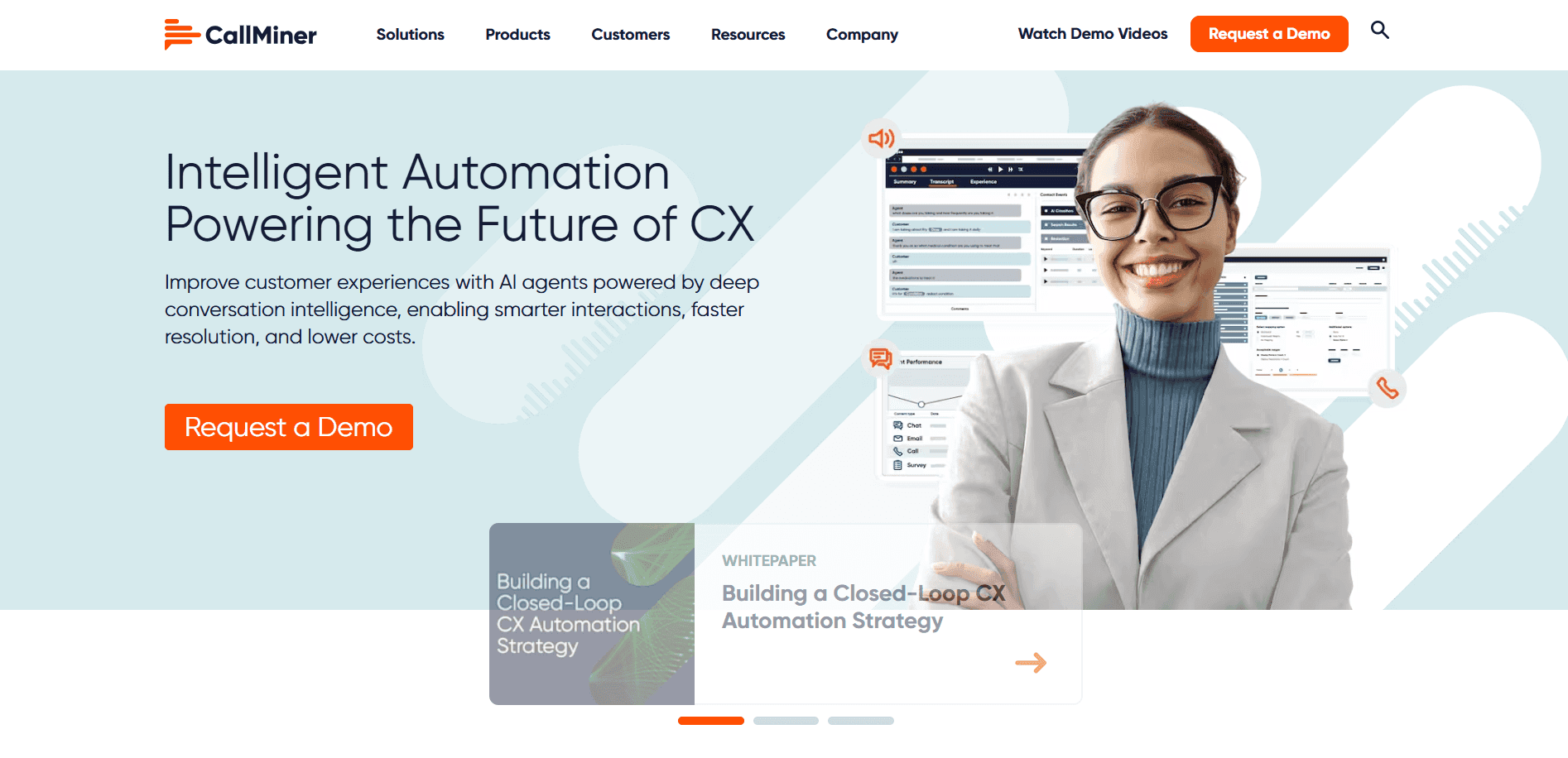
CallMiner is an enterprise conversation intelligence platform built for large-scale operations. The Eureka Platform covers the entire analytics lifecycle: capture, intelligence, augmentation, and automation.
The platform serves multiple departments beyond sales, including compliance, fraud detection, and quality management.
What it does: CallMiner is a conversation intelligence platform that captures and analyzes customer interactions across voice and digital channels.
Who it's for: Enterprise operations with 60+ agents that need visibility across CX, compliance, fraud detection, and sales in one platform.
Key features of CallMiner
Analyze: The platform transcribes voice and text interactions. AI surfaces insights and sentiment analysis across channels. You get a complete picture of every conversation.
Coach: Automated scoring uses customizable criteria. Agent dashboards show current performance. Coaching workflows connect managers and reps.
RealTime: The system delivers alerts and next-best-action guidance during live calls. It scales to handle 100,000+ simultaneous interactions.
Record: CallMiner captures calls with dual-channel audio for transcription accuracy. This matters more than you'd think for AI analysis.
Pros and cons of CallMiner
✅ Pros | ❌ Cons |
Single platform for CX, compliance, fraud, and quality management | Page timeouts affect all open tabs simultaneously |
100% interaction analysis with AI-driven trend detection | Exporting large reports takes considerable time |
Real-time alerts and next-best-action guidance during calls | Coach dashboards are too complex for team leaders |
CallMiner pricing
CallMiner builds custom quotes based on user count, call volume, analytics modules, integrations, and deployment model. Expect six-figure contracts for enterprise deployments.
Is CallMiner right for you?
CallMiner fits large enterprise operations that need conversation analytics spanning compliance, fraud, and quality management alongside sales. If you run 60+ agents and have the budget, it delivers. Smaller teams should skip this one entirely.
4. Level AI: Best for combining QA scoring and customer insights
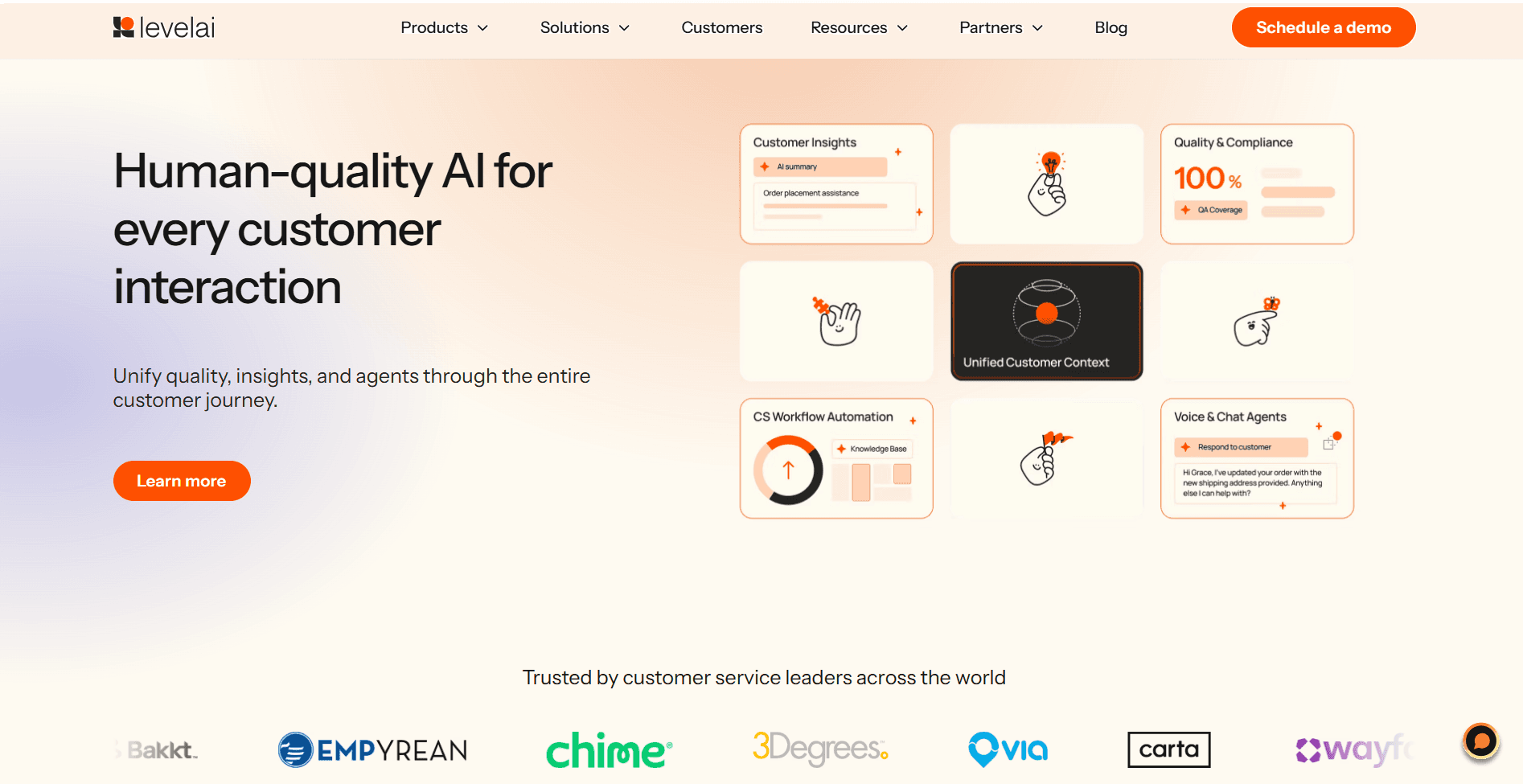
Level AI is an all-in-one contact center platform that combines QA automation, real-time agent assist, and Voice of the Customer analytics. The platform scores 100% of conversations against your quality standards and detects themes across all interactions.
What it does: Level AI combines Quality Automation, Voice of the Customer analytics, and AI Virtual Agents in one platform for contact center teams.
Who it's for: Contact center leaders who want QA, coaching, analytics, and virtual agents unified instead of juggling multiple tools.
Key features of Level AI
100% Auto-QA: The system scores every conversation based on your quality standards. No more random sampling.
Real-Time Agent Assist: Agents get tips, answers, and suggested actions during calls when they need them most.
Contact Center and Business Analytics: The platform creates custom reports with trends your team can act on right away.
Voice of the Customer: Level AI detects themes, sentiment shifts, and root causes across 100% of interactions. You'll spot patterns you'd miss reviewing calls one by one.
Pros and cons of Level AI
✅ Pros | ❌ Cons |
100% Auto-QA scores every conversation against custom standards | Evaluation notifications can be delayed |
Voice of the Customer analytics detects themes and sentiment shifts | AI evaluates calls too literally and misses context or phrasing variations |
Secure generative AI built for enterprise use | Switching between features can be slow |
Level AI pricing
Level AI uses custom pricing based on team size, call volume, and features selected. Most teams request a demo to see setup options and build a plan that fits.
Is Level AI right for you?
Level AI makes sense for contact centers that want QA, coaching, and analytics unified without stitching together multiple vendors. The real-time agent assist and 100% Auto-QA work well for compliance-heavy industries. Budget extra time for your team to learn the interface.
5. Observe.AI: Best for healthcare and finance compliance
Observe.AI is a conversation intelligence platform that uses AI agents to handle routine calls while human reps focus on complex conversations. Observe.AI integrates with CCaaS and CRM platforms through modular products, giving teams deployment flexibility.
What it does: Observe.AI automates routine calls and monitors compliance through conversation intelligence and AI agents.
Who it's for: Healthcare and finance teams that need 100% call monitoring and compliance tracking at scale.
Key features of Observe.AI
Voice-first AI agents: These handle routine calls and free humans for complex conversations. Think appointment confirmations, basic inquiries, and compliance verifications.
AI Copilots: Agents get real-time guidance and automated workflows during live interactions.
ChatAI agents: These handle lead generation and quick handoff when conversations need human attention.
Pros and cons of Observe.AI
✅ Pros | ❌ Cons |
Automates large volumes of calls through natural, human-like AI agents | Inaccurate sentiment detection creates false signals |
100% call monitoring with Auto QA | Hidden dependencies make it hard to evaluate actual capabilities |
AI Copilots provide real-time guidance during calls | False positives in profanity detection require additional manual review |
Observe.AI pricing
Observe.AI provides custom quotes based on team size and compliance scope.
Is Observe.AI right for you?
Observe.AI fits healthcare and finance teams that need compliance monitoring at scale. Budget for implementation support and plan for human oversight where transcription accuracy matters.
6. Nextiva: Best for teams wanting telephony and analytics in one place
Nextiva is a contact center platform that combines telephony and analytics from one vendor. The Voice Analytics add-on includes dashboards, wallboards, gamification, and call reporting. Conversational Analytics uses AI to capture sentiment and emotional intent.
What it does: Voice Analytics reports on historical data from service start, while base analytics keep only 90 days. Real-time supervisory dashboards include whisper coaching and transaction rescue alerts.
Who it's for: Sales teams in healthcare and insurance that want a full-stack contact center with built-in analytics. If you prefer one vendor instead of cobbling together separate tools, Nextiva fits the bill.
Key features of Nextiva
Voice Analytics (add-on): Get dashboards, wallboards, real-time interactive maps, call tracking, missed call tracking, top performer identification, and historical data from service start.
Conversational Analytics: AI and ML analyze voice and digital data. The system captures sentiment analysis and emotional intent across interactions.
Real-time Supervisory Dashboards: Supervisors get proactive agent tools, whisper coaching, transaction rescue alerts, and customizable widgets that put critical data at their fingertips.
Custom Reports: Build generic queries, set up automated scheduling, and track real-time performance metrics. Create the reporting you actually need.
Pros and cons of Nextiva
✅ Pros | ❌ Cons |
Full-stack platform with telephony and analytics combined | Voice Analytics is an add-on, not included in base plans |
Custom reports with automated scheduling and real-time metrics | Spam call blocking identifies but doesn't permanently block calls |
Real-time dashboards let supervisors intervene proactively | Base analytics limited to 90 days of data |
Nextiva pricing
Small Business (billed annually):
Plan | Price | Best for |
Core | $15/user/month | Small teams, basic communications |
Engage | $25/user/month | Growing teams, advanced reporting |
Power Suite CX | $75/user/month | Sales teams (up to 100 agents) |
Enterprise (per agent/month):
Plan | Price | Key features |
Essential | $75/agent/month | Omnichannel, transcription, intelligent routing |
Professional | Contact Sales | Plus real-time supervisor tools, progressive dialing |
Premium | Contact Sales | Plus advanced analytics, unlimited skills-based routing |
Is Nextiva right for you?
Nextiva makes sense if you want telephony and analytics from one vendor without integration headaches. The Voice Analytics add-on provides solid historical reporting, but you pay extra for it on top of your base plan. If reporting breadth matters more than analytics depth, the best call center reporting software shortlist compares platforms on that axis instead.
7. RingCentral: Best for growing teams needing unified communications
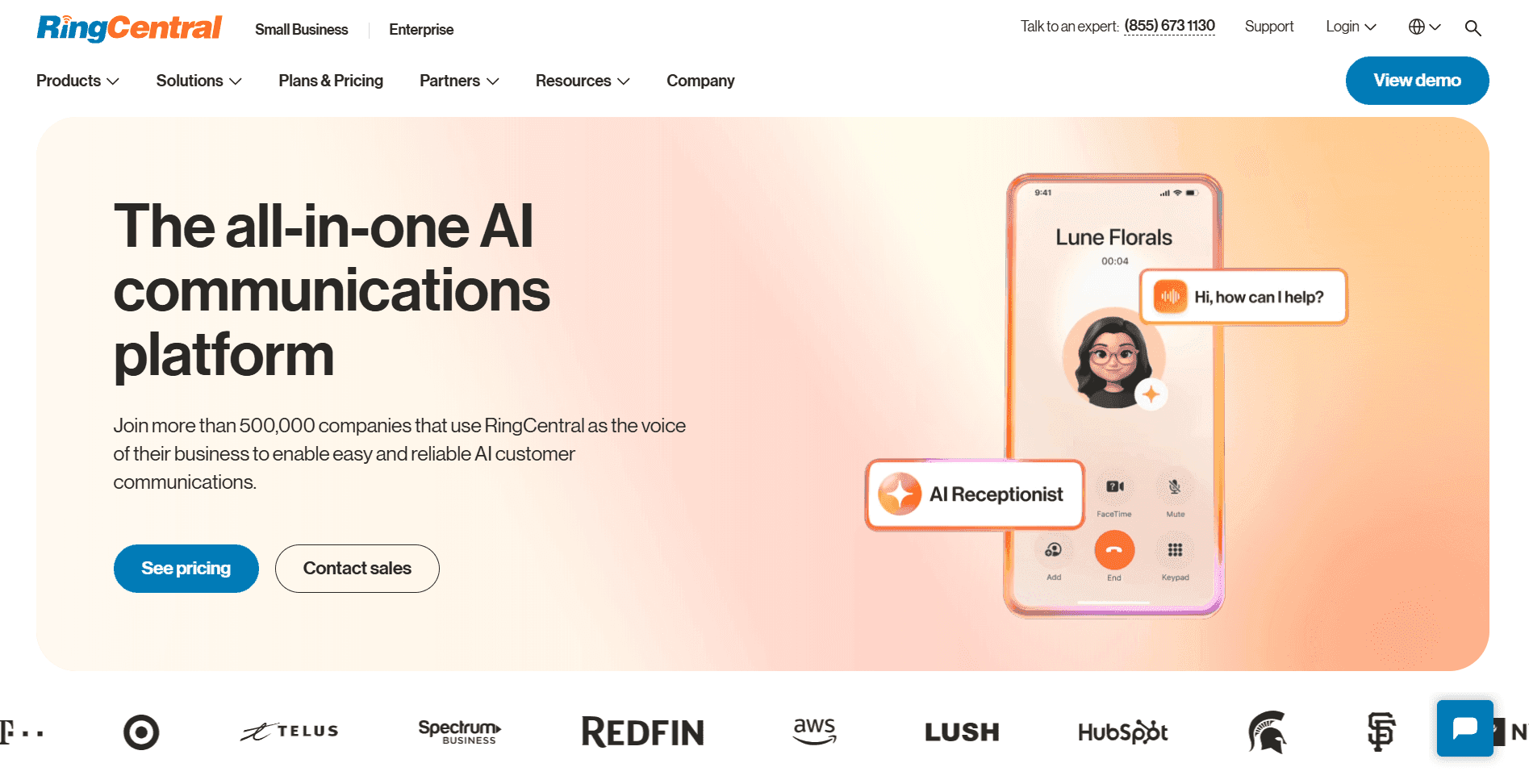
RingCentral is a unified communications platform that combines voice, video, messaging, and contact center capabilities in one system. The platform offers 300+ pre-built integrations, including Salesforce, HubSpot, and Microsoft 365.
What it does: Analytics include live queue monitoring, resource allocation, and performance tracking. AI features come standard across all pricing tiers.
Who it's for: Growing teams that need an all-in-one communication system with analytics included across pricing tiers.
Key features of RingCentral
Unified communications: Calling, messaging, and video in one dashboard. Your team doesn't need to switch between apps.
300+ integrations: RingCentral connects with Salesforce, HubSpot, Microsoft 365, and more without custom development.
Real-time analytics: Live queue monitoring and resource allocation help managers stay on top of operations.
Advanced routing and call recording: These features are available for larger teams that need more sophisticated call handling.
Pros and cons of RingCentral
✅ Pros | ❌ Cons |
Strong global call quality and reliable uptime | Certain customizations and integrations require support to configure |
Excellent reliability and uptime | Video calls lag when screen sharing |
Deep integration library with major CRMs and productivity apps | Troubleshooting complex call flows takes longer than expected |
RingCentral pricing
RingCentral offers three plans: Core at $20/user/month, Advanced at $25/user/month, and Ultra at $35/user/month.
Is RingCentral right for you?
RingCentral fits growing teams that need unified communications first and analytics second. The platform excels at bringing channels together. If your primary goal is sales call analytics, specialized options will serve you better.
8. CloudTalk: Best for inbound-focused teams on a budget
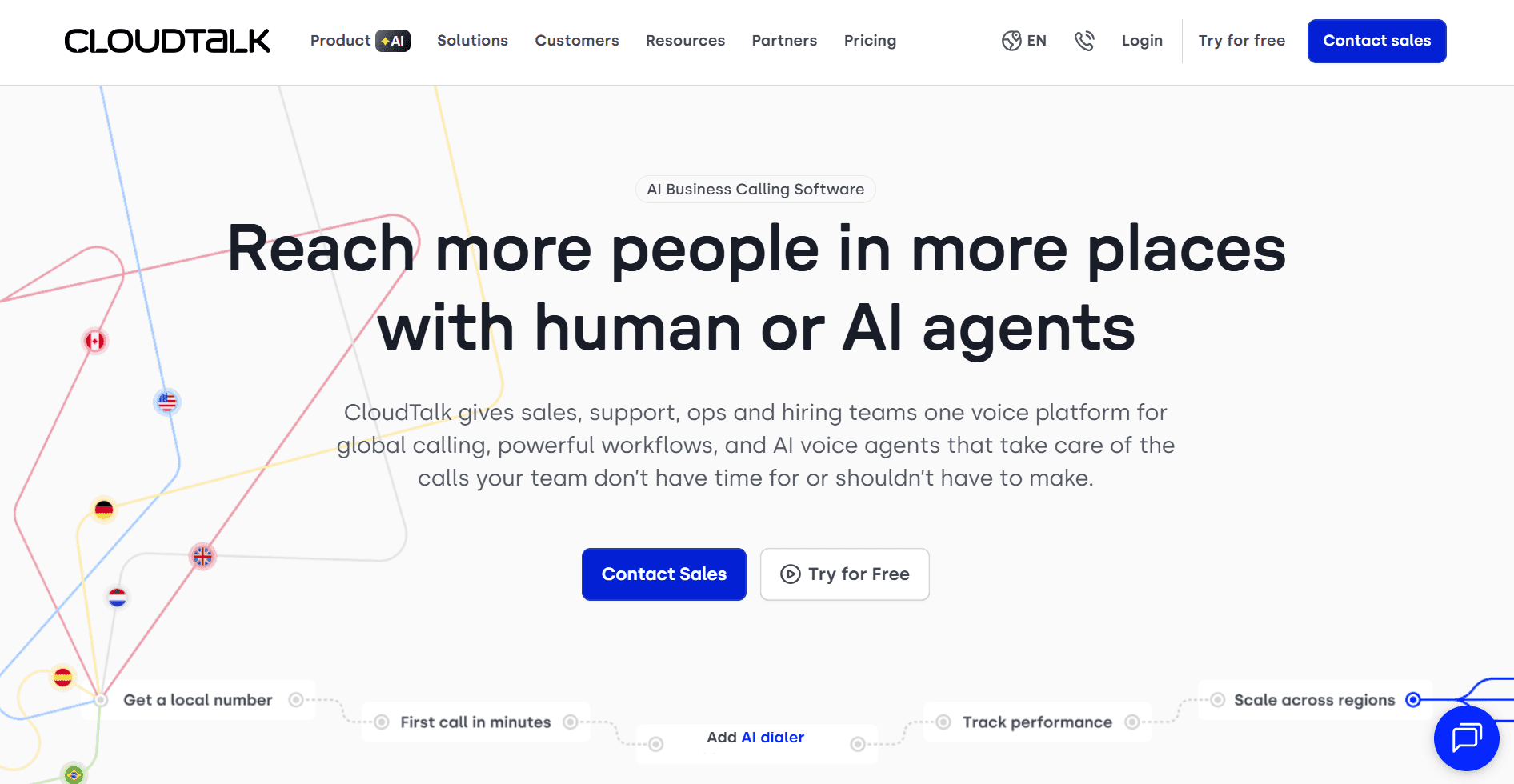
CloudTalk is a voice platform with IVR, call routing, and queue management. The platform integrates with CRMs like HubSpot, Salesforce, and Pipedrive. It offers local and international numbers in 160+ countries.
What it does: CloudTalk tracks call volumes, wait times, and agent activity. Live call monitoring lets managers coach agents in real time.
Who it's for: Teams that prioritize reliable inbound handling and want basic analytics without enterprise complexity or pricing.
Key features of CloudTalk
Call routing and queue management: Strong IVR handles inbound-focused operations with reliability.
Live call monitoring: Managers can monitor and coach agents in real time during calls.
CRM integrations: CloudTalk connects with HubSpot, Salesforce, and Pipedrive without complicated setup.
Basic analytics: Track call volumes, wait times, and agent activity. The essentials. Nothing fancy.
Pros and cons of CloudTalk
✅ Pros | ❌ Cons |
Easy-to-use interface that doesn't require extensive training | Call quality depends heavily on internet connectivity |
Smart routing directs calls based on agent skills | Lag when changing availability status delays call assignments |
Live call monitoring lets managers coach during calls | The desktop app lags when handling multiple outbound calls |
CloudTalk pricing
CloudTalk offers three plans: Lite at $19/user per month, Essential at $29/user per month, and Expert at $49/user per month.
Is CloudTalk right for you?
CloudTalk works well for teams prioritizing reliable inbound handling with basic analytics at an affordable price. If you need conversation intelligence, sentiment analysis, or AI-powered coaching, CloudTalk isn't going to cut it.
9. Aircall: Best for teams needing clean CRM integrations
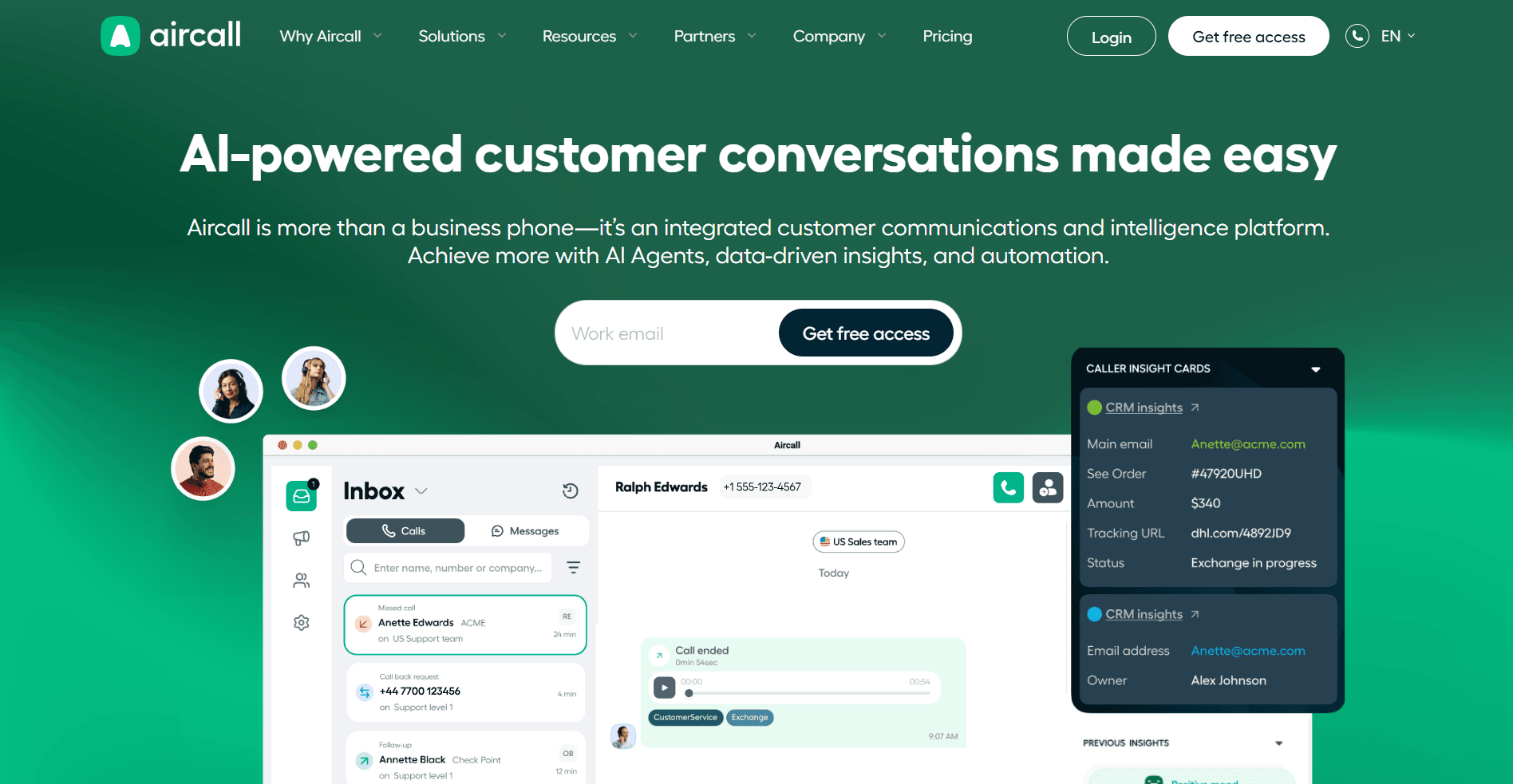
Aircall is a business phone platform with deep CRM integrations, including HubSpot, Salesforce, and Zendesk. The platform provides basic inbound and outbound analytics. Aircall does not focus on power dialers, deep AI tools, or advanced coaching capabilities.
What it does: Aircall offers live call monitoring, shared call inboxes for team collaboration, AI Voice Agent, and AI Assist features. Analytics cover inbound and outbound activity at a basic level.
Who it's for: Sales teams in financial services and healthcare that prioritize smooth integrations and fast setup over advanced analytics.
Key features
CRM integrations: Aircall connects with HubSpot, Salesforce, Zendesk, and more without fighting configuration issues.
Shared call inboxes: Teams collaborate on calls so nothing falls through the cracks.
Live call monitoring: Managers can monitor and coach in real time during customer conversations.
Inbound and outbound analytics: Track activity across both directions. Basic but functional.
Pros and cons of Aircall
✅ Pros | ❌ Cons |
Smooth CRM and help desk integrations | Occasional connection issues, though rare |
Great for team collaboration | No automatic caller ID detection for unnamed numbers |
Fast setup with minimal learning curve | Key features locked behind paywalls |
Is Aircall right for you?
The platform works well for teams that want shared call inboxes and live call monitoring without complex implementation. Teams that need advanced analytics or power dialers should consider other options.
Which call center analytics software should you choose?
The right platform depends on your team size, channel mix, and what you need beyond basic reporting. If the gap is in the raw per-call data rather than the conversation layer, call detail record analysis is a different category of tool. Here's how to think about the decision:
Choose Five9 if you:
Run high-volume outbound campaigns with 50+ reps
Need reliable dialing infrastructure with analytics that scales
Can commit to annual contracts and seat minimums
Choose Genesys if you:
Handle conversations across voice, email, chat, and social
Want AI features like predictive routing included from day one
Have budget for $75+/user/month
Choose CallMiner if you:
Run an enterprise operation with 60+ agents
Need conversation analytics across compliance, fraud, and quality management
Have the budget for six-figure implementations
Choose Level AI if you:
Want QA, coaching, and analytics in one platform
Need real-time agent assist during calls
Can invest time learning a complex interface
Choose Observe.AI if you:
Operate in healthcare or finance with strict compliance requirements
Want AI agents to handle routine calls
Can tolerate accuracy issues in challenging environments
Choose Nextiva if you:
Want telephony and analytics from one vendor
Need historical reporting from service start
Can budget for the Voice Analytics add-on
Choose RingCentral if you:
Need unified communications (voice, video, messaging) first
Want analytics included across all tiers
Don't need deep call center-specific features
Choose CloudTalk if you:
Run inbound-focused operations on a budget
Want basic analytics without enterprise complexity
Don't need advanced conversation intelligence
Choose Aircall if you:
Prioritize CRM integrations and ease of use
Don't need advanced analytics or power dialers
Add Alpharun if you:
Run a high-volume B2C sales floor with 50+ reps
Want custom playbooks built from your actual best performers' calls
Operate in regulated industries like Medicare, insurance, or home services where compliance scoring matters
Need managers to coach smarter without listening to every call
Turn your analytics into coaching that closes deals
Your manager pulls up the dashboard, and the story is familiar. Conversion is down, handle times are creeping up, and a few reps are clearly struggling. The data is all there, but nobody knows what to actually tell them to fix it.
This is the gap every sales floor hits eventually. Analytics platforms track the numbers, but they don't capture why your best reps win or how to teach those behaviors to everyone else. That knowledge stays locked in a few people's heads, invisible to managers and impossible to scale. Closing it takes a real-time QA and sales coaching layer sitting on top of the dashboard, not more metrics inside it.
Alpharun connects to Five9, Genesys, and other platforms to find what's actually working in your calls and turn it into coaching every rep can use. The setup takes about a week, and you keep your existing contact center for routing and recording while the coaching layer sits on top.
What Alpharun adds to your analytics stack
Custom playbooks from your calls: Builds a playbook specific to your team based on what your best reps actually do.
Sentence-level coaching during live calls: Reps see what to say next, not in a review days later.
100% QA coverage: Every call is automatically scored against your standards.
Compliance built into scoring: Recording disclosures and qualification rules included. SOC 2 Type 2 compliant for Medicare and insurance teams.
Managers coach smarter: Weekly rollups show where to focus. Reps get short coaching notes after each call.
Alpharun finds the moments that matter in your best calls and turns them into guidance your whole team can follow. AI agents take over tasks like scheduling and after-hours qualification, giving your reps more time for conversations that drive revenue.
Book a demo to see how Alpharun scales winning behaviors across every rep.

