We tested 7 sales call recording software tools. See which ones help with QA, coaching, compliance, and real call center performance.

Recording every sales call is standard practice. The sales call recording software that earns its place on your stack goes further, delivering QA automation, coaching workflows, and compliance monitoring that drive revenue.
7 best sales call recording software tools: quick comparison
💻 Tool | ⚡ Strengths | 🎯 Best for | 💰 Starting price |
Observe.AI | Automated QA, real-time agent assist, sentiment analysis | QA at scale in regulated industries | Contact for pricing |
NICE CXone | 100% interaction recording, enterprise WFM, 40+ cloud apps | Enterprise compliance and QA | $110/agent/month |
CallMiner | Speech analytics, compliance monitoring, trend analysis | Speech analytics in regulated industries | Contact for pricing |
Invoca | Multi-channel call attribution, Signal AI, ad integrations | Marketing call attribution | Contact for pricing |
Talkdesk | AI automation, omnichannel, industry-specific clouds | AI-driven omnichannel contact centers | $85/user/month |
Balto | Real-time prompts, compliance checklists, live QA | Real-time guidance on compliance calls | Contact for pricing |
Verint | Open platform, AI bots, workforce engagement | Enterprise compliance recording | Custom pricing |
How we researched and tested these sales call recording software tools
We looked at how these tools perform in real call center environments, beyond what’s listed on feature pages.
We also reviewed official product pages, checked user feedback on G2 and Capterra, and verified pricing directly from vendor sites.
We focused on what matters in production:
Features: How recording, QA, and coaching work in real workflows
Compliance: Whether the tool flags risky language and supports regulated industries like Medicare and insurance
Integrations: Compatibility with dialers like Five9 and Genesys
Pricing: Cost per agent based on official vendor data
Use cases: Performance in high-volume B2C sales environments
This showed us which tools actually work when your team is dealing with real call volume and needs things to run smoothly.
1. Observe.AI: best for automated QA at scale
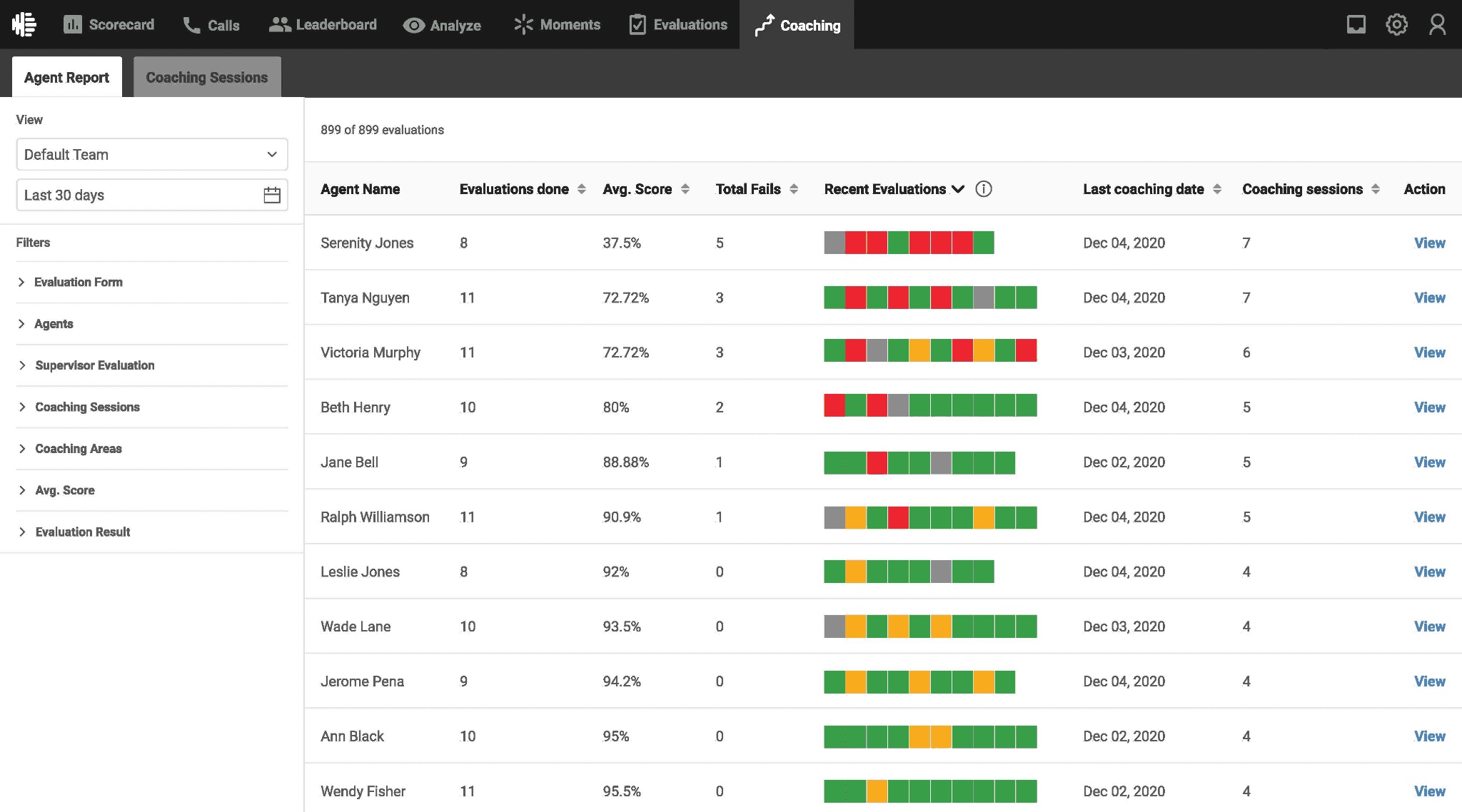
What it does: Observe.AI records and analyzes sales calls at scale, then automates QA and provides real-time guidance to agents during live conversations.
Best for: High-volume B2C teams in insurance, financial services, and healthcare that need call recording with built-in QA and compliance visibility.
Observe.AI captures and processes every call, so managers can review performance across the entire team instead of relying on samples. Calls are automatically scored against your rubric, giving a consistent view of how agents handle conversations.
During live calls, real-time assist surfaces prompts to help agents stay aligned with scripts and compliance requirements. This is especially useful in regulated sales environments where specific phrasing matters.
Sentiment analysis and compliance monitoring run across recorded calls, helping teams quickly identify conversations that need follow-up or coaching.
Key features
Automated QA scoring: Every call is evaluated against custom rubrics
Real-time agent assist: Prompts surface during live calls
Compliance monitoring: Flags risky phrases across the full call volume
Post-call coaching recommendations: Insights tied to specific calls
Integrations: Works with platforms like Five9 and Genesys
✅ Pros | ❌ Cons |
100% call scoring gives full visibility across the team | Limited transparency on pricing |
Real-time assist supports agents during live calls | Requires setup to define effective QA rubrics |
Strong compliance coverage for regulated sales | Coaching depth depends on how insights are used |
Pricing
Observe.AI doesn’t publish pricing. You need to request a demo to get a quote.
What users say
Pro: “It breaks down calls into clear categories so I can quickly find team weaknesses and plan coaching… it saves me a lot of time and improves how I support my team.” — Verified User in Consumer Services, G2
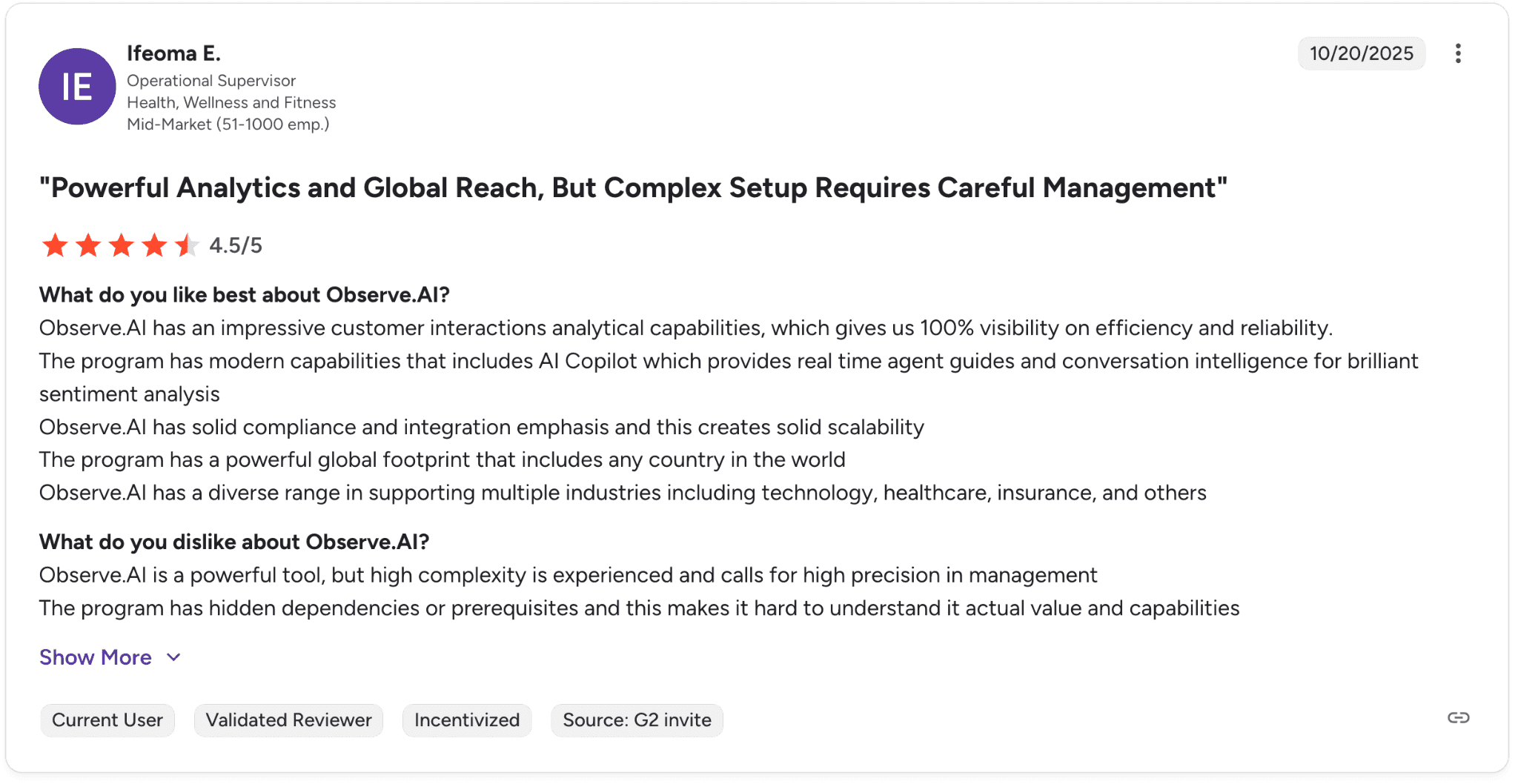
Con: “The platform is powerful, but the setup is complex and requires careful management… hidden dependencies make it harder to fully understand its value.” — Verified User in Health, Wellness and Fitness, G2
Our thoughts
Observe.AI works well if you need full visibility across your sales calls and want QA to scale without adding headcount. It helps you see how reps are actually performing and catch issues early.
It’s especially useful in regulated environments where sticking to scripts matters. The insights are useful, but turning them into consistent coaching still depends on how your team operates day-to-day.
2. NICE CXone: best for enterprise compliance and QA at scale
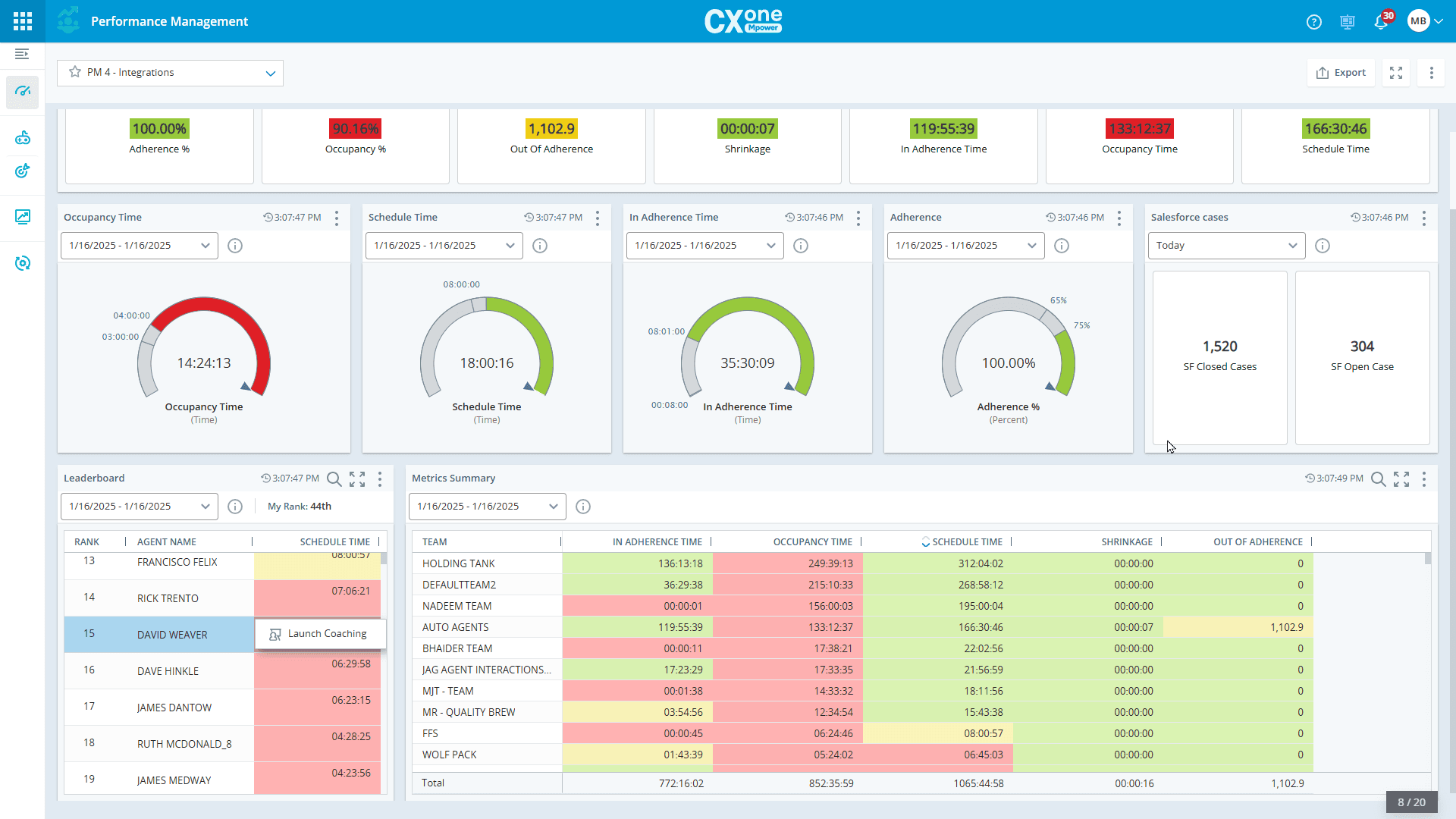
What it does: NICE CXone records and analyzes sales calls across voice and digital channels, then uses AI to evaluate performance and surface insights across your operation.
Best for: Large B2C enterprises in regulated industries that need full call recording with built-in compliance and QA at scale.
NICE CXone captures every interaction and processes it through its AI layer to evaluate agent performance and flag issues. Managers get visibility across all calls without relying on sampling.
The platform also includes workforce management, analytics, and a wide set of built-in tools, making it a central system for large contact center operations.
Key features
100% interaction recording: Every call is captured for compliance and review
AI quality management: Automated scoring and performance insights
Interaction analytics: AI surfaces patterns across conversations
Automated notetaking: Instant summaries after calls
Workforce management: Forecasting and scheduling tools built in
Pros and cons
✅ Pros | ❌ Cons |
Full call recording supports strict compliance requirements | Built for enterprise. May be heavy for smaller teams |
Strong AI-driven QA and analytics across all calls | Studio scripting can feel slow and harder to work with |
All-in-one platform with workforce management included | Requires dedicated admin resources to manage effectively |
What users say
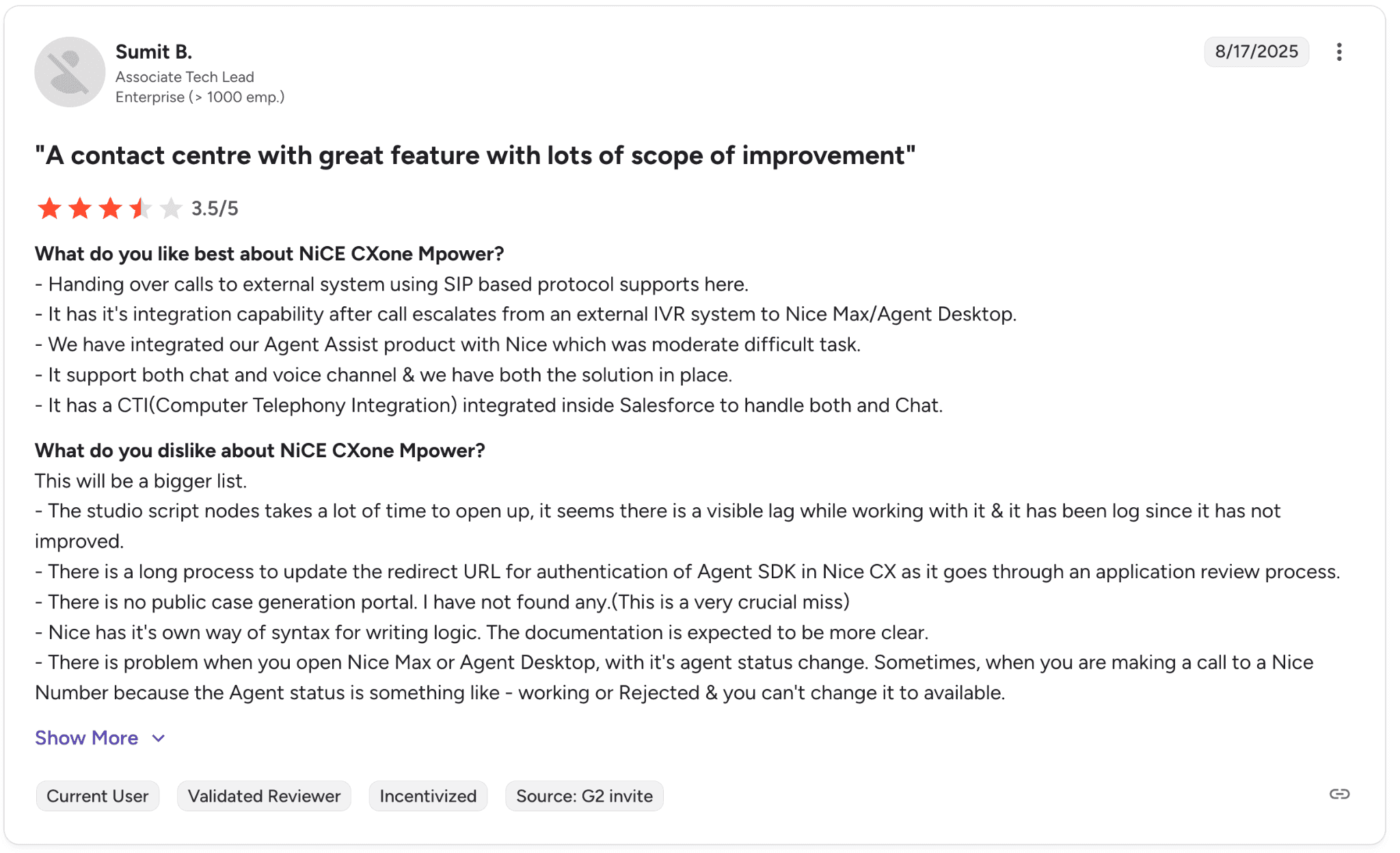
Pro: “It supports both chat and voice channels with strong integration capabilities… making it easier to manage calls and connect systems like Salesforce.” — Verified User in Enterprise, G2
Con: “There are occasional delays when switching between features, and the call detail reporting tools could offer more customization… improvements in speed and flexibility would make it even better.” — Verified User in Enterprise, G2
Pricing
NICE CXone starts at $110 per agent per month for the Omnichannel Suite and goes up to over $249 per agent per month for the Ultimate Suite. Contact NICE for full pricing details.
Our thoughts
NICE CXone works best for large teams that need full control over call recording, compliance, and operations in one place. It gives leadership a complete view of what is happening across the floor.
It makes the most sense when you have the scale and resources to manage a platform of this size. For teams focused mainly on improving rep performance through call data, the scope may feel broader than what’s needed.
3. CallMiner: best for speech analytics in regulated industries
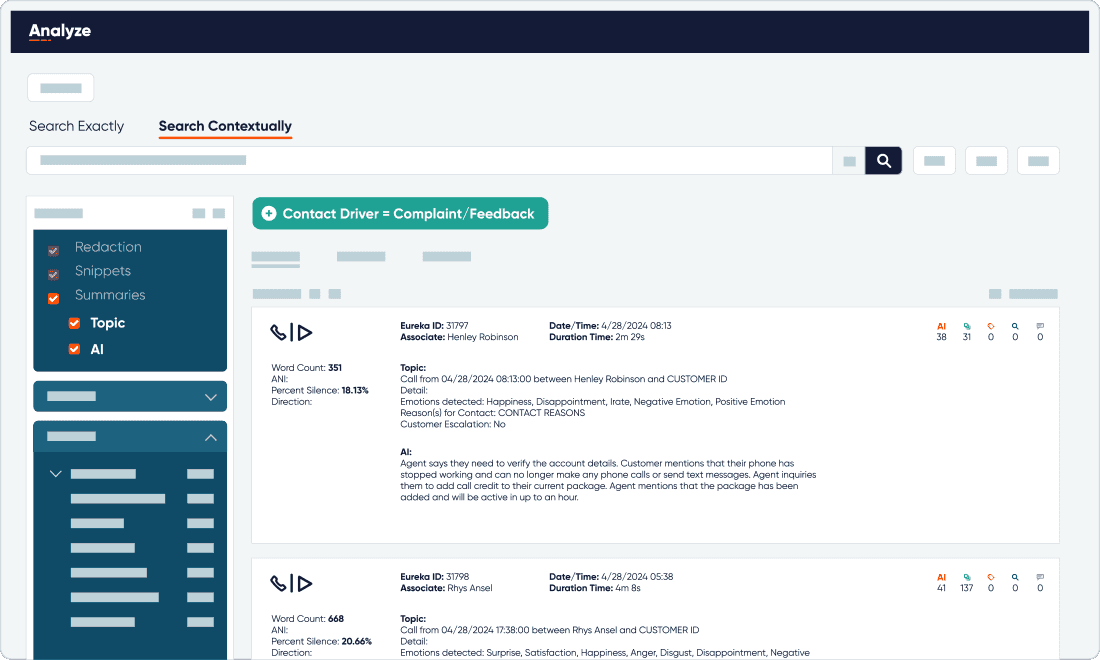
What it does: CallMiner records and analyzes sales calls using speech analytics to surface compliance risks, coaching opportunities, and performance trends.
Best for: B2C contact centers in financial services, insurance, healthcare, and utilities that need call recording with strong compliance monitoring across large volumes.
CallMiner processes every recorded call and flags issues like missing disclosures or risky language. It gives teams a clear view of where conversations are going off track and where agents need support.
It also surfaces patterns across thousands of calls, helping teams understand what is happening at scale instead of reviewing calls one by one.
Key features
Speech analytics at scale: Analyzes 100% of recorded calls
Compliance monitoring: Flags risky phrases and missing disclosures
Coaching and feedback modules: Feedback tied to specific call moments
Trend analysis: Identifies patterns across large call volumes
Pros and cons
✅ Pros | ❌ Cons |
Deep compliance monitoring for regulated industries | Pricing not publicly available |
Full call analysis across all interactions | Requires setup to tune speech models and rules |
Strong track record in insurance and healthcare | The interface can take time to learn |
What users say
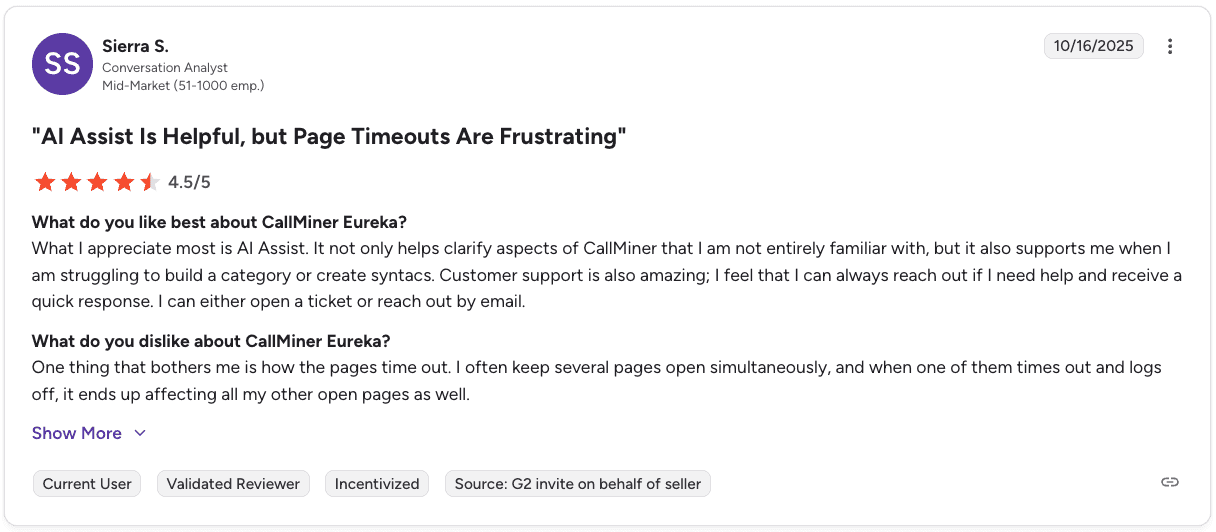
Pro: “AI Assist helps clarify features and makes it easier to build categories or syntax… plus customer support is responsive and easy to reach when needed.” — Verified User in Mid-Market, G2
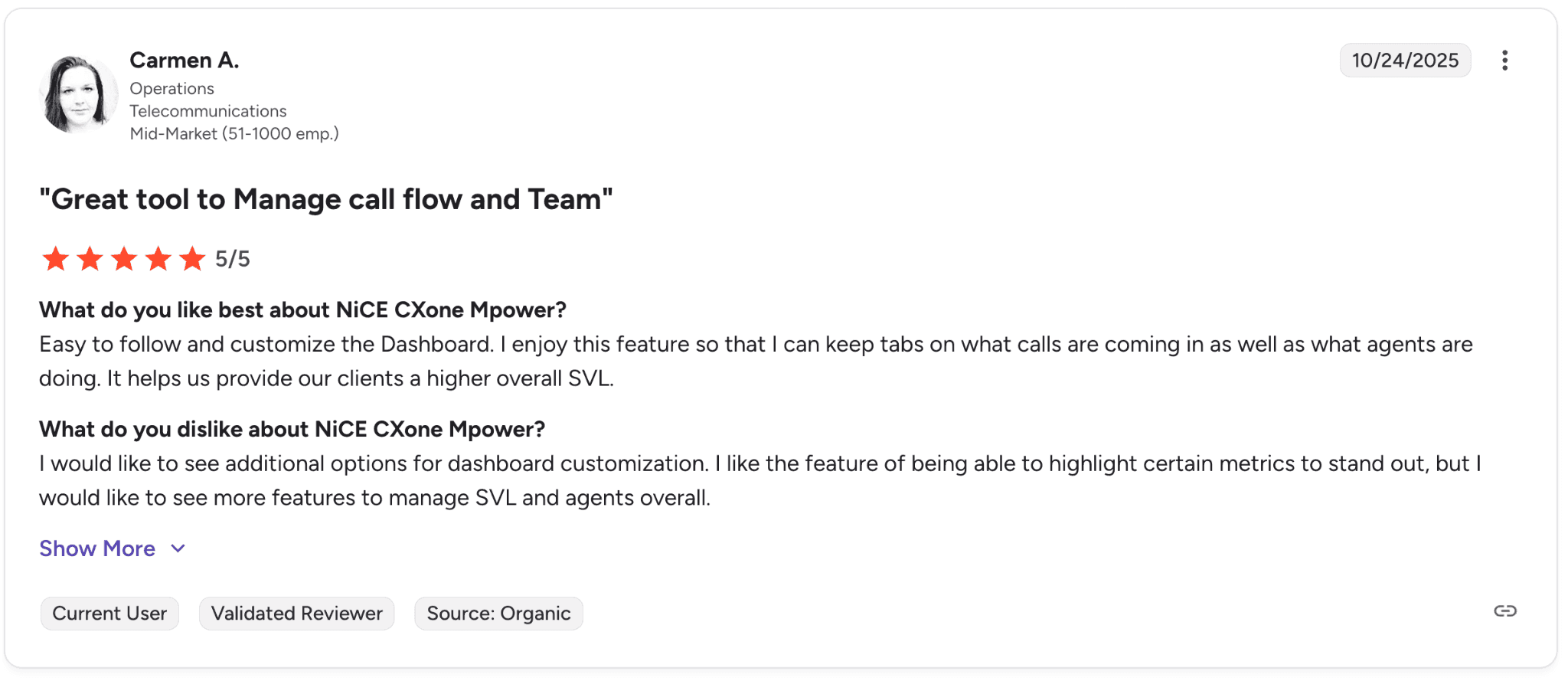
Con: “I would like to see more options for dashboard customization… especially more features to better manage metrics like SVL and overall agent performance.” — Verified User in Telecommunications, G2
Pricing
CallMiner doesn’t publish pricing. You need to request a demo to get a quote.
Our thoughts
CallMiner is strongest when compliance drives your operations. It gives you a clear way to track how often required disclosures are missed and where risk shows up across your call volume.
It’s especially useful for teams that need to report on compliance, audit conversations, or prove adherence over time. The value shows up in visibility and coverage across thousands of calls.
4. Invoca: best for marketing call attribution
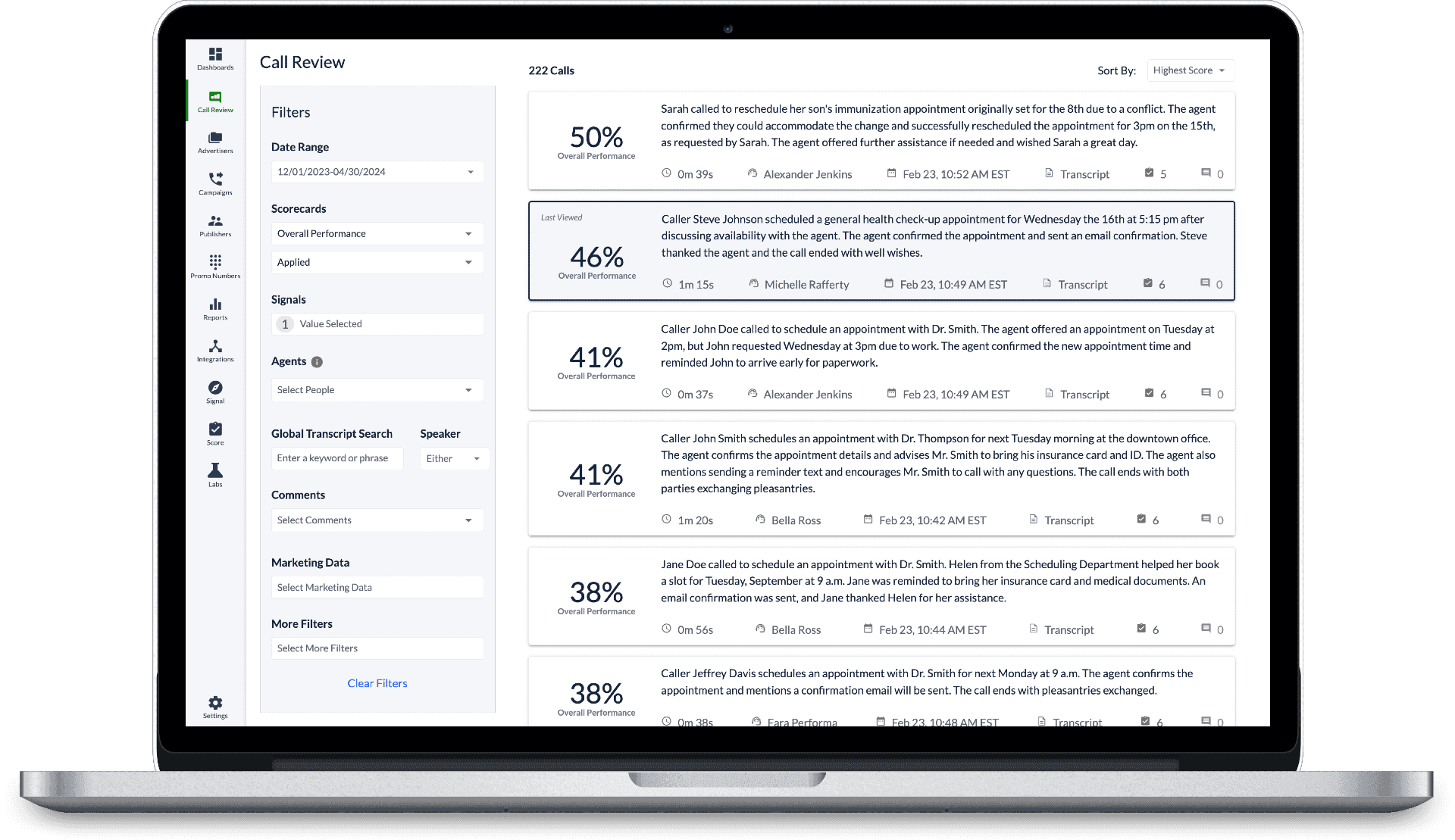
What it does: Invoca records and tracks inbound sales calls, then ties each call back to its originating marketing source and analyzes outcomes with AI.
Best for: B2C marketing and revenue teams that need call recording with attribution to understand which campaigns drive qualified calls and conversions.
Invoca connects each inbound call to the full customer journey, from keyword or ad to the final conversation. This gives teams visibility into which channels are generating high-intent calls.
Its AI layer classifies call outcomes, so teams can see which campaigns drive actual conversions rather than just call volume. That data feeds back into ad platforms to improve targeting and bidding.
Key features
Multi-channel call attribution: Tracks the full path from ad to call
Signal AI analytics: Classifies call outcomes and quality
Ad platform integrations: Sends conversion data back to platforms like Google Ads
Pay-per-call management: Tracks campaigns, partners, and payouts
AI Messaging Agent: Connects SMS and phone interactions to marketing sources
Pros and cons
✅ Pros | ❌ Cons |
Attribution down to the keyword and campaign level | Focused on marketing, not sales coaching or QA |
AI identifies which calls convert | Requires marketing setup to get full value |
Strong integrations with ad platforms | Pricing not publicly available |
What users say
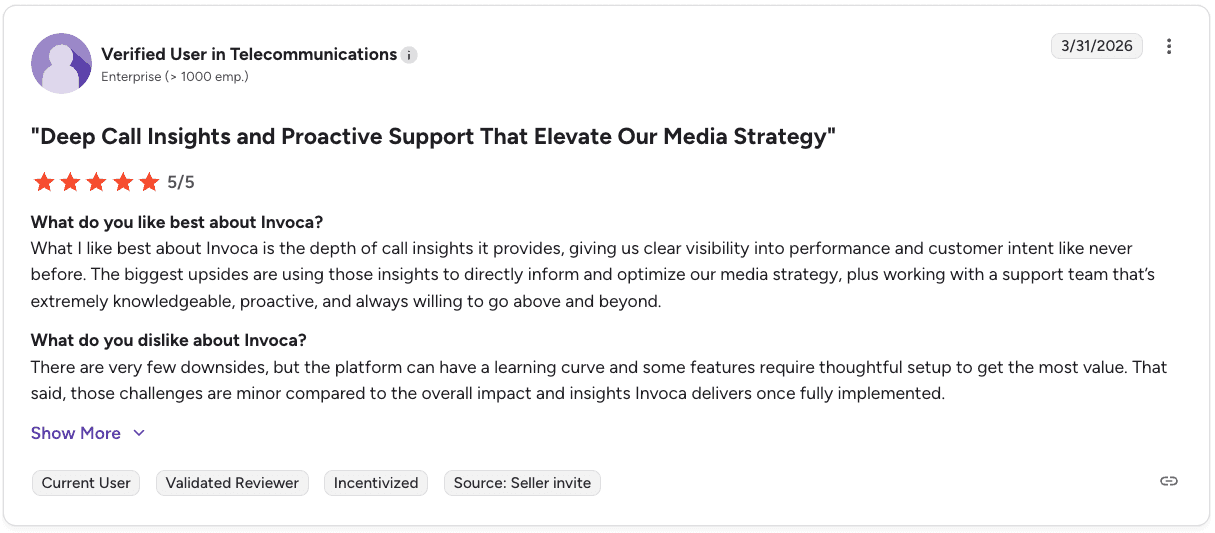
Pro: “The depth of call insights gives clear visibility into performance and customer intent… helping us optimize our media strategy with support that goes above and beyond.” — Verified User in Telecommunications, G2
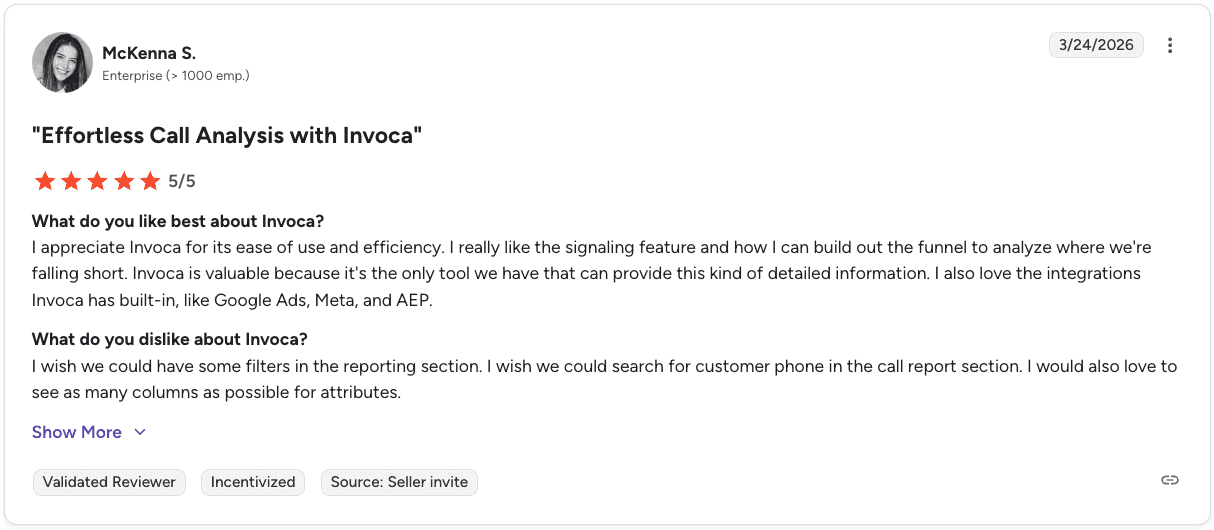
Con: “The reporting section needs better filters and search… it would help to easily find customer phone numbers and customize columns for deeper analysis.” — Verified User in Enterprise, G2
Pricing
Invoca doesn’t publish pricing. You need to contact their team to get a quote.
Our thoughts
Invoca is strongest when your biggest question is which campaigns are actually driving revenue through calls. It gives you a clear way to connect ad spend to real conversations, not just clicks or form fills.
The value shows up when you are making budget decisions. You can see which channels bring in high-intent callers and which ones generate noise.
If your challenge sits inside the call itself, like improving how reps handle conversations or increasing close rates, Invoca will not cover that layer.
5. Talkdesk: best for AI-powered omnichannel contact centers
What it does: Talkdesk records and manages sales calls across voice and digital channels, then uses AI to automate interactions and surface insights across the customer journey.
Best for: Enterprise B2C teams that need call recording within a broader omnichannel contact center platform.
Talkdesk brings call recording into a larger system that handles service, sales, and support across multiple channels. Teams can manage voice, chat, and messaging in one place while capturing and analyzing conversations.
Its AI layer helps automate parts of the interaction and provides visibility into customer behavior across touchpoints.
Key features
AI agents across the customer journey: Automates service and sales workflows
Omnichannel engagement: Voice and digital channels in one platform
AI-driven analytics: Insights across interactions
Industry Experience Clouds: Prebuilt workflows for key industries
Low-code and no-code customization: Build workflows with Talkdesk Builder
Pros and cons
✅ Pros | ❌ Cons |
Low-code customization for workflows | Licensing can get complex as you scale |
Strong infrastructure for large contact centers | Setup can take time and resources |
Prebuilt industry solutions | Stability issues reported during peak usage |
What users say
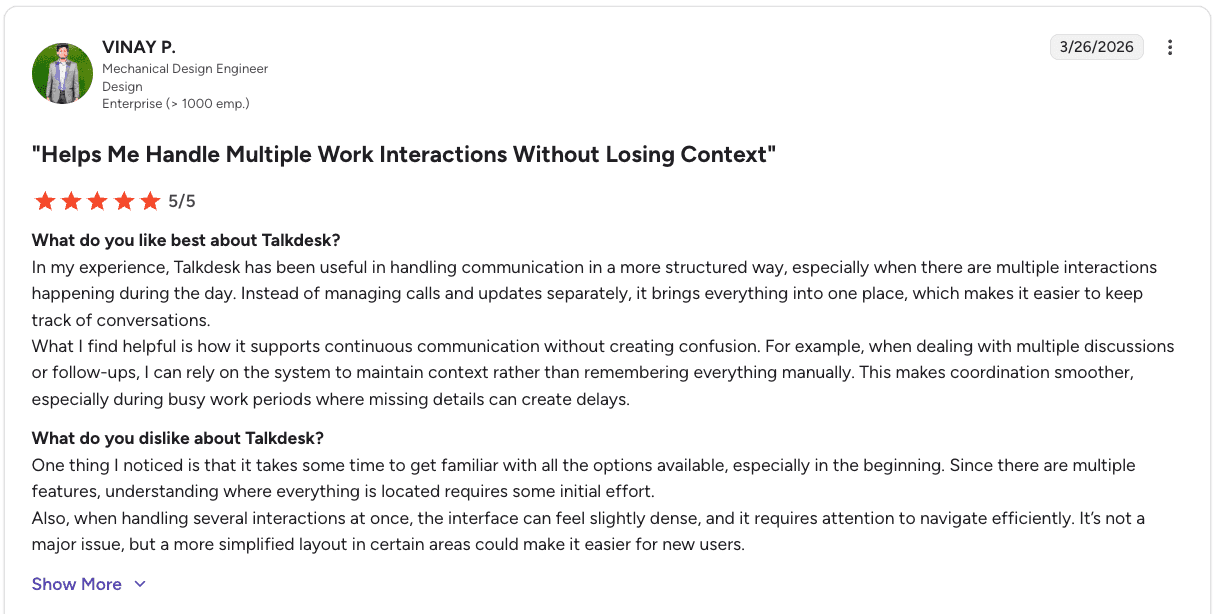
Pro: “It works most of the time and integrates well with Salesforce… it’s straightforward, efficient, and easy to use.” — Verified User in Hospital & Health Care, G2
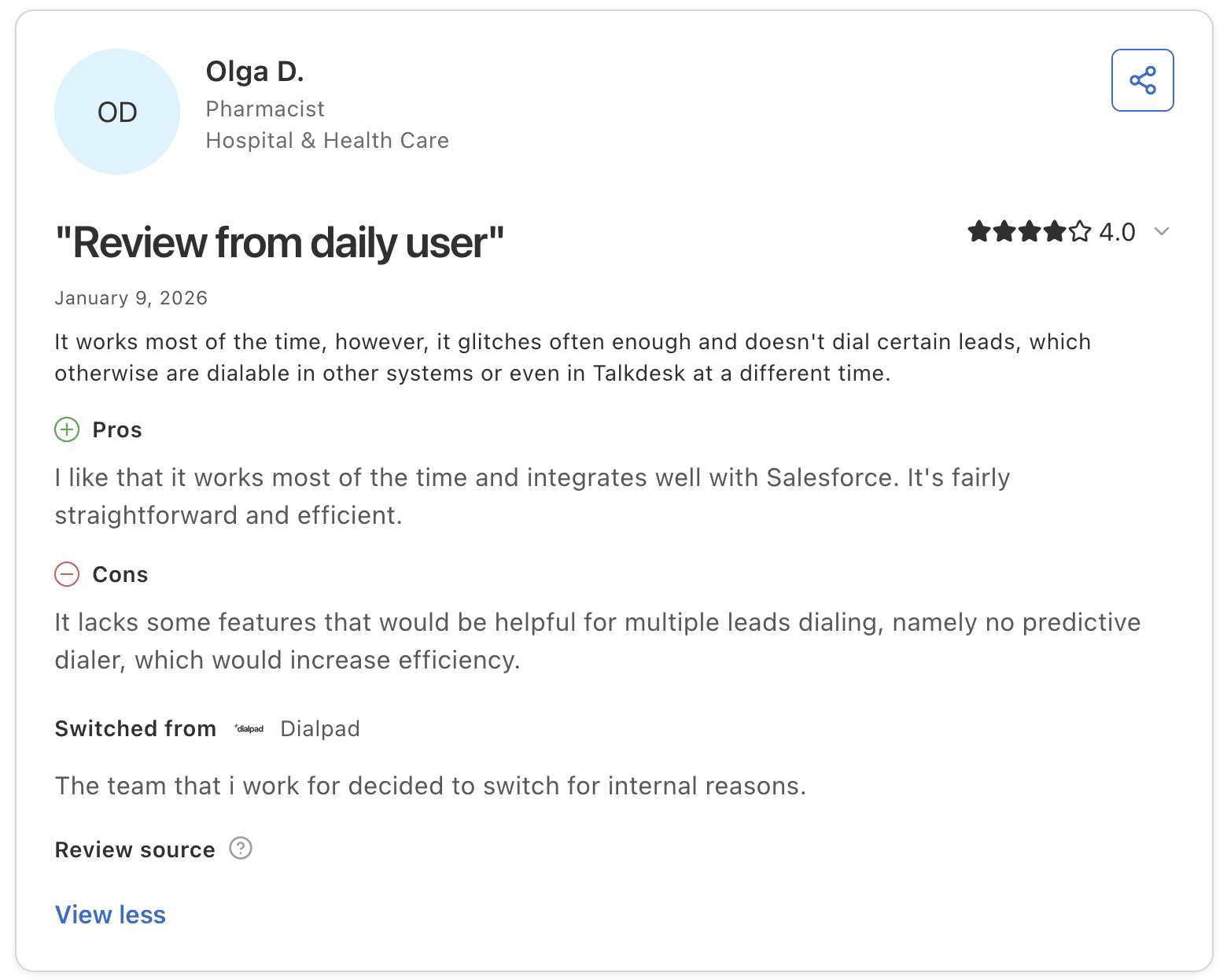
Con: “It glitches often and misses dialing some leads… plus it lacks features like a predictive dialer that would improve efficiency.” — Verified User in Hospital & Health Care, Capterra
Pricing
Talkdesk pricing starts at $85 per user per month for digital-only plans and goes up to $255 per user per month for a custom build specific to your industry.
Industry-specific plans with advanced workflows and compliance features can reach around $225 per user per month, depending on your setup and add-ons.
Our thoughts
Talkdesk is a fit when you are building or running a full contact center and need call recording as part of a larger system. It gives you one place to manage conversations across channels and automate parts of the customer journey.
It makes the most sense when your focus is on infrastructure and operations across teams.
6. Balto: best for real-time guidance on live calls
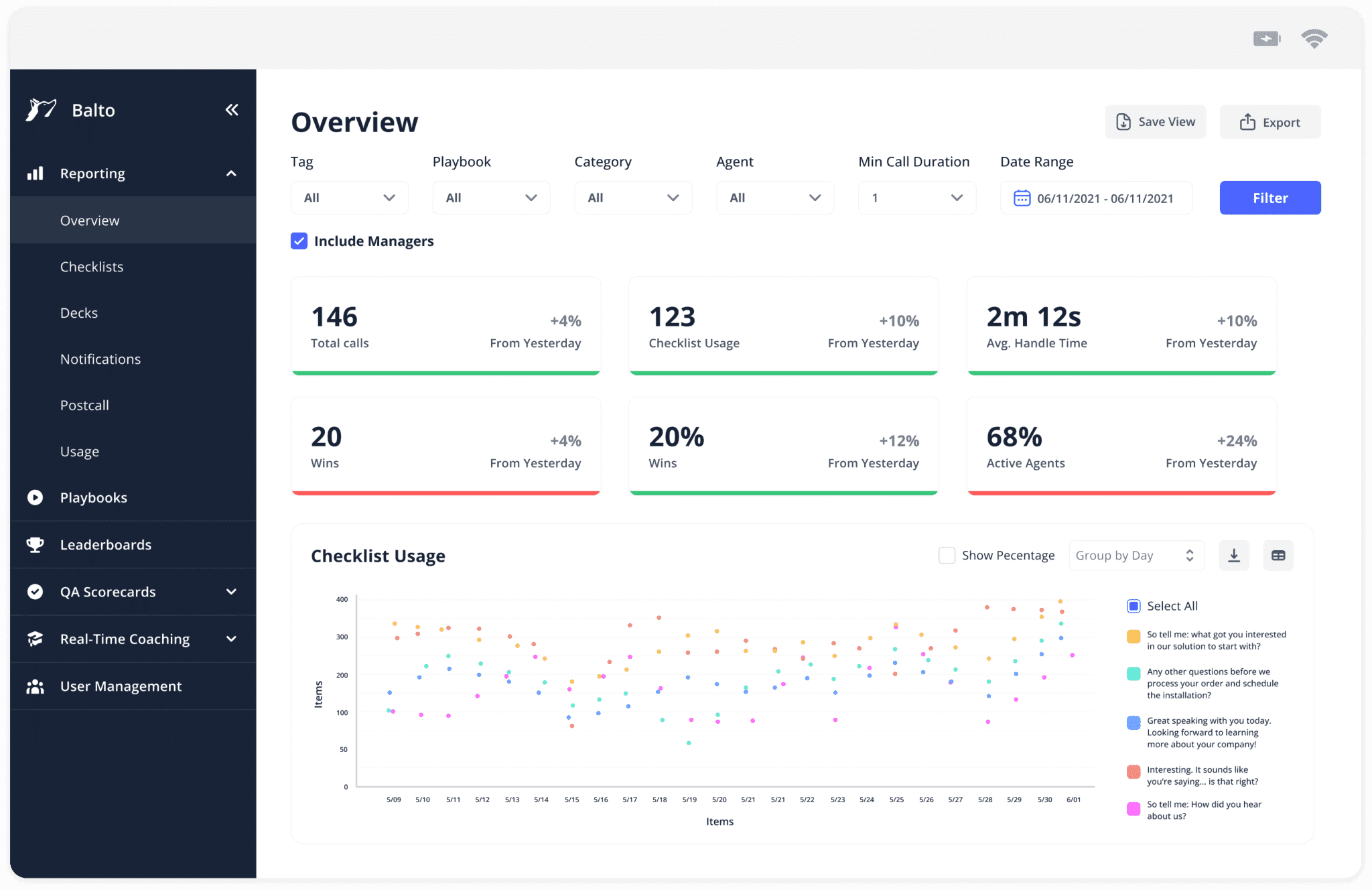
What it does: Balto records and monitors sales calls in real time, then provides on-screen guidance to help agents handle conversations as they happen.
Best for: B2C teams in insurance and financial services that rely on scripts and need agents to stay aligned during live calls.
Balto listens to calls as they happen and surfaces prompts directly on the agent’s screen. It helps agents handle objections, follow scripts, and complete required disclosures during the conversation.
Managers also get visibility after the call through automated QA scoring, without needing to review calls manually.
Key features
Real-time on-screen prompts: Guidance based on what the customer says
Compliance checklists: Prompts for required disclosures on every call
QA automation: Post-call scoring across all interactions
Integrations: Works with major dialers and CCaaS platforms
Pros and cons
✅ Pros | ❌ Cons |
Real-time prompts help agents stay aligned during calls | Pricing not publicly available |
Strong fit for compliance-heavy sales scripts | Focus is on live guidance over deeper coaching workflows |
Reduces manual QA effort for managers | Requires clear scripting to get full value |
What users say
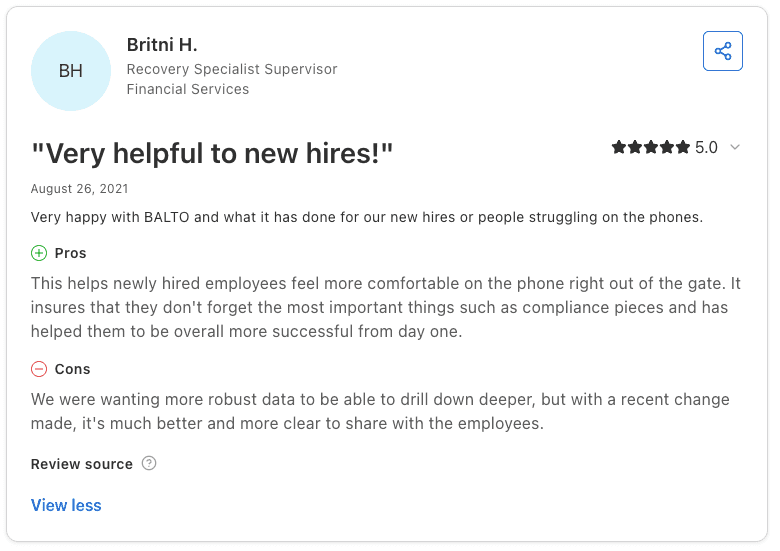
Pro: “It helps new hires feel more comfortable on the phone right away… ensuring they don’t miss key compliance points and become successful from day one.” — Verified User in Financial Services, Capterra
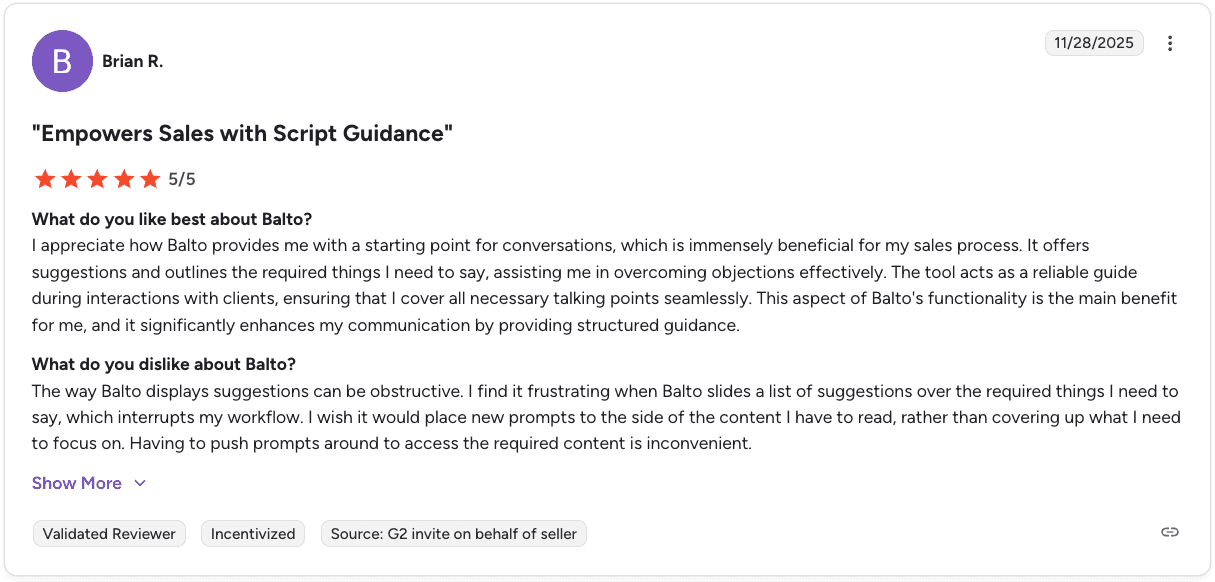
Con: “The suggestions can feel obstructive… they sometimes cover important content and interrupt my workflow, making it harder to focus.” — Verified User, G2
Pricing
Balto doesn’t publish pricing. You need to request a demo to get a quote.
Our thoughts
Balto works well when you need agents to stay consistent during live calls and follow scripts closely. It helps guide conversations in real time and reduces the chance of missed steps or disclosures.
It fits best for teams running structured sales calls where consistency and compliance during the conversation matter most.
7. Verint: best for enterprise compliance recording and data management
What it does: Verint records and captures interactions across voice and digital channels, then centralizes that data for compliance, storage, and analysis.
Best for: Large B2C enterprises in financial services, healthcare, and telecom that need compliance-grade call recording with centralized interaction data management.
Verint focuses on capturing and managing interaction data across all channels. This includes voice calls, video, chat, social messaging, and platforms like Microsoft Teams and Zoom.
All interaction data is stored in one place, making it easier to access, replay, and audit conversations. Verint also supports recording across multiple systems and ACDs, including third-party tools, so teams can unify data without replacing their existing setup.
Key features
Multichannel recording: Captures voice, video, chat, social, and collaboration tools
Centralized data management: Stores and indexes all interaction data in one place
Open platform ingestion: Pulls in recordings from multiple systems and third-party tools
Compliance workflows: Supports legal hold, deletion, export, and audit requirements
Enterprise-grade security: AES-256 encryption and support for global compliance standards
Pros and cons
✅ Pros | ❌ Cons |
Captures interactions across a wide range of channels | Pricing is custom and not publicly available |
Centralizes data for easier access and compliance | Setup and configuration can take time |
Strong support for regulated industries | Platform depth can require onboarding effort |
What users say
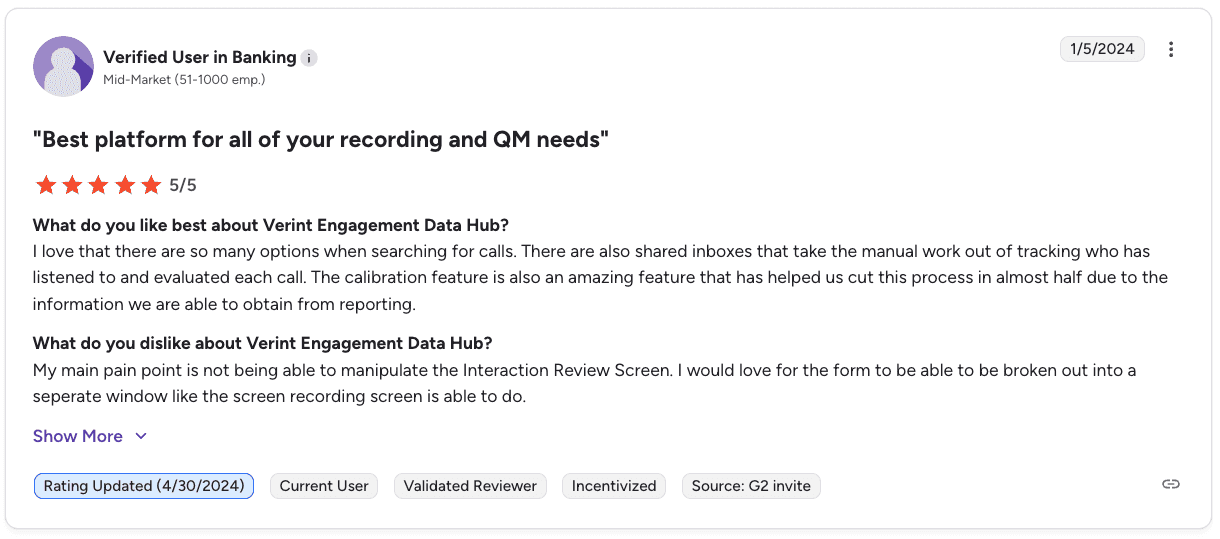
Pro: “There are many options for searching and evaluating calls… shared inboxes and calibration tools help save time and improve reporting efficiency.” — Verified User in Banking, G2
Con: “The program can freeze or struggle to navigate back to previous pages… and transcription accuracy isn’t always reliable.” — Verified User in Banking, G2
Pricing
Verint uses custom enterprise pricing. You need to contact their team for a quote.
Our thoughts on Verint
Verint is built for teams that need to capture and manage every interaction across channels in one place. It gives you control over recording, storage, and compliance without forcing a full system change.
It fits best when recording, auditability, and data access are critical to how your operation runs.
Which sales call recording software should you choose?
The right tool depends on where your biggest bottleneck is. Most teams don’t need everything. They need the one layer that is currently slowing them down. Choose based on what you are trying to fix. If the bottleneck is reporting on what recording already captures, call center reporting platforms sit one layer up.
Choose Observe.AI if you:
Need visibility across every call without expanding QA headcount
Want structured scoring and compliance coverage at scale
Care about consistency across a large team
Choose NICE CXone if you:
Are building or running a full contact center infrastructure
Need recording, QA, workforce management, and analytics in one system
Have the resources to manage a large enterprise platform
Choose CallMiner if you:
Need to monitor compliance closely across all conversations
Want to track disclosures, risk, and regulatory adherence
Operate in a highly regulated environment where audits matter
Choose Invoca if you:
Want to understand which marketing channels drive calls that convert
Need attribution from ad spend to actual phone conversations
Make budget decisions based on call outcomes
Choose Talkdesk if you:
Want call recording as part of a broader omnichannel setup
Need to manage voice and digital interactions in one place
Are focused on infrastructure and automation across teams
Choose Balto if you:
Need agents to follow scripts closely during live calls
Want real-time prompts to guide conversations
Care about reducing mistakes in compliance-sensitive scripts
Choose Verint if you:
Need to capture and store every interaction across channels
Require strong auditability and compliance-grade recording
Want to centralize data without replacing your existing systems
Skip all these tools if you:
Have fewer than 20 reps and low call volume
Don’t have compliance requirements or structured scripts
Only need basic call logging without analysis or enforcement
How to think about it
Most teams start with recording and add layers later. In practice, value comes from what you do with the calls:
If you need visibility → QA tools
If you need control → Real-time guidance
If you need insights → Analytics and attribution
If you need improvement → Coaching systems
Focus on what’s slowing your team down right now and choose the tool that solves that, not the one with the most features. If the gap is coaching rather than capture, that is a separate layer: Alpharun’s real-time QA scoring and coaching workflow grades every recorded call and turns the result into weekly priorities per rep.
Final verdict
NICE CXone and Verint are better suited for large teams that need compliance-grade recording along with full operational control across the contact center.
If your focus is more on QA and getting visibility into how calls are handled across the team, Observe.AI and CallMiner tend to fit that need more closely.
For teams that care about what happens during the call itself, Balto is built to guide agents in real time. Talkdesk makes more sense when you are building out a full omnichannel contact center and want everything in one place.
Invoca sits in a different category, helping marketing teams understand which campaigns are actually driving calls that convert.
What to do with your recordings once you have them
Most teams already have more call recordings than they can use. They get reviewed occasionally, but they don’t really change how the team sells. What works stays with top reps instead of spreading.
As volume grows, it gets harder to keep up. Alpharun takes those calls and turns them into something the team can actually use.
Alpharun surfaces what your best reps are doing, then turns that into coaching reps get right after their calls. Managers get a clear view of where people need help without digging through recordings.
What Alpharun adds on top of your recordings:
Playbooks built from how your team actually sells: Turns patterns from your top reps into a repeatable framework the rest of the team can follow
Feedback tied to exact moments in real calls: Reps see what to improve and where it happened, not just a generic score
Scoring across every call: Evaluates performance consistently, including compliance steps and qualification
Fast setup with Five9 and Genesys: Connects to your existing dialer without a long rollout
SOC 2 Type 2 for regulated teams: Meets security and compliance requirements for industries like Medicare and insurance
If you’re already recording calls, this is how you start getting real value from them. Book a demo to see it in action.
Frequently asked questions
1. What is sales call recording software?
Sales call recording software captures and stores conversations between sales reps and customers. It often includes analysis features like QA scoring, compliance monitoring, and coaching insights to help teams improve performance.
2. What’s the difference between sales call recording software and a contact center platform?
The main difference between sales call recording software and a contact center platform is scope.
Recording software focuses on capturing and analyzing calls, while platforms like NICE CXone or Talkdesk handle routing, workforce management, and omnichannel communication alongside recording.
3. Do these tools integrate with Five9 and Genesys?
Yes, many sales call recording tools integrate with Five9 and Genesys. Availability depends on the vendor, so it’s best to confirm integration support before purchasing.
4. What compliance features should call centers look for in call recording software?
Call centers should look for phrase-level monitoring, disclosure tracking, and secure call storage. These features help teams meet regulatory requirements and maintain audit-ready records.
5. Which sales call recording software is best for coaching reps?
The best sales call recording software for coaching depends on how you use call data. Tools like Alpharun focus on turning recordings into rep-specific coaching, while others prioritize compliance or call center quality monitoring tools.

