One wrong tool and you're drowning in dashboards with no behavior change. Here are 10 call center coaching software tools that actually move performance.


Every high-volume sales floor has a handful of reps whose calls sound different from everyone else's, and most managers can describe the difference but can't prove it or teach it at scale.
These 10 call center coaching software tools turn that instinct into a system every rep gets coached against.
10 best call center coaching software: Quick comparison
🛠️ Tool | 🎯 Best for | ⭐ Standout feature | 💰 Pricing |
Genesys | Enterprise teams running coaching inside operations | Omnichannel platform with built-in QA, analytics, and workforce management in one system | Starts at $75/user/month, tiered plans up to $240 |
Alpharun | High-volume B2C sales teams improving rep performance | Custom playbooks built from your own call data with sentence-level coaching and full QA coverage | Custom pricing based on team size and call volume |
Observe.AI | QA-driven coaching at scale in regulated industries | Automated QA across 100% of calls with compliance risk detection | Custom pricing |
Balto | Real-time coaching during live calls | In-call prompts and dynamic guidance based on what the caller says | Custom pricing |
Cresta | Enterprise teams needing real-time guidance + analytics | Combines live agent assist with conversation intelligence across channels | Custom pricing |
CallMiner | Compliance-heavy teams needing speech analytics | Deep speech analytics with full call analysis and compliance tracking | Custom pricing |
Level AI | Teams consolidating QA, coaching, and analytics | All-in-one platform with auto-QA, real-time assist, and analytics in one view | Custom pricing |
Dialpad | Teams wanting coaching built into their dialer | AI-powered live coaching, call scoring, and summaries inside the calling platform | Starts at $15-$25/user/month, enterprise custom |
AmplifAI | Teams with data spread across multiple systems | Unified reporting layer that connects QA, coaching, and performance data | Custom pricing |
Verint | Enterprises needing strong recording and compliance data | Centralized interaction recording and data management across channels | Custom enterprise pricing |
Quick pick: Which call center coaching software should you choose?
Best for rep performance and coaching quality: Alpharun
Best for full QA coverage and compliance visibility: Alpharun, Observe.AI, CallMiner
Best for real-time guidance during calls: Alpharun, Balto, Cresta
Best for all-in-one contact center with built-in coaching: Genesys, Dialpad, Level AI
Best for connecting data across systems: AmplifAI, Level AI
Best for recording, storage, and compliance data: Verint
How we researched and tested these call center coaching tools
We approached this with a clear sense of what matters in a high-volume sales environment and how call center coaching software is used day to day, focusing on tools that support real coaching conversations and help managers work through calls in practice.
The testing environment centered on B2C teams with 50+ reps in Medicare, insurance, and home services, where call volume is high and managers don’t have time to review everything manually.
Each tool was evaluated based on how it holds up across a few areas that consistently come up in real operations:
Call coverage and QA depth: Whether the platform captures enough call volume to reflect what reps are actually doing throughout the day.
Fit with coaching workflows: How easily managers can use the data during 1:1s and team reviews without extra steps.
Conversation-level insight: Whether it shows what was said in the call and how that connects to the outcome.
Compliance tracking: How consistently required steps and disclosures are monitored across calls.
Integration and setup: How smoothly it connects to dialers like Five9 or Genesys, and how quickly teams can get value from it.
To get a grounded view beyond feature lists, we spent time inside platforms where trials were available, reviewed verified feedback from G2 and Capterra, and compared that with how vendors describe their tools.
The difference becomes clear in how the output is used. Some tools leave managers sorting through reports, while others make it easier to sit down with a rep, walk through a call, and show exactly what needs to change on the next one. If sorting through reports is itself the job to be done, call center reporting software for sales teams is the category to compare.
1. Genesys: Best for enterprise teams building coaching into operations
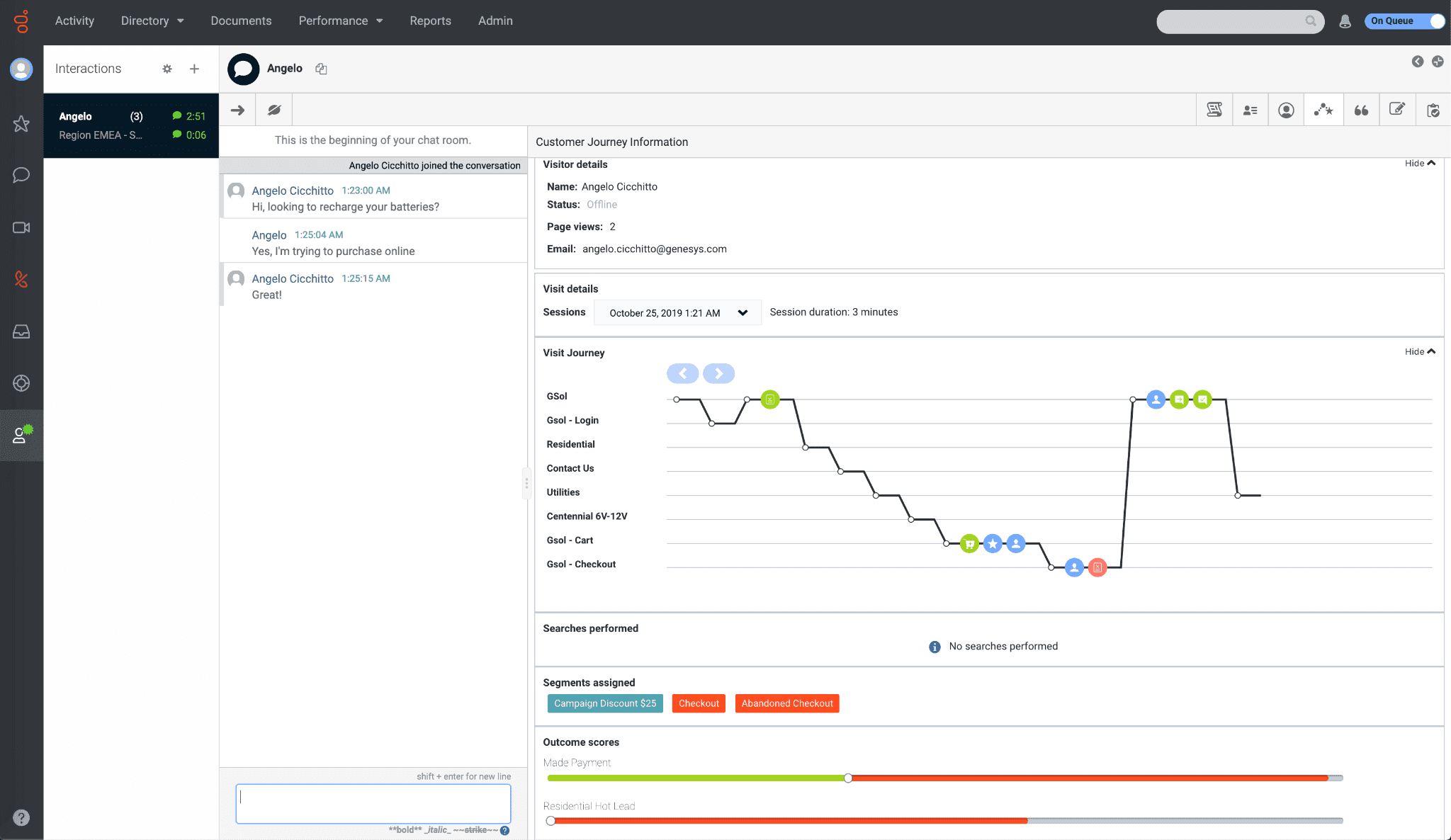
What it does: Genesys Cloud CX is a contact center platform that manages voice, email, chat, SMS, and social in one system, with QA, workforce management, and AI routing built in.
Best for: Large teams that want to run coaching, QA, and compliance inside the same platform they use to manage calls.
When you’re running 50 to 100 reps across multiple channels, coaching usually gets pushed behind operations. Managers spend most of their time keeping queues moving, and QA becomes a compliance exercise instead of a coaching tool.
Genesys helps bring that back into the workflow by keeping call handling, QA, and analytics in one place. Managers already spend time on the platform, so reviews and coaching can happen closer to the call instead of being handled in a separate system.
Key features
Omnichannel routing across voice, email, chat, SMS, and social
AI Agent Copilot for real-time call guidance
Speech and text analytics to surface key moments and risks
Call center quality management software with automated call reviews
AppFoundry marketplace with 600+ integrations
This setup works well for teams that want coaching closely tied to QA and compliance, especially in regulated environments where every call needs to follow a clear structure.
Pros and cons
✅ Pros | ❌ Cons |
Centralizes QA, coaching, and operations in one system | Takes time for managers and QA teams to learn |
Strong analytics help surface calls worth reviewing | Advanced features often require higher-tier plans |
Scales well across large teams and multiple channels | Coaching depends on the QA structure, which can limit flexibility |
What users say
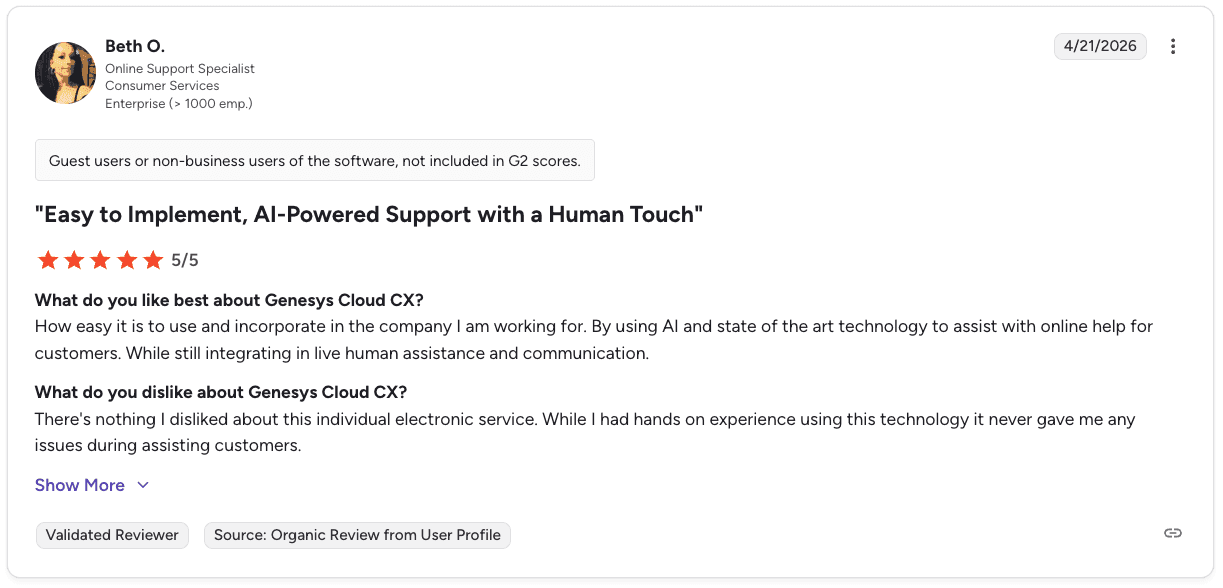
Pro: “Easy to use and implement, combining AI-powered support with real human assistance.” — Beth O., Enterprise, G2
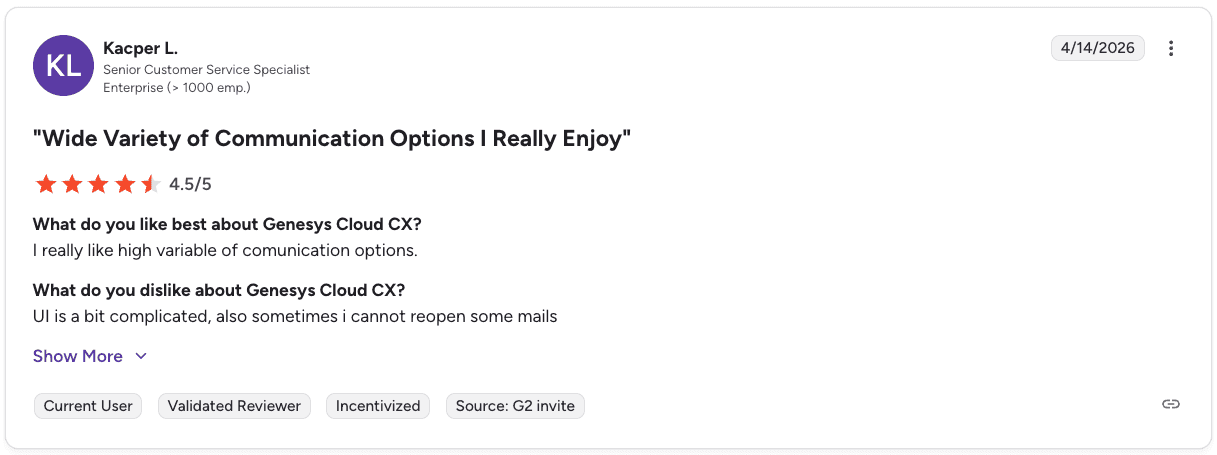
Con: “The UI can be complicated, and sometimes emails can’t be reopened.” — Kacper L., Enterprise, G2
Pricing
Genesys plans cover four tiers:
CX1 starts at $75/user/month for voice
CX2 starts at $115/user/month and adds QA and compliance
CX3 starts at $155/user/month with workforce management
CX4 starts at $240/user/month with more AI features
For a closer look at what each plan includes and how pricing scales, see our full Genesys pricing breakdown.
Where Genesys fits best
Genesys works well for teams that keep everything in one system and want coaching to follow the same flow. Managers can review calls, score them, and offer feedback without switching tools, keeping it close to day-to-day work.
The tradeoff shows up in how feedback reaches reps. Coaching leans on QA reviews, so it moves at the pace of how often calls get scored. Teams looking for faster, call-by-call guidance may feel that limit. (Check out alternatives to Genesys here).
2. Alpharun: Best for coaching built from your own call data

What it does: Alpharun analyzes your team’s recorded calls to identify patterns tied to closed deals, then uses those patterns to score calls and guide coaching.
Best for: High-volume B2C sales teams that want coaching tied directly to how their own reps sell, especially in Medicare, insurance, and home services.
On most sales floors, coaching depends on a small set of reviewed calls and general feedback. Managers have limited visibility, and reps hear the same advice week after week without seeing exactly where it applies.
Alpharun changes that by working across the full call volume and tying feedback to real moments inside each call. Instead of pulling a few recordings, managers get a broader view of how reps are actually running calls across the day.
Key features
Custom playbook engine built from your own call data that reflects how your team handles discovery, objections, and closing
Sentence-level coaching tied to call moments that show reps exactly where execution breaks down
Automated QA across the full call volume that scores every call against your sales and compliance criteria
Manager digest with rep-level insights that show where managers should focus before coaching
Integration with Five9, Genesys, and other major platforms allows call data to flow in without extra setup
Enterprise security with SOC 2 Type 2 and GDPR compliance plus end-to-end encryption
This setup works well for teams where performance varies across reps and managers need a clearer way to connect behavior to outcomes.
Pros and cons
✅ Pros | ❌ Cons |
Coaching reflects how your team actually sells | Works best once you have enough call volume to train from |
Full call coverage improves visibility across reps | Focused on B2C sales workflows rather than broader support use cases |
Feedback is specific and tied to real call moments | |
Combines sales coaching and compliance tracking in one flow |
What users say
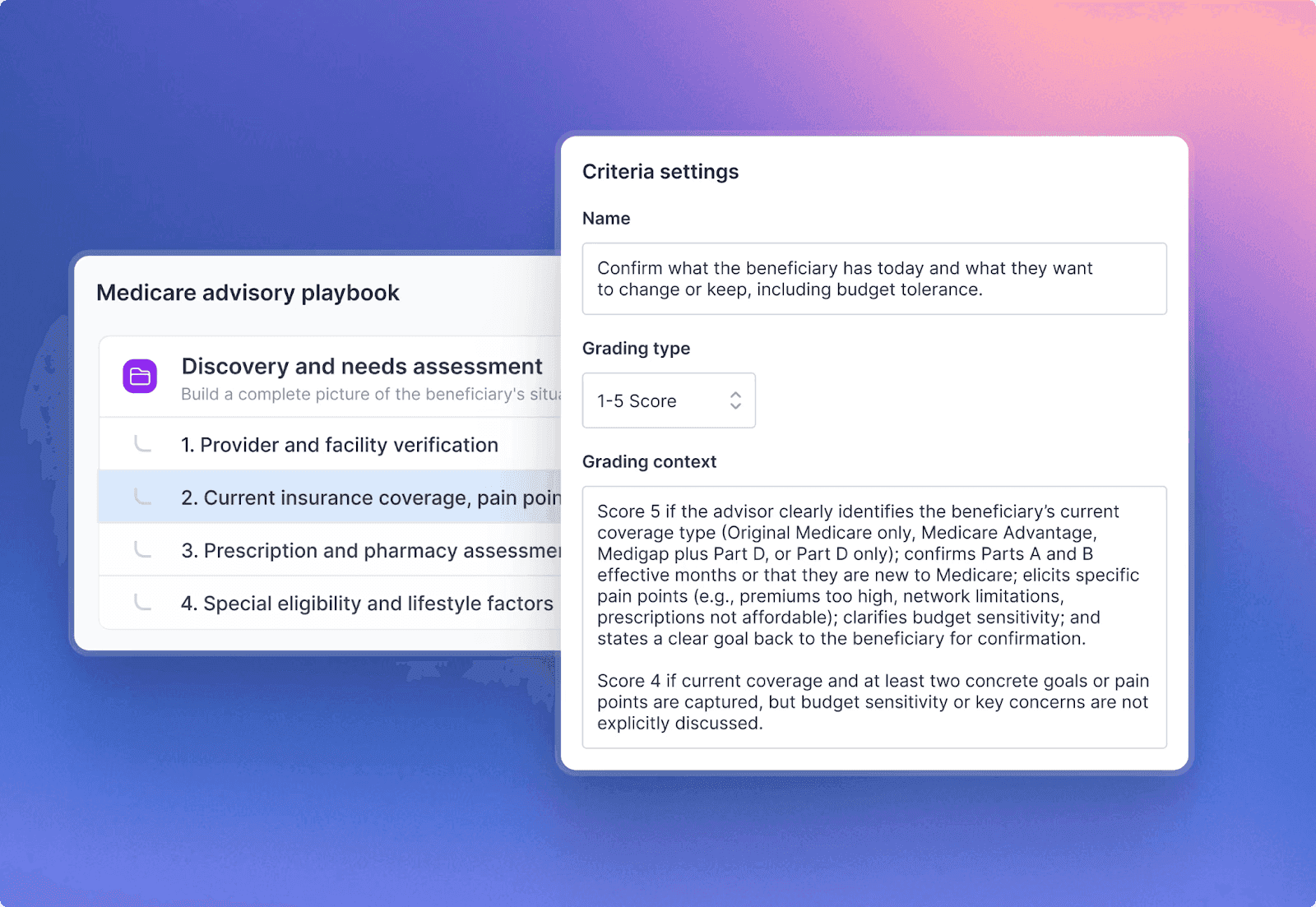
“Built a highly tailored solution that understands our niche… with custom call grading and workflows that match our exact process instead of generic best practices.” — Thomas Pruitt, Head of Advisory at Chapter
Pricing
Contact Alpharun for pricing based on team size and call volume.
Where Alpharun fits best
Alpharun fits teams that want coaching closely tied to real calls and reps' behavior throughout the day. Managers get a clearer view of where calls break down and can walk into coaching sessions with specific moments to work through.
It relies on having enough call volume to build a strong baseline, so teams early in their ramp may need some time for the insights to fully reflect how they sell.
3. Observe.AI: Best for QA-driven coaching at scale
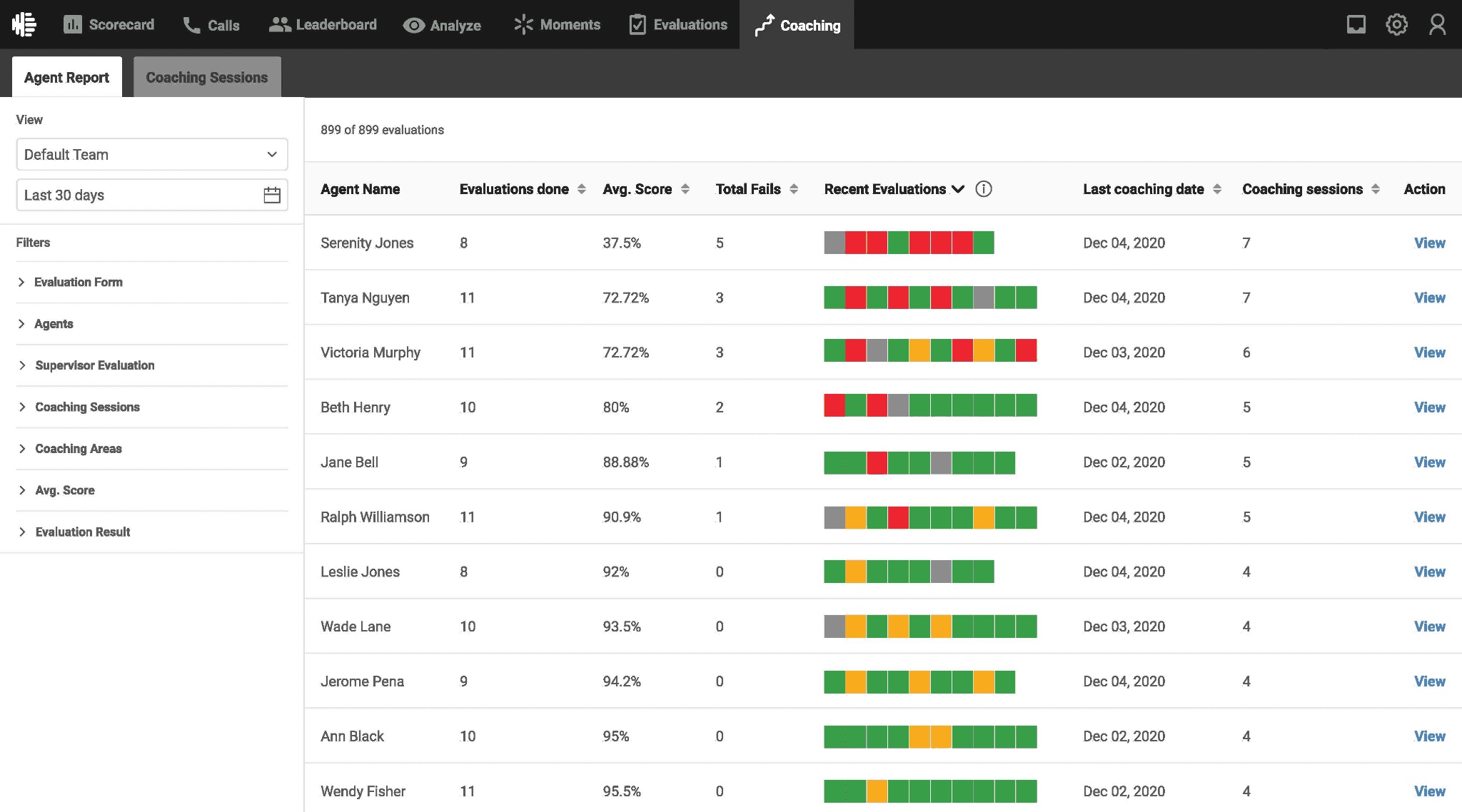
What it does: Observe.AI transcribes and scores customer interactions using AI, giving teams visibility across every call and highlighting performance and compliance signals.
Best for: High-volume teams in regulated industries that want to base coaching on full QA coverage rather than sampled calls.
Coaching in many teams depends on reviewing just a handful of calls per rep each week. With such a small sample compared to 80 to 100 daily calls, most interactions go unchecked, and feedback ends up incomplete.
Observe.AI addresses that by analyzing all interactions and surfacing where patterns show up across the team. Managers get a broader view of how reps are performing, which helps them decide where to focus instead of guessing from a few recordings.
Key features
Auto QA engine scoring calls across channels that reflect how reps follow the process
Compliance risk flagging that highlights missed disclosures and required steps
Conversation intelligence software that surfaces patterns across agents and teams
AI copilots that support reps during live calls
Integrations with CCaaS and CRM platforms
Pros and cons
✅ Pros | ❌ Cons |
Covers full call volume instead of small QA samples | Transcription accuracy can vary in noisy environments |
Strong compliance visibility for regulated teams | Insights may need extra steps to turn into coaching actions |
Helps managers spot patterns across teams quickly | Coaching workflows are less structured than QA workflows |
Pricing
Observe.AI offers multiple pricing tiers and requires a custom quote based on team size and compliance needs.
Where Observe.AI fits best
Observe.AI works well if your goal is better visibility. You can see how reps perform across all calls and focus on patterns instead of one-off reviews, which is useful for compliance-heavy teams.
The tradeoff is in execution. It gives you the “what,” but managers still need to handle the “how” when it comes to coaching, so some teams add extra layers to support that.
4. Balto: Best for real-time coaching during live calls
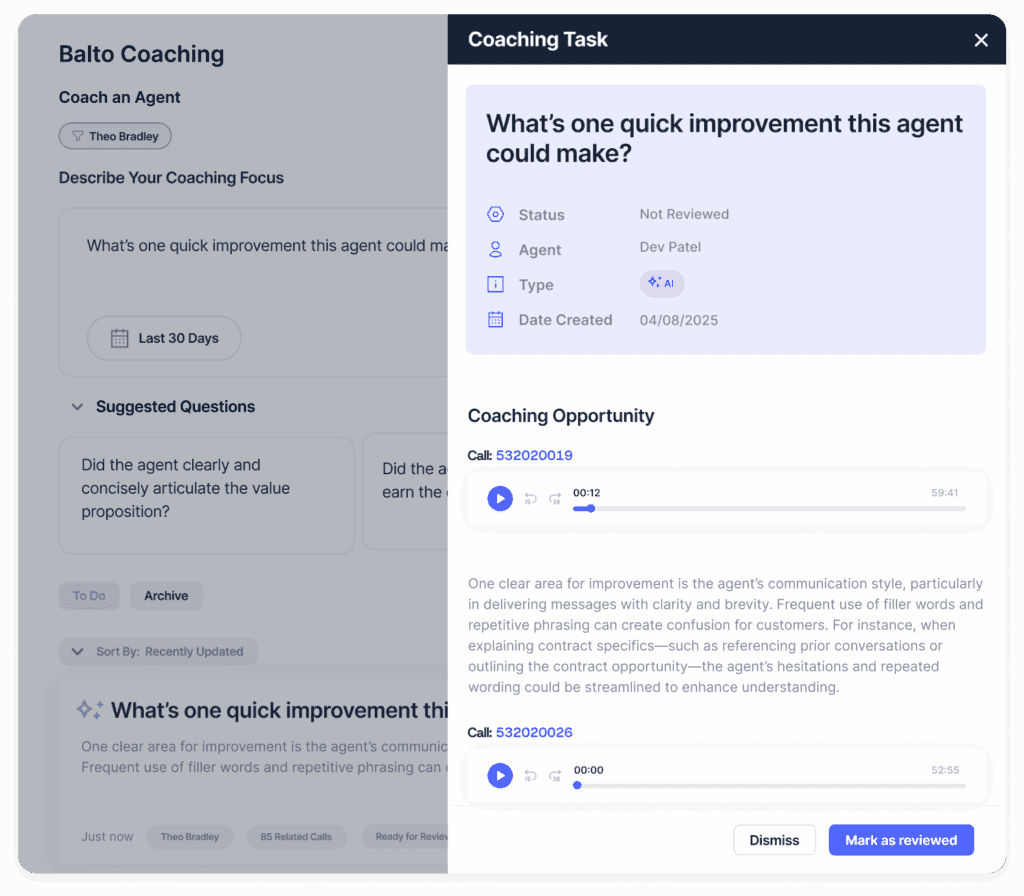
What it does: Balto listens to calls as they happen and shows agents prompts, reminders, and next steps on screen based on what the caller says.
Best for: Teams that want coaching during the call, especially when script adherence and compliance need to be consistent across reps.
By the time managers step in with feedback, reps have already made the same mistake across many calls. That’s the reality in many sales environments where coaching happens after the fact.
Balto brings coaching into the conversation itself, giving reps real-time guidance as they talk. This helps newer reps stay on track and supports teams that rely on clear call structures.
Key features
On-screen objection tips that update based on the conversation
Smart checklists that guide reps through each step of the call
Live manager alerts for calls that need attention
Coaching dashboards tracking adherence and performance over time
Pros and cons
✅ Pros | ❌ Cons |
Coaching happens during the call, when it can still change the outcome | Frequent prompts can distract some reps during calls |
Helps maintain script adherence and compliance across teams | Integrations can take several weeks to complete |
Useful for onboarding and ramping new reps | Limited depth in post-call coaching and long-term development |
What users say
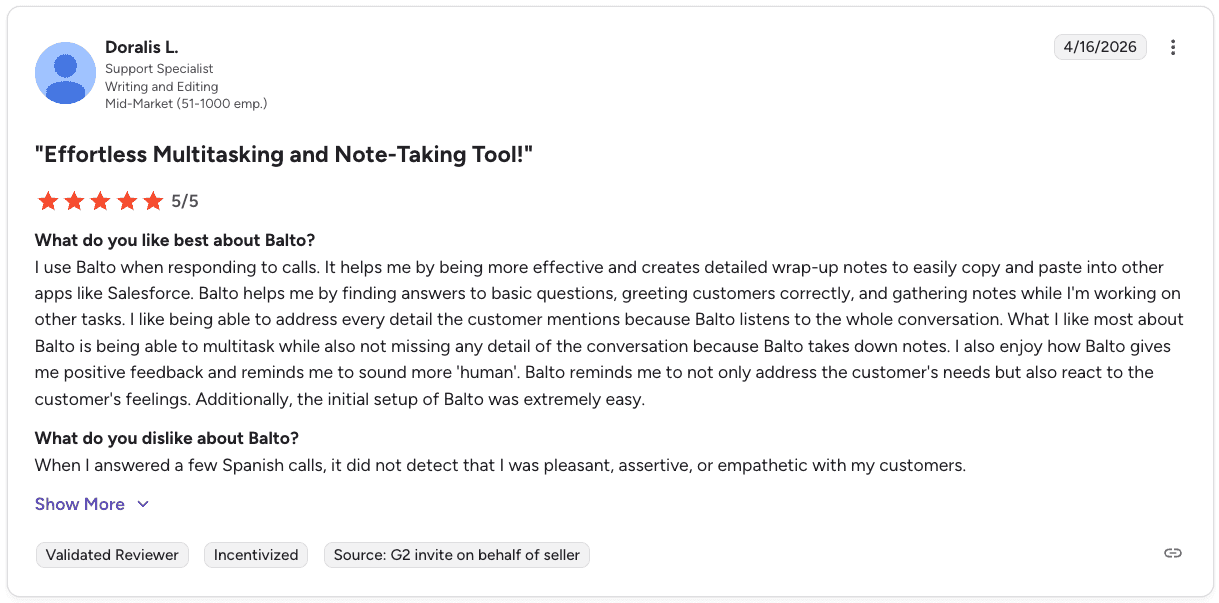
Pro: “Helps me multitask while capturing detailed notes and customer insights… making responses more effective and human.” — Doralis L., Mid-Market, G2
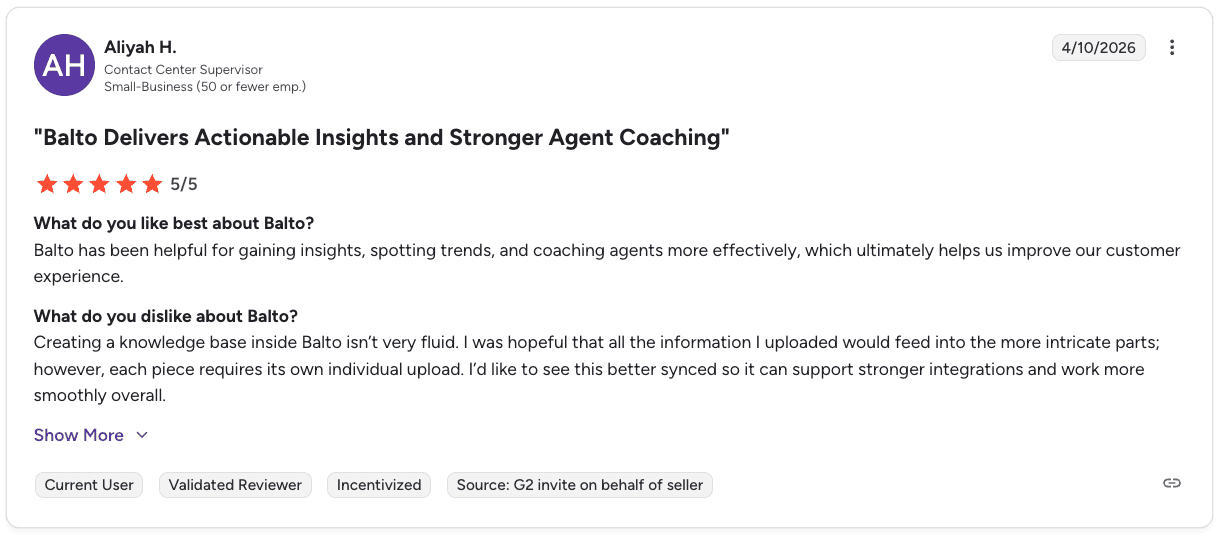
Con: “Knowledge base setup isn’t very fluid and requires manual uploads, limiting seamless integration.” — Aliyah H., Small Business, G2
Pricing
Custom pricing based on agent count and contract length. Contact Balto for a quote.
Where Balto fits best
Balto works well when you need reps to stay on track during the call. This is especially true for newer teams or setups where there’s a clear script and things can go sideways fast. It helps guide reps in the moment, so you’re not constantly fixing the same issues after.
Where it can feel limited is after the call ends. It’s less about breaking down performance over time, so ongoing coaching still leans on how managers review calls and follow up outside the tool.
5. Cresta: Best for real-time coaching across enterprise teams

What it does: Cresta provides real-time guidance during calls and analyzes conversations across voice and chat to surface performance trends.
Best for: Large teams that want both in-call coaching and a broader view of performance across channels.
While reps need guidance during live calls, managers are focused on understanding patterns across thousands of conversations, and on larger teams, these needs rarely connect.
Cresta brings them together by offering real-time guidance to reps and giving managers a clear view of team-wide patterns.
Key features
An AI Agent that handles common requests across voice and chat
Agent Assist, which provides real-time prompts and summaries during calls
Knowledge Assist that connects agents to relevant content during conversations
Conversation Intelligence that surfaces trends and performance drivers
Integrations with Salesforce, Genesys, NICE, Twilio, and Amazon Connect
Pros and cons
✅ Pros | ❌ Cons |
Real-time guidance helps reps stay aligned during calls | Setup and onboarding take time before the value is clear |
Strong visibility into performance across teams and channels | Less flexible for teams with highly customized sales flows |
Integrates with major enterprise platforms | Pricing and complexity can limit access for smaller teams |
What users say
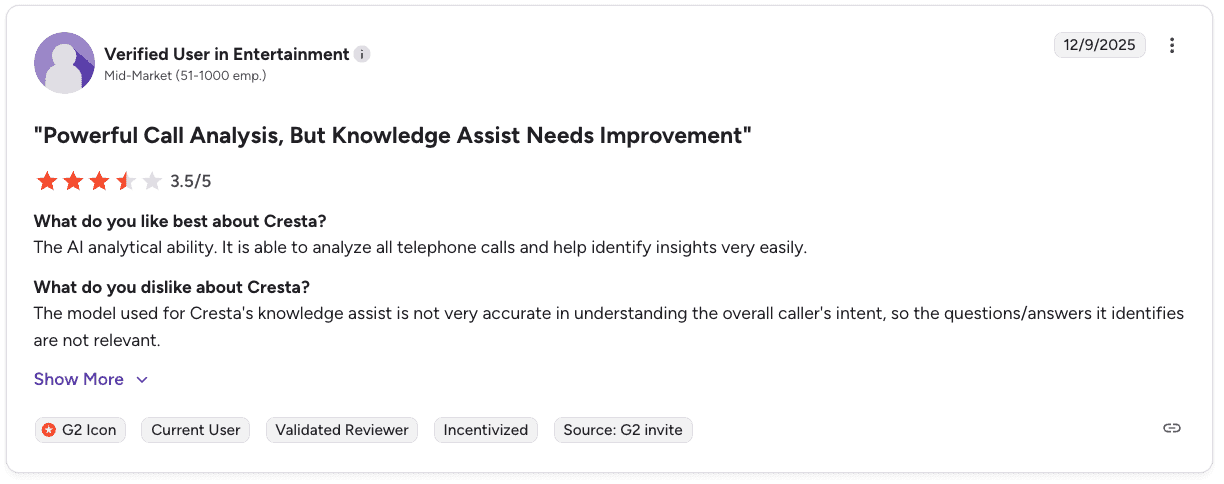
Pro: “Strong AI analytics that make it easy to analyze calls and uncover insights.” — Verified User in Entertainment, G2
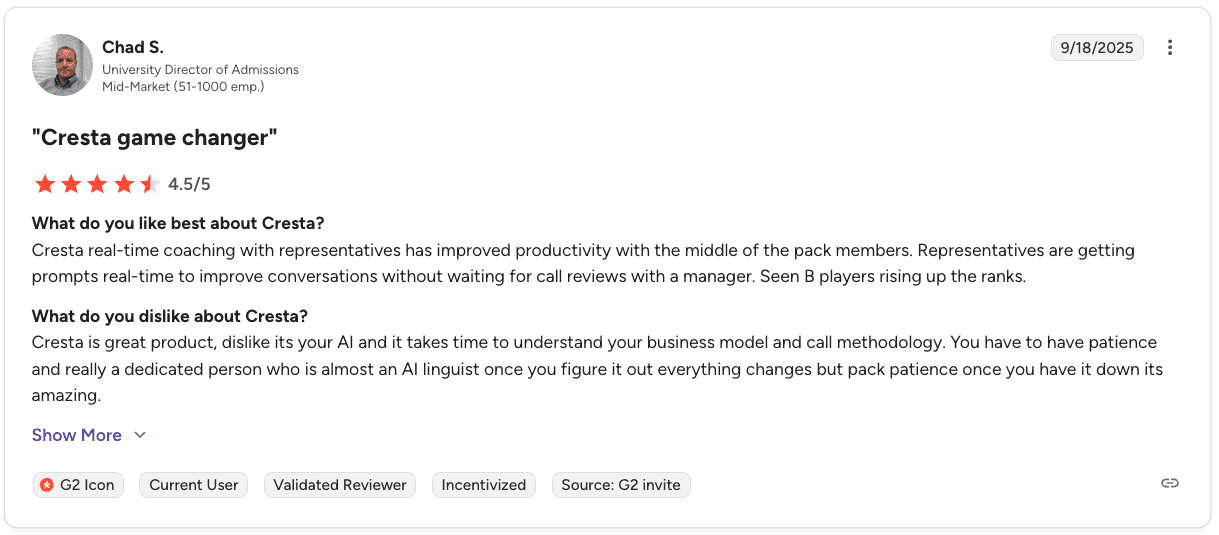
Con: “The AI takes time to learn your business and requires patience and dedicated effort to get full value.” — Chad S., Mid-Market, G2
Pricing
Cresta uses custom enterprise pricing based on team size, channels, and modules. Contact Cresta for a quote.
For a closer look at costs and features, read our Cresta pricing and products guide.
Where Cresta fits best
If you’re running a larger team, you probably feel the gap. Reps need guidance during calls, while managers are trying to piece together what’s happening across a huge volume of conversations. Cresta sits right in the middle of that and helps tie it together.
Just know that it takes a bit of effort to get there. You’ll need time to set it up and align it with how your team works before it starts delivering consistent value.
6. CallMiner: Best for compliance-led coaching through speech analytics
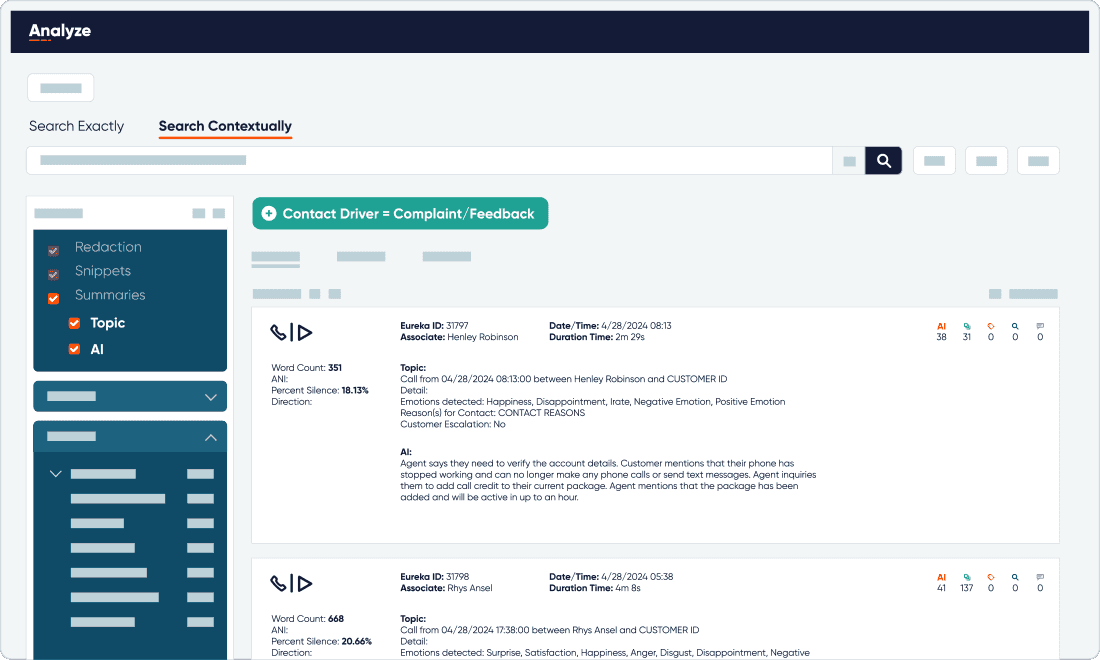
What it does: CallMiner analyzes recorded calls using speech analytics to surface compliance issues, coaching signals, and performance trends across large volumes.
Best for: Teams in regulated industries that want coaching that starts with compliance visibility and call analysis at scale.
Compliance and coaching often pull teams in two directions. QA needs to prove standards are met, while managers focus on improving rep performance. But with only a small sample of calls reviewed, both sides are left working with incomplete data.
CallMiner addresses this by analyzing the full call volume and flagging where conversations fall short of required standards. Managers can then see how reps handle disclosures, phrasing, and structure at scale, making it easier to catch patterns early.
Key features
Speech analytics that processes full call volume and surfaces key patterns
Compliance monitoring that flags disclosures and risky language
Coaching modules that tie feedback to call moments
Trend analysis that highlights recurring issues across teams
Pros and cons
✅ Pros | ❌ Cons |
Strong compliance visibility across all calls | Requires setup to tune models and rules to your environment |
Full call analysis improves coverage beyond QA sampling | The interface can take time for teams to get comfortable with |
Useful for identifying patterns across large teams | Pricing requires a custom quote |
What users say
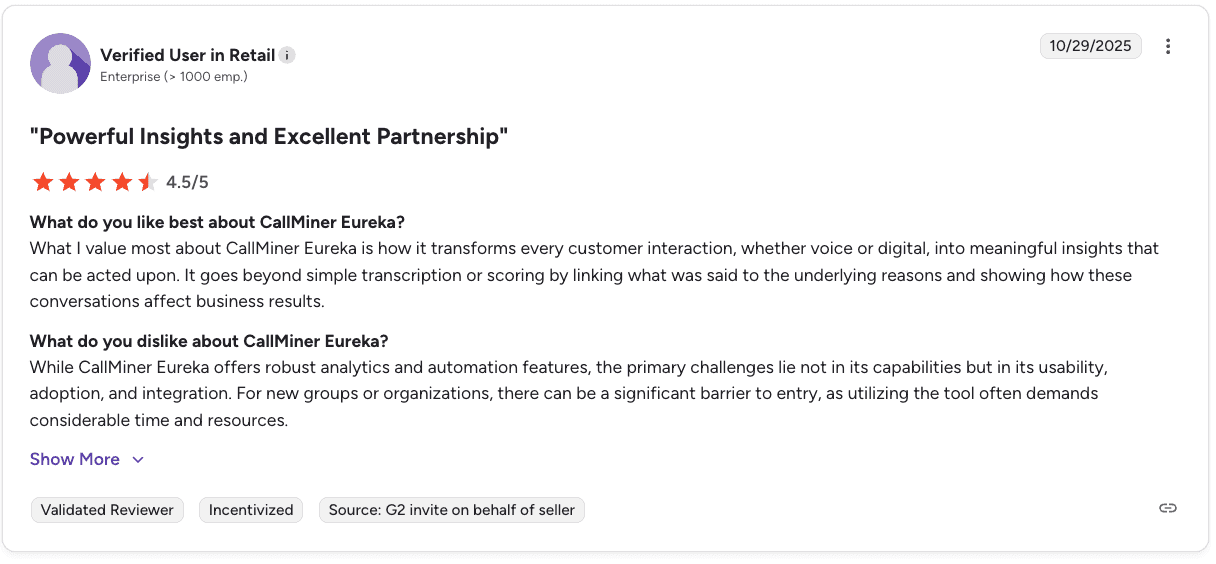
Pro: “Transforms customer interactions into actionable insights that link conversations to real business outcomes.” — Verified User in Retail, G2
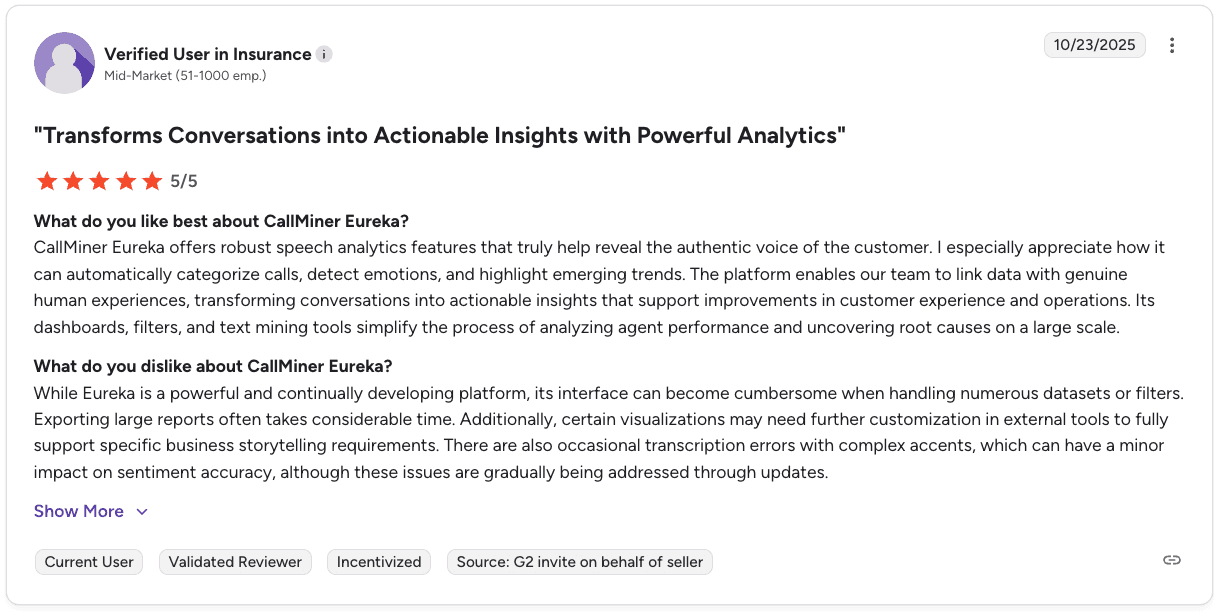
Con: “Interface can feel cumbersome, with slow report exports and occasional transcription inaccuracies.” — Verified User in Insurance, G2
Where CallMiner fits best
If your team spends a lot of time thinking about compliance, CallMiner fits naturally. It gives you visibility into how reps handle required language and structure across the full call volume, which is hard to get otherwise. That alone can make coaching feel more grounded.
That said, if your focus shifts toward improving sales skills or behavior, you will likely need to build on what you have. It’s strong on visibility, but turning that into ongoing rep development often takes extra layers.
7. Level AI: Best for coaching, QA, and support in one system
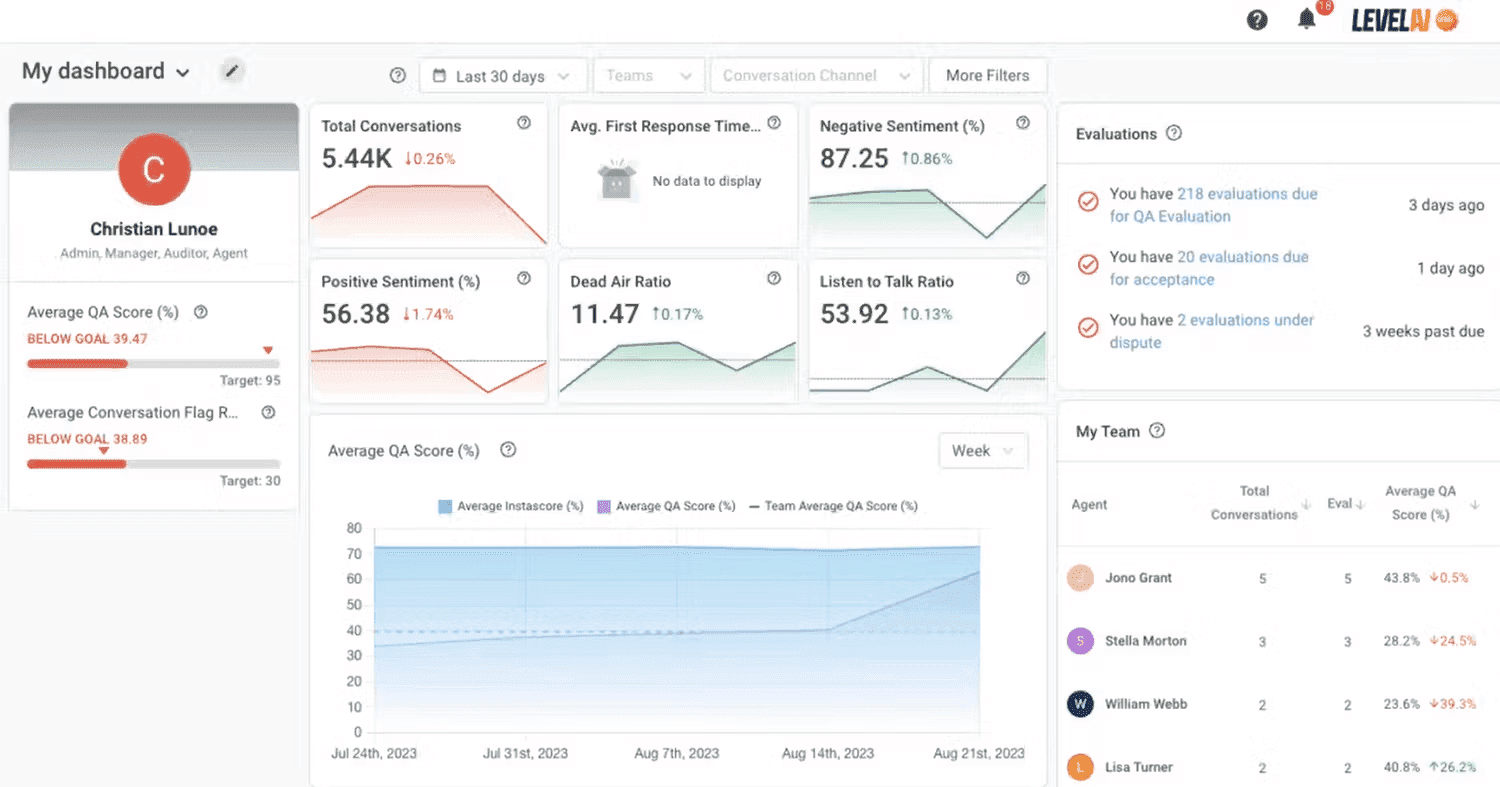
What it does: Level AI combines automated QA, real-time agent guidance, and conversation analytics into a single platform.
Best for: Teams that want to run coaching, QA, and call analysis together without switching between multiple tools.
When QA, coaching, and reporting are split across tools, managers end up doing extra work before they can even start coaching. That fragmented setup makes consistency harder to maintain.
Level AI simplifies this by bringing everything into a single workflow, where calls are scored, reps get live support, and performance is visible in one place.
Key features
An AI Virtual Agent that handles common customer questions
100% auto-QA that scores every interaction against defined criteria
Real-time Agent Assist that supports reps during live calls
Contact center analytics that surface trends managers can act on
Pros and cons
✅ Pros | ❌ Cons |
Combines QA, coaching, and analytics in one system | Can feel heavy for teams with simpler workflows |
Real-time support helps reps stay on track during calls | The interface may take time to get used to |
Reduces the need to manage multiple tools | Sentiment tagging can be inconsistent in complex calls |
What users say
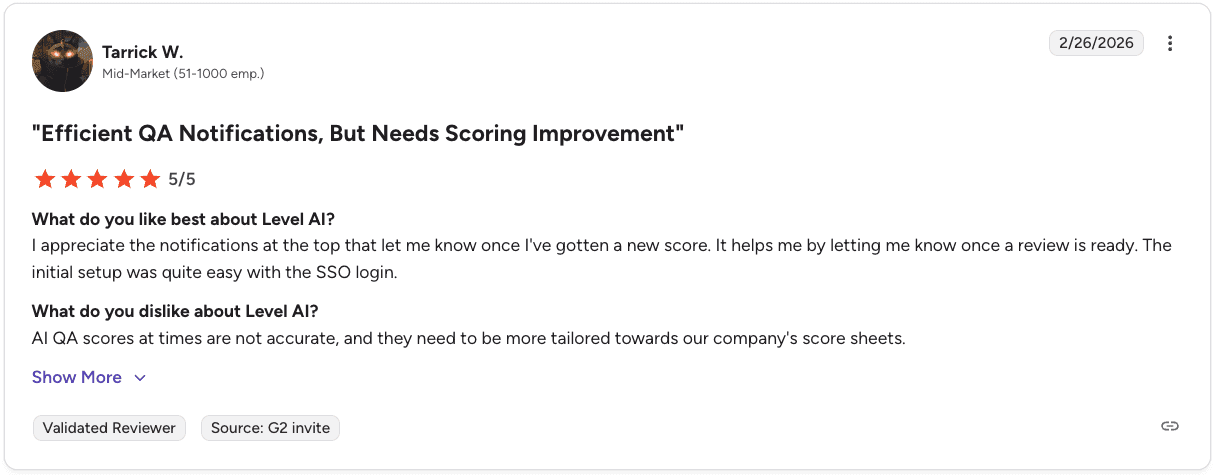
Pro: “Helpful QA notifications and easy setup with SSO… making it simple to stay on top of reviews.” — Tarrick W., Mid-Market, G2
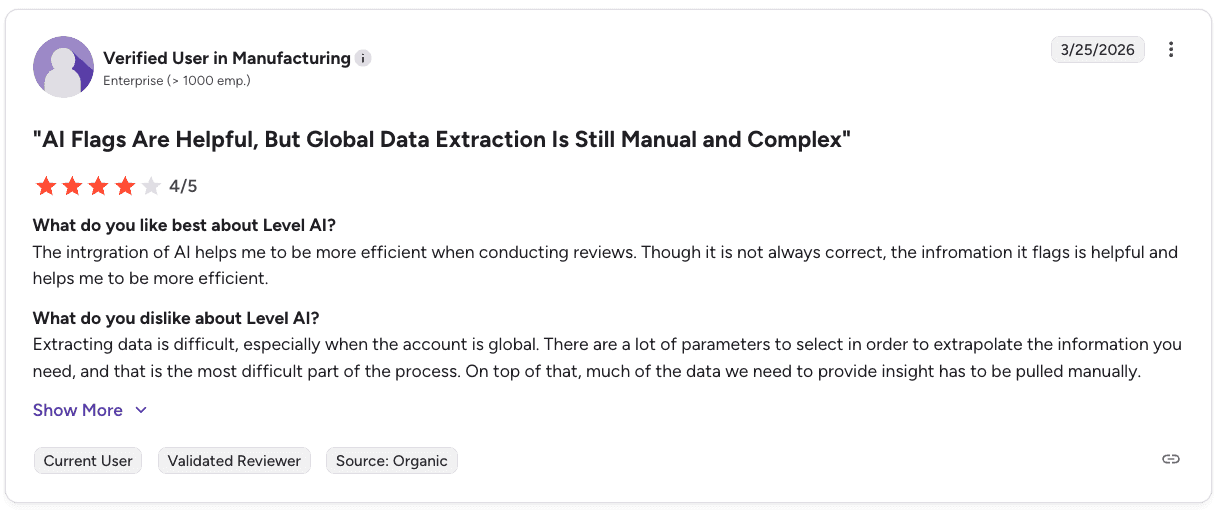
Con: “Global data extraction is complex and often requires manual work with many parameters.” — Verified User in Manufacturing, G2
Pricing
Level AI uses custom pricing based on team size, call volume, and selected features. Request a demo for a quote.
Where Level AI fits best
If your current setup feels scattered, Level AI helps clean that up. It puts QA, coaching, and analysis in one system, which makes it easier to stay organized and keep feedback aligned across the team. Managers can focus more on coaching instead of chasing data.
The flip side is figuring out how to use it without making things feel heavier. Because it covers a lot, teams usually need to be intentional about how they set it up.
8. Dialpad: Best for built-in coaching inside your calling system
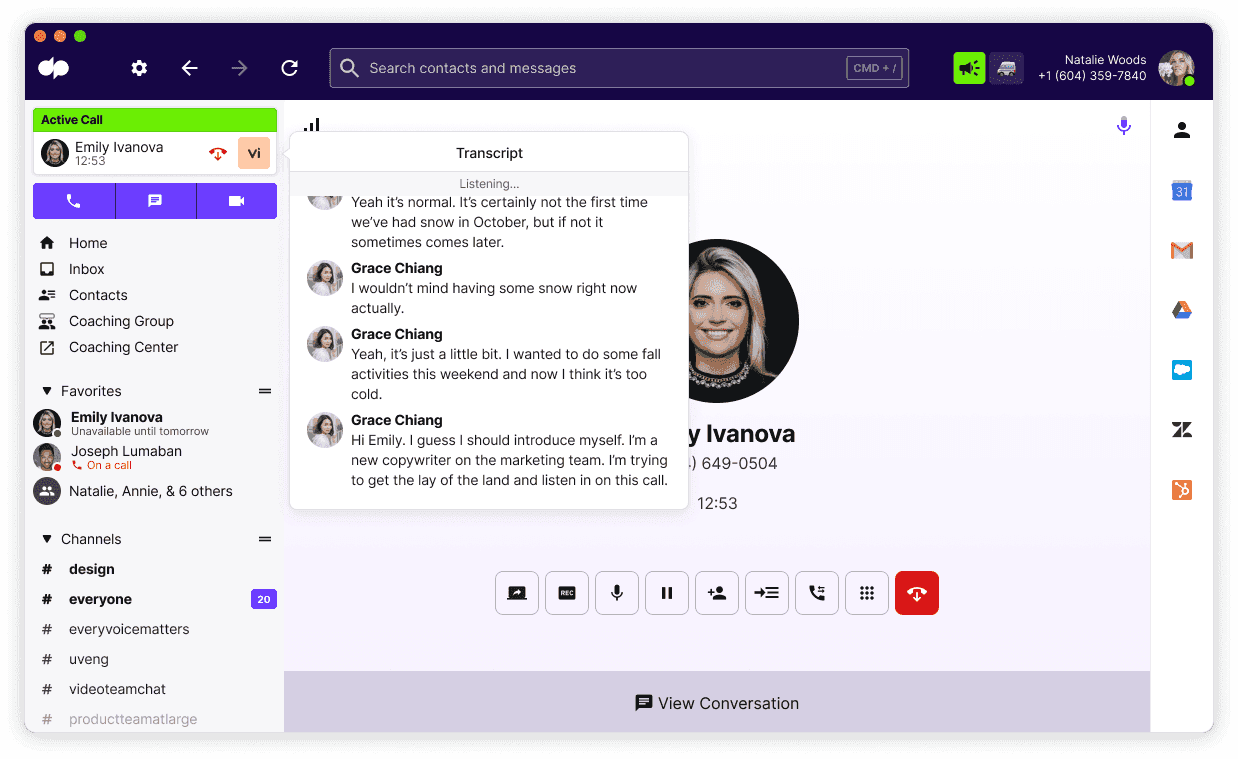
What it does: Dialpad combines calling, call recording, and AI-driven coaching into one platform, with real-time feedback and automated scoring built into the workflow.
Best for: Sales teams that want coaching to happen inside the same system reps use to make calls, without adding another layer on top.
When calls and coaching are separated, feedback loses context and slows down. Managers spend time tracking down recordings instead of coaching.
Dialpad changes that by combining call recording, scoring, and live guidance in one platform, making it easier to review what matters without extra steps.
Key features
An AI Live Coach that provides feedback during live calls
AI Scorecards that automatically evaluate call performance
AI Playbooks that guide reps during conversations
AI Recaps that generate summaries and action items
Built-in call recording for quality monitoring
Pros and cons
✅ Pros | ❌ Cons |
Coaching is built directly into the calling workflow | AI coaching may overlap with other tools if already in place |
Reduces manual QA and post-call admin work | Some users report call reliability issues |
Easy to adopt since reps use it as their dialer | Mobile app and notifications can feel clunky at scale |
Integrates with common tools like Salesforce and Zendesk | Spam call handling can be inconsistent |
What users say
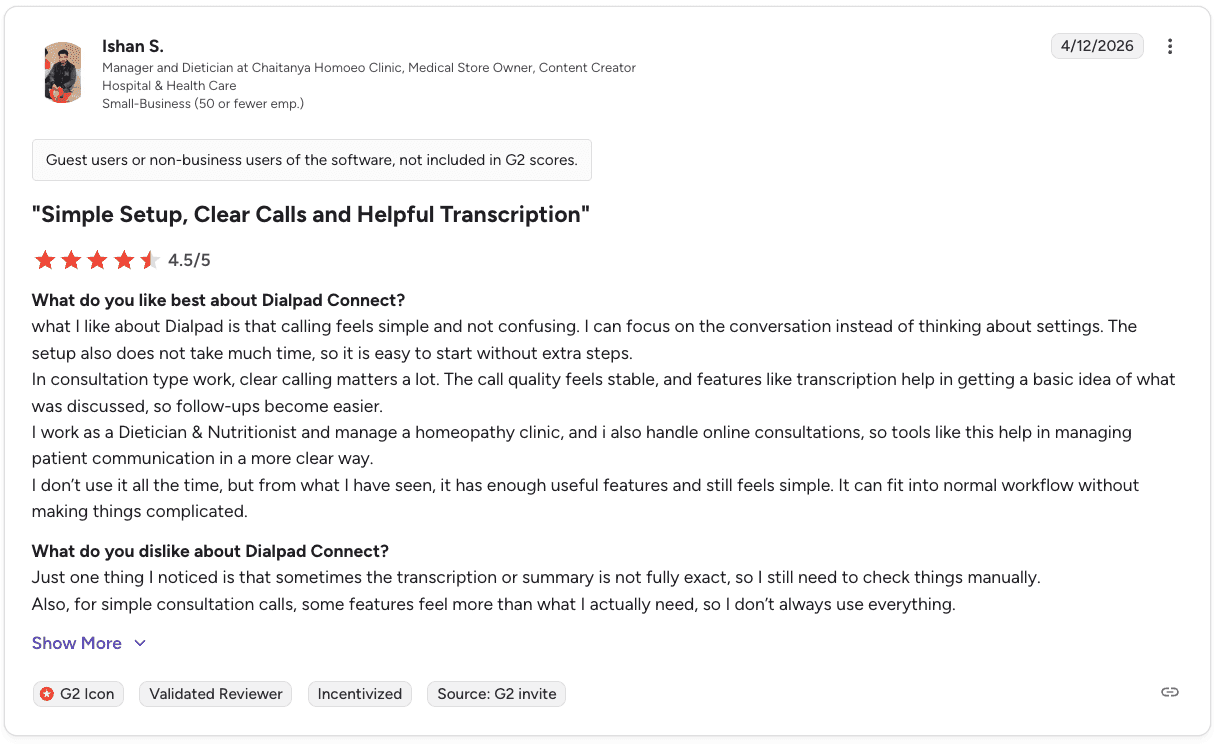
Pro: “Simple setup with clear call quality and helpful transcription… making conversations easier to manage.” — Ishan S., Small Business, G2
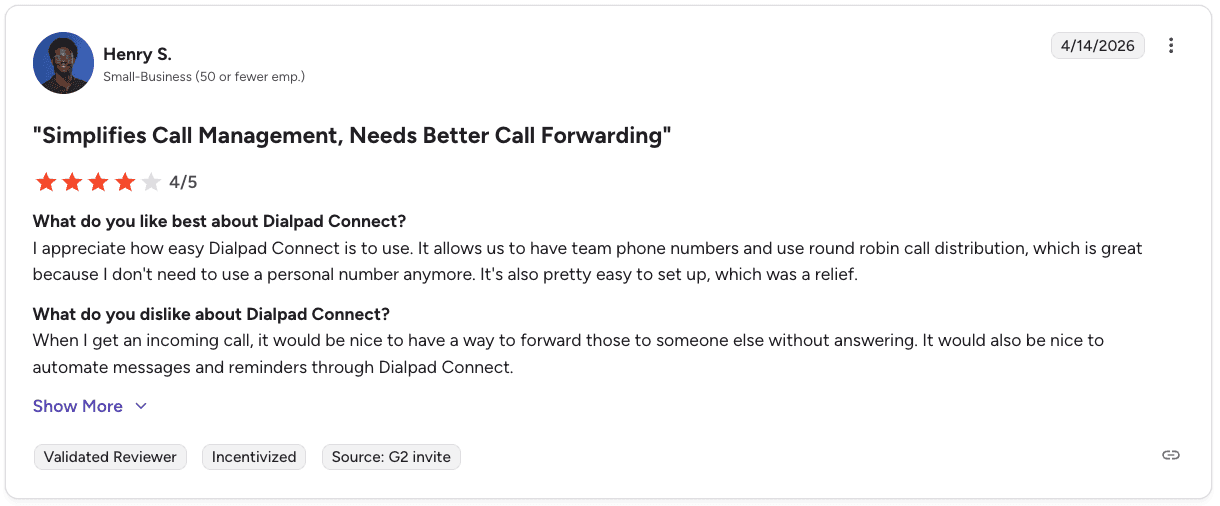
Con: “Lacks easy call forwarding without answering and needs better automation for messages and reminders.” — Henry S., Small Business, G2
Pricing
Dialpad Connect starts at $15/user/month for Standard and $25/user/month for Pro with annual billing. Enterprise pricing requires contacting sales.
Where Dialpad fits best
Dialpad works well when you want coaching to happen during the call. Reps get real-time guidance, and managers can review performance without digging through multiple tools. It keeps things simple and easy to manage day-to-day.
But as teams scale, the need for deeper insights usually grows too. That’s where you might start to feel the limits and look to expand your stack.
9. AmplifAI: Best for coaching visibility across multiple systems
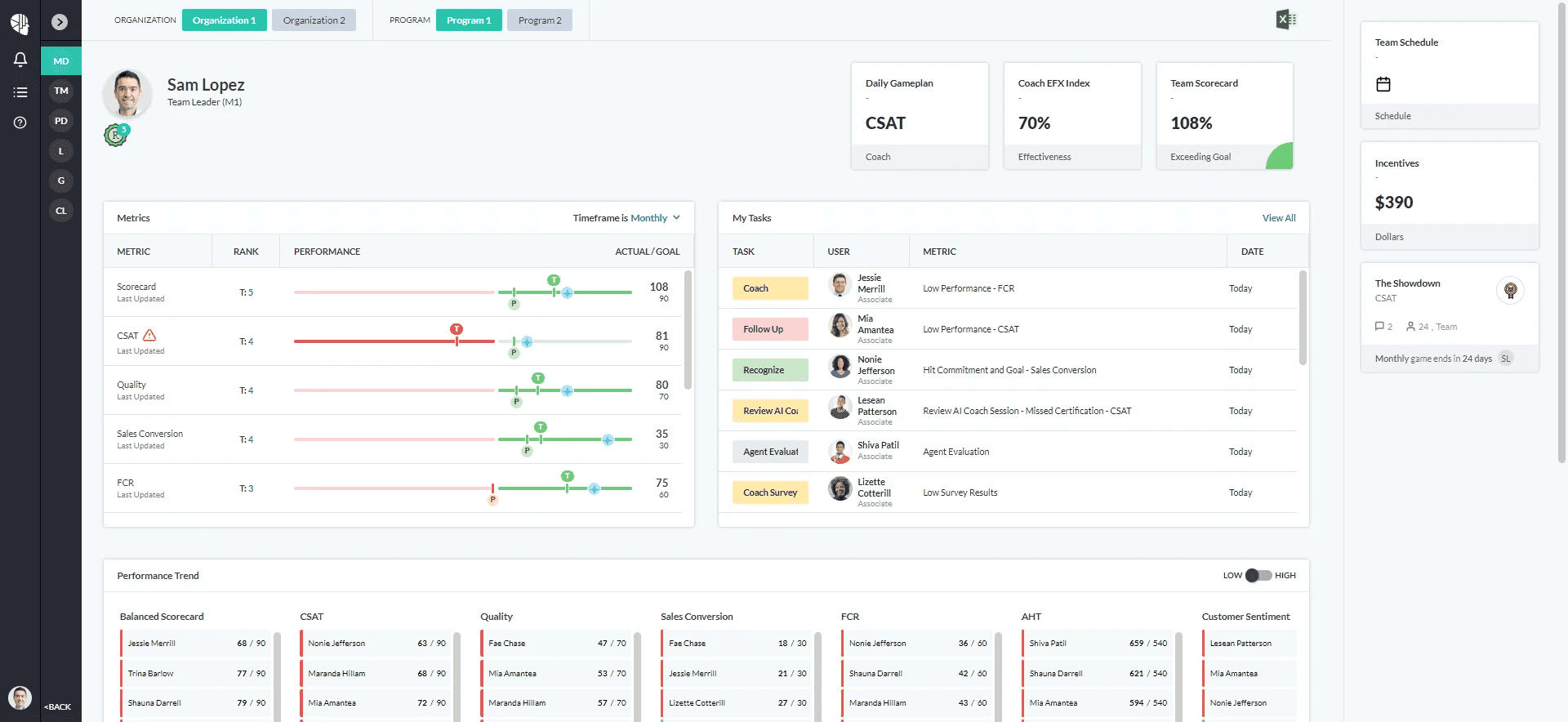
What it does: AmplifAI pulls data from QA, CRM, workforce management, and coaching tools into a single reporting layer, so managers can track performance and coaching in one place.
Best for: Larger teams where coaching data is spread across different systems and leaders need a single view to manage performance.
From a manager’s side, a lot of time goes into gathering context before coaching even starts. With QA scores, metrics, and notes spread out, it’s hard to see the full picture.
AmplifAI brings that together, so you can quickly understand how performance and coaching activity align.
Key features
150+ integrations across QA, CRM, WFM, and analytics tools
Role-based dashboards for different levels of the team
Coaching Effectiveness Index that tracks KPI impact over time
AI-powered recommendations for coaching focus areas
Pros and cons
✅ Pros | ❌ Cons |
Brings coaching and performance data into one view | Adds another layer on top of your existing stack |
Tracks whether coaching improves actual KPIs | May feel heavy for smaller or simpler teams |
Strong fit for multi-team or multi-site environments | Less focused on call-level coaching detail |
What users say
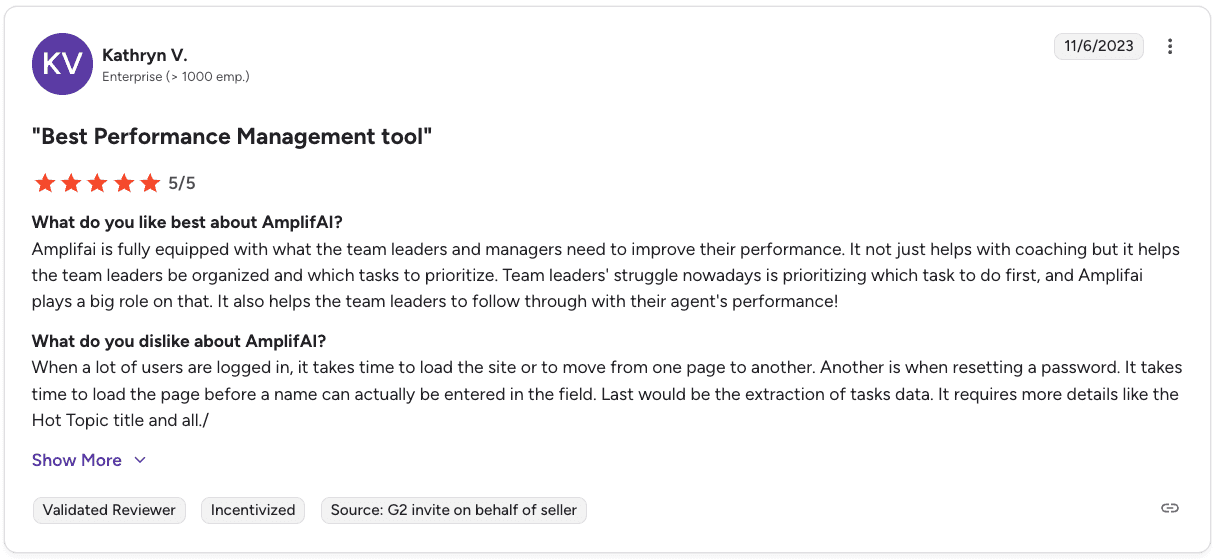
Pro: “Helps managers prioritize tasks and improve team performance… making coaching and follow-through more effective.” — Kathryn V., Enterprise, G2
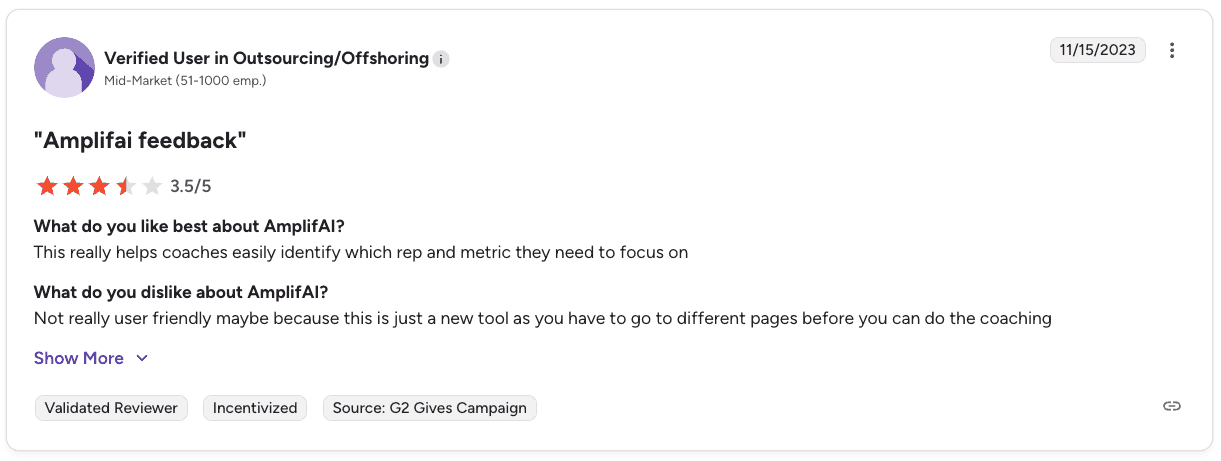
Con: “Not very user-friendly, requiring navigation across multiple pages for coaching tasks.” — Verified User in Outsourcing/Offshoring, G2
Pricing
Custom pricing is based on integrations, team size, and data complexity. Contact AmplifAI for a quote.
Where AmplifAI fits best
From a manager’s perspective, AmplifAI helps answer a simple question: Is coaching actually working? By connecting QA, performance, and coaching data, it becomes easier to prioritize and follow through.
The downside is that it’s another layer. It can feel a bit heavy to manage, and it’s not built for detailed call coaching, so most teams pair it with other tools.
10. Verint: Best for coaching built on reliable call data and compliance
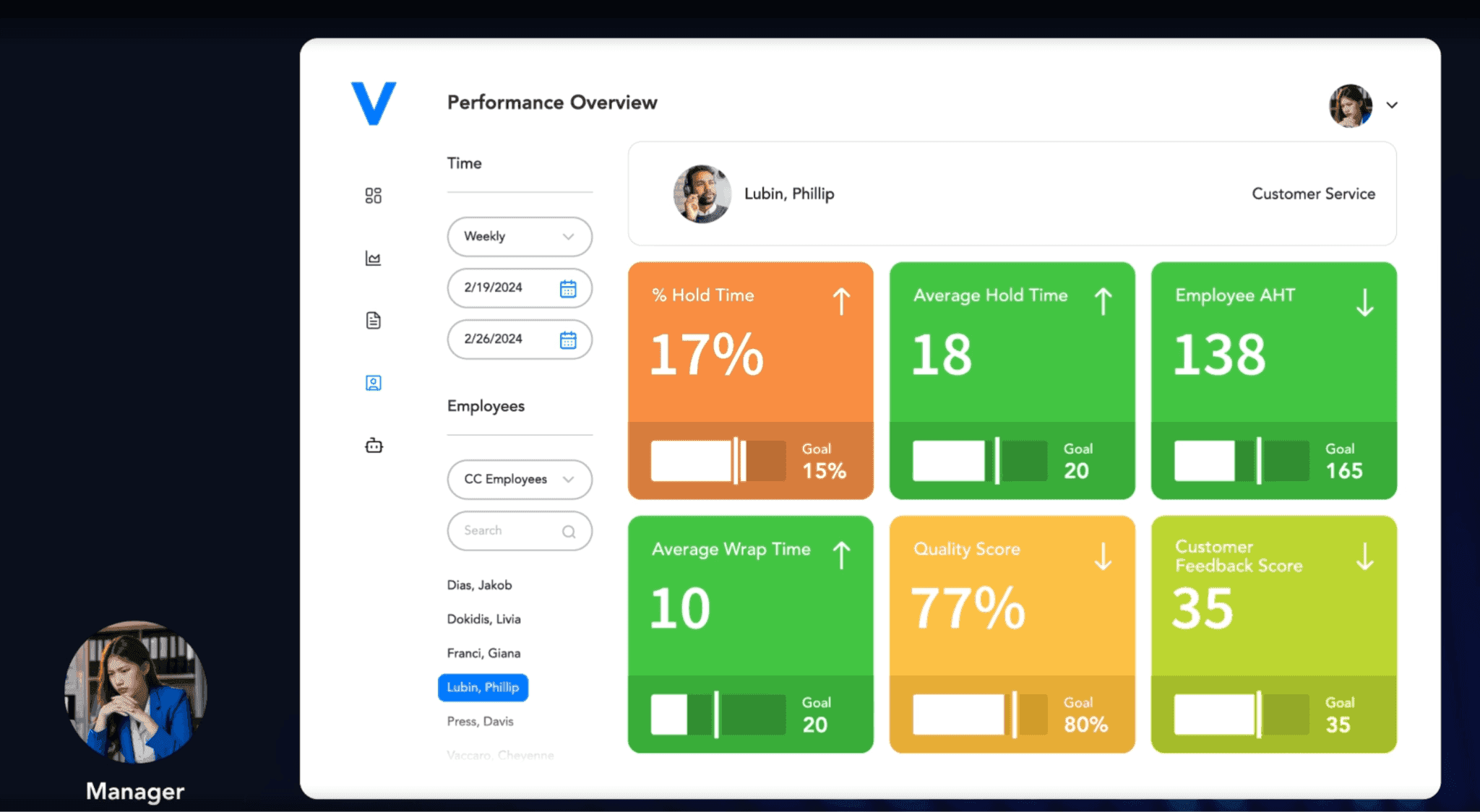
What it does: Verint captures and stores interactions across voice and digital channels, giving teams a centralized place to access and review calls for compliance and performance.
Best for: Large teams that need a dependable recording and data layer to support QA, compliance, and coaching workflows.
For call center coaching to work, managers need quick access to real conversations. When that data is scattered, it slows everything down. Verint brings calls and interactions together, helping managers focus on coaching instead of searching.
Key features
Multichannel recording across voice, chat, video, and collaboration tools
Centralized storage and indexing of interaction data
Open platform ingestion for multiple systems and sources
Compliance workflows for audit, export, and data management
Enterprise-grade security with encryption and global standards
Pros and cons
✅ Pros | ❌ Cons |
Reliable capture and storage of interactions across channels | Setup and configuration take time |
Centralized access makes call review easier for coaching | Interface and features require onboarding to use effectively |
Strong compliance support for regulated industries | Pricing requires a custom quote |
What users say
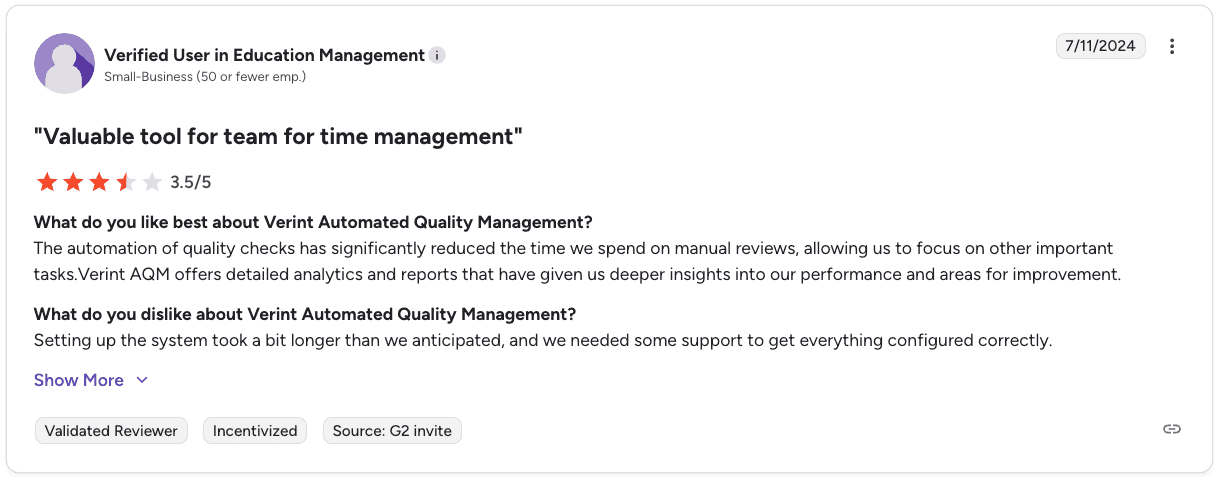
Pro: “Automates quality checks and reduces manual review time… providing deeper insights into performance.” — Verified User in Education Management, G2
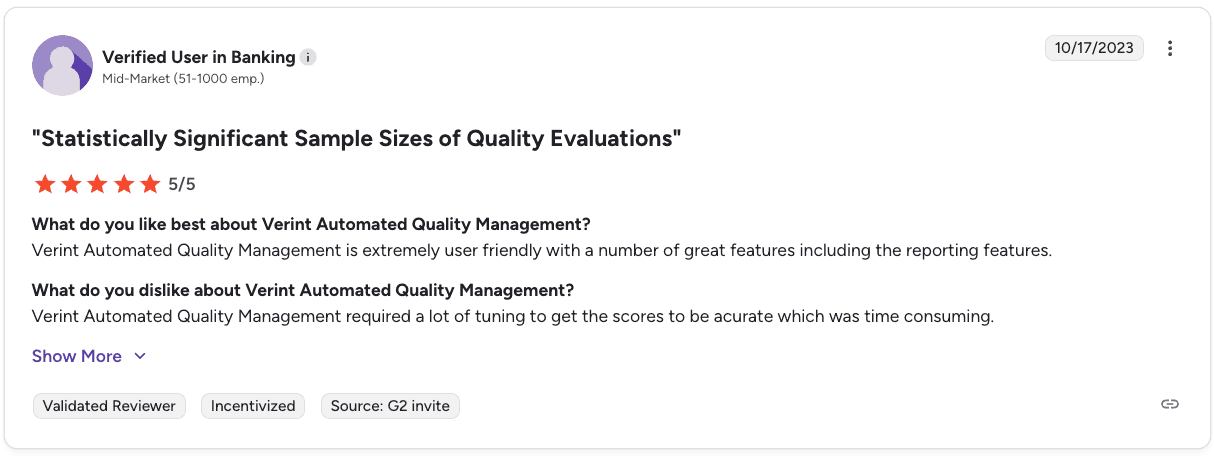
Con: “Requires significant tuning to achieve accurate scoring, which can be time-consuming.” — Verified User in Banking, G2
Pricing
Verint uses custom enterprise pricing based on channels, team size, and compliance requirements. Contact Verint for a quote.
Where Verint fits best
In a setup where managers can quickly access any call and review pre-scored interactions, coaching becomes much more efficient. That’s where Verint adds value. It reduces manual QA work and gives teams a clearer starting point for performance discussions.
At the same time, it is not entirely hands-off. Teams should expect to spend time refining how scoring works to ensure it delivers meaningful results.
How to pick the right call center coaching software
Choose call center coaching software based on the specific problem affecting your team’s performance right now.
On most floors, managers review a small sample of calls while reps handle dozens each day, so the tool you pick needs to close that disconnect in a practical way.
If QA coverage is limited
You need visibility across all calls so patterns are clear.
Automatic scoring across 100% of calls
Consistent compliance tracking
Fast access to repeat issues across reps
Tools: Alpharun, CallMiner, Observe.AI, Genesys
If coaching feels too general
You need feedback tied to real call moments so reps know what to change. That is the practical argument for call scoring that feeds per-rep coaching priorities instead of a team-wide average.
Feedback linked to specific parts of the call
Clear examples managers can use in 1:1s
Guidance that reps can apply on their next calls
Tools: Alpharun
If reps go off track during calls
You need support while the call is happening.
Real-time prompts based on what the caller says
Guidance that keeps calls consistent
Visibility into how reps follow the flow
Tools: Alpharun, Balto, Cresta
If data is spread across tools
You need one place to see performance, QA, and coaching.
Integrations across your current systems
Clear link between coaching and results
Dashboards that show what needs attention
Tools: AmplifAI, Level AI
If you want everything in one platform
You need calling, QA, and coaching in the same system.
Built-in recording and scoring
Coaching workflows tied to daily activity
Easy movement from data to feedback
Tools: Dialpad, Level AI
Key takeaway: Pick the tool based on where your reps change behavior after coaching. If managers still give the same feedback each week, the tool is adding data without improving execution.
Final verdict
Genesys and Dialpad make sense if you want coaching inside the same system your reps already use. Observe.AI and CallMiner are a strong starting point when coverage and compliance are the main concerns.
Balto and Cresta help when reps need support during the call. AmplifAI and Level AI help clean up reporting when data is spread out. Verint sits underneath as the recording layer most teams build on.
Alpharun is built for that exact situation. It gives you a clearer view of how your reps actually run calls throughout the day, so coaching stops being guesswork and focuses on moments that move deals forward.
Here are some of the top benefits of Alpharun:
Managers walk into 1:1s knowing exactly which calls to review and why
Reps get feedback they can use on the very next call instead of vague notes
QA coverage expands beyond a small weekly sample, so patterns show up faster
Coaching starts tying back to revenue instead of sitting in a scorecard
The difference comes down to how coaching actually shows up on your floor day to day. Some tools show you what’s happening, others help you act on it.
If the goal is getting more reps to run better calls without adding more overhead to your managers, that’s where Alpharun tends to land. Schedule a demo today.
Frequently asked questions
What is call center coaching software?
Call center coaching software helps managers evaluate rep performance on recorded calls and deliver structured feedback. Coaching platforms score interactions, flag specific moments, and track whether rep behavior actually changes over time.
What features matter most in call center coaching software?
The most important features in call center coaching software are automated QA across 100% of calls, feedback tied to specific call moments, and compliance monitoring. For high-volume B2C sales teams, custom playbooks built from your own call data matter more than generic frameworks.
How is call center coaching software different from call recording software?
The main difference between call recording software and call center coaching software is what happens after the call. Recording captures conversations. Coaching software analyzes them, scores behavior, flags compliance issues, and tracks whether performance is improving. Neither replaces the call detail report your phone system produces, which covers volume, duration and disposition rather than what was said.
Does Alpharun integrate with Five9 and Genesys?
Yes, Alpharun integrates directly with Five9, Genesys, and other major platforms. Most teams are live within about a week, with no heavy RevOps setup required.
What's the difference between QA software and call center coaching software?
The main difference between QA software and call center coaching software lies in their outputs. QA tells you whether reps followed the rules. Coaching software connects those scores to specific behaviors and tracks whether feedback is actually changing performance.

