We researched the top call center AI tools for sales teams. Here are 7 platforms compared by AI features, coaching value, and impact on rep performance.


7 Best call center AI tools to give your sales reps an edge in 2026
Meta title: 7 Best Call Center AI Tools To Give Your Sales Reps an Edge in 2026
Meta description: We researched the top call center AI tools for sales teams. Here are 7 platforms compared by AI features, coaching value, and impact on rep performance.
Call center AI tools can promise everything from faster coaching to better conversions, but the real question is what they improve on the floor.
After researching the leading options for sales teams, these are 7 tools worth evaluating in 2026, compared by AI features, best-fit use cases, and the tradeoffs to know before buying.
7 best call center AI tools: Quick comparison
💻 Tool | ⚡ AI Strengths | 🎯 Best for | 💰 Starting price | ⚠️ Limitation |
Cresta | Real-time agent assist, conversation intelligence, AI agents | Enterprise teams needing live guidance and QA across voice and chat | Custom (enterprise) | Enterprise pricing and learning curve |
Aircall | Call transcripts, power dialer, CRM integration | Teams needing clear call records and conversation review at a low cost | From $30/user/month billed yearly | Limited transcript analysis on core plans |
Squaretalk | Predictive dialing, AI voice agents, CRM sync | Teams automating routine call tasks and qualifying leads faster | From $15/user/month billed yearly | Limited dashboard customization |
Zendesk | Multi-channel ticketing, automation rules, CRM integration | Support-focused teams managing customer requests across channels | From $83/agent/month billed yearly | Limited sales coaching and analytics features |
CloudTalk | IVR, call routing, live monitoring, CRM integration | Teams needing reliable inbound routing with CRM-connected workflows | From $25/user/month billed yearly | Basic reporting compared to analytics-focused tools |
Talkdesk | Omnichannel AI, industry-specific clouds, workforce tools | Regulated industries needing pre-built compliance workflows | From $85/user/month | Costs rise quickly beyond basic voice features |
Nextiva | AI transcription, sentiment analysis, predictive dialing | Teams consolidating voice, digital, and AI tools into one platform | From $75/agent/month | CRM integration can require extra cost and setup |
How these call center AI tools were researched
We evaluated each platform based on how useful it would be on a real sales floor, where managers need faster coaching, reps need clearer feedback, and leaders need better visibility across calls.
We reviewed product pages, feature docs, pricing details, and verified G2 reviews. When free trials or demos were available, we tested the core workflows around call review, coaching, AI insights, and rep support.
We focused on five areas:
AI value: Does the AI help reps improve, or does it mostly summarize calls?
Coaching support: Does it help managers find coachable moments and give specific feedback?
Ease of use: Can reps and managers use it quickly, or does it need heavy setup?
Integrations: Does it connect cleanly with CRMs, dialers, and call center infrastructure?
Buying fit: Which AI features are included, which cost extra, and whether the platform is built for sales teams.
The goal was to find tools that do more than add automation. We looked for platforms that help sales teams improve rep behavior, catch performance gaps, and turn calls into better coaching data.
1. Cresta: Best for real-time quality assurance
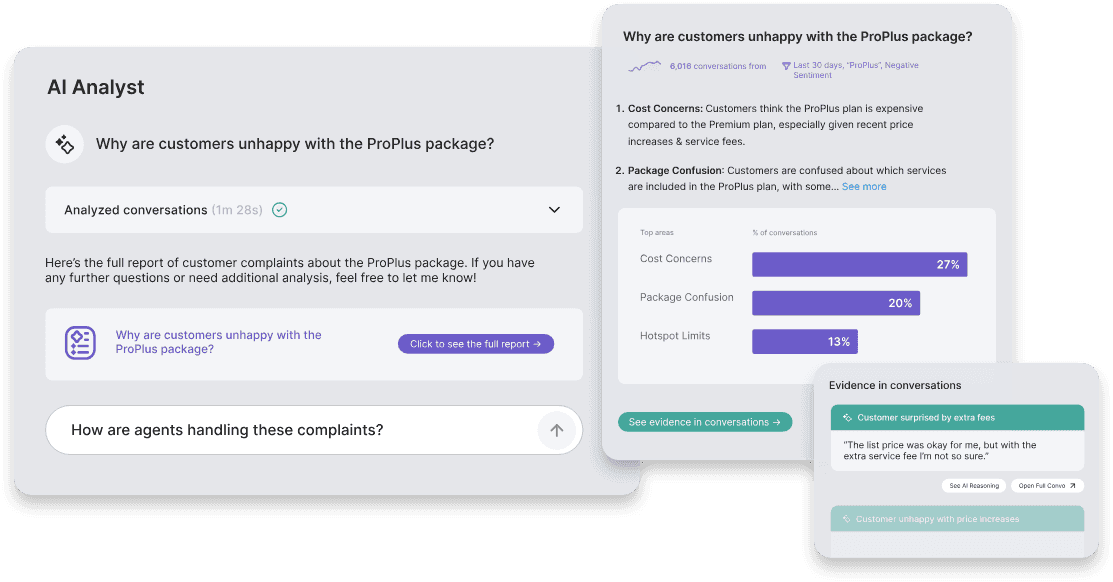
What it does: Enterprise AI platform that guides sales agents during live calls, automates routine conversations with AI agents, and analyzes every interaction to surface what drives performance across voice and chat.
Best for: Large enterprise contact centers that need real-time AI guidance running on every call, with full conversation intelligence across both sales and support channels.
Cresta works best as a call center AI tool for teams that need both live agent guidance and post-call QA.
During calls, Agent Assist gives reps prompts and relevant knowledge in the moment. After calls, conversational intelligence software analyzes what happened, flags missed quality standards, and shows patterns tied to outcomes.
That makes Cresta a strong fit for larger sales and support teams with complex workflows or compliance needs. Smaller teams with a simple sales process may find it heavier than they need.
Key features
Agent Assist: Real-time prompts and behavioral guidance delivered to reps during live calls, with AI-generated summaries after each conversation.
Conversation Intelligence: Analyzes every interaction to surface what behaviors drive outcomes, manage quality, and coach teams at scale.
AI Agents: Handles routine voice and chat interactions autonomously, routing to human reps when the conversation needs judgment.
Knowledge Assist: Surfaces relevant content to agents mid-call so reps can answer accurately without putting prospects on hold.
Enterprise integrations: Native connections with Salesforce, Genesys, NICE, Twilio, and Amazon Connect.
Pros and cons
✅ Pros | ❌ Cons |
Real-time Agent Assist improves accuracy and speeds up rep response during live calls. | Lacks flexibility for unique or non-standard sales processes that don't fit established frameworks. |
Conversation Intelligence gives deep visibility into what drives performance without manual call review. | Noticeable learning curve before the platform delivers strong results across the team. |
AI Agents and wide integrations make it adaptable across most enterprise infrastructure. | Enterprise pricing puts it out of reach for smaller teams or operations with tighter budgets. |
What users say
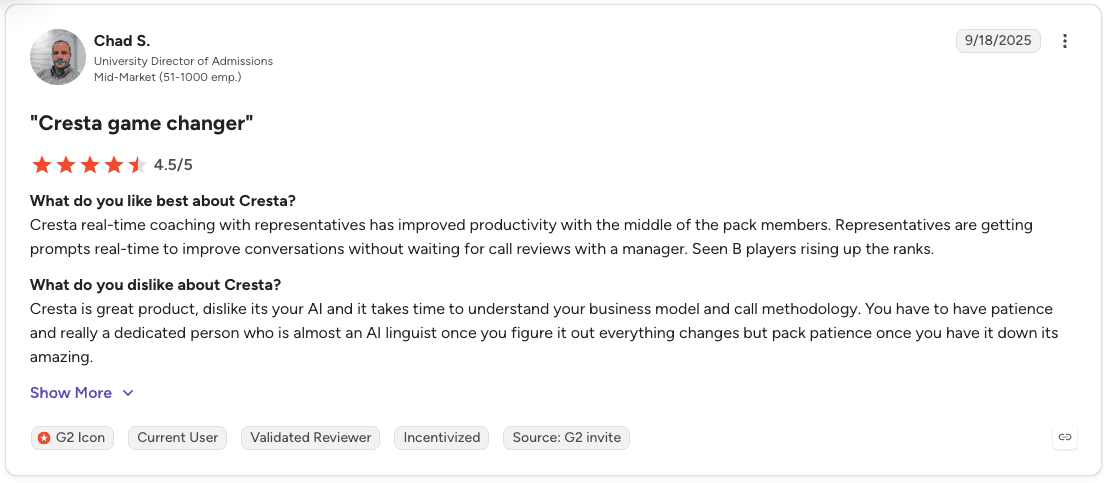
Pro: “Cresta real-time coaching with representatives has improved productivity with the middle of the pack members. Representatives are getting prompts real-time to improve conversations without waiting for call reviews with a manager. Seen B players rising up the ranks.” – Chad S., G2 Review (September 18, 2025)
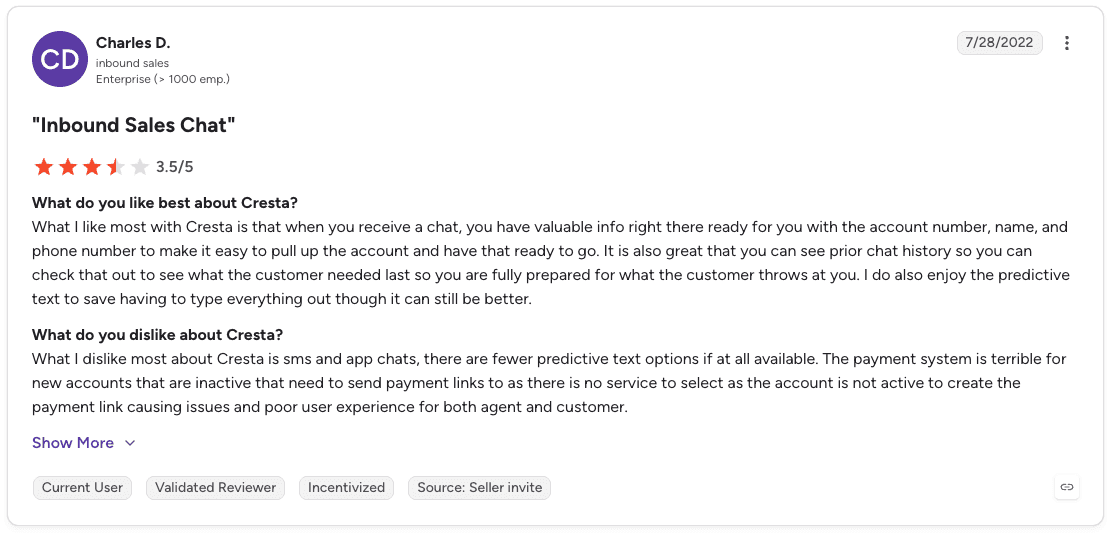
Con: “What I dislike most about Cresta is sms and app chats, there are fewer predictive text options if at all available. The payment system is terrible for new accounts that are inactive that need to send payment links to as there is no service to select as the account is not active to create the payment link causing issues and poor user experience for both agent and customer.” – Charles D., G2 Review (July 28, 2022)
Pricing
Cresta doesn't publish pricing because costs depend entirely on your specific situation. Read our full breakdown of Cresta pricing here.
Bottom line
Cresta is the strongest option for enterprises that need AI running across both sales and support channels simultaneously, with real-time guidance on every call and full conversation intelligence behind it.
For smaller teams or those focused purely on outbound B2C sales, the enterprise scope and pricing may be more than the use case requires.
2. Aircall: Best for understanding customer sentiment
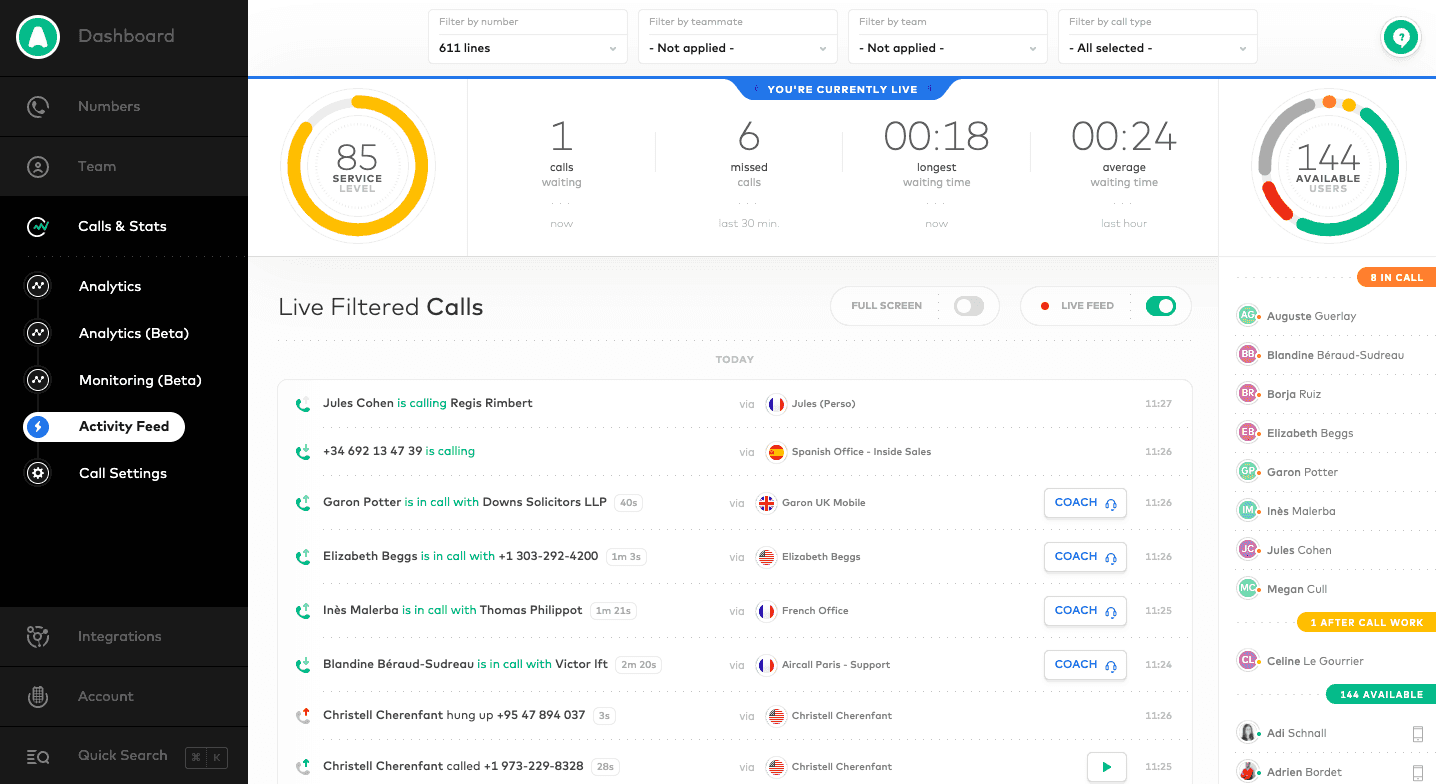
What it does: Cloud call center platform with a power dialer, multi-level IVR, automated callbacks, and call transcripts that help sales teams review conversations and track what's happening across their calls.
Best for: Leaner sales teams that need a clean, intuitive calling setup with conversation visibility at a lower cost than enterprise platforms.
Aircall stands out as an accessible call center AI tool for teams that want a simple phone system with useful AI add-ons. It is easy for agents to learn, works well on desktop and mobile, and includes practical features like a power dialer and automated callbacks for faster outbound workflows.
The tradeoff is that deeper transcript analysis sits outside the core plans and is lighter than what dedicated conversation intelligence platforms offer.
Key features
Power dialer: Automated dial queues that keep outbound calling moving without reps manually dialing each number.
Multi-level IVR: Routes calls based on agent availability, skills, CRM data, and recent customer history.
Automated callbacks: Removes customers from the queue and calls them back when an agent is free, reducing abandonment.
Call transcripts: Captures conversation text so managers and reps can review what was said without listening to full recordings.
Shared inbox and contacts: Lets agents assign calls and contacts to each other with comments for shared context.
Pros and cons
✅ Pros | ❌ Cons |
Lowest starting price on this list at $30/user/month, making AI-assisted calling accessible for smaller teams. | Call transcript analysis is limited and not included in core plans. |
Easy for new agents to learn across desktop and mobile with minimal onboarding required. | No social media channels or live chat support, which limits omnichannel coverage. |
Power dialer and automated callbacks cover both outbound and inbound workflows effectively. | Some users report the app logs agents out multiple times per day, disrupting call workflows. |
What users say
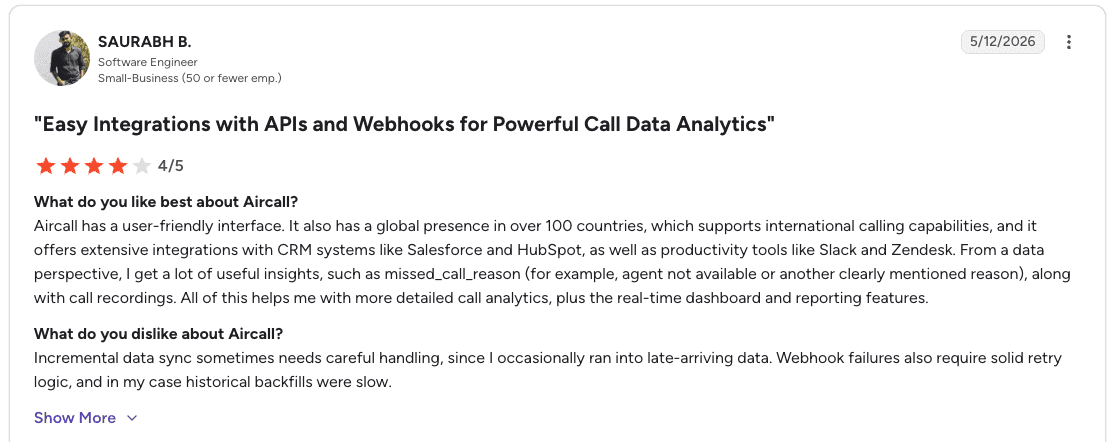
Pro: “Aircall has a user-friendly interface. It also has a global presence in over 100 countries, which supports international calling capabilities, and it offers extensive integrations with CRM systems like Salesforce and HubSpot, as well as productivity tools like Slack and Zendesk.” – Saurabh B., G2 Review (May 12, 2026)
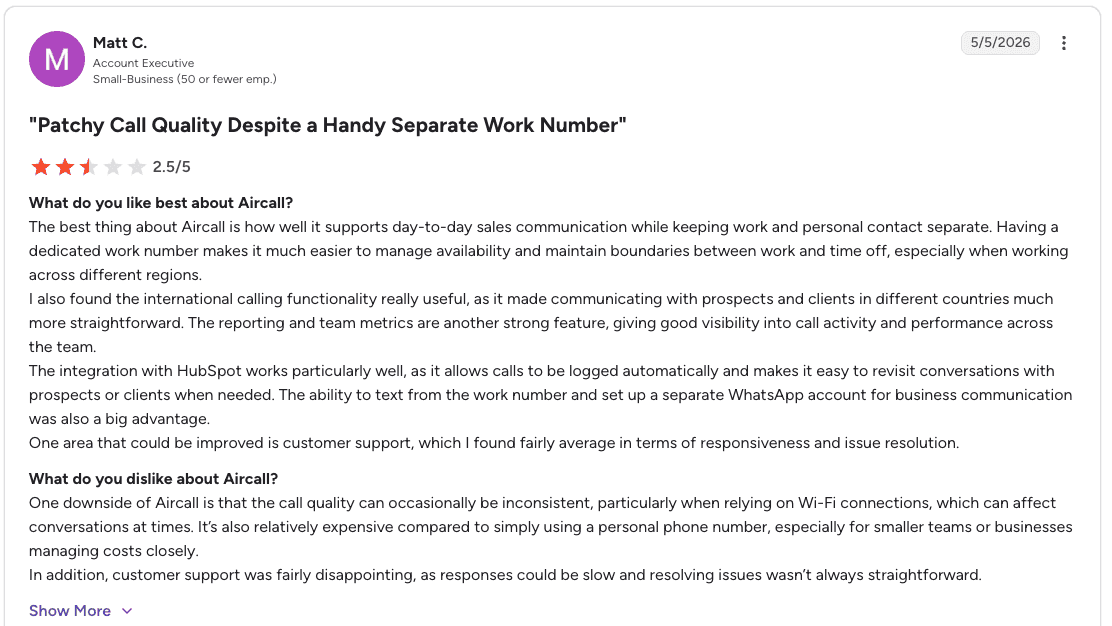
Con: “One downside of Aircall is that the call quality can occasionally be inconsistent, particularly when relying on Wi-Fi connections, which can affect conversations at times. It’s also relatively expensive compared to simply using a personal phone number, especially for smaller teams or businesses managing costs closely. In addition, customer support was fairly disappointing, as responses could be slow and resolving issues wasn’t always straightforward.” – Matt C., G2 Review (May 5, 2026)
Pricing
Aircall pricing starts at $30 per license/month for Essentials and $50 per license/month for Professional (both billed annually with a 3-license minimum). Enterprise plans use custom pricing with a 25-license minimum.
Bottom line
Aircall is the right choice for leaner sales teams that need a reliable, easy-to-use calling platform with basic conversation visibility at a price point that works.
Teams that need deeper sentiment analysis, real-time guidance, or omnichannel coverage should look at Cresta, Talkdesk, or Nextiva.
3. Squaretalk: Best for AI-driven predictive dialing
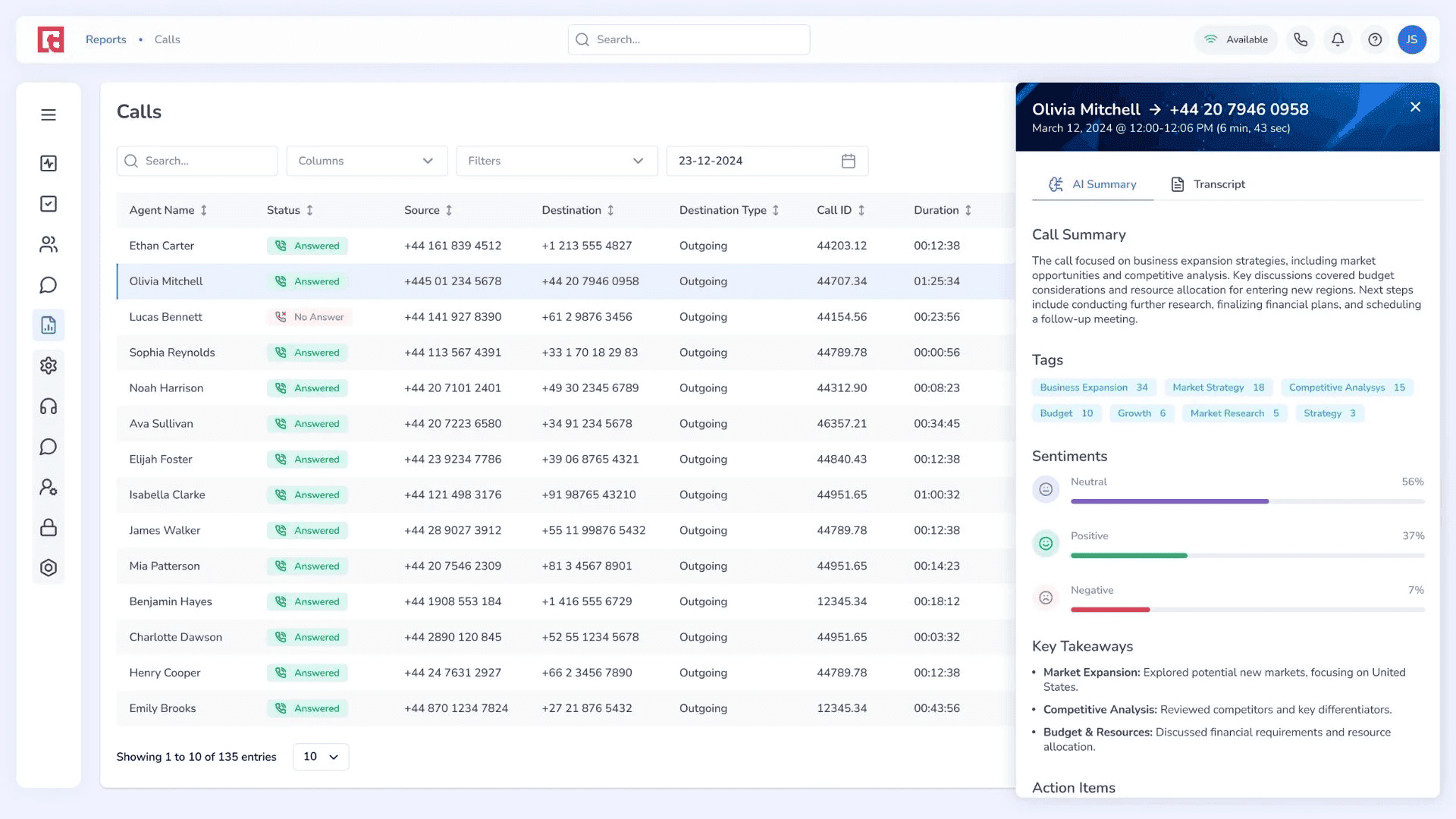
What it does: Cloud contact center platform that combines predictive dialing, AI voice agents, and CRM integration to automate the top of the call workflow so sales reps spend more time on conversations that require a human.
Best for: Sales teams that want to automate initial call steps including routing, qualifying, and scheduling, while reps focus on higher-value conversations.
Squaretalk is built for high-volume sales teams that need to move through more calls with less dead time. Its predictive dialer places calls ahead of rep availability, then routes live answers directly to agents so they spend more time speaking with prospects.
The AI voice agents add another layer by handling routine steps like initial qualification and routing. CRM integrations with Salesforce, Freshworks, Pipedrive, and Zoho also help keep call outcomes and context synced without extra manual work.
Key features
Predictive dialer: Places calls ahead of agent availability and connects reps only to live answers, reducing idle time between conversations.
AI voice agents: Handles routine call tasks including initial routing and qualification automatically, freeing reps for higher-value work.
IVR: Routes callers via voice or keypad inputs to the right team or rep based on defined logic.
Call recording: Captures calls for quality assurance and training review.
Spam checker: Filters unwanted calls to protect the integrity of the call flow.
CRM integrations: Native connections with Salesforce, Freshworks, Pipedrive, and Zoho.
Pros and cons
✅ Pros | ❌ Cons |
Predictive dialer reduces idle time between calls, a major productivity drain on high-volume floors. | Dashboard customization is limited compared to larger enterprise platforms. |
AI voice agents handle routine qualification tasks so reps focus on conversations that require judgment. | Cost per user can be restrictive, and configuration in specific circumstances can be complicated. |
Strong CRM integration keeps call outcomes synced without manual data entry. | Feature set is broader than pure sales coaching, which may mean more platform than some teams need. |
What users say
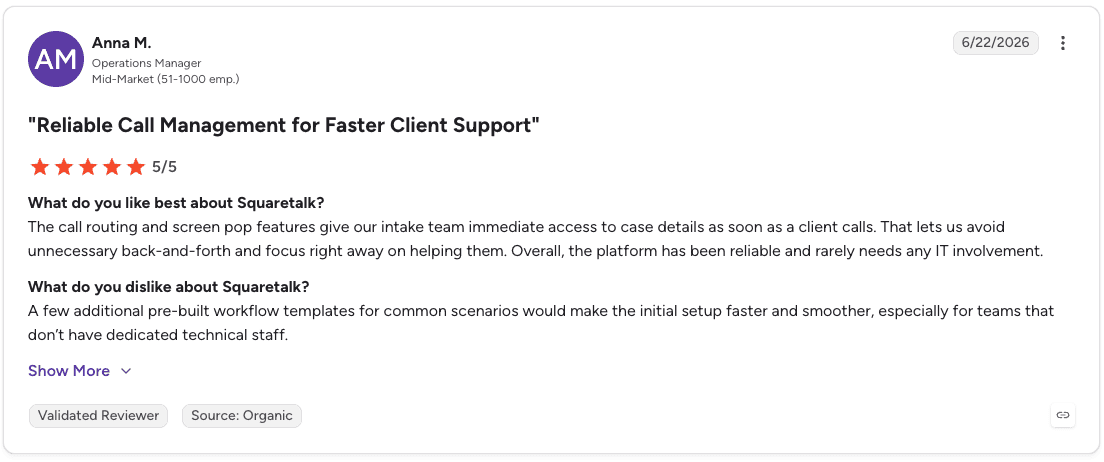
Pro: “The call routing and screen pop features give our intake team immediate access to case details as soon as a client calls. That lets us avoid unnecessary back-and-forth and focus right away on helping them. Overall, the platform has been reliable and rarely needs any IT involvement.” – Anna M., G2 Review (June 22, 2026)
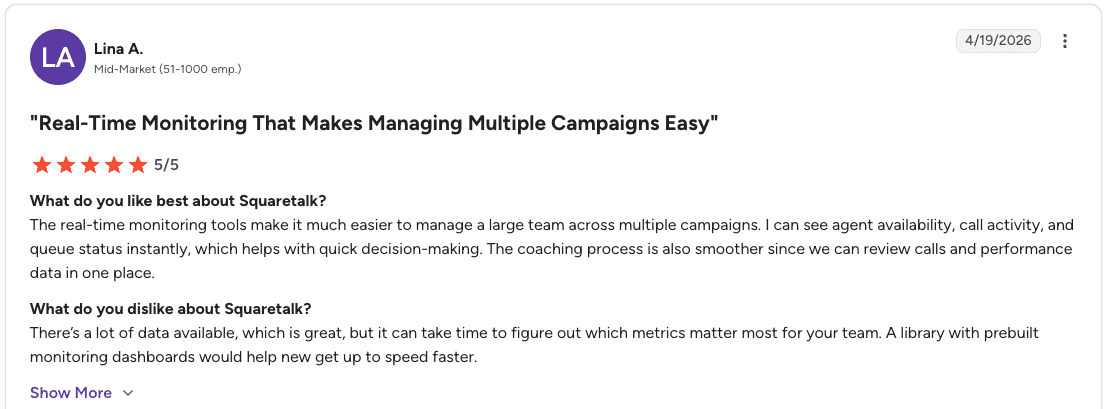
Con: “There’s a lot of data available, which is great, but it can take time to figure out which metrics matter most for your team. A library with prebuilt monitoring dashboards would help new get up to speed faster.” – Lina A., G2 Review (April 19, 2026)
Pricing
Squaretalk pricing starts at $15/user/month for the Core plan (3-user minimum) and $25/user/month for the Connect plan (5-user minimum), both on annual contracts. Enterprise (Scale) pricing is custom and available upon request.
Bottom line
Squaretalk suits sales teams that want to automate the top of the call workflow with predictive dialing and AI voice agents, freeing reps for conversations that require skill and judgment.
Dashboard customization is limited, and teams that need deep analytics or real-time coaching should look at platforms with more dedicated coaching infrastructure.
4. Zendesk: Best for intelligent bot automation
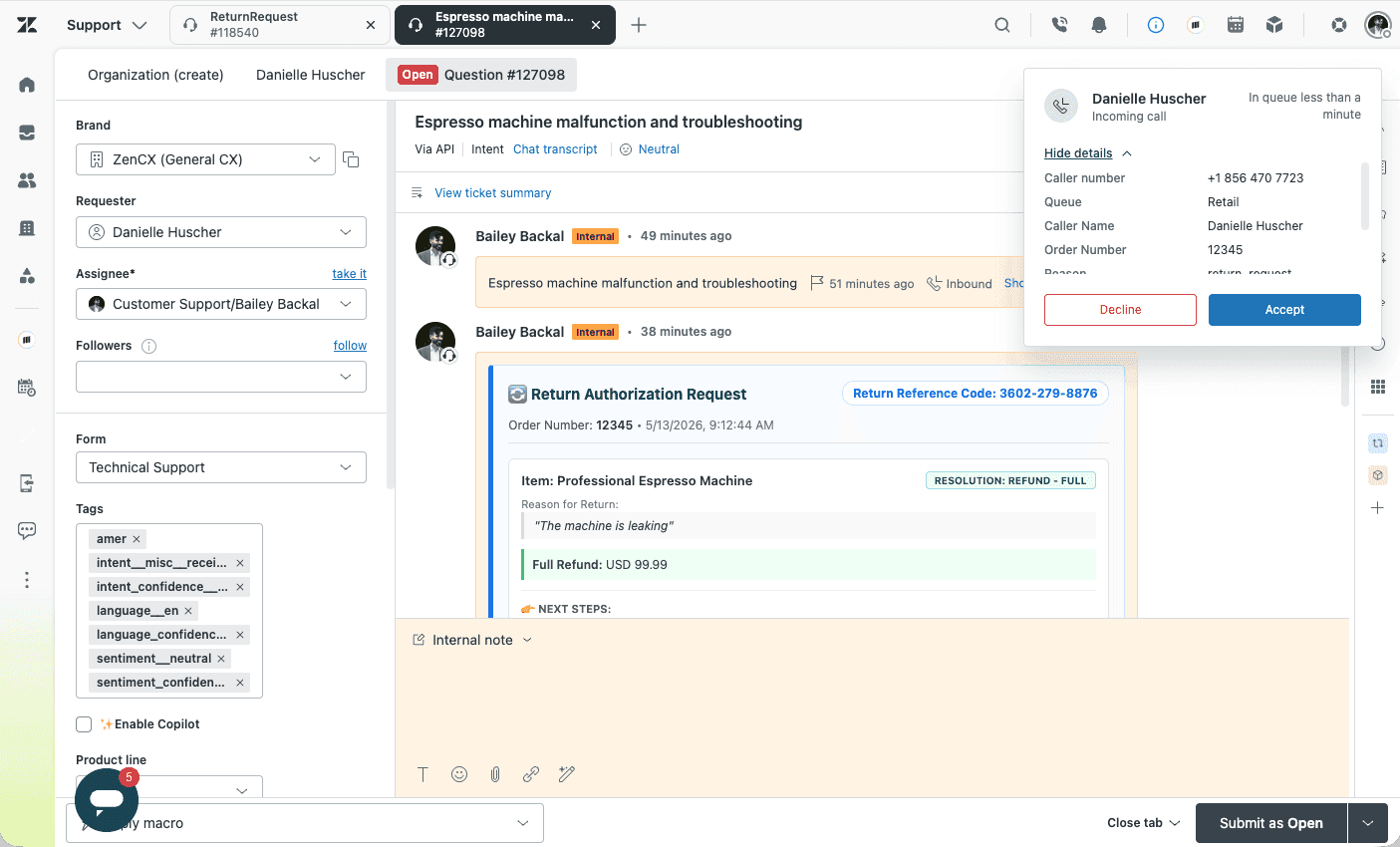
What it does: AI-powered contact center platform built on Zendesk's Resolution Platform, combining Voice AI Agents, real-time agent guidance, and conversation analytics across voice and digital channels in one system.
Best for: Support and sales teams that want AI integrated across the entire customer journey, with Voice AI handling routine calls and live agent tools supporting more complex conversations.
Zendesk is built around AI-led resolution, with Voice AI Agents handling simple requests, routing complex issues to the right live agent, and passing along the context needed to continue the conversation smoothly.
For live calls, Voice Copilot gives agents real-time knowledge suggestions, call summaries, and triage support. The analytics layer then turns call data into visibility around knowledge gaps, performance trends, and coaching opportunities.
Key features
Voice AI Agents: Trained on 18 billion+ service interactions, handles routine calls autonomously and routes complex ones to live agents with full context.
AI-powered scoring and insights: Surfaces knowledge gaps, trends, and coaching opportunities from every call without manual review.
Omnichannel coverage: Connects voice with all other channels on one platform with no middleware between them.
Enterprise voice infrastructure: Built on AWS enterprise-grade infrastructure for global scale and reliability.
Pros and cons
✅ Pros | ❌ Cons |
AI embedded throughout the customer journey. | Primarily support-oriented, with limited dedicated sales coaching features. |
Voice AI Agents trained on 18 billion+ interactions, giving them a broader training base than most alternatives. | Custom configurations can require technical expertise. |
Voice Copilot gives live agents real-time guidance and automatic summaries without manual effort. | Some users report poor audio quality during calls. |
What users say
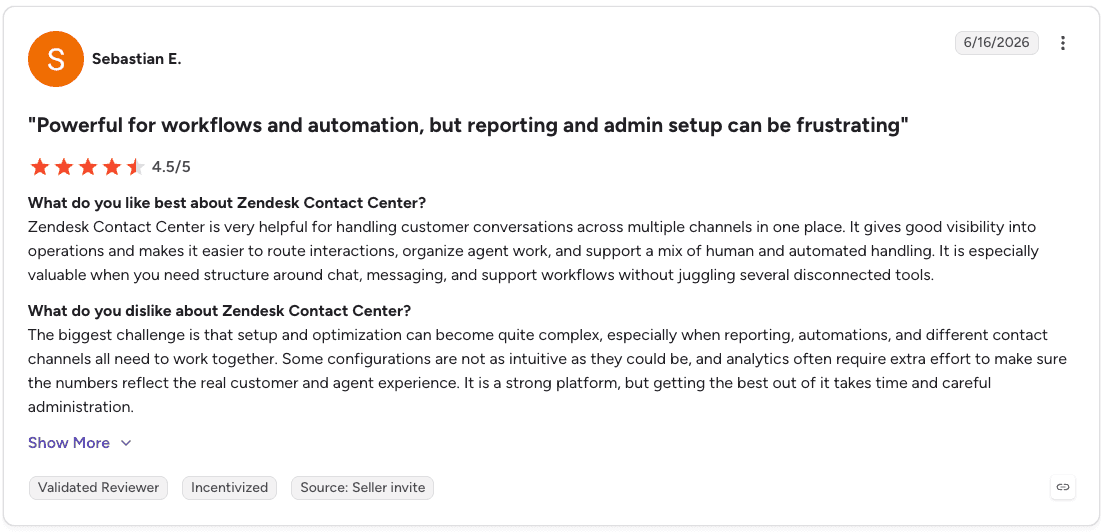
Pro: “Zendesk Contact Center is very helpful for handling customer conversations across multiple channels in one place. It gives good visibility into operations and makes it easier to route interactions, organize agent work, and support a mix of human and automated handling. It is especially valuable when you need structure around chat, messaging, and support workflows without juggling several disconnected tools.” – Sebastian E., G2 Review (June 16, 2026)
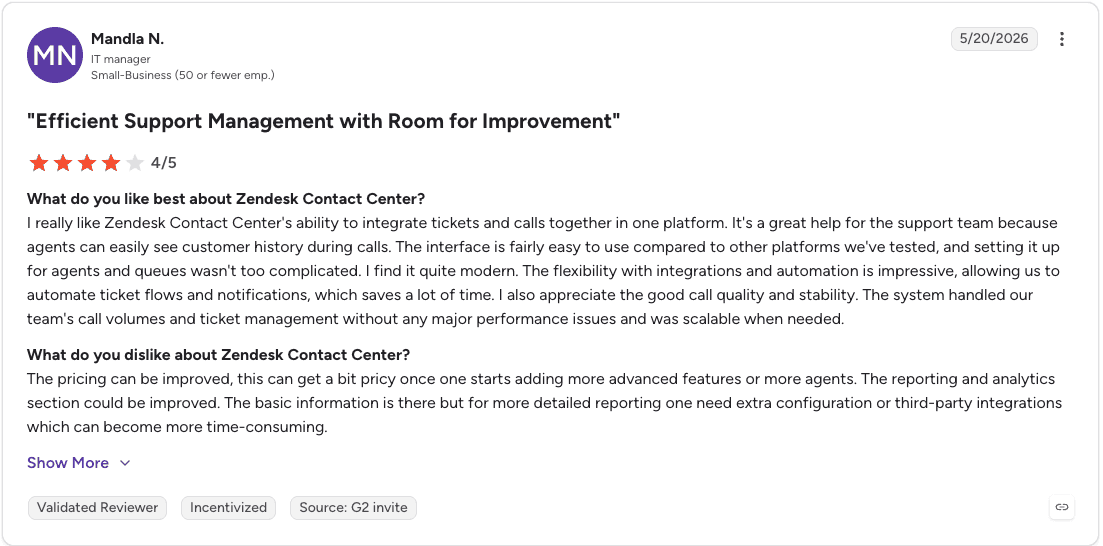
Con: “The pricing can be improved, this can get a bit pricy once one starts adding more advanced features or more agents. The reporting and analytics section could be improved. The basic information is there but for more detailed reporting one need extra configuration or third-party integrations which can become more time-consuming.” – Mandla N., G2 Review (June 20, 2026)
Pricing
Zendesk Contact Center pricing starts at $83 per agent/month (paid annually) and requires a Zendesk Suite plan. Additional Minutes Blocks are available from $33 per agent/month (paid annually).
Bottom line
Zendesk is a stronger AI play than its reputation as a ticketing tool suggests. The Voice AI Agent training and built-in Copilot make it a strong fit for teams that want AI integrated throughout the customer conversation.
For sales floors that need dedicated rep coaching and performance analytics, it works better as a routing and support layer alongside a purpose-built coaching platform.
5. CloudTalk: Best for CRM-integrated call workflows
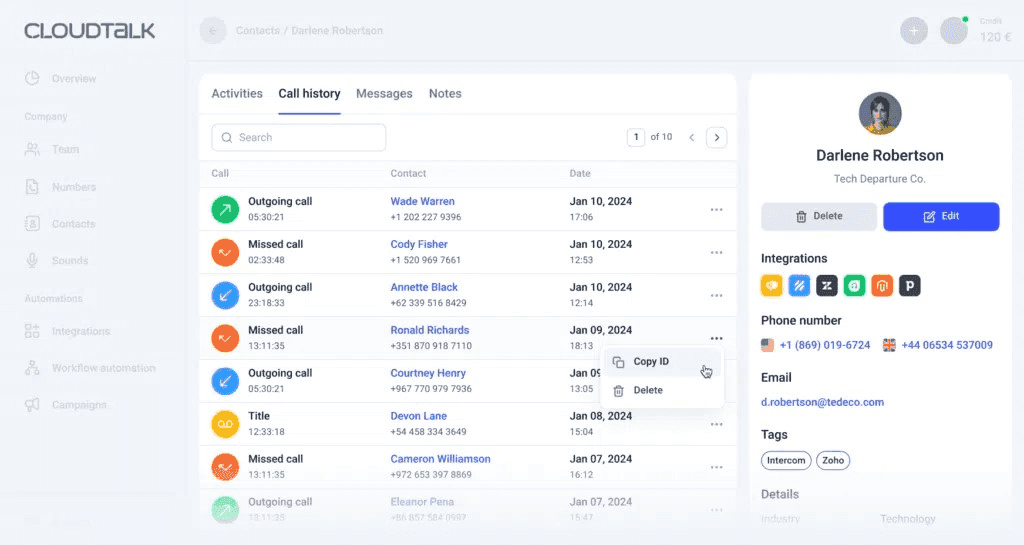
What it does: Cloud call center platform focused on reliable inbound call handling with strong IVR, call routing, queue management, and CRM integrations that keep customer data accessible during every interaction.
Best for: Teams that prioritize reliable inbound call routing with CRM-connected workflows, available across local and international numbers in over 160 countries.
CloudTalk works best for teams that need clean routing and strong CRM context on every call. It routes calls by agent skills and availability, shows customer data from the connected CRM, and lets managers monitor or coach live calls without switching tools.
The tradeoff is analytics depth. CloudTalk is useful for inbound teams that need better call handling and rep support, but its reporting is lighter than dedicated analytics platforms and less focused on outbound sales campaigns.
Key features
IVR and call routing: Routes inbound calls by agent skills, availability, and customer history so the right rep handles each call.
Live monitoring and coaching: Managers can monitor active calls and coach agents in real time without the customer hearing.
CRM integration: Connects with HubSpot, Salesforce, and Pipedrive so agents have full customer context during every interaction.
Analytics and reporting: Tracks call volumes, wait times, and agent activity for performance monitoring.
International numbers: Local and international numbers across 160+ countries for teams operating across multiple markets.
Pros and cons
✅ Pros | ❌ Cons |
Strong call routing and queue management built for reliable inbound operations. | Basic reporting compared to analytics-focused platforms. |
Live monitoring lets managers coach agents during active calls. | Some users report silent calls without a dial tone as a frustrating experience. |
CRM integrations keep customer data accessible during every conversation. | Automatic mode hides the call number and gives no warning when connectivity drops, according to some users. |
What users say
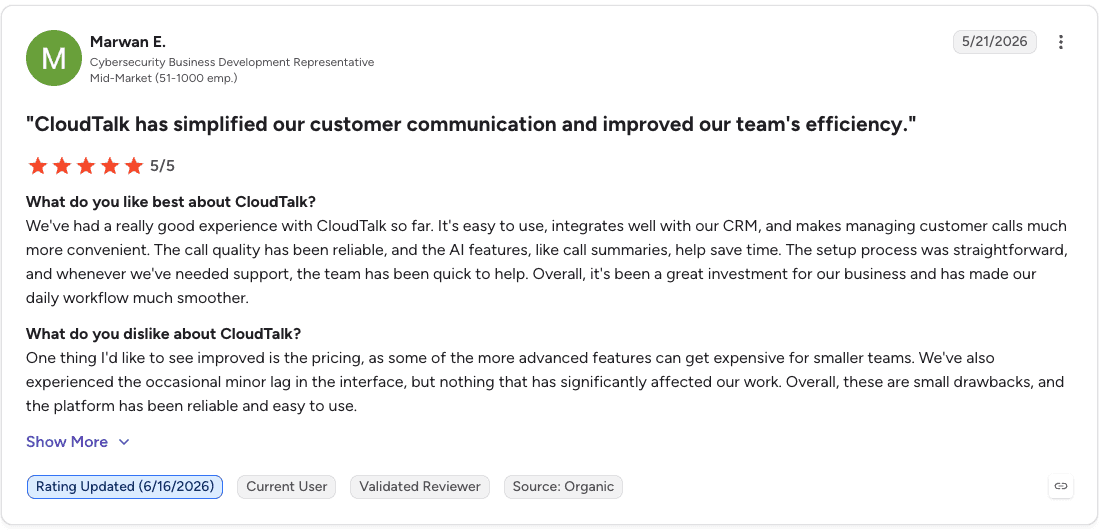
Pro: “The call quality has been reliable, and the AI features, like call summaries, help save time. The setup process was straightforward, and whenever we've needed support, the team has been quick to help. Overall, it's been a great investment for our business and has made our daily workflow much smoother.” – Marwan E., G2 Review (May 21, 2026)
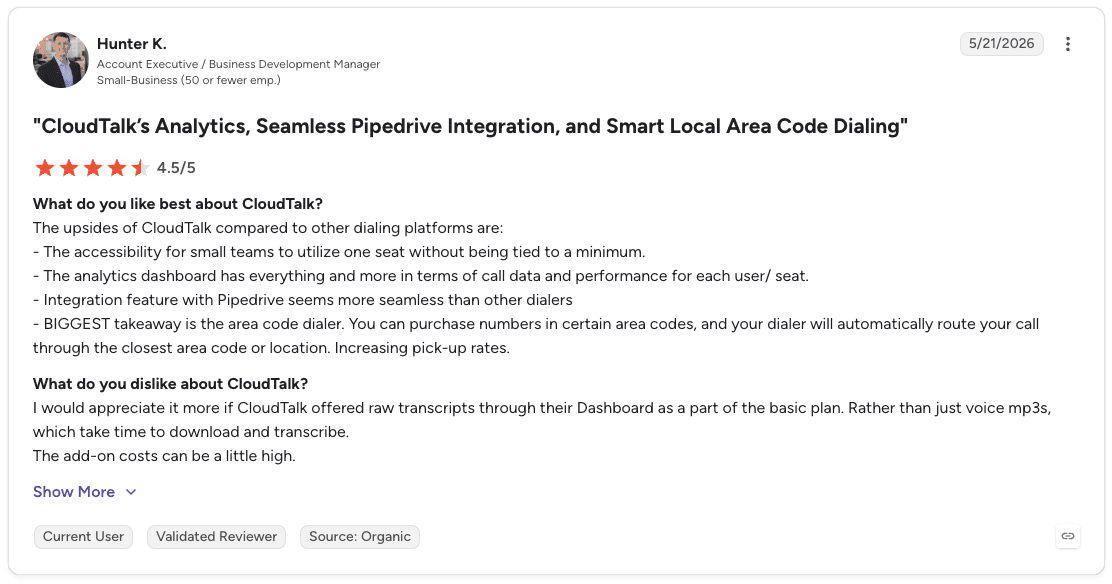
Con: “I would appreciate it more if CloudTalk offered raw transcripts through their Dashboard as a part of the basic plan. Rather than just voice mp3s, which take time to download and transcribe.” – Hunter K., G2 Review (May 21, 2026)
Pricing
CloudTalk pricing starts at $25/user/month (Starter), $29/user/month (Essential), and $49/user/month (Expert), all billed annually. AI Voice Agents are priced separately, with custom enterprise options available through sales.
Bottom line
CloudTalk is a strong choice for teams that need reliable inbound call routing with CRM-connected agent workflows. Teams running heavy outbound sales campaigns or requiring deep conversation analytics should look at platforms with more dedicated outbound and analytics capabilities.
6. Talkdesk: Best for scalable AI solutions in regulated industries
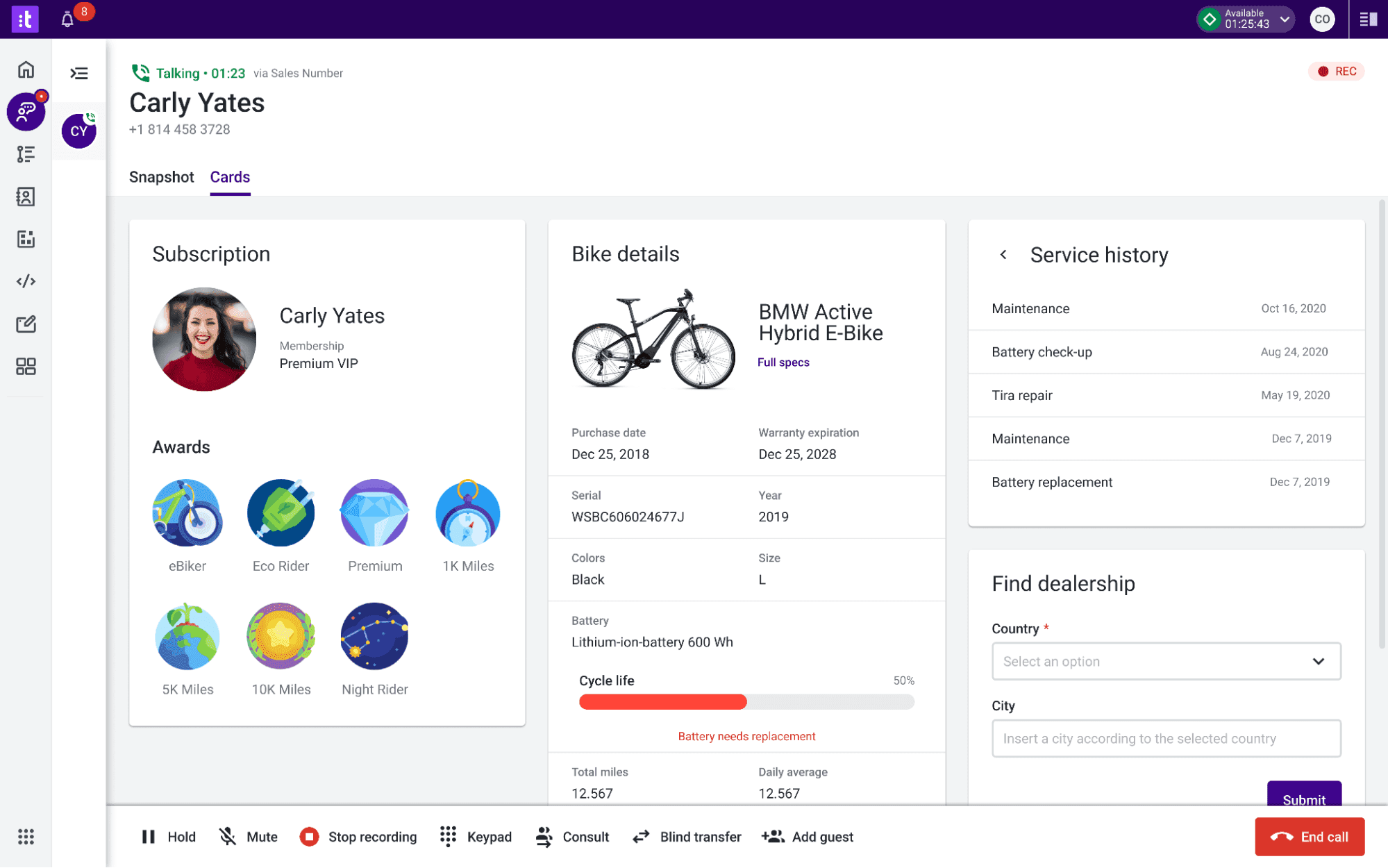
What it does: Cloud contact center platform that combines AI-powered automation, omnichannel engagement, and pre-built industry-specific solutions for banking, insurance, healthcare, and retail teams.
Best for: Sales teams in regulated industries like Medicare, insurance, and healthcare that need AI trained for their industry's workflows, compliance requirements, and sales processes.
Talkdesk stands out for its Industry Experience Clouds, which give teams pre-built workflows and AI tailored to specific verticals. For regulated sales teams, like Medicare, that means compliance features and enrollment workflows are already part of the platform.
Its AI layer supports self-service, omnichannel engagement, workforce management, and customer experience analytics. The tradeoff is cost and setup time, especially once teams need more than basic voice features or custom reporting.
Key features
Industry Experience Clouds: Pre-built workflows and AI configured specifically for banking, insurance, healthcare, retail, and government teams.
AI for self-service: Automated tools that help callers get answers faster without requiring a live rep.
Omnichannel engagement: Single platform covering voice and digital channels so agents manage all interactions in one place.
AI for workforce engagement: Management tools for agent scheduling, performance tracking, and supervisor oversight.
AI for customer experience analytics: Insights from both inbound and outbound calls to surface trends and coaching opportunities.
Pros and cons
✅ Pros | ❌ Cons |
Industry-specific clouds deliver pre-built workflows and compliance features for regulated verticals. | Costs add up quickly when scaling beyond basic voice features. |
Works across voice and digital channels in one platform with 70+ deep integrations. | Performance may lag during high volume, and custom reporting takes time to learn. |
Low-code, no-code, and custom-code tools give teams flexibility in configuring workflows. | Pre-built industry clouds may not fit every team's specific workflow variations. |
What users say
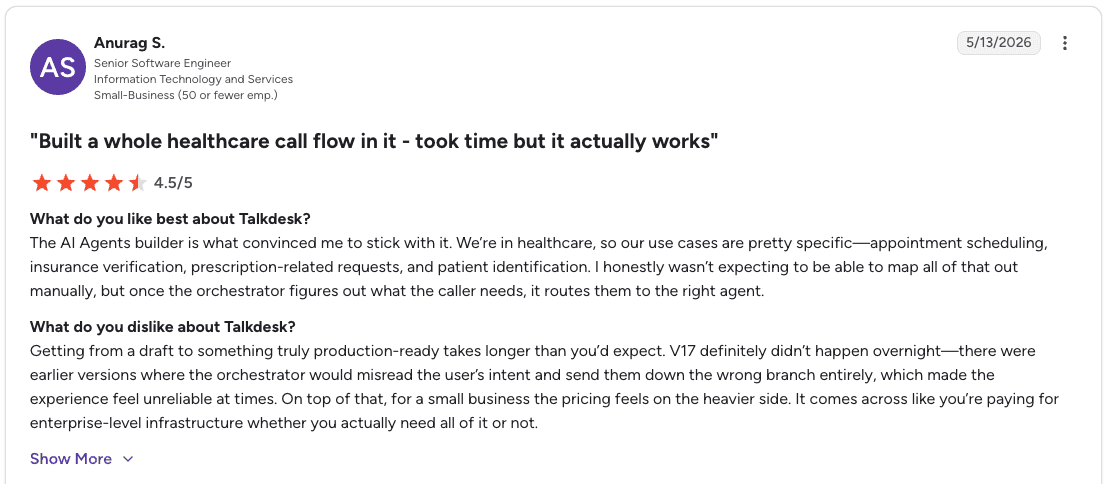
Pro: “The AI Agents builder is what convinced me to stick with it. We’re in healthcare, so our use cases are pretty specific—appointment scheduling, insurance verification, prescription-related requests, and patient identification.” – Anurag S., G2 Review (May 13, 2026)
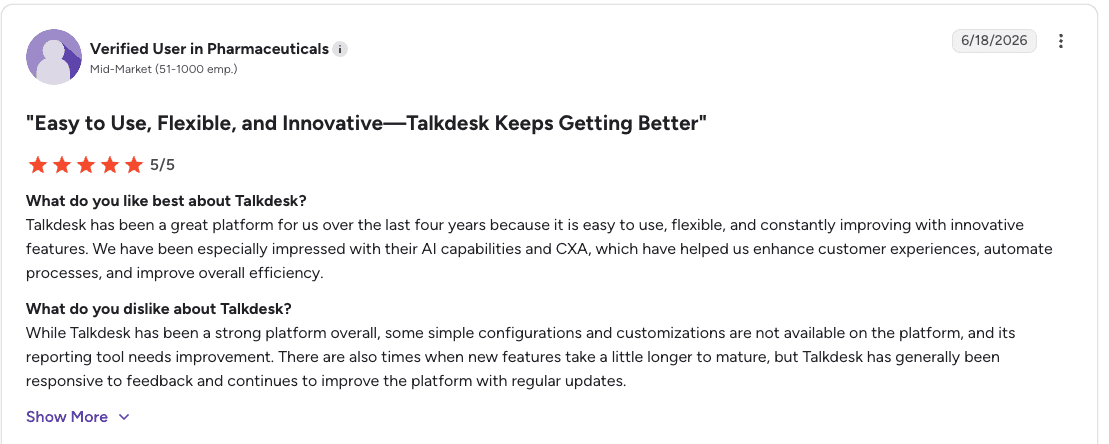
Con: “While Talkdesk has been a strong platform overall, some simple configurations and customizations are not available on the platform, and its reporting tool needs improvement.” – Verified User in Pharmaceuticals, G2 Review (June 18, 2026)
Pricing
Talkdesk pricing starts at $85/user/month for Digital Essentials, $105/user/month for Voice Essentials, $165/user/month for Elite, and $225/user/month for Industry Experience Clouds. All plans are priced per user, per month.
Bottom line
Talkdesk is the strongest option for regulated industry sales floors that want compliance and vertical-specific AI built in from the start.
General sales teams without strict regulatory requirements may find the industry-specific depth more than their situation requires.
7. Nextiva: Best for intelligent call routing
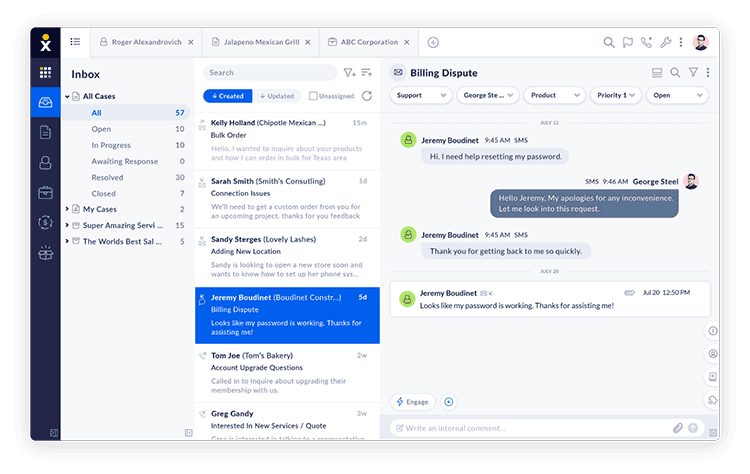
What it does: AI-powered platform that combines voice, chat, email, SMS, and social media in one system, with AI transcription, sentiment analysis, predictive dialing, and workforce management tools built in.
Best for: Sales teams that want a single platform for communications, contact center operations, and AI tools.
Nextiva brings AI into routing, call review, and performance visibility across the full communication stack. It routes calls by skills and availability, generates transcripts and sentiment insights during conversations, and feeds those insights into reporting and workforce management.
Its predictive and progressive dialers also make it useful for outbound sales teams. The tradeoff is setup complexity, since onboarding and CRM integration can take more time and configuration than expected.
Key features
Intelligent call routing: AI-powered routing directs calls to the right agent based on skills and availability without manual queue management.
AI transcription and sentiment analysis: Automatically generates call transcripts and surfaces sentiment signals so managers can review calls at scale.
Progressive and predictive outbound dialing: Supports outbound sales campaigns with automated dialing modes that reduce idle time between calls.
Omnichannel coverage: Handles voice, chat, email, SMS, and social media from a single agent desktop.
Workforce management tools: Built-in scheduling and performance tracking for agent and team management.
Pros and cons
✅ Pros | ❌ Cons |
AI transcription and sentiment analysis give managers call-level insight without manual review. | CRM integration can require extra cost and configuration beyond the base plan. |
Covers voice, digital, and AI tools in one platform, reducing the need for multiple vendors. | Setup takes longer than expected according to multiple user reviews. |
Progressive and predictive dialing make it a strong fit for both outbound sales and inbound support. | The platform can flag spam calls but does not block them permanently. |
What users say
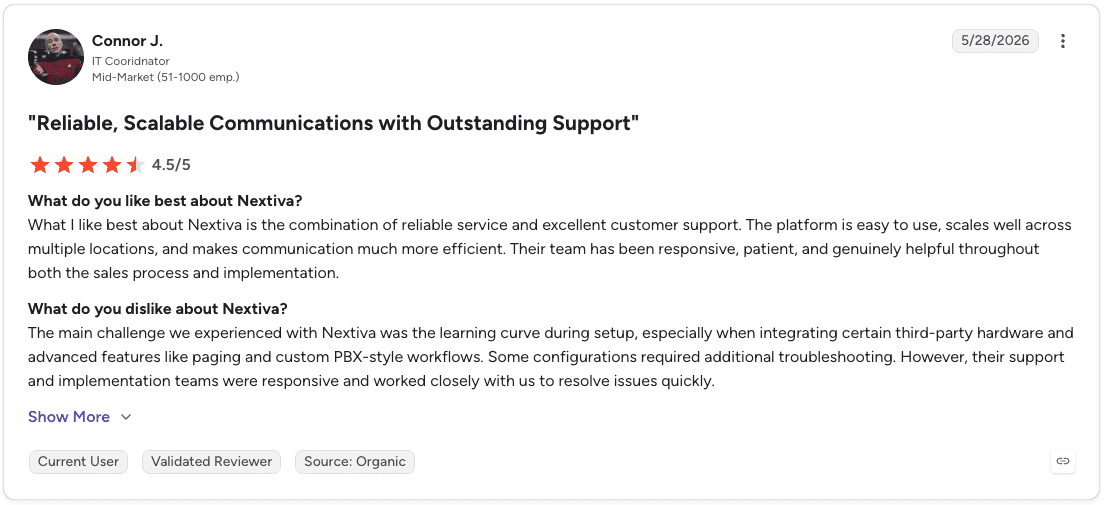
Pro: “What I like best about Nextiva is the combination of reliable service and excellent customer support. The platform is easy to use, scales well across multiple locations, and makes communication much more efficient.” – Connor J., G2 Review (May 28, 2026)
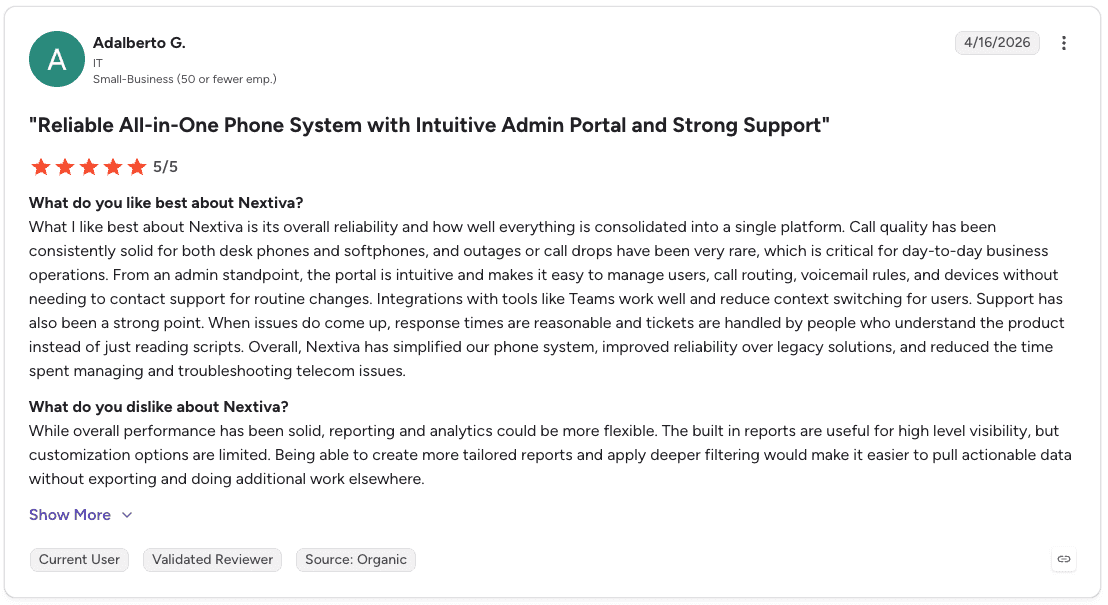
Con: “The built in reports are useful for high level visibility, but customization options are limited. Being able to create more tailored reports and apply deeper filtering would make it easier to pull actionable data without exporting and doing additional work elsewhere.” – Adalberto G., G2 Review (April 16, 2026)
Pricing
Nextiva pricing offers plans for small businesses starting at $15/user/month (Core), $25/user/month (Engage), and $75/user/month (Scale).
Enterprise plans start at $75/agent/month for Essential, while Professional and Premium require contacting sales for custom pricing.
Bottom line
Nextiva is a strong choice for sales teams that want voice, digital channels, and AI tools in one platform. Teams with straightforward calling needs or smaller budgets may find the platform offers more than they need.
Which call center AI tool should you choose?
The right platform depends on your team size, industry compliance requirements, and whether your primary need is real-time guidance, predictive dialing, or consolidating all your communication tools in one place.
Choose Cresta if you:
Run a large enterprise contact center handling both sales and support with complex compliance needs.
Need real-time AI guidance on every live call alongside full post-call conversation intelligence.
Have the budget and time for an enterprise contract and multi-week implementation.
Choose Aircall if you:
Run a leaner sales team that needs a clean, easy-to-use calling platform at a lower price point.
Want basic call transcript visibility without the complexity or cost of enterprise analytics tools.
Need a platform new agents can pick up quickly on both desktop and mobile.
Choose Squaretalk if you:
Run a high-volume outbound floor where predictive dialing and reduced idle time directly impact revenue.
Want AI voice agents handling routine qualification so reps focus on higher-value conversations.
Need strong CRM sync across Salesforce, Freshworks, Pipedrive, or Zoho without manual data entry.
Choose Zendesk if you:
Want AI embedded throughout the customer interaction.
Handle a mix of inbound support and sales conversations across multiple channels.
Need Voice AI Agents that can autonomously resolve routine calls and route complex ones with full context.
Choose CloudTalk if you:
Need reliable inbound call routing with live manager monitoring and CRM-connected agent workflows.
Operate across international markets and need local numbers in 160+ countries.
Want managers to coach agents on live calls without a complex enterprise setup.
Choose Talkdesk if you:
Operate in a regulated vertical like Medicare, insurance, or healthcare.
Want pre-built compliance workflows and AI designed for regulated industries.
Need omnichannel coverage with both voice and digital channels under one platform.
Choose Nextiva if you:
Want to consolidate voice, digital, and AI tools into one platform and reduce vendor management.
Need AI transcription, sentiment analysis, and outbound dialing in the same system.
Are prepared for a longer setup process in exchange for fewer tools to manage long-term.
Skip call center AI tools entirely if:
Your team has fewer than 10 reps and direct manager oversight covers your monitoring needs.
Your primary challenge is improving rep performance. A coaching platform like Alpharun addresses that layer separately.
What happens on the call after the AI hands it off
The AI routes the lead, the dialer connects the call, and the IVR handles qualification. Once the rep picks up, every platform on this list hands the conversation over.
What happens in those next three minutes is where most floors are flying blind. A manager on a 50-rep team sees maybe five percent of it. The rest goes uncoached, unobserved, and reinforces the same habits every day.
Alpharun is what sits in that blind spot. It scores every call against a playbook built from your own top performers, giving every rep a standard based on what already works on your sales floor.
With Alpharun, teams get:
100% call scoring replaces call sampling with complete performance visibility.
Sentence-level coaching tied to real call moments, so reps know exactly what to fix.
Compliance monitoring on every conversation, tracking disclosures and qualification steps automatically.
Weekly coaching notes sent directly to reps, reducing manager follow-up load.
Performance trends by rep over time so coaching happens before it shows up as a missed quota.
Book a demo to see how Alpharun works alongside your existing call center AI setup.
Frequently asked questions
What are call center AI tools?
Call center AI tools are software platforms that use artificial intelligence to automate, analyze, and improve call center operations. They cover a range of functions including intelligent call routing, real-time agent guidance, conversation analysis, predictive dialing, and compliance monitoring.
What is the best call center AI tool for sales teams?
The best call center AI tool for sales teams depends on team size, industry, and what part of the sales call you most need to improve. Cresta leads for enterprise teams needing real-time AI guidance on every call. Talkdesk leads for regulated industries with compliance requirements. Squaretalk leads for outbound teams focused on predictive dialing efficiency. Most teams need a combination of call infrastructure and a separate coaching layer to fully develop rep performance.
How does AI improve call center performance?
AI improves call center performance by reducing the manual work that slows reps down and surfacing insights that managers could not capture at volume.
Predictive dialers reduce idle time between calls. Real-time guidance surfaces the right information during live conversations. Conversation intelligence analyzes every interaction, giving managers a complete view of coaching opportunities.
Do call center AI tools replace human agents?
No, call center AI tools do not replace human agents. They automate repetitive tasks, surface relevant information, and handle routine inquiries so human agents can focus on conversations that require judgment, empathy, and persuasion.
The sales conversations that close deals still depend on a trained rep who can adapt in real time to what the prospect is saying.

