
After researching and comparing the top sales performance management softwares across commission automation, quota management, territory planning, and rep visibility, here are the 14 tools that actually deliver results.
14 best sales performance management software: quick comparison
💻 Tool | ⚡ Strengths | 🎯 Best For | 💰 Pricing |
CaptivateIQ | Full SPM suite, SmartGrid engine, territory and quota planning | Mid-market and enterprise revenue teams | Custom (per-seat model) |
Xactly | Mature ICM, industry benchmarking data, strong compliance controls | Large enterprises in regulated or audit-heavy industries | Custom |
Varicent | Multi-layer crediting, audit trails, Finance-grade approval workflows | Global enterprises with complex comp structures | Custom |
Salesforce Spiff | Native Sales Cloud integration, low-code plan designer, AI assistant | Salesforce-native organizations | From $75/user/month (billed annually) |
Forma.ai | AI-driven plan simulation, 200+ data source integrations | Enterprise RevOps and comp teams with dedicated resources | Custom + implementation fee |
Everstage | Fast deployment, Crystal forecasting, 4.8/5 G2 rating | Mid-market teams moving off spreadsheets quickly | Custom |
Performio | Component-based plan builder, audit logs, rep earnings dashboards | Mid-market teams needing accurate and auditable commissions | Custom |
QuotaPath | CRM-connected automation, AI plan builder, transparent pricing | SMB and growing sales teams under 100 reps | From $35/user/month |
Anaplan | Connected enterprise planning, scenario modeling, AI forecasting | Large enterprises linking sales planning with FP&A | Custom |
SAP SuccessFactors Incentive Management | High-volume global payout processing, SAP ecosystem integration | SAP-centric enterprises | Custom (min. 100 records, 1-3 year contracts) |
Ambition | Automated coaching workflows, gamification, real-time dashboards | SMB to mid-market inside sales teams | From $45/user/month |
SalesScreen | Real-time performance visualization, interactive competitions | SMB to mid-market teams focused on rep motivation | From $30/user/month |
Qobra | 100% no-code plan editor, deal-level commission statements, 4.8/5 G2 | Mid-market to enterprise RevOps and finance teams | Custom |
WorkRamp | Combined performance management and sales training, content management | Mid-market teams investing in connected enablement | Custom |
How I researched and tested these sales performance management software tools
Researching these sales performance management software platforms involved reviewing product documentation, analyzing user reviews on G2, and testing free trials or demos where available. Each tool was evaluated across five criteria:
Features: How well each platform handles core SPM tasks like commission calculation, quota tracking, territory management, and rep visibility.
Usability: Whether the interface is intuitive for both admins configuring plans and reps checking earnings.
Integrations: How well each tool connects with CRM, ERP, and HRIS systems where sales data already lives.
Pricing: The real value delivered relative to cost, including implementation overhead.
Use cases: How each tool performs for the specific team types and comp structures it targets.
This process helped identify which sales performance management platforms genuinely serve their stated use case and which ones look better on paper than in practice.
1. CaptivateIQ: best sales performance management software for full SPM
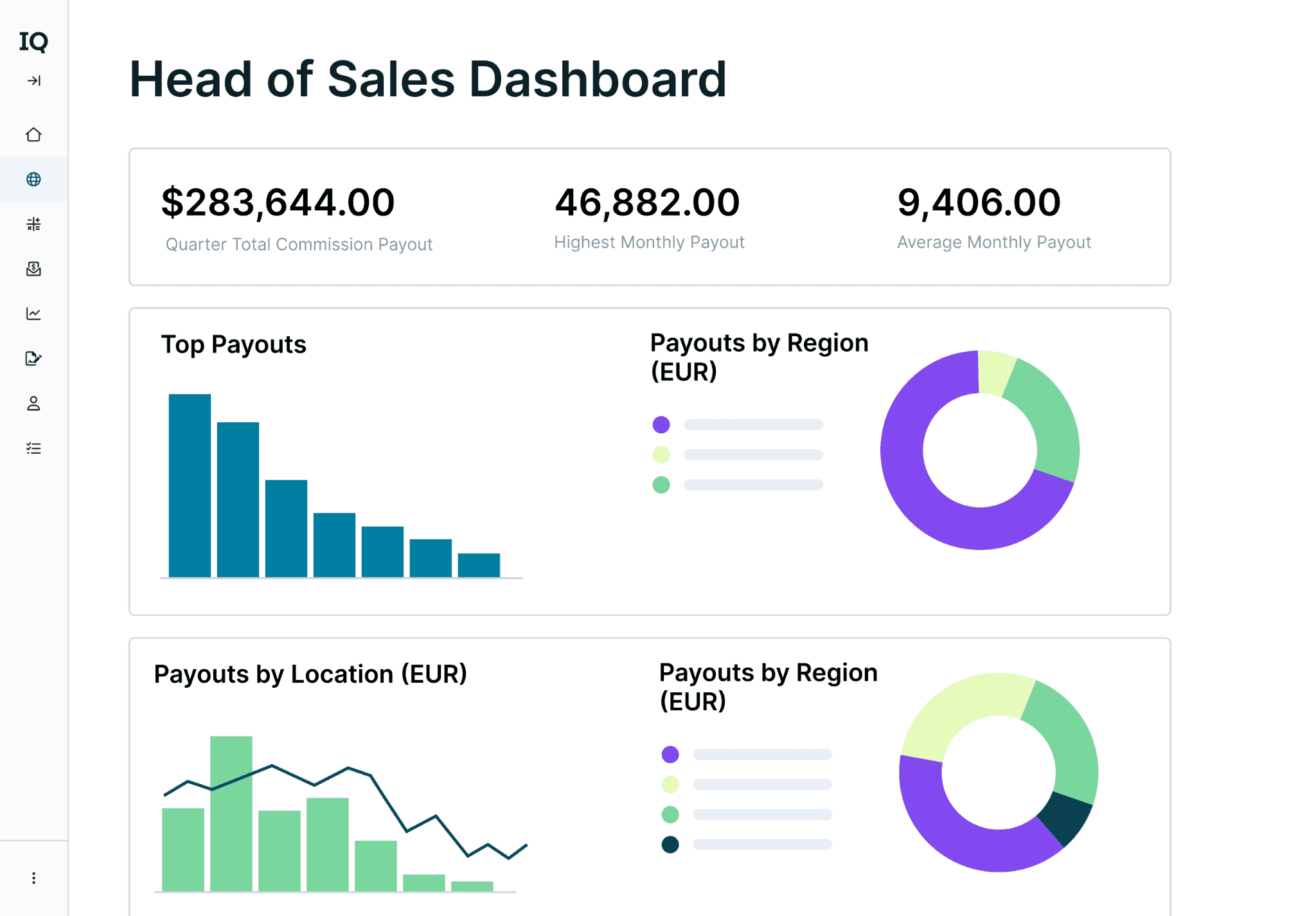
What it does: CaptivateIQ is a full-suite sales performance management platform covering incentive compensation, territory planning, quota setting, and headcount modeling in one system.
Best for: Mid-market and enterprise revenue teams that need commission automation and sales planning connected in the same platform.
CaptivateIQ’s core engine is SmartGrid, a proprietary data and calculation layer that pulls from CRM, ERP, and HRIS systems. RevOps teams can model complex commission plans with tiers, accelerators, splits, and overlays without engineering support.
Beyond compensation, CaptivateIQ Planning lets teams model hiring and ramp scenarios, distribute accounts across territories, and generate quotas using role logic and historical performance data.
Key features
SmartGrid calculation engine: Pulls data from multiple systems and models complex comp plans without engineering support.
CaptivateIQ Planning: Connects headcount modeling, territory carving, and quota setting directly to compensation plans.
Reporting and analytics: Manage calculations, generate performance reports, and analyze data in the same system where commissions are calculated.
Pros and cons
✅ Pros | ❌ Cons |
One of the few platforms covering the full SPM lifecycle, not only commissions | Custom enterprise pricing means cost is opaque until you’re in a sales conversation |
Strong Forrester and G2 validation across multiple criteria | Full planning capabilities require CaptivateIQ Planning, which may add to cost |
Flexible enough to handle complex multi-tier, multi-overlay comp structures |
What users say
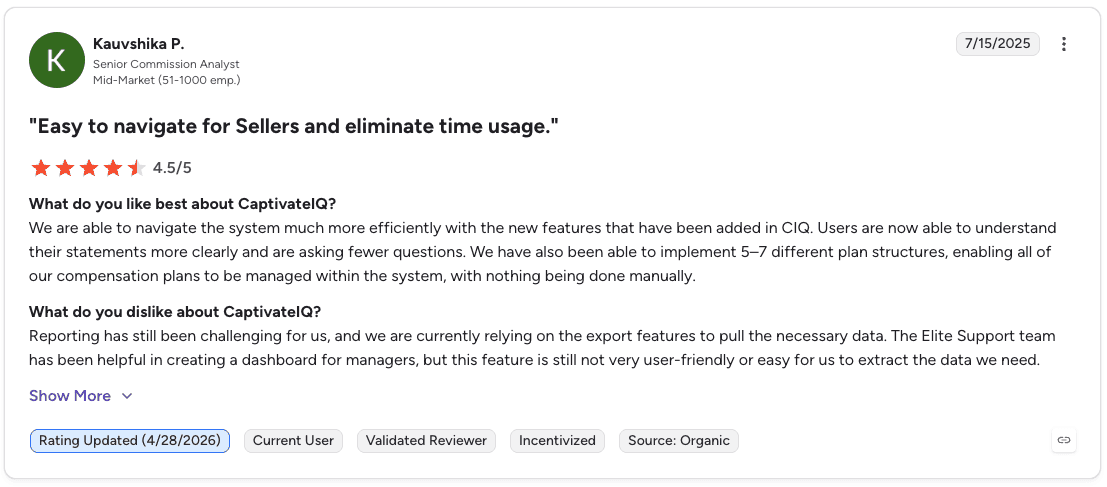
Pro: “We are able to navigate the system much more efficiently with the new features that have been added in CIQ. Users are now able to understand their statements more clearly and are asking fewer questions.” — Kauvshika P., G2 Review (Jul 15, 2025)
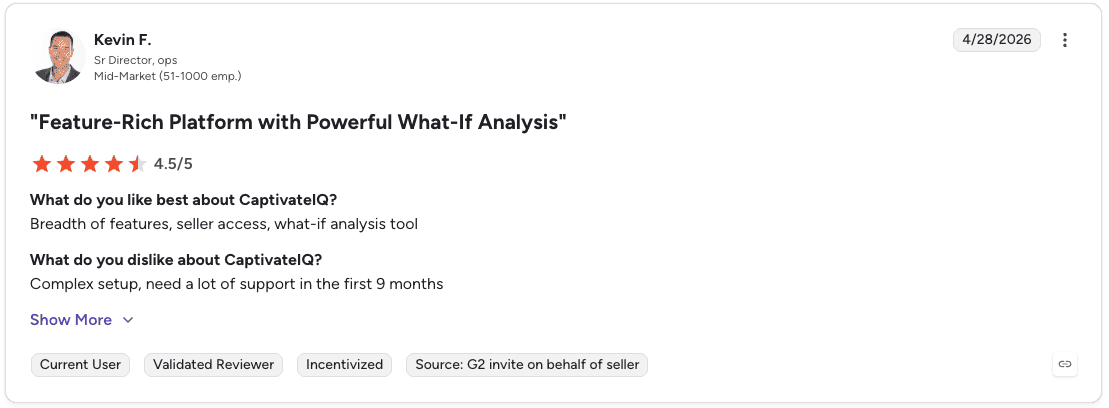
Con: “Complex setup, need a lot of support in the first 9 months.” — Kevin F., G2 Review (Apr 28, 2026)
Pricing
Pricing is custom and based on a per-seat model, with costs determined by the number of users, integrations, and support requirements.
Bottom line
CaptivateIQ is the strongest all-around choice for teams that need commission automation and sales planning in one place. If you only need commission tracking, the full suite may be more than you need.
2. Xactly: best for large enterprises with compliance requirements
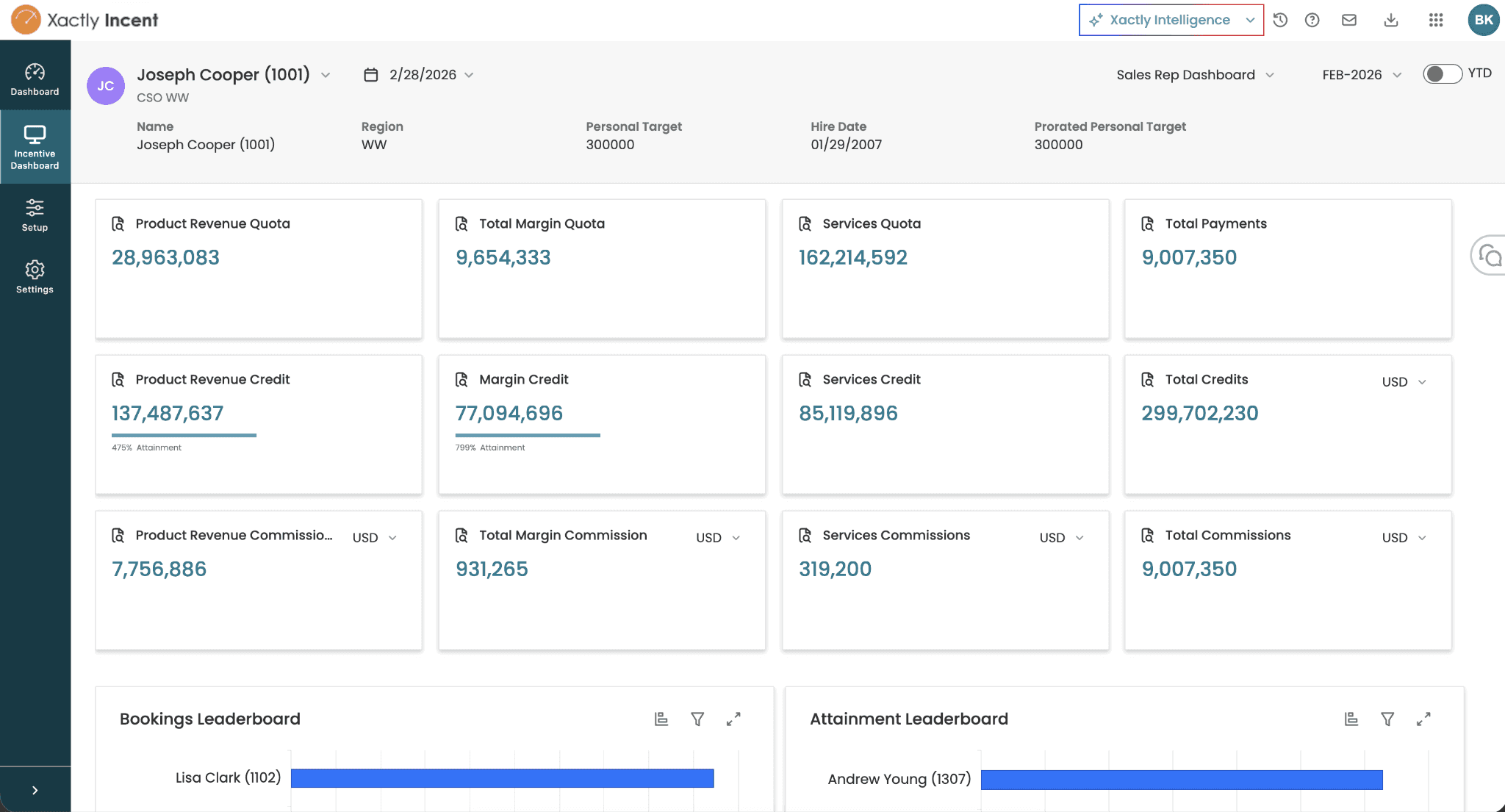
What it does: Xactly is an enterprise sales performance management software platform covering incentive compensation, territory and quota management, sales planning, and forecasting through separate product modules.
Best for: Large enterprises in regulated or audit-heavy industries where documentation, approvals, and traceability are non-negotiable.
Xactly has been in the market longer than most SPM vendors. Its benchmarking dataset, built from years of pay and performance history across its customer base, is one of its most cited differentiators.
Teams can pressure-test quota models and payout curves against industry data before rolling out plan changes.
The tradeoff is implementation complexity. Xactly tends to feel more like traditional enterprise software than newer platforms, and deployments often require more internal admin effort.
Key features
Xactly Incent: Core incentive compensation management with configurable plan logic and payout calculations.
Benchmarking data: Industry pay and performance data for pressure-testing comp plan changes.
Xactly Manage and Plan: Territory, quota, and sales planning modules that sit alongside the core ICM product.
Pros and cons
✅ Pros | ❌ Cons |
Mature platform with a long track record in enterprise compensation management | Implementations can take longer and require more internal resources than mid-market-first tools |
Benchmarking data is a genuine differentiator for teams validating quota models | Interface can feel dated compared to newer entrants in the category |
Strong auditability and compliance features for governed environments |
What users say
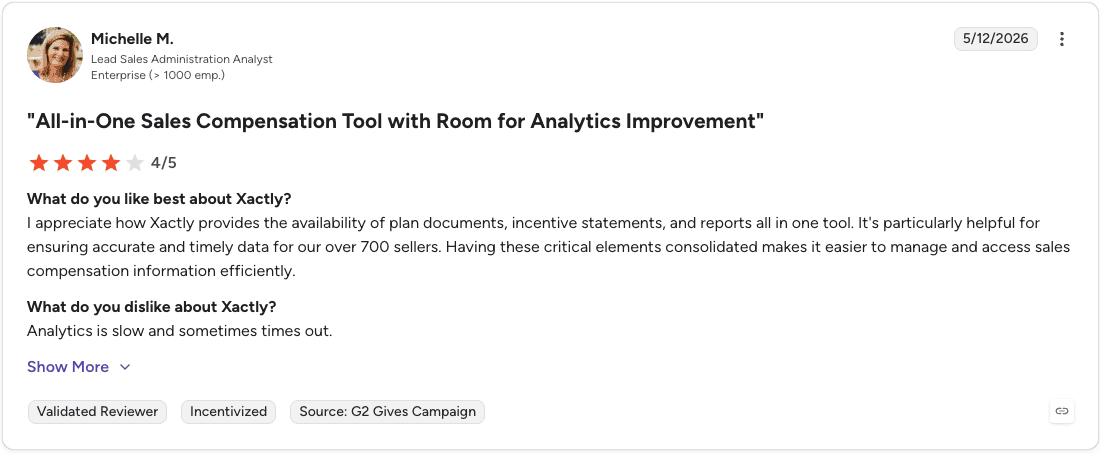
Pro: “I appreciate how Xactly provides the availability of plan documents, incentive statements, and reports all in one tool. Having these critical elements consolidated makes it easier to manage and access sales compensation information efficiently.” — Michelle M., G2 Review (May 12, 2026)
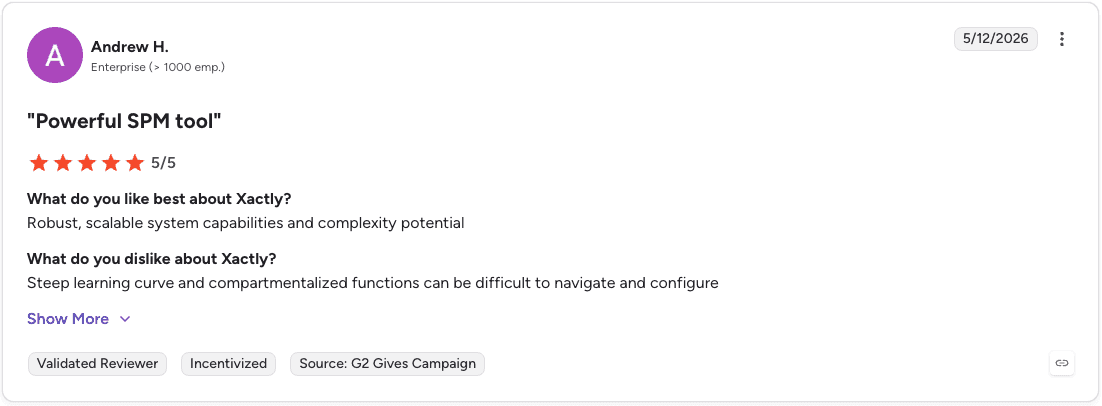
Con: “Steep learning curve and compartmentalized functions can be difficult to navigate and configure.” — Andrew H., G2 Review (May 12, 2026)
Pricing
Xactly does not publish public pricing. Businesses must request a demo or contact sales for a custom quote based on their compensation management and revenue operations needs.
Bottom line
Xactly fits large enterprises that need a proven, audit-ready SPM platform. Teams that want faster deployment or a more modern interface should look at CaptivateIQ or Everstage instead.
3. Varicent: best for global enterprises with complex comp structures
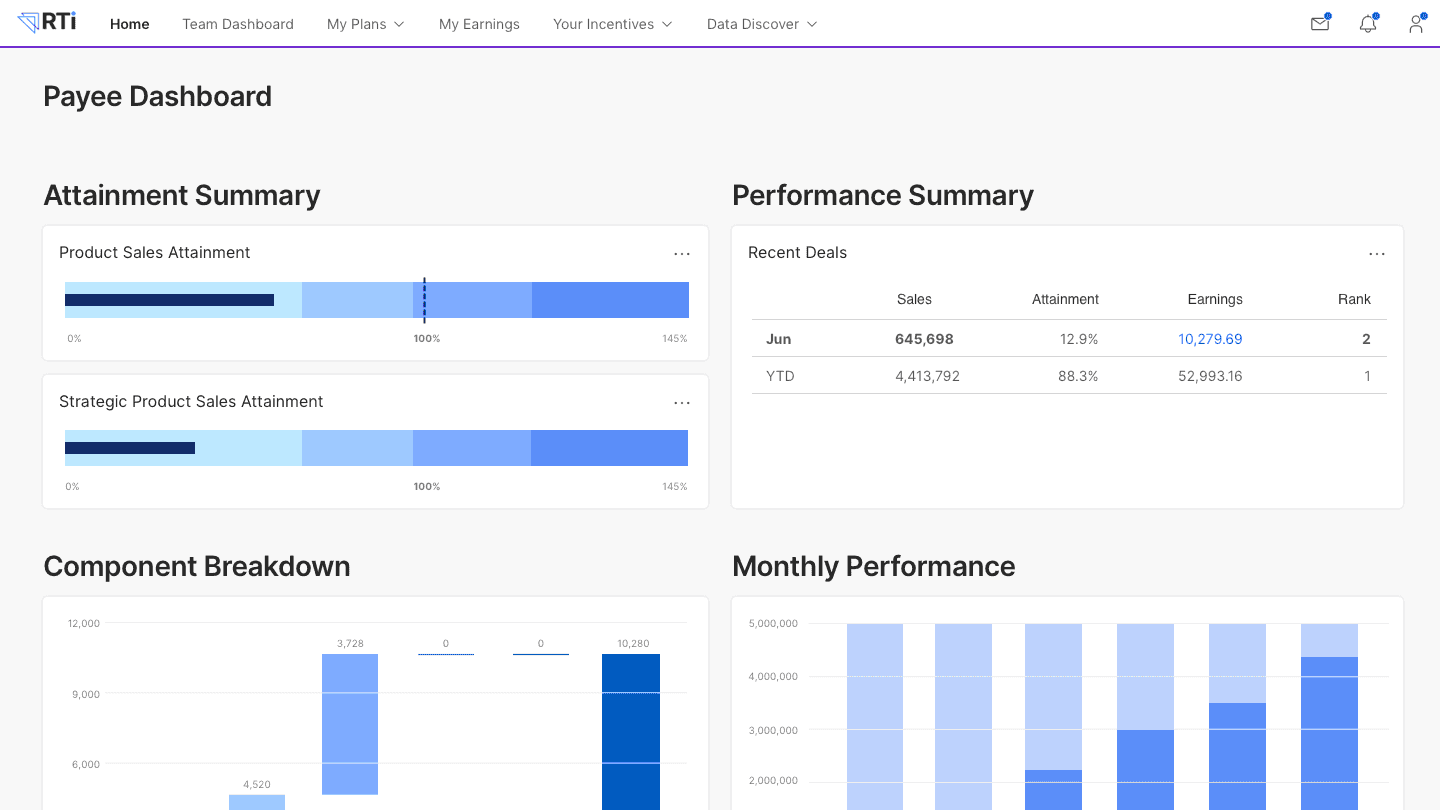
What it does: Varicent is a sales performance management platform built for organizations with highly complex incentive compensation structures across multiple divisions, roles, and geographies.
Best for: Large enterprises where comp plans include layered roles, overlapping crediting, and heavy Finance scrutiny.
Varicent supports detailed crediting rules, multi-level compensation structures, and revenue splitting across multiple contributors or regions.
Its audit trails, version history, and approval workflows are designed for environments where Finance needs to verify exactly how every payout was calculated.
The platform also covers sales planning for territories and quotas alongside its core compensation capabilities. A dedicated comp admin function is typically needed to maintain data flows and manage ongoing plan changes at enterprise size.
Key features
Layered crediting and comp structures: Handles multi-role, multi-region compensation plans where revenue is split across contributors.
Audit trails and approval workflows: Detailed calculation traceability and version history for Finance-governed environments.
Territory and quota planning: Sales planning capabilities alongside core incentive compensation management.
Pros and cons
✅ Pros | ❌ Cons |
Built specifically for the most complex global comp structures | Requires technical support and a dedicated comp admin at enterprise size |
Strong audit and compliance controls for regulated industries like financial services and healthcare | Not the right fit for teams with straightforward comp plans. The complexity is overkill. |
Handles multi-layer crediting rules that simpler platforms can’t model |
What users say
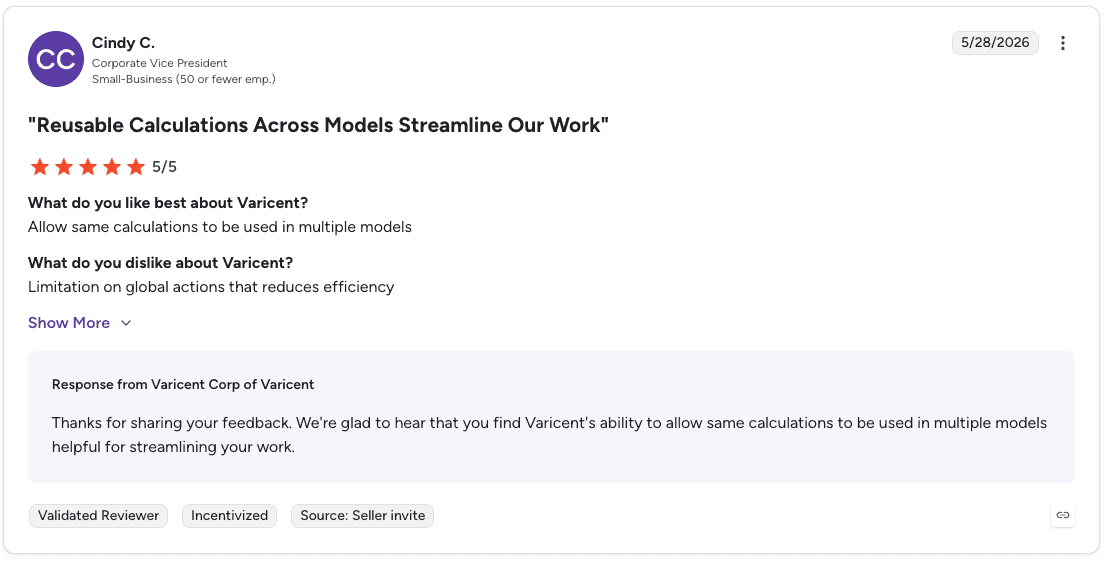
Pro: “Allow same calculations to be used in multiple models.” — Cindy C., G2 Review (May 28, 2026)
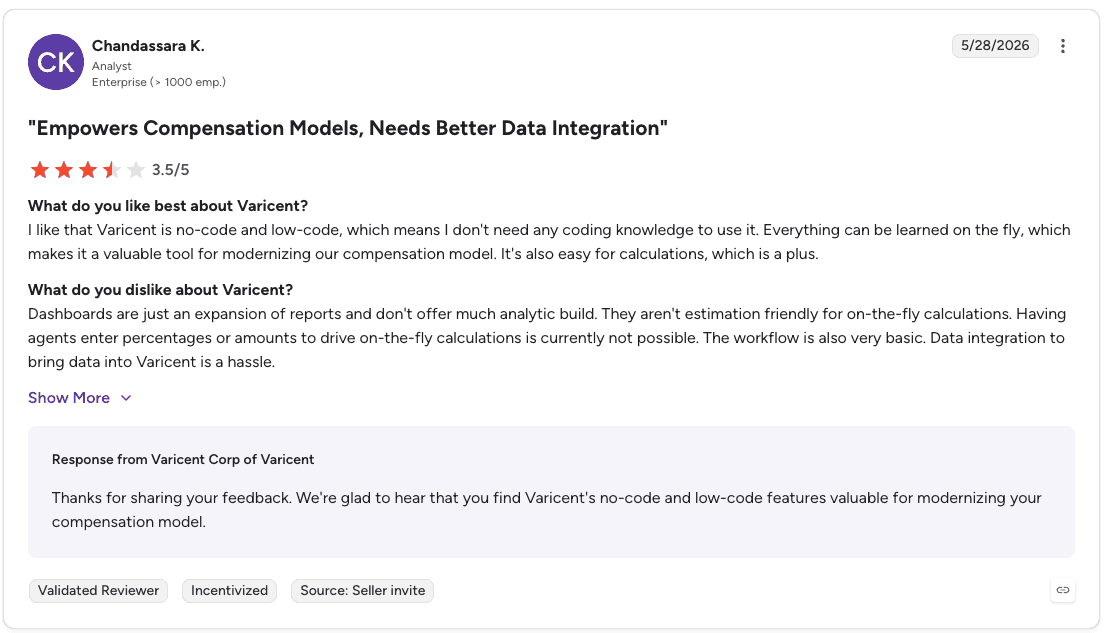
Con: “Data integration to bring data into Varicent is a hassle.” — Chandassara K., G2 Review (May 28, 2026)
Pricing
Custom enterprise pricing. Contact Varicent for a quote.
Bottom line
Varicent is the right call for global enterprises where comp complexity is genuinely high and Finance is closely involved. Smaller teams or those with simpler plans will find it heavy going.
4. Salesforce Spiff: best for Salesforce-native organizations
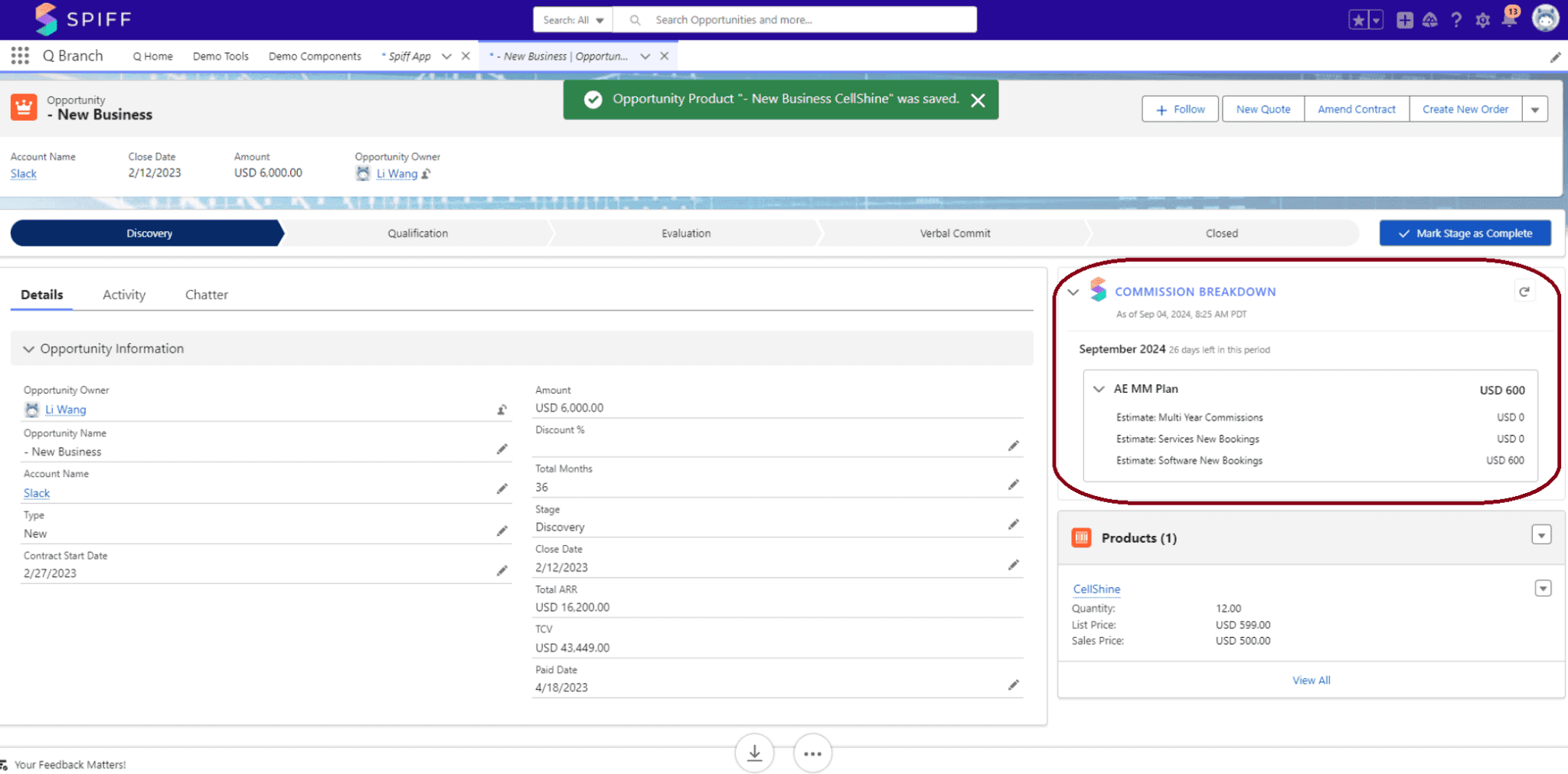
What it does: Salesforce Spiff is Salesforce’s native incentive compensation management tool, built into Sales Cloud and designed to automate commission calculations for organizations already operating in the Salesforce ecosystem.
Best for: Organizations that run Salesforce as their primary system of record and want commission management embedded directly in their existing environment.
Spiff was originally a standalone product before Salesforce acquired it and integrated it into Sales Cloud. Reps get real-time earnings visibility through dashboards and commission statements that trace exactly how each payout was calculated.
The platform’s biggest strength is also its main constraint: it’s most valuable when Salesforce is already central to your operation. Organizations relying heavily on external systems like ERP, billing platforms, or HRIS tools for comp data may find standalone SPM platforms more flexible.
Key features
Native Salesforce integration: Pulls opportunity and pipeline data directly from Sales Cloud to calculate commissions in the same environment where reps manage deals.
Low-code commission designer: Lets admins configure plan logic visually without engineering support.
AI assistant for commission queries: Answers rep questions about earnings and payout logic without comp team involvement.
Pros and cons
✅ Pros | ❌ Cons |
Deep native integration with Salesforce removes data syncing friction | Most valuable only for organizations heavily invested in Salesforce |
Reps stay in one platform for both deal management and earnings tracking | Less flexible for comp logic that relies on multiple external data sources |
Reduces commission disputes through transparent, traceable payout statements |
What users say
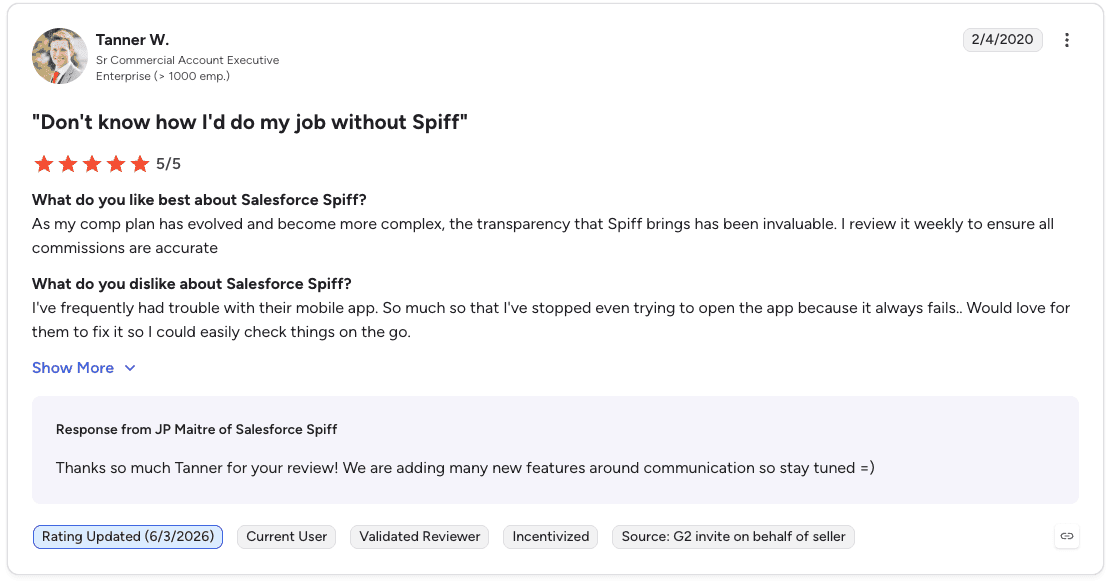
Pro: “As my comp plan has evolved and become more complex, the transparency that Spiff brings has been invaluable. I review it weekly to ensure all commissions are accurate.” — Tanner W., G2 Review (Feb 4, 2020)

Con: “I don’t find the UI to be particularly good to look at. I also have to filter to weird time periods to find my quarterly payout.” — Rebecca E., G2 Review (May 21, 2026)
Pricing
Salesforce Spiff pricing starts at $75 per user/month (billed annually) and includes commission estimation, Spiff Designer, and audit trail capabilities. Additional Salesforce products or integrations may increase total costs.
Bottom line
Spiff is the obvious choice if Salesforce is already your system of record. If your comp data lives across multiple external systems, a standalone SPM platform will give you more flexibility.
5. Forma.ai: best for enterprise teams focused on AI-driven comp design

What it does: Forma.ai is an enterprise sales performance management platform that uses AI to design, simulate, and optimize incentive compensation plans alongside territory and quota planning.
Best for: Large enterprise sales operations teams with dedicated RevOps or compensation functions that want AI-assisted plan design and scenario testing.
Forma.ai lets teams choose from a library of plan components and templates, then uses AI to simulate plan changes, test payout scenarios, and analyze how different incentive structures affect sales performance before deploying them.
The platform integrates with 200+ data sources, pulling from CRM, ERP, and other operational systems to support compensation modeling and planning decisions.
The main tradeoff is cost and implementation complexity. Forma.ai uses custom enterprise pricing paired with an upfront implementation fee, making it a better fit for larger organizations with dedicated internal resources than for smaller teams wanting a fast rollout.
Key features
AI-driven plan simulation: Tests payout scenarios and models how incentive structure changes affect performance before going live.
200+ data source integrations: Pulls from CRM, ERP, and other systems to support cross-system compensation modeling.
Territory and quota planning: Combines incentive compensation with sales planning in one platform.
Pros and cons
✅ Pros | ❌ Cons |
AI simulation reduces the risk of rolling out comp plan changes that backfire | Upfront implementation fee adds to total cost of ownership |
Wide integration coverage supports complex multi-system data environments | Better suited to large enterprises with dedicated comp teams than smaller organizations |
Combines compensation design with territory and quota planning |
What users say
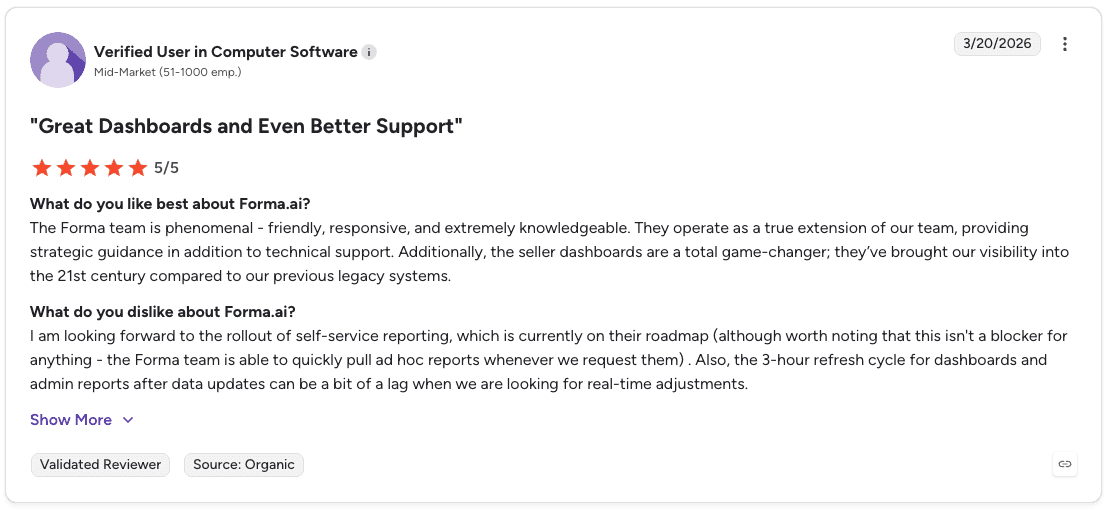
Pro: “The Forma team is phenomenal - friendly, responsive, and extremely knowledgeable. Additionally, the seller dashboards are a total game-changer; they’ve brought our visibility into the 21st century compared to our previous legacy systems.” — Verified User in Computer Software, G2 Review (Mar 20, 2026)

Con: “Less flexibility to Admin user to make changes. Can improve BI and visualization. Allowing Admin user to create/edit reports and have visibility into/access to comp plan logic into the system.” — Verified User in Medical Devices, G2 Review (Feb 18, 2026)
Pricing
Forma.ai does not publish public pricing. Costs are customized based on your sales team size, compensation planning needs, and performance management requirements.
Bottom line
Forma.ai fits enterprises that want to take a more scientific, AI-assisted approach to comp design. The cost and implementation overhead make it less practical for teams without dedicated RevOps resources.
6. Everstage: best for mid-market teams wanting fast implementation
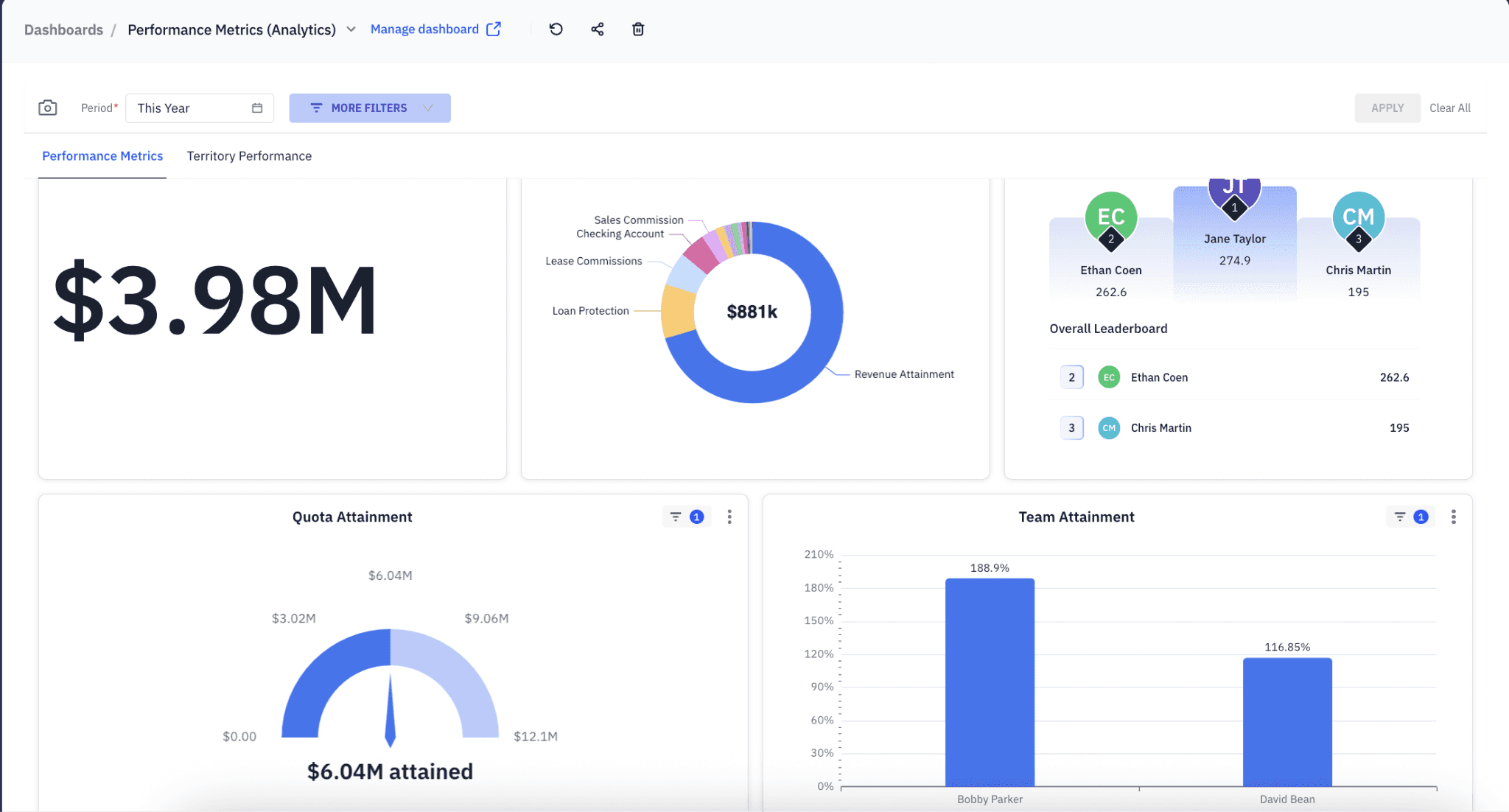
What it does: Everstage automates commission calculations, gives reps real-time earnings visibility, and has expanded to include quota planning, territory design, and quoting workflows.
Best for: Mid-market teams that want to move off spreadsheets quickly and give reps clearer visibility into their earnings.
Everstage’s core strength is commission automation with a fast path to deployment. Customers frequently cite how quickly they got up and running compared to more complex enterprise platforms.
The Crystal forecasting feature lets teams model expected commission payouts based on current pipeline performance.
Everstage holds a 4.8/5 rating on G2. While it has expanded into planning modules, its core value proposition remains commission accuracy and rep visibility. Teams that need deeper territory and capacity planning may want to evaluate fuller SPM suites.
Key features
Commission automation: Accurate payout calculations with rep-facing dashboards showing earnings in real time.
Crystal forecasting: Models expected commission payouts based on current pipeline data.
Quota and territory modules: Extended planning capabilities added alongside the core commission product.
Pros and cons
✅ Pros | ❌ Cons |
Fast implementation and strong rep adoption. One of the highest G2 ratings in the category. | Core strength is still commission automation. Deeper planning needs may require a broader SPM platform. |
Crystal forecasting gives reps and managers forward-looking earnings visibility | Custom pricing means going through a sales process to understand cost. |
Expanding planning capabilities reduce the need for separate tools |
What users say

Pro: “Everstage feels lightweight and impressively fast—you can connect it to Salesforce in no time, and the data refreshes almost instantly without long loading times. The interface is very user-friendly, so it’s easy to navigate and manage commissions efficiently.” — drizzymon A., G2 Review (Apr 22, 2026)
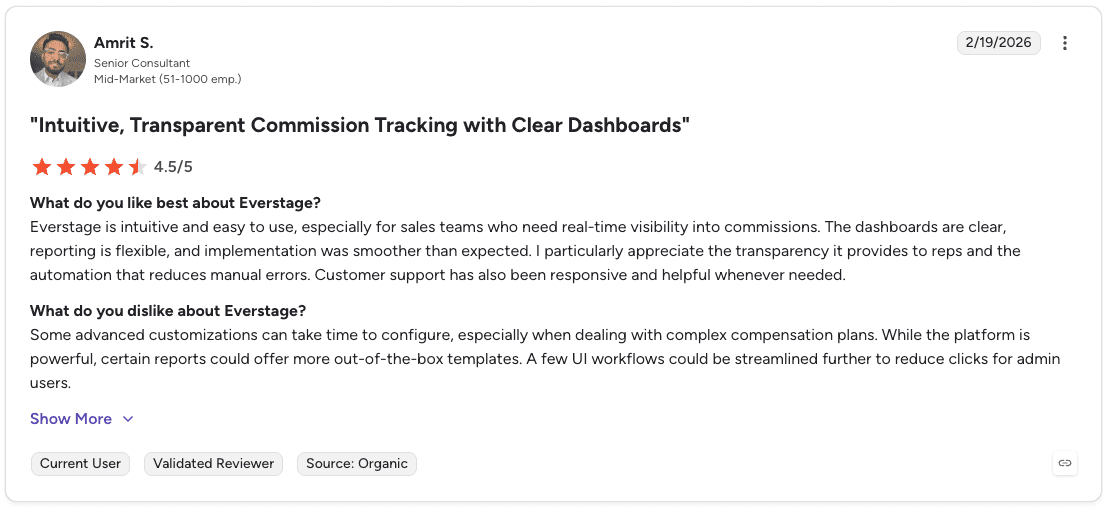
Con: “Some advanced customizations can take time to configure, especially when dealing with complex compensation plans. While the platform is powerful, certain reports could offer more out-of-the-box templates.” — Amrit S., G2 Review (Feb 19, 2026)
Pricing
Everstage does not publish public pricing. Plans are customized based on the number of commissionable payees and your sales compensation management requirements.
Bottom line
Everstage is the right call for mid-market teams that want accurate commissions and fast deployment over maximum planning depth. Teams that primarily need spreadsheet replacement will get the most value here.
7. Performio: best for accurate commission tracking with clear audit trails
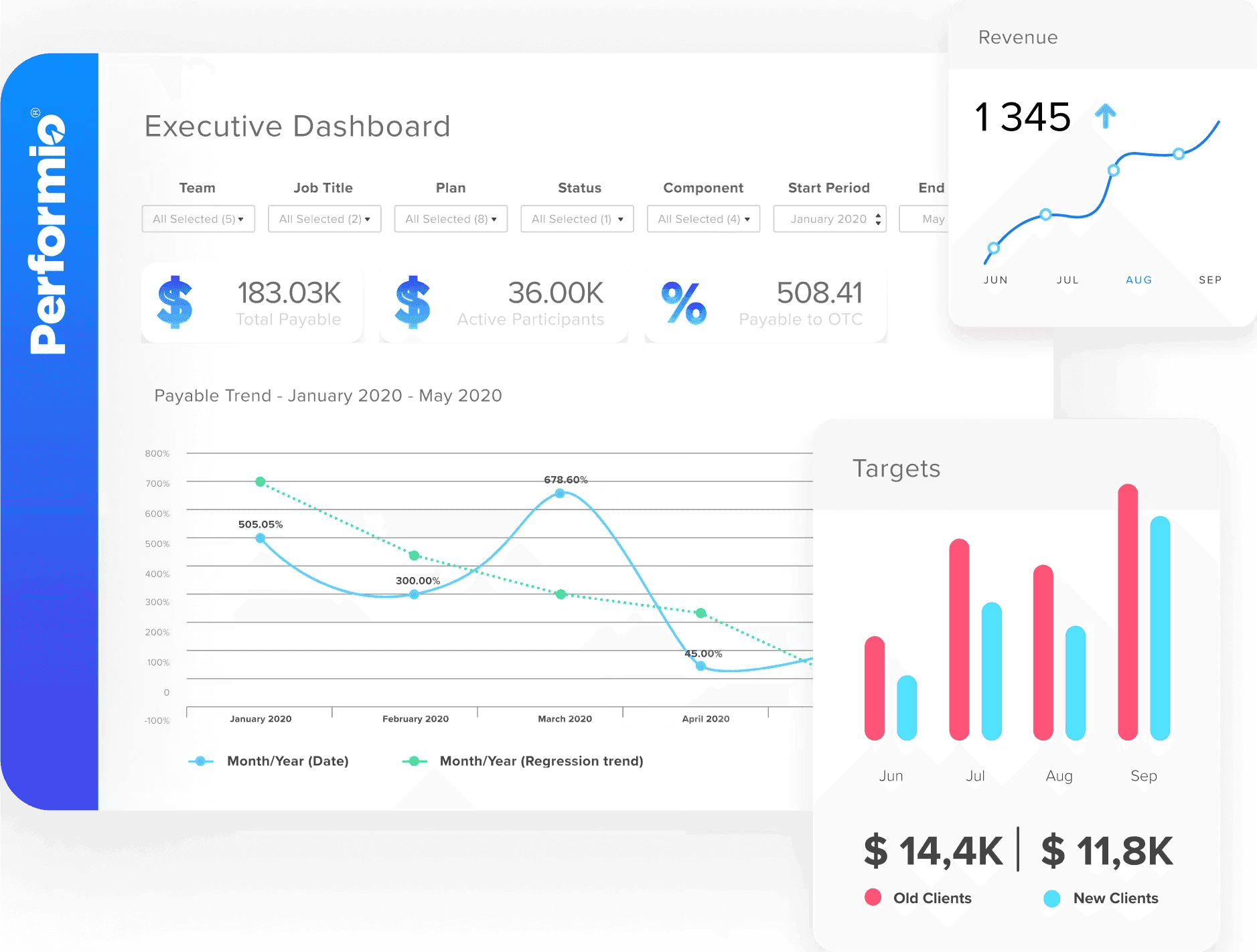
What it does: Performio calculates commissions and tracks incentives using a component-based plan builder that keeps comp rules structured and auditable.
Best for: Mid-market and enterprise teams that need reliable commission processing with clear traceability and rep-facing earnings visibility.
Performio’s plan builder structures compensation rules in a way that’s easier to manage than spreadsheet formulas. Reps can trace payouts through dashboards that show exactly how each deal contributes to their earnings, which reduces dispute volume.
Reporting dashboards and audit logs let admins review how commissions were calculated, track payout trends over time, and investigate discrepancies when they come up.
The platform’s main limitation is scope. Performio focuses on incentive compensation rather than full SPM. Teams that need deeper territory, quota, and capacity planning will likely need a broader platform alongside it.
Key features
Component-based plan builder: Structures commission rules in a maintainable format without formula-heavy spreadsheets.
Rep-facing earnings dashboards: Shows attainment progress, payout breakdowns, and leaderboard rankings tied to current performance.
Audit logs and reporting: Lets admins review calculation history and investigate discrepancies.
Pros and cons
✅ Pros | ❌ Cons |
Clear payout traceability reduces commission disputes | Focused on incentive compensation rather than full sales performance management |
Audit logs support organizations with compliance or Finance oversight requirements | Teams needing territory and quota planning will need additional tools |
Intuitive interface for both admins and reps |
What users say

Pro: “It’s very easy to set up… I can check the updated data information and see the numbers. I can also see the month-to-date information, which helps me manage the sales results.” — Amanda W., G2 Review (May 12, 2026)
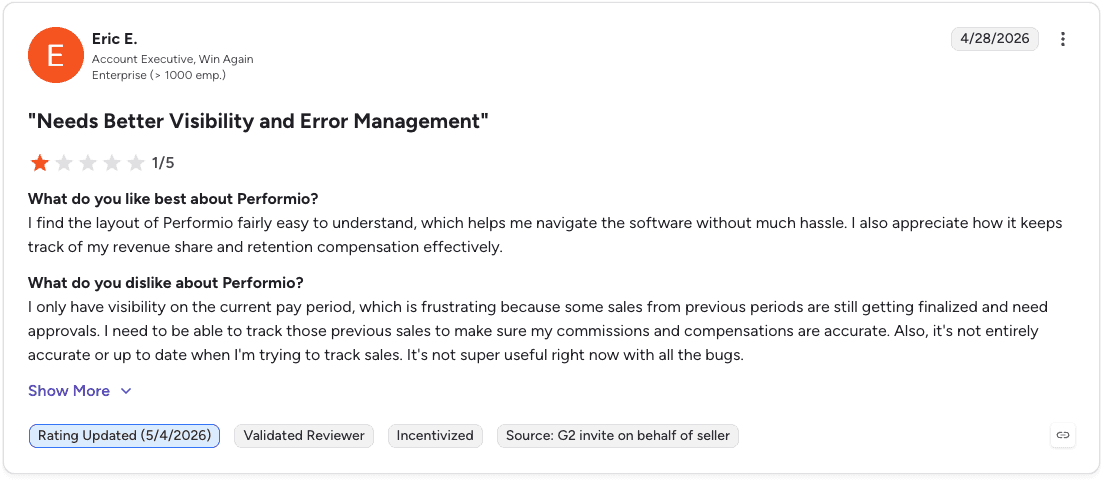
Con: “I only have visibility on the current pay period… I need to be able to track those previous sales to make sure my commissions and compensations are accurate.” — Eric E., Account Executive, G2 Review (Apr 28, 2026)
Pricing
Performio does not publish public pricing. Costs are customized based on your compensation plans, number of commissionable payees, and implementation requirements.
Bottom line
Performio is a solid choice for teams that need accurate, auditable commission processing. If you need a full SPM suite covering planning and territory management, look at CaptivateIQ or Xactly instead.
8. QuotaPath: best for growing teams leaving commission spreadsheets
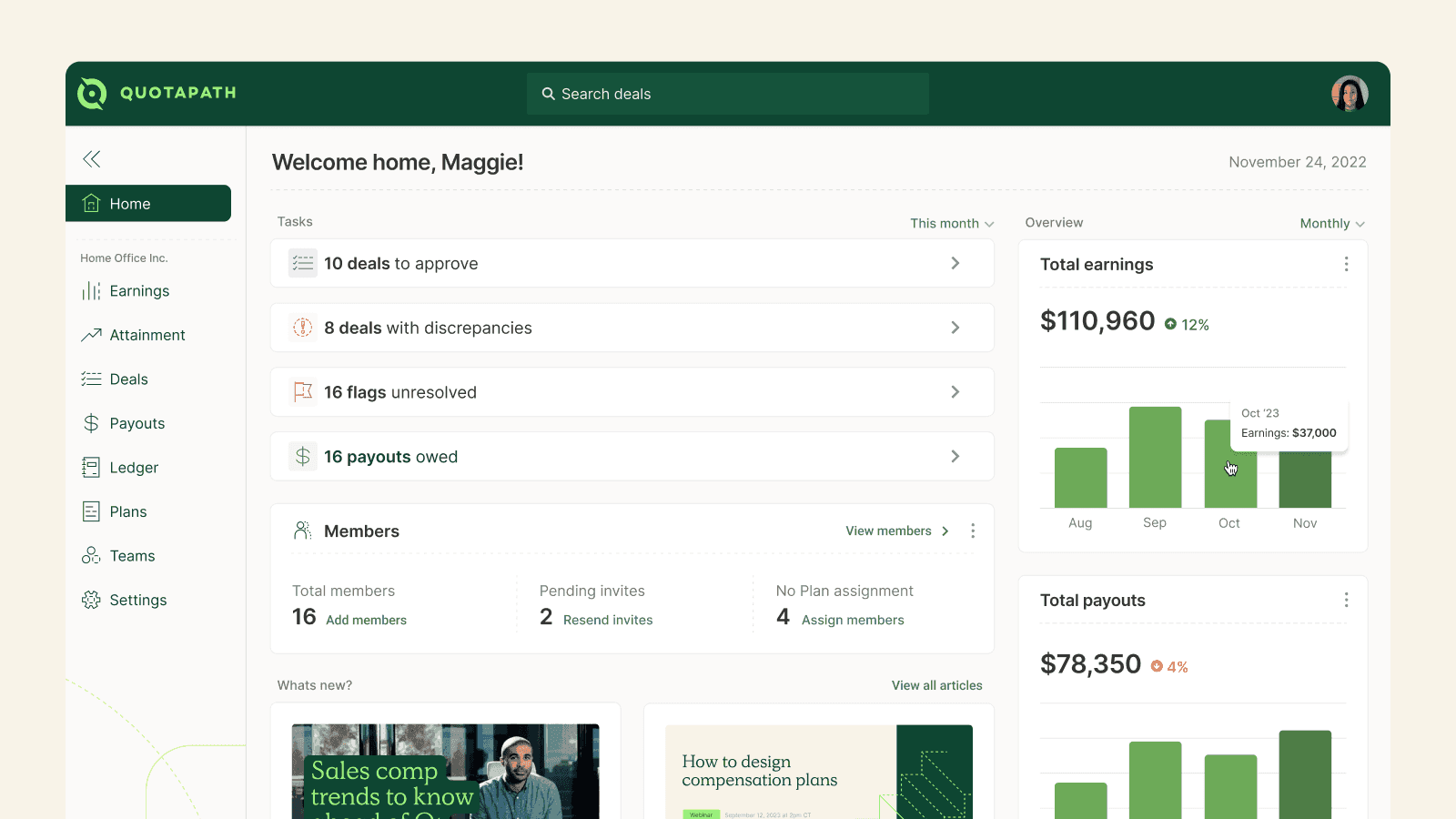
What it does: QuotaPath automates commission calculations by pulling deal data directly from CRM, replacing manual spreadsheet processes with automated tracking and real-time earnings visibility.
Best for: SMB and growing sales teams that need to move off spreadsheets without the complexity or cost of enterprise SPM platforms.
QuotaPath connects to CRM systems including Salesforce, HubSpot, Stripe, and QuickBooks, pulling deal data to calculate commissions automatically. Reps see how each deal affects their earnings through dashboards, attainment tracking, and leaderboards.
An AI-assisted plan builder helps teams structure quotas, accelerators, and commission rates without writing formulas. The platform is designed for fast setup and ease of use.
The main limitation is ceiling: organizations running highly complex global comp plans may eventually grow out of QuotaPath’s capabilities.
Key features
CRM-connected commission automation: Pulls deal data from Salesforce, HubSpot, Stripe, and QuickBooks to calculate commissions without manual entry.
AI-assisted plan builder: Helps teams structure quotas and commission rates without formula writing.
Attainment dashboards and leaderboards: Gives reps visibility into earnings and progress against quota.
Pros and cons
✅ Pros | ❌ Cons |
Transparent published pricing, rare in this category | May not handle highly complex multi-layer comp structures at enterprise size |
Fast setup makes it accessible to teams without dedicated RevOps resources | Teams with global compensation needs will likely outgrow the platform |
Strong CRM integrations cover the tools most SMB teams already use |
What users say
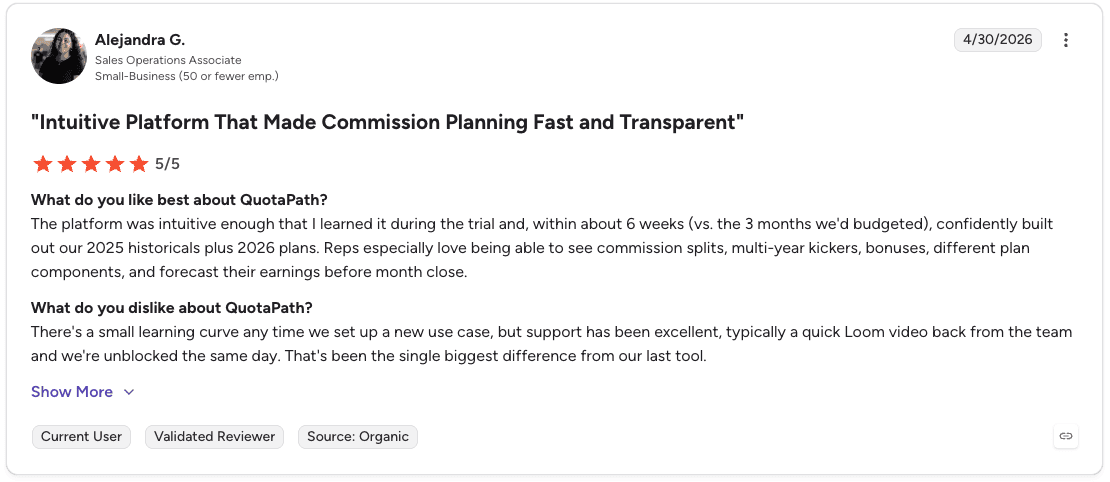
Pro: “The platform was intuitive enough that I learned it during the trial and, within about 6 weeks, confidently built out our historicals plus 2026 plans.” — Alejandra G., Sales Operations Associate, G2 Review (Apr 30, 2026)
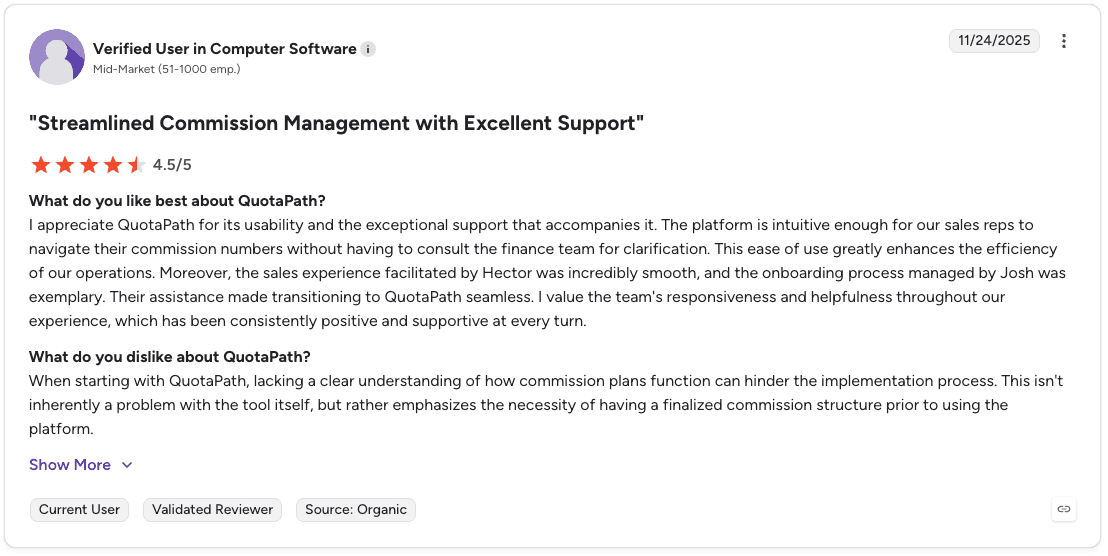
Con: “When starting with QuotaPath, lacking a clear understanding of how commission plans function can hinder the implementation process.” — Verified User in Computer Software, G2 Review (Nov 24, 2025)
Pricing
QuotaPath pricing starts at $35 per user/month for the Growth plan and $50 per user/month for the Premium plan, plus a monthly platform fee.
Enterprise teams can choose the Strategic plan with custom pricing, dedicated compensation support, and advanced plan management services.
Bottom line
QuotaPath is the right starting point for SMB teams replacing commission spreadsheets. If your comp plans are straightforward and your team is under 100 reps, it covers the bases at a price that makes sense.
9. Anaplan: best for enterprises connecting sales planning with financial planning

What it does: Anaplan is a broader enterprise planning platform that many large organizations use across finance, workforce, supply chain, and sales to connect planning processes in one environment.
Best for: Large enterprises that want territory, quota, and sales capacity plans connected to headcount, budgeting, and financial forecasts in a single planning system.
For sales teams, Anaplan means territory carving, quota changes, and revenue modeling can happen in the same environment as financial planning. Changes in hiring targets or revenue forecasts flow through to quotas and territory coverage.
AI and forecasting capabilities through products like Forecaster, Optimizer, and CoPlanner help teams analyze historical data, model future outcomes, and test scenarios before committing to a plan.
The tradeoff is that Anaplan is designed as a broader enterprise planning investment. Teams using it only for sales performance management may find the licensing, implementation overhead, and ongoing model management heavier than they need.
Key features
Connected planning environment: Territory, quota, and headcount planning in the same system as financial forecasts and budgets.
Scenario modeling: Tests multiple planning versions before committing, across regions, business units, and time periods.
AI forecasting products: Forecaster, Optimizer, and CoPlanner for data-driven scenario analysis.
Pros and cons
✅ Pros | ❌ Cons |
Connects sales planning directly to financial and workforce planning, rare in SPM tools | Heavy implementation and ongoing model management for teams using it only for sales SPM |
Scenario modeling reduces the risk of committing to territory or quota changes without testing | Cost and complexity are hard to justify unless the broader enterprise planning use case applies |
Designed for large, complex organizations with multiple planning functions |
What users say

Pro: “What I like most about Anaplan is how powerful it is at connecting data across the business in real time. Once a model is built the right way, you can actually trust what you’re looking at and make decisions quickly instead of chasing numbers in spreadsheets.” — Alex P., Solution Architect, G2 Review (Apr 29, 2026)
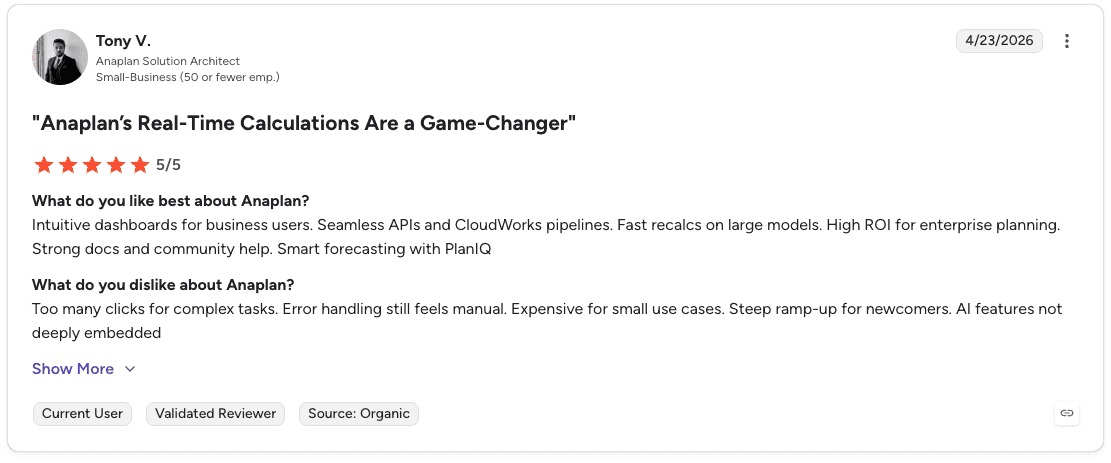
Con: “Too many clicks for complex tasks. Error handling still feels manual. Expensive for small use cases. Steep ramp-up for newcomers.” — Tony V., Anaplan Solution Architect, G2 Review (Apr 23, 2026)
Pricing
Anaplan uses custom pricing based on your business needs and use case.
Bottom line
Anaplan makes sense when sales performance management is one part of a broader enterprise planning investment. It’s overkill for teams that only need commission automation or quota management.
10. SAP SuccessFactors Incentive Management: best for SAP-centric enterprises
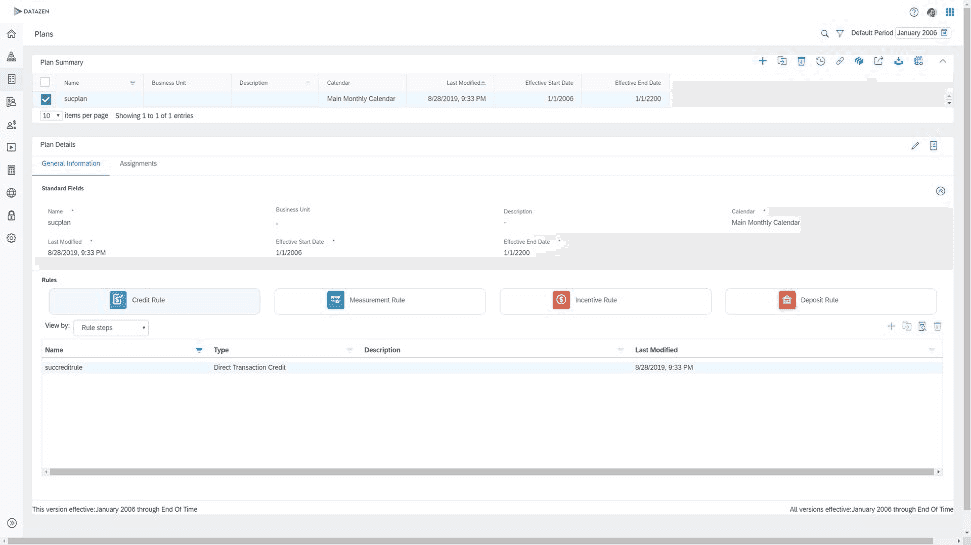
What it does: SAP SuccessFactors Incentive Management, originally CallidusCloud before SAP acquired it in 2018, is an enterprise incentive compensation platform focused on processing large volumes of commission transactions across global sales teams.
Best for: Large enterprises already running SAP systems for HR, finance, or ERP that need high-volume commission processing integrated into their existing SAP environment.
Administrators design and test incentive plans using configurable templates and drag-and-drop components. Built-in reporting shows payout calculations, earnings estimates, and quota attainment.
The platform reflects its legacy roots. Interfaces and workflows feel dated compared to newer SPM tools, and implementations typically require SAP consulting support and longer deployment timelines.
Key features
High-volume commission processing: Designed for global payout operations across large, distributed sales teams.
SAP ecosystem integration: Connects compensation data into existing SAP HR, finance, and ERP environments.
Approval workflows and dispute management: Supports end-to-end compensation operations with audit and compliance controls.
Pros and cons
✅ Pros | ❌ Cons |
Strong fit for enterprises already invested in the SAP ecosystem | Interface and workflows feel dated compared to modern SPM platforms |
Handles high-volume, complex global commission processing at volume | Implementations require SAP consulting support and longer timelines |
Built-in compliance and audit controls for regulated environments |
What users say
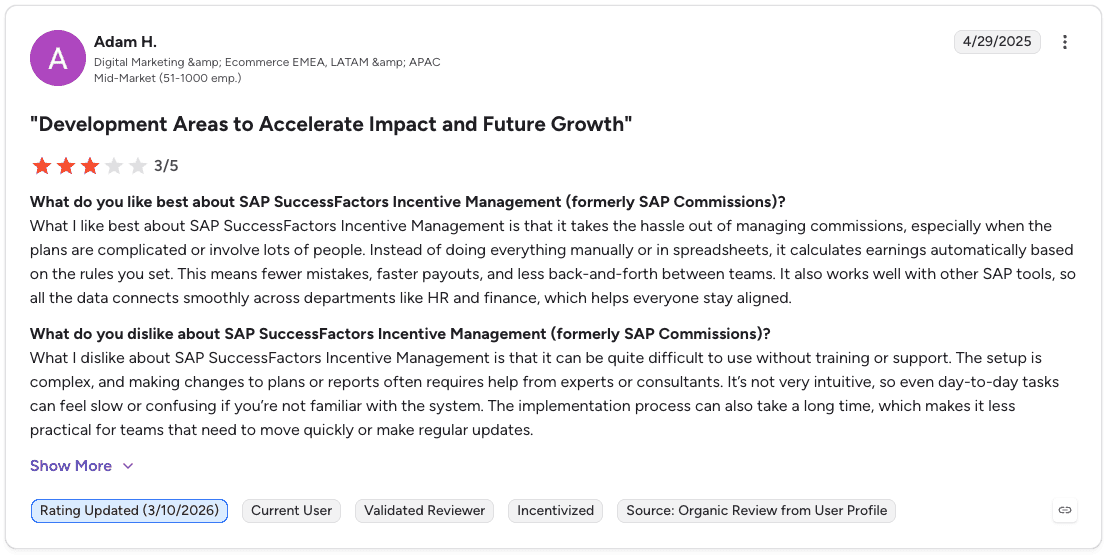
Pro: “It takes the hassle out of managing commissions, especially when the plans are complicated or involve lots of people. Instead of doing everything manually in spreadsheets, it calculates earnings automatically based on the rules you set.” — Adam H., Digital Marketing & Ecommerce Lead, G2 Review (Apr 29, 2025)

Con: “At times, the platform feels a bit overwhelming, especially during the initial setup and configuration. Some of the reports take longer to customize than expected, and navigating through certain features isn’t always intuitive.” — EIC M., Marketing Manager, G2 Review (Aug 21, 2025)
Pricing
SAP Incentive Management uses custom pricing based on the number of records, users, and deployment requirements. Contracts typically run 1-3 years, with a minimum order quantity of 100 records.
Bottom line
SAP SuccessFactors Incentive Management is the right choice if your organization already runs SAP and needs commission processing that integrates natively. For teams outside the SAP ecosystem, newer platforms offer more modern interfaces and faster deployments.
11. Ambition: best for inside sales teams combining coaching and performance management

What it does: Ambition is a sales performance management platform that combines performance tracking, coaching workflows, and gamification features designed for inside sales teams.
Best for: SMB to mid-market inside sales teams that want performance visibility, rep motivation tools, and structured coaching workflows in one platform.
Ambition is built around the connection between performance data and coaching. Managers get real-time dashboards showing team and individual performance.
Key features
Automated coaching workflows: Triggers coaching actions based on performance signals rather than relying on manual manager intervention.
Real-time performance dashboards: Team and individual visibility into metrics and activity.
Gamification and recognition: Contests, leaderboards, and automated recognition tied to performance data.
Pros and cons
✅ Pros | ❌ Cons |
Connects performance data directly to coaching workflows, not only visibility | Users report that it could benefit from a more modern UI |
Gamification features are built for inside sales motivation, not generic teams | Less focused on commission automation than other tools on this list |
Automated triggers reduce the manual work managers need to do to follow up |
What users say
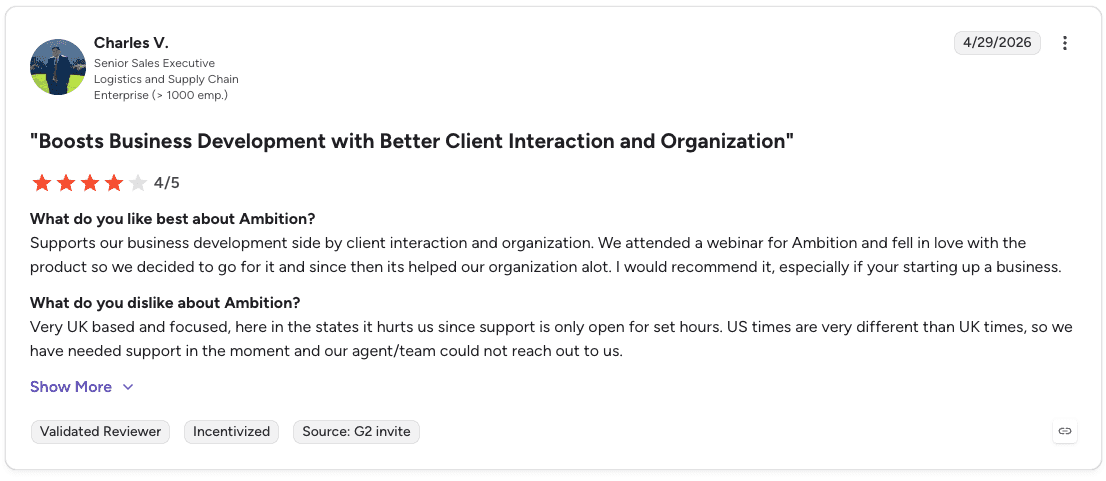
Pro: “Supports our business development side by client interaction and organization… since then it’s helped our organization a lot. I would recommend it, especially if you’re starting up a business.” — Charles V., Senior Sales Executive, G2 Review (Apr 29, 2026)

Con: “Dashboard visibility is great, but the TV display customization could be improved. It’s not always straightforward to control how dashboards cycle or how often they appear.” — Cesar D., Head of IT & Compliance, G2 Review (Apr 9, 2026)
Pricing
Pricing starts at $45/user/month for Seller Recognition, $65/user/month for Coaching Orchestration, and $75/user/month for the Revenue Execution System.
Additional AI credits can be purchased separately as needed.
Bottom line
Ambition fits inside sales teams that want structured coaching workflows alongside performance tracking. If commission automation is your primary need, look at Everstage or QuotaPath instead.
12. SalesScreen: best for performance visibility through gamification
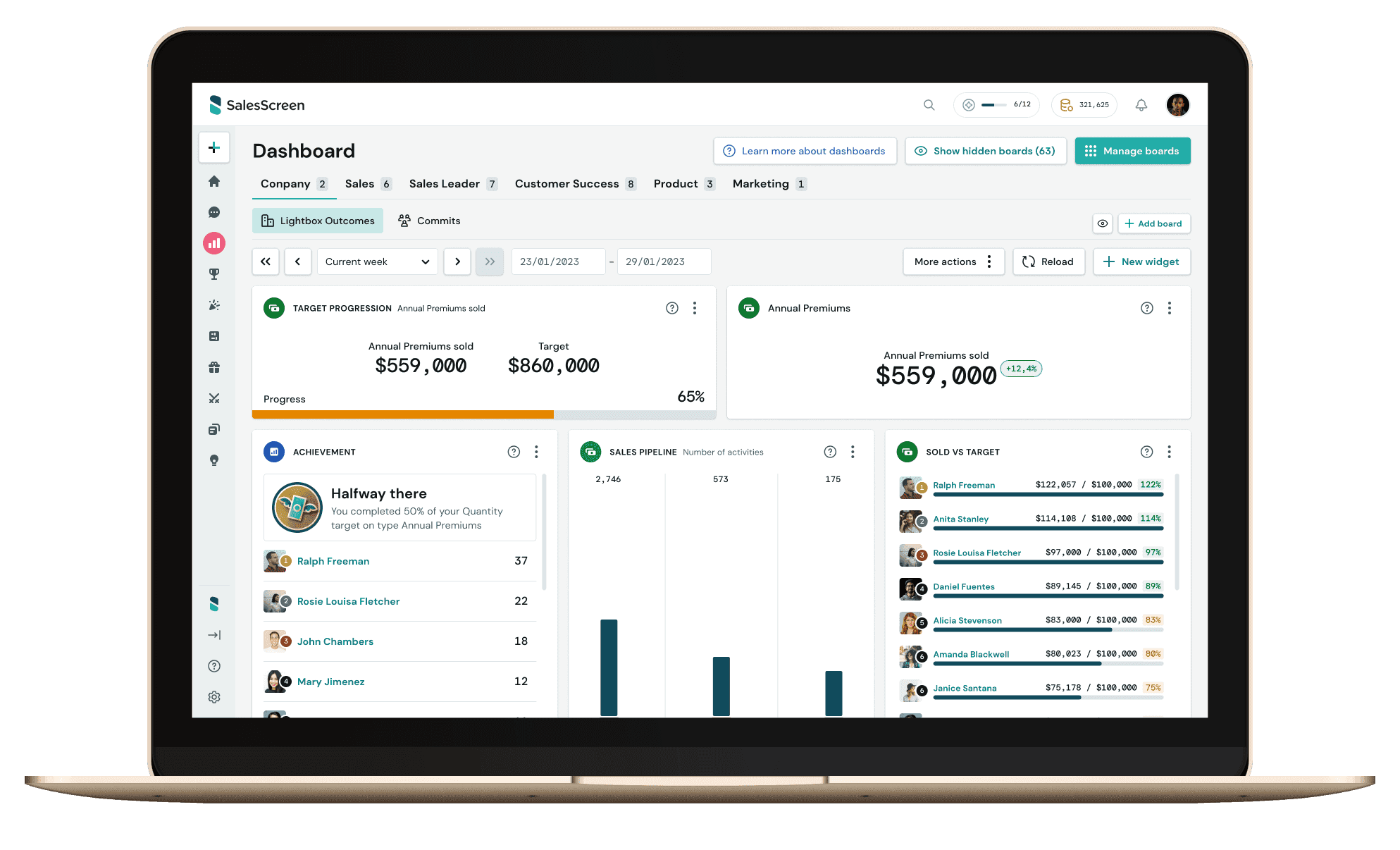
What it does: SalesScreen is a sales performance management platform that combines real-time performance data visualization with gamification features to track progress and motivate sales teams.
Best for: SMB to mid-market sales teams that want real-time leaderboards, performance dashboards, and team motivation tools alongside activity tracking.
SalesScreen provides real-time visualization of sales performance data. Customizable dashboards let managers and reps see individual and team metrics as they happen. Interactive challenges and reward programs are designed to create healthy competition and keep reps focused on targets.
The platform integrates with multiple sales tools and channels to pull in activity and performance data.
Key features
Real-time performance dashboards: Customizable views of individual and team metrics updated as activity happens.
Gamification and challenges: Interactive competitions and reward programs tied to performance data.
Multi-channel integrations: Connects with existing sales tools to pull performance data into one place.
Pros and cons
✅ Pros | ❌ Cons |
Strong real-time visualization makes performance visible to the whole team | More focused on visibility and motivation than deep commission automation or planning |
Gamification features are practical for high-volume teams where motivation matters | Teams needing complex comp management will need a different platform |
One of the more accessible price points in the category |
What users say
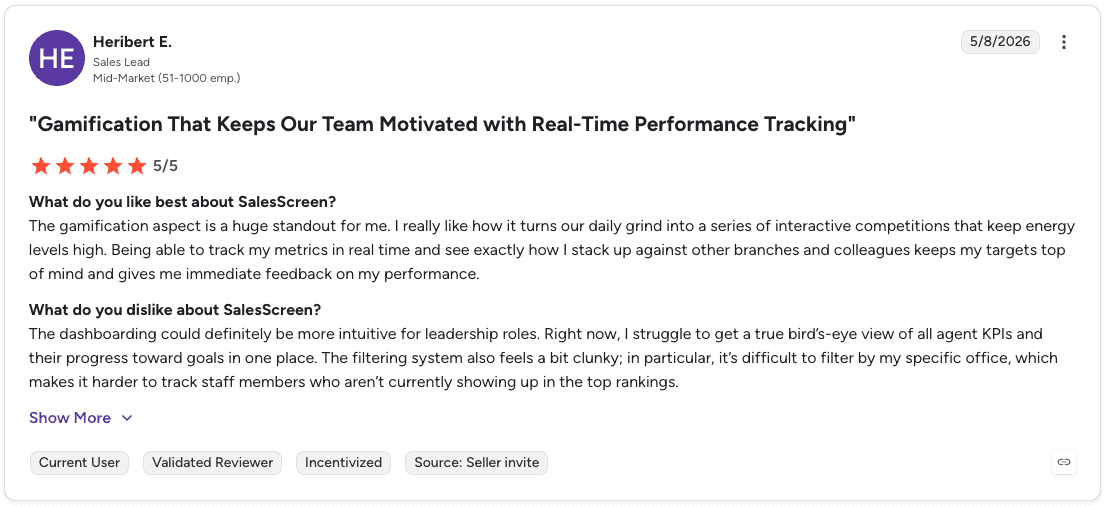
Pro: “The gamification aspect is a huge standout for me. I really like how it turns our daily grind into a series of interactive competitions that keep energy levels high.” — Heribert E., Sales Lead, G2 Review (May 8, 2026)

Con: “The platform could benefit from more frequent content updates or new theme releases. After a while, the same visual celebrations can feel a bit repetitive.” — Art B., Business Development Representative, G2 Review (Apr 4, 2026)
Pricing
SalesScreen pricing starts at $30 per user/month for the Scale plan and $45 per user/month for the Pro plan. Enterprise plans use custom pricing and include advanced gamification, customization, and premium support.
Bottom line
SalesScreen works well for teams that want to make performance visible and create healthy competition. It’s not the right fit if commission accuracy or territory planning is the primary need.
13. Qobra: best for RevOps teams managing complex commission plans without code
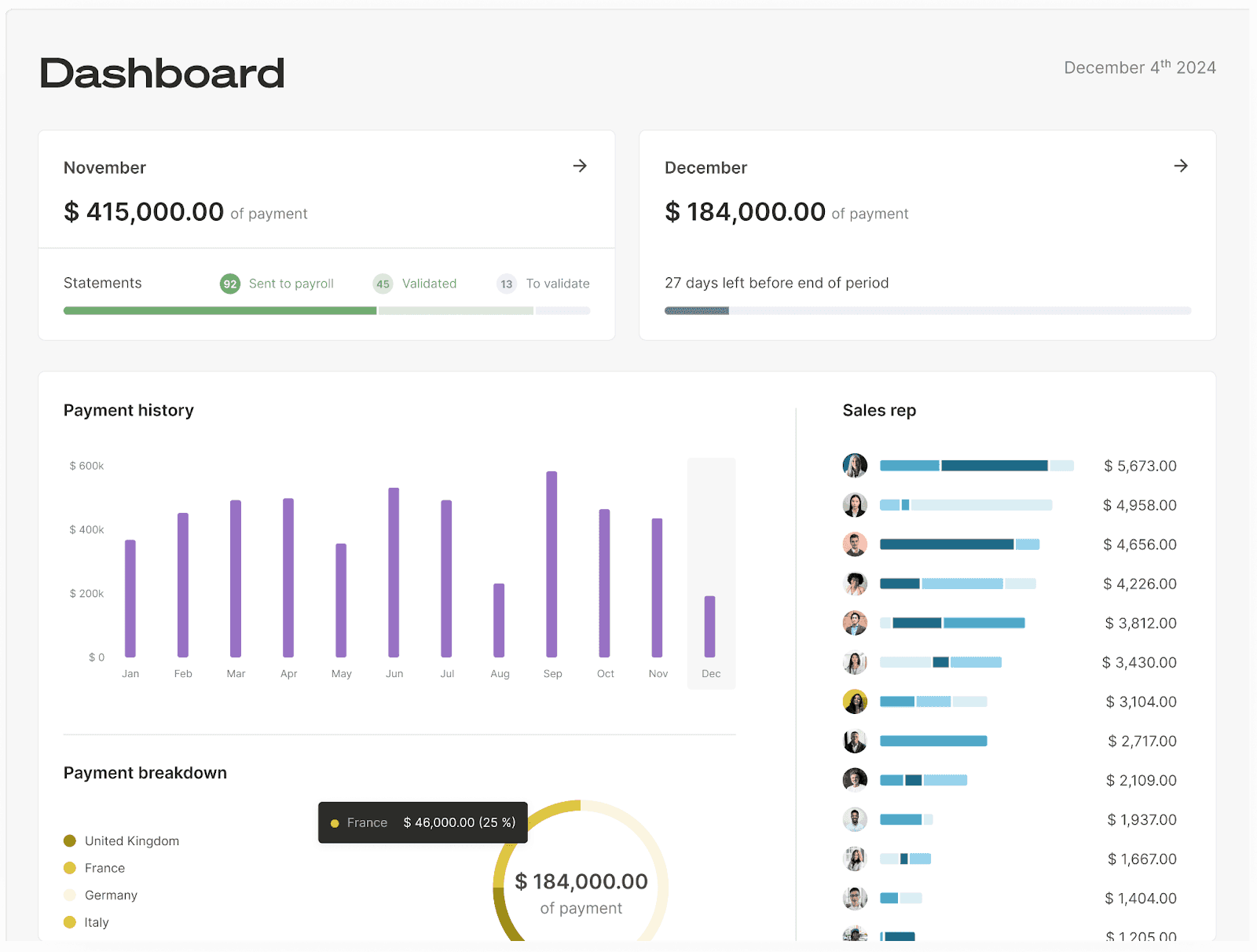
What it does: Qobra is a sales compensation and performance management platform with a 100% no-code plan editor that lets finance and RevOps teams build and manage complex incentive structures without engineering support.
Best for: Mid-market to enterprise RevOps and finance teams that need flexible commission plan management with strong rep-facing transparency.
Qobra’s no-code editor handles accelerators, splits, SPIFFs, and overlays without requiring external consultants or developers. Reps get deal-level commission statements and a built-in earnings simulator to forecast payouts on open pipeline.
Sales leaders track attainment, cost of sales, and underperformance in real time. Native integrations include Salesforce, HubSpot, Pipedrive, NetSuite, Snowflake, Power BI, Slack, DocuSign, and others.
Qobra holds a 4.8/5 rating on G2 across 1,070+ reviews and is used by teams including ElevenLabs, Contentsquare, and GoCardless. Typical implementation time is around 4-8 weeks for a standard deployment.
Key features
Plan simulation and visualization: Preview compensation plans before launch, test different scenarios, and visualize formulas, dependencies, and payout logic.
Commission transparency for reps: Provides clear commission breakdowns and earnings visibility, helping teams stay aligned and reducing payout disputes.
Wide native integrations: Connects with Salesforce, HubSpot, NetSuite, Snowflake, Slack, DocuSign, and 200+ other tools.
Pros and cons
✅ Pros | ❌ Cons |
No-code editor means RevOps can manage plan changes without engineering support | Custom pricing requires a sales conversation to understand cost |
Teams can simulate compensation plans before launch to validate payout accuracy. | Implementation takes around a month. Faster than enterprise platforms but slower than SMB tools. |
Managers track attainment and performance trends through a single dashboard. |
What users say
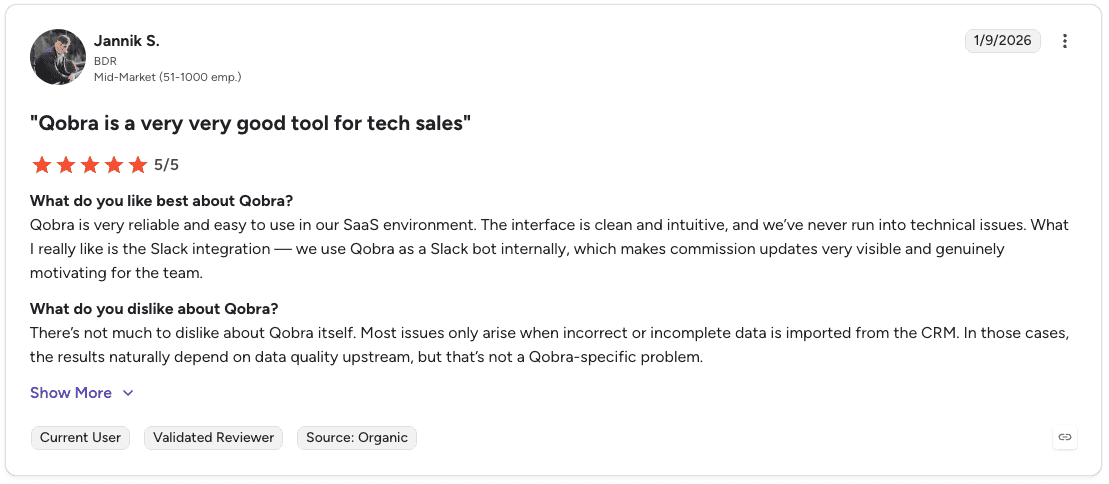
Pro: “Qobra is very reliable and easy to use in our SaaS environment. The interface is clean and intuitive, and we’ve never run into technical issues.” — Jannik S., BDR, G2 Review (Jan 9, 2026)
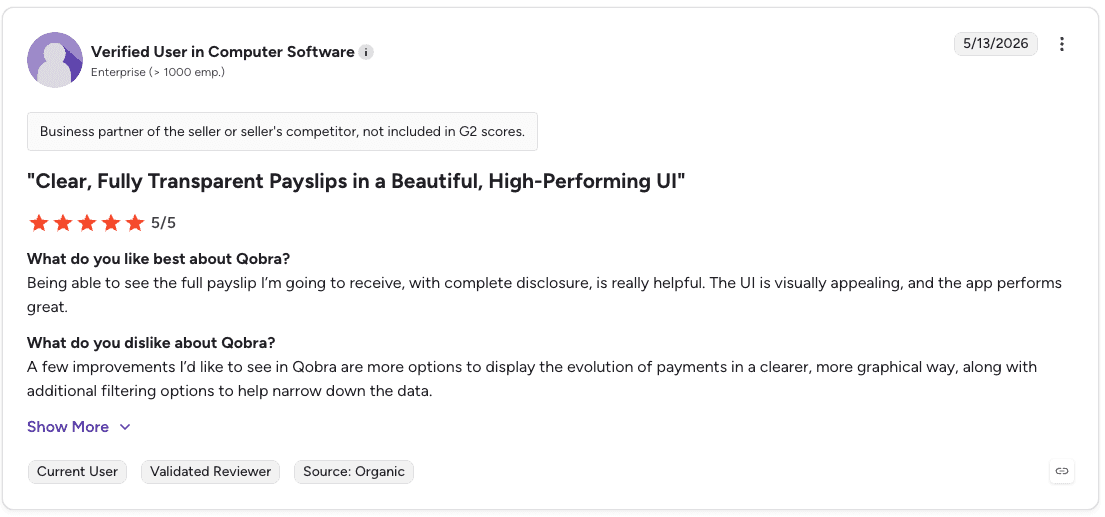
Con: “I’d like to see more options to display the evolution of payments in a clearer, more graphical way, along with additional filtering options to help narrow down the data.” — Verified User in Computer Software, G2 Review (May 13, 2026)
Pricing
Qobra does not publish public pricing. Plans are customized based on your sales team size, compensation structure, and commission management requirements.
Bottom line
Qobra is a strong pick for RevOps teams that manage complex commission plans and want to do it without writing formulas or involving developers. The deal-level transparency is a genuine differentiator for rep trust and dispute reduction.
14. WorkRamp: best for teams combining performance management with sales training
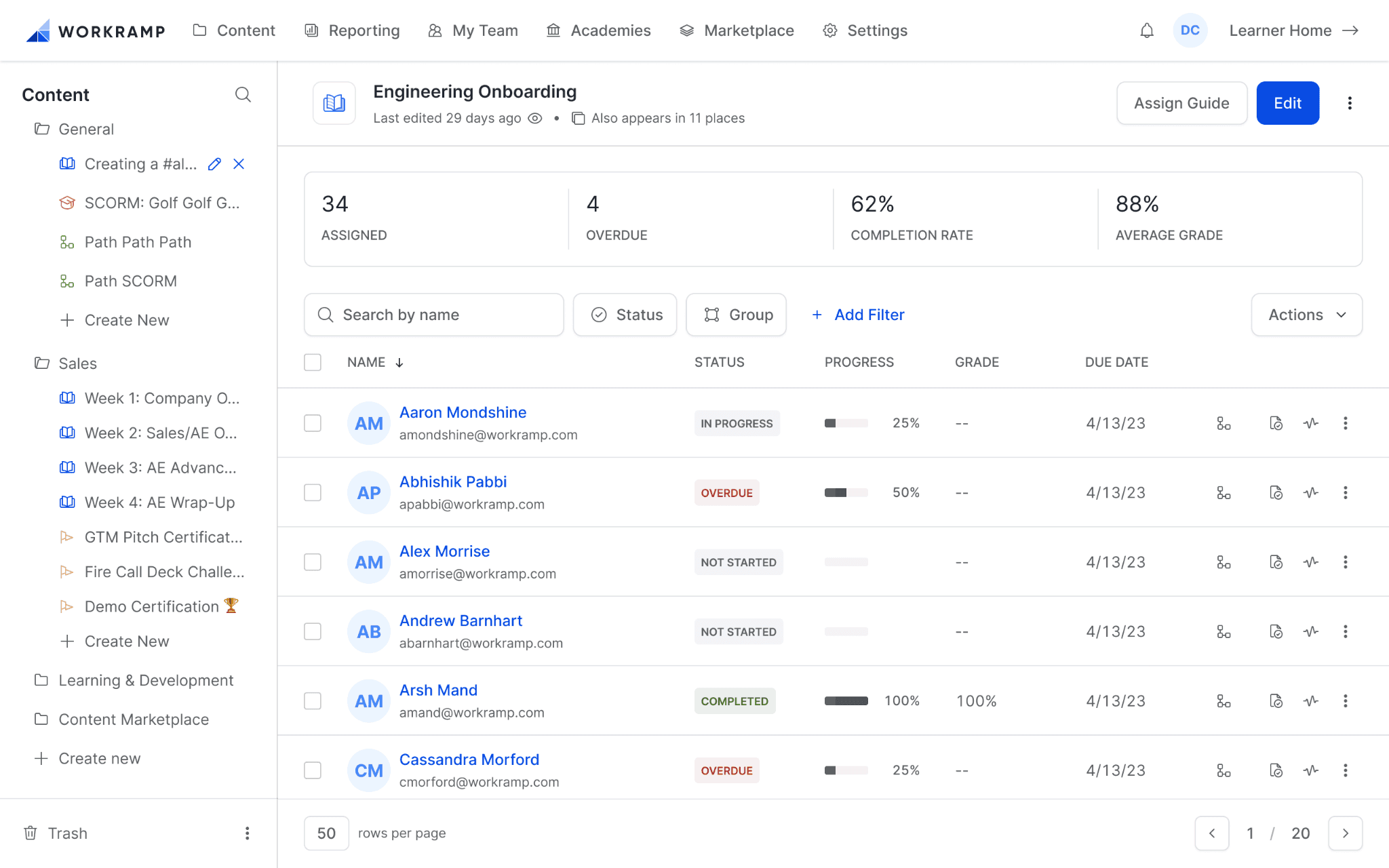
What it does: WorkRamp combines sales performance management with sales training and enablement features, helping organizations build and maintain high-performing teams through connected coaching and performance tracking.
Best for: Mid-market teams that want performance visibility and sales training in one platform rather than managing them separately.
WorkRamp connects performance data with training content, so managers can identify where reps are falling short and deliver targeted learning directly from the same system. The platform includes content management, advanced reporting, and integration with popular sales tools.
Key features
Combined performance and training: Connects performance tracking with targeted coaching and learning content in one platform.
Content management: Stores and delivers training material tied to specific performance needs.
Reporting and integrations: Advanced analytics and connections to existing sales tools in the workflow.
Pros and cons
✅ Pros | ❌ Cons |
Rare combination of performance management and training in one platform | Custom pricing only. No published tiers. |
Connecting performance gaps to training content reduces the manual work of identifying what to coach | Teams that only need commission automation will find WorkRamp’s scope broader than necessary |
Integrates with existing sales tools to pull performance data into the training workflow |
What users say

Pro: “WorkRamp not only caters to employee learning but also focuses heavily on client and partner training… It allows us to create publicly facing pages with courses, paths, and events.” — Marcelle N., Content Marketing Coordinator, G2 Review (May 7, 2026)

Con: “Coming up with ideas from scratch can be challenging. It would be really helpful to have templates available for different paths, so I have a clearer starting point depending on what I’m trying to do.” — Rachel D., Manager, Specialty Transportation, G2 Review (Apr 28, 2026)
Pricing
WorkRamp uses custom pricing based on the number of learners, training use cases, and enablement requirements.
Bottom line
WorkRamp makes sense for teams that see performance management and sales training as connected problems rather than separate ones. If you only need commission tracking or quota management, a more focused tool will serve you better.
Which sales performance management software should you choose?
The right sales performance management software depends on what problem you’re actually trying to solve. Here’s a quick guide.
Choose CaptivateIQ if you:
Need commission automation and sales planning connected in one system.
Are mid-market or enterprise and want a modern interface with strong analyst validation.
Choose Xactly if you:
Run a large enterprise in a regulated industry where audit trails and compliance are non-negotiable.
Want benchmarking data to validate your quota models against industry standards.
Choose Varicent if you:
Have complex global comp structures with layered crediting and Finance oversight.
Need version history and approval workflows that satisfy rigorous internal governance.
Choose Salesforce Spiff if you:
Already run Salesforce as your system of record and want commission management embedded natively.
Choose Forma.ai if you:
Have a dedicated RevOps or comp team and want AI to assist with plan design and scenario testing.
Choose Everstage if you:
Are mid-market and want to move off spreadsheets fast without a heavy implementation.
Choose Performio if you:
Need accurate, auditable commission tracking with rep-facing transparency and don’t need broader planning features.
Choose QuotaPath if you:
Are an SMB or growing team replacing manual commission spreadsheets at a published, accessible price point.
Choose Anaplan if you:
Are a large enterprise that needs sales planning connected to financial and workforce planning.
Choose SAP SuccessFactors Incentive Management if you:
Already run SAP for HR, finance, or ERP and need commission processing that integrates natively.
Choose Ambition if you:
Run an inside sales team and want automated coaching workflows tied to performance signals.
Choose SalesScreen if you:
Want real-time performance visibility and team motivation tools without complex commission automation.
Choose Qobra if you:
Have a RevOps or finance team managing complex comp plans and want to do it without code.
Choose WorkRamp if you:
Want performance management and sales training connected in one platform.
Skip this category entirely if:
Your team is fewer than 10 reps with simple flat-rate commissions. A spreadsheet or basic CRM reporting is likely enough until your plans get more complex.
Final verdict
CaptivateIQ is the strongest all-around sales performance management software for mid-market and enterprise teams that need commission automation and planning in one system.
For teams with simpler needs, Everstage and QuotaPath offer faster deployment at lower complexity. For large enterprises with specific requirements, Xactly, Varicent, and SAP SuccessFactors Incentive Management serve their respective use cases well.
The right sales performance management software is the one that matches your actual scope. Paying for a full SPM suite when you only need commission tracking adds cost and friction without adding value.
What to do once you have performance visibility
Sales performance management software shows who’s performing across quota attainment, commissions, and plan adherence.
Alpharun takes the next step by analyzing thousands of sales conversations to uncover the behaviors and call moments linked to stronger outcomes, then turning those insights into coaching.
Teams use Alpharun to:
Build custom playbooks from their own call data rather than generic sales frameworks.
Deliver sentence-level post-call coaching immediately after each conversation, while the call is still fresh.
Score 100% of calls against sales and compliance criteria without relying on manual reviews.
Identify coaching priorities across reps, teams, and locations through automated reporting.
Track compliance requirements such as disclosures, qualification steps, and required call flows.
Integrate with existing platforms like Five9 and Genesys without replacing current infrastructure.
For high-volume B2C sales teams in Medicare, insurance, and home services, performance visibility is only the starting point. The bigger opportunity comes from understanding what drives results and turning those insights into repeatable coaching across the entire floor.
Book a demo to turn sales performance insights into measurable improvements on every call.
Frequently asked questions
What is the difference between sales performance management software and ICM software?
The main difference between sales performance management software and incentive compensation management (ICM) software is scope. ICM focuses on commissions and incentives, while SPM also includes quota planning, forecasting, territory management, and broader performance analytics.
How much does sales performance management software cost?
Sales performance management software ranges from about $25 per user per month for smaller tools to custom enterprise pricing for larger platforms. Final costs depend on team size, compensation complexity, and implementation requirements.
What features should I look for in sales performance management software?
Look for automated commission calculations, payout visibility, reporting, and CRM integrations. Larger organizations may also need territory planning, quota management, forecasting, and scenario modeling.
How long does sales performance management software take to implement?
Implementation timelines vary by platform complexity. Smaller commission tools can be deployed in a few weeks, while enterprise SPM platforms often require several months.
Can sales performance management software integrate with my CRM?
Yes. Most sales performance management platforms integrate with CRM systems such as Salesforce and HubSpot because commission and performance data depend on pipeline and deal activity.


