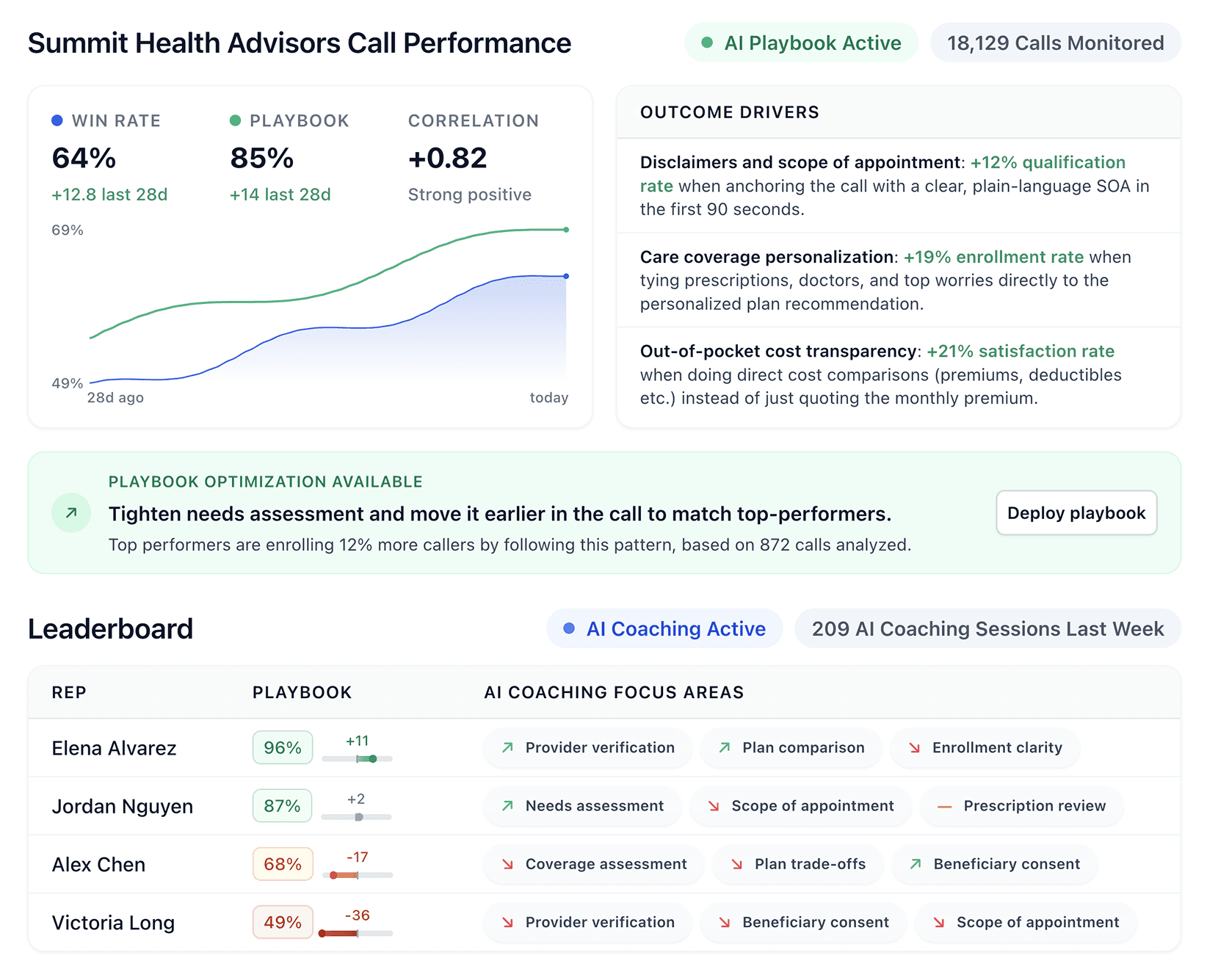


Call center management software helps teams handle large call volumes, track performance, and manage agents efficiently.
We compared 11 platforms to find the best call center management software based on features, pricing, and scalability in 2026.
11 best call center management software tools: Quick comparison
💻 Tool | ⚡ Best for | 💰 Starting price | 💸 Free plan | ⚠️ Key limitation |
Five9 | High-volume outbound sales (50+ reps) | $159/user/month | No | 50-seat minimum, annual contracts only |
Genesys | Enterprise multi-channel contact centers | Custom | No | Learning curve for new staff |
Nextiva | Consolidating voice and digital channels | $75/agent/month | No | Setup takes longer than expected |
RingCentral | Growing teams needing unified comms | $20/user/month | No | Not built for outbound sales specialists |
NICE CXone | AI-driven quality management at scale | $110/agent/month | No | Complex, can require dedicated engineers |
Aircall | CRM-first sales teams | $30/license/month | No | AI features are basic vs. dedicated coaching tools |
8x8 | Global sales teams dialing across time zones | Custom | No | Overkill if you only sell domestically |
Dialpad | Teams that want built-in AI at a lower price | $15/user/month | No | Contract terms are strict and inflexible |
HubSpot Sales Hub | Teams already in the HubSpot ecosystem | Free (2 users) | Yes | Advanced features locked behind higher tiers |
CloudTalk | Inbound sales teams with high call volumes | $19/user/month | No | Outbound dialing tools are limited |
Twilio | Developer-led teams wanting full customization | Pay-as-you-go | No | Requires dev resources to build and maintain |
How we researched these call center management platforms
We looked beyond vendor marketing and focused on how each call center management software platform performs in real sales environments.
Our research included product documentation, pricing pages, demos, and verified reviews from G2, Capterra, and Reddit, plus feedback from sales and operations leaders.
We looked at five areas for each tool:
Core features: How well each platform handles routing, recording, and rep management.
Usability: Whether agents and managers can learn the system without heavy IT support.
Integrations: How each platform connects to CRMs and other tools in the sales stack.
Pricing: What you actually get at each tier, not just the headline number.
Use case fit: Which teams get the most value from each platform.
This approach helped us separate platforms that look good in demos from those that hold up in daily high-volume sales environments.
1. Five9: Best for high-volume outbound sales teams with 50+ reps
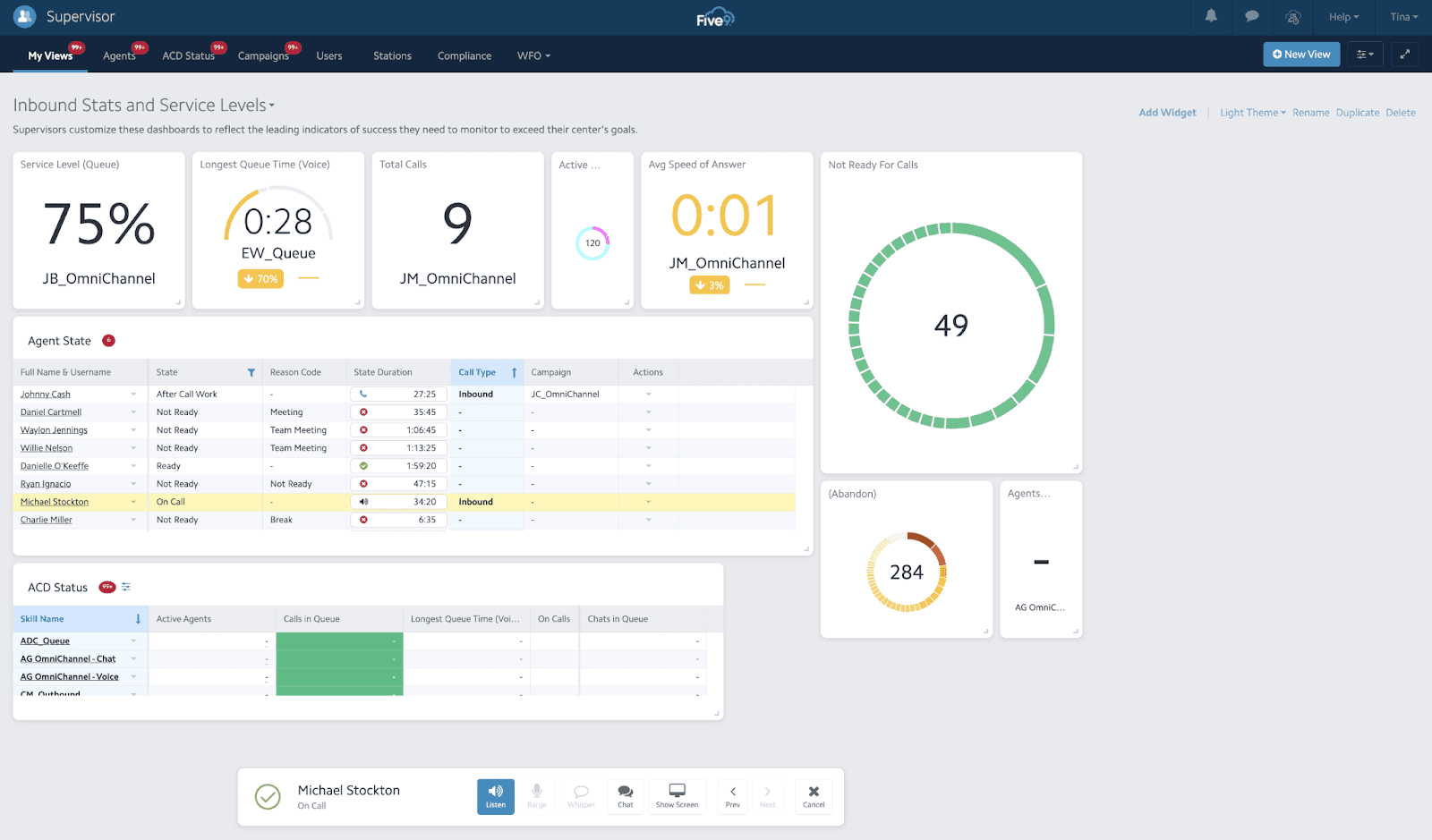
What it does: This cloud contact center platform handles inbound calling, outbound dialing, digital engagement, and AI-powered analytics.
Best for: Inside sales teams with 50+ reps who run high call volumes and need reliable outbound dialing at scale.
Five9 is built for teams that move fast. The platform handles all call directions: inbound, outbound, and blended. It connects with major CRMs, including Salesforce, HubSpot, and Microsoft Dynamics.
Key features
Global Voice: Handles voice infrastructure across regions with reliable uptime.
Agent Desktop Plus: Your agents get a unified workspace that combines call data and rep activity.
Supervisor Plus: Managers can monitor calls and coach in real time.
AI Summaries: Generates call summaries so managers do not need to review every recording.
AI Insights: Surfaces trends and patterns across conversations.
Quality Management: Scores calls and tracks QA metrics (Pro tier and above).
Engagement Workflow: Automates call routing and task assignments.
Pros and cons
✅ Pros | ❌ Cons |
Reliable infrastructure for thousands of calls daily | 50-seat minimum blocks smaller teams |
AI Summaries save managers significant review time | Annual contracts required with no month-to-month option |
Strong CRM integrations out of the box | Quality Management requires Pro tier, which means custom pricing |
Supervisor tools let managers coach in real time |
What users say
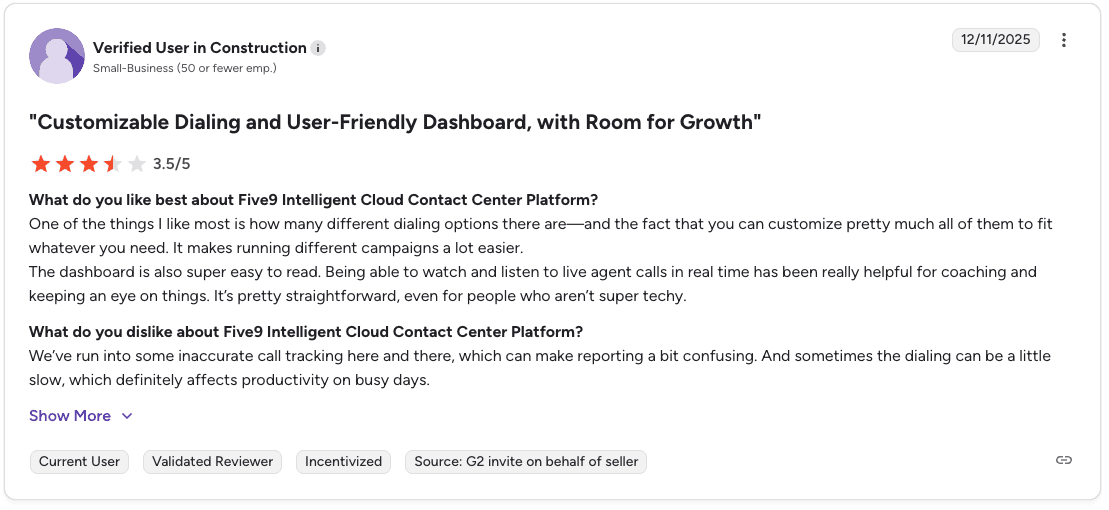
Pro: “Being able to watch and listen to live agent calls in real time is really helpful for coaching.” — Verified User, G2
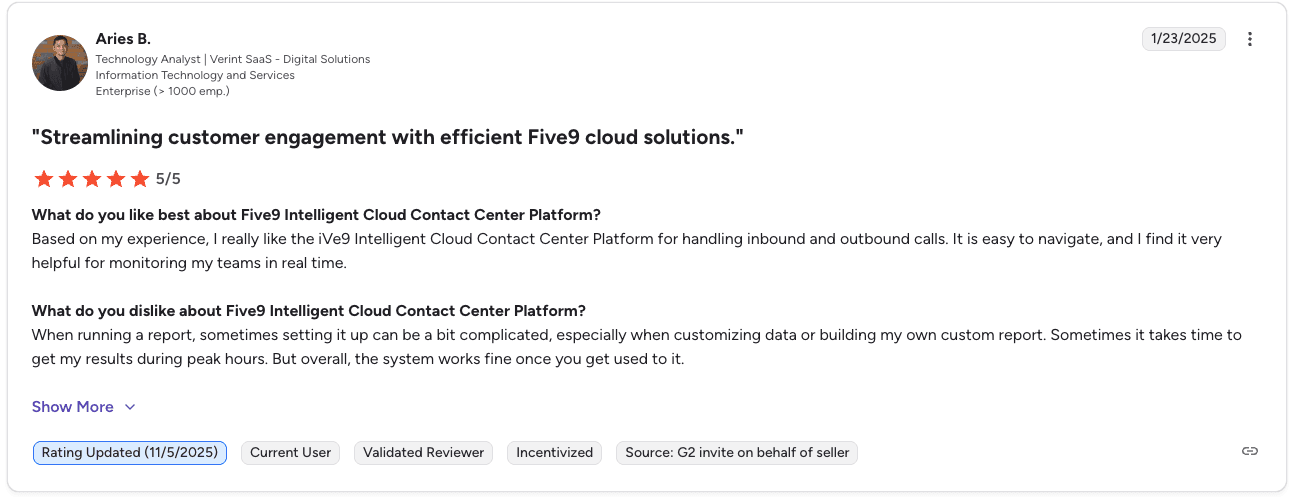
Con: “Setting up reports can be a bit complicated, especially when customizing data.” — Aries B., Verified User, G2
Pricing
📦 Plan | 💰 Price | 🎯 What you get |
Digital | $119/user/month | Chat, email, SMS, social (no voice) |
Core | $159/user/mo | Voice plus digital, AI summaries, transcription |
Plus | Custom | Full AI (Agent Assist, AI Knowledge) |
Pro | Custom | QM, WFM, Analytics |
Enterprise | Custom | Everything plus advanced AI |
Note: 50-seat minimum and annual contracts apply across all plans. Read our full Five9 Pricing: Best Plans + Alternatives Reviewed breakdown.
Should you choose Five9?
Yes, if your team runs high-volume outbound sales and needs reliable dialing with strong CRM integrations. Five9 works best for B2C teams with 50+ reps that depend on predictive dialing and stable call routing.
It manages call infrastructure well, but doesn’t focus on rep coaching or playbook development. Teams that want that layer often add Alpharun to analyze recordings and deliver real-time guidance to reps.
2. Genesys: Best for enterprise multi-channel contact centers
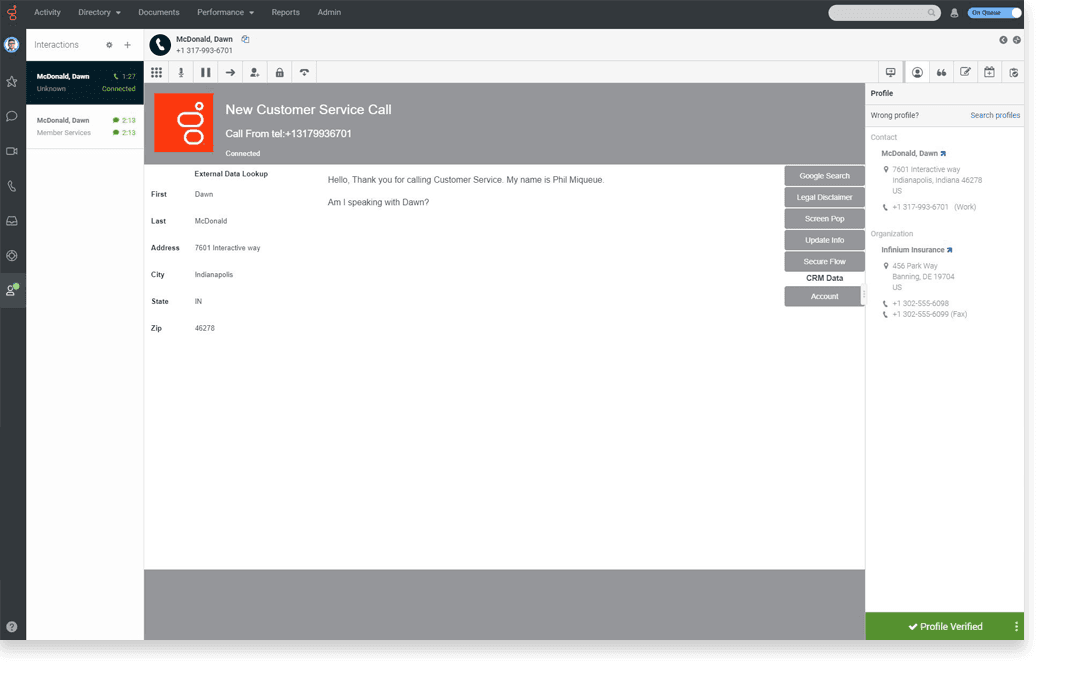
What it does: An AI-powered platform that manages calls, emails, chats, and social media messages across one agent workspace.
Best for: Large enterprise sales teams that need multi-channel infrastructure, strong API capabilities, and workforce management tools.
Genesys has two main products. Genesys Cloud CX is the full contact center solution. Genesys Cloud EX focuses on workforce engagement management. Both run in the cloud and connect with 600+ apps through their AppFoundry Marketplace.
Key features
Contact center routing: Routes calls, emails, and chats to agents based on skills and availability.
Digital channels: Phone, email, chat, SMS, and social media in one agent desktop.
AI and automation: Chatbots, predictive routing, and interaction analytics.
Open platform: Integrates with Salesforce, HubSpot, and Microsoft Dynamics.
Agent Copilot: Your agents get real-time AI suggestions during live calls.
Speech and text analytics: Flags compliance issues and spots training gaps.
Pros and cons
✅ Pros | ❌ Cons |
Centralizes voice, chat, email, and other channels in one agent workspace | Some advanced capabilities are only available in higher-tier plans |
Scales reliably with robust API integrations for large operations | The interface can take time for new agents to learn |
Flexible configuration to support complex call center workflows | QA features focus more on compliance tracking than agent coaching |
What users say
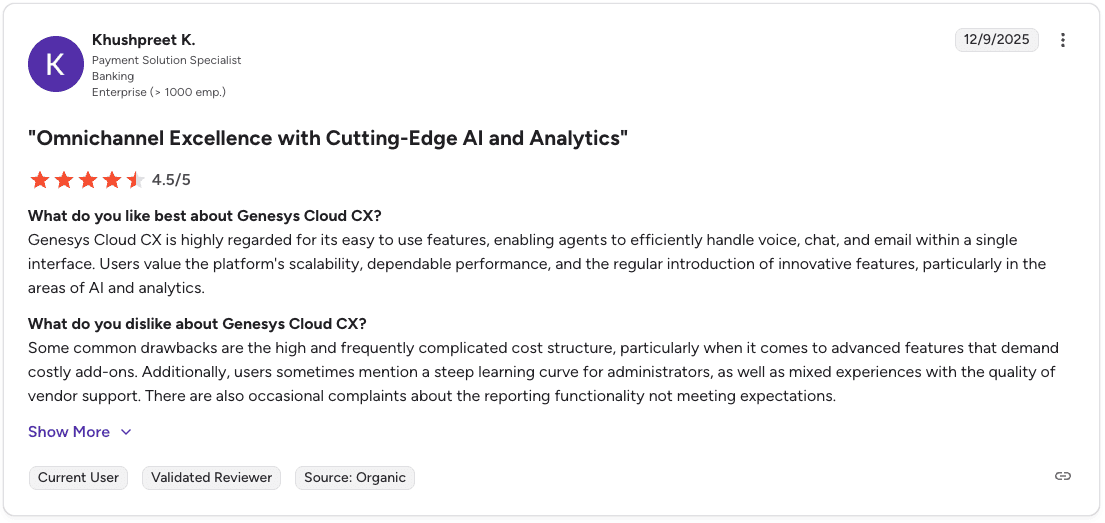
Pro: “The platform regularly introduces innovative features, especially in AI and analytics.” — Khushpreet K., Verified User, G2
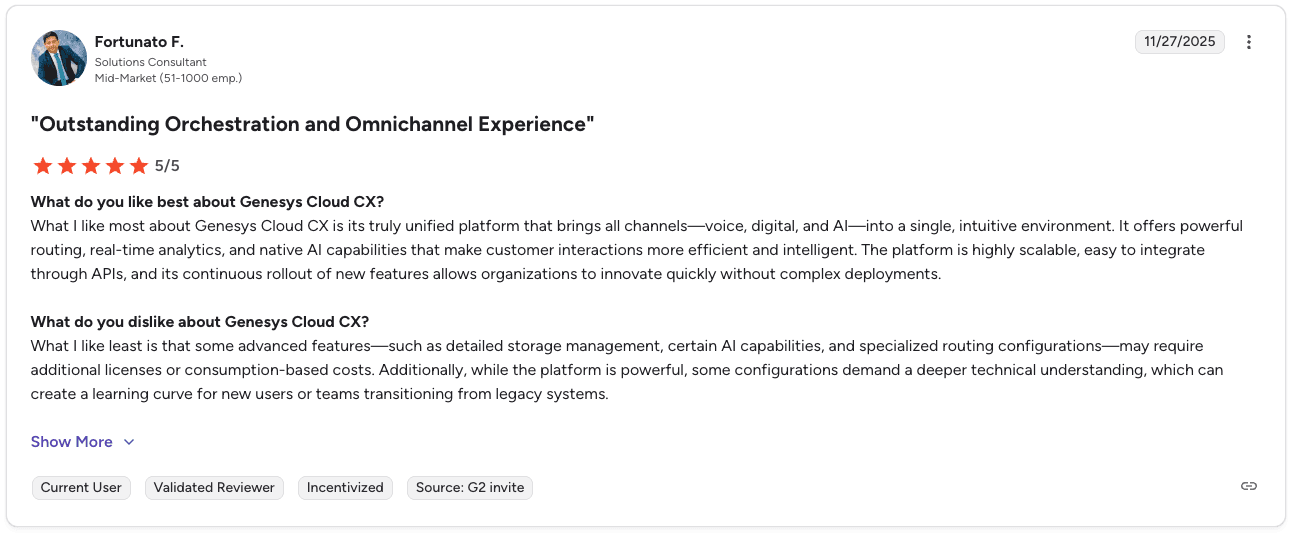
Con: “Some advanced features may require additional licenses or consumption-based costs.” — Fortunato F., Verified User, G2
Pricing
Genesys pricing starts at $75 per user per month for the CX 1 voice plan. Advanced capabilities like workforce management and analytics are available in CX 3 starting at $155 per user per month.
For detailed tier comparisons, see our Genesys Cloud CX pricing guide.
Should you choose Genesys?
Yes, if your team needs enterprise contact center infrastructure with strong omnichannel routing and scalability. Genesys works best for large organizations that manage voice, chat, email, and social channels in one platform.
It handles routing, recording, and analytics well. Teams that want to turn call data into structured coaching often add Alpharun, which connects to Genesys and analyzes recordings to build rep guidance based on top performer behavior.
3. Nextiva: Best for consolidating voice and digital channels in one platform
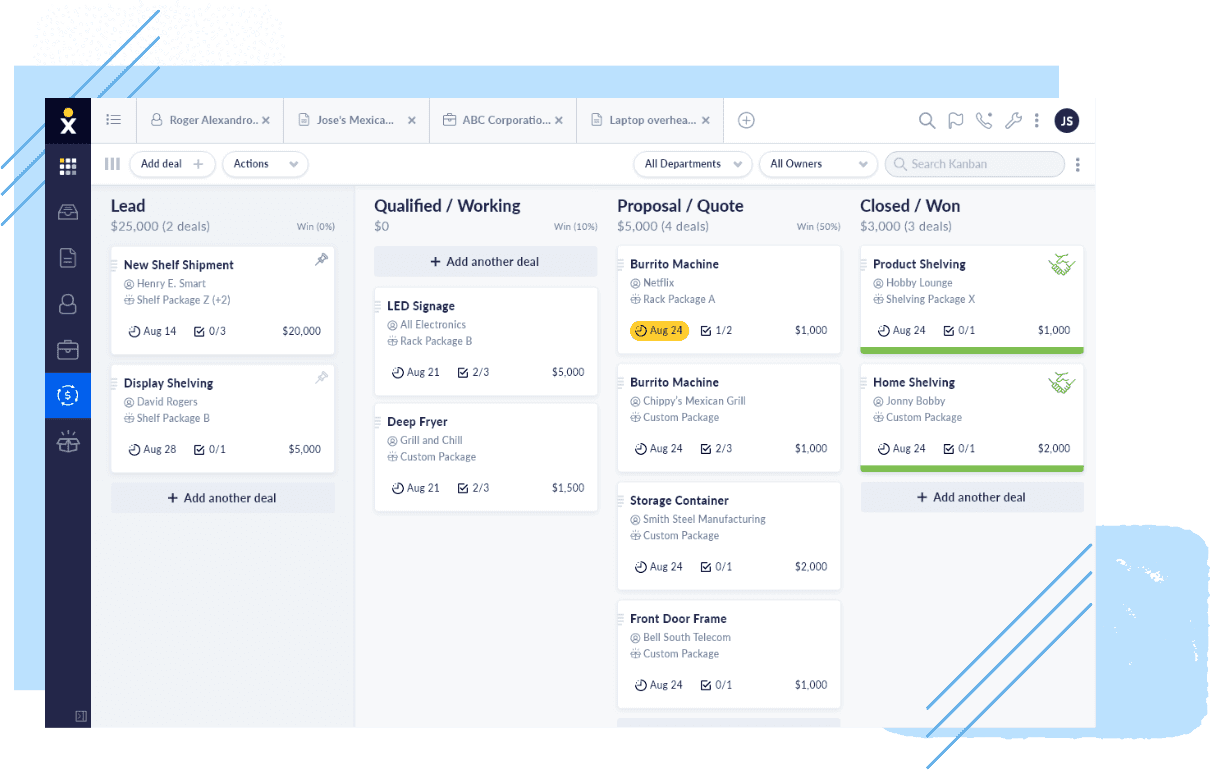
What it does: An AI-powered platform that combines voice, digital channels, and CX tools in one system.
Best for: Sales teams ready to consolidate multiple vendors into one platform for voice, digital, and AI tools.
Nextiva began as a business VoIP provider and has expanded into a full customer experience platform. Its voice reliability remains a key strength. The platform is designed for teams that want one system for voice, digital channels, and AI tools instead of managing multiple vendors.
Key features
Multi-channel inbox: Your agents handle voice, chat, email, SMS, and social from one place.
AI-powered routing: Routes calls based on skills and availability.
AI transcription and sentiment analysis: Surfaces call themes and rep tone in real time.
Outbound dialing: Progressive and predictive dialing for sales campaigns.
Workforce management: Tools for scheduling and performance tracking.
Pros and cons
✅ Pros | ❌ Cons |
Works well across desktop and mobile apps | Flags spam calls but will not block them permanently |
Strong AI features, including transcription and sentiment analysis | CRM integration caused issues and required extra cost for some users |
Built-in workforce engagement tools | Setup took longer than expected, and the admin page takes time to learn |
What users say
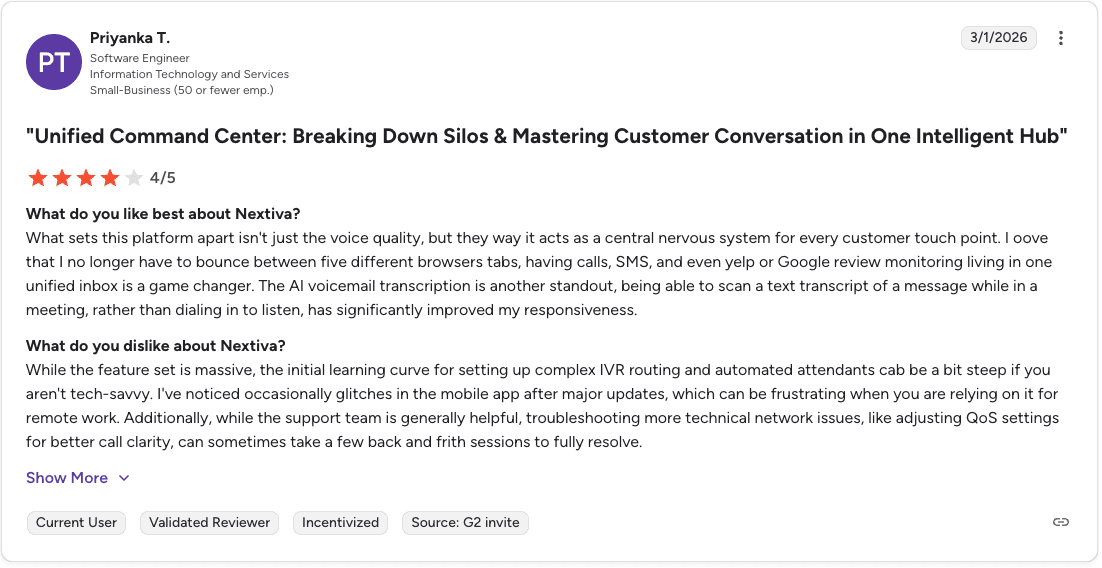
Pro: “The AI voicemail transcription lets you quickly scan messages instead of listening to them.” — Priyanka T., Verified User, G2
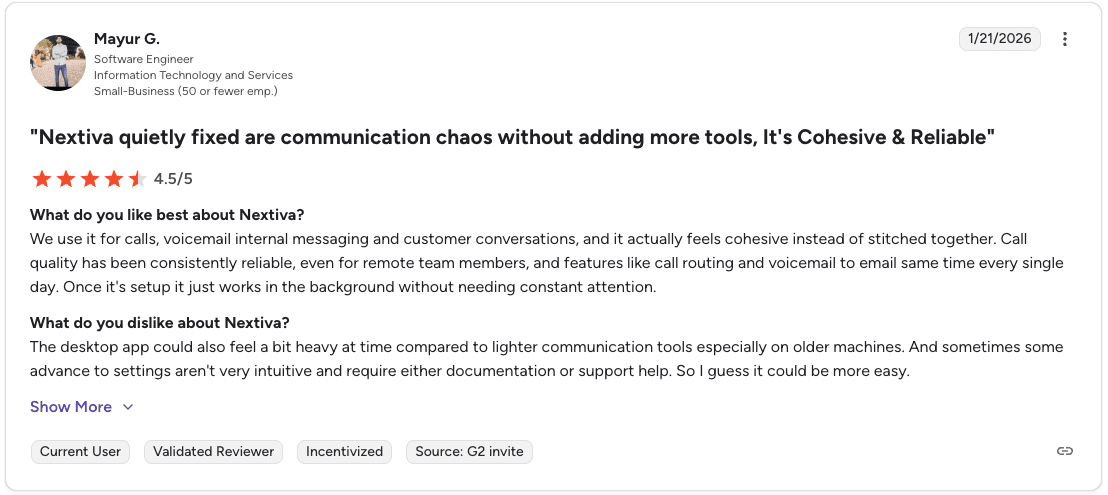
Con: “Some advanced settings are not very intuitive and may require documentation or support help.” — Mayur G., Verified User, G2
Pricing
The Essential plan starts at $75 per agent per month. Professional and Premium tiers require a direct conversation with sales.
Should you choose Nextiva?
Yes, if your team wants a single platform for voice, messaging, and customer communication tools. Nextiva works best for teams that want reliable call quality and prefer managing multiple channels from one system.
It’s strongest for organizations replacing several communication tools with one platform. Teams with simple calling needs may find the feature set broader than necessary.
4. RingCentral: Best for growing teams needing unified communications
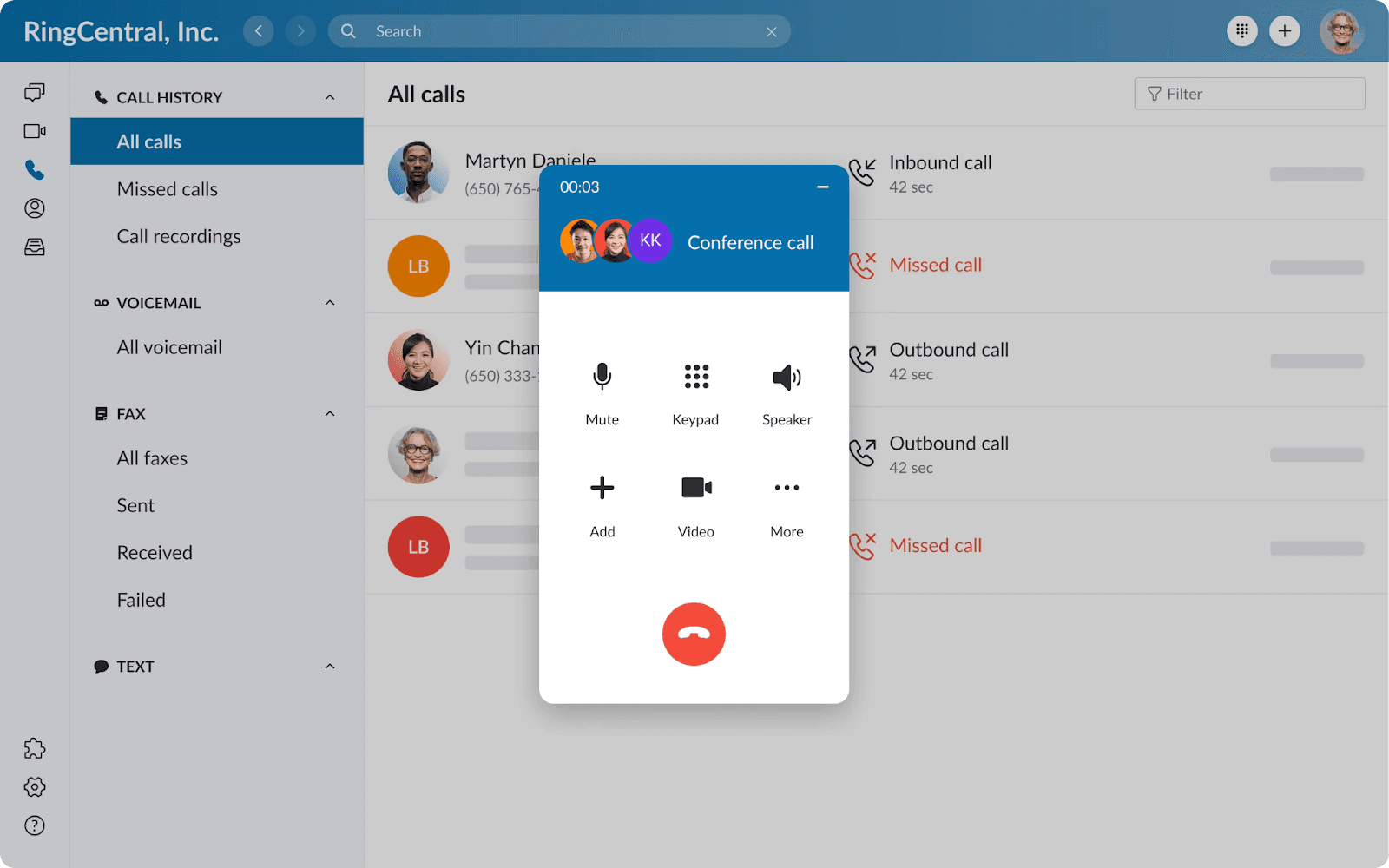
What it does: A unified communications platform that combines business phone, contact center, video, and AI agents in one place.
Best for: Growing sales teams that need an all-in-one communication system with analytics across pricing tiers.
RingCentral connects calling, messaging, and video in one dashboard. Your team does not need to switch between apps. The platform offers 300+ pre-built integrations, including Salesforce, HubSpot, and Microsoft 365.
Key features
Unified communications: Calling, messaging, and video in one dashboard.
Real-time analytics: Live queue monitoring and resource allocation for managers.
Advanced routing and call recording: Available for larger teams that need more complex call handling.
Pros and cons
✅ Pros | ❌ Cons |
Strong global call quality and reliable uptime | Certain customizations require support to configure |
Deep integration library with major CRMs | Video calls lag when screen sharing |
AI features are available even on lower-tier plans | Troubleshooting complex call flows takes longer than expected |
What users say
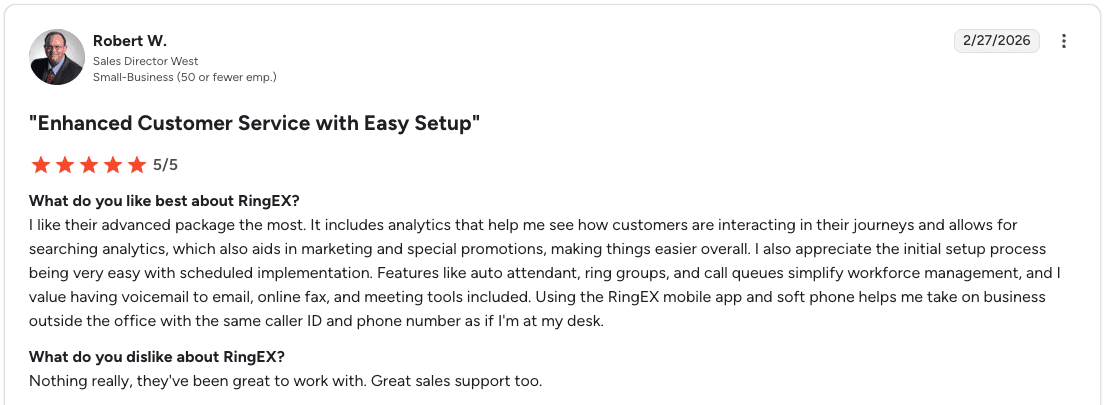
Pro: “Auto attendants, ring groups, and call queues make workforce management easier.” — Robert W., Verified User, G2
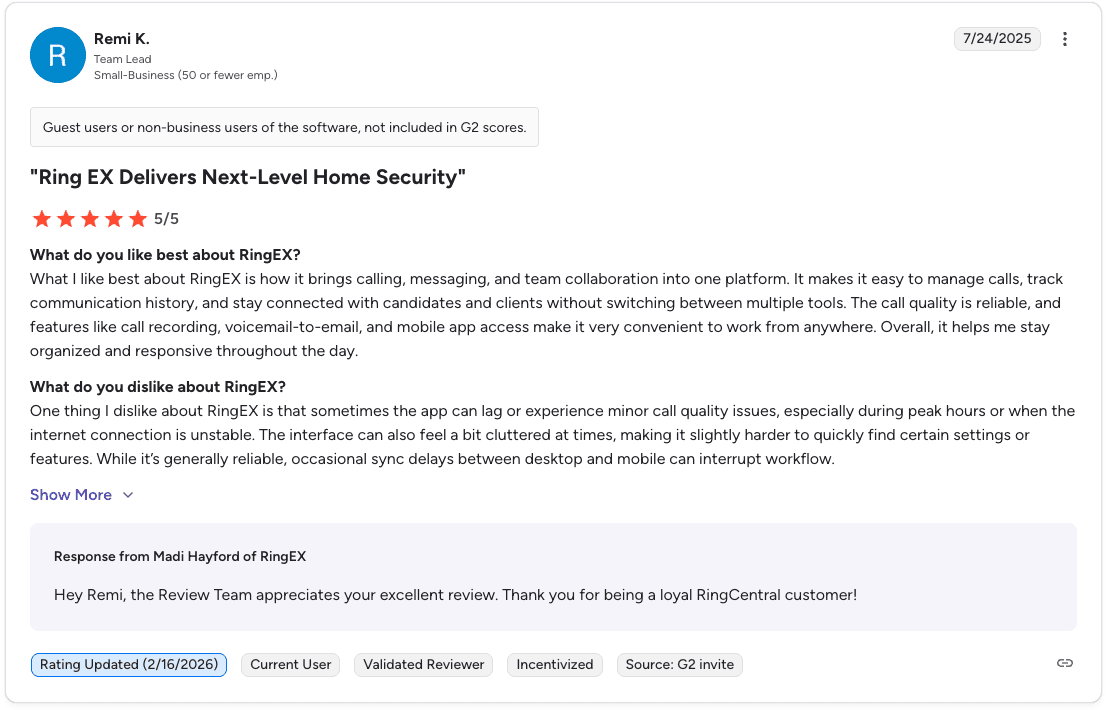
Con: “Occasional sync delays between desktop and mobile can interrupt workflow.” — Remi K., Verified User, G2
Pricing
📋 Plan | 💰 Price |
Core | $20/user/mo |
Advanced | $25/user/mo |
Ultra | $35/user/mo |
Should you choose RingCentral?
Yes, if your team needs reliable unified communications for calls, messaging, and collaboration. RingCentral works best for growing teams that prioritize communication infrastructure over advanced sales analytics.
Teams focused on rep coaching and playbook development will likely need a specialized tool alongside it.
5. NiCE CXone Mpower: Best for AI-driven quality management at scale
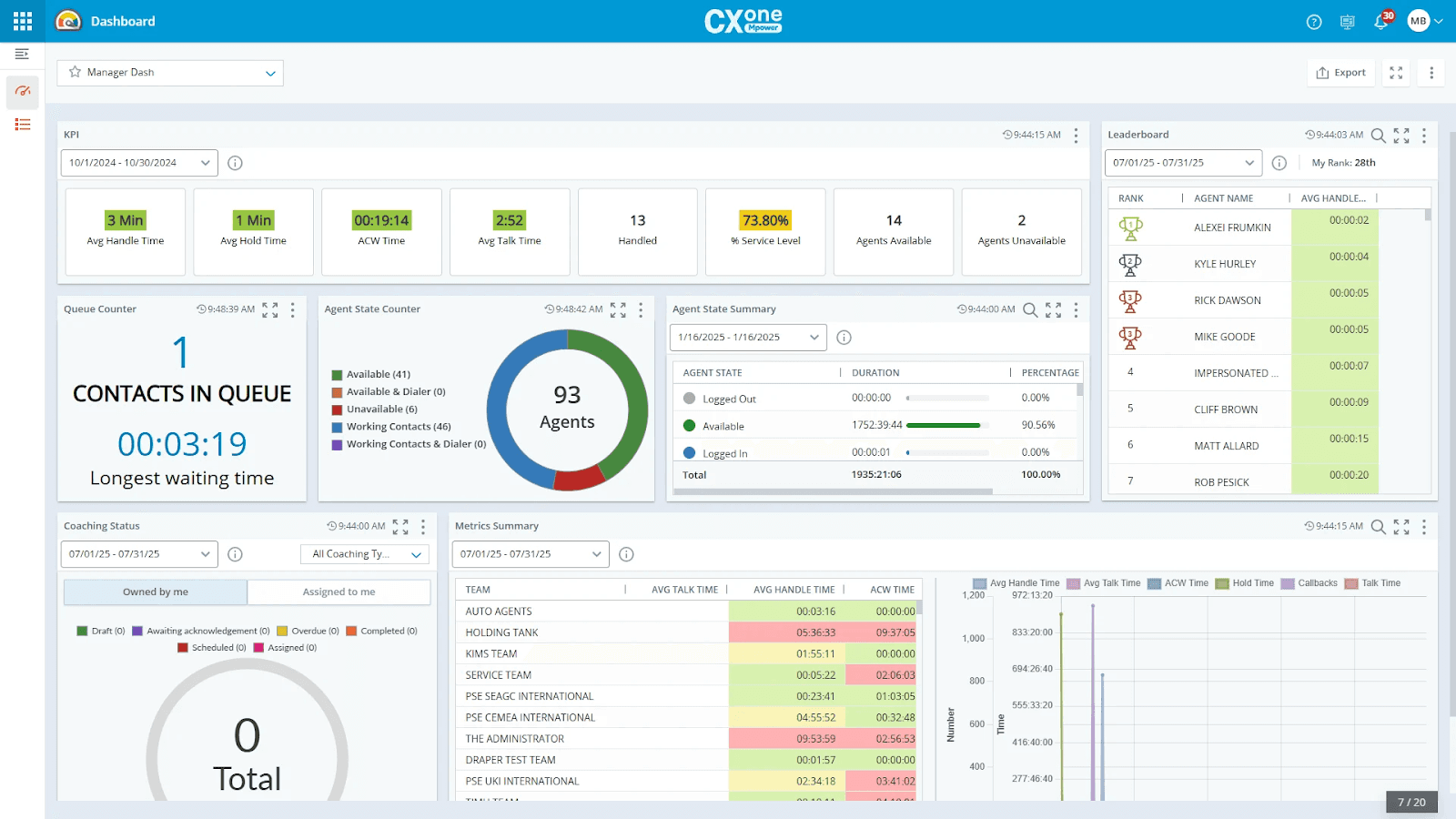
What it does: A cloud platform that combines customer engagement, workforce tools, and AI automation in one system.
Best for: Teams that need AI-powered quality management and workforce scheduling at scale.
NiCE CXone uses a domain-specific AI trained on a large CX dataset. That means the AI knows contact center scenarios well. Your agents get real-time guidance through the Enlighten AI engine during live interactions.
Key features
AI quality management: Automatically scores calls without manual review.
Enlighten AI: Your agents get real-time guidance during calls.
AI-driven workforce forecasting: Predicts staffing needs and builds schedules.
30+ digital channels: Handles voice, chat, email, social, and more.
Dedicated agent workspaces: Gives reps a focused view of their tasks and interactions.
Pros and cons
✅ Pros | ❌ Cons |
Strong employee engagement and scheduling tools | Users report persistent lag when opening studio script nodes |
AI trained on a large CX-specific dataset | Smaller organizations struggle to get adequate support without dedicated engineers |
Faster onboarding and coaching through AI tools | Random dropped calls and occasional system errors reported |
What users say
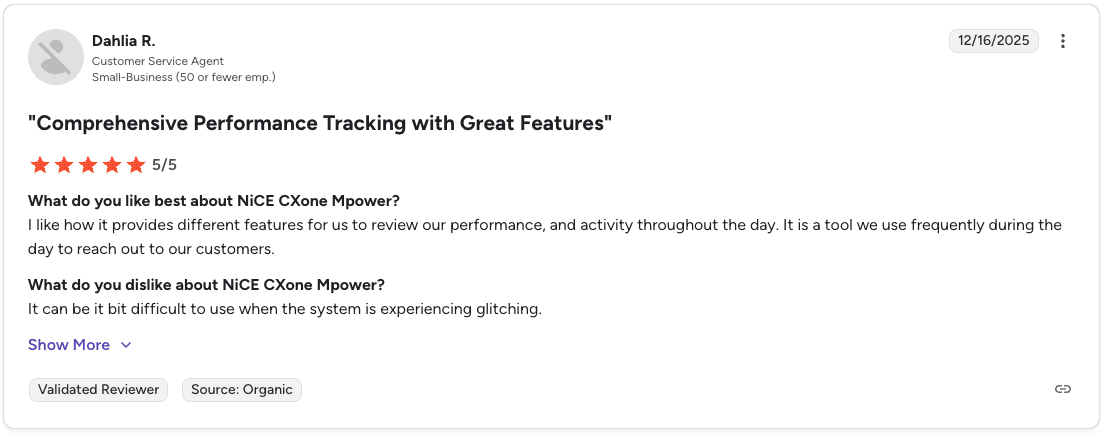
Pro: “It provides different features to review performance and activity throughout the day.” — Dahlia R., Verified User, G2
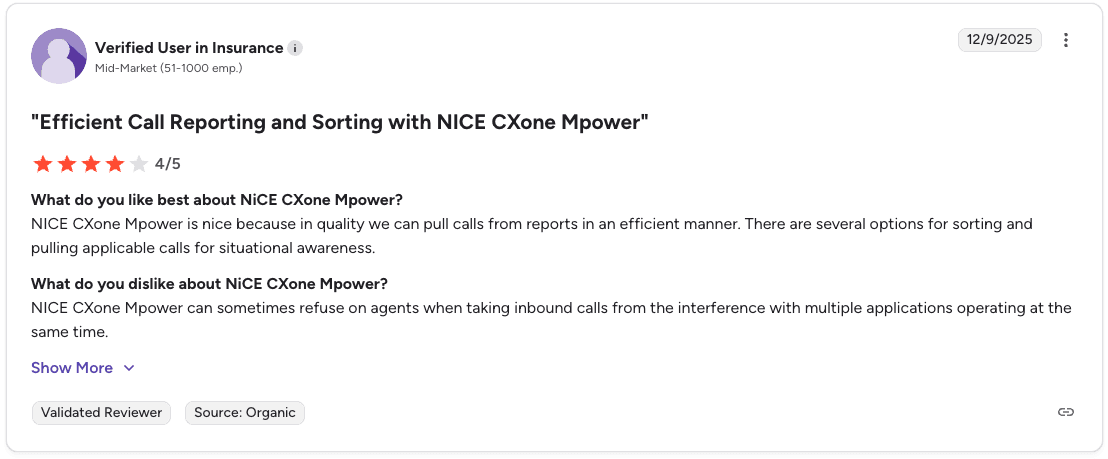
Con: “NICE CXone Mpower can sometimes refuse agents when taking inbound calls while multiple applications are running.” — Verified User, G2
Pricing
📋 Plan | 💰 Price |
Essential | $110/agent/mo |
Core | $135/agent/mo |
Complete | $169/agent/mo |
Optimized | $249/agent/mo |
Higher tiers add AI routing, compliance tools, recording, and full outbound campaign management.
Should you choose NiCE CXone?
Yes, if your team needs enterprise call center infrastructure with AI QA and workforce management built in. Smaller teams without dedicated technical support may find the setup and maintenance demanding.
6. Aircall: Best for CRM-first sales teams
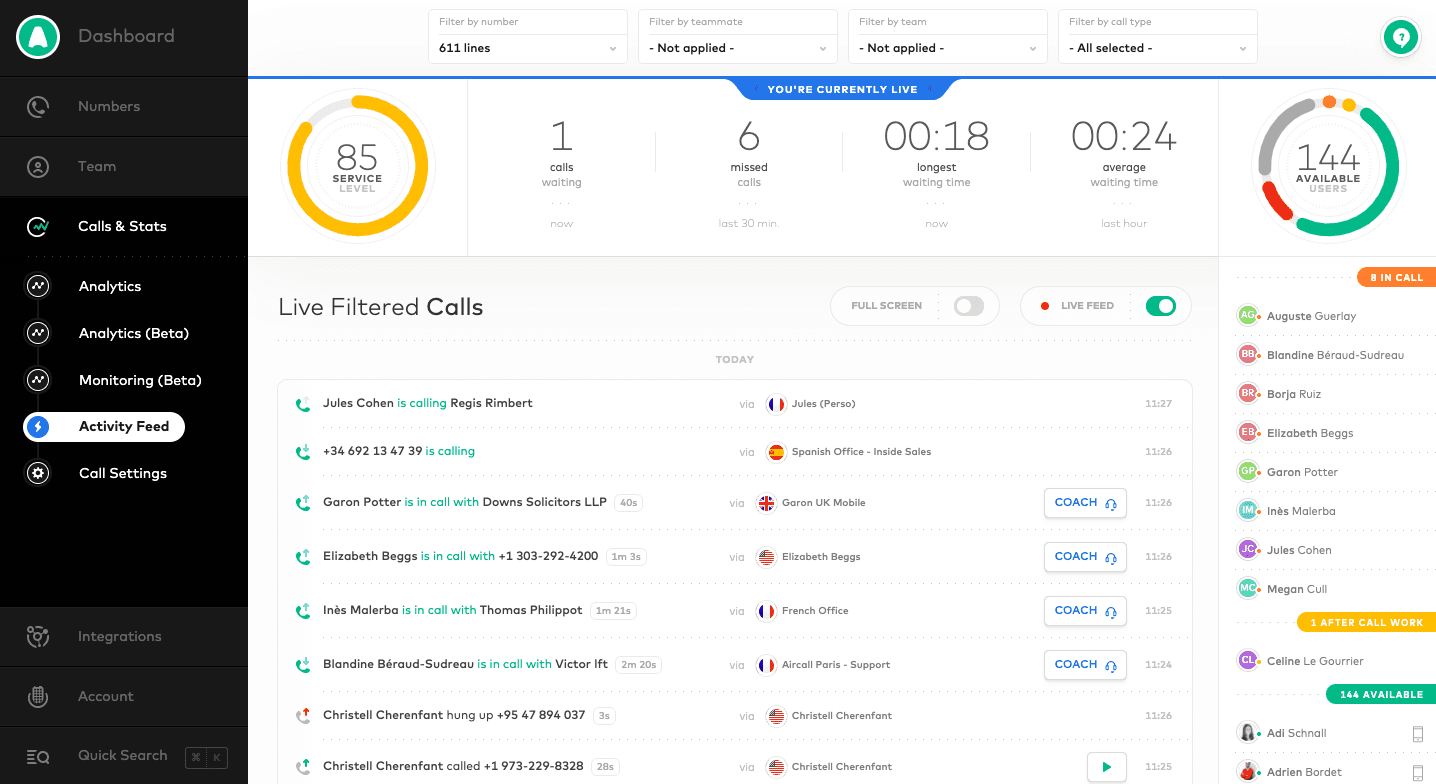
What it does: A business phone and customer communications platform with call recording, AI summaries, and deep CRM integrations.
Best for: Sales teams looking for a phone system that plugs into their existing CRM without friction.
Aircall integrates with 100+ tools and automatically logs conversation activity. Your reps skip the manual data entry after every call.
Key features
Call recording: Automatically records calls for later review.
AI Call Summaries: Your agents get automatic call summaries to review calls faster.
AI Trending Topics: Bird's-eye view of key call themes across the team.
Live Monitoring: Managers track and manage call activity in real time.
Power Dialer: Speeds up outbound calling with automatic dialing.
Analytics and Analytics+: Wait times, call volumes, missed calls, and advanced filtering.
Pros and cons
✅ Pros | ❌ Cons |
Integrates with 100+ CRMs, help desks, and other tools | AI features are basic compared to dedicated coaching platforms |
Conversation activity logs automatically to your CRM | Limited caller identification and note-taking options |
Easy to set up without heavy IT involvement | Recent interface updates feel less intuitive to long-time users |
Noise cancellation and network diagnostics are built in |
What users say
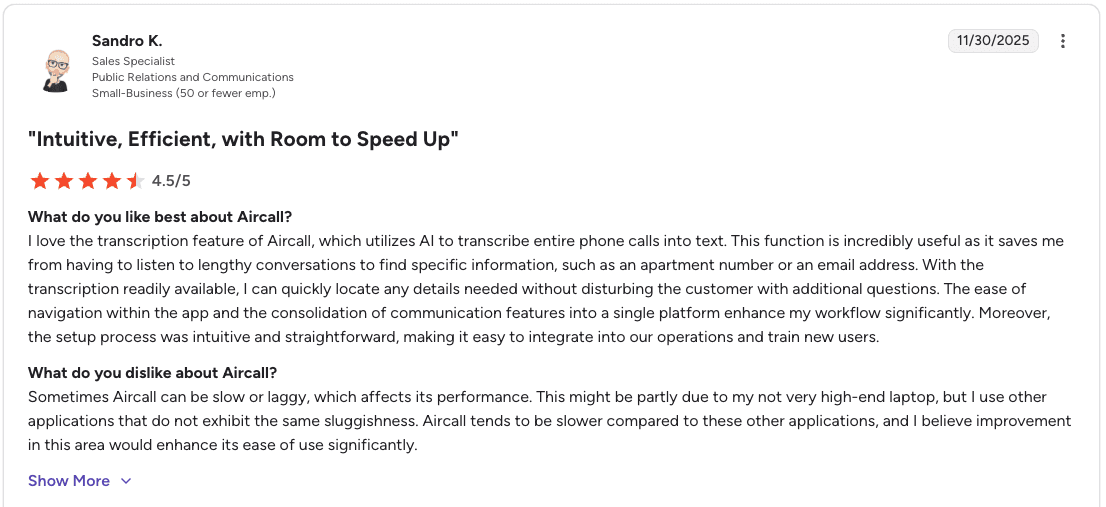
Pro: “The interface is easy to navigate and consolidates communication tools in one platform.” — Sandro K., Verified User, G2
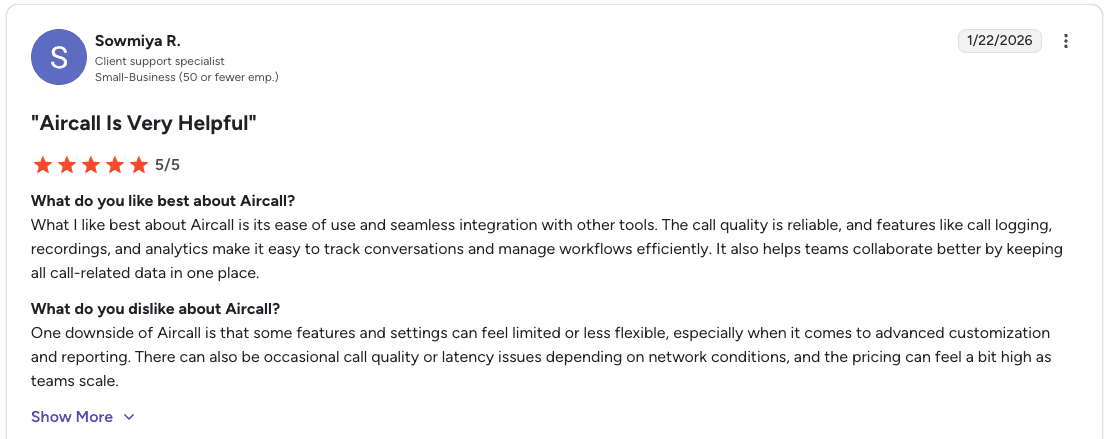
Con: “Some features and settings can feel limited for advanced customization and reporting.” — Sowmiya R., Verified User, G2
Pricing
📋 Plan | 💰 Price |
Essentials | $30/license/mo |
Professional | $50/license/mo |
Custom | Quote required |
Should you choose Aircall?
Yes, if your team relies heavily on a CRM and needs a phone system that integrates directly with it. Aircall works best for sales teams that want simple call management and strong CRM integrations.
It focuses on call infrastructure and integrations. Teams that need QA scoring and structured sales coaching often add a dedicated coaching platform on top.
7. 8x8: Best for global sales teams dialing across time zones
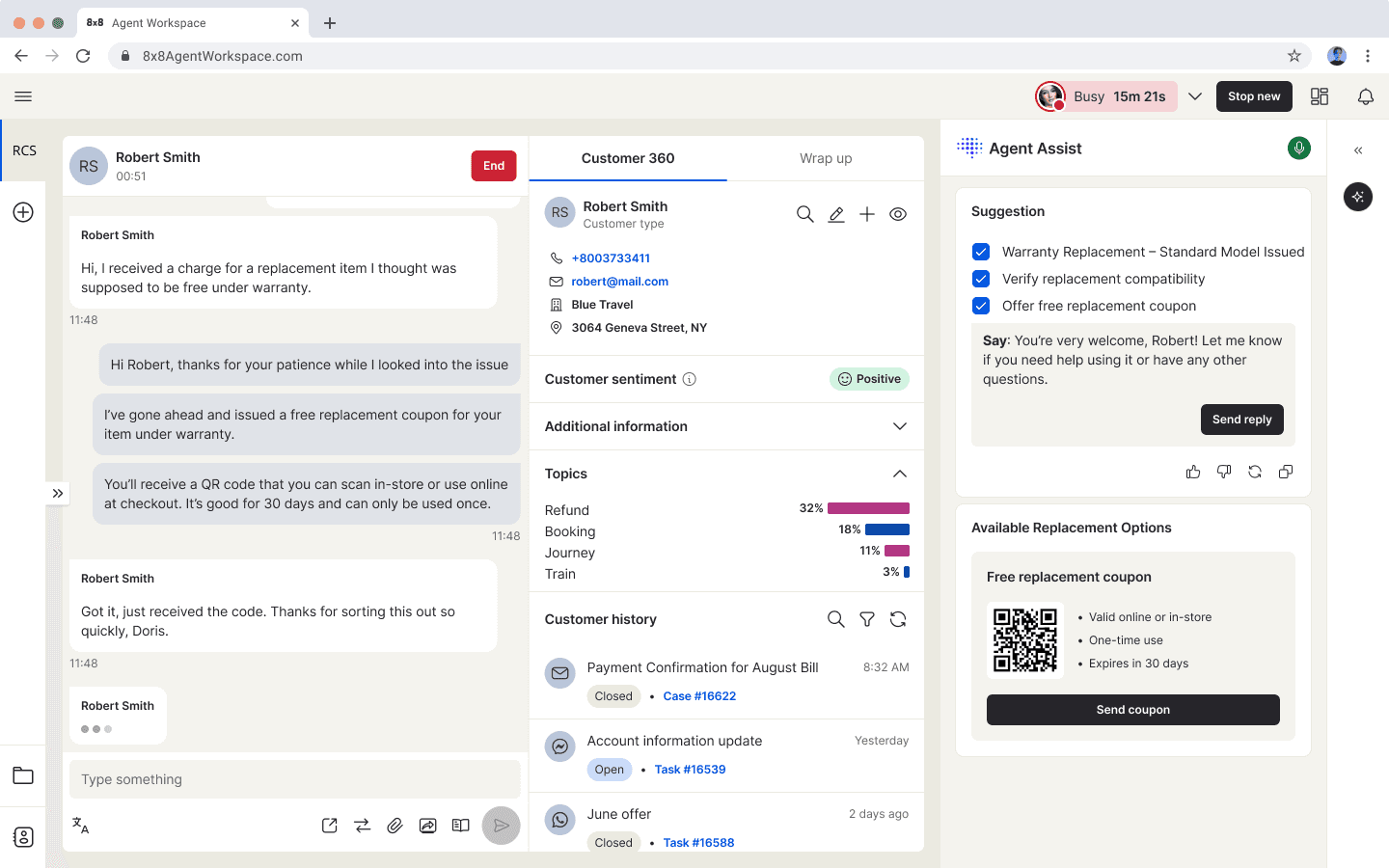
What it does: An AI-powered command center that connects prospect journeys across global teams.
Best for: Sales teams calling prospects across multiple countries and time zones.
8x8 combines contact center, unified communications, and APIs in one ecosystem. The platform gives your team 200+ global carrier connections with 99% uptime.
Key features
Omnichannel routing: Routes calls, chats, and messages to the right reps.
Agent Workspace: Your agents get a unified view to handle all interactions.
Supervisor Workspace: Call center quality monitoring software tools for managers to monitor and coach in real time.
Analytics for Contact Center: Tracks performance and identifies trends.
AI-Enabled Self-Service: Automates routine prospect inquiries.
Workforce Engagement Management: Scheduling and quality tools.
Pros and cons
✅ Pros | ❌ Cons |
No more native client downloads needed; works in the browser | Users want better notification sounds to differentiate alerts |
Phone support with screenshare made setup painless for some users | Some users report hidden costs at signup |
Unified queue visibility keeps managers in one place | Translation features reported as inaccurate |
What users say
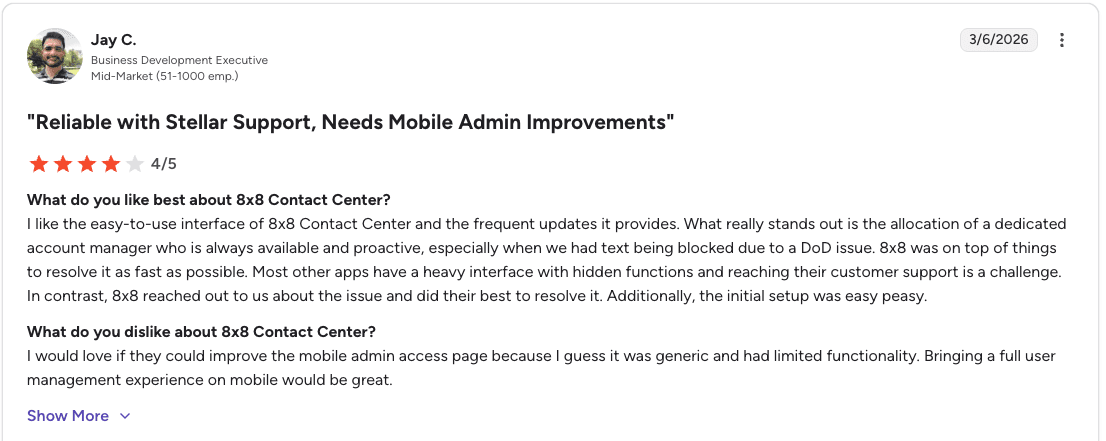
Pro: “Easy-to-use interface with frequent updates.” — Jay C., Verified User, G2
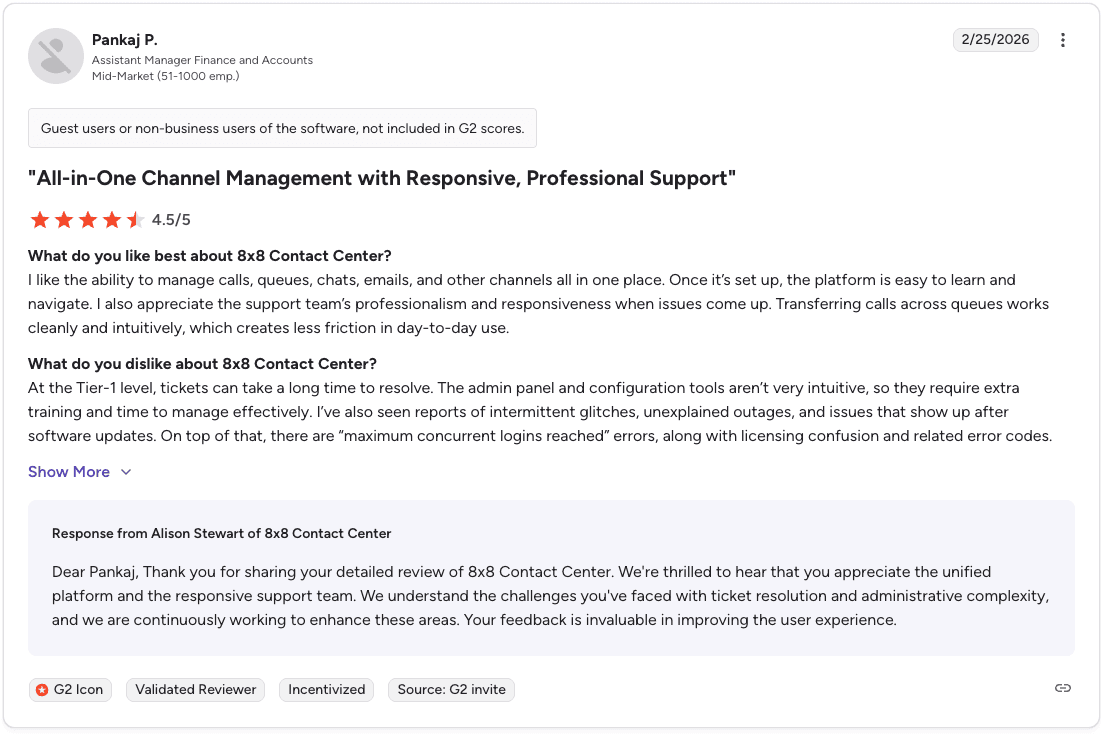
Con: “There are reports of intermittent glitches, outages, and login limit errors.” — Pankaj P., Verified User, G2
Pricing
Contact 8x8 for pricing. Plans vary based on features and global requirements.
Should you choose 8x8?
Yes, if your team sells internationally and needs reliable global calling. 8x8 performs well for organizations that dial prospects across multiple countries and require consistent call quality.
Teams focused only on domestic sales may not need its global coverage and could end up paying for features they won’t use.
8. Dialpad: Best for teams wanting built-in AI at a lower price point
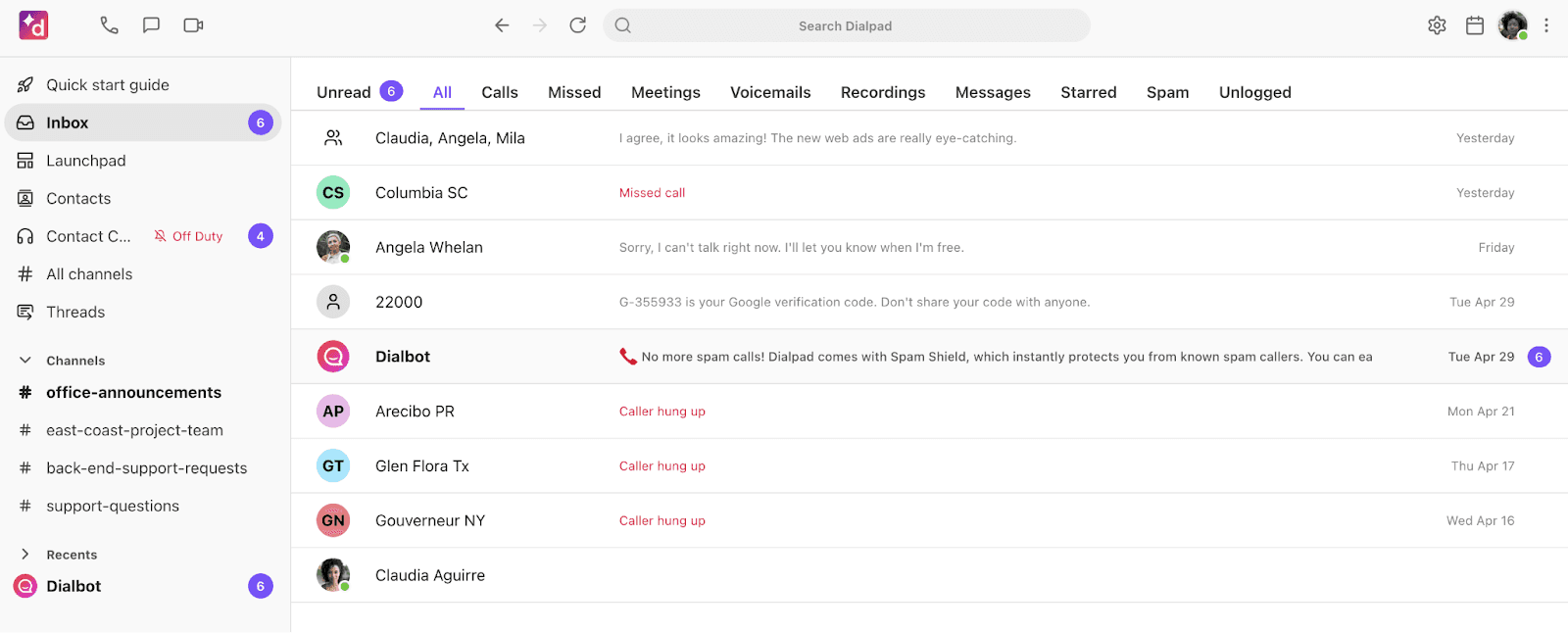
What it does: A business communications platform with real-time AI transcription, sentiment detection, and call summaries.
Best for: Sales teams that want AI features out of the box without paying for a complex enterprise platform.
Dialpad works across voice, video, and messaging in one interface. Your managers get live keyword tracking during calls without extra setup.
Key features
Real-time transcriptions and post-call summaries: Your agents see what was said as it happens.
Sentiment detection: Tracks prospect tone during calls to flag moments managers should review.
Live keyword tracking: Managers see key phrases flagged in real time.
Unified interface: Calls, meetings, and chats in one platform.
CRM integrations: Connects with standard CRM and productivity tools.
Pros and cons
✅ Pros | ❌ Cons |
Real-time AI transcriptions and summaries included | Strict contract terms with limited flexibility around renewals |
Calls, meetings, and chats in one easy-to-use platform | Minor bugs and notification issues when switching networks |
Simple setup with no extra security steps or added costs | Call quality drops on mobile in low-bandwidth conditions |
What users say
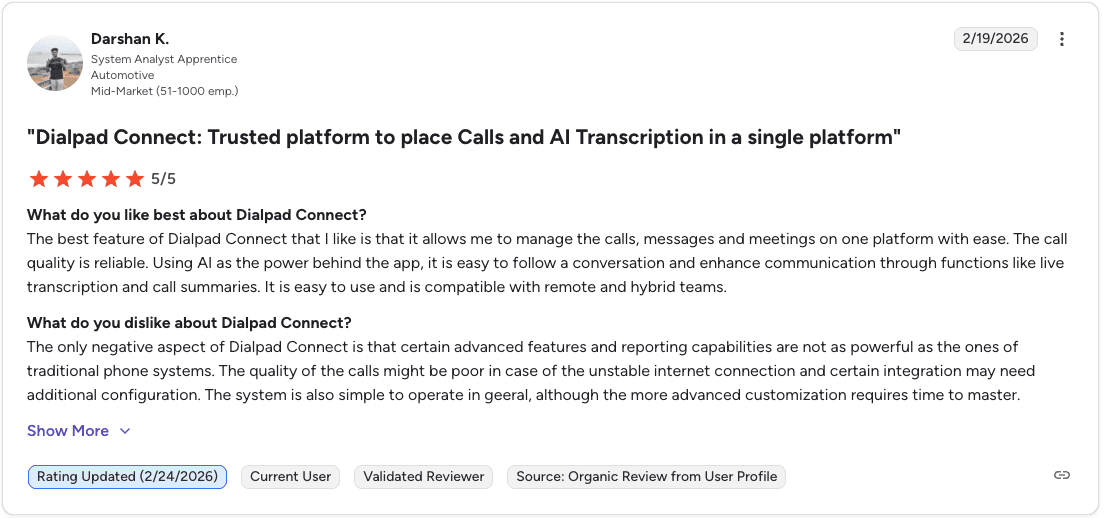
Pro: “AI features like live transcription and call summaries make it easier to follow conversations.” — Darshan K., Verified User, G2
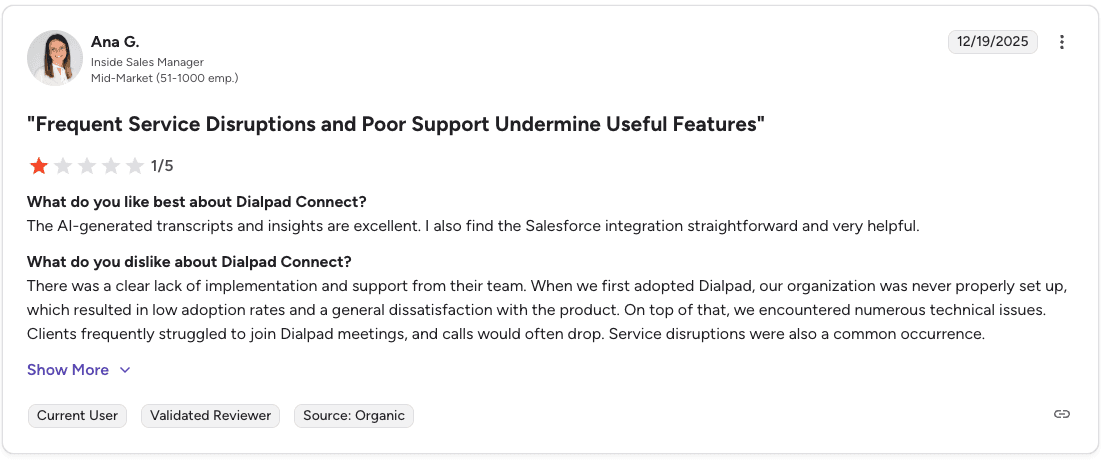
Con: “Clients often struggled to join meetings and calls would sometimes drop.” — Ana G., Verified User, G2
Pricing
📋 Plan | 💰 Price |
Standard | $15/user/mo |
Pro | $25/user/mo |
Enterprise | Custom |
Should you choose Dialpad?
Yes, if you want built-in AI like live transcription and call summaries at a lower price. It handles communication well but offers limited rep coaching. Teams that want playbook-based coaching usually add a specialized tool.
9. HubSpot Sales Hub: Best for teams already in the HubSpot ecosystem
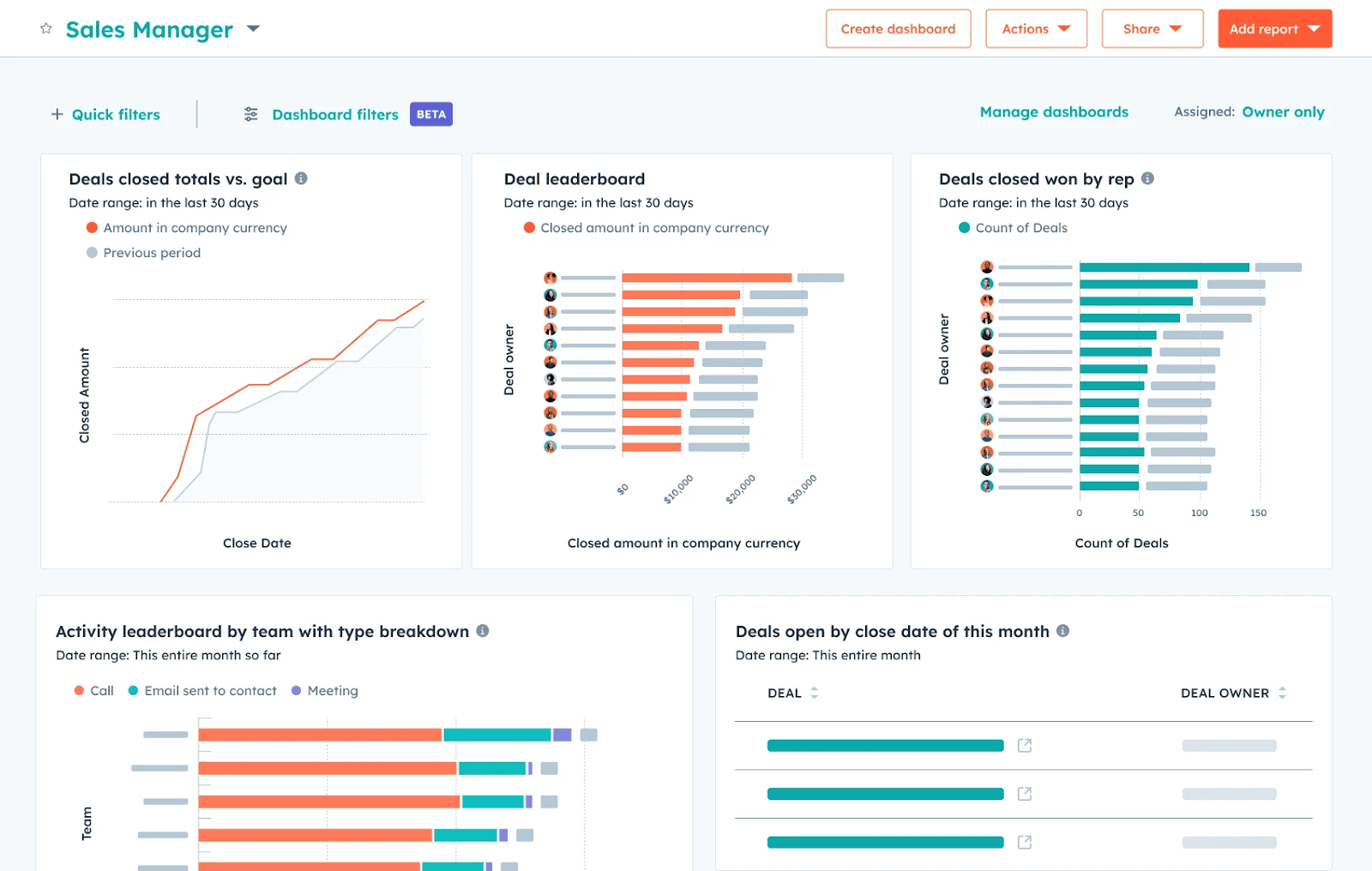
What it does: A CRM-connected sales platform with pipeline management, AI call insights, revenue forecasting, and custom reporting.
Best for: Growing sales teams already using HubSpot products who want sales analytics connected to their marketing and service data.
HubSpot Sales Hub connects your sales and marketing data so your team sees the full prospect story in one place. The free tier gives up to 2 users access to basic CRM and reporting tools.
Key features
Custom reporting builder: Your managers build reports focused on the metrics that matter, with no coding needed.
AI insights from calls and emails: HubSpot reviews sales conversations and highlights patterns that lead to better results.
Revenue forecasting: Forecasts pull from past data and current pipeline activity. Leaders can view by rep, team, or territory.
Visual sales pipeline: Moves deals through simple stages and flags slow points.
Pros and cons
✅ Pros | ❌ Cons |
Free tier includes useful marketing, sales, service, and data tools | Advanced features require higher-tier plans and feel rigid to some users |
Integrates with more than 100 apps | The platform has more features than many teams need, which can feel overwhelming |
Good reporting tools even on lower tiers | Contact details often fail to populate, forcing reps to re-enter information |
What users say
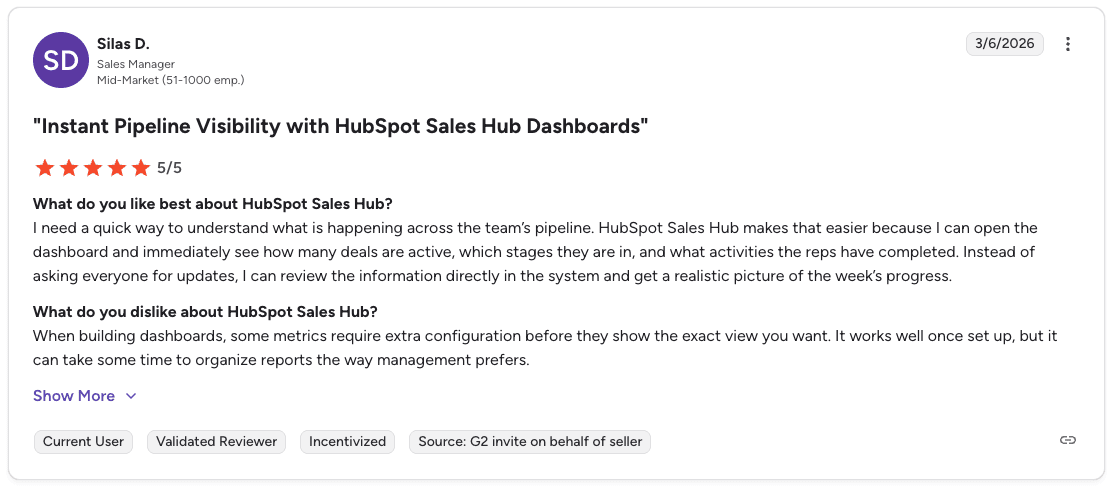
Pro: “Dashboard shows how many deals are active, which stages they are in, and what activities reps completed.” — Silas D., Verified User, G2
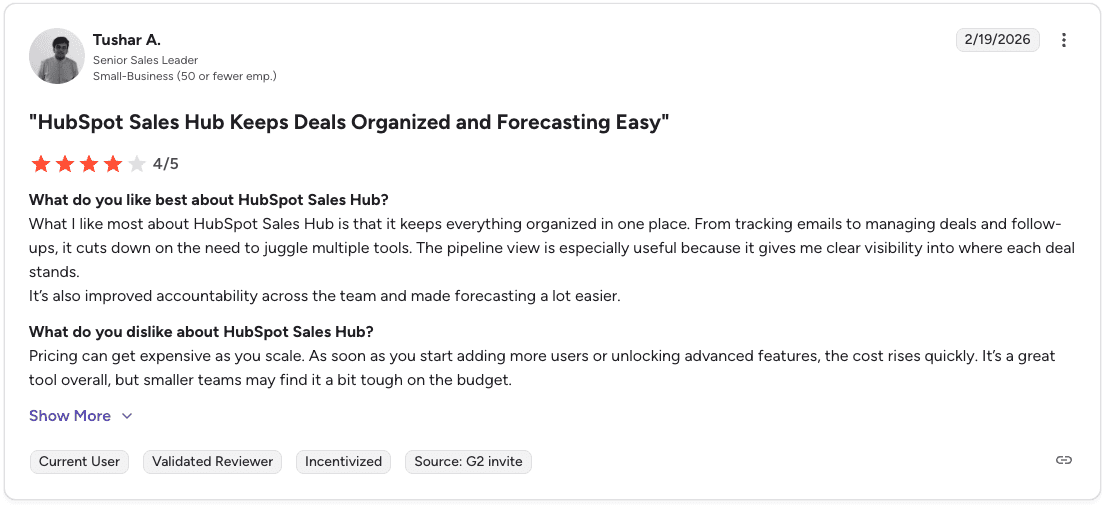
Con: “Pricing increases quickly as you add more users or unlock advanced features.” — Tushar A., Verified User, G2
Pricing
For individuals and small teams:
📋 Plan | 💰 Price |
Free | $0 (up to 2 users) |
Starter | $9/seat/mo (billed annually) |
Professional | $90/seat/mo (billed annually) |
For businesses and enterprises:
📋 Plan | 💰 Price |
Professional | $90/seat/mo (billed annually) |
Enterprise | $150/seat/mo (billed annually) |
Note: Professional and Enterprise require a one-time onboarding fee.
Should you choose Hubspot Sales Hub?
Yes, if your team wants fast setup and tightly connected sales and marketing data in one system. Teams running complex outbound workflows or high-volume calling operations may need a platform with deeper customization and dialing capabilities.
10. CloudTalk: Best for inbound-focused sales teams with high call volumes
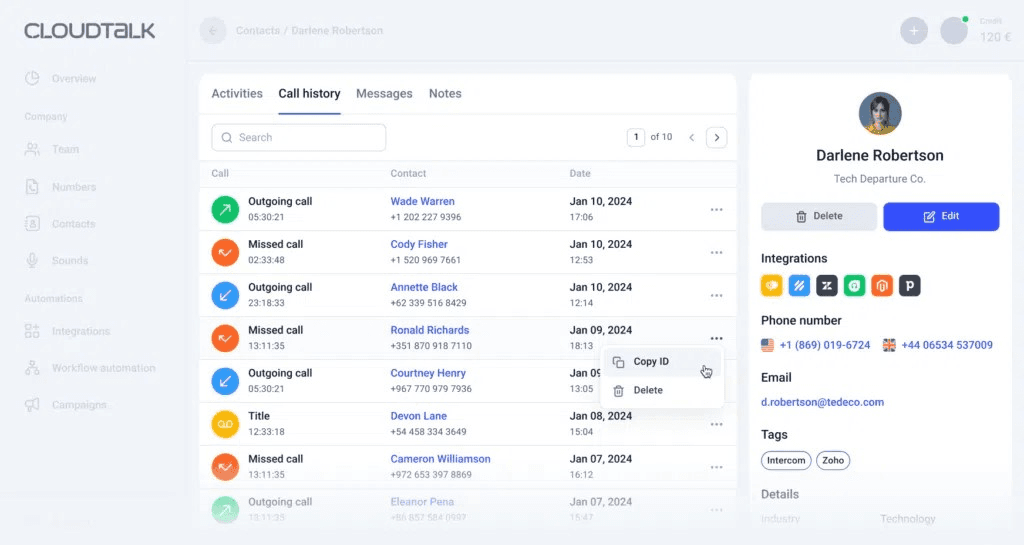
What it does: A cloud call center platform with smart routing, queue management, CRM integrations, and real-time monitoring for sales teams.
Best for: Inbound-focused sales teams that need reliable call routing and queue management without heavy telecom setup.
CloudTalk handles high call volumes with strong routing tools. Local and toll-free numbers are available in 160+ countries for teams that serve a broad geographic market.
Key features
Smart IVR and routing: Directs prospects to the right rep based on skills, language, or custom rules.
Real-time monitoring: Managers watch live calls and coach reps as conversations happen.
CRM integrations: Connects with HubSpot, Salesforce, Pipedrive, and other popular tools.
Call analytics: Tracks volumes, wait times, abandonment rates, and rep activity.
International numbers: Local and toll-free numbers in 160+ countries.
Pros and cons
✅ Pros | ❌ Cons |
A single dashboard for tracking calls and AI summary notes saves time | Previous call transfers did not allow speaking with the team member first |
Call queues, recording, and voicemail are easy to manage without telecom headaches | Call quality depends on internet connection quality |
Easy HubSpot linking with agile workflows | Status changes sometimes do not register, which hurts productivity metrics |
What users say
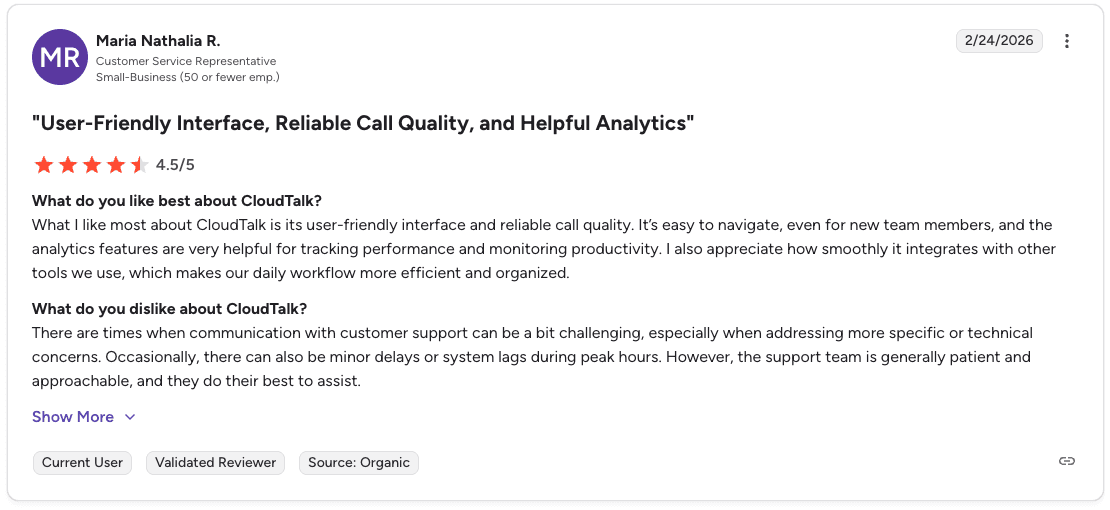
Pro: “Integrates smoothly with other tools, which keeps daily workflows organized.” — Maria Nathalia R., Verified User, G2
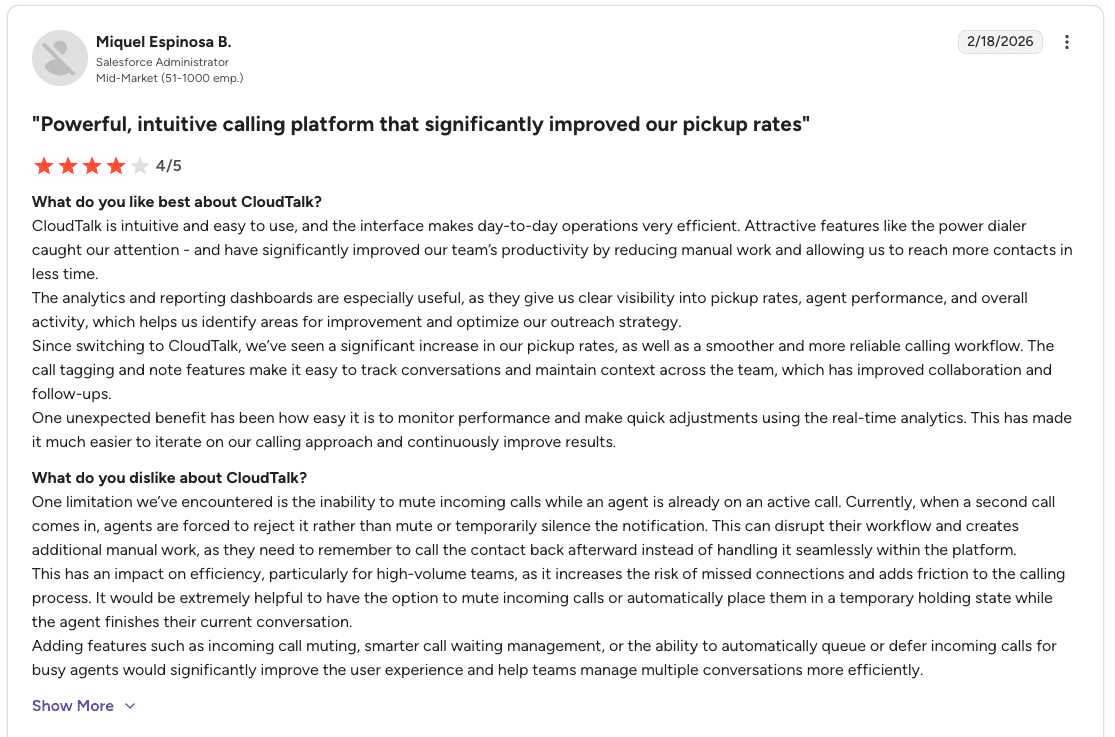
Con: “Agents cannot mute or silence incoming calls while already on an active call, which can interrupt workflow and lead to missed connections.” — Miquel Espinosa B., Verified User, G2
Pricing
📋 Plan | 💰 Price |
Lite | $19/user/mo |
Essential | $29/user/mo |
Expert | $49/user/mo |
Should you choose CloudTalk?
Choose CloudTalk if your team primarily handles inbound calls and needs dependable routing and queue management. Outbound-heavy sales teams running power or predictive dialing campaigns will likely need a platform with stronger outbound capabilities.
11. Twilio: Best for developer-led teams wanting full customization
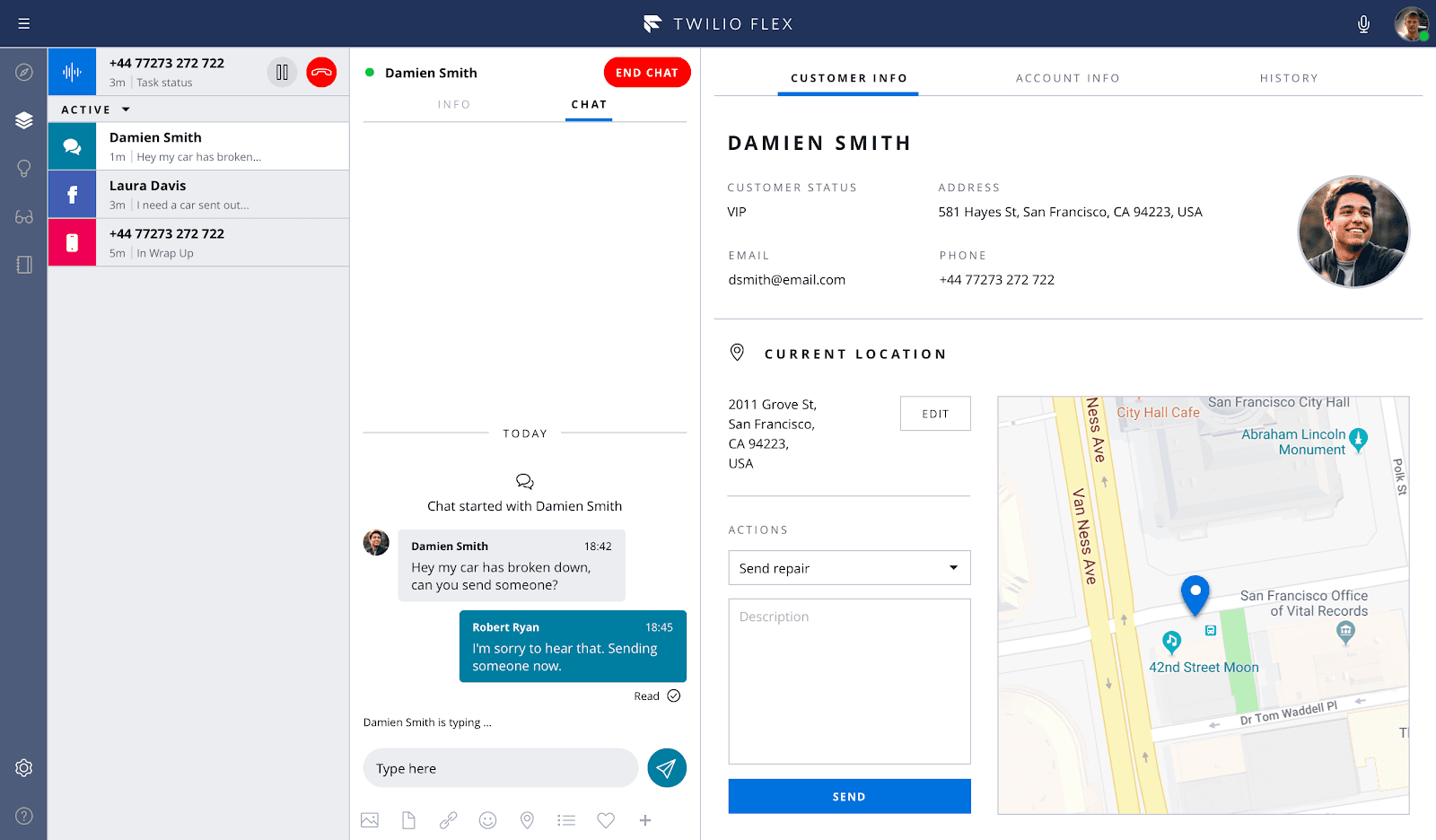
What it does: A developer platform that lets teams build custom communication systems with APIs for voice, messaging, video, and more.
Best for: Sales teams with developer resources who want complete control over their call center stack.
Twilio provides APIs for voice, SMS, and video. Flex is their programmable contact center that you configure to your exact specifications. The platform gives your team phone numbers and voice infrastructure in 180+ countries.
Key features
Communications APIs: Voice, SMS, and video APIs for custom builds.
Flex contact center: A programmable contact center you configure from the ground up.
Global reach: Phone numbers and voice infrastructure in 180+ countries.
Customer data platform: Segment integration for unified prospect profiles.
Authentication tools: Verify and Lookup APIs for identity verification.
Pros and cons
✅ Pros | ❌ Cons |
Detailed documentation and flexible integrations | Initial setup feels complex for non-technical teams |
Solid API docs with fast SMS performance | Hidden fees that add up over time |
Smooth setup experience for technical teams | Advanced features like IVR and multichannel workflows require extra build work |
What users say
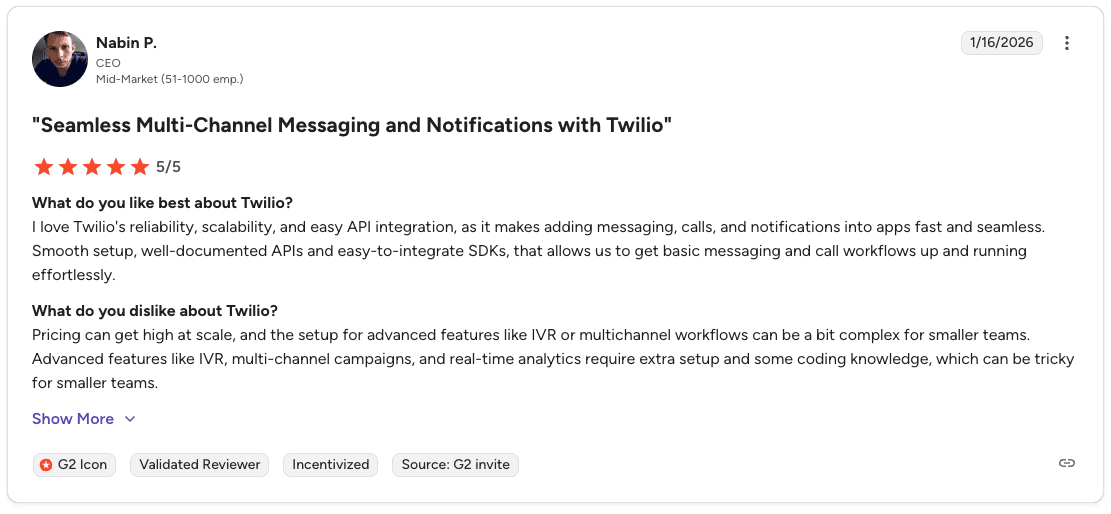
Pro: “Reliable and scalable APIs make it easy to add messaging, calls, and notifications into applications.” — Nabin P., Verified User, G2
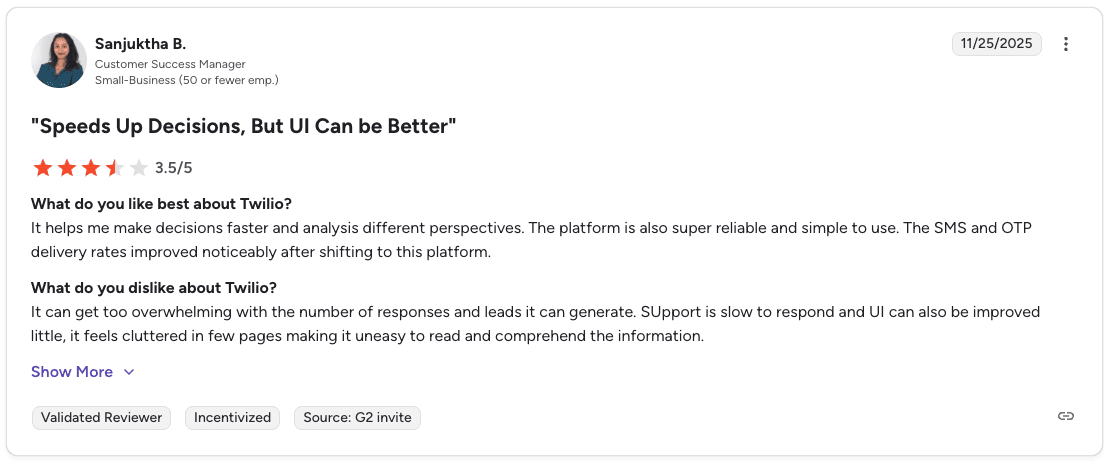
Con: “UI can feel cluttered in some areas, making information harder to read and navigate.” — Sanjuktha B., Verified User, G2
Pricing
Twilio uses pay-as-you-go pricing:
⚡ Feature | 💰 Price |
SMS | $0.0079/message |
Voice (inbound) | $0.0085/min |
Voice (outbound) | $0.014/min |
Flex | 5,000 free hours, then $1/active user hour or $150/named user/mo |
Should you choose CloudTalk?
Choose Twilio if your team has developers who can build and maintain custom communication workflows using its APIs. Teams without engineering support will likely get faster value from a platform that works out of the box.
Which call center management software should you choose?
The right platform depends on your team size, technical resources, and how you manage coaching.
Choose Five9 if you:
Run a high-volume B2C sales operation with 50+ reps.
Need reliable outbound dialing that handles thousands of calls daily.
Have the budget for annual contracts and can commit to seat minimums.
Choose Genesys if you:
Run a large enterprise contact center that needs multi-channel infrastructure.
Want 600+ app integrations and strong API capabilities.
Need built-in workforce management and scheduling tools.
Choose Nextiva if you:
Want to consolidate voice, digital, and AI tools under one roof.
Need AI transcription and sentiment analysis included in the platform.
Choose RingCentral if you:
Need unified communications across calling, messaging, and video.
Want 300+ integrations available at an accessible price point.
Choose NICE CXone if you:
Need AI-driven QA scoring across a large team.
Want workforce scheduling and engagement tools built in.
Choose Aircall if you:
Live in your CRM and want a phone system that plugs straight in.
Want automatic call logging and AI summaries at a lower cost.
Choose 8x8 if you:
Dial prospects across multiple countries and time zones.
Need 200+ global carrier connections with reliable uptime.
Choose Dialpad if you:
Want real-time AI transcription and summaries at a lower starting price.
Do not need deep QA scoring or playbook-level coaching.
Choose HubSpot Sales Hub if you:
Already use HubSpot across marketing, sales, and service.
Want CRM, pipeline, and reporting connected in one place.
Choose Twilio if you:
Have developers on your team who can build and maintain custom workflows.
Need complete flexibility over your communication infrastructure.
Skip this category if: Your team has fewer than 10 reps and you need only basic calling tools. A standard business phone system will likely cover your needs at a lower cost. Smaller teams that still want performance visibility usually get more from standalone call center reporting software tools than from a full management suite.
Final verdict
Contact centers generate massive amounts of conversation data. Every call recording contains objections, buying signals, and closing techniques. Most call center management software stores that data but rarely converts it into coaching that improves future conversations.
Platforms like Genesys and Five9 capture the recordings. Alpharun analyzes them to identify which behaviors correlate with successful outcomes and turns those patterns into live guidance for reps.
Alpharun capabilities include:
Real-time coaching prompts: Reps see guidance during live calls based on patterns from successful conversations.
Playbooks built from real calls: The system analyzes recordings to identify behaviors that drive conversions.
Automated QA on every interaction: Every call is scored without managers manually reviewing recordings.
Post-call coaching feedback: Reps receive clear notes immediately after each conversation.
Compliance monitoring: Flags missing disclosures or risky language before the call ends.
Fast integration with existing platforms: Connects to tools like Five9, Genesys, and other call center management software in about a week.
Add real-time coaching to your call center management software. Book a demo to see Alpharun live.
Frequently asked questions
What is call center management software?
Call center management software is a platform that routes calls, records conversations, and tracks agent performance. It helps managers monitor activity, manage workflows, and run high-volume call operations efficiently.
What is the best call center management software for B2C sales teams?
Five9 and Genesys are two of the best call center management software platforms for large B2C sales teams. Five9 works well for teams with 50+ reps that need reliable outbound dialing, while Genesys fits enterprise teams that require multi-channel infrastructure and strong integrations.
How is call center management software different from sales coaching software?
The main difference between call center management software and sales coaching software is focus. Call center platforms manage call routing, recording, and operations, while coaching tools analyze conversations and guide reps to improve performance.
What should you look for in call center management software for inside sales?
The most important features in call center management software for inside sales are reliable dialing, strong CRM integrations, call recording, and manager monitoring tools. Teams running outbound campaigns should also look for predictive dialing and automation features. Tracking activity and outcomes at the level of the individual call is the job of call reporting software, which management platforms tend to cover only partly.
Does Alpharun replace call center management software?
No, Alpharun doesn’t replace call center management software. Alpharun connects to platforms like Five9 and Genesys and adds coaching, playbook development, and real-time guidance based on call recordings.