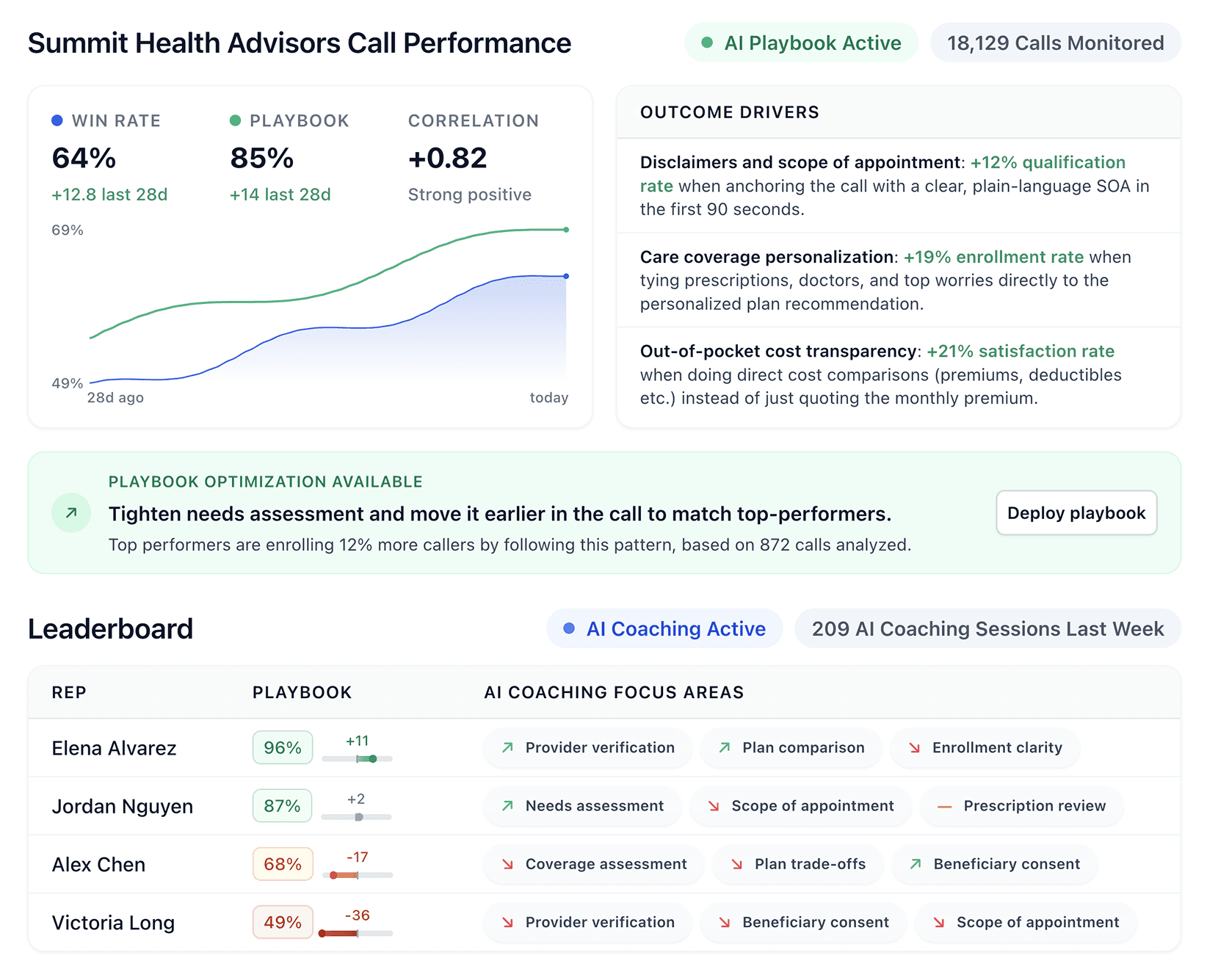


Sales intelligence tools are only useful if the data is accurate when you need it. After testing 20 platforms across five criteria, here are the ones worth your team's time in 2026.
20 best sales intelligence tools: Quick comparison
💻 Tool | 🎯 Best for | 💰 Starting price | ⚡ Standout strength |
|---|---|---|---|
ZoomInfo | Enterprise sales teams | Custom (Copilot tiers) | Deepest B2B database, verified intent signals |
Apollo.io | Startups and small sales teams | $49/seat/mo | Outreach + data in one affordable platform |
Cognism | Cold-calling and global sales teams | $14,000/year | Phone-verified mobile data + GDPR compliance |
Lead411 | High-volume prospecting teams | $49/mo (Spark) | Unlimited exports on annual plans |
Lusha | Mid-market teams and solo sellers | $37.45/mo (Starter, annual) | Fast LinkedIn enrichment, freemium |
Kaspr | Solo sellers and small teams | €45/mo (annual) | LinkedIn-focused, unlimited B2B emails |
6sense | Enterprise B2B and ABM teams | Custom | Predictive AI + 6AI Copilot |
Seamless.AI | High-volume outbound sales teams | Free + paid (custom) | Real-time contact engine + Connect outreach |
Leadfeeder (was Dealfront) | European B2B teams using website intent | $99/mo (Visitor ID) | Website visitor identification |
D&B Hoovers | Enterprise sales with complex deals | Custom | 330M companies, SmartSearch AI, corporate hierarchies |
HubSpot Sales Hub | Small and mid-market B2B teams | $9/seat/mo (Starter) | CRM + sales tools unified, Breeze AI agents |
Bombora | Account-based marketing teams | Custom | 18,000+ intent topics, Data Co-op |
UpLead | Small teams doing high-volume outbound | $74/mo (annual) | Verified data, no annual contract on monthly |
Hunter | Small teams and solo sellers | Free + $34/mo (annual) | Email finding + verification + outreach |
Demandbase | Enterprise ABM with $50k+ budget | Custom (platform + per-seat) | Demandbase One unified ABM |
Datanyze | Technology and SaaS sales teams | $21/mo (Pro 1 annual) | Affordable technographic data |
SPOTIO | Outside sales and field teams | Custom (min 5 users) | Territory + route + DASH AI co-pilot |
LeadIQ | SDR teams using LinkedIn Sales Navigator | Free + paid (custom) | One-click capture, Universal Credits, Lando AI |
Crystal | Sales teams personalizing cold outreach | $49/year (Premium) | DISC personality predictions |
Vainu | Nordic B2B prospecting teams | C | Transparent pricing, Nordic database focus |
Disclaimer: Prices reflect public pricing pages as of May 2026. Always visit the official company websites for the most up-to-date pricing information.
How we researched and tested these sales intelligence tools
We evaluated each tool against five criteria ranked by what actually drives ROI for sales teams in 2026.
Data accuracy: Verified email rates, mobile direct dial accuracy, and how often each platform flags stale records, cross-referenced against G2 and Capterra sentiment.
Coverage and depth: Total company and contact counts, geographic strength outside North America, and the depth of firmographic, technographic, and intent signals.
Integration ease: Native connections with major CRMs including Salesforce, HubSpot, Pipedrive, and Microsoft Dynamics, plus sales engagement platforms like Outreach and Salesloft.
Compliance and data ethics: GDPR, CCPA, SOC 2, and HIPAA where relevant, which is critical for teams in regulated industries.
Total cost of ownership: Credit caps, hidden upgrade fees, onboarding costs, and contract commitments beyond the sticker price.
This hands-on process helped identify which sales intelligence tools hold up in daily use rather than just looking good on a features page.
Several tools shipped meaningful updates in the past year.
ZoomInfo’s SalesOS plans are now organized around Copilot‑branded tiers, HubSpot has expanded its Breeze AI agents, LeadIQ launched its Lando AI agent, Seamless.AI released its Connect engagement product, and SPOTIO launched the DASH AI co‑pilot for field sales.
Dealfront has unified back under the Leadfeeder brand, and Cognism continues to use tailored, non‑listed pricing, rather than public flat rates.
1. ZoomInfo: Best for enterprise sales teams
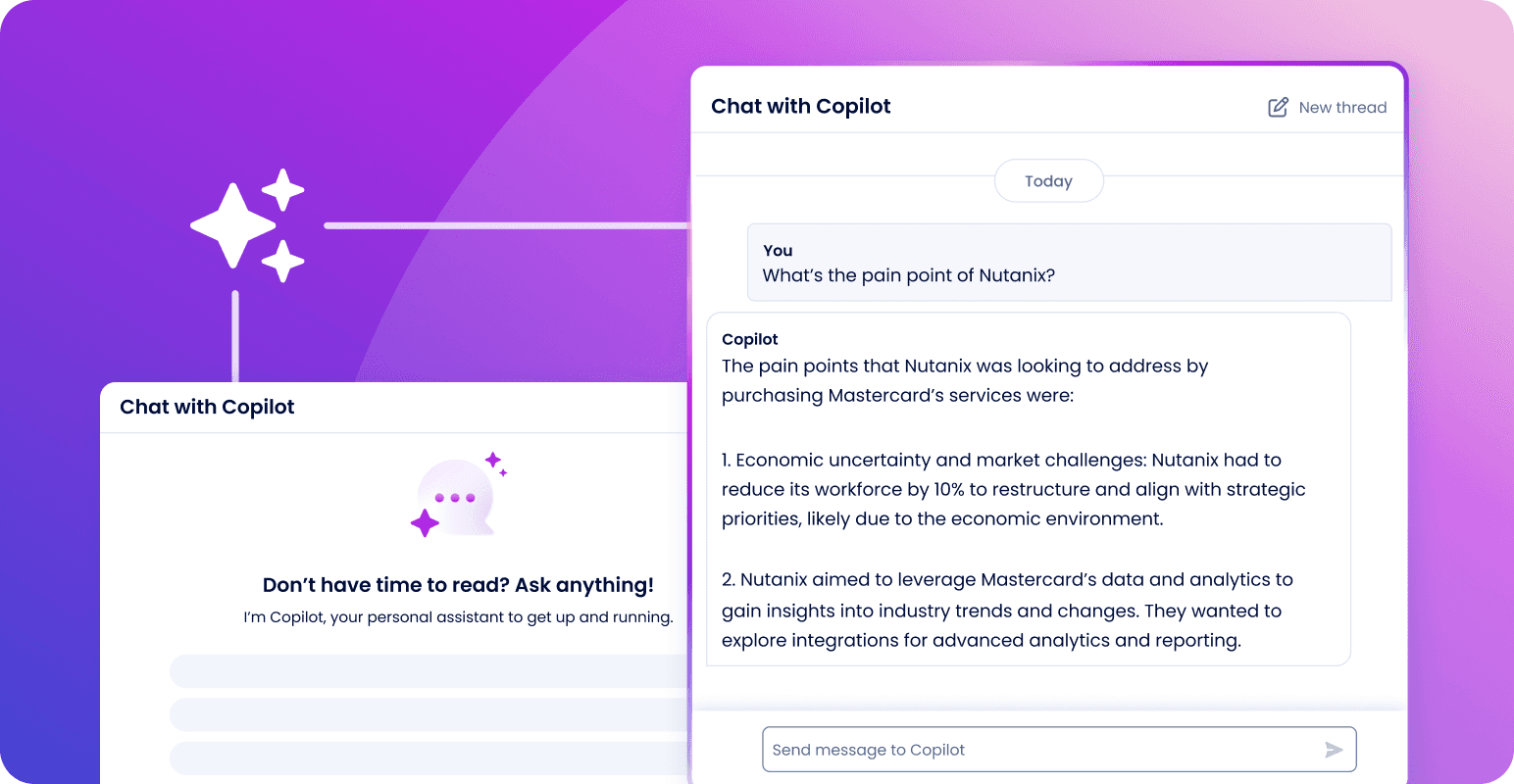
What it does: ZoomInfo is a B2B intelligence platform that combines deep contact and company data with AI-powered insights to help enterprise sales teams find, prioritize, and engage decision-makers.
Best for: Enterprise sales organizations with the budget for a serious data platform, especially teams running ABM motions across complex global markets.
When we tested ZoomInfo, the data depth held up strongly across the US but felt noticeably thinner internationally, which is consistent with what multiple G2 reviewers also flagged.
This year, ZoomInfo restructured its entire product line into Copilot-branded tiers. The sales side now includes Professional, Copilot Advanced, and Copilot Enterprise, while the marketing side includes Marketing Demand, ABM Lite, and ABM Enterprise.
AI account summaries, buyer intent signals, and predictive scoring are layered throughout the platform, giving it a more cohesive product story than the old SalesOS/MarketingOS split.
Key features
AI account prioritization: Real-time buyer intent signals, Account Fit Score, and AI-generated account summaries to surface the accounts most likely to convert.
Verified contact data: Mobile direct dials, business emails, and enriched contact profiles across 30,000+ customers’ worth of insights.
Workflows and integrations: Native sync with Salesforce, HubSpot, Outreach, Salesloft, and Microsoft Dynamics. Custom integrations on Enterprise.
Pros and cons
✅ Pros | ❌ Cons |
One of the largest and most accurate B2B databases available | Pricing is opaque and consistently flagged as expensive, especially for small teams |
Strong integrations with leading CRMs and engagement platforms | Data outside the US and Canada is materially less accurate |
Granular filters by zip code, title, industry, and intent topic | The full Copilot Enterprise feature set requires custom onboarding and ramp time |
What users say
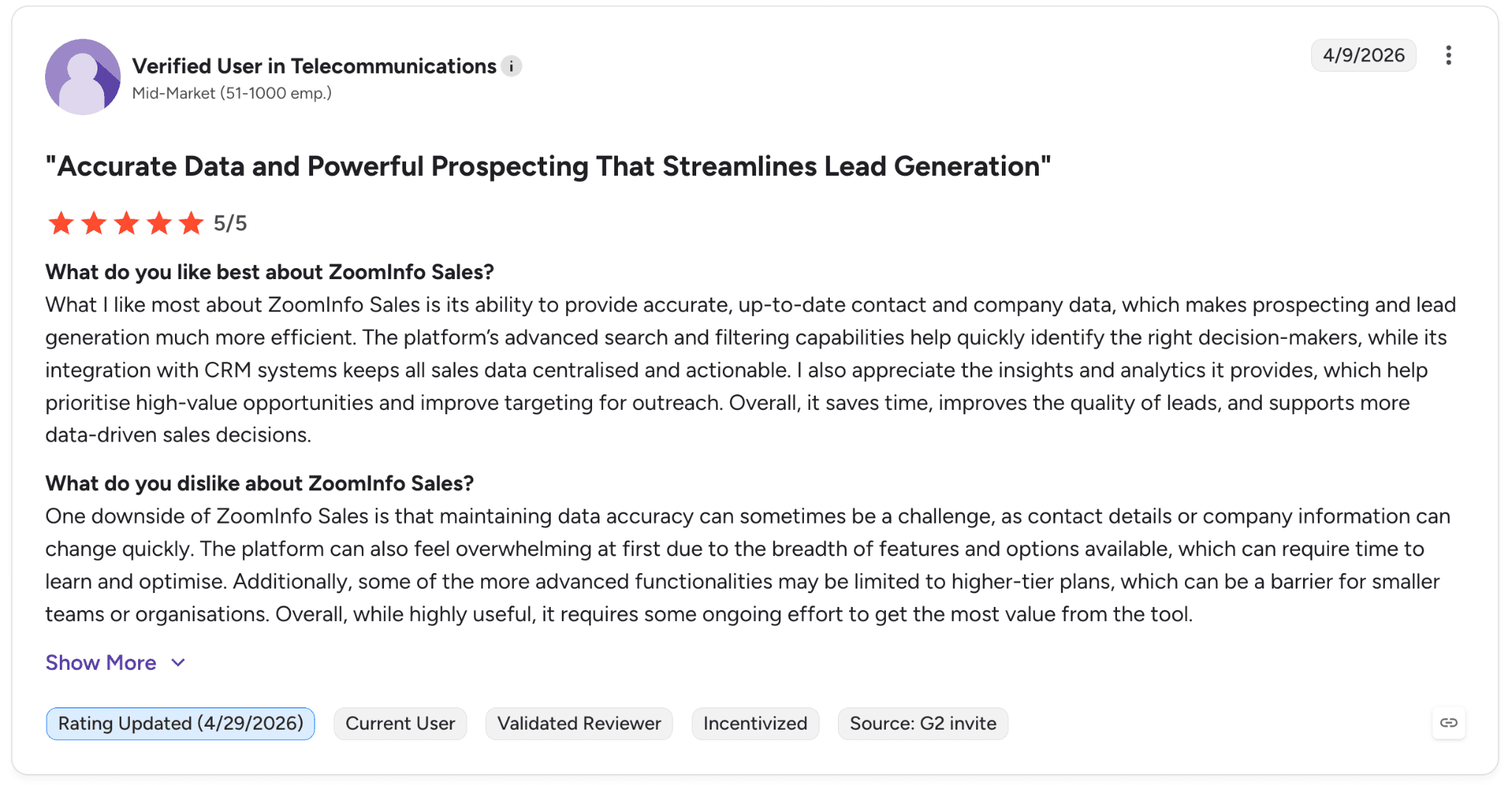
Pro: “The platform’s advanced search and filtering capabilities help quickly identify the right decision-makers, while its integration with CRM systems keeps all sales data centralized and actionable.” — Verified User in Telecommunications, G2 Review (April 9, 2026)
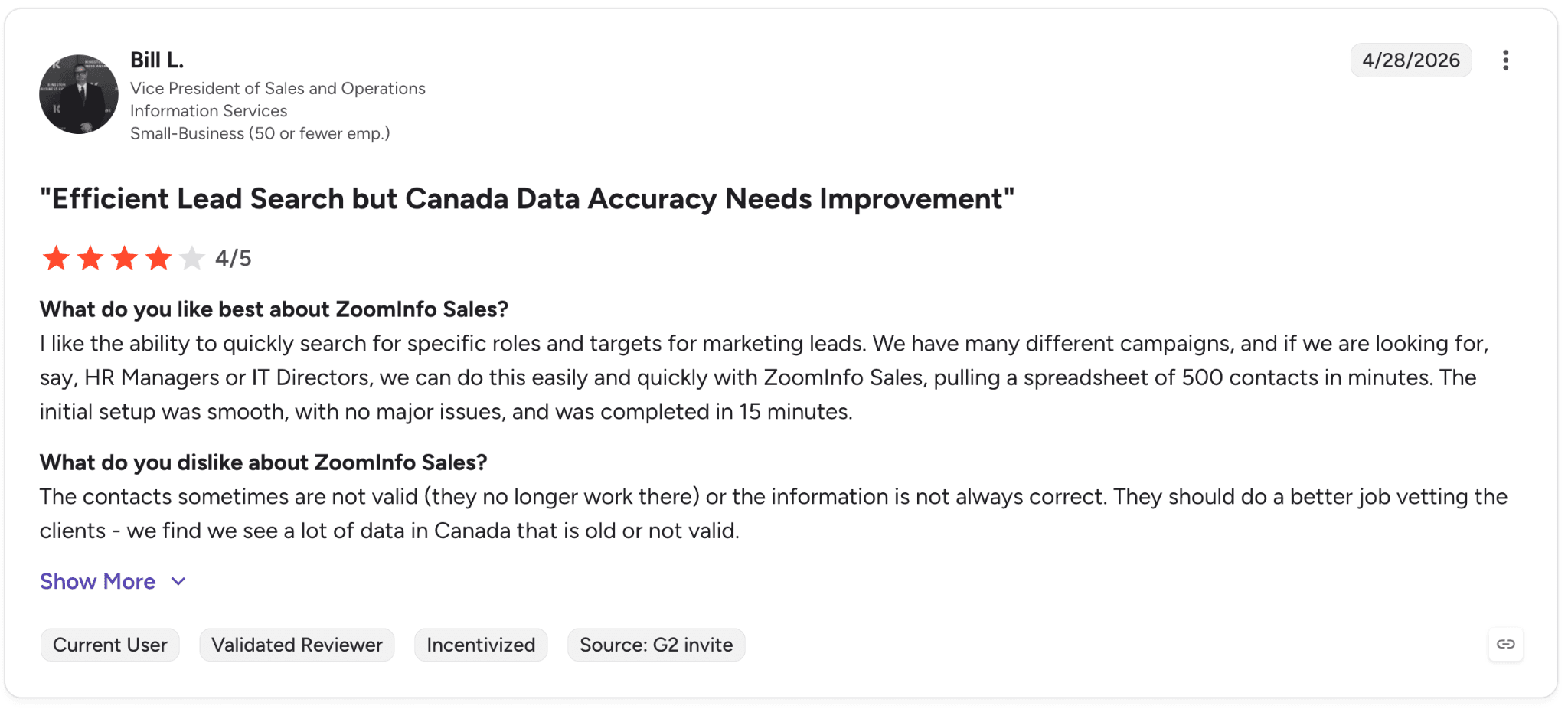
Con: “The contacts sometimes are not valid or the information is not always correct. We find we see a lot of data in Canada that is old or not valid.” — Bill L., G2 Review (April 28, 2026)
Pricing
ZoomInfo Chorus uses custom pricing based on team size, features, and sales intelligence needs. Plans include conversation analytics, coaching recommendations, deal intelligence, and CRM reporting tools.
Bottom line
We’d recommend ZoomInfo to large companies that need accurate, data-driven insights to grow revenue, particularly in North America. Smaller teams should look at Apollo.io or Lusha first because ZoomInfo’s price tag rarely makes sense below a few hundred reps.
2. Apollo.io: Best for startups and small sales teams
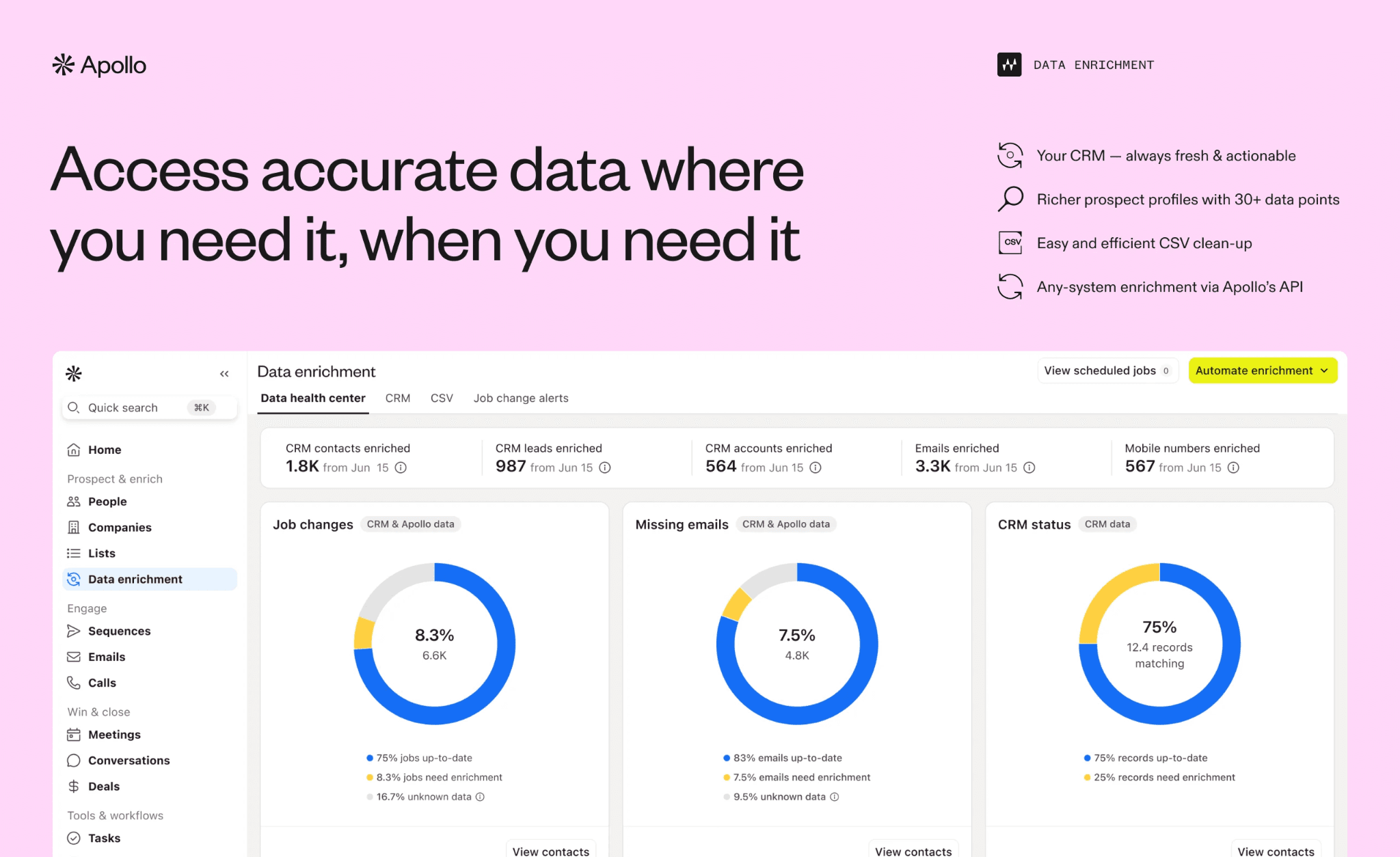
What it does: Apollo.io is an all-in-one sales platform that combines a B2B contact database with email sequencing, a dialer, and AI-powered outreach automation.
Best for: Startups and small sales teams that want prospecting and outreach in one affordable platform.
In our testing, Apollo.io was the clearest example of the “good enough data at a third of the price” pattern. The 30,000 credits on the Basic tier go a long way for an early-stage SDR team.
Apollo’s AI Research and AI Lead Scoring, which are introductory-free across tiers as of 2026, handle much of what ZoomInfo’s Copilot Advanced does at a much lower cost.
Key features
All-in-one workflow: Contact data, email sequences, dialer, meeting scheduler, and deal management in one platform
AI assistance: AI Research surfaces prospect context automatically, AI Lead Scoring ranks records, and the AI Writing Assistant drafts personalized outreach
Credit model: One credit unlocks an email, while eight credits unlock a phone number, letting teams prioritize based on budget and workflow
What users say
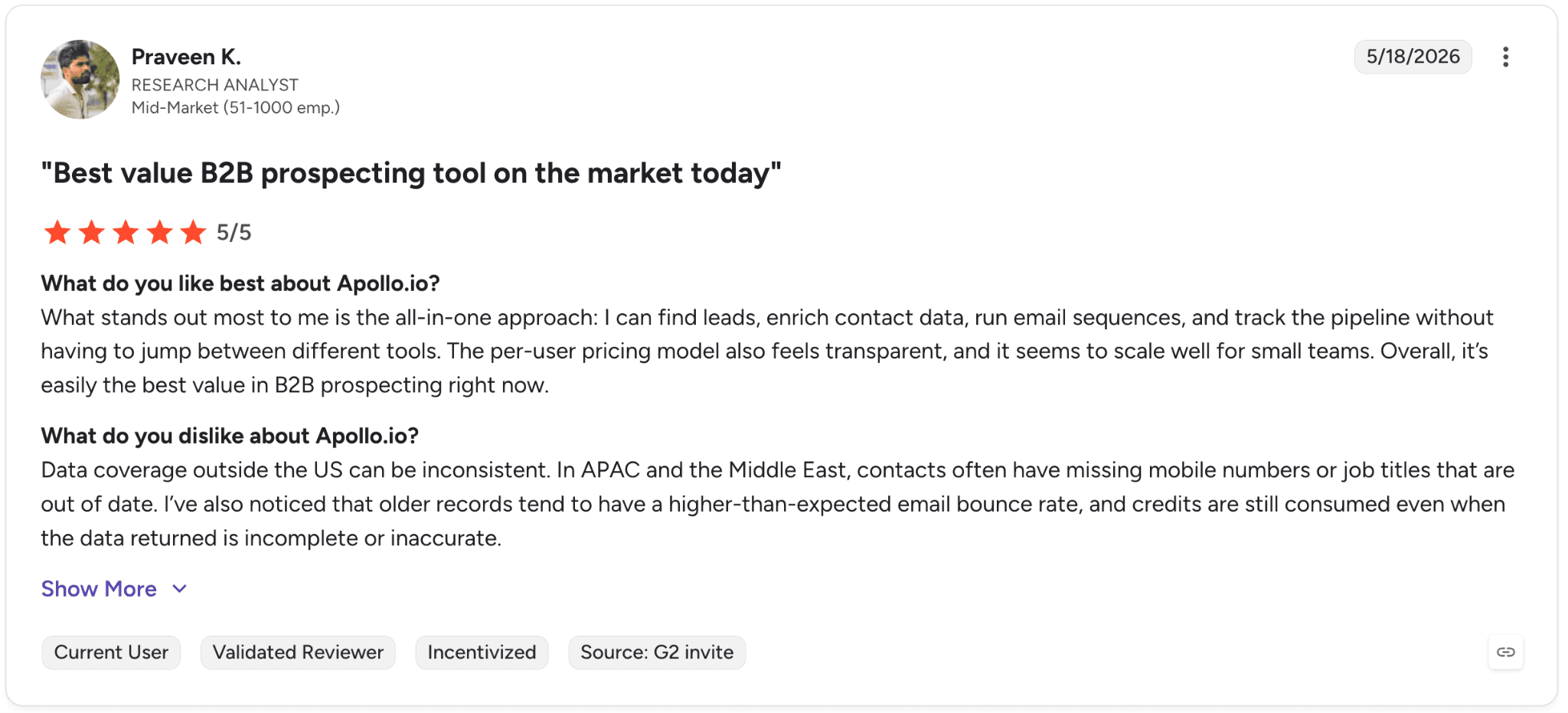
Pro: “I can find leads, enrich contact data, run email sequences, and track the pipeline without having to jump between different tools.” — Praveen K., G2 Review (May 18, 2026)
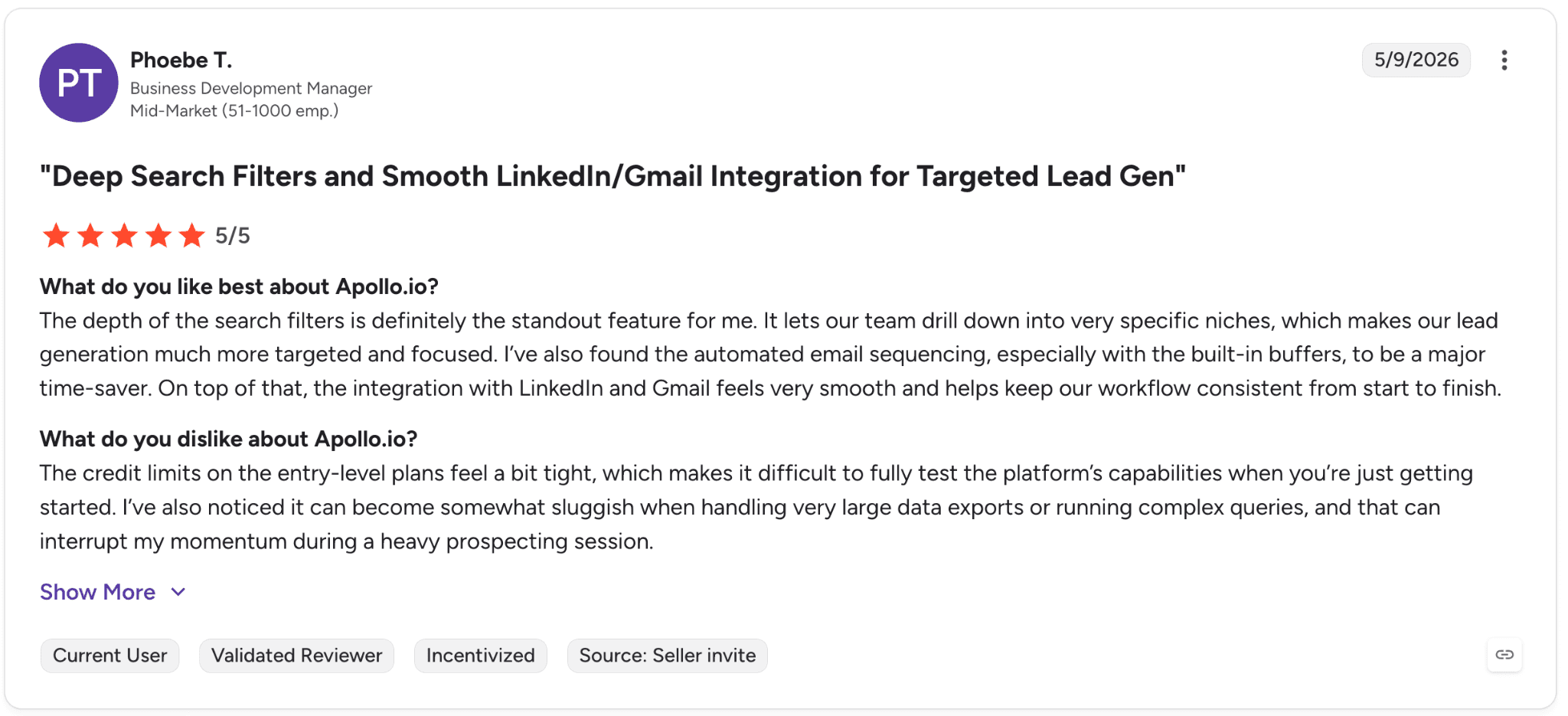
Con: “The credit limits on the entry-level plans feel a bit tight, which makes it difficult to fully test the platform’s capabilities when you’re just getting started.” — Phoebe T., G2 Review (May 9, 2026)
Pricing
Annual billing (most popular plans):
Free: $0, 900 credits/seat/year
Basic: $49/seat/mo, 30,000 credits/seat/year
Professional: $79/seat/mo, 48,000 credits/seat/year (most popular)
Organization: $119/seat/mo (min 3 seats), 72,000 credits/seat/year
Add-ons: Inbound ($119/team/mo) and Advanced Dialer ($119/team/mo) for international/parallel dialing.
Bottom line
We’d recommend Apollo.io to startups and small sales teams that need prospecting, outreach, and dialing in one affordable platform.
For larger organizations scaling beyond 50+ reps and prioritizing higher data accuracy, platforms like ZoomInfo or Cognism are usually the next step up.
3. Cognism: Best for cold-calling and global sales teams
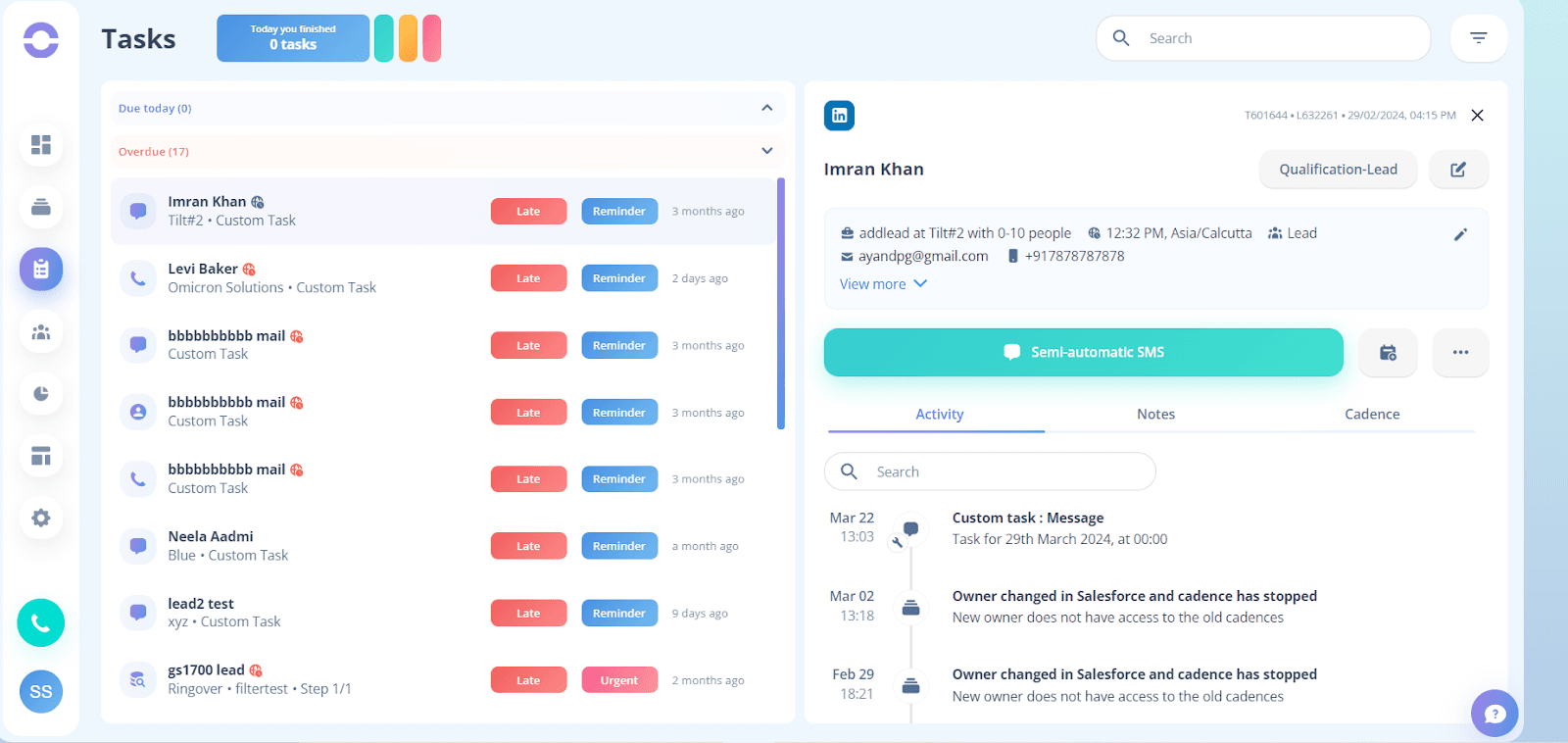
What it does: Cognism is a B2B sales intelligence platform built around phone-verified mobile data and GDPR-compliant prospecting, with particularly strong coverage across EMEA.
Best for: Teams that rely heavily on cold calling and phone-based outreach, especially across European markets with stricter compliance requirements.
When we tested Cognism, the standout was mobile data accuracy in Europe, which consistently outperformed what we saw from ZoomInfo or Apollo outside the US.
Cognism also recently started publishing pricing publicly, which is a meaningful shift in a category where most vendors still force teams into sales calls just to understand budget fit.
Key features
Phone-verified mobile data: Cognism’s data team manually verifies mobile numbers, which helps improve outbound connect rates
On-demand mobile verification: Premium feature that lets reps request fresh verification for high-priority prospects before dialing
Intent data: Bombora Company Surge® integration with 11,000+ intent topics included on the Pro tier
Pros and cons
✅ Pros | ❌ Cons |
Higher mobile number accuracy than competitors, especially across EMEA | Annual contracts only with no monthly option |
GDPR-compliant data sourcing, which is critical for European sales motions | Credit-based pricing means heavy users can hit limits quickly |
Pricing is now disclosed publicly, with plans starting around $14,000–$18,750/year | North American data is solid but still trails ZoomInfo overall |
What users say
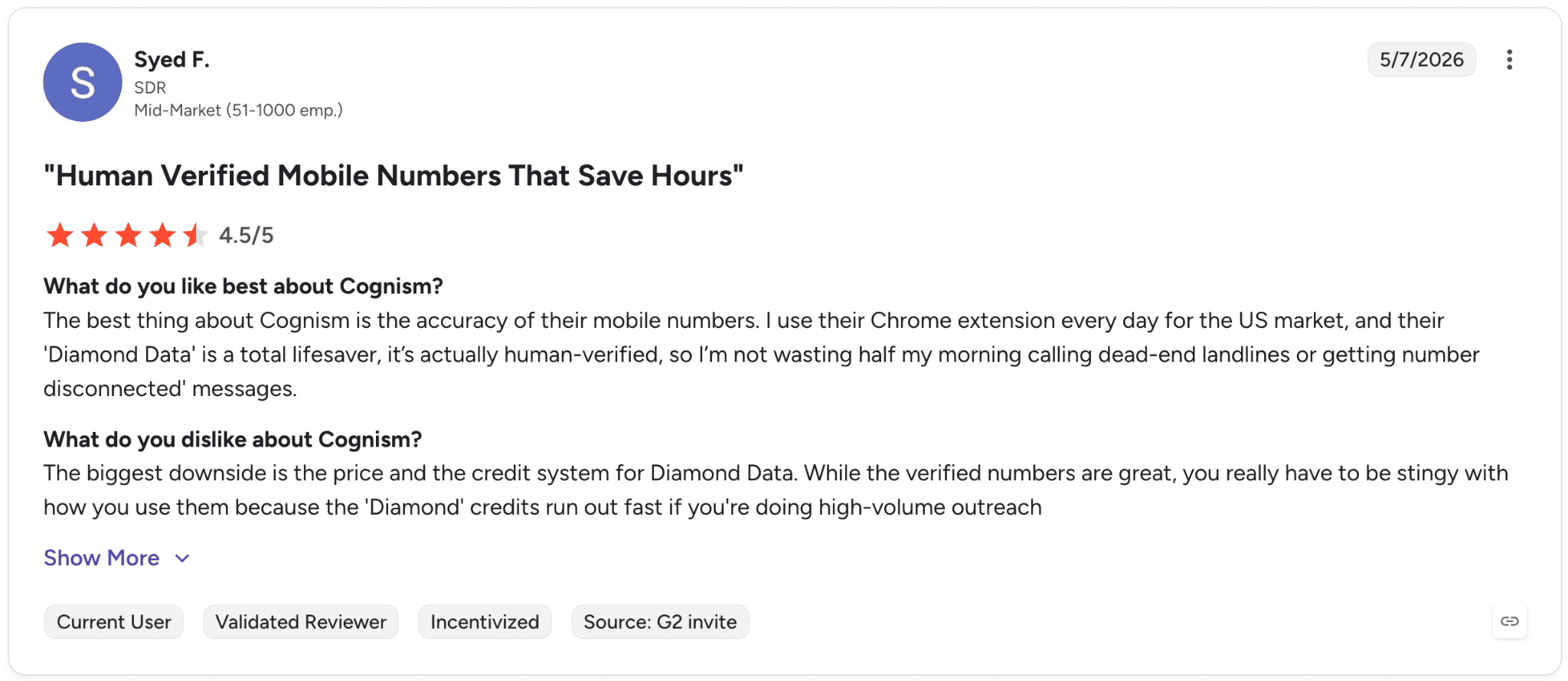
Pro: “Their ‘Diamond Data’ is actually human-verified, so I’m not wasting half my morning calling dead-end landlines or getting disconnected messages.” — Syed F., G2 Review (May 7, 2026)
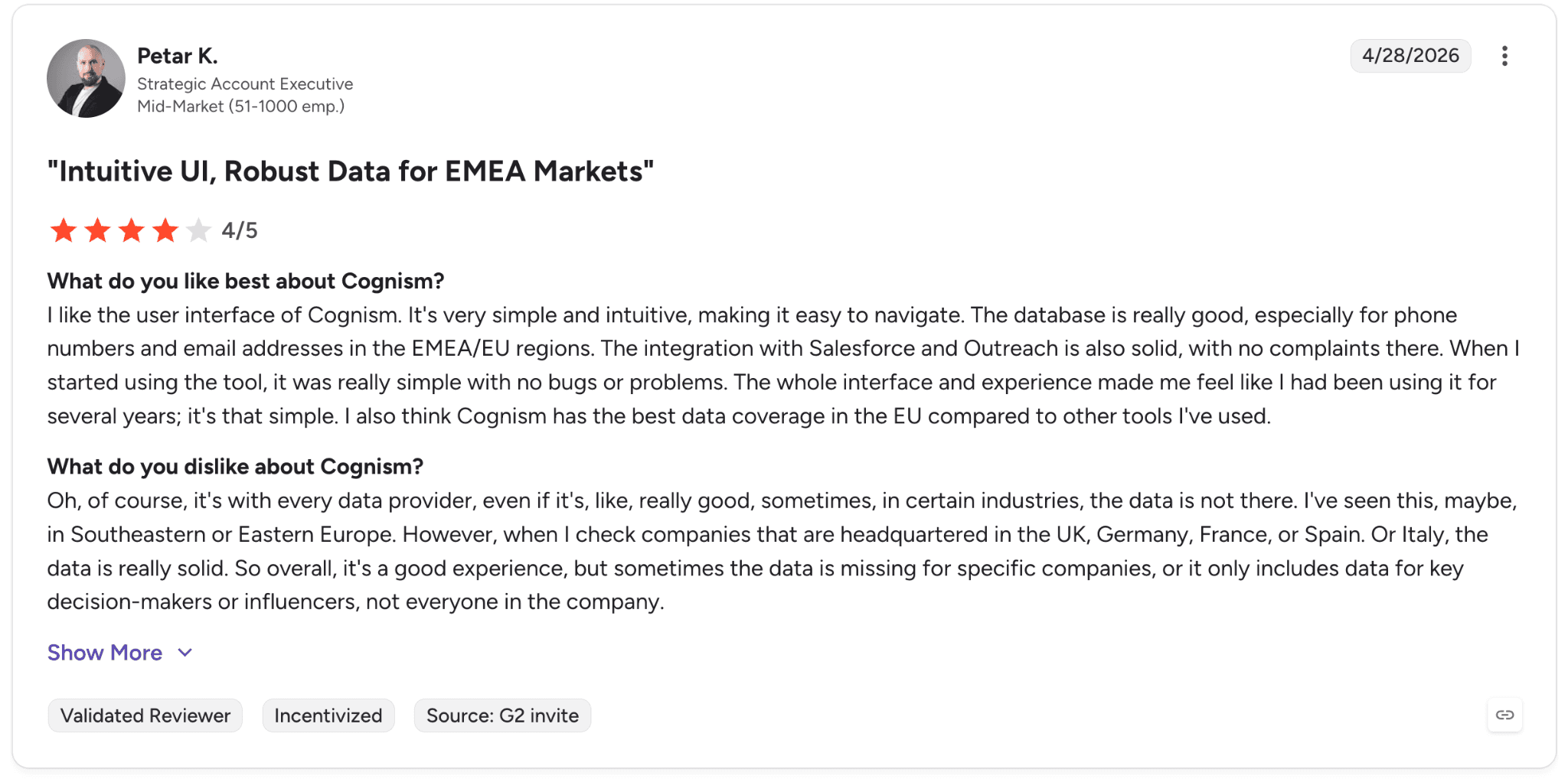
Con: “Sometimes the data is missing for specific companies, or it only includes data for key decision-makers or influencers, not everyone in the company.” — Petar K., G2 Review (April 28, 2026)
Pricing
Two main tiers (Sales Prospecting, both with 5 seats included):
Standard: from $14,000/year
Pro: from $18,750/year (most popular , adds intent data and on-demand mobile verification)
Add-ons: CRM Enrichment from $12,000/year (live beta); Data-as-a-Service (API + bulk delivery, usage-based).
Bottom line
We’d recommend Cognism to teams that rely heavily on cold calling and phone-based outreach, especially across European or compliance-sensitive markets.
For teams running mostly email-driven or US-focused outbound motions, Apollo or ZoomInfo will usually be a better fit.
4. Lead411: Best for high-volume prospecting teams
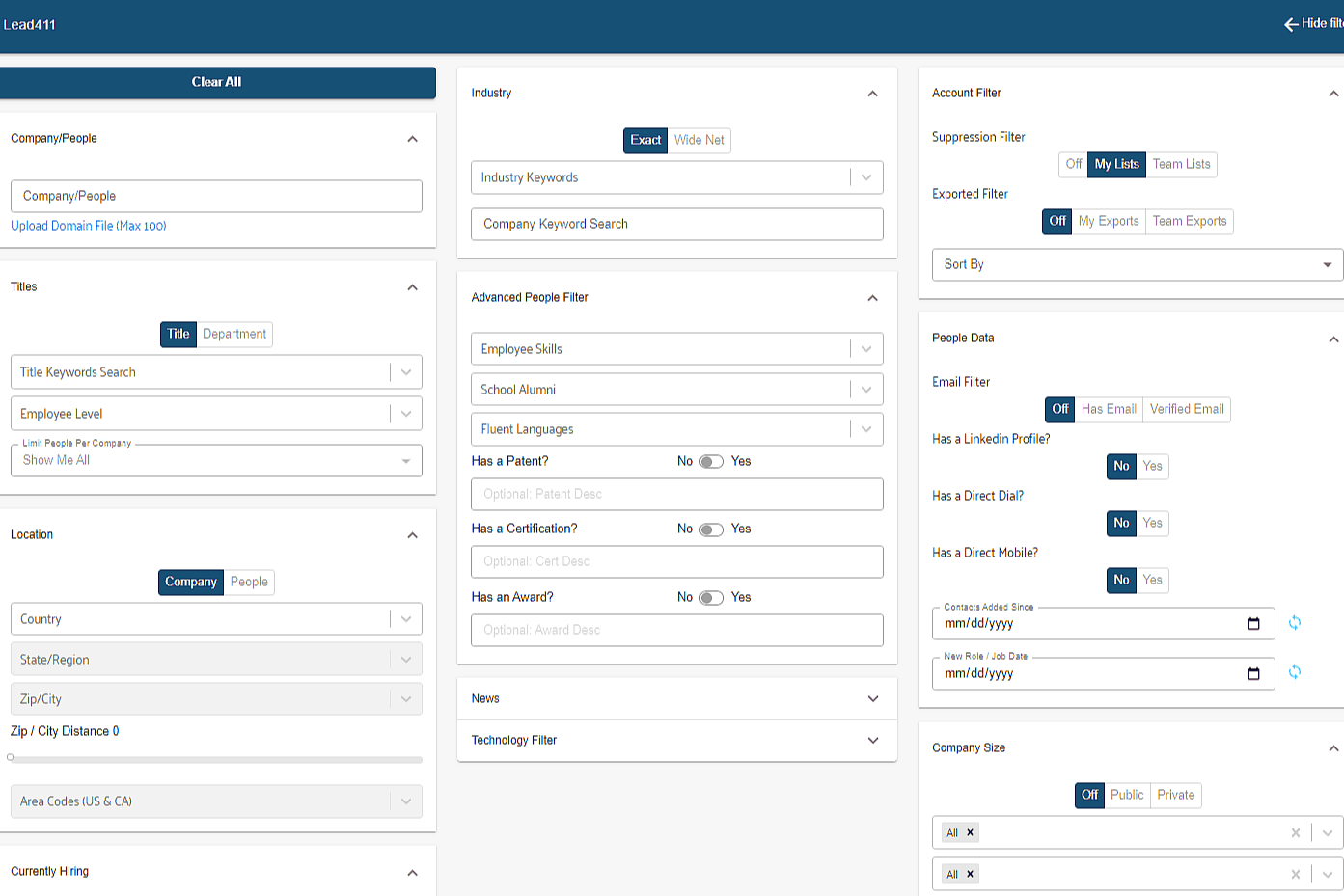
What it does: Lead411 is a B2B contact database with growth-signal intent data and a flat unlimited-export model on annual plans.
Best for: Teams doing high-volume prospecting that need broad data access without per-credit limits.
In our testing, Lead411’s biggest differentiator was the unlimited-export annual model.
Most competitors meter exports through credits, which gets expensive quickly at scale. Lead411’s Blaze plan removes that friction entirely, making the economics much more attractive for high-volume SDR teams.
Key features
Triple-verified emails: SMTP, human-verified, and email-open validation, with re-verification every 3-6 months
Double-verified direct dials: Phone numbers verified through both human review and location-match logic
Growth intent signals: Identify companies hiring aggressively, raising funding, or adopting new technology
AI Search Assistant: Natural-language prospect search across the database
Pros and cons
✅ Pros | ❌ Cons |
Unlimited exports on the Blaze plan remove credit constraints | International data depth trails ZoomInfo and Cognism |
Triple-verified emails help reduce bounce rates | UX feels more dated than Apollo or LeadIQ |
Will match or beat enterprise competitor pricing on switch deals | Intent data is solid but not as deep as Bombora |
What users say
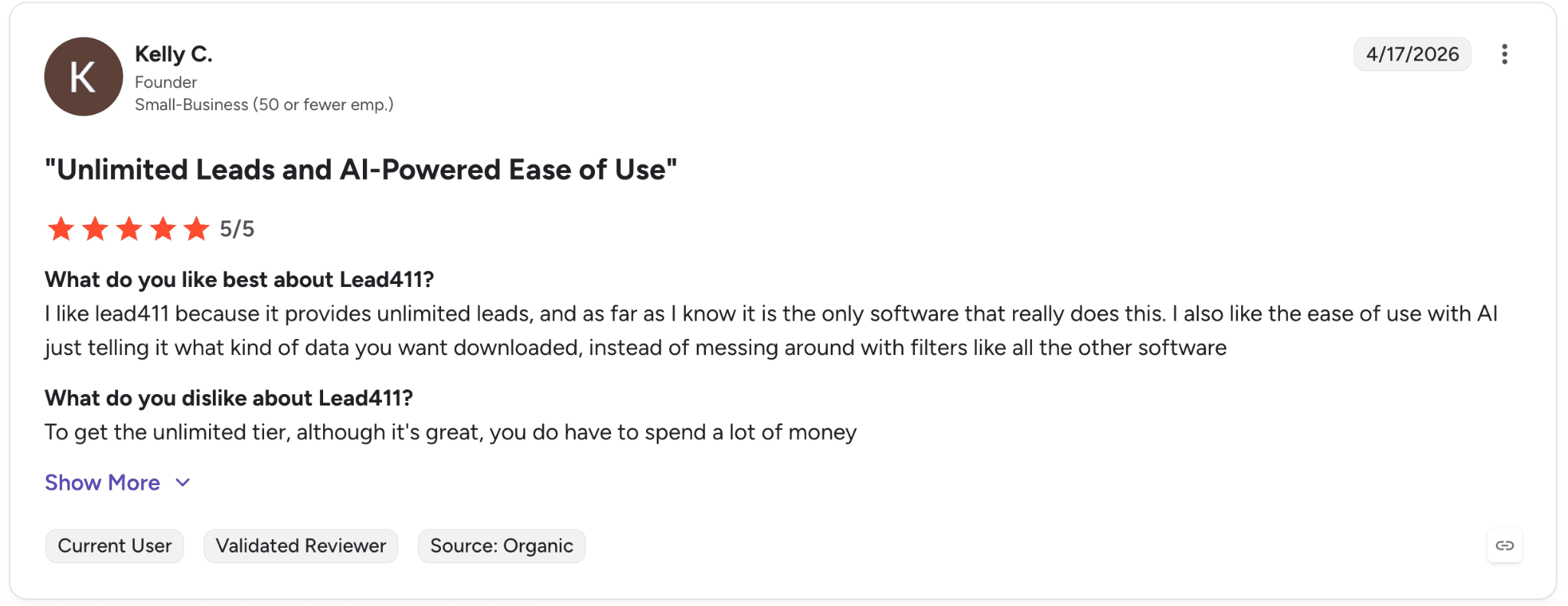
Pro: “Lead411 provides unlimited leads and makes prospecting easier with AI-powered search prompts instead of complex filters.” — Kelly C., G2 Review (April 17, 2026)
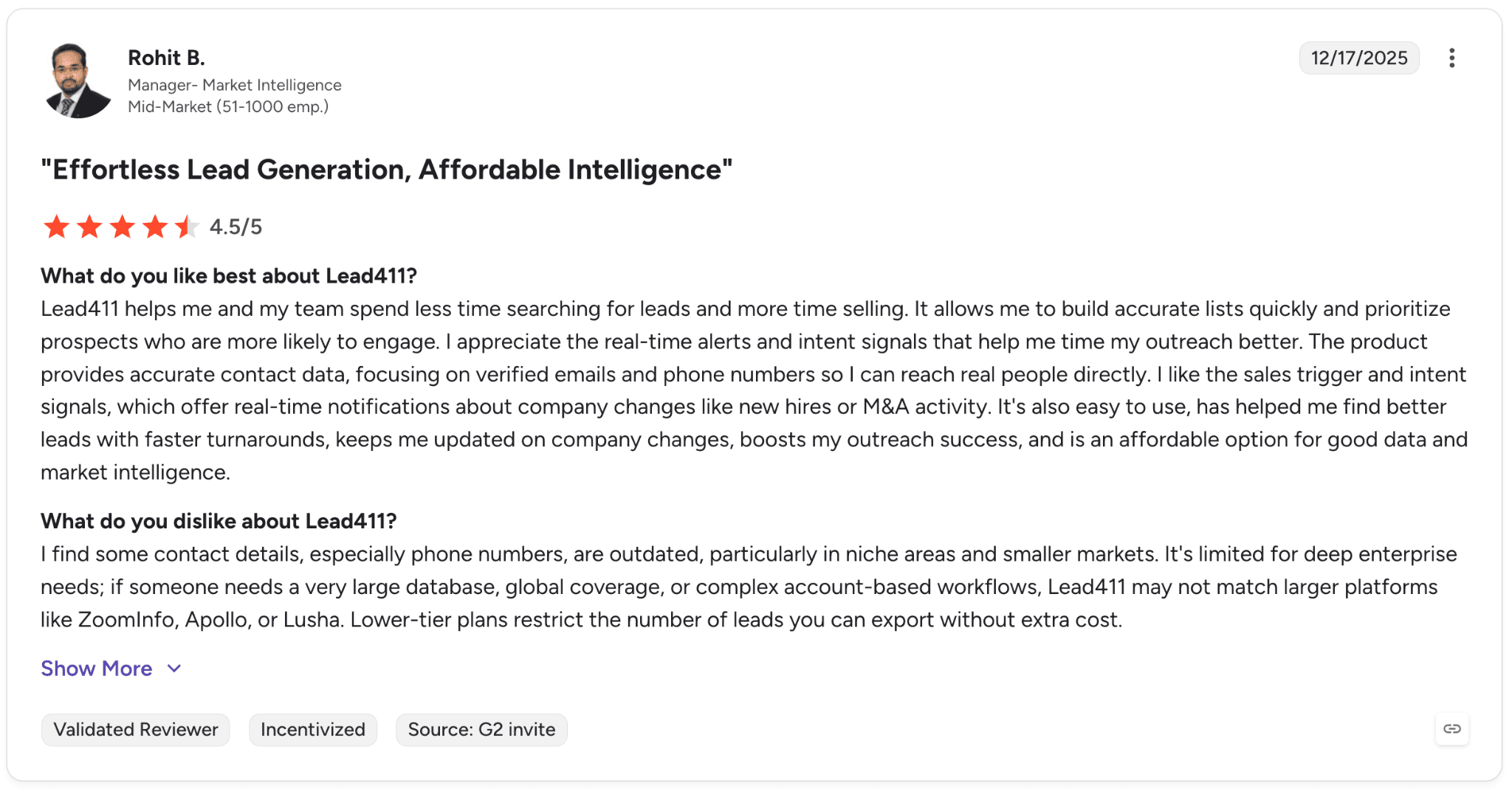
Con: “Some contact details, especially phone numbers, can be outdated in niche industries and smaller markets, and lower-tier plans limit how many leads you can export without extra cost.” — Rohit B., G2 Review (December 17, 2025)
Pricing
Pilot Light: $0 for 7 days, 50 free exports
Spark Monthly: $49/mo, 1,000 exports
Spark Annual: $490/year, 12,000 exports + buyer intent data
Ignite Monthly: $150/mo, 1,000+ exports + API access
Ignite Annual: $1,500/year + buyer intent
Blaze: custom, unlimited exports
Bottom line
We’d recommend Lead411 for teams running high-volume prospecting that need broad data access without per-credit limits. If international coverage is a major priority, Cognism is usually the stronger option.
5. Lusha: Best for mid-market teams and solo sellers
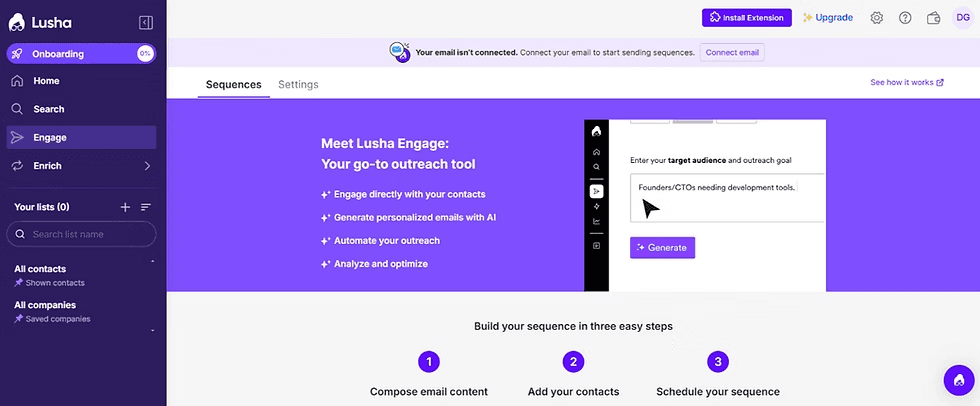
What it does: Lusha provides verified business contact data through a Chrome extension and web platform, with a strong freemium tier that lets solo sellers and small teams get started quickly.
Best for: Mid-market teams and solo sellers that need fast LinkedIn contact enrichment with minimal setup.
When we tested Lusha, the biggest differentiator was speed to value. The Chrome extension worked instantly on LinkedIn profiles with almost no onboarding required.
Since we last reviewed the category, Lusha has also expanded into conversation intelligence with recorded call analysis and coaching insights, pushing it beyond a pure contact-data platform.
Key features
Chrome extension: Reveal verified emails and phone numbers directly from LinkedIn, Sales Navigator, and company websites
AI Assistant: Lookalike recommendations and bulk enrichment through natural-language prompts
Conversation intelligence: Recorded call analysis and coaching insights on Premium+ plans
Compliance: GDPR, CCPA, SOC 2, and ISO 27701 aligned
Pros and cons
✅ Pros | ❌ Cons |
Strong freemium offering with 40 free credits per month | Phone credits can disappear quickly during high-volume calling days |
Browser extension makes LinkedIn prospecting fast and simple | Coverage outside North America and Europe is more limited |
Conversation intelligence included on higher tiers | Premium pricing can feel expensive for teams focused mainly on contact enrichment |
What users say
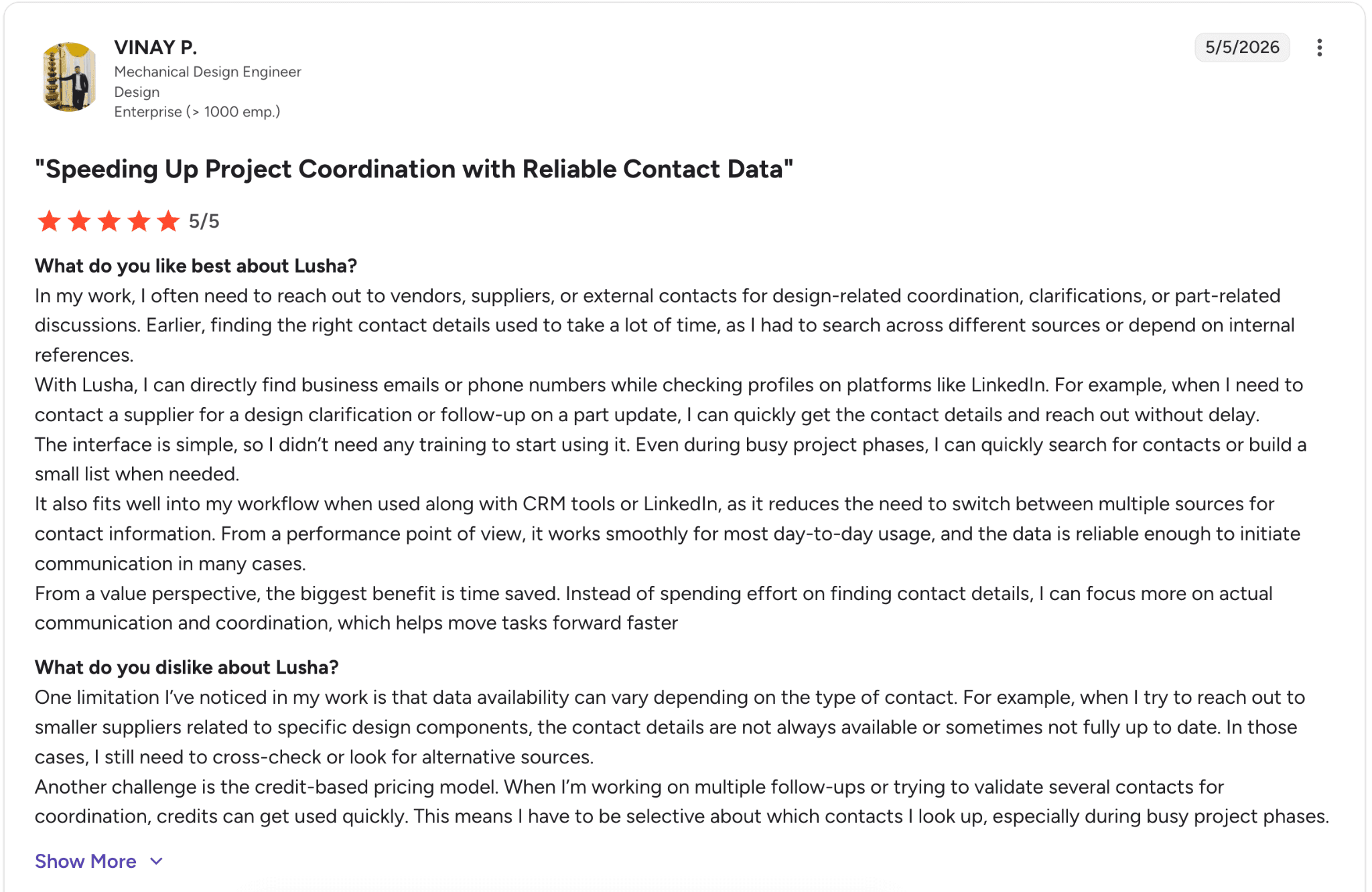
Pro: “Lusha helps save time by surfacing business emails and phone numbers directly within LinkedIn workflows, making it easier to reach vendors and external contacts quickly.” — Vinay P., G2 Review (May 5, 2026)
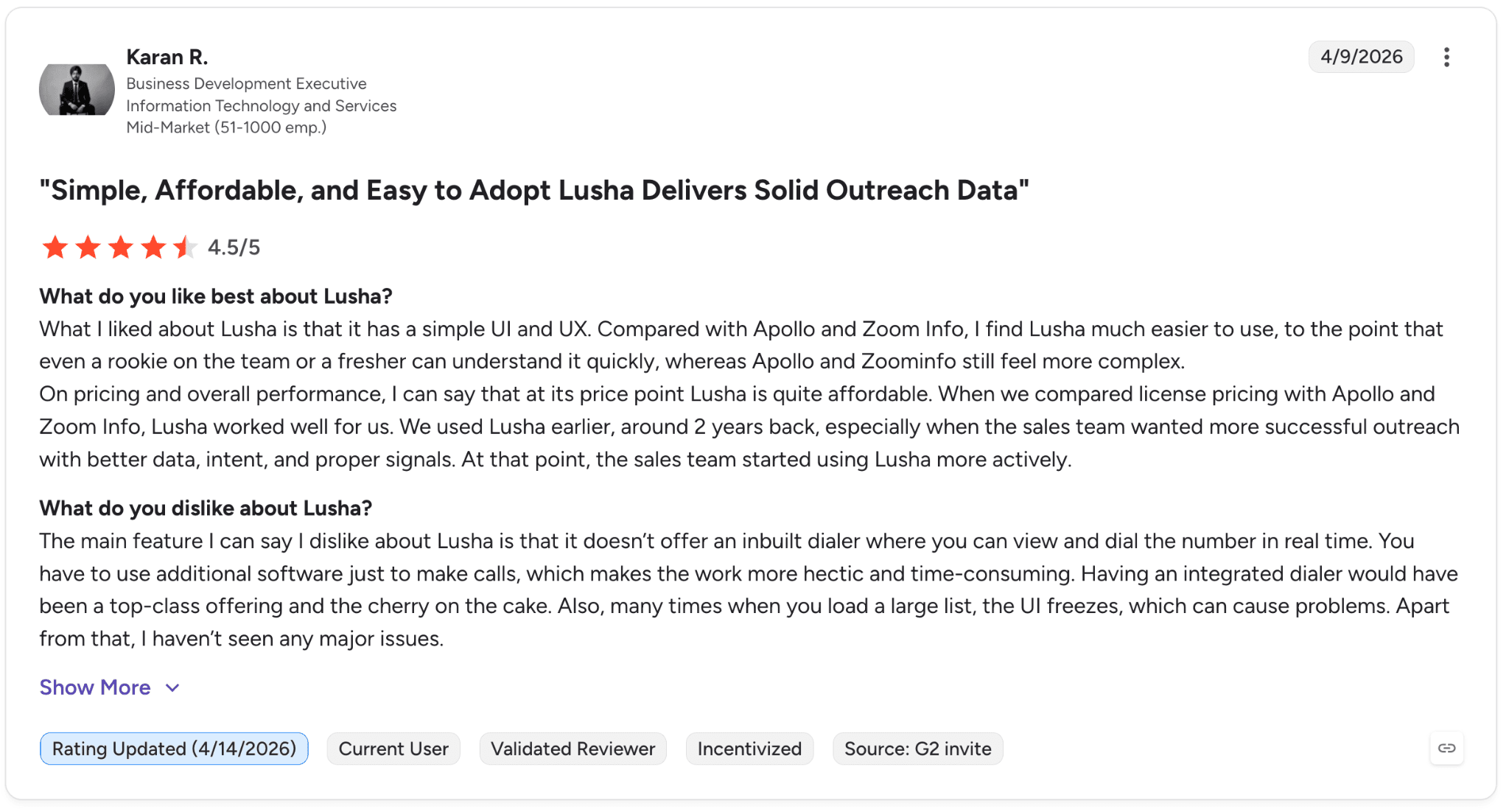
Con: “The main feature I can say I dislike about Lusha is that it doesn’t offer an inbuilt dialer where you can view and dial the number in real time.” — Karan R., G2 Review (April 9, 2026)
Pricing
Annual billing includes roughly 25% savings versus monthly plans:
Free: $0, 40 credits/month, 1 seat
Starter: $37.45/mo, 4,800 credits/year, 1 seat
Pro: $52.45/mo, 7,200 credits/year, 3 seats
Premium: $299.95/mo, 40,800 credits/year, 8 seats
Scale: Custom pricing with lower per-credit costs, SSO, and dedicated support
Bottom line
We’d recommend Lusha to solo sellers and mid-market teams that want fast LinkedIn enrichment with very little setup friction. Once teams start hitting higher credit volumes, platforms like Apollo or UpLead usually become more cost-effective.
6. Kaspr: Best for solo sellers and small teams
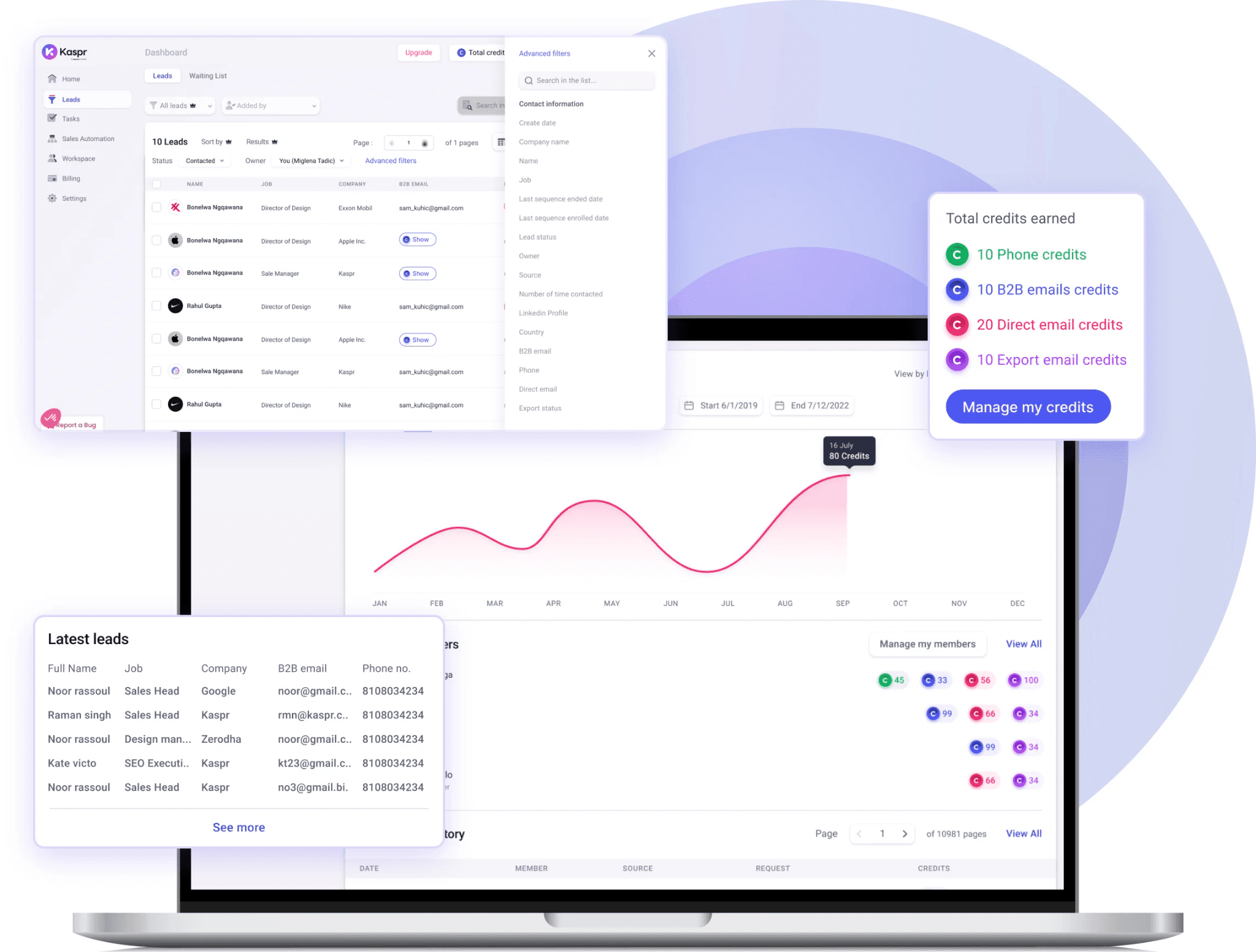
What it does: Kaspr is a LinkedIn-focused contact data tool with a strong free tier and unlimited B2B emails on paid plans. It’s part of the Cognism Group but operates as a separate brand.
Best for: Solo sellers and small teams that prospect primarily through LinkedIn and want lightweight enrichment without enterprise-level complexity.
In our testing, Kaspr’s unlimited B2B email model on the Starter plan stood out immediately. Most competitors meter both emails and phone numbers, while Kaspr only limits phones and direct emails. For email-heavy outbound motions, the pricing works out very favorably.
Key features
LinkedIn Chrome extension: Verified emails and phone numbers directly from LinkedIn profiles, groups, and events
Unlimited B2B emails: Included across all paid tiers with no workplace email caps
Enrichment automations: Bulk workflows that extract and export leads from Sales Navigator searches
Integrations: HubSpot, Salesforce, Pipedrive, Brevo, Lemlist, Zoho, and Zapier
Pros and cons
✅ Pros | ❌ Cons |
Unlimited B2B email reveals across all paid plans | Phone credits are still limited on lower tiers |
Strong free tier with 15 emails and 5 phone credits per month | LinkedIn Recruiter Lite support starts on Business+ |
Backed by Cognism’s underlying data infrastructure | European coverage is stronger than North American coverage |
What users say
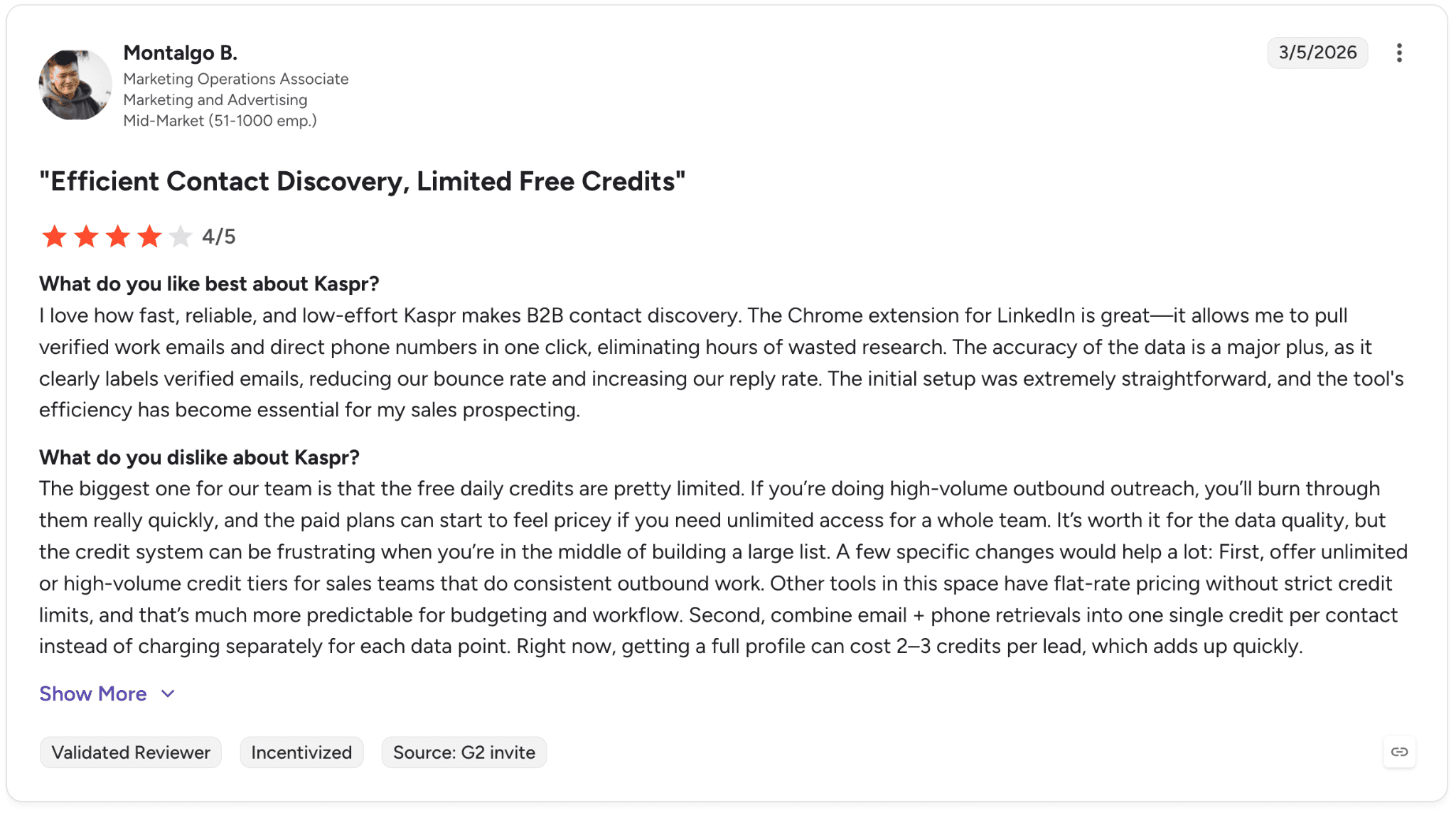
Pro: “Kaspr makes B2B contact discovery fast and reliable with verified emails and phone numbers, though the limited free credits can become restrictive for high-volume outbound teams.” — Montalgo B., G2 Review (March 5, 2026)
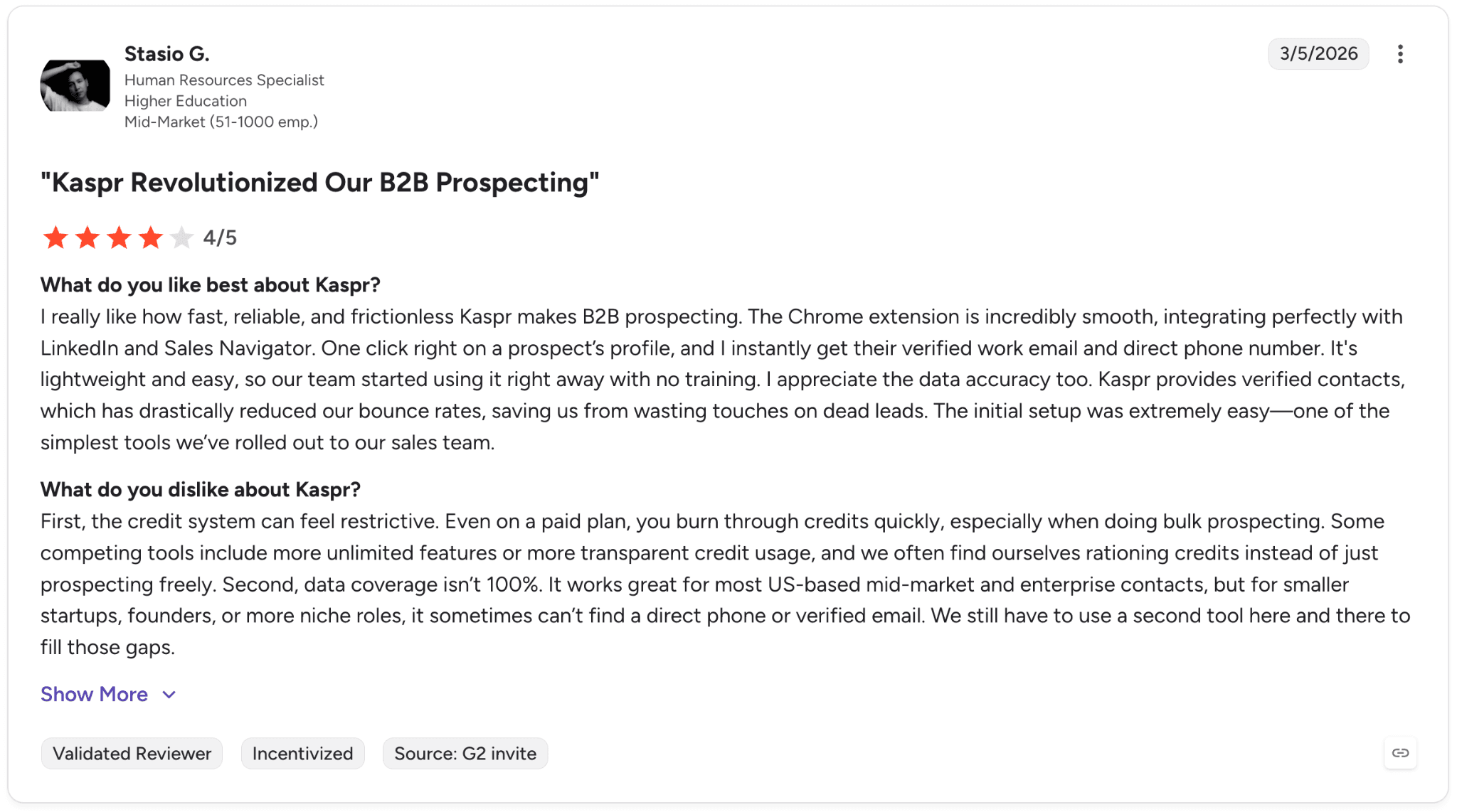
Con: “The credit system can feel restrictive, especially when doing bulk prospecting.” — Stasio G., G2 Review (March 5, 2026)
Pricing
Free: $0/month, includes 15 B2B email credits + 5 phone credits + 5 direct email credits
Starter: $49/mo (annual) or $65/mo (monthly), unlimited B2B emails + 1,200 yearly or 100 monthly phone credits
Business: $79/mo (annual) or $99/mo (monthly), unlimited B2B emails + 2,400 yearly or 200 monthly phone and direct email credits
Enterprise: Custom pricing for larger teams with unlimited credits and advanced enrichment features
Bottom line
We’d recommend Kaspr to solo sellers and small outbound teams that prospect heavily on LinkedIn and want unlimited B2B email access at a low starting price.
For teams that rely more heavily on phone outreach at scale, Cognism or ZoomInfo are usually stronger fits.
7. 6sense: Best for enterprise B2B and ABM teams
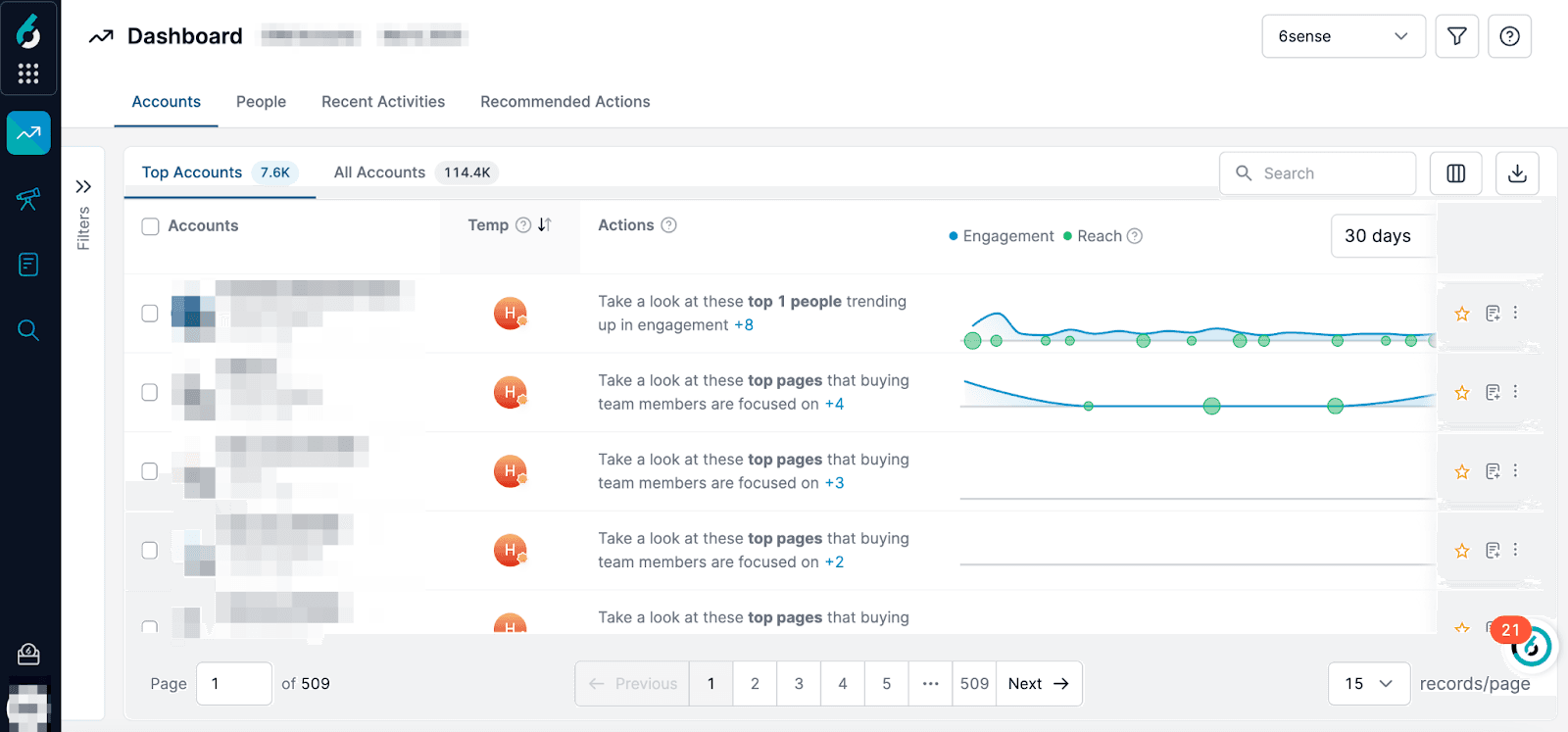
What it does: 6sense is an account-based GTM platform that combines predictive AI, intent data, and audience activation to help enterprise teams identify in-market accounts and prioritize outreach.
Best for: Enterprise B2B teams running formal ABM motions with long sales cycles and complex buying committees.
When we tested 6sense, the predictive scoring was the biggest differentiator. The platform consistently surfaced accounts that later turned into pipeline weeks before they appeared in our other tools.
6sense also rebranded its AI layer to “6AI” in early 2026. The umbrella now includes Copilot, Agents (Email Agents and Advertising Agents), and predictive modeling capabilities.
Key features
Predictive AI model: Account Fit Score and buyer-stage prediction across the funnel
Sales Intelligence + Data Credits: Company and contact data, list building, and persona mapping
6AI Copilot: AI Recommended Actions, AI Account Summaries, and AI Writer inside the sales workflow
Intent + signals: Third-party intent data, web visitor identification, technographics, and job-posting signals
Pros and cons
✅ Pros | ❌ Cons |
Strong predictive intent and account prioritization capabilities | No public pricing and likely enterprise-level annual commitments |
Free tier with 50 credits/month is unusual for an ABM platform | Steeper learning curve than most sales intelligence tools |
Sales and marketing workflows live in the same platform | Overkill for teams without a formal ABM motion |
What users say
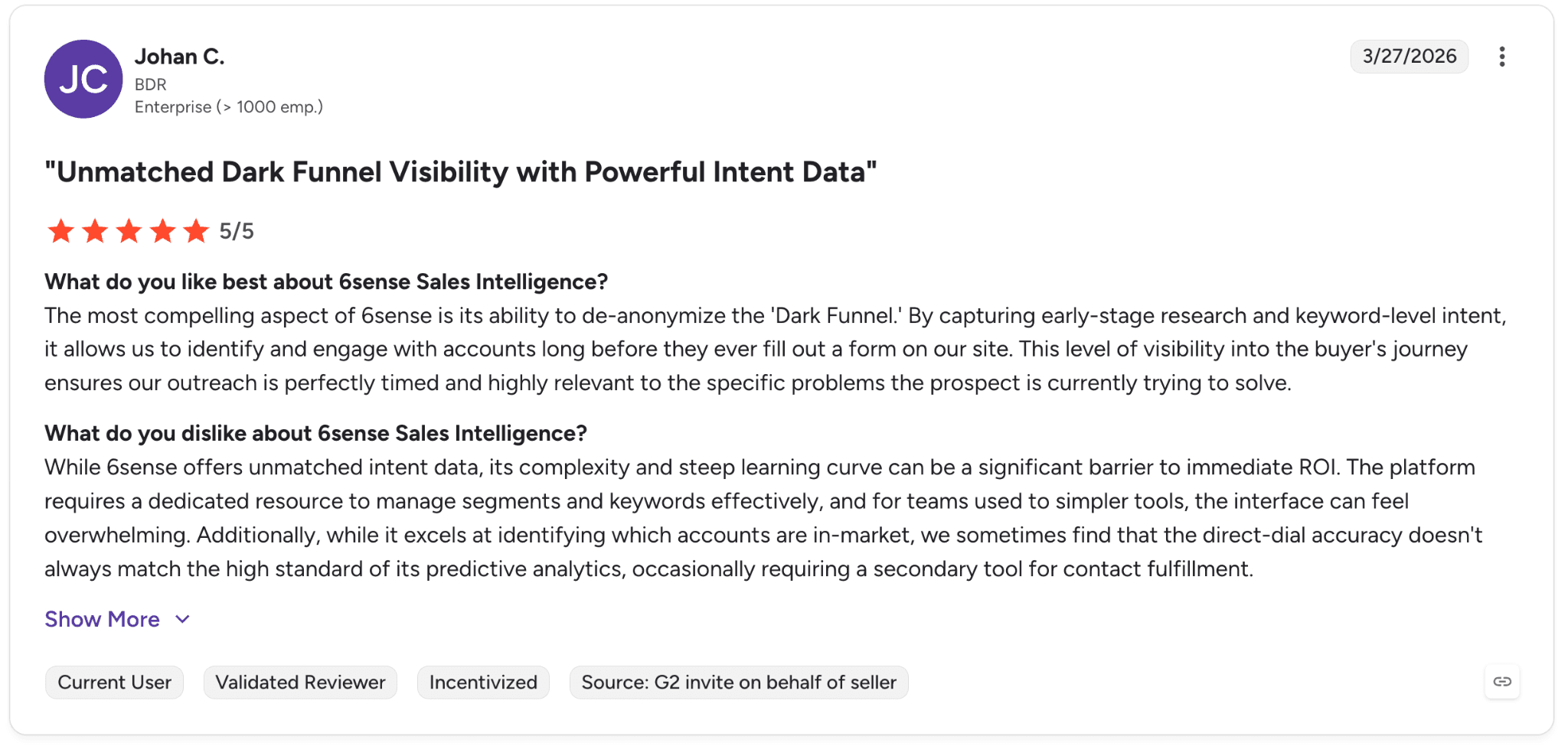
Pro: “6sense gives teams unmatched visibility into buyer intent and early-stage research activity, helping sales outreach stay highly relevant and well timed.” — Johan C., G2 Review (March 27, 2026)
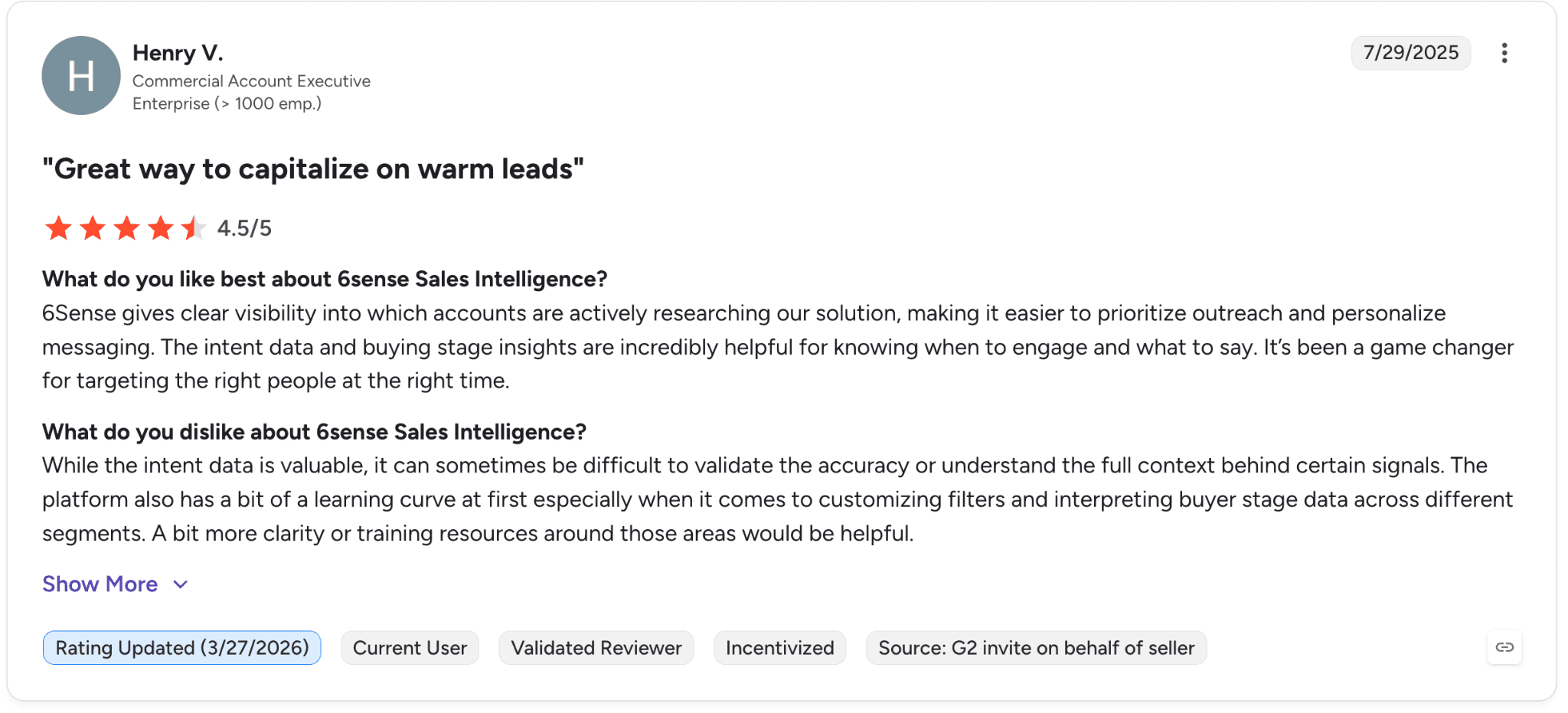
Con: “It can sometimes be difficult to validate the accuracy or understand the full context behind certain signals.” — Henry V., G2 Review (July 29, 2025)
Pricing
6sense does not publish pricing publicly. Paid plans require a sales conversation.
Available tiers include:
Free: 50 data credits/month, Company & People Search, Sales Alerts, Chrome Extension
Sales Intelligence + Data Credits
Sales Intelligence + Predictive AI
Sales Intelligence + Data Credits + Predictive AI (full platform)
Bottom line
We’d recommend 6sense to enterprise ABM teams with long sales cycles that want predictive intent and account prioritization at scale.
For smaller teams or organizations without a structured ABM motion, Demandbase or Apollo usually cover similar use cases at a much lower cost.
8. Seamless.AI: Best for high-volume outbound sales teams
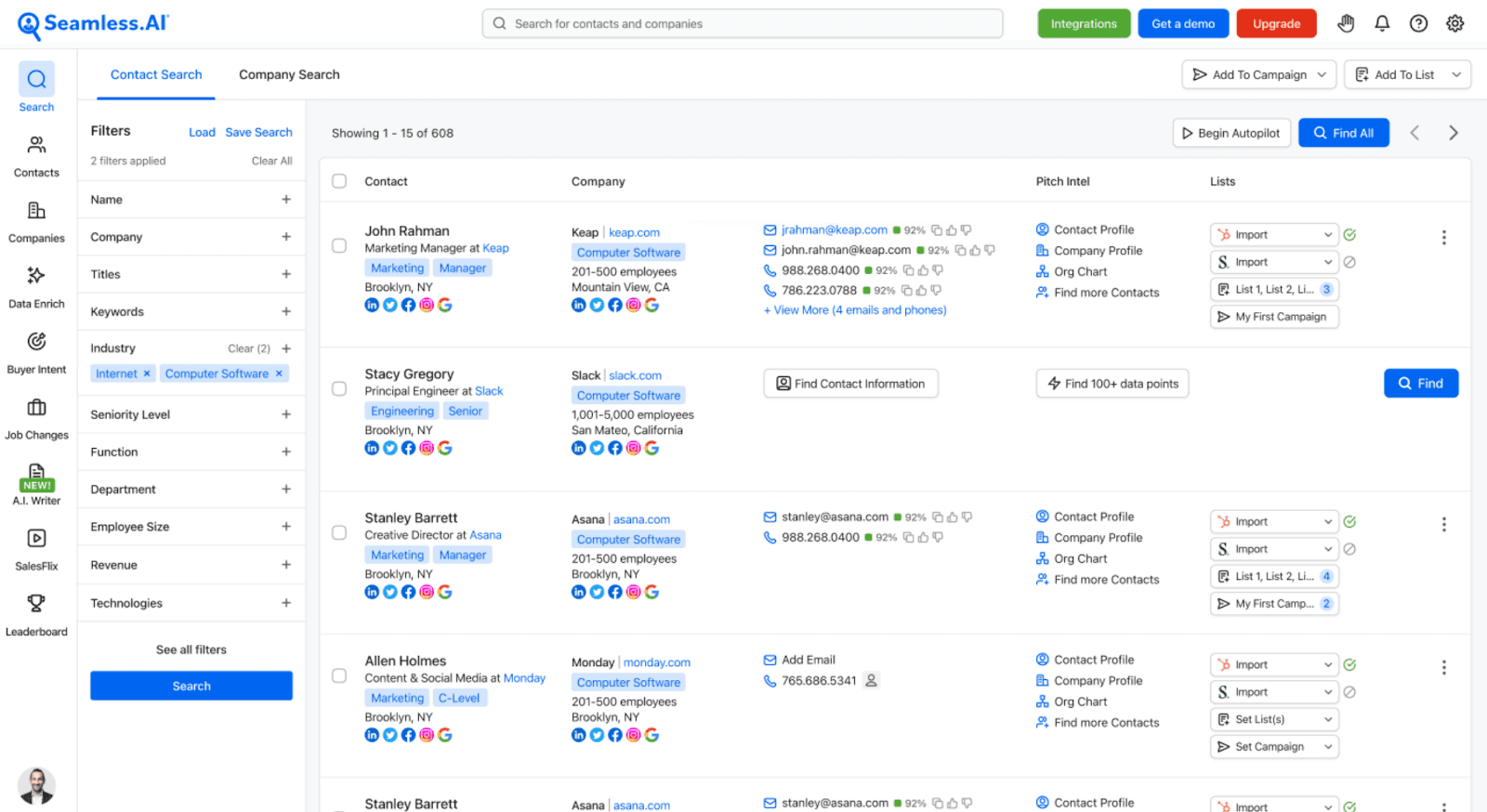
What it does: Seamless.AI is an AI-powered contact search engine that pulls B2B contact data from thousands of public sources in real time.
Best for: High-volume SDR teams running outbound at scale that need fast contact discovery and job-change tracking.
In our testing, the real-time search engine was the biggest differentiator. Instead of relying entirely on a static database, Seamless actively searches the web when queries run, which helps the data stay fresher than many competitors.
In 2026, Seamless also expanded into outreach and sales automation with its new Connect product, pushing it closer to Apollo’s all-in-one positioning.
Key features
Real-time search engine: Pulls verified emails and mobile numbers from live web sources
Job changes filter: Detects when contacts move companies, which is valuable for retention and timing-based outreach
Connect: Unified outreach workflow for email, calling, and task management
AI Assistant: Included on Pro and Enterprise plans, optional add-on on Free
Pros and cons
✅ Pros | ❌ Cons |
Real-time search helps keep contact data fresher | No public pricing and credit packages require sales conversations |
Connect reduces the need for separate outreach tools | Scraped-data accuracy can vary significantly by industry |
Strong customer satisfaction momentum on G2 | Buyer intent, API access, enrichment, and automation cost extra |
What users say
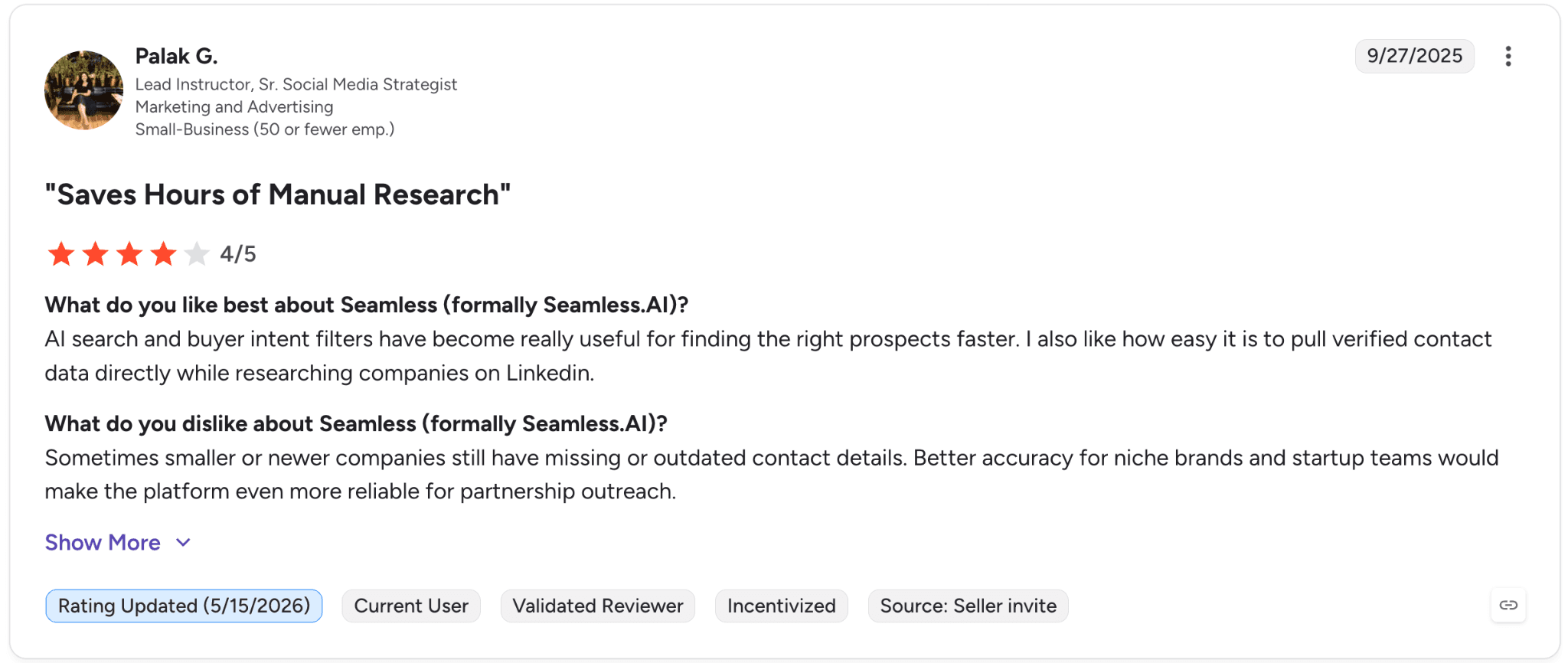
Pro: “AI search and buyer intent filters have become really useful for finding the right prospects faster.” — Palak G., G2 Review (Sept. 27, 2025)
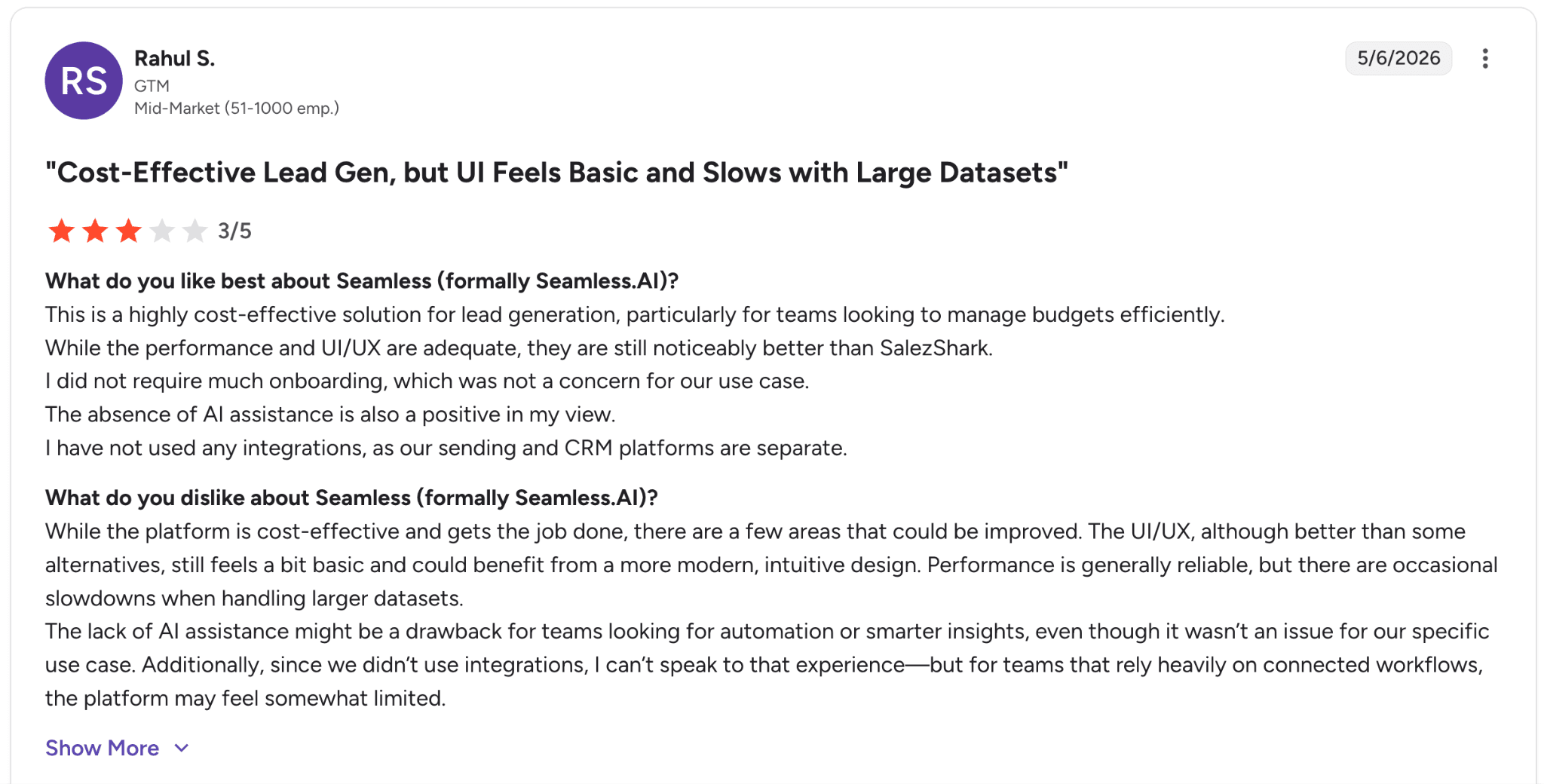
Con: “The UI/UX, although better than some alternatives, still feels a bit basic and could benefit from a more modern, intuitive design.” — Rahul S., G2 Review (May 6, 2026)
Pricing
Seamless.AI offers a free plan with 50 credits for individual users, while Pro and Enterprise plans use custom annual pricing based on credits, exports, and team size.
Higher-tier plans add unlimited exports, custom credit packages, and dedicated support.
Bottom line
We’d recommend Seamless.AI to outbound teams that need fast contact discovery without heavy setup or onboarding.
The job-change tracking is especially useful for catching prospects during transition periods when response rates tend to increase. For teams that prefer transparent per-seat pricing, Apollo is usually the cleaner fit.
9. Leadfeeder (formerly Dealfront): Best for European B2B teams using website intent
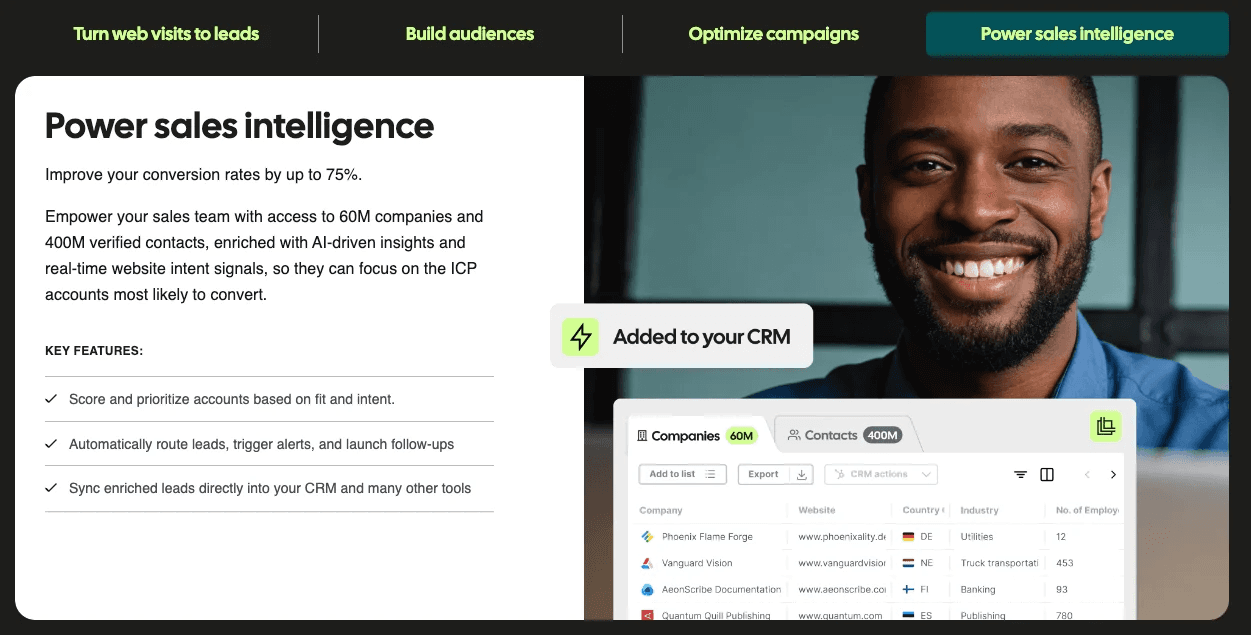
What it does: Leadfeeder identifies the companies visiting your website and turns that traffic into prioritized sales opportunities. In 2026, Dealfront rebranded back to Leadfeeder and consolidated the product line under a single brand.
Best for: Marketing and sales teams that want to generate pipeline from existing website traffic, especially teams selling into European markets.
When we tested Leadfeeder, the website visitor identification engine was the standout feature. Within minutes of installing the tracking script, the platform surfaced companies that had been researching the site quietly for weeks.
The recent Dealfront-to-Leadfeeder rebrand also simplified the product structure. What used to be separate Visitor ID and Prospecting products are now bundled into tiered Leadfeeder packages.
Key features
Website visitor identification: Reveal companies visiting your site, with up to 100 companies/month on Lite and unlimited tracking on paid plans
Lead scoring + prioritization: Score and rank companies based on engagement behavior
Platform tier: Access to 60M companies, 400M contacts, AI enrichment, CRM profiles, and 100+ filters
Integrations: HubSpot, Salesforce, Slack, and Google Ads
Pros and cons
✅ Pros | ❌ Cons |
Strong website visitor identification capabilities | Recent rebrand created some market confusion between Dealfront and Leadfeeder |
Free Lite tier makes testing easy and low-risk | Pricing increases quickly as visitor-identification volume grows |
CRM-embedded workflows are well integrated | Best suited for inbound-heavy motions with meaningful site traffic |
What users say
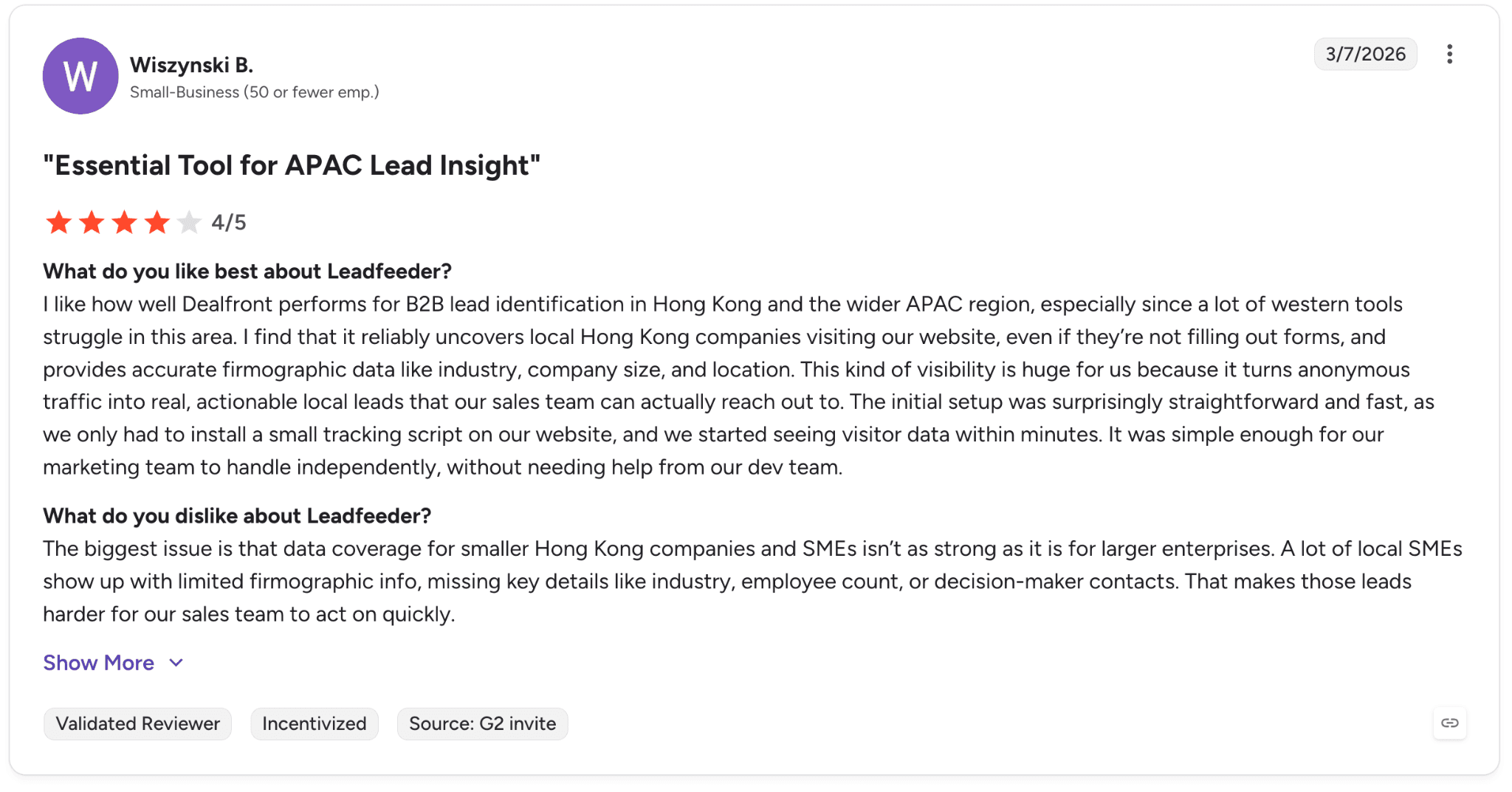
Pro: “It reliably uncovers local Hong Kong companies visiting our website, even if they’re not filling out forms, and provides accurate firmographic data like industry, company size, and location.” — Wiszynski B., G2 Review (March 7, 2026)
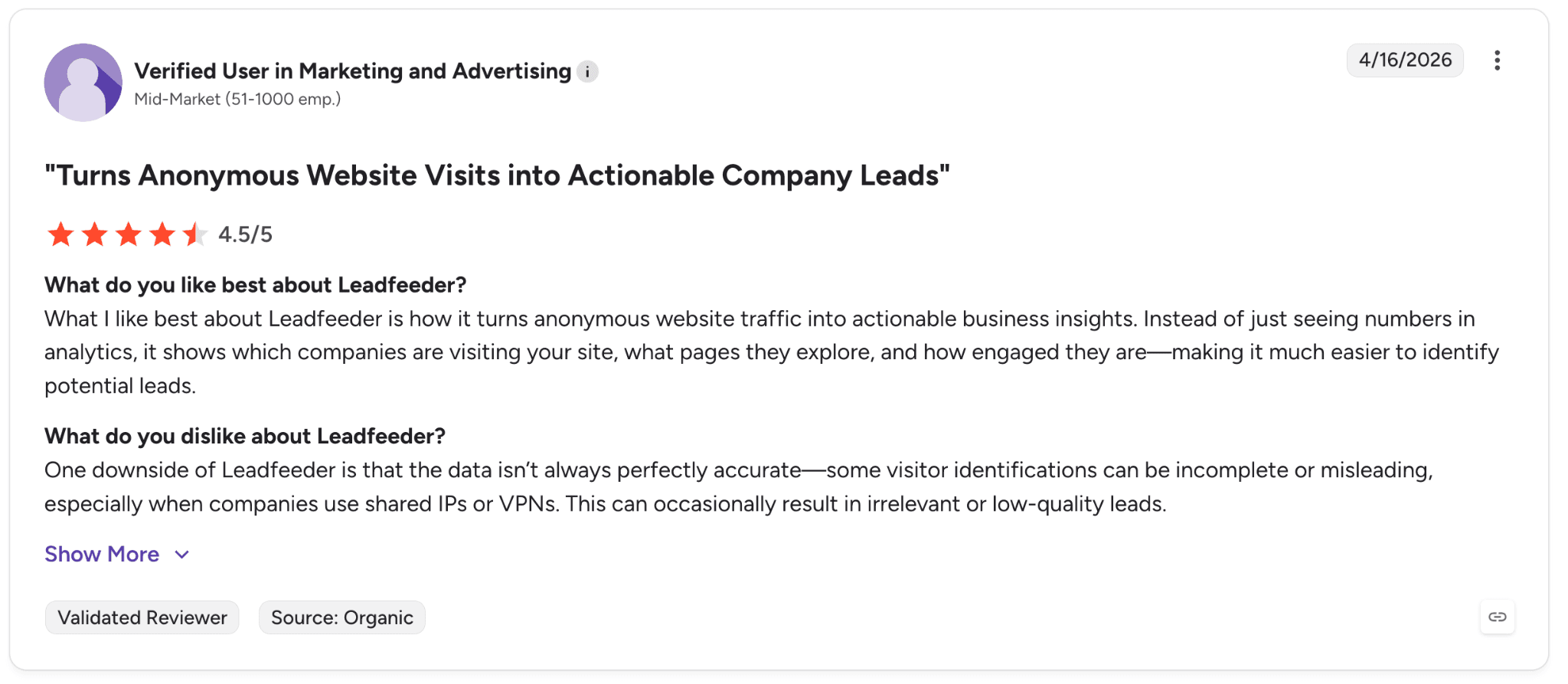
Con: “The data isn’t always perfectly accurate—some visitor identifications can be incomplete or misleading, especially when companies use shared IPs or VPNs.” — Verified User in Marketing and Advertising, G2 Review (April 16, 2026)
Pricing
Leadfeeder offers a free Lite plan with basic website visitor tracking, while paid plans start at €99/month for Website Visitor Identification and €399/month for the full Platform plan.
Higher tiers add unlimited company reveals, buyer intent insights, lead scoring, and advanced prospecting tools.
Bottom line
We’d recommend Leadfeeder to inbound-heavy marketing and sales teams that want to turn existing website traffic into prioritized pipeline. For outbound-first prospecting without meaningful inbound traffic, Apollo or Cognism are usually better fits.
10. D&B Hoovers: Best for enterprise sales with complex deals
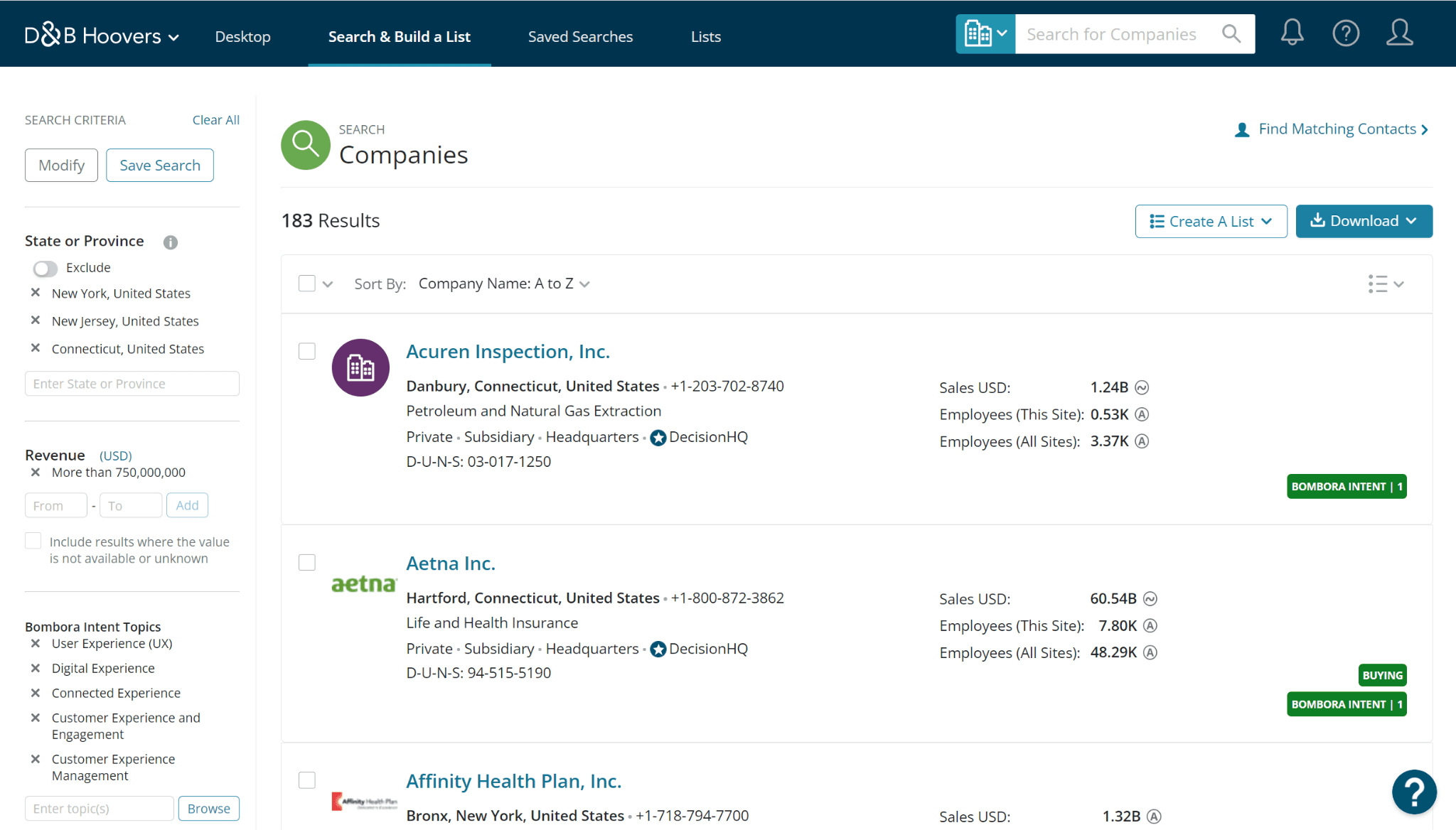
What it does: D&B Hoovers is a sales intelligence platform from Dun & Bradstreet with deep enterprise data, including corporate family trees and SmartSearch AI for natural-language list building.
Best for: Enterprise sales teams selling complex solutions into large organizations where corporate hierarchies and stakeholder mapping matter.
When we tested D&B Hoovers, the corporate-family-tree depth stood out immediately. For enterprise sellers navigating parent companies, subsidiaries, and multi-brand organizations, no other platform in this list came close.
The new SmartSearch AI feature also makes the platform much easier to use. Reps can build complex prospect lists through natural-language prompts instead of manually working through layers of filters.
Key features
Enterprise-scale database: 330M+ companies, 190M+ decision-makers, and 70M+ emails
SmartSearch AI: Natural-language list building and account discovery
SmartMail AI: AI-assisted prospecting email generation
Bombora intent integration: Access to 16K+ intent topics
Vertical datasets: Specialized Healthcare and Technology Insights databases
Pros and cons
✅ Pros | ❌ Cons |
Deep corporate hierarchy and enterprise account mapping | No public pricing and likely enterprise-only commitments |
Strong intent data through Bombora integration | Steeper learning curve than simpler prospecting tools |
SmartSearch and SmartMail reduce manual research work | Overbuilt for SMB and mid-market outbound teams |
What users say
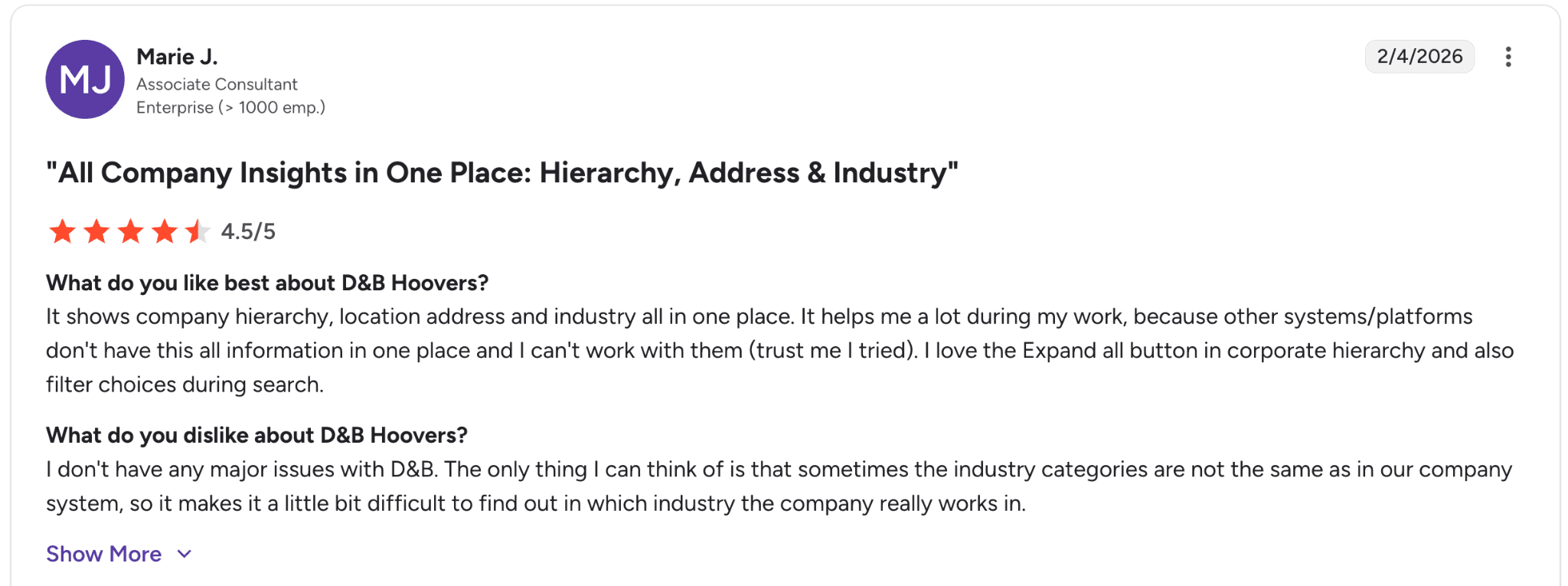
Pro: “It shows company hierarchy, location address and industry all in one place.” — Marie J., G2 Review (Feb. 4, 2026)
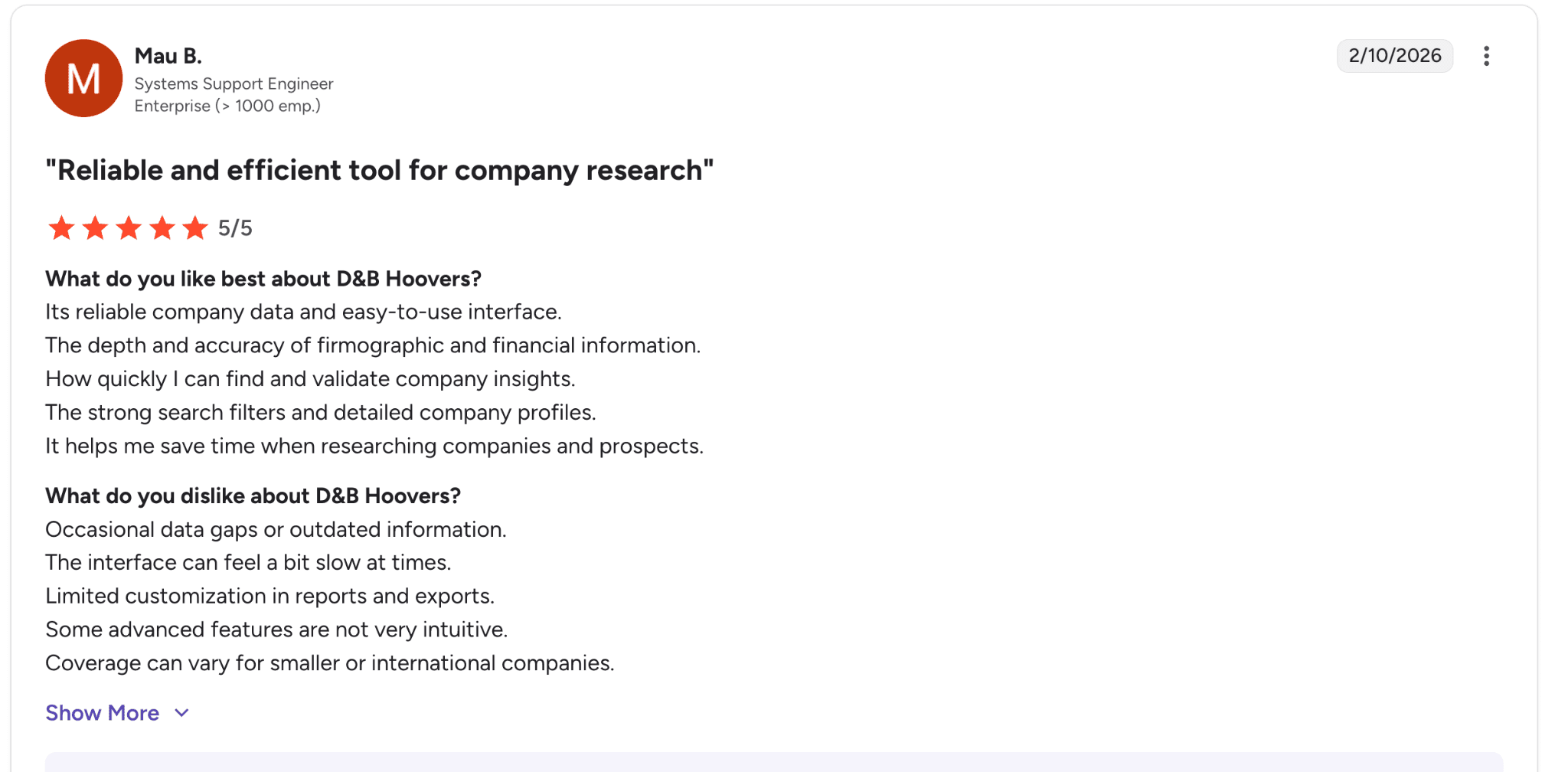
Con: “The interface can feel a bit slow at times.” — Mau B., G2 Review (Feb. 10, 2026)
Pricing
D&B Hoovers does not publish pricing publicly. Free trials are available, while paid plans require a sales conversation.
Bottom line
We’d recommend D&B Hoovers to enterprise sales organizations selling complex deals into large companies where ownership structures and decision-maker mapping are critical.
For SMB and mid-market motions, ZoomInfo or Apollo usually deliver better value for the price.
11. HubSpot Sales Hub: Best for small and mid-market B2B teams
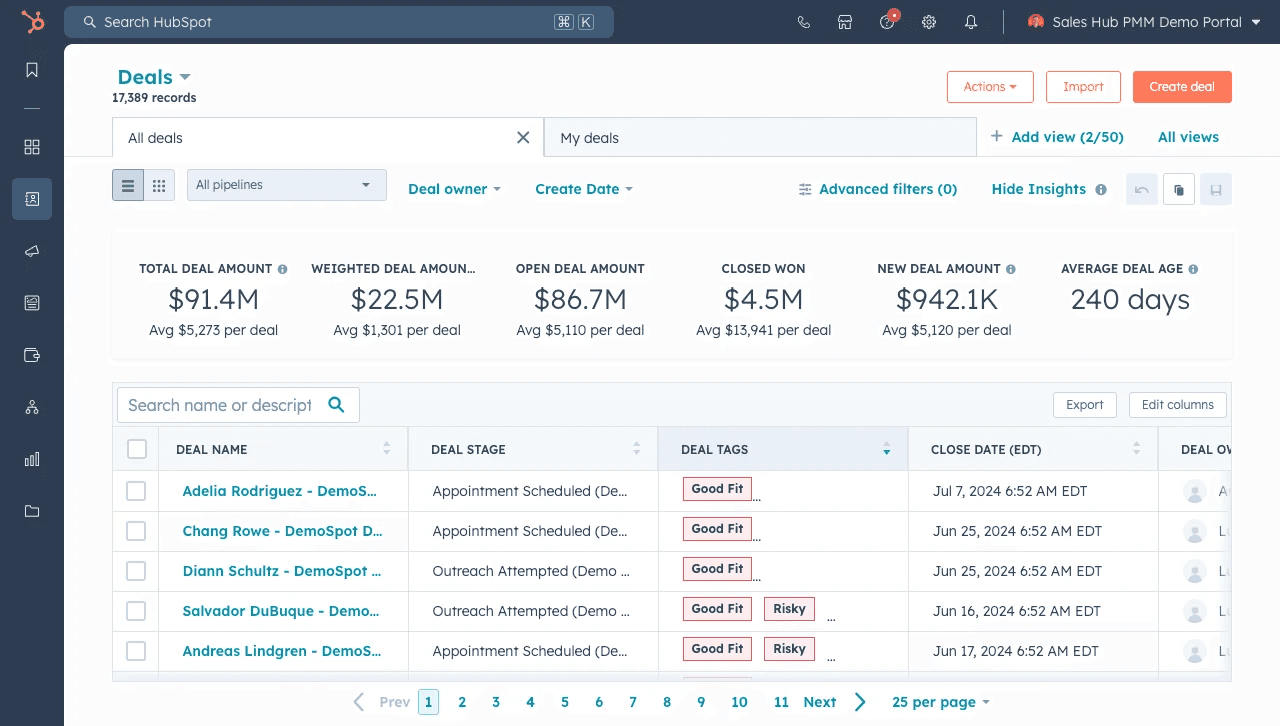
What it does: HubSpot Sales Hub is a sales CRM that combines prospecting, deal management, sales analytics, and AI-powered Breeze agents in one platform.
Best for: Small and mid-market B2B teams that want CRM, sales tools, and AI workflows unified in a single system.
When we tested HubSpot Sales Hub, the biggest change in 2026 was the Breeze AI Agent family. Customer Agent, Data Agent, and Prospecting Agent now run on a HubSpot Credits model, which lets teams scale usage gradually instead of committing to large AI packages upfront.
HubSpot also lowered entry-level pricing significantly, with Starter now beginning at $7/seat/mo on annual plans.
Key features
All-in-one CRM: Sales, marketing, service, content, and customer data tools in one platform
Breeze AI Agents: Customer Agent for support, Data Agent for enrichment, and Prospecting Agent for outreach recommendations
HubSpot Credits: Usage-based AI pricing at $9 per 1,000 credits
Sales analytics + forecasting: Built-in forecasting and conversation intelligence on Professional+ tiers
Pros and cons
✅ Pros | ❌ Cons |
Strong free tier for up to 2 users | Professional and Enterprise tiers require onboarding fees |
CRM, sales, and marketing tools live in one platform | HubSpot Credits can become expensive at scale |
Breeze AI Agents reduce manual prospecting and enrichment work | Less attractive if you already have an established CRM stack |
What users say
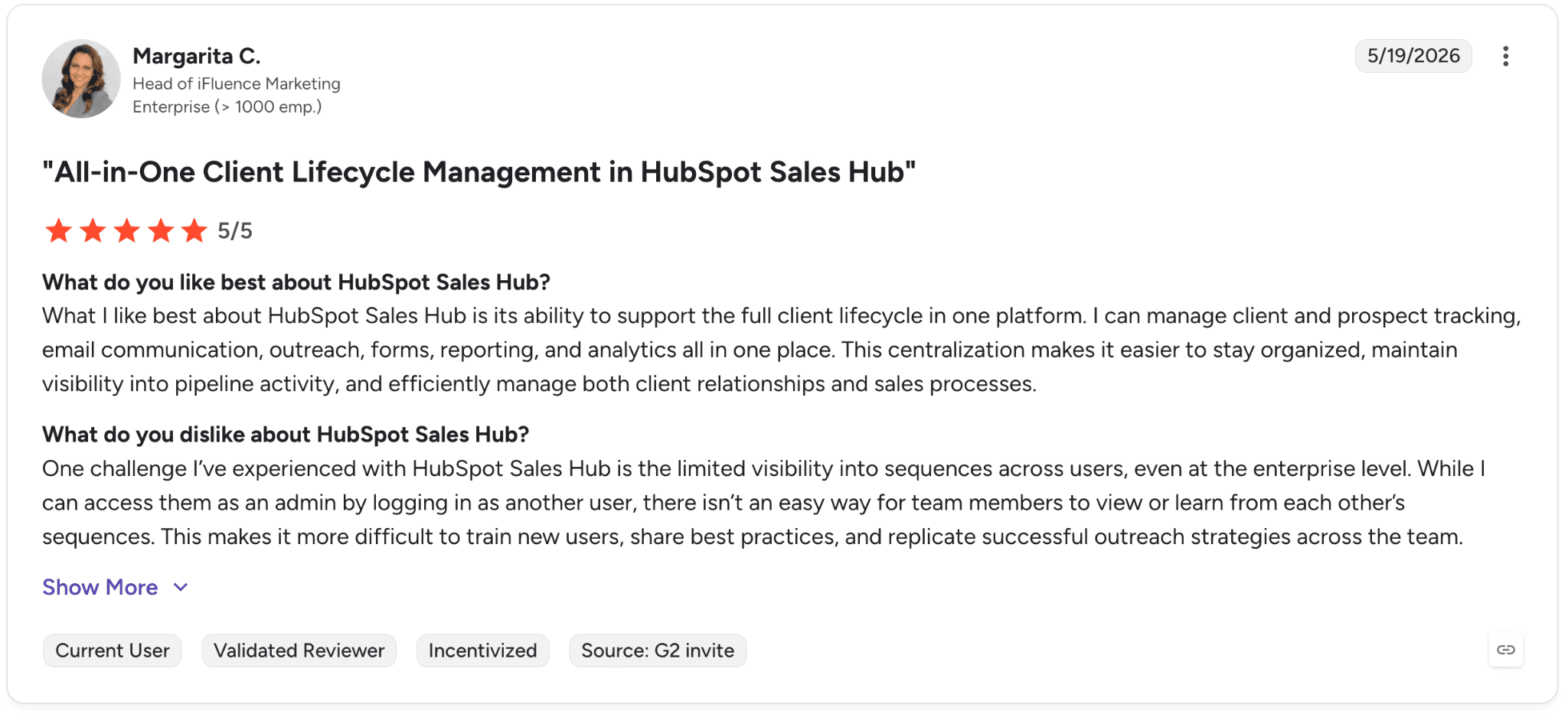
Pro: “HubSpot Sales Hub is its ability to support the full client lifecycle in one platform.” — Margarita C., G2 Review (May 19, 2026)
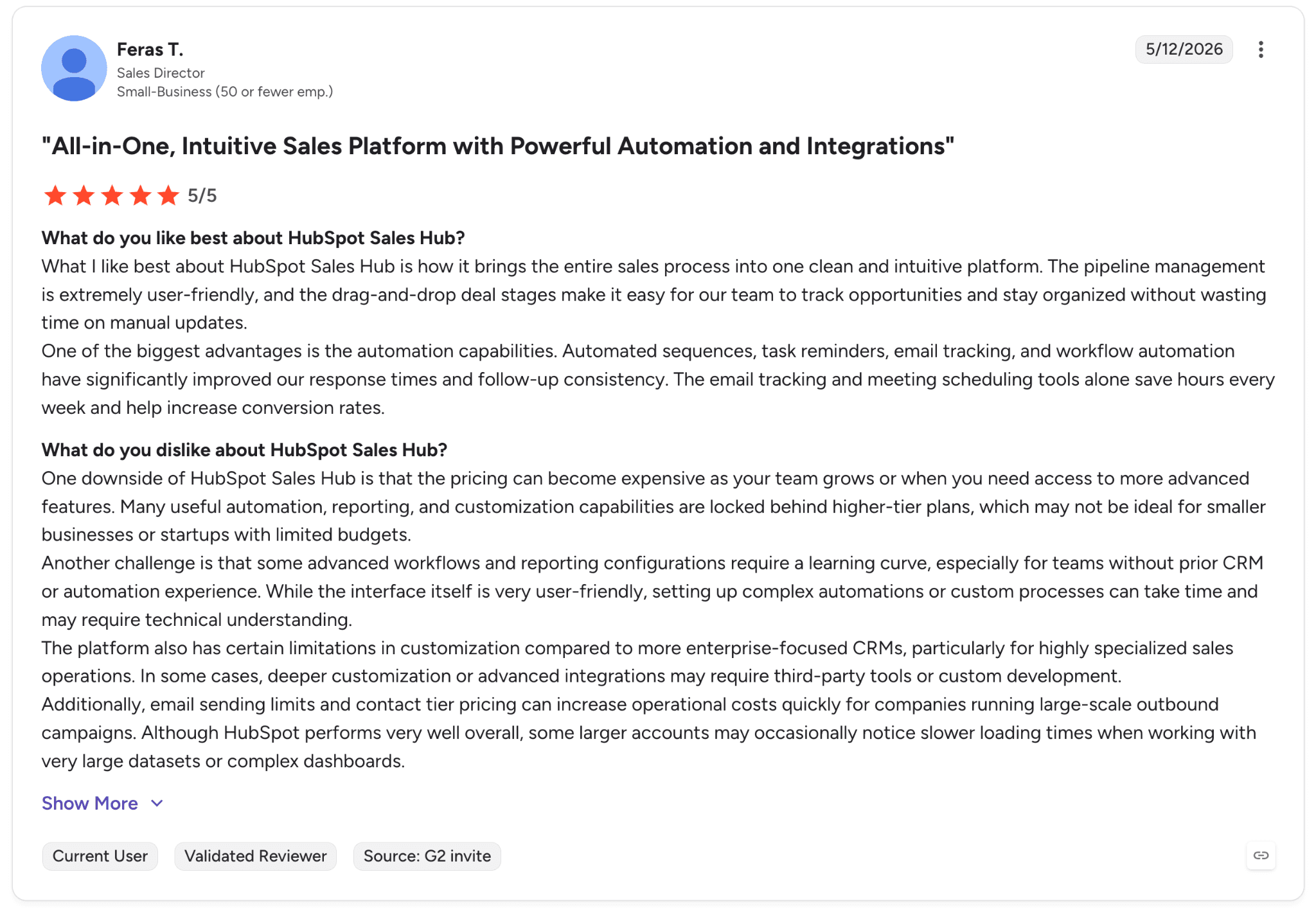
Con: “the pricing can become expensive as your team grows or when you need access to more advanced features.” — Feras T., G2 Review (May 12, 2026)
Pricing
HubSpot Sales Hub offers a free plan for up to 2 users, while paid plans start at $7/user/month for Starter, $90/user/month for Professional, and $150/user/month for Enterprise.
Higher tiers add conversation intelligence, forecasting, sales analytics, AI enrichment, and advanced automation tools.
Bottom line
We’d recommend HubSpot Sales Hub to small and mid-market B2B teams that want CRM, sales engagement, and AI workflows in one platform.
For teams already committed to another CRM, Apollo or Lusha will usually provide sales intelligence at a lower overall cost.
12. Bombora: Best for account-based marketing teams
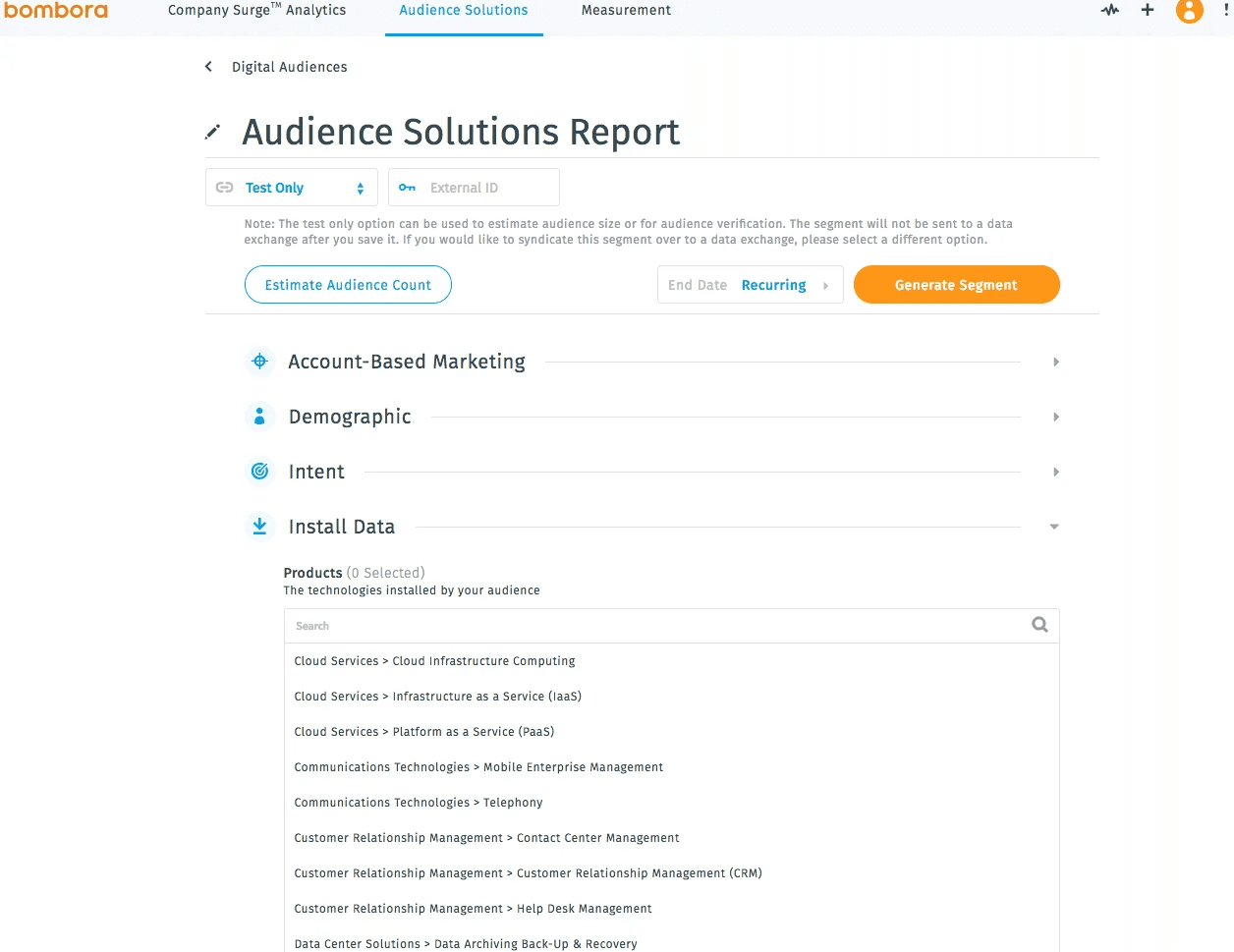
What it does: Bombora is a B2B intent data provider built on a large Data Co-op of publishers, brand sites, and premium data partners. Unlike most tools in this list, Bombora positions itself as a data company rather than a full sales platform.
Best for: ABM and enterprise marketing teams that need intent signals to identify which accounts are actively researching their category.
In our testing, Bombora’s intent-topic depth was the standout. The platform now supports more than 18,000 intent topics, making it one of the deepest intent taxonomies in the category.
Bombora’s data also powers much of the broader intent-data ecosystem. Platforms like ZoomInfo, Cognism, 6sense, and D&B Hoovers all license Bombora signals inside their own products.
Key features
Company Surge® intent data: Identifies companies actively researching specific topics
18,000+ intent topics: Expanded significantly over the last two years
Identity resolution: Helps unmask anonymous website visitors through first-party data
Audience activation: Push intent audiences into LinkedIn, Google, and Meta campaigns
Insights suite: Campaign measurement and buyer-journey analytics
Pros and cons
✅ Pros | ❌ Cons |
One of the deepest intent-topic libraries available | Requires another platform to operationalize the data fully |
Strong integrations across sales and marketing ecosystems | No public pricing |
Vendor-neutral positioning works well with existing stacks | Standalone value is lower without a mature ABM workflow |
What users say
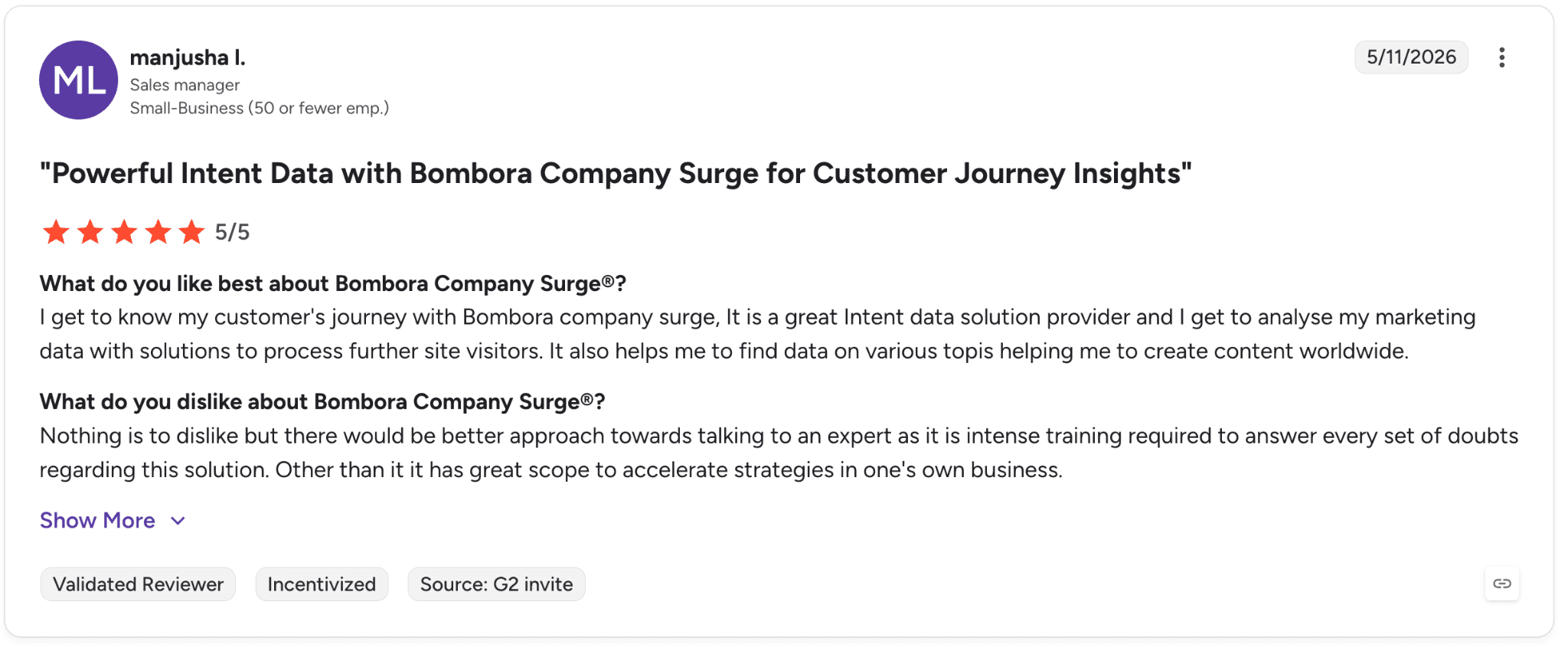
Pro: “It is a great Intent data solution provider and I get to analyse my marketing data with solutions to process further site visitors.” — manjusha I., G2 Review (May 11, 2026)
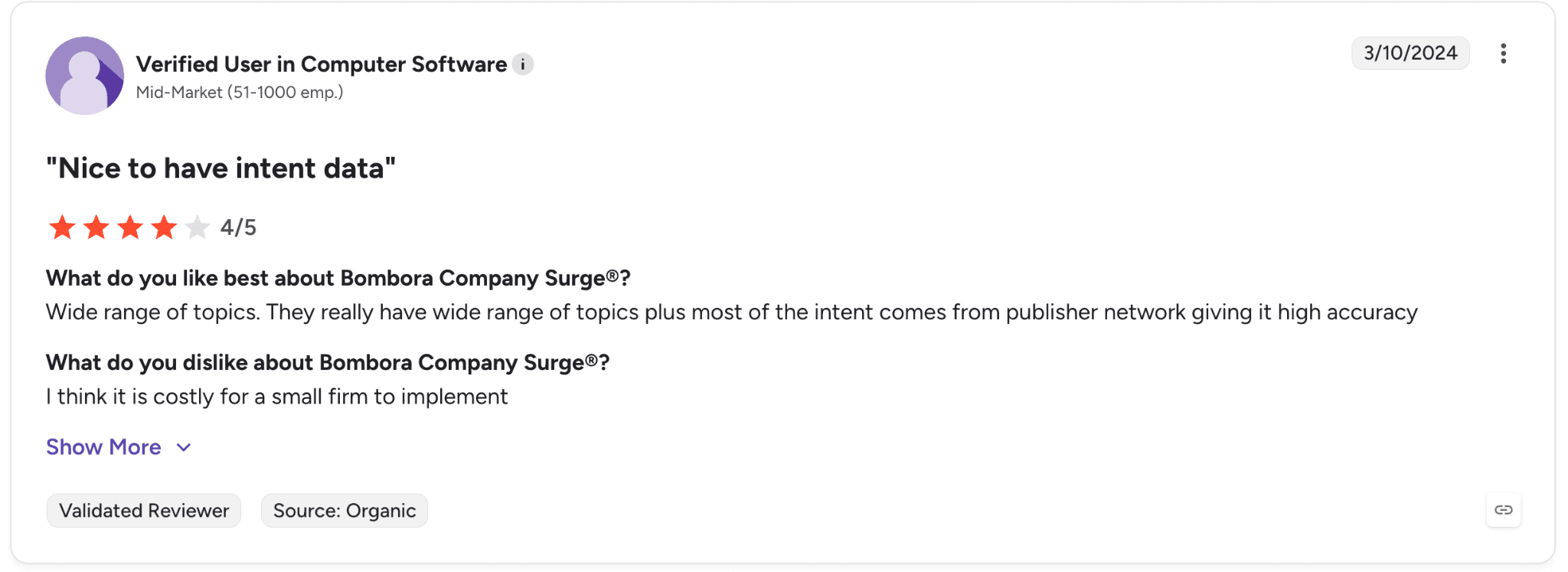
Con: “I think it is costly for a small firm to implement.” — Verified User in Computer Software, G2 Review (Mar 10, 2024)
Pricing
Bombora does not publish pricing publicly. Plans are customized based on data volume, integrations, and delivery requirements.
Bottom line
We’d recommend Bombora to mature ABM teams that already have a sales or marketing platform in place and want deeper intent data layered into existing workflows.
For teams that want intent data built directly into a prospecting platform, ZoomInfo, Cognism, and 6sense all package Bombora signals into their products.
13. UpLead: Best for small teams doing high-volume outbound
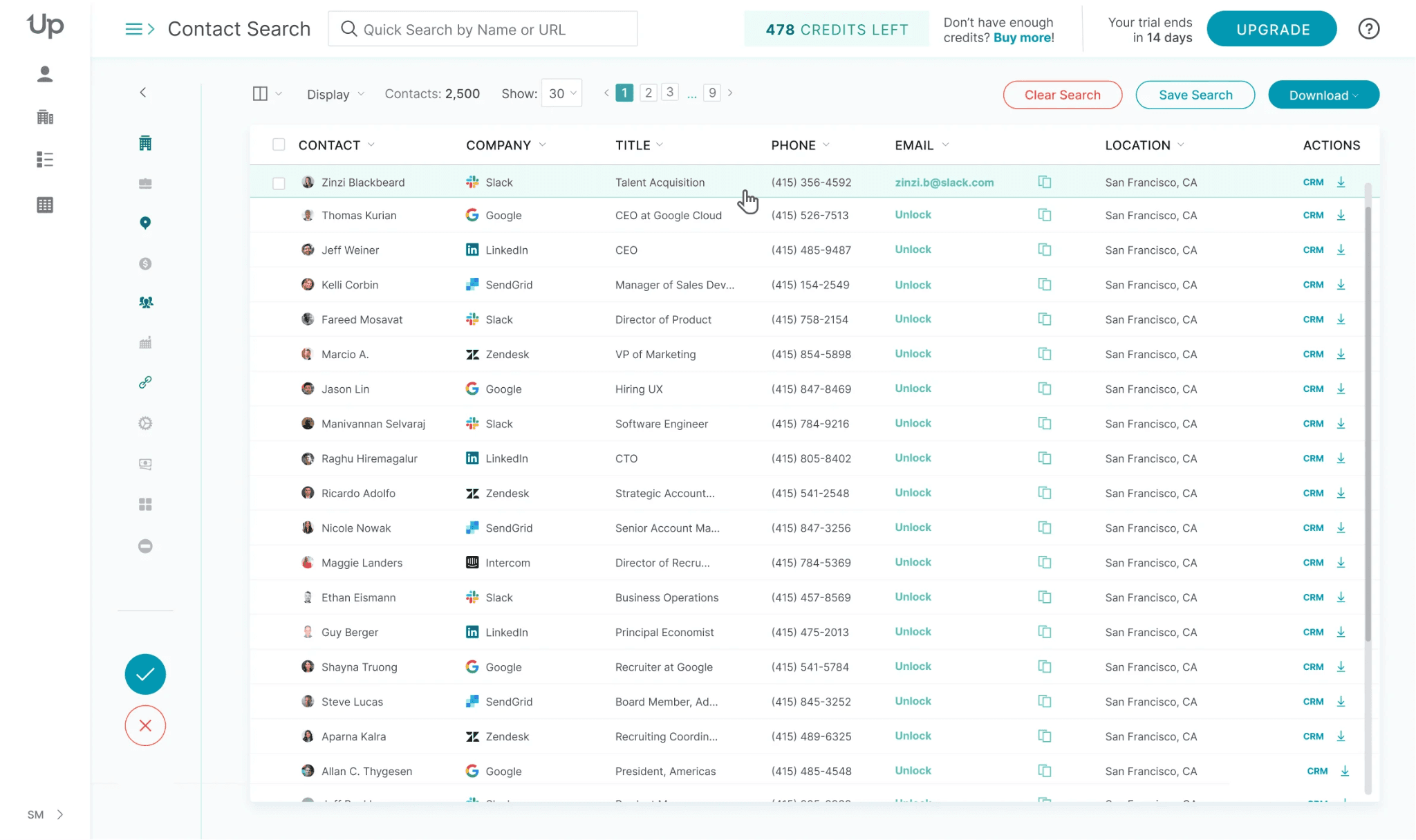
What it does: UpLead is a B2B contact database with real-time email verification and a flexible credit-based pricing model that does not require long-term contracts on monthly plans.
Best for: Small teams that need verified contact data with predictable pricing and lower bounce rates, without committing to annual contracts.
When we tested UpLead, the biggest differentiator was the real-time email verification at the point of export.
Instead of discovering bad emails after launching a campaign, the platform verifies contacts before export, which helps reduce wasted outreach. The pricing structure also felt much more transparent than most competitors in the category.
Key features
Real-time email verification: Verifies emails before export instead of after campaigns go live
Credit model: One credit unlocks a full contact record, including email and mobile direct dial
Compliance: GDPR and CCPA aligned
Integrations: Salesforce, HubSpot, Outreach, and Salesloft
Pros and cons
✅ Pros | ❌ Cons |
Predictable pricing without hidden upgrade pressure | Database depth trails ZoomInfo and Cognism |
Real-time verification helps reduce bounce rates | Phone-number accuracy varies across industries |
Monthly plans available without annual commitments | Some users still report elevated bounce rates despite verification |
What users say
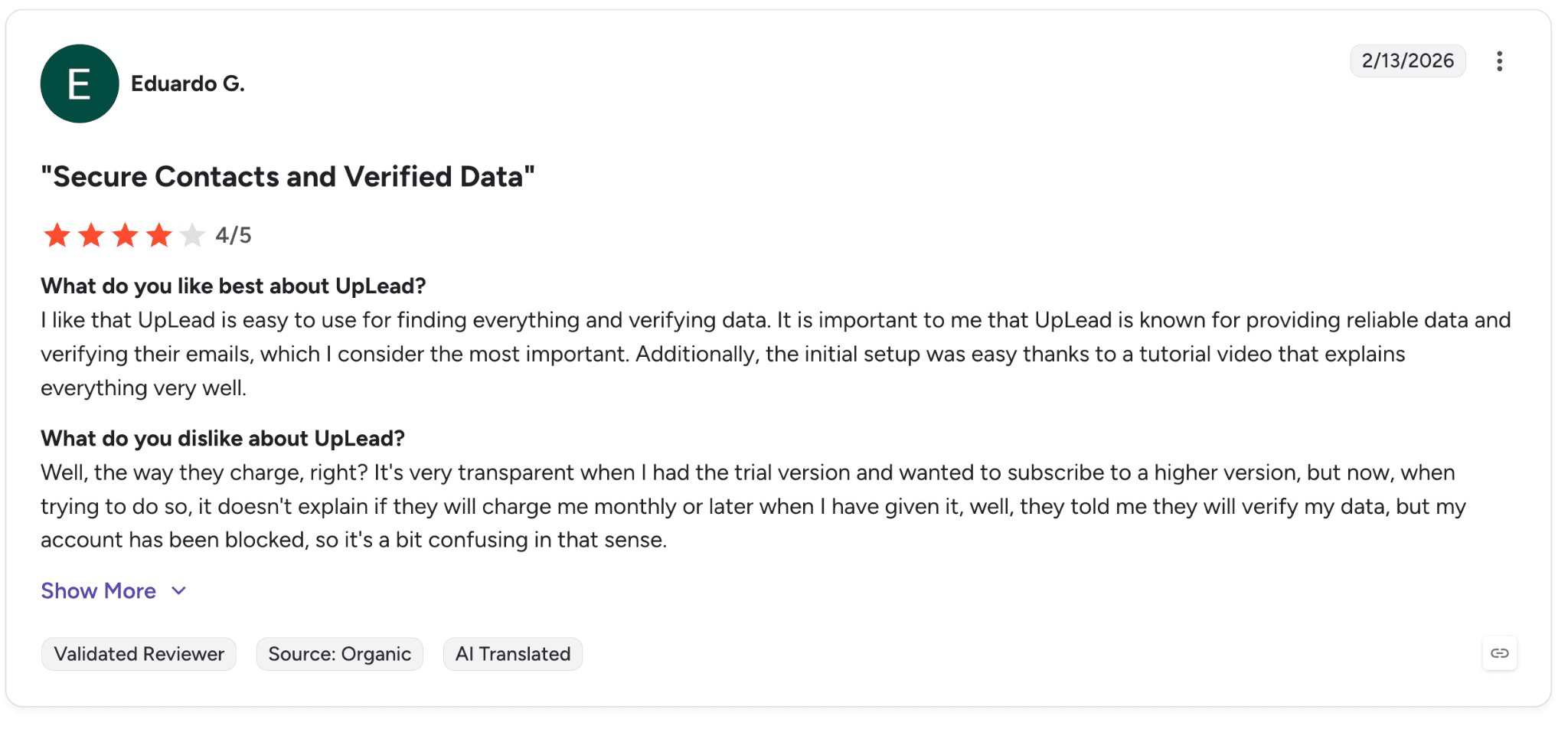
Pro: “UpLead is known for providing reliable data and verifying their emails, which I consider the most important.” — Eduardo G., G2 Review (Feb 13, 2026)
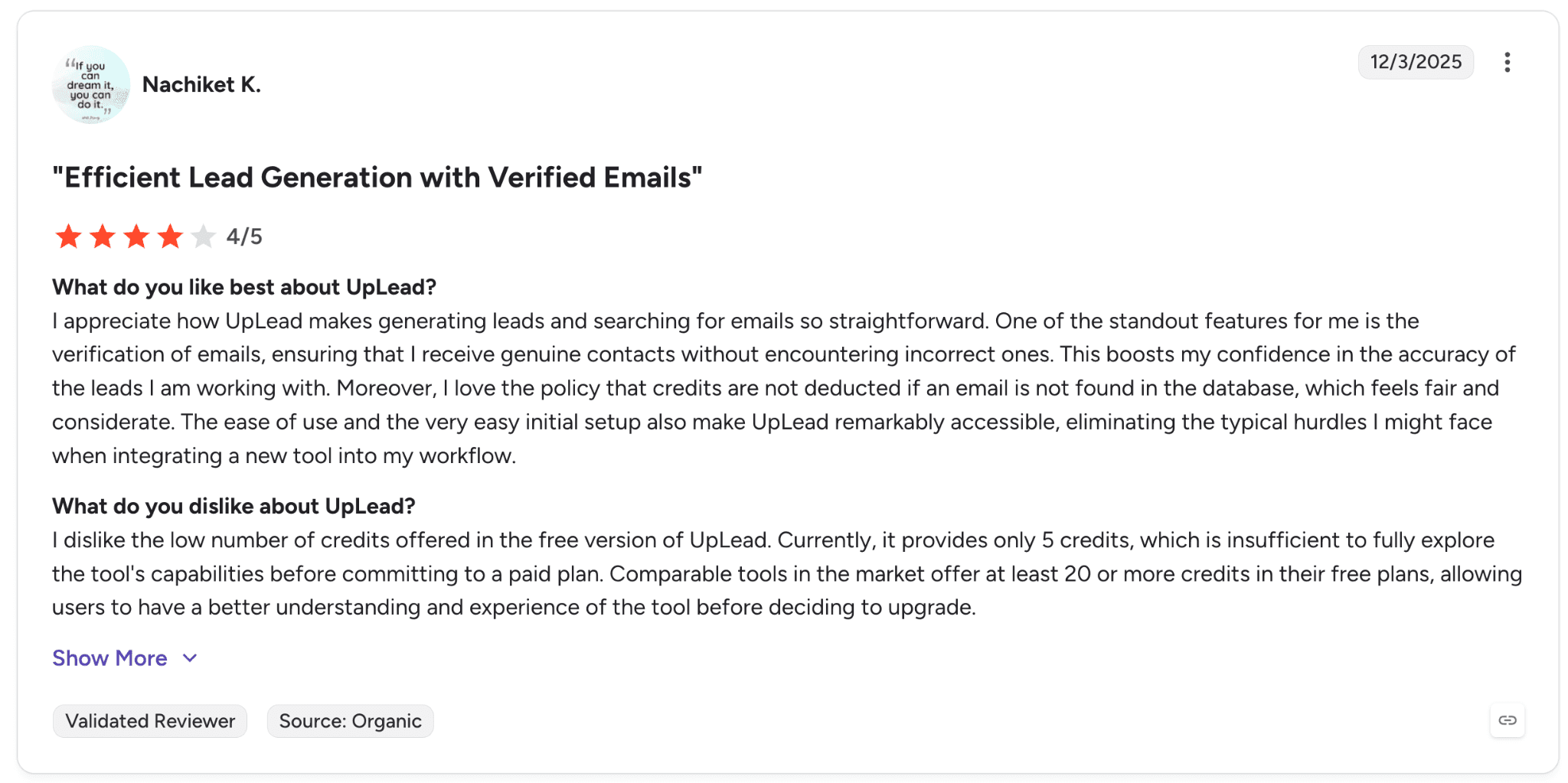
Con: “Currently, it provides only 5 credits, which is insufficient to fully explore the tool's capabilities before committing to a paid plan.” — Nachiket K., G2 Review (Dec 3, 2025)
Pricing
Free Trial: 7 days, 5 credits
Essentials: $99/mo or $74/mo annual, 170 credits/month
Plus: $199/mo or $149/mo annual, 400 credits/month
Professional: Custom annual pricing for teams
Per-credit costs range from roughly $0.50-$0.60 depending on plan.
Bottom line
We’d recommend UpLead to small outbound teams that want verified contact data, transparent pricing, and flexible monthly plans without contract lock-in.
For teams that need deeper international coverage or unlimited exports, Cognism or Lead411 are usually stronger long-term fits.
14. Hunter: Best for small teams and solo sellers
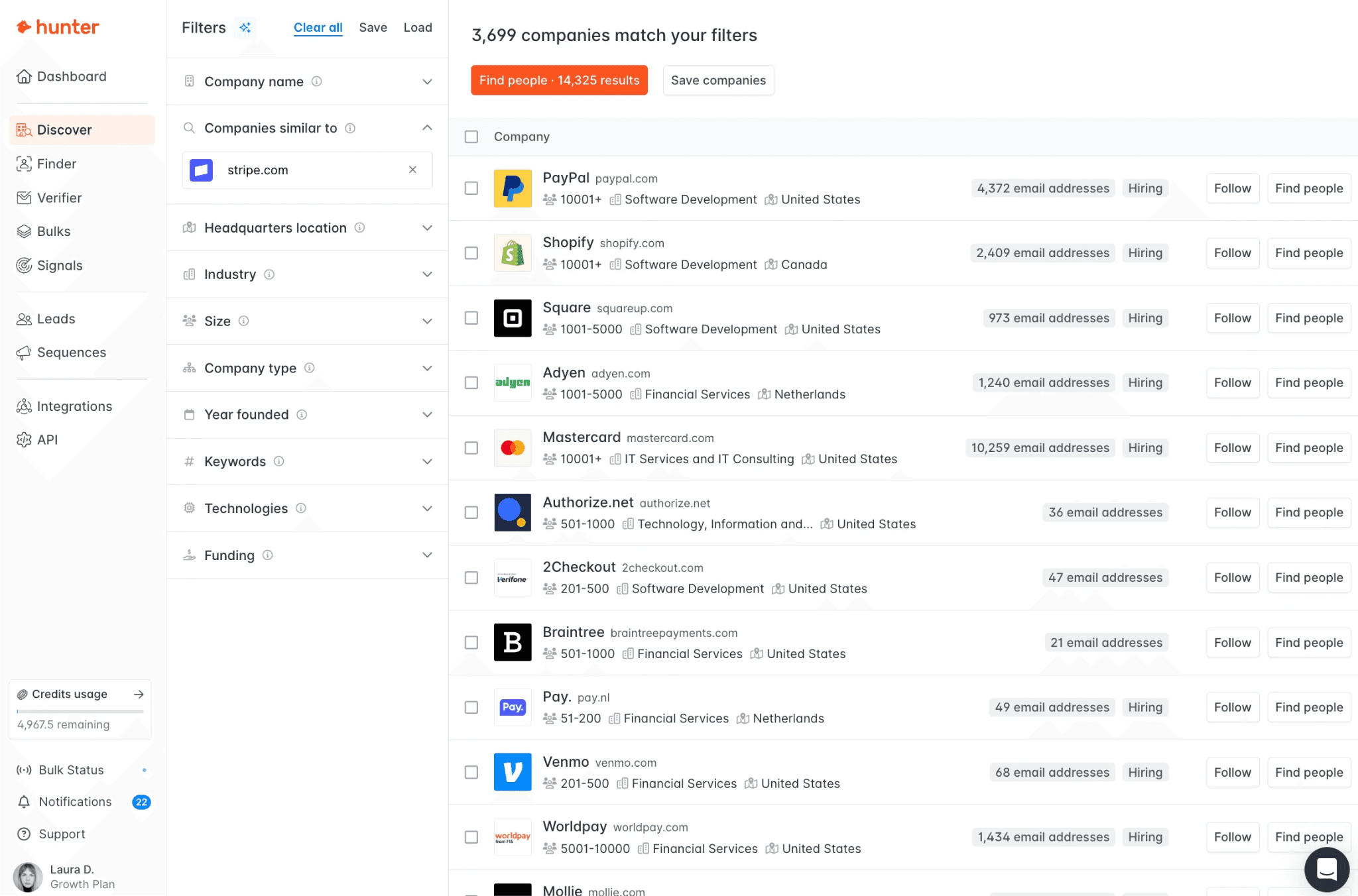
What it does: Hunter is an email-finding and verification platform with built-in cold email sequences and an AI Writing Assistant.
Best for: Solo sellers and small teams that want one lightweight tool for finding, verifying, and sending emails.
When we tested Hunter, the speed of email lookup was the standout. Typing a company domain into Domain Search returned verified email patterns within seconds, which makes prospecting fast and straightforward.
Hunter has also expanded beyond simple email lookup in recent years, adding AI Writing Assistant, Inbox Protection, and Auto-verification features that make the paid tiers more compelling for outbound-heavy teams.
Key features
Domain Search + Email Finder: Find verified emails by company or person
Email Verifier: Check deliverability before campaigns go live
Sequences: Built-in cold email workflows with A/B testing
AI Writing Assistant: Generate personalized outreach directly inside the platform
Pros and cons
✅ Pros | ❌ Cons |
Focused email workflow that stays simple and easy to use | Phone data is limited compared to broader sales-intelligence tools |
AI Writing Assistant and sequences support outbound campaigns well | Inbox Protection and custom tracking domains require paid tiers |
Strong free tier with 50 monthly credits | International coverage quality varies by region |
What users say
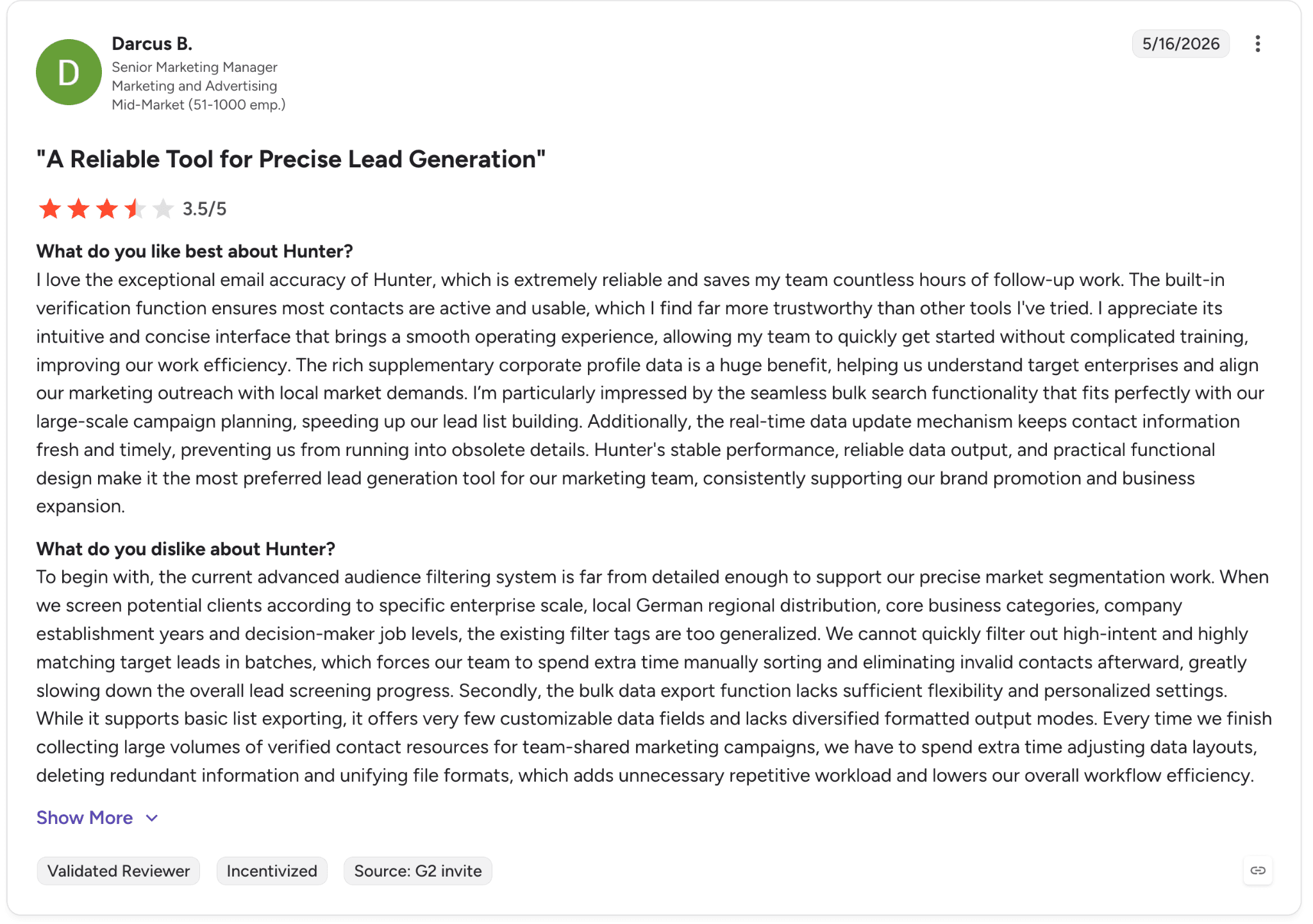
Pro: “The built-in verification function ensures most contacts are active and usable, which I find far more trustworthy than other tools I've tried.” — Darcus B., G2 Review (May 16, 2026)
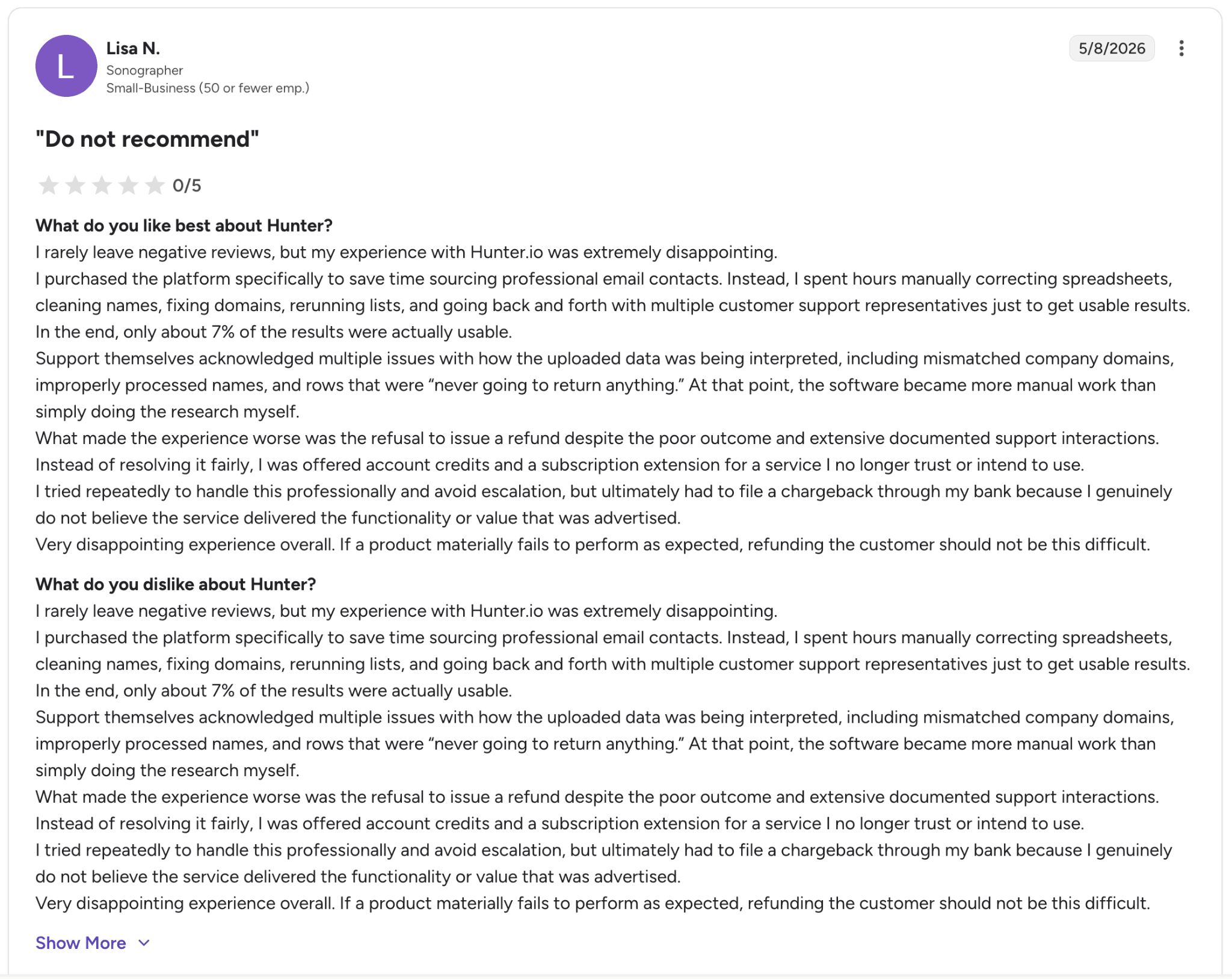
Con: “I purchased the platform specifically to save time sourcing professional email contacts. Instead, I spent hours manually correcting spreadsheets, cleaning names, fixing domains, rerunning lists, and going back and forth with multiple customer support representatives just to get usable results. In the end, only about 7% of the results were actually usable.” — Lisa N., G2 Review (May 8, 2026)
Pricing
Annual plans save roughly 30% compared to monthly billing:
Free: 50 credits/month, 1 email account
Starter: $34/mo annual or $49/mo monthly, 2,000 credits
Growth: $104/mo annual or $149/mo monthly, 10,000 credits
Scale: $209/mo annual or $299/mo monthly, 25,000 credits
Enterprise: Custom pricing
Bottom line
We’d recommend Hunter to solo sellers and small teams whose outbound motion is heavily email-driven. If you need phone numbers, intent data, or deeper CRM workflows, Apollo or Lusha are usually better fits.
15. Demandbase: Best for enterprise ABM teams
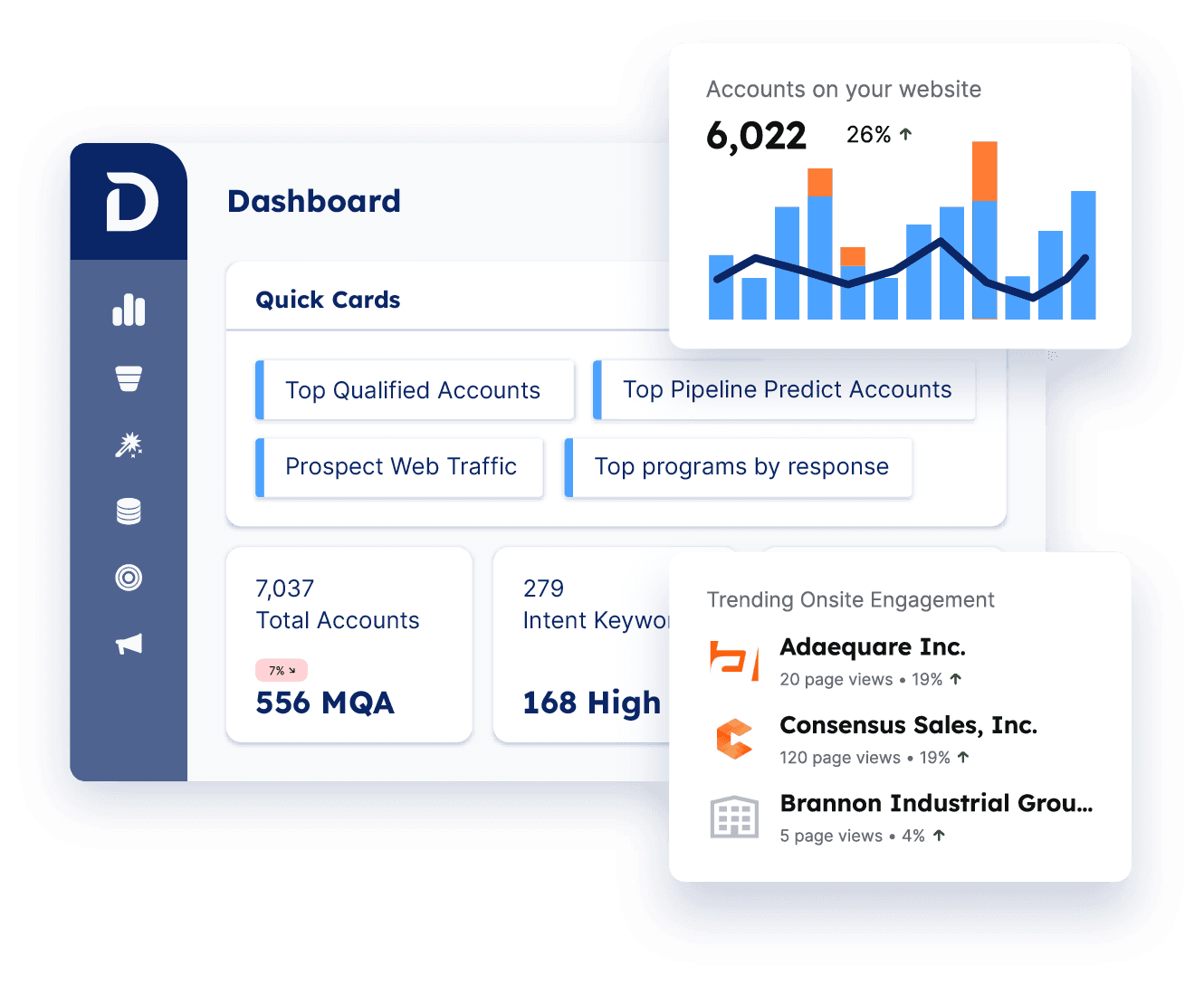
What it does: Demandbase is a unified account-based GTM platform that brings sales and marketing together through shared account data, AI-driven insights, and audience targeting.
Best for: Enterprise ABM teams with significant budget that want predictive account prioritization and cross-channel campaign orchestration.
When we tested Demandbase, the biggest shift versus older versions was the full unification of sales and marketing workflows. The platform no longer treats them as separate products, which forces alignment around shared account targeting and reporting.
Customer Success also came up repeatedly in reviews as a major strength.
Key features
Demandbase One platform: Shared account view across sales and marketing
AI-driven account prioritization: Predictive scoring and buying-group insights
B2B DSP: Native campaign activation across display, LinkedIn, and Facebook
Personalized web experiences: Dynamic site experiences based on target accounts
Pros and cons
✅ Pros | ❌ Cons |
Strong enterprise-grade predictive intent and scoring | CRM sync latency issues still appear in recent reviews |
Customer Success team consistently rated highly | Reporting customization can become complex |
Real sales-marketing alignment across the platform | Pricing scales aggressively and requires custom quotes |
What users say
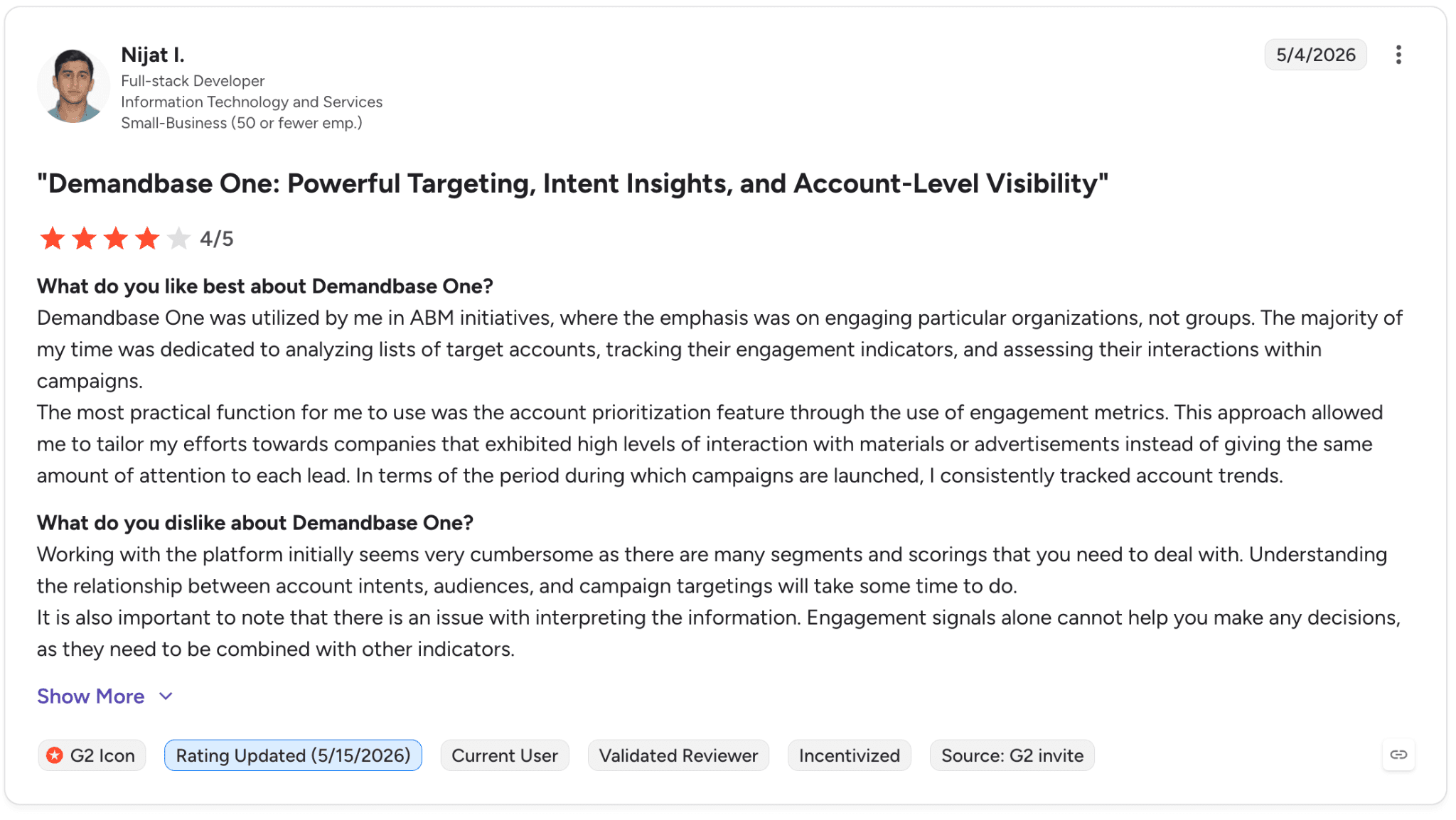
Pro: “The most practical function for me to use was the account prioritization feature through the use of engagement metrics..” — Nijat I., G2 Review (May 4, 2026)
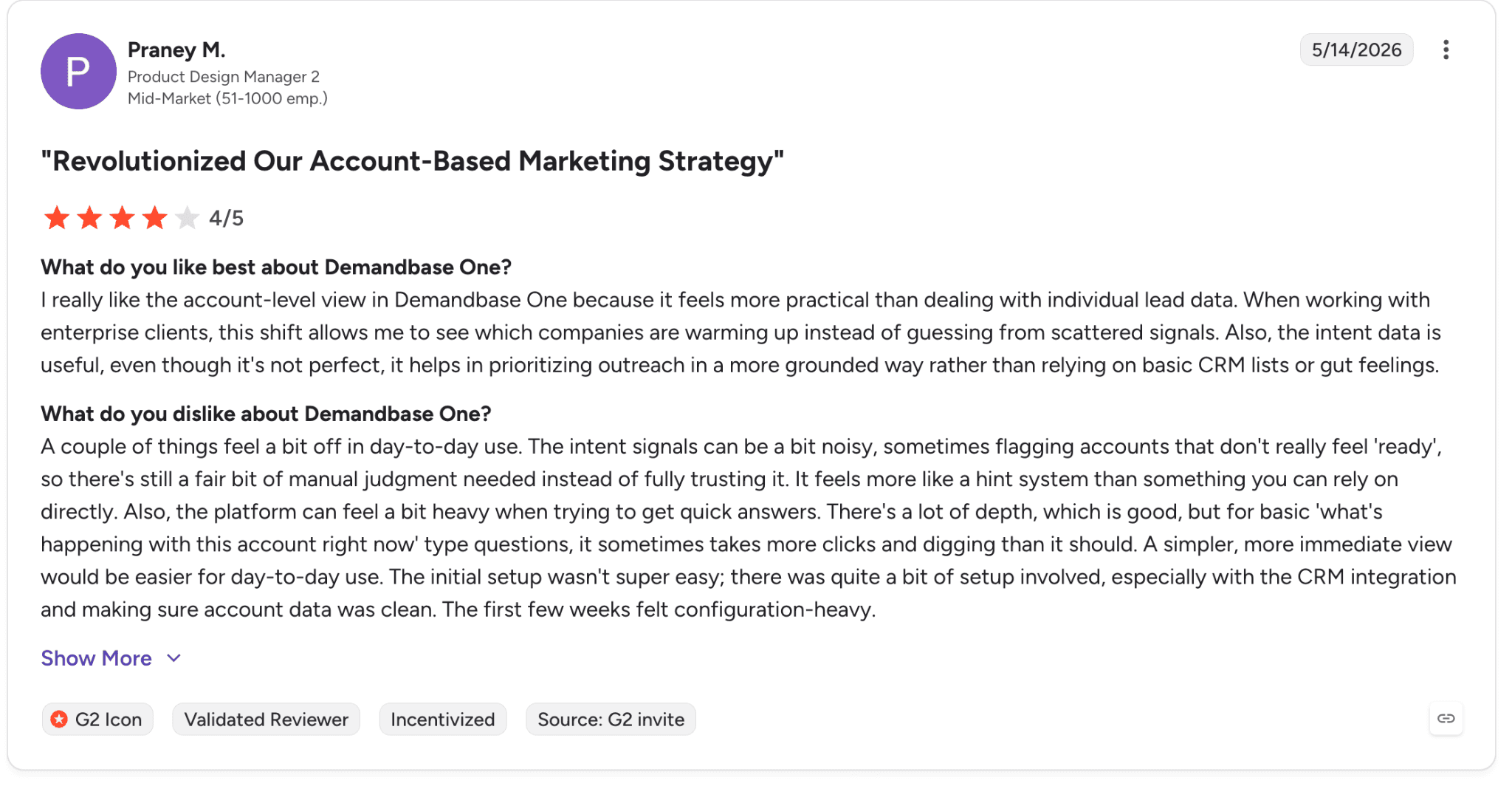
Con: “The intent signals can be a bit noisy, sometimes flagging accounts that don't really feel 'ready', so there's still a fair bit of manual judgment needed instead of fully trusting it.” — Praney M., G2 Review (May 14, 2026)
Pricing
Demandbase does not publish public pricing. Plans are custom-priced based on your team size, platform needs, and selected sales, marketing, advertising, or data solutions.
Bottom line
We’d recommend Demandbase to enterprise teams running mature ABM programs with dedicated budget and operational support. For smaller teams or companies early in their ABM journey, 6sense Free or Apollo’s intent filters are usually better starting points.
16. Datanyze: Best for technology and SaaS sales teams
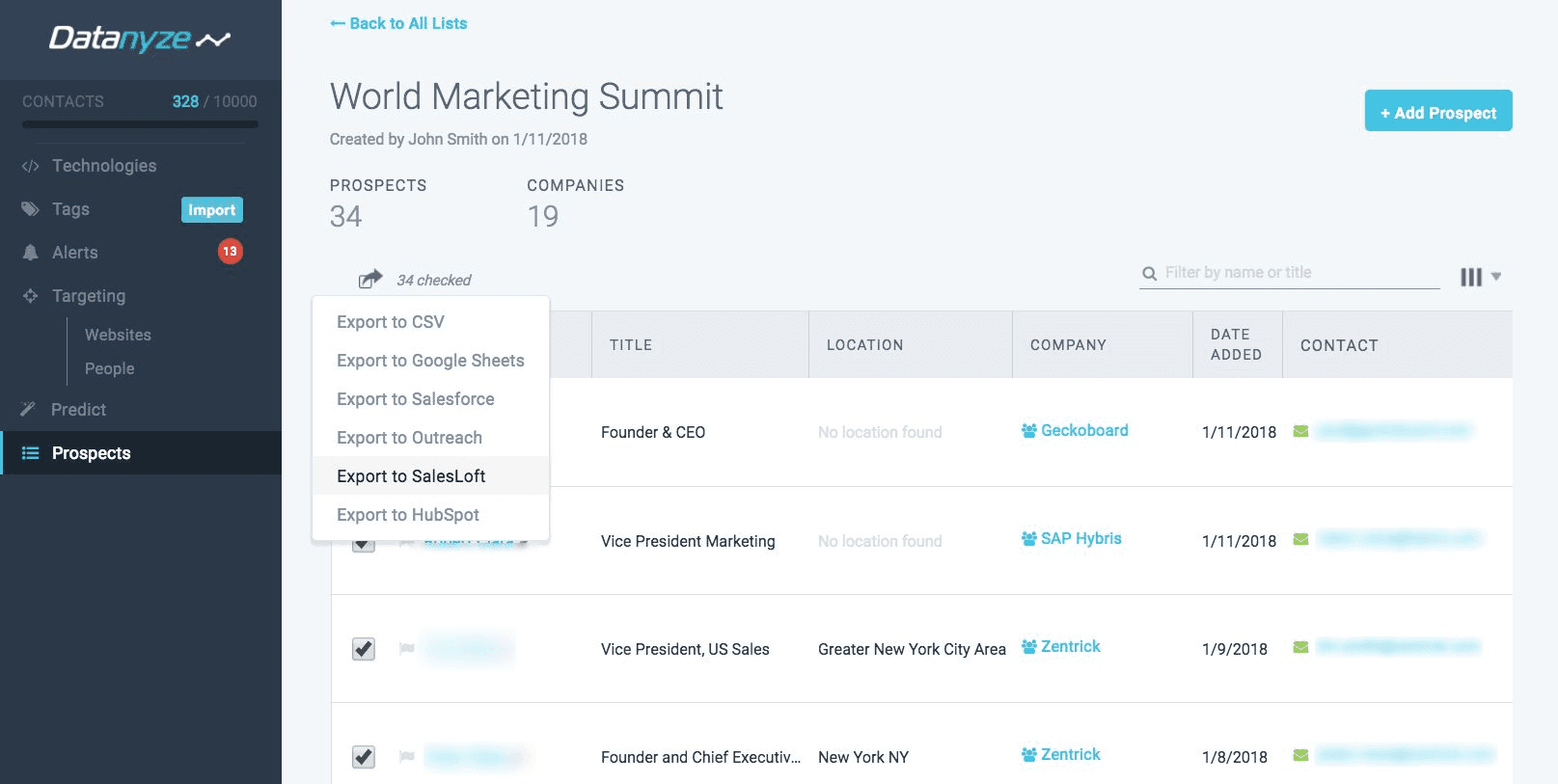
What it does: Datanyze provides technographic data showing which software companies use, alongside B2B contact information through its Chrome extension and searchable directories.
Best for: SaaS and technology sales teams that prospect based on competitor or complementary software usage.
In our testing, Datanyze’s biggest advantage was affordability. At roughly $21/month on annual plans, it remains one of the least expensive paid options in the category. The 90-day free trial is also far more generous than most competitors.
Key features
Chrome extension: Reveal contact data from LinkedIn and company websites
Technographic data: Identify which technologies a company uses
Directory pages: Searchable B2B company and contact records
Compliance: GDPR and CCPA aligned
Pros and cons
✅ Pros | ❌ Cons |
One of the lowest-cost paid tools in the category | Database depth trails larger competitors significantly |
90-day free trial lowers evaluation risk | No true team-management plan currently exists |
Specialized technographic data is genuinely useful | Contacts become inaccessible if the subscription ends |
What users say
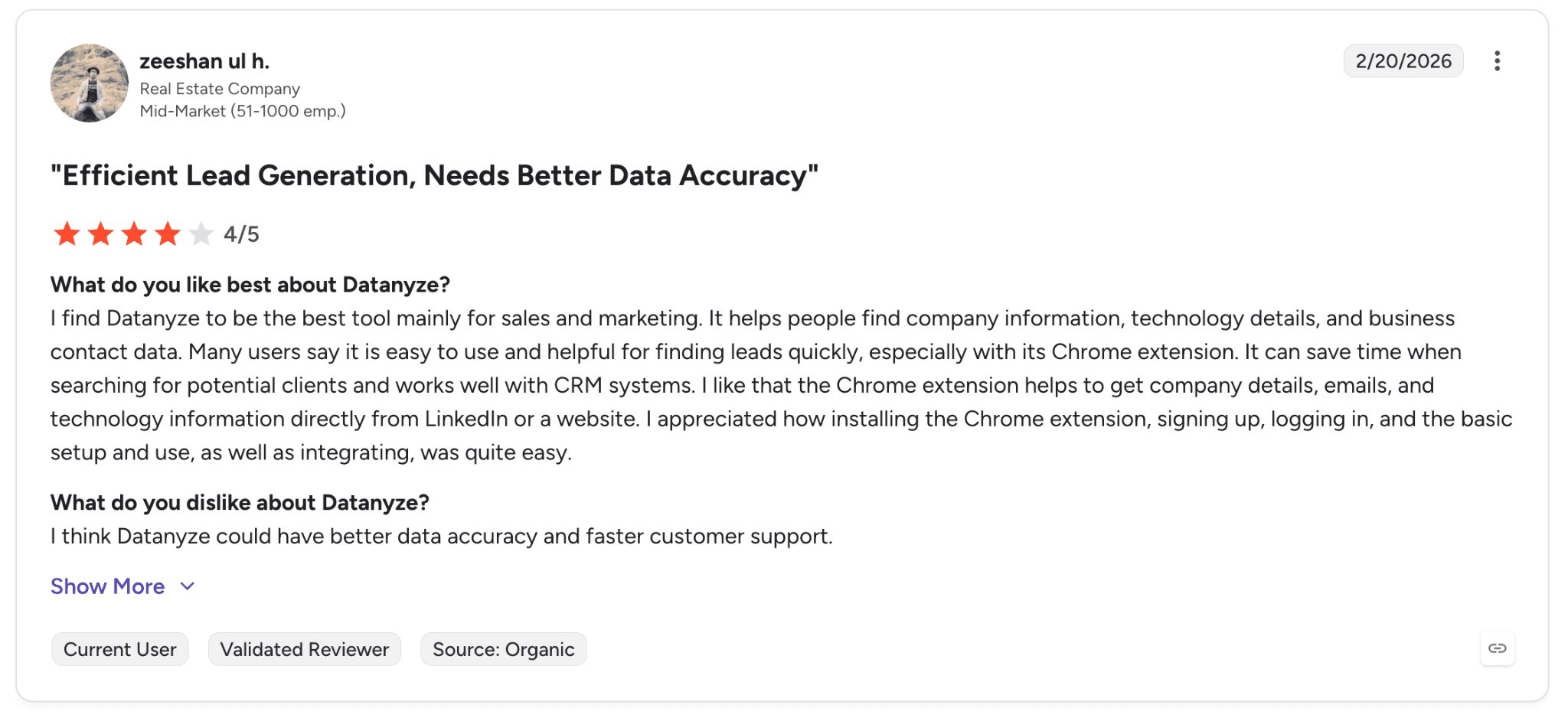
Pro: “It helps people find company information, technology details, and business contact data. Many users say it is easy to use and helpful for finding leads quickly, especially with its Chrome extension.” — zeeshan ul h., G2 Review (Feb 20, 2026)
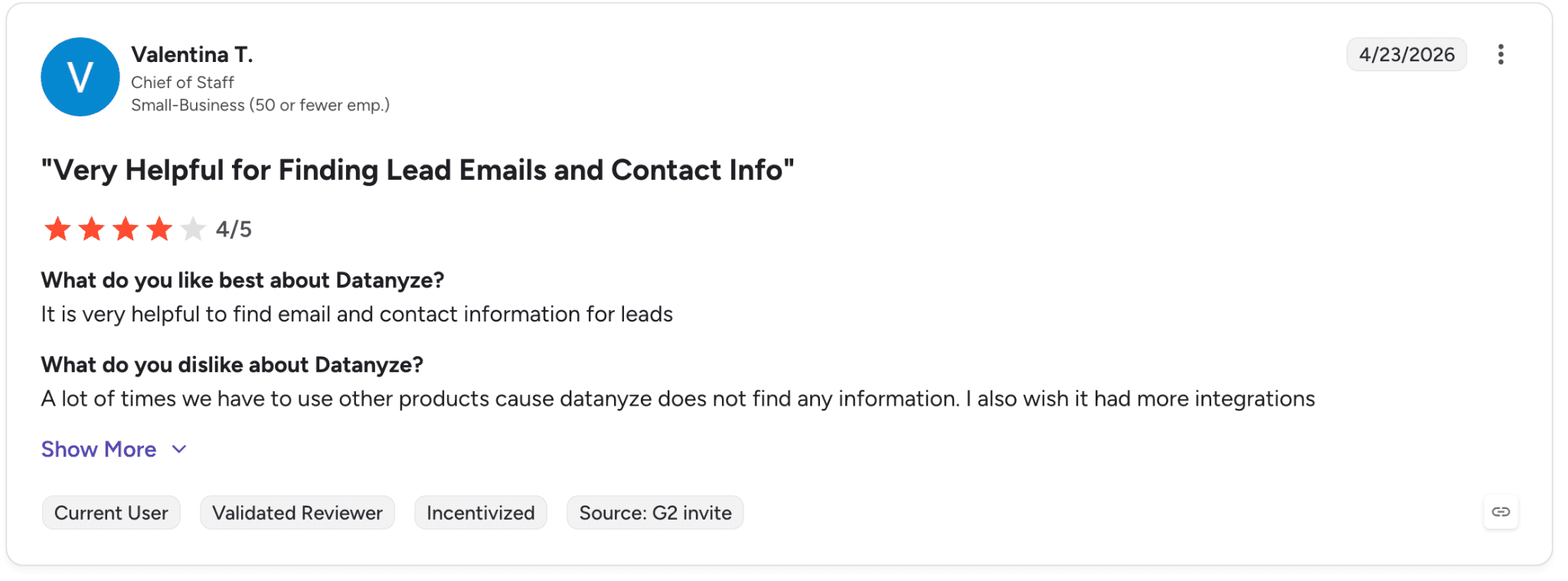
Con: “A lot of times we have to use other products cause datanyze does not find any information. I also wish it had more integrations.” — Valentina T., G2 Review (Apr 23, 2026)
Pricing
Nyze Lite: Free, 90-day trial, 10 credits/month
Nyze Pro 1: $29/mo monthly or $21/mo annual
Nyze Pro 2: $55/mo monthly or $39/mo annual
Bottom line
We’d recommend Datanyze to small SaaS and technology sales teams that rely on technographic targeting and need a low-cost entry point. For deeper data and broader workflows, Apollo or ZoomInfo scale much better.
17. SPOTIO: Best for outside sales and field teams
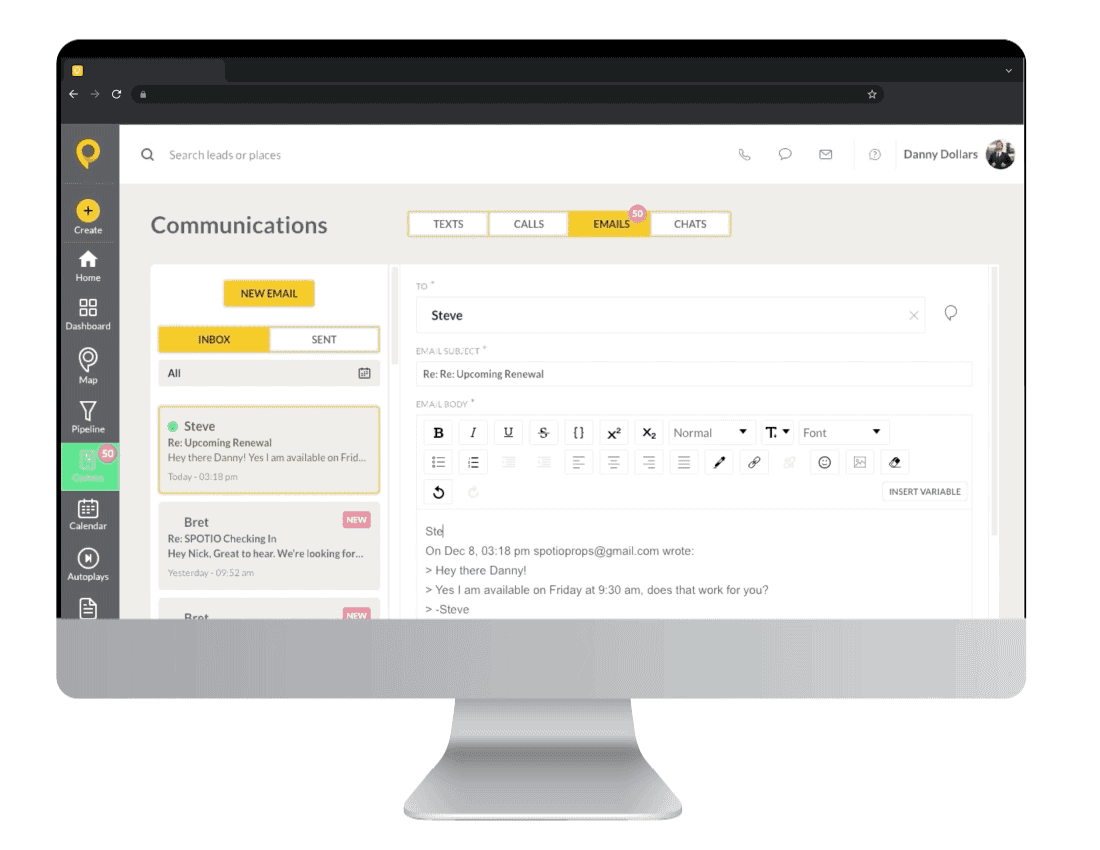
What it does: SPOTIO is a field-sales platform with territory management, route optimization, and a new DASH AI co-pilot for field reps.
Best for: Outside sales teams running door-to-door or territory-based field-sales motions.
When we tested SPOTIO, the route optimization and territory management tools were the clearest differentiators. For field reps, optimized routing can materially increase the number of daily visits.
SPOTIO also recently split its offering into dedicated B2B, B2C, and Custom plans, which makes positioning much clearer than the older one-size-fits-all structure.
Key features
DASH AI: AI-powered prep, follow-up, and activity capture for field reps
Territory management: Build and manage territories with custom permissions
Route optimization: Reduce drive time and maximize visit volume
Location verification: Confirm rep activity in the field
Add-ons: Lead Machine, Engagement Bundle, and E-Contracts
Pros and cons
✅ Pros | ❌ Cons |
Strong territory and route management for field sales | Minimum 5-user requirement |
DASH AI reduces admin and prep work | No public pricing |
Purpose-built for outside sales workflows | Limited value for inside sales teams |
What users say
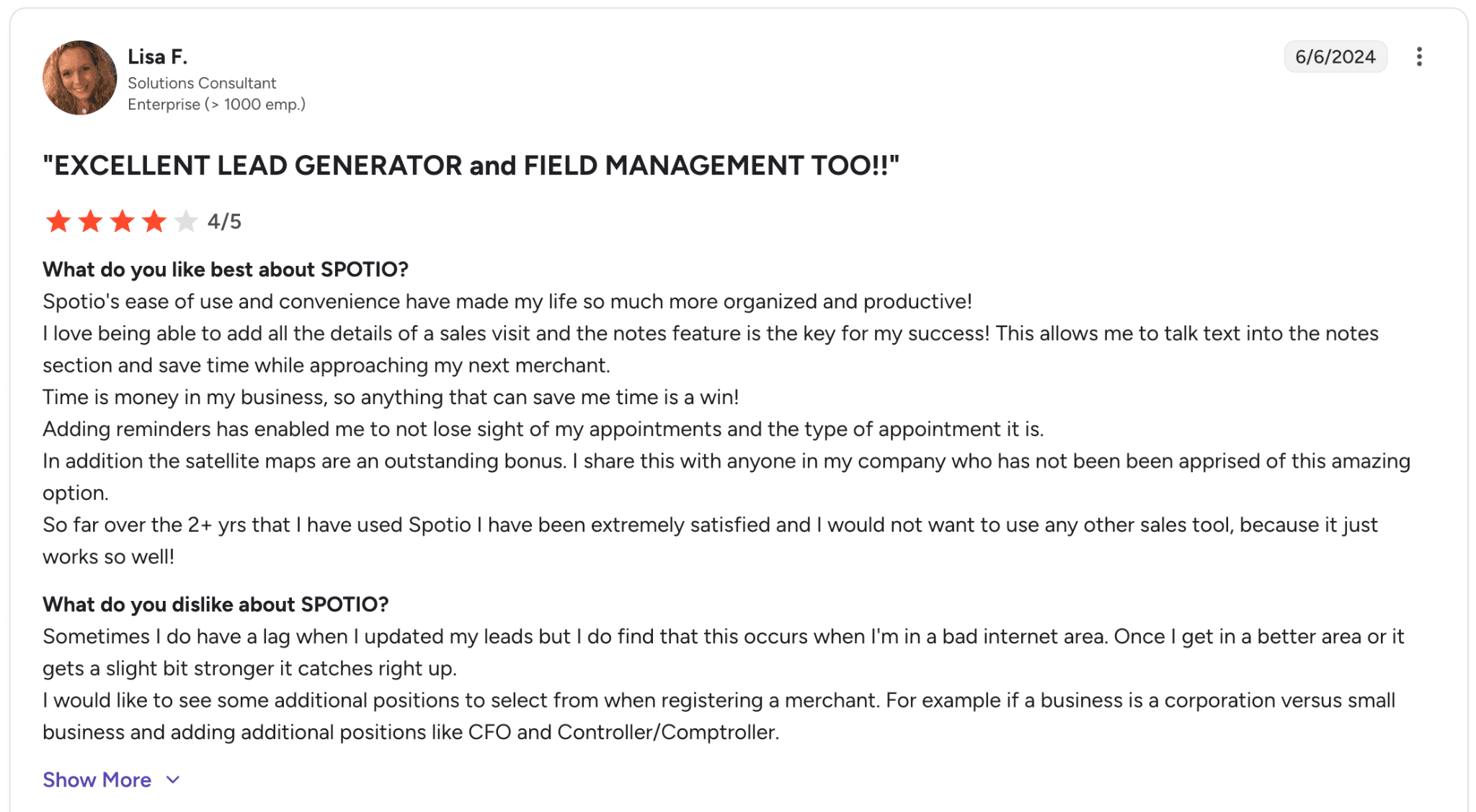
Pro: “Spotio's ease of use and convenience have made my life so much more organized and productive! I love being able to add all the details of a sales visit and the notes feature is the key for my success!” — Lisa F., G2 Review (Jun 6, 2024)
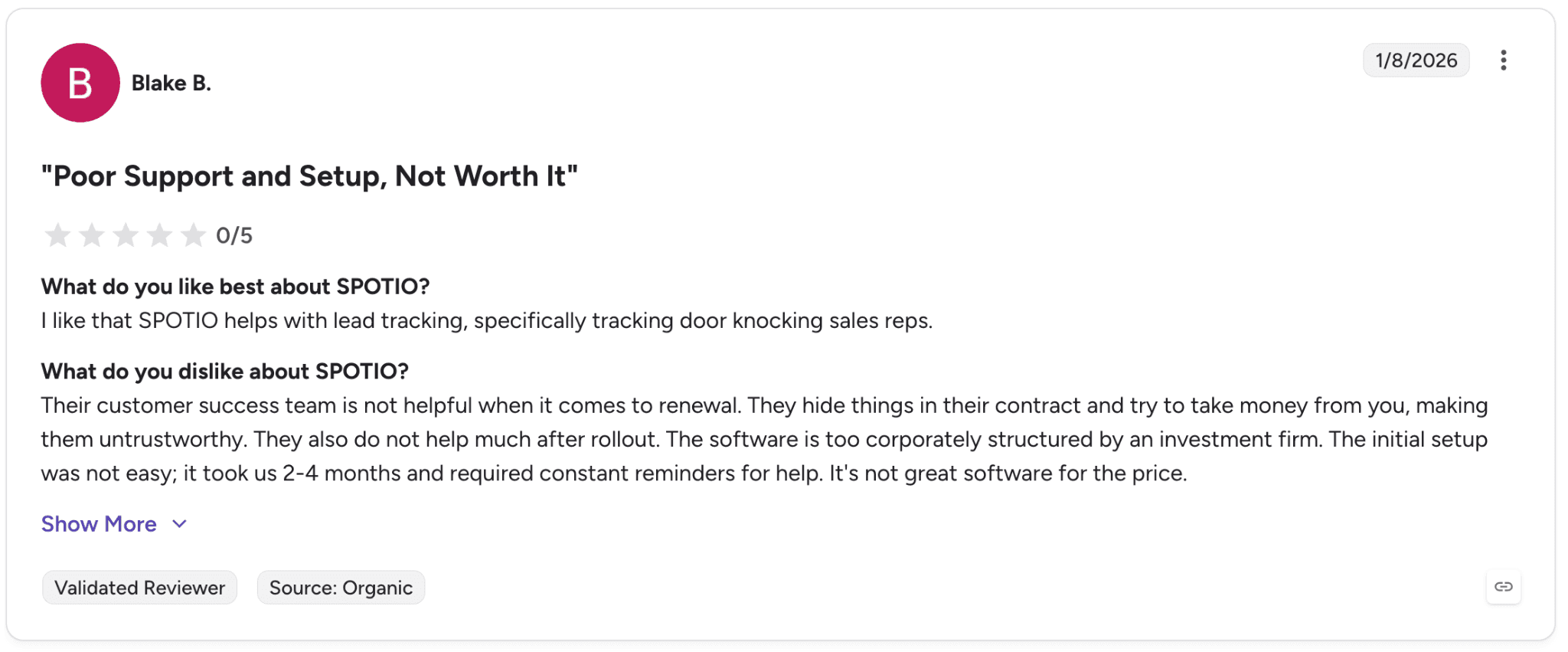
Con: “Their customer success team is not helpful when it comes to renewal. They hide things in their contract and try to take money from you, making them untrustworthy.” — Blake B., G2 Review (Jan 8, 2026)
Pricing
SPOTIO uses quote-based pricing with a minimum of five users. Plans include:
B2B Plan
B2C Plan
Custom Plan
Bottom line
We’d recommend SPOTIO to field-sales organizations that need serious territory and route-management capabilities. For inside-sales motions, most other tools on this list will be a better fit.
18. LeadIQ: Best for SDR teams using LinkedIn Sales Navigator
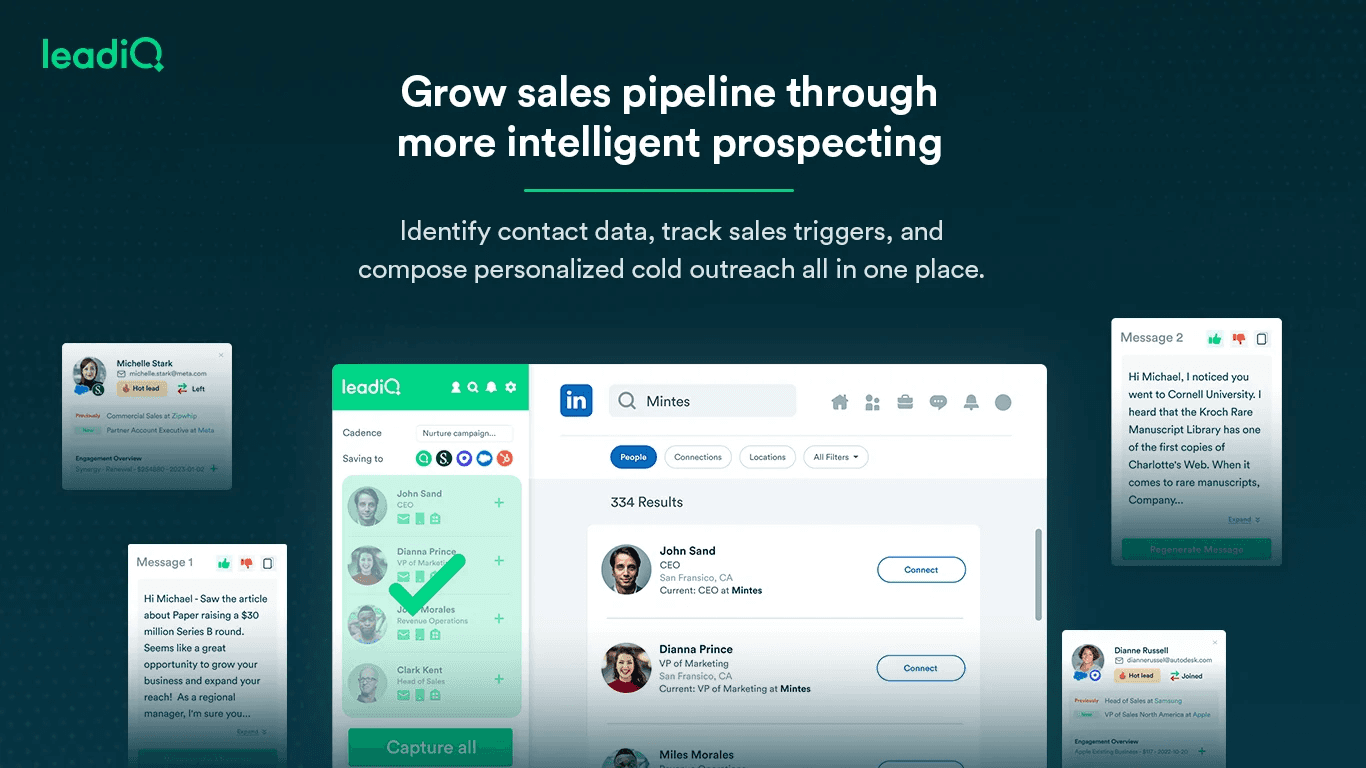
What it does: LeadIQ is a B2B prospecting platform built around one-click contact capture from LinkedIn Sales Navigator, with AI-assisted outreach automation through Lando AI.
Best for: SDR teams that spend most of their day inside LinkedIn Sales Navigator and want fast CRM syncing.
When we tested LeadIQ, the workflow speed was the strongest part of the experience. A single click captured contacts from Sales Navigator and synced them into Salesforce without manual entry.
The new Lando AI agent also helps close the loop by drafting personalized outreach automatically after contacts are captured.
Key features
One-click capture: Save contacts directly from LinkedIn Sales Navigator
Universal Credits: Shared credit pool across workflows
Lando AI: AI-generated outreach drafts
CRM integrations: Salesforce, HubSpot, Outreach, and Salesloft
Pros and cons
✅ Pros | ❌ Cons |
Extremely fast LinkedIn-to-CRM workflow | Phone-number accuracy trails larger competitors |
Universal Credits simplify usage tracking | International coverage is thinner |
Lando AI reduces manual outreach work | Free-tier credits disappear quickly |
What users say
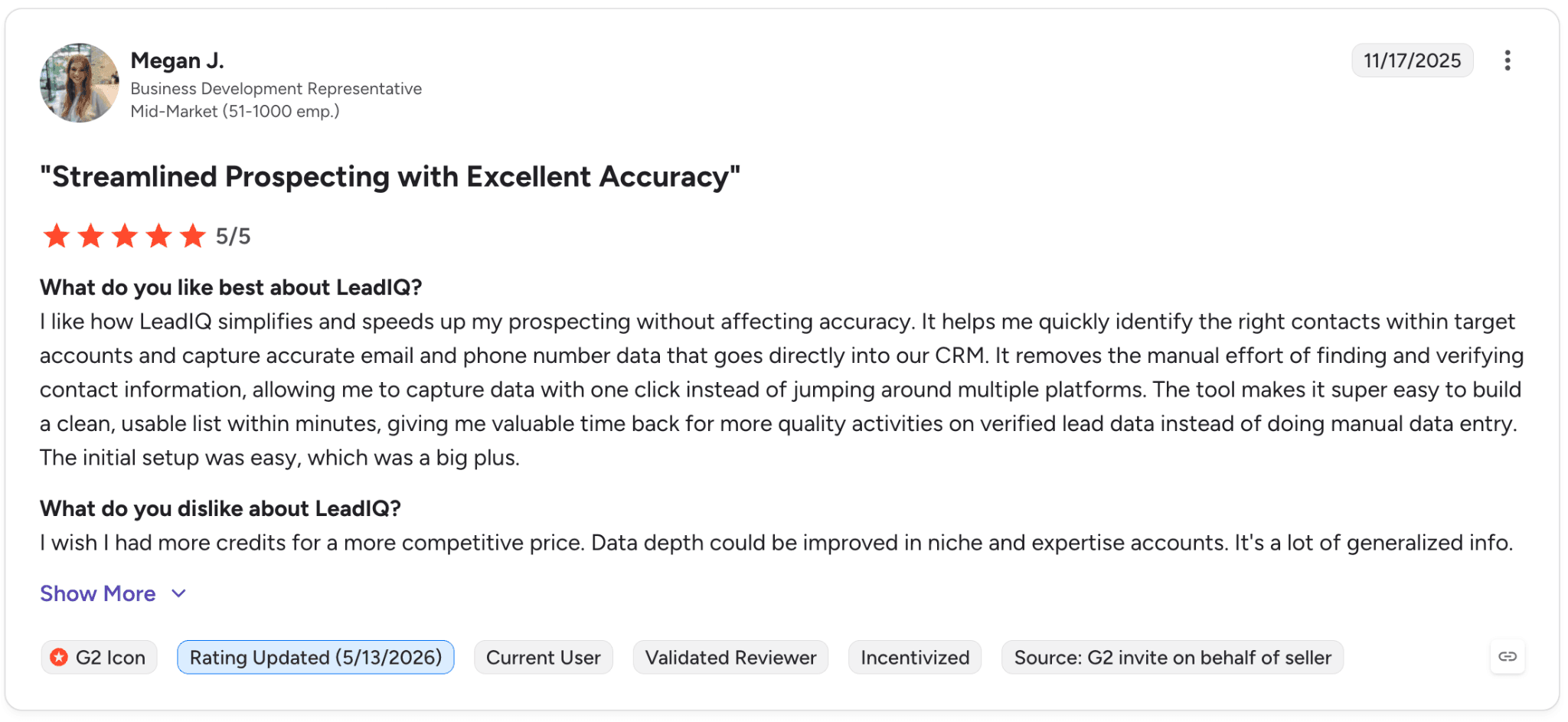
Pro: “It removes the manual effort of finding and verifying contact information, allowing me to capture data with one click instead of jumping around multiple platforms.” — Megan J., G2 Review (Nov 17, 2025)
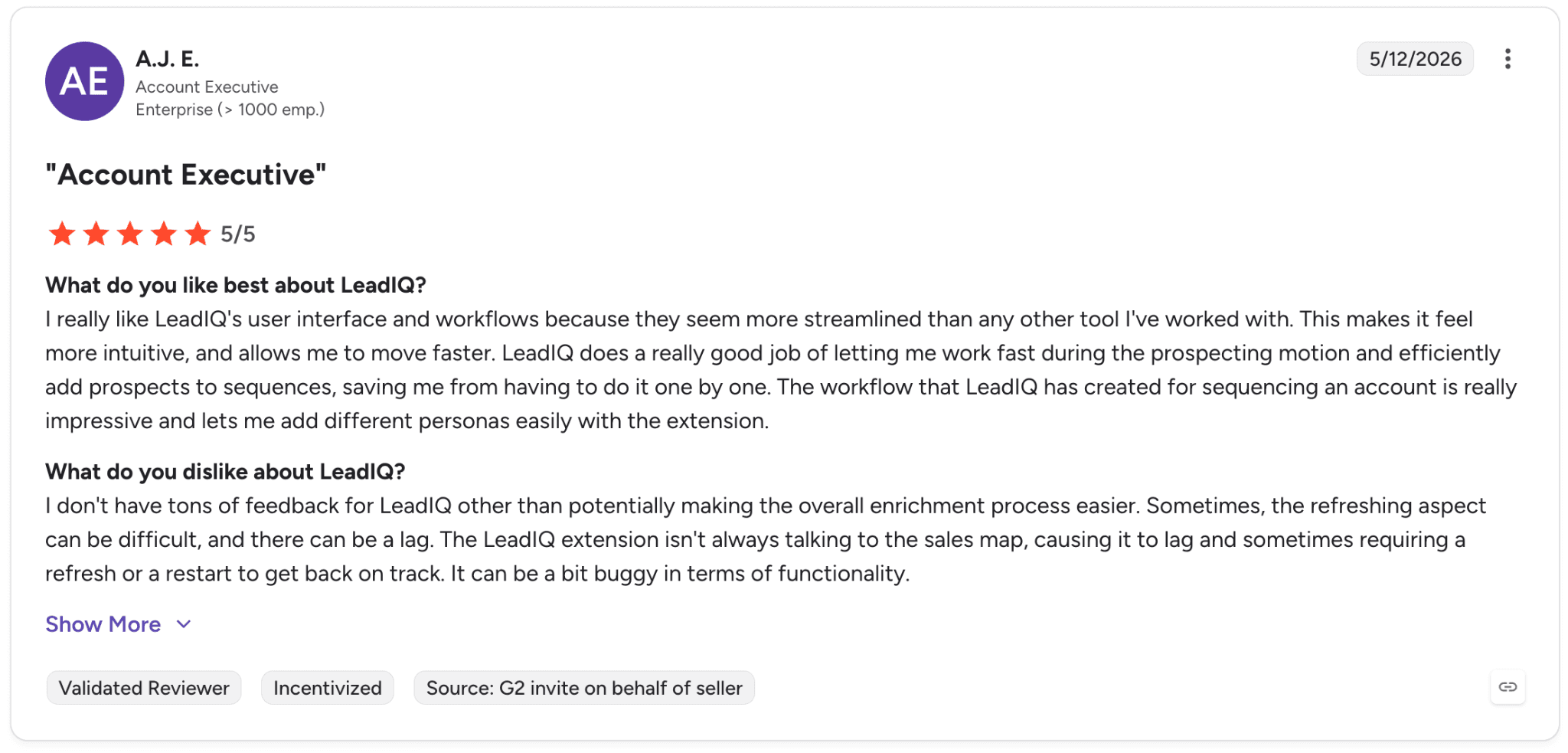
Con: “Sometimes, the refreshing aspect can be difficult, and there can be a lag. The LeadIQ extension isn't always talking to the sales map, causing it to lag and sometimes requiring a refresh or a restart to get back on track.” — A.J. E., G2 Review (May 12, 2026)
Pricing
LeadIQ offers a free plan with 50 credits for one user, while the Pro plan starts at $15/month for growing sales teams. Enterprise pricing is custom and includes advanced outbound prospecting and team management features.
Bottom line
We’d recommend LeadIQ to SDR teams heavily centered around LinkedIn Sales Navigator workflows. For teams that work more directly inside CRM or sequencing platforms, Apollo usually provides a more integrated workflow.
19. Crystal: Best for sales teams personalizing cold outreach
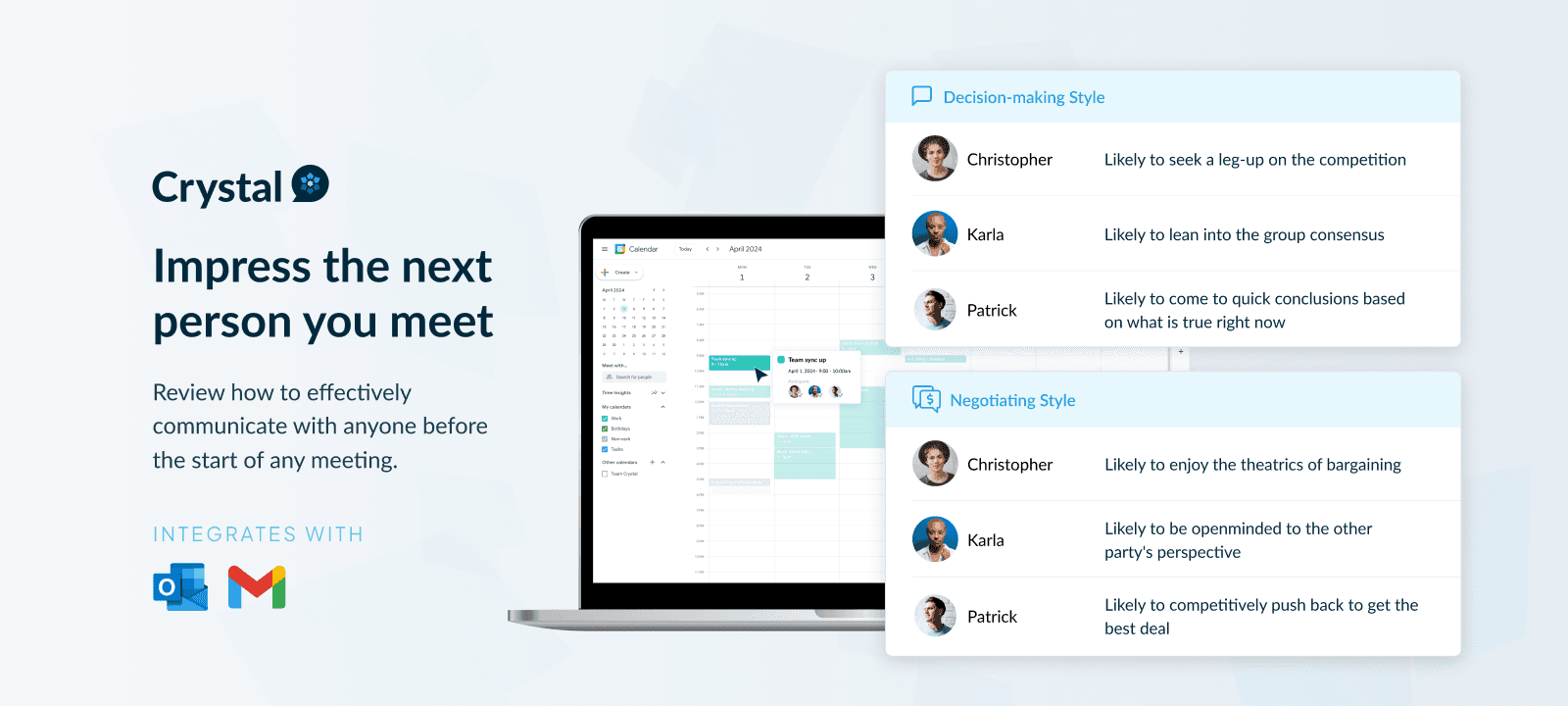
What it does: Crystal uses the DISC personality framework to generate personality profiles from public data, helping reps tailor outreach and call preparation.
Best for: Sales teams personalizing outreach and preparing for high-stakes conversations.
When we tested Crystal, the DISC-based call prep was surprisingly useful. Knowing whether a prospect leaned toward “Driver” or “Influencer” behavior changed how calls opened and how outreach was framed.
Key features
DISC personality assessments
Personality predictions from public data
Personalized learning paths
CRM integrations: Salesforce and HubSpot
Pros and cons
✅ Pros | ❌ Cons |
Affordable pricing for individual users | Prediction quality varies when public data is limited |
Unique positioning compared to standard prospecting tools | Team pricing is quote-based |
Strong free assessment tools | DISC is not universally accepted as predictive |
What users say
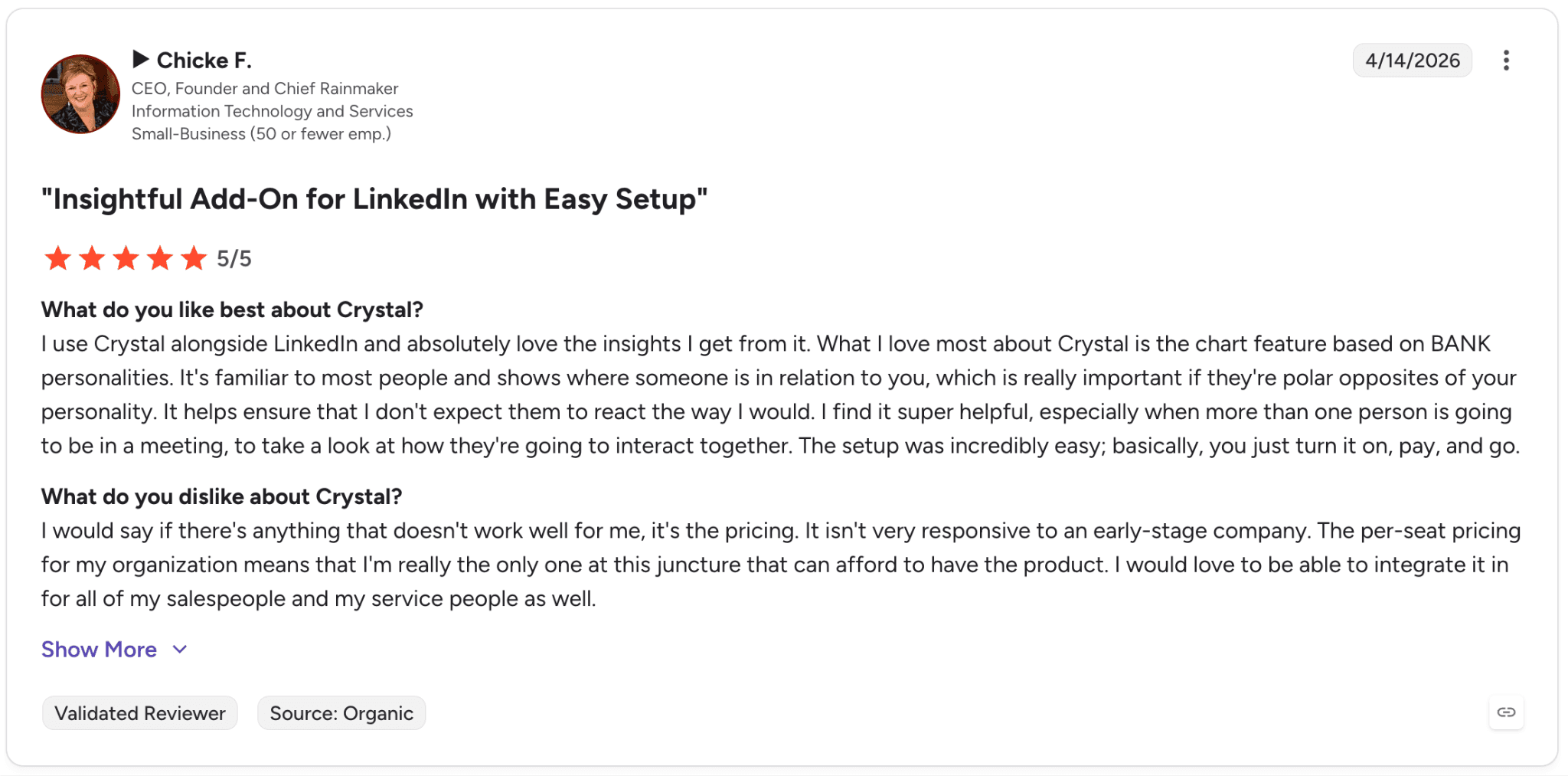
Pro: “What I love most about Crystal is the chart feature based on BANK personalities. It's familiar to most people and shows where someone is in relation to you, which is really important if they're polar opposites of your personality.” — Chicke F., G2 Review (Apr 14, 2026)
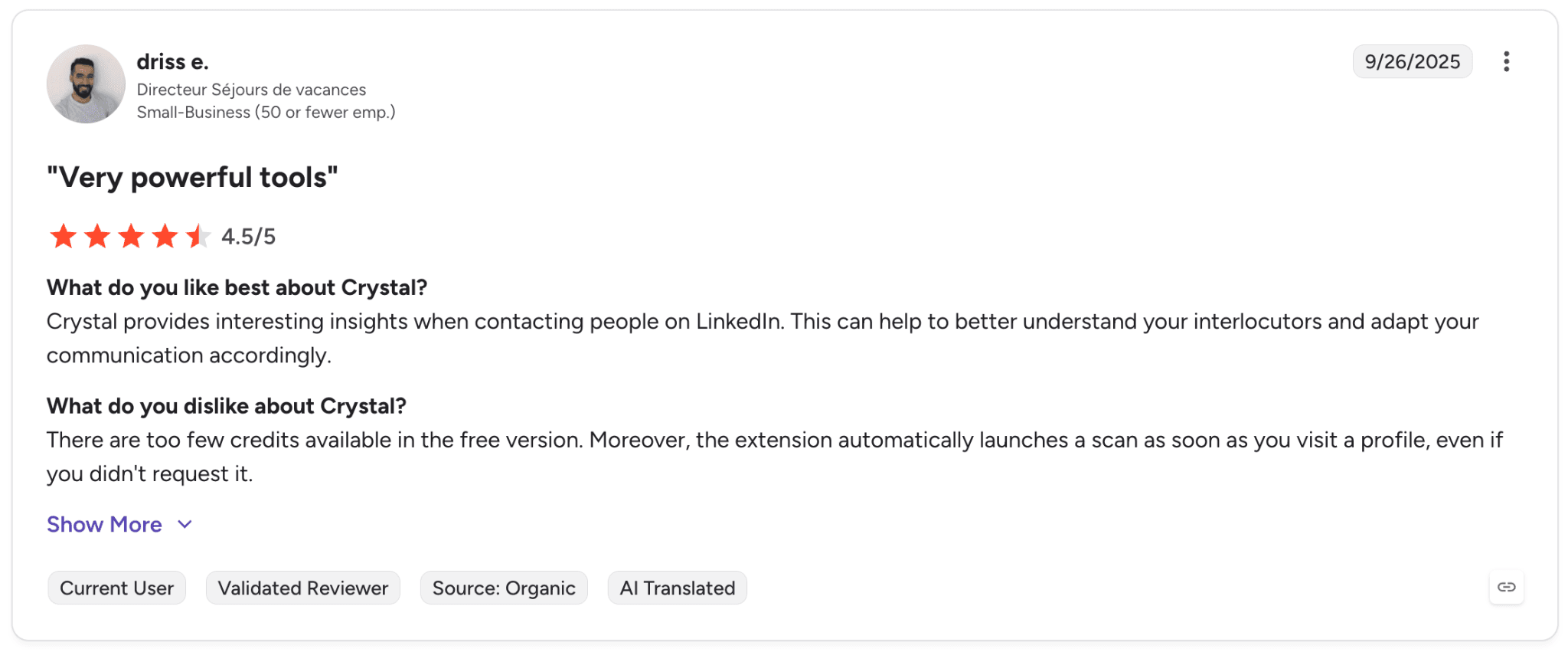
Con: “There are too few credits available in the free version. Moreover, the extension automatically launches a scan as soon as you visit a profile, even if you didn't request it.” — driss e., G2 Review (Sep 26, 2025)
Pricing
Individual Free: $0 forever with a free personality assessment and basic personality profile
Individual Premium: $49/year billed annually with deeper personality insights, downloadable reports, and personalized learning paths
Teams: $83/month billed annually for up to 10 team members with coworker profiles and collaboration tools
Hiring Professional: $200/month billed annually with 1 hiring seat and up to 10 active jobs
Sales Premium: $49/month billed annually with personality predictions and LinkedIn Chrome extension access
Business plans: Custom pricing for organizations needing advanced reports, unlimited users, hiring workflows, or sales personalization at scale
Bottom line
We’d recommend Crystal to sales teams focused on personalized outreach and relationship-driven sales cycles. For pure volume outbound, the added layer is usually unnecessary.
20. Vainu: Best for Nordic B2B prospecting teams
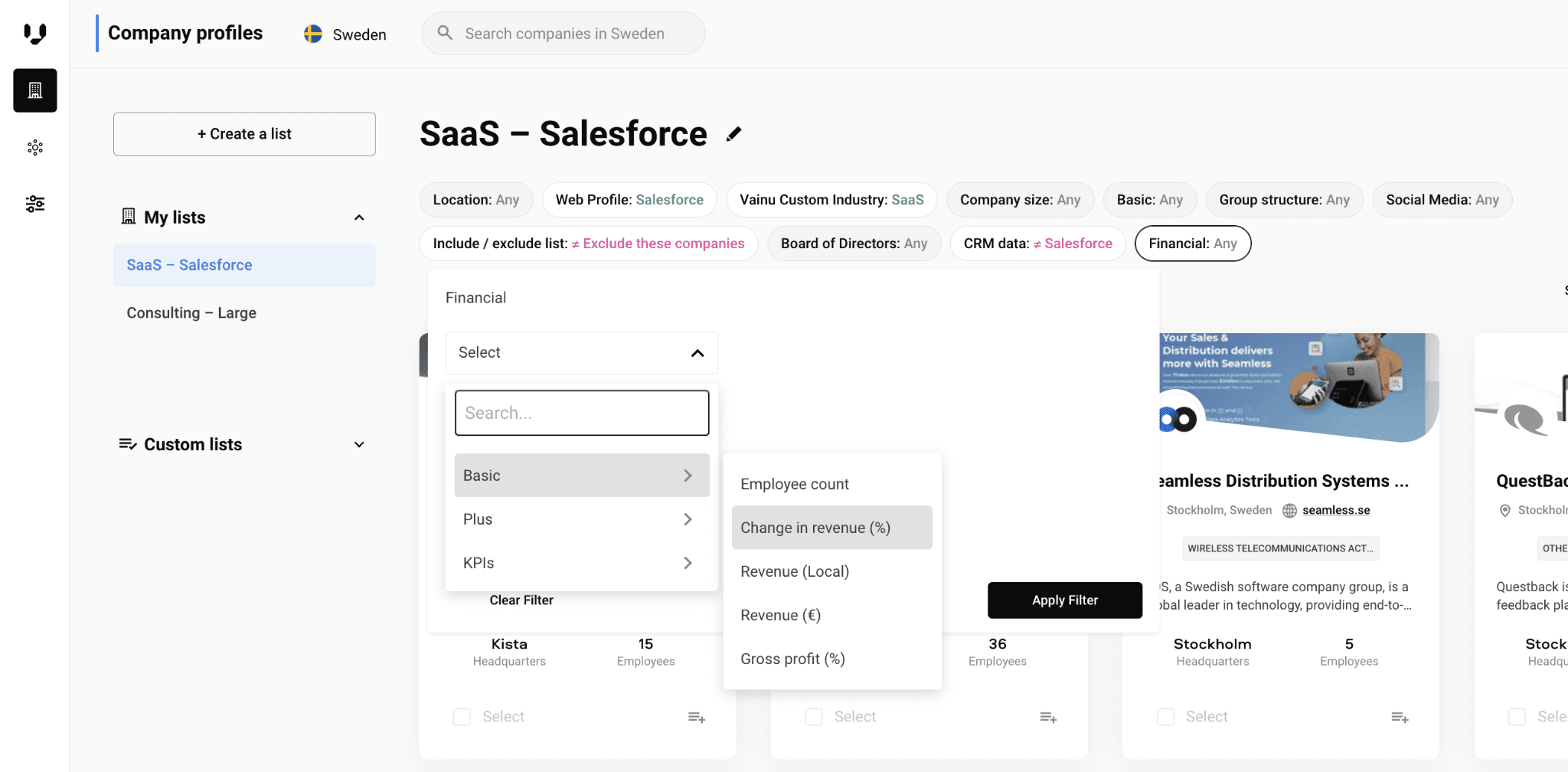
What it does: Vainu is a Nordic-focused B2B prospecting platform with deep company data across Denmark, Finland, Norway, and Sweden.
Best for: Sales teams selling primarily into Nordic markets that need strong regional company intelligence.
When we tested Vainu, the Nordic company depth stood out immediately. Financial filters, ownership structures, and regional company data were consistently stronger than what we saw from global platforms in those markets.
Key features
Nordic company coverage: Deep databases across Denmark, Finland, Norway, and Sweden
Custom industry taxonomy
Group structure filtering
CRM integrations: Salesforce, HubSpot, Dynamics, and Pipedrive
Pros and cons
✅ Pros | ❌ Cons |
Transparent pricing | Coverage outside the Nordics is less competitive |
Deep Nordic company intelligence | 12-month auto-renewing contracts |
Strong CRM enrichment workflows | Onboarding fees apply on multiple plans |
What users say
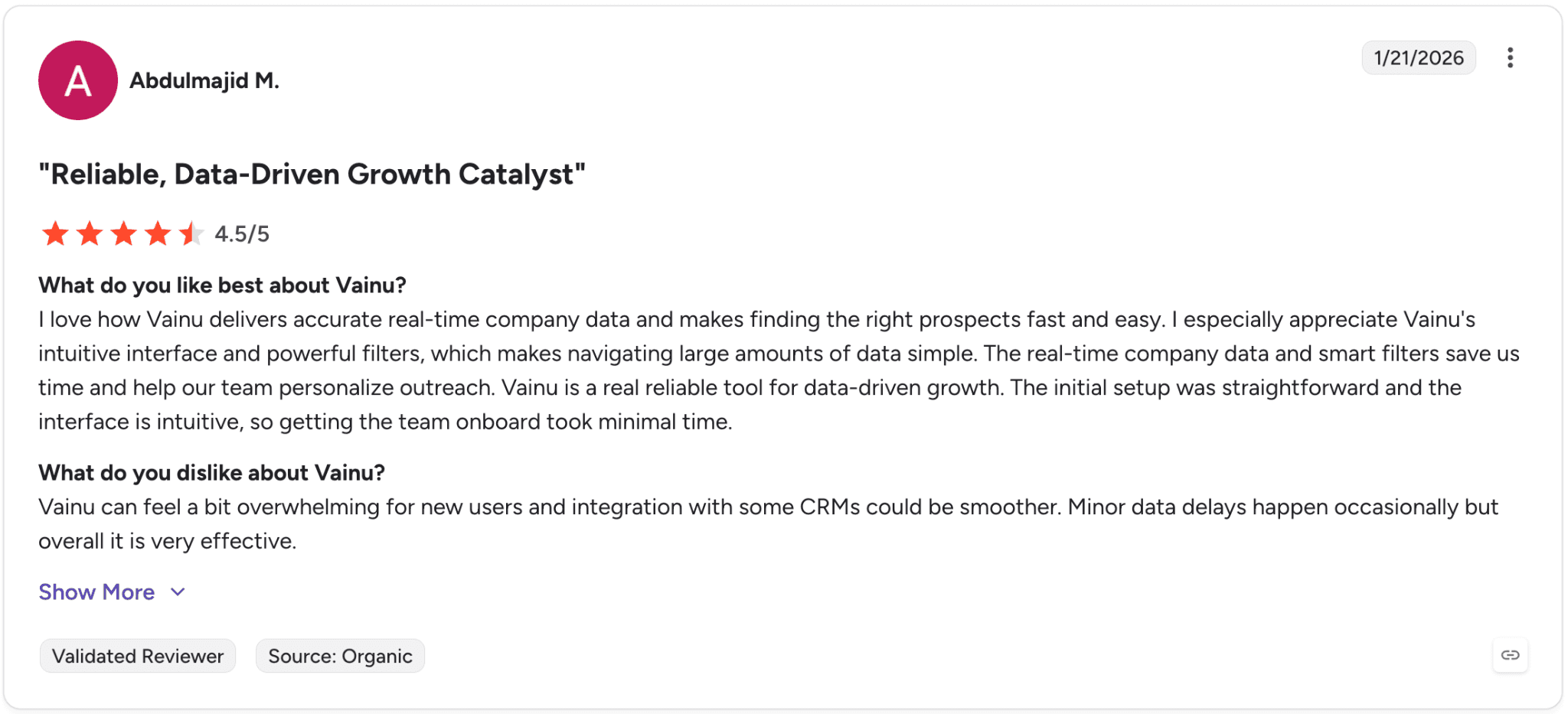
Pro: “I love how Vainu delivers accurate real-time company data and makes finding the right prospects fast and easy. I especially appreciate Vainu's intuitive interface and powerful filters, which makes navigating large amounts of data simple.” — Abdulmajid M., G2 Review (Jan 21, 2026)
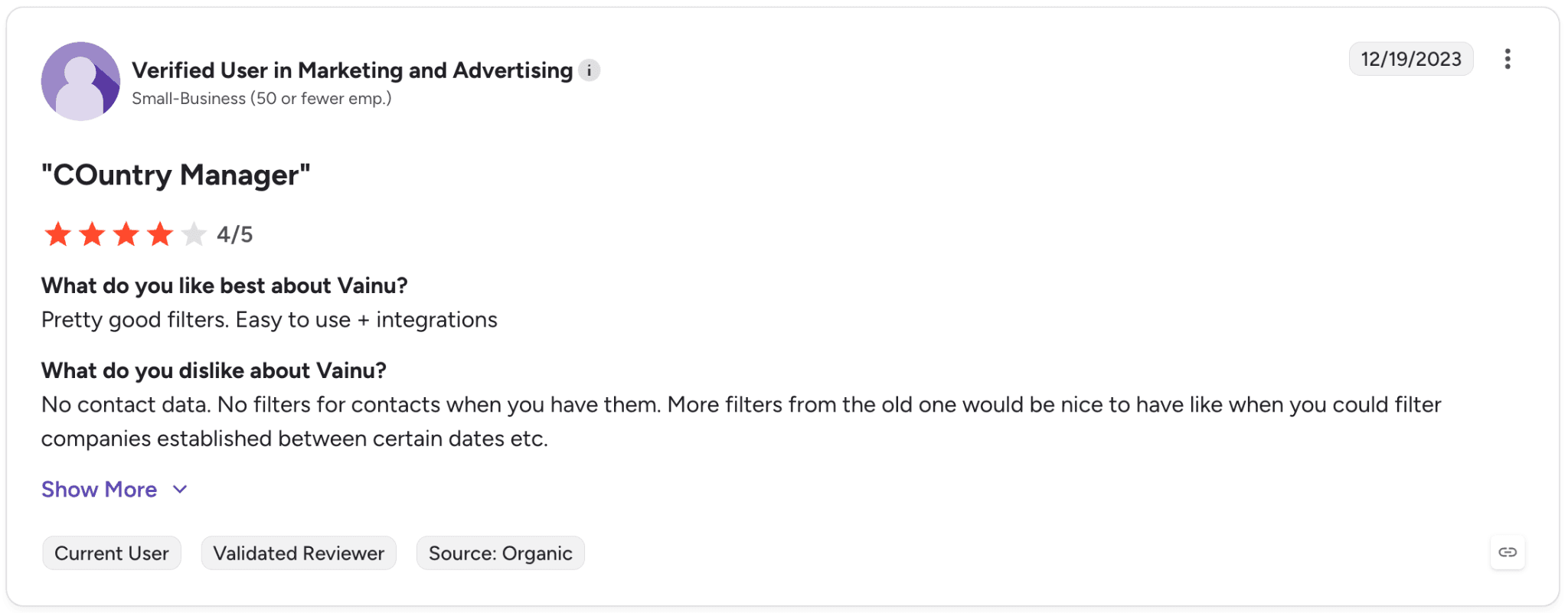
Con: “No contact data. No filters for contacts when you have them. More filters from the old one would be nice to have like when you could filter companies established between certain dates etc.” — Verified User in Marketing and Advertising, G2 Review (Dec 19, 2023)
Pricing
Vainu does not list public pricing on its website. Businesses need to contact sales or start a free trial to get custom pricing based on data access, prospecting needs, and CRM integrations.
Bottom line
We’d recommend Vainu to B2B teams selling primarily into Nordic markets that need regional company intelligence. For broader European or global coverage, Cognism or ZoomInfo are usually stronger options.
Which sales intelligence tool should you choose?
The right sales intelligence platform depends on your sales process, team size, and goals. Each tool fits a different type of organization and selling style.
Choose ZoomInfo if you: Lead an enterprise sales organization with serious ABM budget and need the deepest verified B2B database, particularly in North America.
Choose Apollo.io if you: Run a startup or small sales team and want prospecting + outreach + dialing in one affordable platform under $80/seat/mo.
Choose Cognism if you: Rely heavily on cold calling, sell across Europe with GDPR compliance needs, or want public pricing in a category where opacity is the norm.
Choose Lead411 if you: Do high-volume prospecting and need unlimited data access without per-credit caps.
Choose Lusha if you: Work as a solo seller or run a small mid-market team that prospects primarily through LinkedIn.
Choose Kaspr if you: Prospect in European markets and want unlimited B2B email reveals at a low entry price.
Choose 6sense if you: Run enterprise ABM campaigns with long sales cycles and need predictive analytics to identify in-market accounts.
Choose Seamless.AI if you: Run high-volume SDR teams doing cold outreach and want real-time contact data plus the new Connect outreach product.
Choose Leadfeeder if you: Have meaningful inbound website traffic and want to turn anonymous visitors into prioritized leads.
Choose D&B Hoovers if you: Sell complex solutions to large enterprise accounts and need corporate family trees + SmartSearch AI.
Choose HubSpot Sales Hub if you: Need CRM and sales tools unified in one platform with built-in Breeze AI agents.
Choose Bombora if you: Run dedicated ABM programs and want vendor-neutral intent data to feed your existing stack.
Choose UpLead if you: Need verified contact data with monthly billing and no contract commitment.
Choose Hunter if you: Work as a solo seller or small team with primarily email-driven outreach motions.
Choose Demandbase if you: Run enterprise ABM with $50K+ annual budget and need predictive scoring + native ad spend.
Choose Datanyze if you: Sell tech or SaaS products based on competitor software usage and need affordable technographic data.
Choose SPOTIO if you: Run outside sales (door-to-door or territory-based B2B field sales).
Choose LeadIQ if you: Live in LinkedIn Sales Navigator for prospecting and need one-click contact capture syncing to CRM.
Choose Crystal if you: Personalize outreach based on personality types and prepare for high-stakes calls.
Choose Vainu if you: Prospect primarily in Nordic markets and need transparent pricing.
Avoid sales intelligence tools entirely if you: Sell through existing relationships or warm referrals, work in industries where every sale is unique and not repeatable, or operate where public contact data is unavailable.
Final verdict
After testing all 20, our top pick across the board is ZoomInfo for teams with the budget and the need for serious data depth, integration breadth, and predictive AI.
Apollo.io is the honest choice for everyone else, it gets you roughly 80% of what ZoomInfo offers at a fraction of the cost, with a much faster path to value. Whichever you pick, remember these tools find the right prospects.
The conversation-intelligence layer (covered next) is what turns those prospects into closed deals.
How sales intelligence tools and Alpharun work together
Sales intelligence platforms help you find the right people. Alpharun's AI sales coaching platform helps you say the right things once you’re on the call.
Here’s how they complement each other:
🔍 Sales intelligence tool use | 🤝 Alpharun complementary function |
|---|---|
Build prospect lists | Analyzes conversion rates on those leads |
Segment verticals or regions | Tailors rep coaching per market |
Track outreach volume | Scores call quality, ensures compliance |
Integrate with CRM | Syncs conversations for quality assurance, reporting |
Identify best prospects | Optimizes talk tracks for fast closes |
Example workflow
Use sales intelligence tools to identify and prioritize ideal leads based on intent data, firmographics, and buying signals. Import leads or sync pipelines with Alpharun to track every conversation, score rep performance, and tailor feedback to specific prospect profiles.
Dashboards give managers visibility into how reps are converting leads from each source, so talk tracks and best practices can be adjusted quickly.
Here’s how Alpharun complements your sales intelligence platform:
Reviews your actual sales calls to uncover winning behaviors and patterns
Builds AI playbooks from your best conversations, not generic coaching materials
Provides sentence-level coaching so every rep knows exactly what to say and when
Helps managers identify who needs coaching and where it will have the most impact
Protects customer data with HIPAA and SOC 2 compliance for regulated industries
Alpharun turns your team’s best moments into repeatable success. Book your demo to see how your best calls become your next playbook.
Frequently asked questions
What is the best sales intelligence tool for small teams?
Apollo.io is the best sales intelligence tool for most small teams because it combines prospecting, sequencing, and dialing in one affordable platform. Its free tier and low entry pricing make it easy for startups and lean SDR teams to get started without a large upfront commitment.
How do sales intelligence tools work with conversation intelligence platforms like Alpharun?
Sales intelligence tools help teams find and contact the right prospects using contact data, firmographics, and buying signals.
Conversation intelligence platforms like Alpharun analyze the actual sales calls afterward to identify winning talk tracks, coaching opportunities, and conversion patterns. Together, they help teams improve both targeting and sales execution. (Also, see our AI Sales Role-Play & Training Software page).
Do sales intelligence tools integrate with CRM systems?
Yes. Most sales intelligence tools integrate directly with CRMs like Salesforce, HubSpot, Microsoft Dynamics, and Pipedrive. Many also connect with sales-engagement platforms such as Outreach and Salesloft to sync prospect data automatically.
What’s the difference between sales intelligence and conversation intelligence?
The main difference between sales intelligence and conversation intelligence is that sales intelligence helps teams identify prospects, while conversation intelligence helps teams improve sales conversations.
Sales intelligence focuses on contact data and buyer intent; conversation intelligence focuses on call analysis, coaching, and rep performance.
Which sales intelligence tool is best for LinkedIn prospecting?
Lusha, Kaspr, and LeadIQ are some of the best sales intelligence tools for LinkedIn prospecting because they offer fast Chrome-extension workflows and direct integrations with LinkedIn Sales Navigator. LeadIQ is especially strong for SDR teams syncing contacts directly into CRM systems.