
Your reps made 4,000 calls last month. You listened to maybe 12.
Most dialers record calls. Few help you learn from them at the volume at which a busy sales floor runs. The best calls stay locked in your top rep's head, the coachable moments scroll past unreviewed, and the manager spot-checks a handful on Friday and calls it coaching.
Sales call analysis software is supposed to fix that. This roundup compares eight of them the way a sales leader buys: how deep the analysis goes, whether it scores every call or just samples, how the coaching reaches the rep, how it plugs into your CRM and dialer, and what it costs.
Here's which tools hold up, which are something else wearing an analysis badge, and how to pick the one that fits your team.
The 8 best sales call analysis software tools, ranked
Here's the short version. Each pick gets a full breakdown further down, honest cons included.
Alpharun: Best for high-volume inside-sales and call center teams
Gong: Best for enterprise revenue intelligence
Chorus by ZoomInfo: Best for teams already living in the ZoomInfo ecosystem
Avoma: Best for an all-in-one meeting and call assistant on a budget
Jiminny: Best for coaching-focused mid-market teams
Fireflies.ai: Best for lightweight, low-cost transcription and analysis
Salesloft: Best for analysis inside a sales engagement platform
Outreach: Best for sales execution plus conversation intelligence
What is sales call analysis software?
Sales call analysis software records your sales calls, transcribes them, and then does the part that changes behavior: it scores each call, pulls out the moments worth coaching, and turns thousands of conversations into something a manager can act on.
Think talk-to-listen ratios, objection handling, how reps run discovery, sentiment when the price comes up, whether required disclosures got read, and where deals start to wobble. Good tools tie every insight back to the exact second it happened in the call, so feedback points to the exact moment: "Here's where you talked past the buying signal."
The payoff is simple. Managers can't listen to every call, so without software, the coaching that would lift the middle of the team toward your top performers never reaches them.
Sales call analysis vs. call recording
This trips up a lot of buyers, so it's worth drawing the line clearly.
Call recording captures and stores the conversation, giving you an audio file and maybe a transcript, which is useful for disputes, training, and compliance archives. If that's all you need, a good sales call recording tool will do the job for less money.
Sales call analysis is what you do with the recording. It scores the call, surfaces patterns across your whole team, and feeds a coaching workflow. Recording is the camera. Analysis is the coach reviewing the game film and telling each player what to fix.
Most platforms on this list do both. A few of them, as you'll see, are recording or engagement tools that bolted analysis on later, and it shows. The ones worth paying for are built around scoring every call.
How these tools were evaluated
Each tool was judged on how it handles real call volume, using vendor documentation, pricing pages, and user reviews.
Each platform was judged on the same five things:
Analysis depth: Does it score calls against your criteria, or just transcribe and summarize?
Coverage: Does it score every call, or sample a slice and call it QA?
Coaching workflow: How do insights actually reach the rep, and how fast?
Integrations: Does it connect to your CRM (Salesforce, HubSpot) and dialer (Five9, Genesys)?
Pricing and fit: What it costs and which team size and sales motion it suits.
Pricing comes from official vendor pages, and user sentiment comes from public review sites. Prices were current as of October 2026. Vendors change tiers often, so confirm before you buy.
1. Alpharun: Best for high-volume inside-sales and call center teams
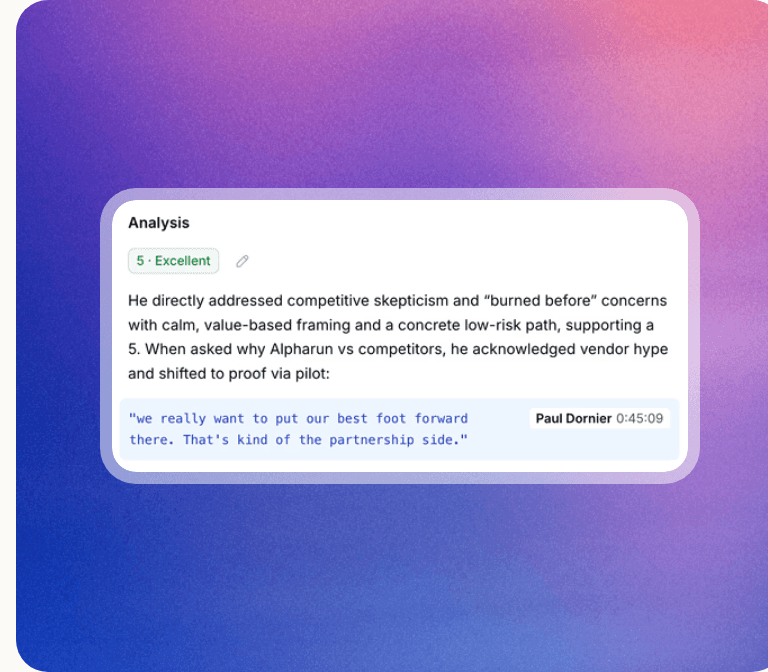
Alpharun's call analysis, rating how a rep handled a skeptical buyer and quoting the line from the call.
Yes, Alpharun made its own list. Here's the honest version, held to the same bar as every other tool.
Alpharun is built for one job: making every rep on a busy sales floor perform more like your best one. It ingests your winning calls and training docs and builds a playbook from what your top reps do. Then it scores every call against that playbook.
Best for: High-volume, regulated B2C phone teams (Medicare, life insurance, and mortgage) with 20 or more agents who need to coach at a scale no manager can hit by hand. It works with Medicare brokerages like Chapter, whose advisors handle hundreds of thousands of calls during the Annual Enrollment Period (AEP).
What it does well:
Scores 100% of calls against your custom playbook, including compliance steps like required disclosures
Turns top-rep behavior into a repeatable playbook every rep can follow
Coaches reps right after the call with sentence-level feedback, then tracks their coaching goal on the next calls
Ramps new reps with AI role-plays built from your real calls
Connects to Five9 and Genesys, and carries SOC 2 Type 2, HIPAA, and GDPR
Pros | Cons |
|---|---|
Managers coach more people (Chapter's sales manager says 4x as many) | No public pricing; you have to book a demo |
Coaching tied to the specific moment in the call | Purpose-built for high-volume B2C, so complex B2B is a weaker fit |
AI playbook setup takes two weeks on average | Newer vendor with a narrower integration catalog than legacy CCaaS |
What users say: Alpharun is new enough that it doesn't yet have a meaningful G2 or Capterra review base, so there's no independent star rating to point to (a fair knock worth naming). Its published results come from customer case studies. Thomas Pruitt, a senior sales manager at Chapter, says: "I'm able to coach 4x as many people as I used to."
Pricing: Not published. You book a demo and get a quote based on your team.
Bottom line: If your bottleneck is coaching volume (too many calls, too few managers), Alpharun is built for that exact problem. If you're a 10-person B2B team, it's more than you need.
Book a demo to see how it scores your calls.
2. Gong: Best for enterprise revenue intelligence

The Gong homepage, headlined "Revenue AI built to automate handoffs," with an AI Builder preview creating a battlecard from recent calls.
Gong is the name most people picture when they hear "conversation intelligence," and it earned that spot. It records and transcribes calls, builds a searchable library you can query like a search engine, and layers deal and forecast intelligence on top.
Best for: Larger revenue orgs that want calls, deals, and pipeline in one platform and have the budget to match.
What it does well: Reliable transcription gives managers an accurate record to coach from; AI call summaries hand reps their next steps; coaching signals like talk-to-listen ratio and missed topics show where each rep needs work; deal scoring shows which deals need attention; and hundreds of integrations, including Salesforce, Microsoft Dynamics, and Five9, keep call data where the team already works.
Pros | Cons |
|---|---|
Deep, accurate call analysis and search | Expensive, with a platform fee on top of seats |
Strong deal and forecast intelligence | Complex onboarding and a real learning curve |
Huge integration catalog | Built-in coaching signals are generic until an admin sets up custom scorecards |
What users say: Gong holds a 4.7 out of 5 across more than 6,700 G2 reviews. One reviewer calls the transcription and chatbot "one of the few good use cases for AI." A critical one flags "high cost... and the onboarding process is complex, with high adoption costs."
Pricing: Gong doesn't publish prices. It confirms the structure (per-user licenses plus a platform fee based on how many users you have), so expect a quote sized for enterprise budgets.
Bottom line: The safe enterprise pick if you want the full revenue platform. If all you need is call coaching, you'll pay for a lot you won't use. Worth scanning other options in this category if the price tag stings.
The 8 best sales call analysis tools at a glance
A few of these publish real per-seat pricing. Most make you talk to sales, which tells you something about who they're built for. The rest of the breakdowns follow the table.
Tool | Best for | Core analysis | CRM and other integrations | Starting price |
|---|---|---|---|---|
Alpharun | High-volume inside sales and call centers | Scores every call vs. your playbook, post-call coaching, AI role-play | Five9, Genesys | |
Gong | Enterprise revenue intelligence | Conversation intelligence, deal and forecast insight | Salesforce, Dynamics, Five9 | |
Chorus by ZoomInfo | ZoomInfo-ecosystem teams | Call analytics, objection and competitor tracking | Salesforce, Zoom, Teams | |
Avoma | All-in-one assistant on a budget | AI notes, call scoring, custom scorecards | Salesforce, HubSpot, dialers | |
Jiminny | Coaching-focused mid-market | Conversation intelligence, coaching, deal insight | Salesforce, HubSpot | |
Fireflies.ai | Lightweight, low-cost transcription | Transcription, trackers, talk-time analytics | 40+ apps, CRMs | |
Salesloft | Analysis inside an engagement platform | Conversation intelligence (licensed separately), dialer, cadences | Salesforce, HubSpot | |
Outreach | Execution plus conversation intelligence | Kaia notes and cue cards, deal insight | Salesforce, HubSpot, Dynamics |
3. Chorus by ZoomInfo: Best for teams in the ZoomInfo ecosystem
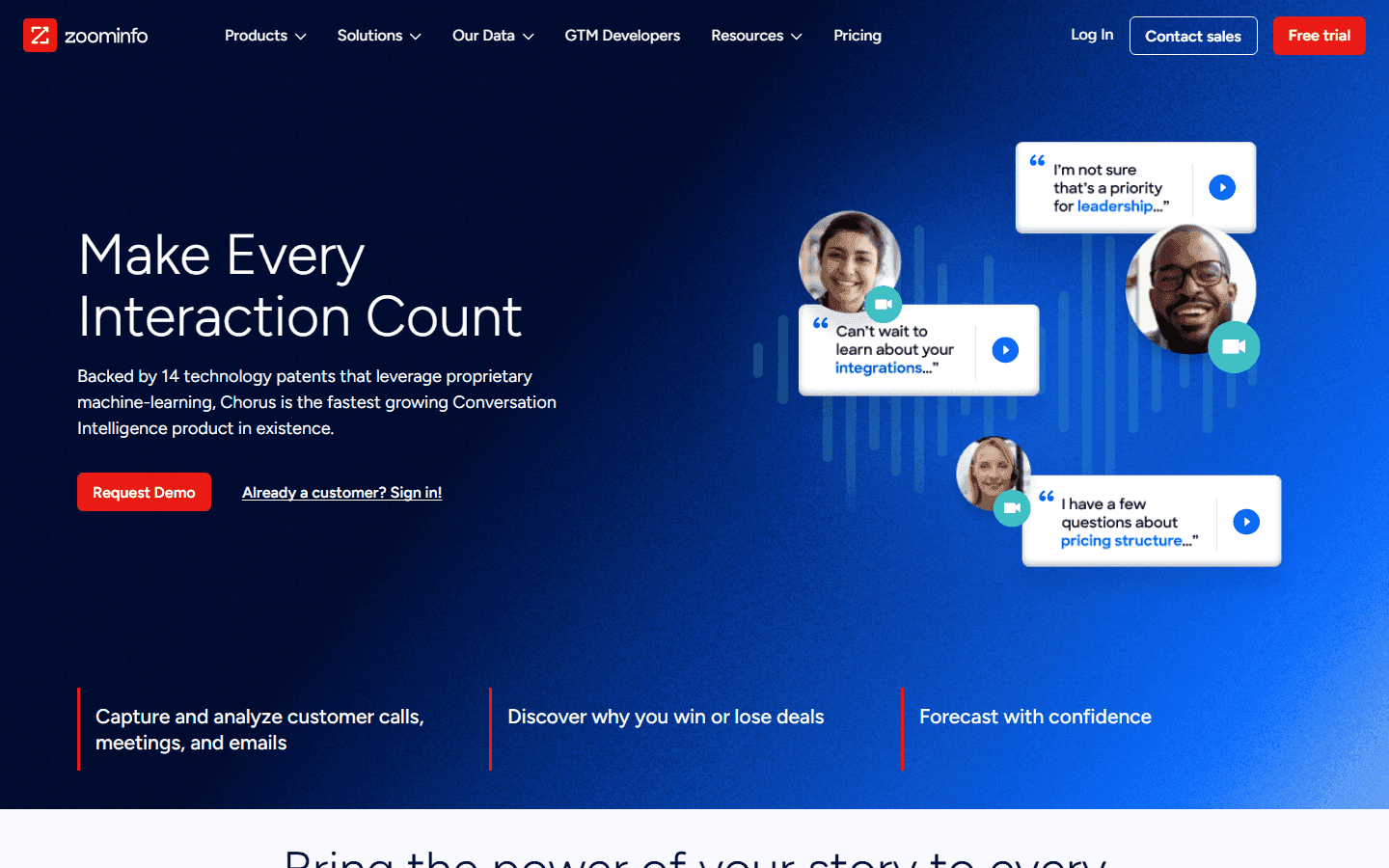
The Chorus page on ZoomInfo, headlined "Make Every Interaction Count," with quoted buyer lines from recorded calls.
Chorus does the core conversation-intelligence job well (recording, transcription, topic and objection tracking), and its real edge is what sits next to it: native ZoomInfo data on the accounts you're calling.
Best for: Teams already paying for ZoomInfo who want conversation intelligence wired into that data.
What it does well: Automatic recording and high-accuracy transcription mean no call goes uncaptured; talk-to-listen and keyword analytics show managers what to coach; competitor and objection tracking flags deals under pressure; and "voice of the customer" trend analysis across calls surfaces what buyers raise most often.
Pros | Cons |
|---|---|
Strong analytics plus ZoomInfo data enrichment | In-platform search is a repeated complaint |
Solid coaching and deal insight | Value is best realized inside the ZoomInfo bundle |
Good CRM and meeting integrations | Heavily tied to the ZoomInfo ecosystem |
What users say: Chorus scores 8 out of 10 on TrustRadius from 471 ratings. One SDR praises reading and saving call transcripts from stronger reps, while another notes that "accents can sometimes cause inaccurate outputs."
Pricing: No public pricing, and it's quote-based. Factor in the cost of the ZoomInfo data it's designed to sit alongside. Confirm directly.
Bottom line: A strong buy if ZoomInfo is already in your stack. On its own, it's harder to justify over Gong.
4. Avoma: Best for an all-in-one assistant on a budget
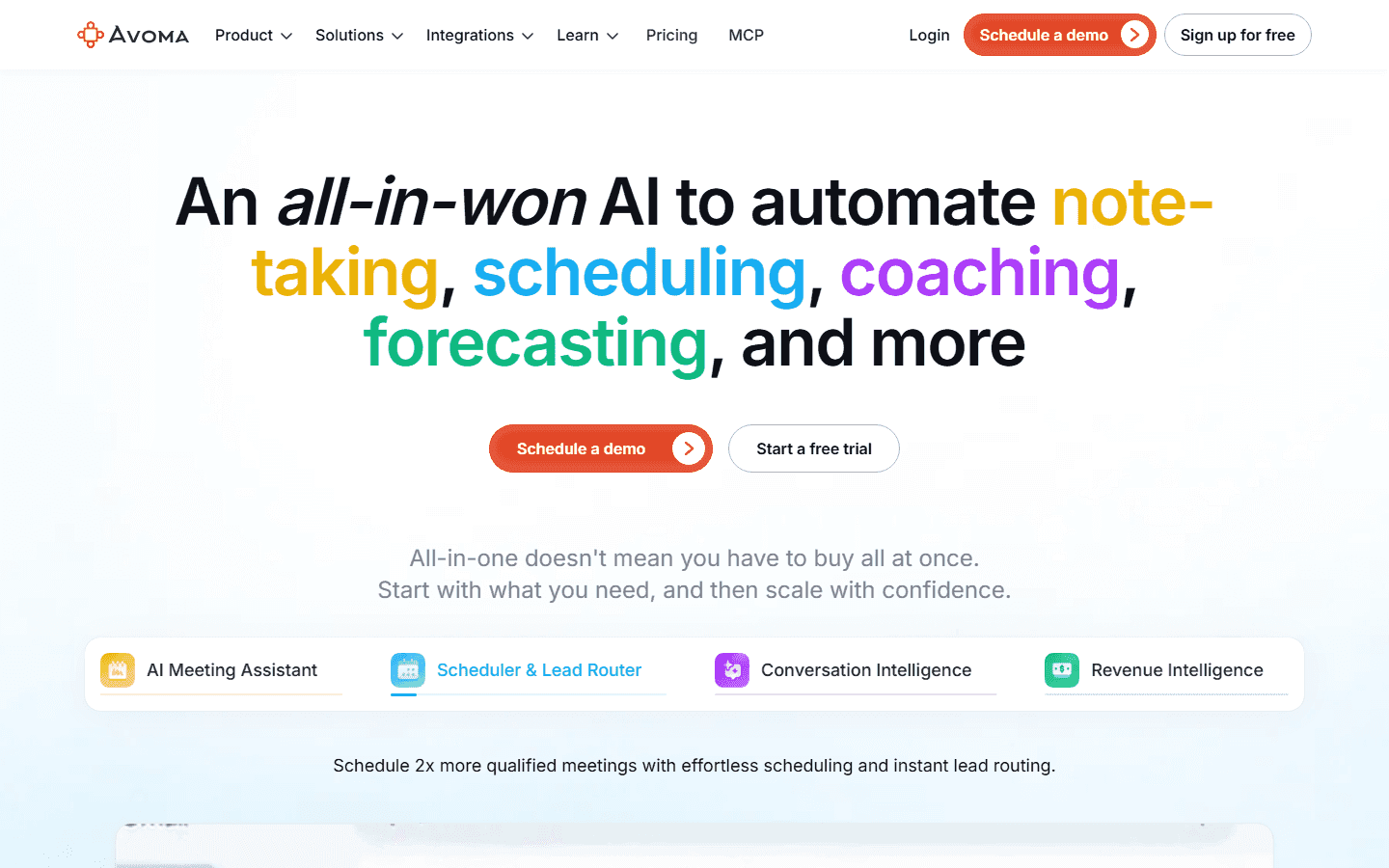
The Avoma homepage, headlined "An all-in-won AI to automate note-taking, scheduling, coaching, forecasting, and more."
Avoma is the rare tool here that publishes real prices and starts cheap. It's an AI meeting assistant first (notes, summaries, "Ask Avoma") with conversation intelligence available when you need it.
Best for: Smaller sales and CS teams that want recording, notes, and scheduling in one affordable tool.
What it does well: Unlimited transcription keeps every call searchable; AI summary notes save reps from writing up calls; call scoring with custom scorecards (MEDDICC, SPICED, Sandler) grades calls against the method the team already sells by; topic trackers show what comes up across calls; and two-way CRM sync with Salesforce and HubSpot keeps records current without manual entry.
Pros | Cons |
|---|---|
Genuinely affordable entry price | Deep analysis lives in paid add-ons |
Custom scorecards and coaching built in | Transcription wobbles on heavy accents |
All-in-one notes, CI, and scheduling | Enterprise is billed annually only |
What users say: Avoma holds a 4.6 out of 5 across roughly 1,300 G2 reviews. A small-agency user loves revisiting client calls to "capture details we may have missed." A sales rep notes that the "advanced conversation and revenue intelligence module is expensive to bear as a recurring cost."
Pricing: Avoma publishes its prices. Startup is $29 per seat per month ($19 billed annually), Organization is $39 per seat per month ($24 billed annually), and Enterprise is $39 per seat per month, billed annually only. The Conversation Intelligence add-on is $35 per seat per month ($29 billed annually).
Bottom line: The best value for a smaller team, as long as you budget for the CI add-on if you want real scoring.
5. Jiminny: Best for coaching-focused mid-market teams
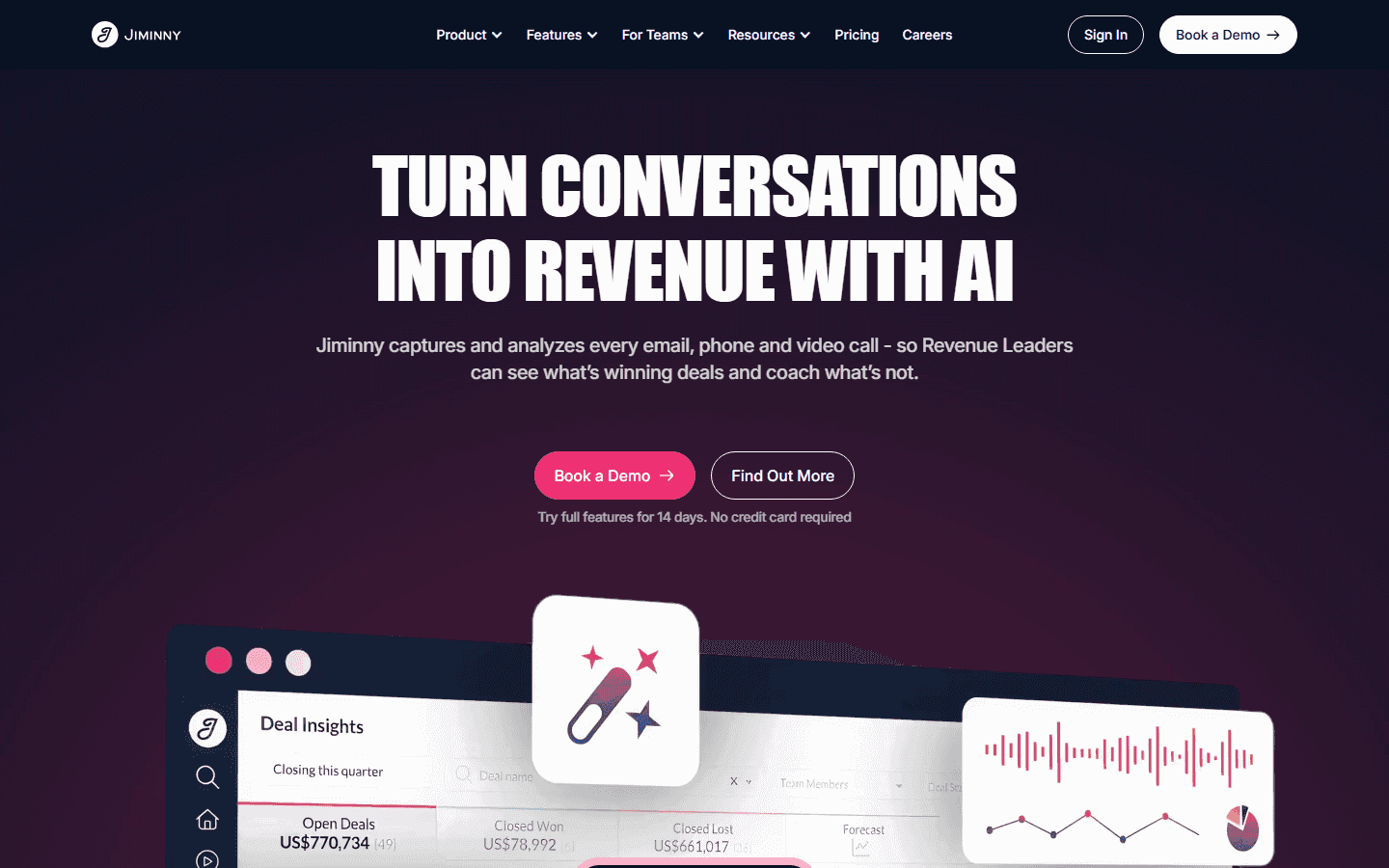
The Jiminny homepage, headlined "Turn conversations into revenue with AI," above a Deal Insights dashboard.
Jiminny leans hard into coaching, and reviewers often say it makes coaching feel natural. It records and transcribes calls, runs conversation intelligence, and ties insights back to deal and forecast data.
Best for: Mid-market sales teams that want serious coaching without Gong-level complexity.
What it does well: Records and transcribes every call, syncs summaries to Salesforce and HubSpot automatically, and puts deal summaries, stage progression, and forecast categories in one view, so managers coach from the same data they forecast on.
Pros | Cons |
|---|---|
Easy to use but still powerful for coaching | Highest entry price of the budget options |
Clean dashboards non-analysts can read | Plan pricing is quote-only, with a 12-month minimum contract |
Solid deal and forecast insight | Occasional transcript bugs reported |
What users say: Jiminny scores 4.6 out of 5 across more than 1,000 G2 reviews. One AE says it "turns sales conversations into insights you can actually do something with." A team manager notes it "occasionally runs into a few bugs, which can make the transcript harder to view."
Pricing: Seat-based. Recording seats start at $83 per seat per month, Insights seats at $42, and Listener seats are free. Plan-level pricing (Capture, Scale, and Grow) is quote-only, and the minimum contract is 12 months.
Bottom line: A strong coaching-first pick for mid-market teams who'll use the dashboards daily and can stomach the higher entry price.
6. Fireflies.ai: Best for lightweight, low-cost transcription and analysis
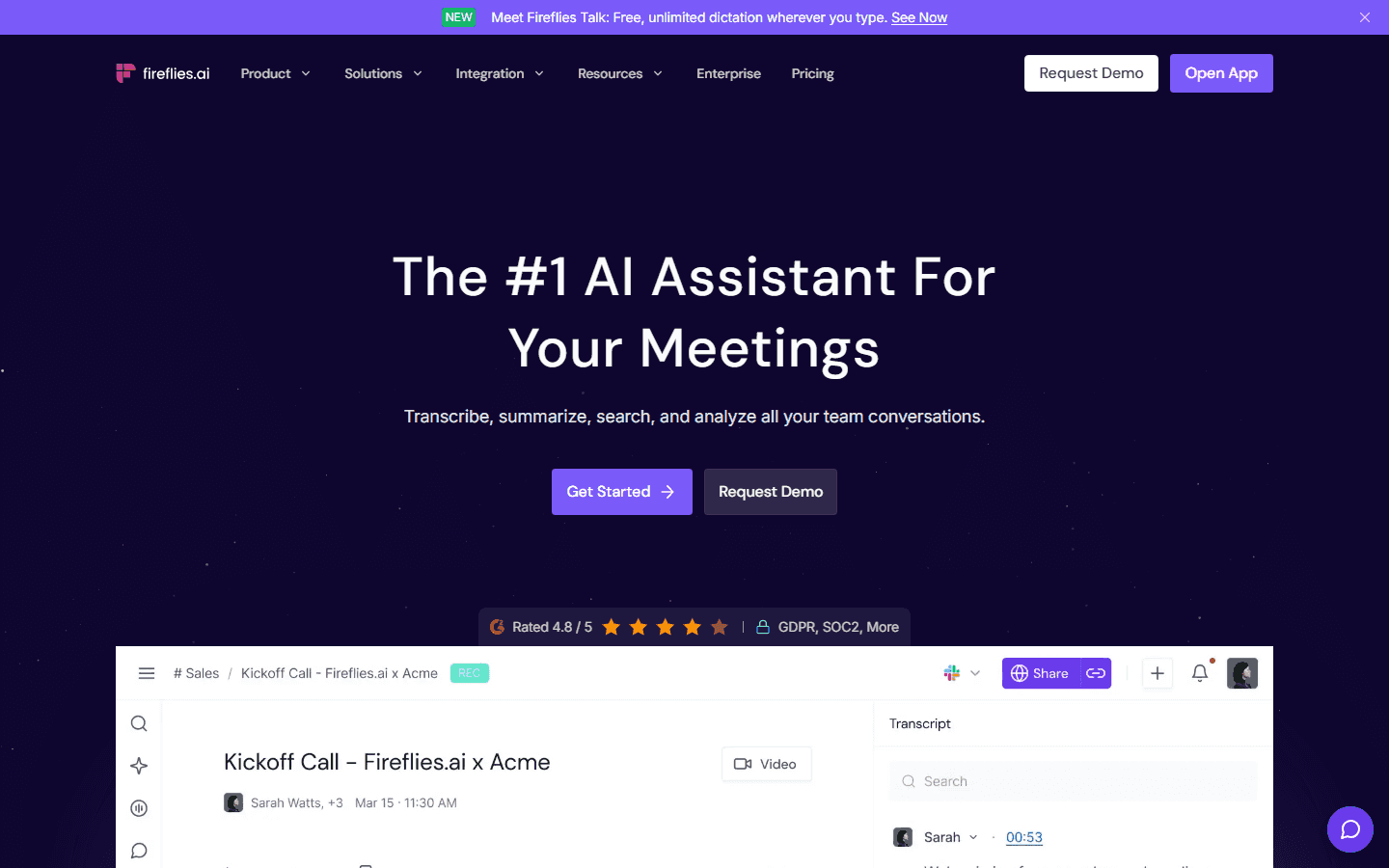
The Fireflies.ai homepage, headlined "The #1 AI Assistant For Your Meetings," above a recorded kickoff call with its transcript.
Fireflies is the easiest and cheapest way onto this list (there's a free forever plan). It records and transcribes across Zoom, Google Meet, and Teams, then adds analytics once you move up a tier.
Best for: Small teams and individual reps who mostly need transcription and search, with light analysis on top.
What it does well: Transcription in 100-plus languages covers multilingual teams; AI summaries and action items cut post-call admin; the "AskFred" assistant answers questions about past calls; and (on paid tiers) conversation intelligence, sentiment, topic trackers, and talk-time analytics show managers how calls are going.
Pros | Cons |
|---|---|
Free plan and a cheap Pro tier | Transcription slips on accents and noisy audio |
Fast setup across every meeting app | Real conversation intelligence is gated behind Business |
Clean search and AI summaries | Built for general meetings, with light QA |
What users say: Fireflies earns a 4.7 out of 5 across 750-plus G2 reviews. Users praise automatic recording and summaries. The most common gripe is that "the transcriptions are totally wrong" when audio quality drops.
Pricing: Fireflies publishes its prices. There's a free plan, Pro is $18 per seat per month ($10 billed annually), Business is $29 per seat per month ($19 billed annually), and Enterprise is $39 per seat per month, billed annually only. Conversation intelligence needs Business or higher.
Bottom line: Great for capturing and searching calls on a budget. It's not built to score every call against a sales playbook, so growing teams outgrow it.
7. Salesloft: Best for analysis inside a sales engagement platform
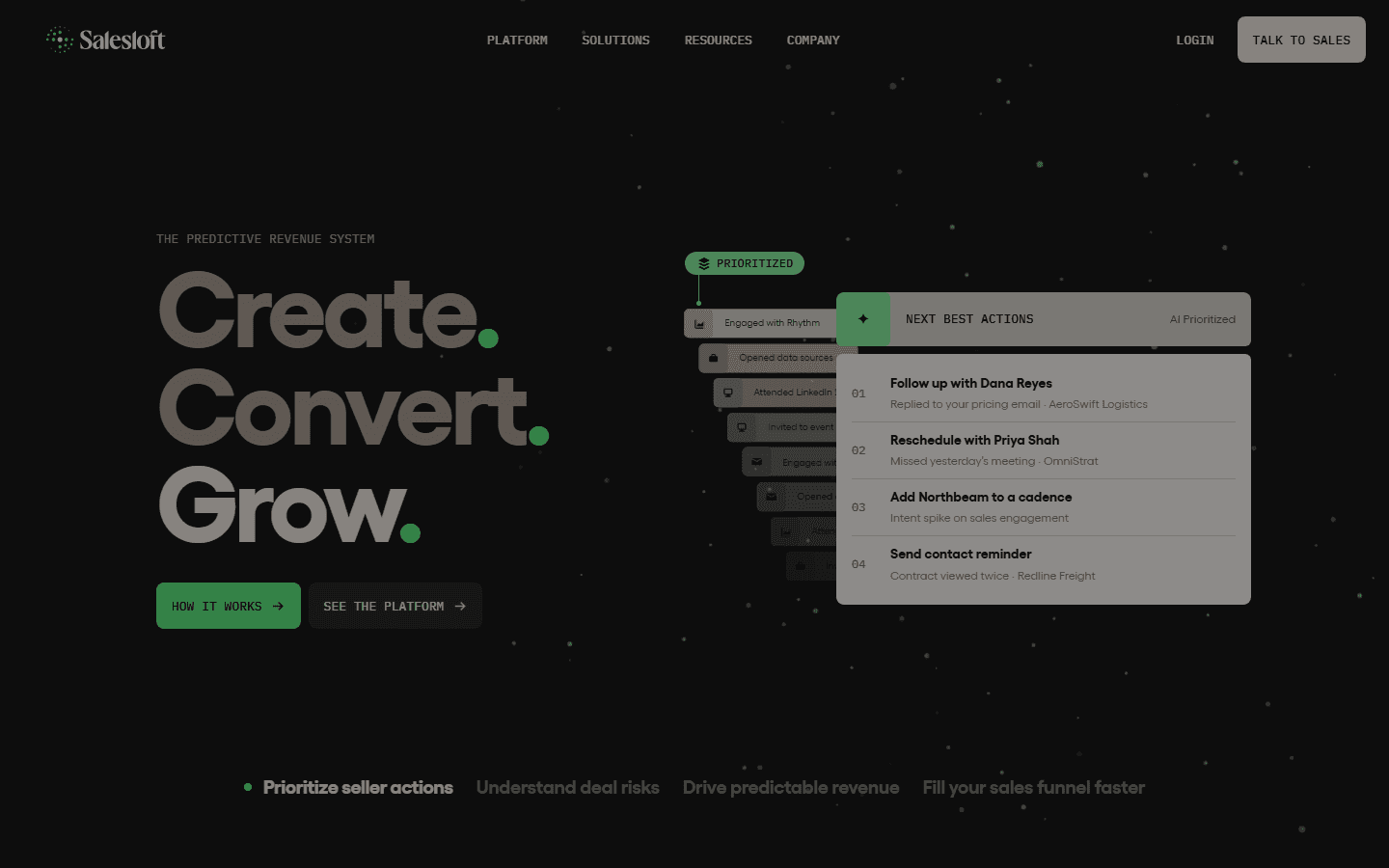
The Salesloft homepage, headlined "Create. Convert. Grow.," beside a list of AI-prioritized next best actions.
Salesloft is a sales engagement platform first (cadences, dialer, email) with conversation intelligence licensed as its own product. Its Conversation Intelligence product is the former Clari Copilot, folded in after Clari and Salesloft merged in December 2025, and it adds real-time battlecards on live calls plus buyer signals that feed the forecast.
If your reps already live in Salesloft, keeping analysis in the same place is the draw.
Best for: Outbound teams running cadences in Salesloft who want call analysis without a second tool.
What it does well: Conversation Intelligence (recording, AI summaries, scorecards, coaching) puts call review in the same tool reps already use; a built-in dialer keeps calling in one place; CRM auto-logging with Salesforce and HubSpot saves reps manual entry; and cadences keep follow-ups from slipping through.
Pros | Cons |
|---|---|
Everything in one engagement workflow | Conversation intelligence is licensed separately from the engagement platform |
Strong cadence and CRM logging | Dialer reliability and glitches come up often |
Big, active user base | Analysis depth trails dedicated tools |
What users say: Salesloft holds a 4.5 out of 5 across nearly 10,000 G2 reviews. One rep likes how it "brings everything a sales rep needs into one place." A critic flags "a lot of technical problems and glitches. The dialer often fails."
Pricing: Not public. Salesloft routes you to a demo, so confirm what your quote includes.
Bottom line: A sensible pick if cadences are your center of gravity. If analysis is the main event, a dedicated tool digs deeper.
8. Outreach: Best for sales execution plus conversation intelligence
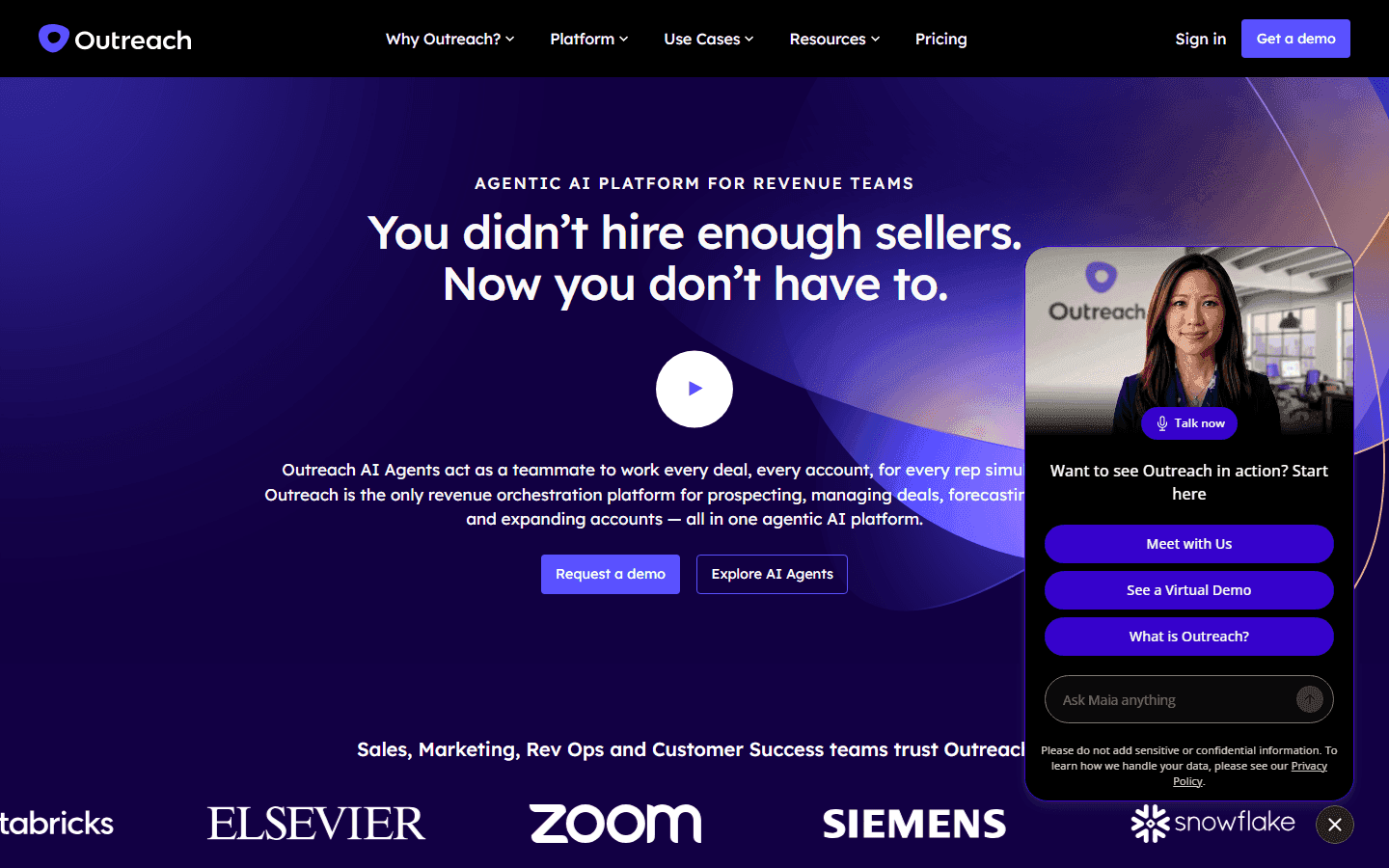
The Outreach homepage, headlined "You didn't hire enough sellers. Now you don't have to."
Like Salesloft, Outreach is an execution platform first. Its conversation-intelligence layer, Kaia, handles note-taking, action items, and in-call cue cards alongside the sequences reps run all day.
Best for: Outbound-heavy teams that want conversation intelligence attached to a serious execution engine.
What it does well: Multi-channel sequences keep reps on a consistent outreach rhythm; Kaia call notes and summaries capture next steps without manual notes; in-call competitive cue cards put answers in front of reps when a competitor comes up; deal and pipeline insight shows managers where deals stand; and Salesforce integration keeps records in sync.
Pros | Cons |
|---|---|
Powerful sequences and reporting | Steep learning curve and setup |
Kaia adds useful in-call nudges | Kaia transcripts can be delayed or missing |
Strong deal and pipeline modeling | Analysis is secondary to execution |
What users say: Outreach scores 4.3 out of 5 across more than 3,600 G2 reviews. A power user calls the multi-channel sequences "a perfect machine." On the analysis side, a reviewer notes that Kaia's "delivery is inconsistent (delayed or missing transcripts), so it's more of a helpful nudge than a reliable system of record."
Pricing: Quote-based per-user pricing, with AI usage billed on consumption and no public price list. Outreach says there are no platform fees. Expect a custom contract priced for enterprise teams.
Bottom line: Buy it for execution and take Kaia as a bonus. Don't buy it mainly for call analysis.
How to choose sales call analysis software
The right tool fixes the part of your process that's slowing the team down. These four questions narrow the shortlist.
How big is your team, and how many calls do you run?
If you run a handful of calls a day, a sampling tool is fine, and sales coaching software or a cheap transcription tier covers you. Once you're past 20 agents and thousands of calls a week, sampling leaves most of your floor unreviewed, and that's where the revenue hides. That's when scoring every call stops being a nice-to-have.
What's your sales motion?
Be honest about B2C versus B2B. High-volume B2C inside sales and call centers (Medicare, life insurance, and mortgage) need playbook adherence and compliance on every call, which points to Alpharun or Balto-style tools. Complex, multi-threaded B2B deals lean toward Gong or Outreach, where deal and forecast intelligence carry more weight.
How deep does CRM and dialer integration need to go?
If your reps live in Salesforce or HubSpot, auto-logging calls and insights there is non-negotiable (most tools here do it). If you run a contact center on Five9 or Genesys, confirm the tool connects natively before anything else. A great analysis tool that won't talk to your dialer is shelfware.
How much AI scoring do you actually need?
This is the real fork. Transcription-and-summary tools (Fireflies, Avoma's base tier) tell you what was said. Scoring tools grade each call against criteria. Playbook tools like Alpharun go further and coach the rep on the specific moment, the same work a dedicated call quality monitoring tool does, but tied to your winning calls. Pick the depth your coaching problem calls for.
Which sales call analysis tool should you choose?
Here's the short version, by situation.
Choose Alpharun if you run a high-volume B2C floor, need every call scored against a playbook, and want reps coached right after the call.
Choose Gong if you want the full enterprise revenue platform and have the budget for it.
Choose Chorus if you already pay for ZoomInfo and want conversation intelligence wired into that data.
Choose Avoma or Fireflies if you want real analysis on a small-team budget and can live with add-ons or tier limits.
Choose Jiminny if you want coaching-first conversation intelligence for a mid-market team.
Choose Salesloft or Outreach if you already run cadences there and want analysis in the same workflow.
Skip all of these if you have fewer than 20 reps, no structured sales process, and only need basic call logging. You'd be paying for analysis you won't act on. If you're shopping the broader category, our roundups of conversational intelligence software and call intelligence solutions are good next reads.
Turning recorded calls into coaching with Alpharun
Every tool here will capture your calls, so the deciding factor is what happens to them afterward.
On most teams, recordings pile up faster than anyone can review them. Managers spot-check a few; the insight stays with the top reps, and the middle of the floor keeps making the same mistakes nobody has time to catch.
Alpharun is built to close that loop at call-center scale. It sits on top of your existing dialer, learns what your best reps do, and turns that into coaching the rest of the team gets right away.
With Alpharun, sales teams can:
Build a playbook from the behaviors on your actual winning calls
Score every call, including required compliance steps
Coach reps right after the call, tied to the exact moment that needs work
Ramp new hires faster with AI role-plays built from your real calls
Give managers a clear read on who needs help without digging through recordings
Connect to Five9 and Genesys, with AI playbook setup in about two weeks
When coaching reaches every rep, the whole floor moves toward how your best people already sell.
Book a demo with Alpharun to see how it scores and coaches your team's calls.
Frequently asked questions
Is there an AI that can analyze sales calls?
Yes, AI can analyze sales calls, and every tool on this list does it. These platforms transcribe each call, score it against criteria or a playbook, and surface coaching moments like objection handling, talk-to-listen ratio, and next steps. Alpharun, Gong, and Avoma are common starting points depending on your team size.
Is recording and analyzing sales calls legal?
Recording sales calls is legal in the US, but consent rules vary by state. Some states require only one party to consent, while others require all parties, so many teams disclose recording at the start of the call and follow rules like TCPA and, in regulated sales, CMS. Review call recording consent laws for your states before rolling out.
Does sales call analysis software integrate with Salesforce or HubSpot?
Yes, most sales call analysis software integrates with Salesforce and HubSpot, logging calls, transcripts, and insights directly to the record. Gong, Avoma, Jiminny, and Salesloft all sync with major CRMs, and contact-center-focused tools like Alpharun also connect to dialers such as Five9 and Genesys.
Is sales call analysis software worth it for small teams?
Yes, for small teams that pick the right tier. Teams under 20 reps often get enough from a transcription-first tool like Fireflies or Avoma's base plan, while platforms that score every call pay off once call volume outgrows what a manager can review by hand.


