Which CRM call center software options best fits your team? We tested 10 platforms and ranked them by dialer strength, CRM integration, and pricing.

High-volume sales teams need CRM call center software that connects to their dialer without slowing reps down. We analyzed 10 platforms to find which ones handle thousands of daily calls while keeping prospect data in sync.
The top CRM call center softwares
💻 Platform | 🎯 Best for | 💰 Starting price | ⭐ Key strength |
Five9 | Enterprise B2C teams (50+ reps) | $119/user/month | Predictive dialer, reliable at scale |
Genesys | Omnichannel sales operations | $75/user/month | Multi-channel view, enterprise reliability |
NICE CXone | Enterprise workforce management | $110/user/month | Workforce + CX tools in one platform |
Talkdesk | Regulated industries | $85/user/month | Pre-built compliance workflows |
8x8 | Global sales teams | Contact for pricing | 200+ global carriers, 99.999% uptime |
Twilio Flex | Custom builds (dev teams) | $1/active user hour | Full API control, total flexibility |
RingCentral | Mid-market unified comms | $20/user/month | Voice, video, messaging in one |
Aircall | SMB sales teams (<50 reps) | $30/license/month | Simple setup, strong CRM sync |
JustCall | Growing teams (10-50 reps) | $39/user/month | Power dialer at mid-tier price |
CloudTalk | Budget-conscious teams | $19/user/month | Lowest price, reliable basics |
1. Five9: Best for enterprise B2C sales teams
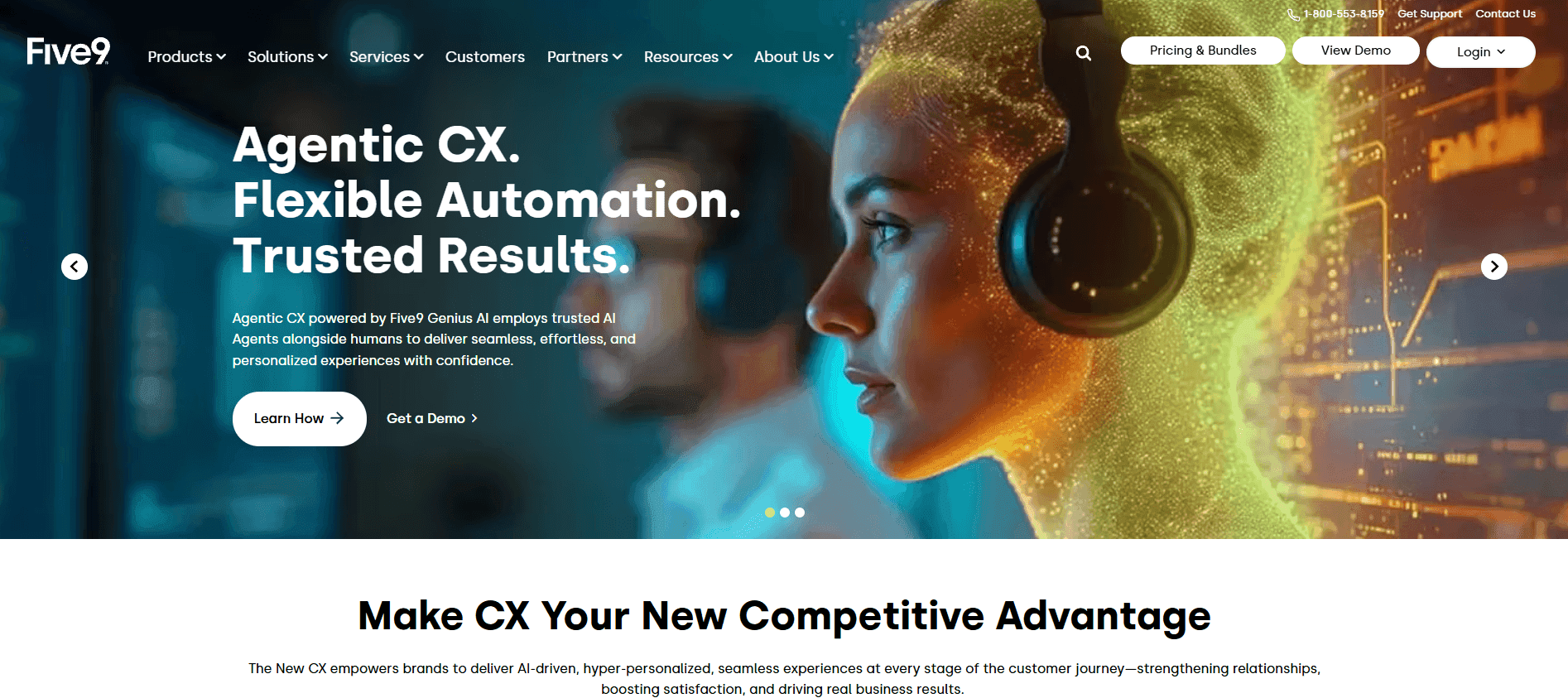
What it does: Cloud contact center platform built for high-volume outbound and inbound sales.
Who it's for: Inside sales teams with 50+ reps running thousands of calls per day.
Five9 manages call routing, multi-channel conversations, and outbound dialing for large teams. The platform offers solid reliability at scale.
Your reps get screen pops showing prospect history the moment a call connects. No fumbling through tabs or asking prospects to repeat themselves.
The predictive dialer keeps reps talking instead of waiting. It calculates when reps will finish their current calls and dials ahead.
Key features of Five9
Global Voice: Handles voice infrastructure across regions for distributed teams.
Agent Desktop Plus: Gives reps a unified workspace for calls and prospect data in one view.
Supervisor Plus: Lets managers monitor calls and coach in real time.
CRM Integrations: Connects with Salesforce, HubSpot, and Microsoft Dynamics.
AI Summaries: Generates call summaries so managers don't need to review every recording. Available on Core plan and above.
Pros and cons of Five9
✅ Pros | ❌ Cons |
One user says AI integration worked out of the box with their current stack. | On the downside, they say email lags behind phone and chat in the omnichannel setup. |
A reviewer notes Live Desktop makes it easy to see what agents are doing in real time. | Their only complaint: no way to exclude unused sections from the total score. |
One user says automated reporting replaced manual counts and turnaround time checks. | The same user says disposition codes get lost when callers hang up before agents can select one. |
Pricing for Five9
Digital: $119/user/month
Core: $159/user/month
Plus: Custom pricing
Pro: Custom pricing
Enterprise: Custom pricing
Get the complete breakdown in our Five9 pricing guide, which compares plans and alternatives.
Our thoughts on Five9
Five9 works best for inside sales teams with 50+ reps who need reliable dialing and can commit to annual contracts. Five9 handles infrastructure well. Pair it with coaching tools like Alpharun to turn those calls into closed deals.
2. Genesys
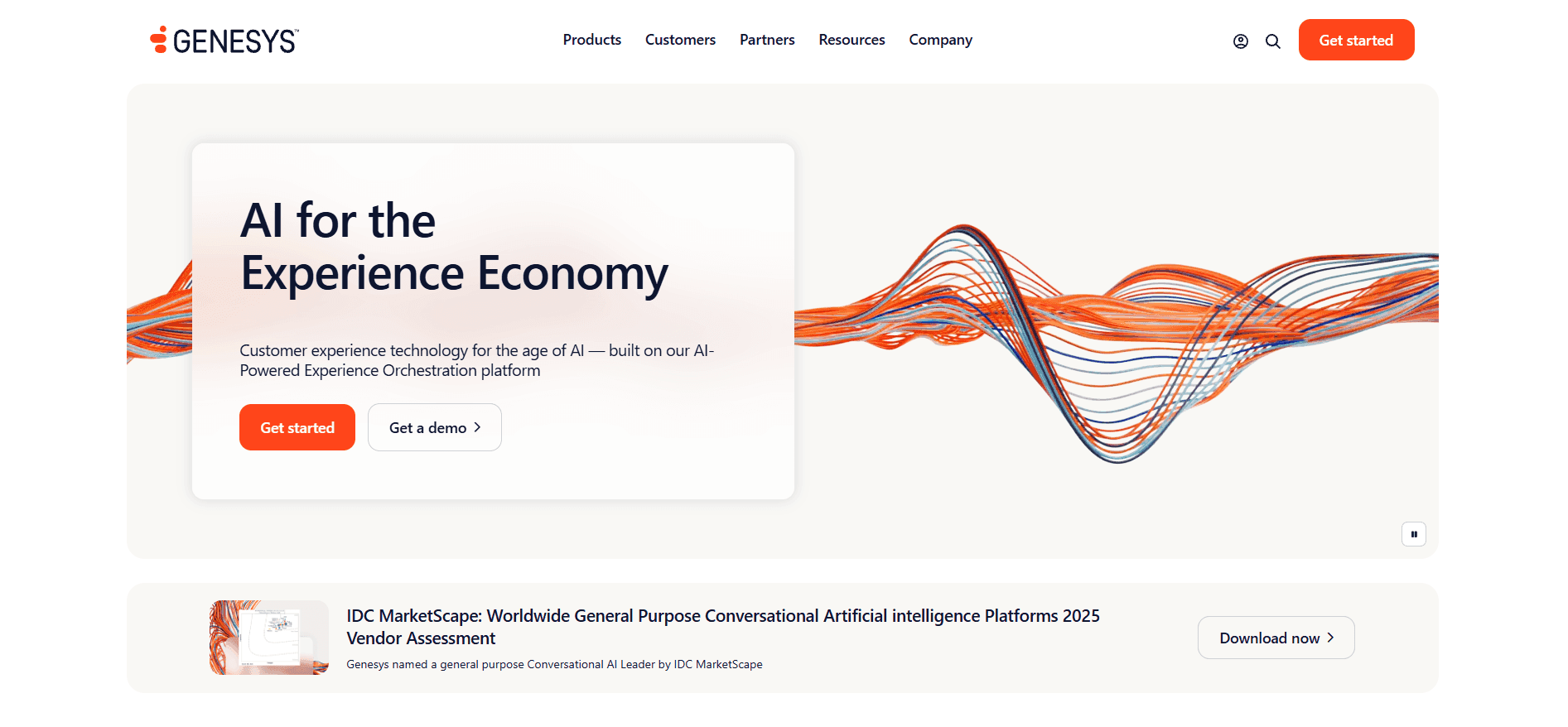
What it does: AI-powered platform that manages calls, emails, chats, and social messages.
Who it's for: Sales teams managing prospects across phone calls and digital touchpoints.
Genesys Cloud CX is the full contact center solution. Genesys gives reps a unified view of every prospect interaction. Phone calls, chat transcripts, and form submissions appear in one timeline.
Key features of Genesys Cloud CX
Contact center software: Routes calls, emails, and chats to the right reps based on skills and availability.
Digital channels: Connects phone, email, chat, SMS, and social media in one agent desktop.
AI and automation: Powers predictive routing and interaction analytics.
Journey management: Tracks prospect interactions across touchpoints to spot trends.
Open platform: Integrates with CRMs like Salesforce, HubSpot, and Microsoft Dynamics through APIs.
Pros and cons of Genesys
✅ Pros | ❌ Cons |
A reviewer notes that call quality is solid with no lag, even during back-to-back urgent calls. | The same user says the UI feels overwhelming at first, with too many options. |
One user says voice and digital channels work well with built-in resource management. | The same reviewer says micro-level data analysis requires API workarounds. |
A reviewer reports the platform boosts both agent productivity and customer experience. | On the downside, they note system updates occasionally cause temporary disruptions. |
Pricing for Genesys
CX 1: $75/user/month
CX 2: $115/user/month
CX 3: $155/user/month
CX 4: $240/user/month
Costs add up fast for larger teams. Add-ons and heavy AI usage may require extra purchases. For a full breakdown, read our guide on Genesys Cloud CX pricing (2026): plans + best options.
Our thoughts on Genesys
Genesys fits teams managing prospects across multiple channels who need enterprise-grade reliability.
Smaller teams or those needing fast implementation may find the learning curve and pricing tiers too steep. If you choose Genesys, pair it with Alpharun to turn your best calls into coaching for every rep.
3. NiCE CXone
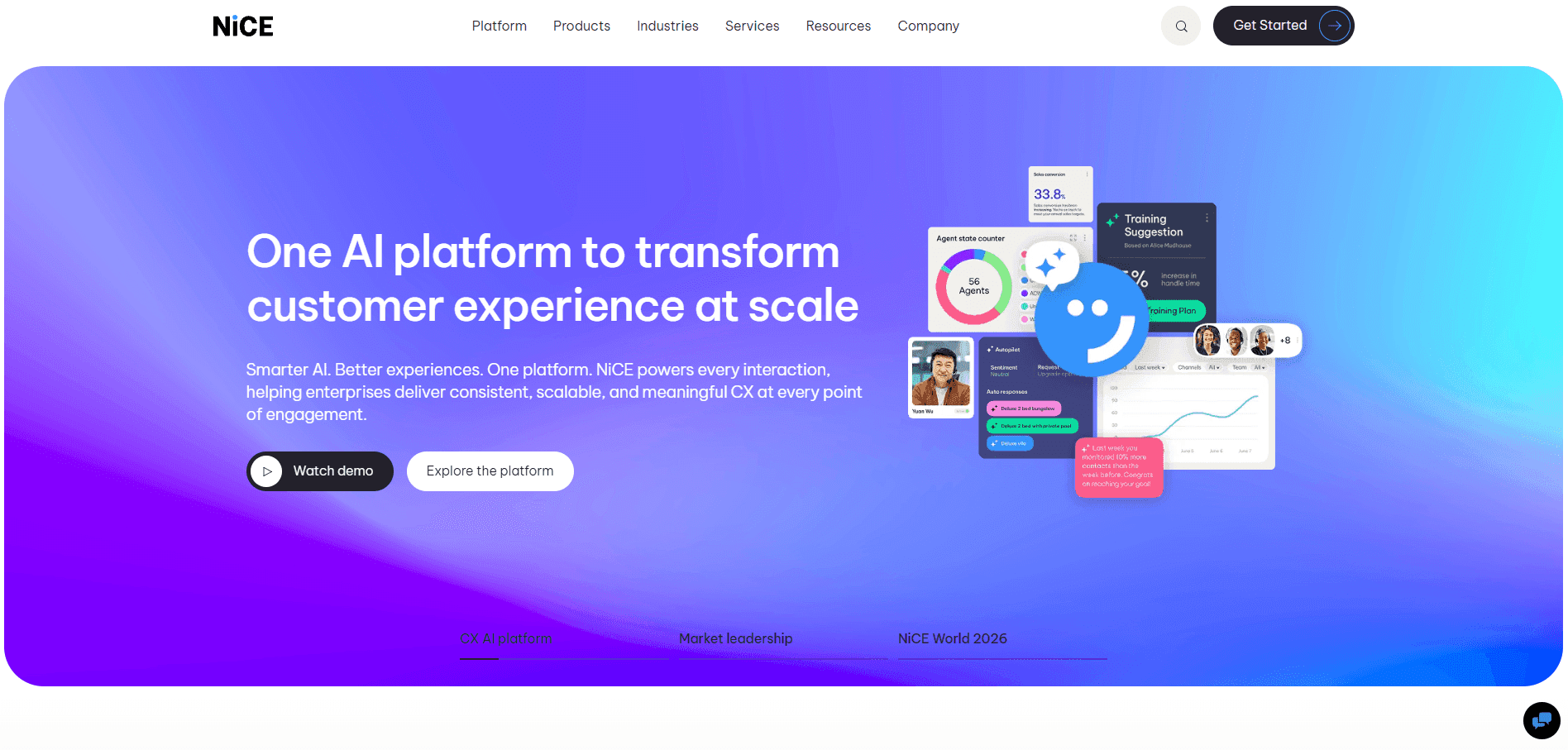
What it does: Combines customer engagement, workforce tools, and AI automation into a single cloud platform.
Who it's for: Large enterprises managing CX, quality, and workforce planning across departments.
NiCE CXone brings contact center operations, quality management, and workforce tools under one roof. The platform uses Enlighten AI to automate scoring, guide reps in real time, and forecast staffing needs.
Key features of NiCE CXone
AI-powered quality management: Automates scoring and surfaces coaching opportunities across all calls.
Real-time agent guidance: Enlighten AI delivers prompts during live interactions.
Workforce management: AI-driven forecasting and scheduling tools for peak periods.
30+ digital channels: Voice, chat, email, social, and more in dedicated rep workspaces.
Pros and cons of NiCE CXone
✅ Pros | ❌ Cons |
A G2 reviewer highlights integration with external IVR systems with the Agent Desktop. | The same reviewer says studio script nodes lag badly and haven't improved. |
According to a user, the platform is stable and reliable with minimal downtime. | Per their feedback, reporting tools could use more customization options. |
A user mentions that availability controls are easy to access and update. | They note that the date selector on the left side limits access to past schedules. |
Pricing for NiCE CXone
NiCE CXone pricing ranges from $110 to $249 per user/month. Higher tiers add AI routing, proactive engagement, recording, compliance, and outbound campaign tools.
Our thoughts on NiCE CXone
NiCE CXone makes sense if you're running a large enterprise that needs workforce scheduling and CX tools in one place. If you're a smaller team or your main goal is sales coaching, you'll likely find the platform more complex than what you actually need.
4. Talkdesk
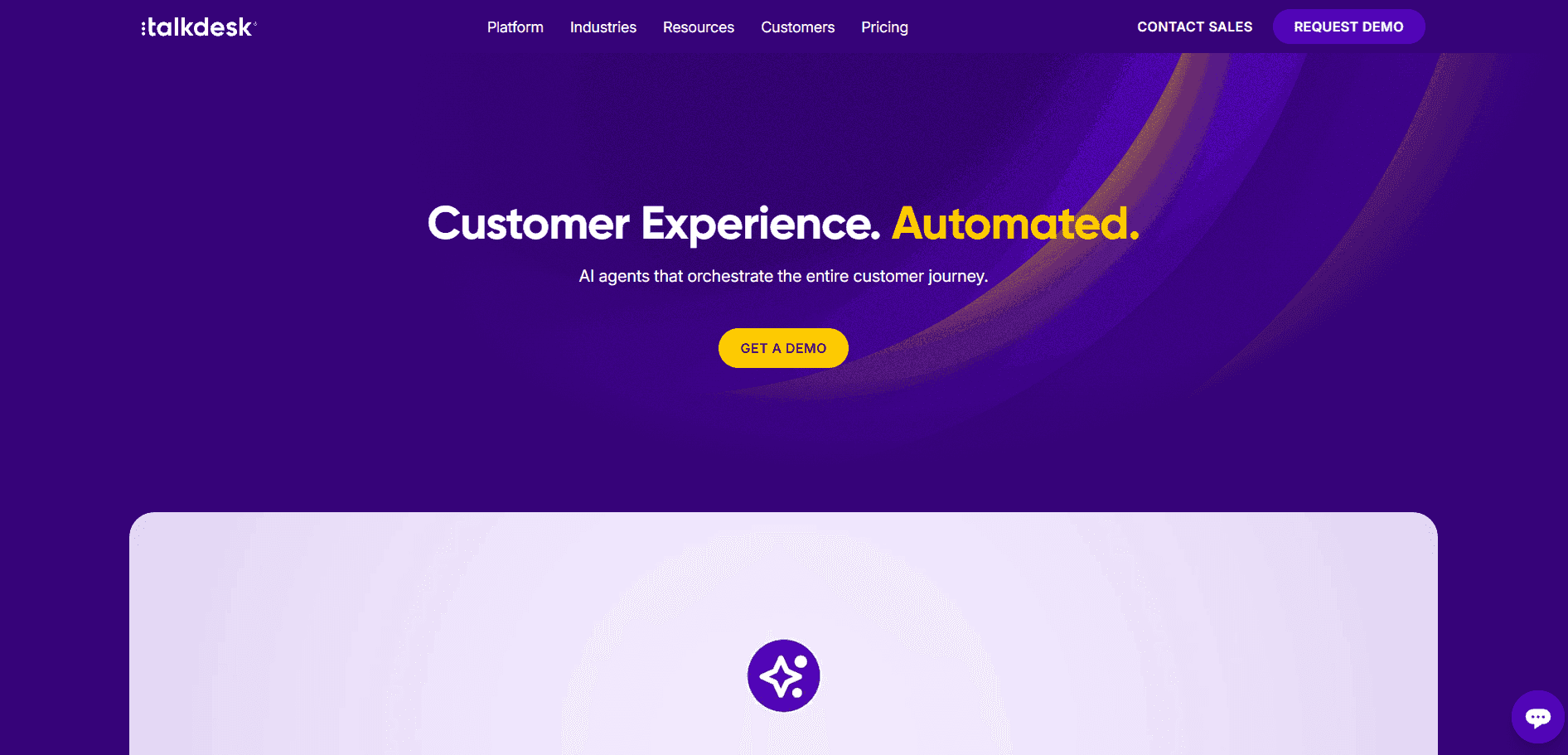
What it does: Cloud contact center platform with customer experience automation and industry-specific solutions.
Who it's for: Sales teams in regulated industries like healthcare, insurance, and financial services that need pre-built workflows.
Talkdesk offers CX Cloud plus industry-specific clouds that come pre-designed for banking, insurance, healthcare, and retail. The compliance features save setup time for Medicare and insurance teams.
Key features of Talkdesk
AI for self-service: Helps prospects get answers faster with automated tools.
AI for omnichannel engagement: One platform for voice and digital channels.
AI for workforce engagement: Management tools for reps and supervisors.
AI for customer experience analytics: Insights from inbound and outbound calls.
Industry Experience Clouds: Pre-built solutions for finance, healthcare, insurance, retail, and government.
Pros and cons of Talkdesk
✅ Pros | ❌ Cons |
A customer highlights strong integrations with helpdesk and CRM tools for capturing client info. | The same reviewer notes that call quality depends heavily on the internet connection. |
Per one user, real-time dashboards give supervisors visibility into queues and wait times. | According to the same reviewer, the cost model needs upfront planning to avoid budget shocks. |
A user reports that the initial setup was straightforward with helpful onboarding guides. | They add that advanced features, like custom reporting, have a learning curve. |
Pricing for Talkdesk
Digital Essentials: $85/user/month
Voice Essentials: $105/user/month
Elite: $165/user/month
Industry Experience Clouds: $225/user/month
Our thoughts on Talkdesk
Talkdesk stands out for regulated industries. If you're in Medicare, insurance, or healthcare, the pre-built compliance features and industry-specific workflows save time. General sales teams may find the industry focus more than they need.
5. 8x8 Contact Center
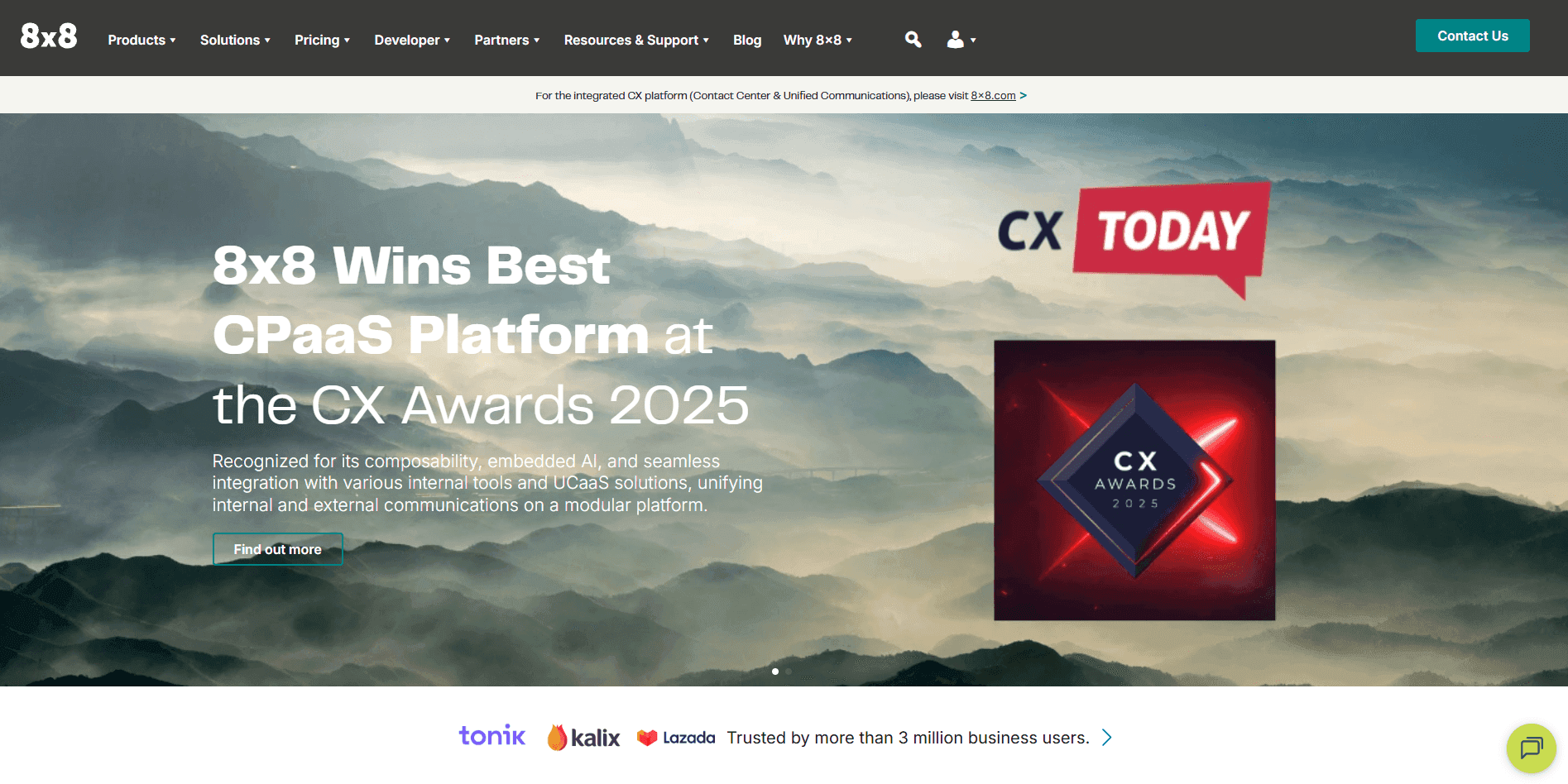
What it does: AI-powered command center that connects prospect journeys across global teams.
Who it's for: Sales teams calling prospects across multiple countries and time zones.
8x8 connects teams and prospects globally with a platform made to empower CX leaders. The platform combines contact center, unified communications, and APIs in one ecosystem.
Key features of 8x8
Omnichannel routing: Routes calls, chats, and messages to the right reps.
Agent Workspace: Unified view for reps to handle all interactions.
Supervisor Workspace: Tools for managers to monitor and coach.
Analytics for Contact Center: Track performance and identify trends.
AI-Enabled Self-Service: Automates routine prospect inquiries.
Workforce Engagement Management: Scheduling and quality tools.
8x8 Engage: Empowers all customer-facing teams to stay connected and support prospects with ease.
Pros and cons of 8x8
✅ Pros | ❌ Cons |
A customer notes that the browser issues are fixed, no more native client downloads needed. | The same user wants better notification sounds to tell alerts apart. |
Per one review, phone support with screenshare made setup painless. | Their one gripe isn't the platform itself; it's hidden costs at signup. |
A customer appreciates the unified queue visibility in one place. | The same user says the translation is terrible and inaccurate. |
Pricing for 8x8
Contact 8x8 for pricing. Plans vary based on features and global requirements.
Our thoughts on 8x8 Contact Center
8x8 makes sense if your team calls prospects across multiple countries. You get 200+ global carrier connections and 99% uptime, so call quality stays consistent no matter where you're dialing. If you're only selling domestically, you're paying for global reach you won't use.
6. Twilio
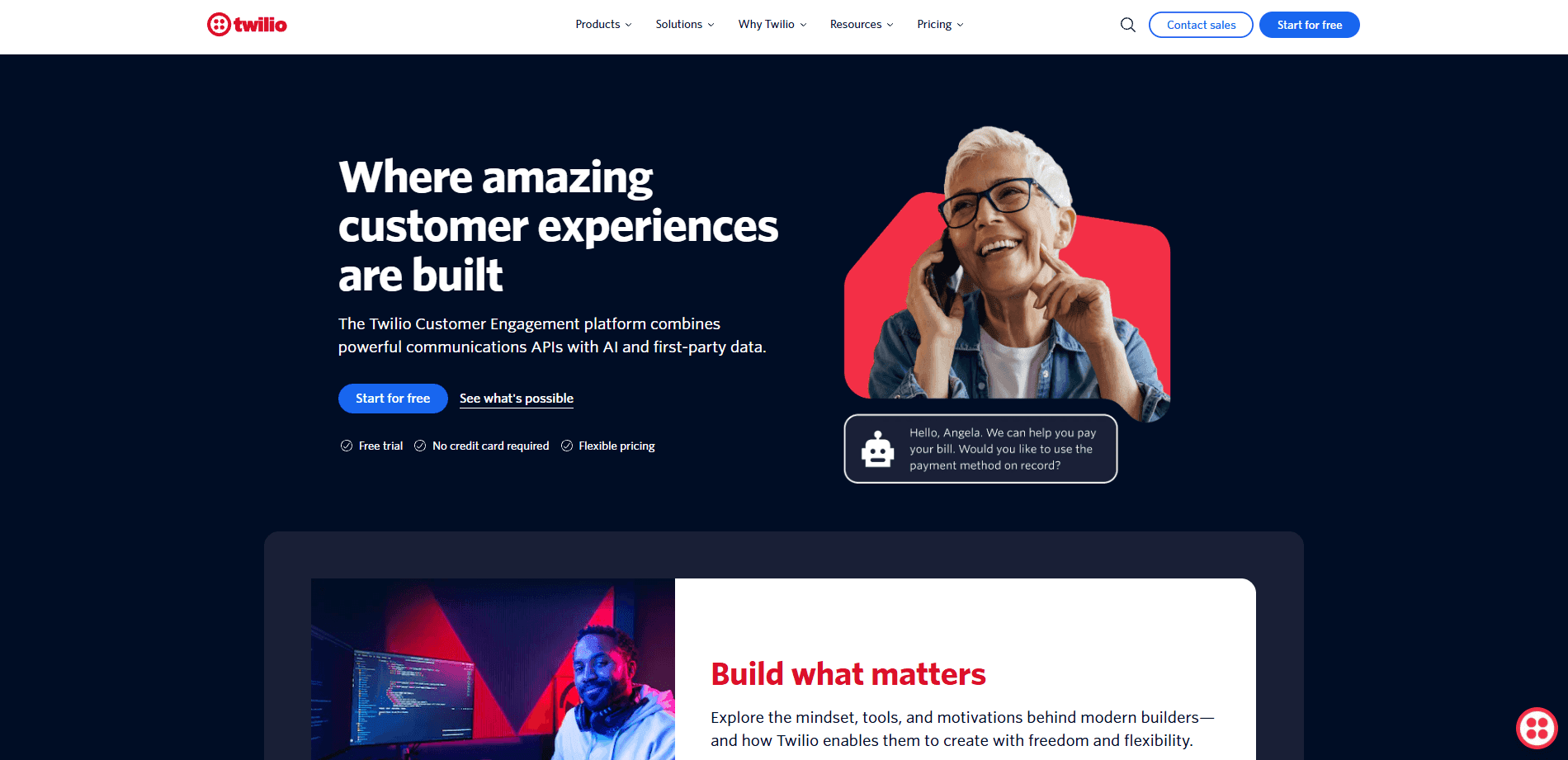
What it does: Developer platform that lets teams build custom communication systems with APIs for voice, messaging, video, and more.
Who it's for: Teams with developer resources who want complete control over their call center stack.
Twilio provides APIs for voice, SMS, WhatsApp, email, and video. Flex is their programmable contact center that you configure to your exact needs.
Key features of Twilio
Communications APIs: SMS, voice, WhatsApp, email, and video APIs for custom builds.
Flex contact center: A programmable contact center you configure to your exact needs.
Global reach: Phone numbers and voice infrastructure in 180+ countries.
Customer data platform: Segment integration for unified prospect profiles.
Authentication tools: Verify and Lookup APIs for identity verification.
Pros and cons of Twilio
✅ Pros | ❌ Cons |
One customer notes that the documentation is detailed and integrations are flexible. | They note initial setup can feel complex for non-technical teams. |
A two-year user says the API docs are solid and SMS worked fast. | They flag what feels like hidden fees that add up over time. |
One user highlights smooth setup as a major win for their team. | They note advanced features like IVR and multichannel workflows require extra setup. |
Pricing for Twilio
Twilio uses pay-as-you-go pricing:
SMS: $0.0079 per message
Voice: $0.0085/min to receive, $0.014/min to make calls
Flex: 5,000 free hours, then $1 per active user hour or $150 per named user monthly
Our thoughts on Twilio
Consider Twilio if your team includes developers who can build and maintain custom workflows. You get complete flexibility to match your sales process. No dev team? Skip Twilio and choose a platform that works out of the box.
7. RingCentral
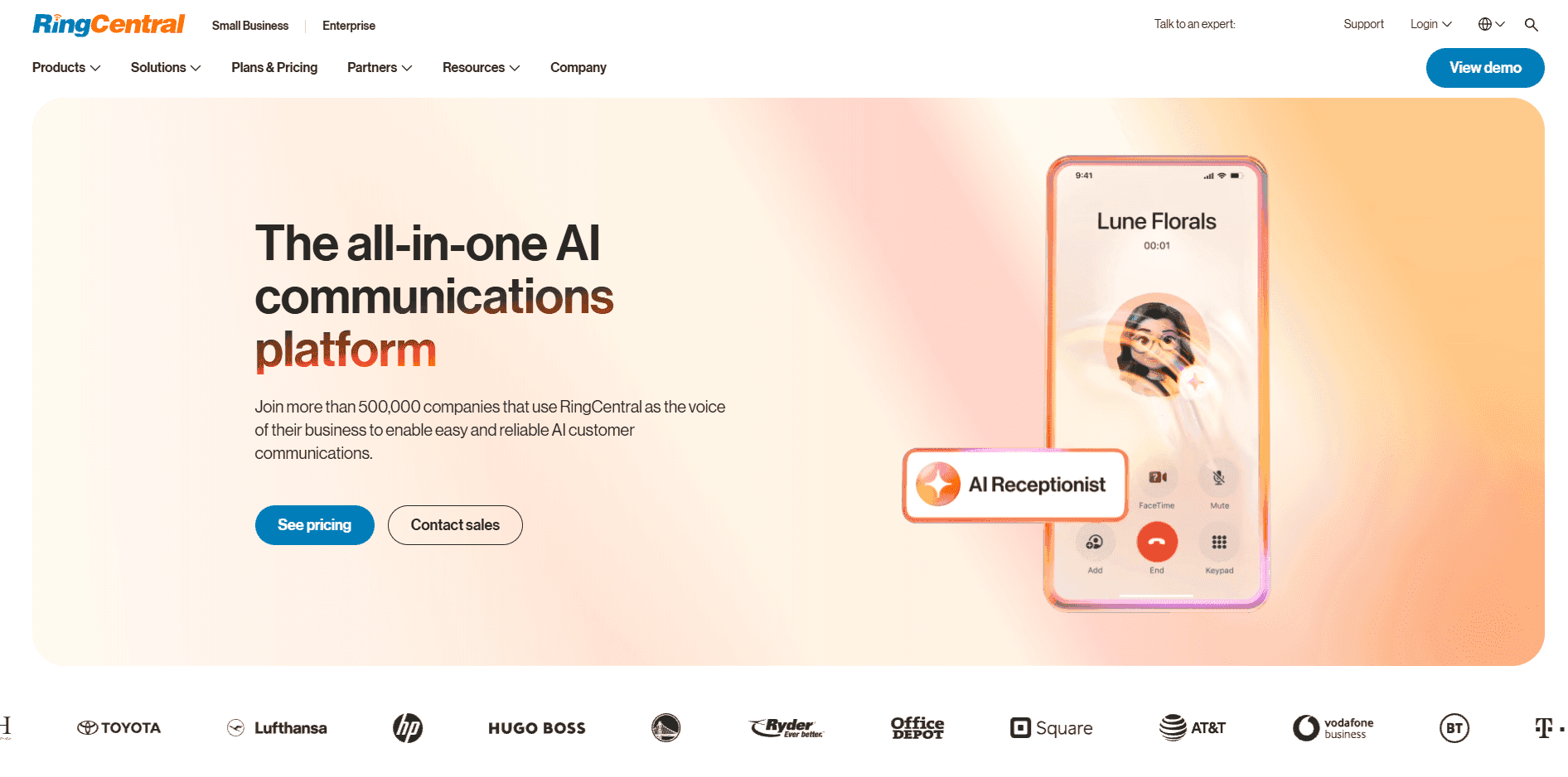
What it does: Cloud communications platform that combines voice, video, and messaging in one place.
Who it's for: Mid-market sales teams that need an all-in-one communication system as they grow.
RingCentral combines calling, messaging, and video in one dashboard. The platform delivers reliable uptime and strong global call quality.
Key features of Ring Central
Unified dashboard: Calling, messaging, and video in one place.
Reliable uptime: Strong global call quality for distributed teams.
Deep integrations: Connects with Salesforce, HubSpot, and Microsoft 365.
Advanced routing: Analytics and call recording for larger teams.
Flexible plans: Scale easily as your team expands.
Pros and cons of RingCentral
✅ Pros | ❌ Cons |
One review says RingCentral worked well as a desktop and mobile backup solution. | This reviewer's frustration: one hand isn't talking to the other, causing a poor user experience. |
A G2 reviewer highlights the unified multichannel experience as the top benefit. | This reviewer warns that smaller businesses may find it too complex for their needs. |
According to this feedback, routing rules can be tailored instead of being stuck in a rigid setup. | One pain point flagged: some customizations and integrations aren't intuitive. |
Pricing for RingCentral
Core: $20/user/month
Advanced: $25/user/month
Ultra: $35/user/month
Our thoughts on RingCentral
RingCentral works if you're growing fast and want calls, video, and messaging in one dashboard. You won't outgrow it anytime soon. If your team only needs basic calling, you're paying for features you won't touch.
We compared Five9 vs RingCentral vs Alpharun side by side in our full breakdown.
8. Aircall
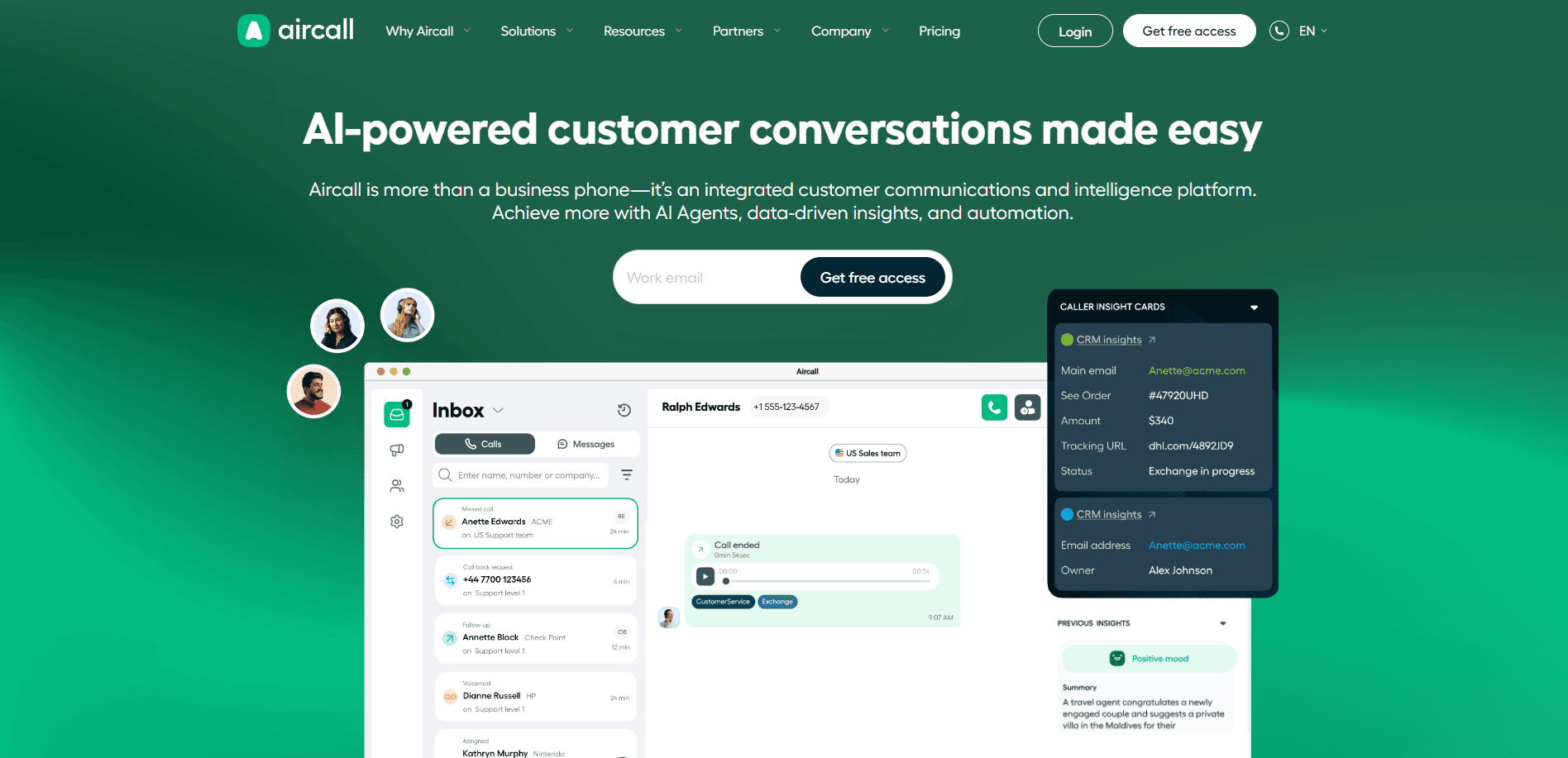
What it does: Modern business phone platform that blends AI, automation, and deep integrations.
Who it's for: Sales teams under 50 reps who need CRM integration without enterprise complexity.
Aircall connects with major CRMs like HubSpot, Salesforce, and Zendesk. Aircall provides shared call inboxes for better team collaboration. Setup is fast with a clean, intuitive interface. Managers can monitor calls and coach live.
Key features of Aircall
CRM integrations: Connects with HubSpot, Salesforce, and Zendesk.
Shared call inboxes: Better team collaboration on prospect follow-ups.
Live monitoring: Managers can monitor calls and coach in real time.
Clear analytics: Inbound and outbound activity tracking.
Fast onboarding: Clean, intuitive interface with minimal learning curve.
Pros and cons of Aircall
✅ Pros | ❌ Cons |
Easy to use with quick implementation and an intuitive interface. | Advanced features are locked behind higher-priced plans. |
Review notes call recordings and data stay in one place for better collaboration. | Review notes that occasional call quality and latency issues, depending on the network. |
Fits into modern team workflows without adding friction. | Core features are fine, but useful integrations require paid upgrades. |
Pricing for Aircall
Essential: $30/license/month
Professional: $50/license/month
Custom: Contact for pricing
Our thoughts on Aircall
Consider Aircall if you're a smaller team that values simplicity over feature depth. Your reps start making calls fast, and your CRM stays in sync. Once you need power dialers or real-time coaching, you'll want to upgrade to something bigger.
9. JustCall
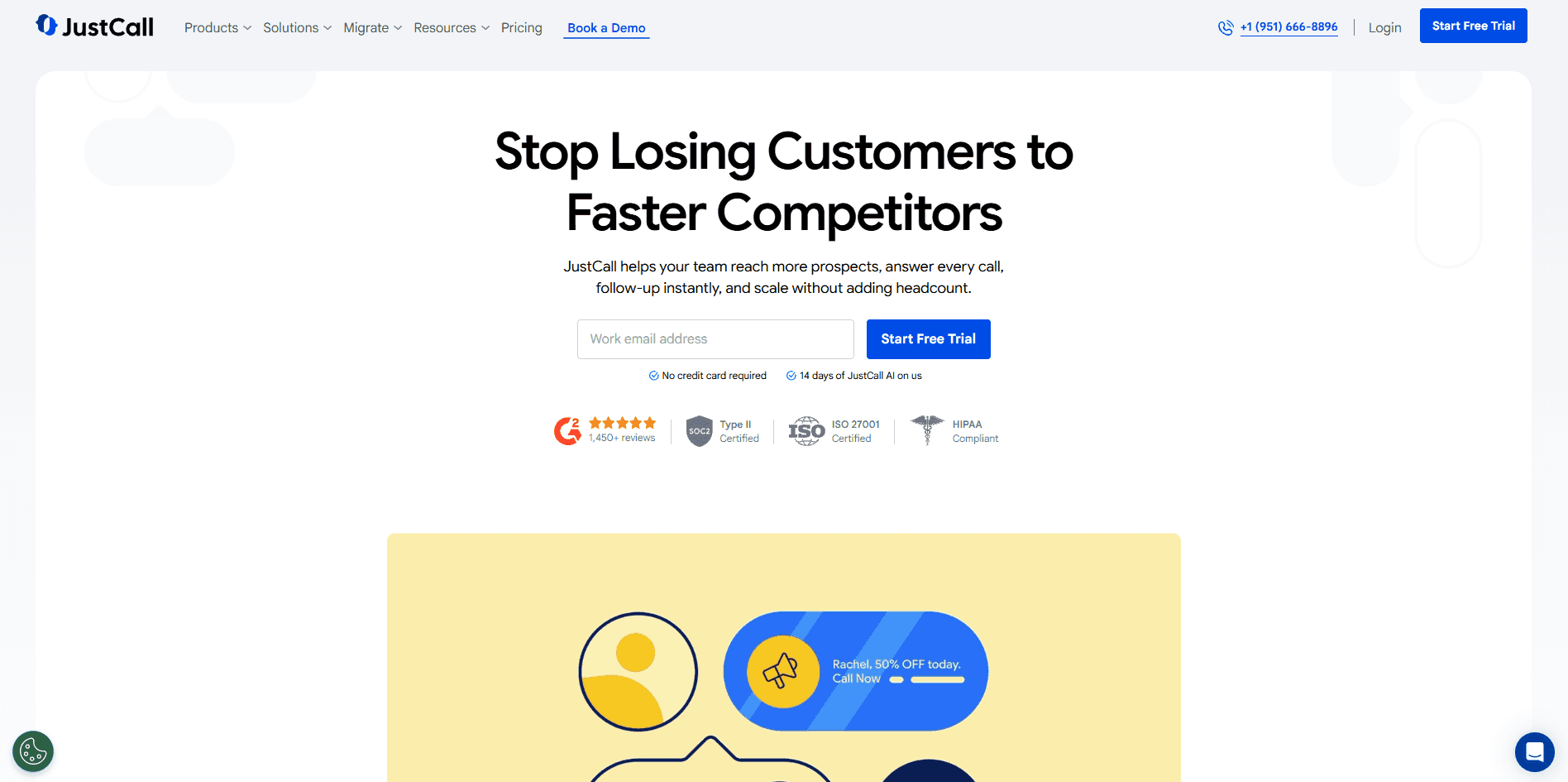
What it does: Cloud-based phone system built for sales teams with power dialers, call routing, and AI features.
Who it's for: Sales teams between 10–50 reps focused on outbound prospecting.
JustCall targets growing sales teams that need more than basic calling but aren't ready for enterprise platforms. You get power dialers and AI features at mid-tier prices.
Key features of JustCall
Power dialer: Faster outreach for high-volume prospecting.
Bulk SMS campaigns: Reach more prospects through text.
AI coaching tools: Real-time agent assist and AI call scoring on higher plans.
CRM integrations: 100+ integrations, including Salesforce, HubSpot, and Pipedrive.
Local numbers: Available in 70+ countries.
Pros and cons of JustCall
✅ Pros | ❌ Cons |
Cloud-based access from anywhere makes remote work easy. | The same reviewer flags call quality drops when connecting with clients. |
Training teams gets easier with built-in call recording features. | The mobile app doesn't match the web version's capabilities. |
Connect with clients worldwide without needing international country codes. | Internet lag killed their ability to connect with new and existing clients. |
Pricing for JustCall
Team: $39/user/month
Pro: $69/user/month
Pro Plus: $109/user/month
Business: Custom pricing
All plans require a minimum of 2 licenses. Business requires a minimum of 10 licenses. Get the full picture in our JustCall pricing breakdown with plans and alternatives compared.
Our thoughts on JustCall
JustCall fits if you're growing fast and want a dialer that connects to your CRM without a big budget hit. You get power dialing and SMS at a fair price. If you're past 50 reps or want coaching built from what your top closers actually say, you'll need a more advanced platform.
Need more firepower? Check out our top 7 JustCall alternatives for high-volume sales teams.
10. CloudTalk
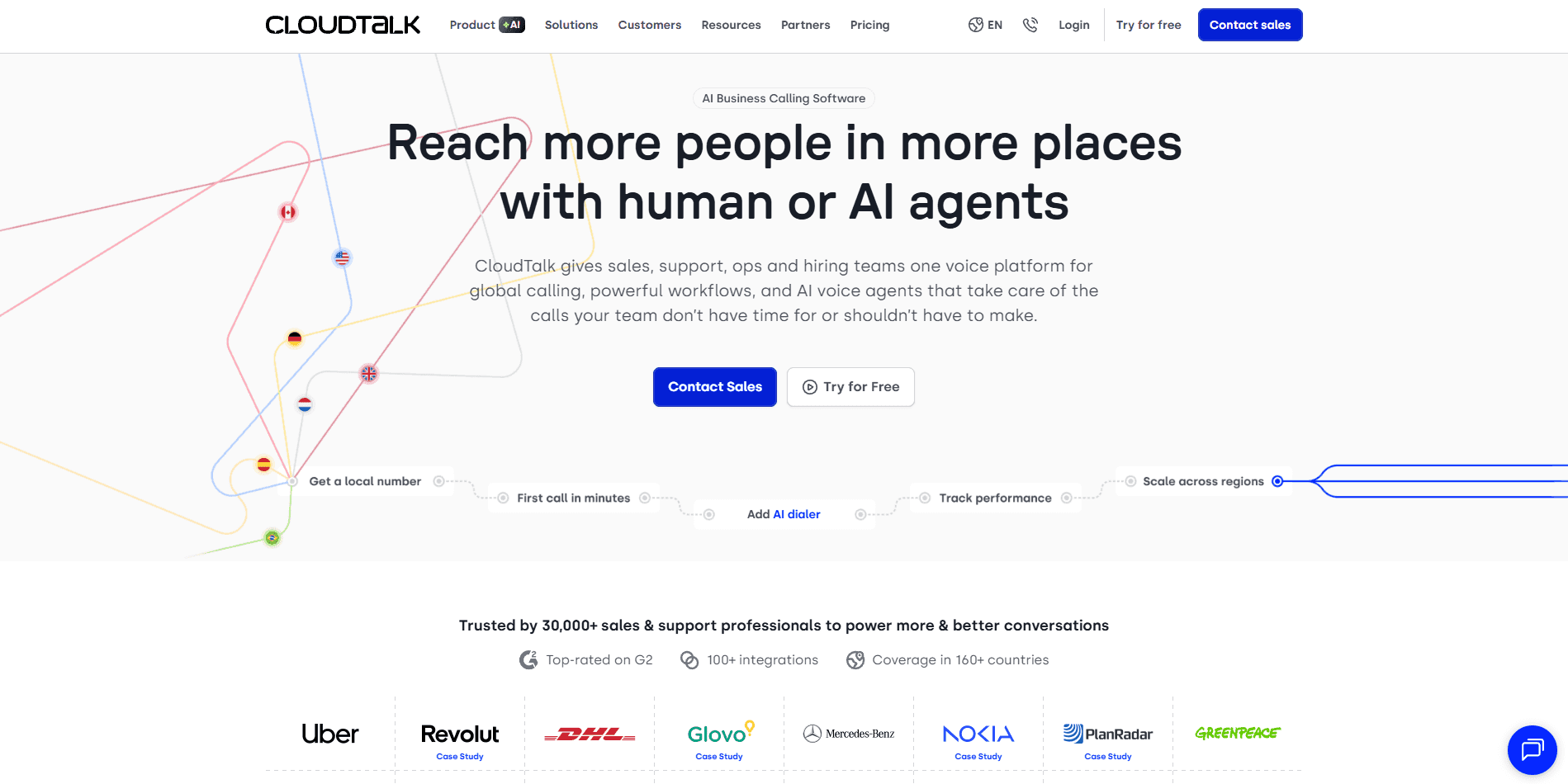
What it does: Voice platform with IVR, call routing, and queue management.
Who it's for: Teams that prioritize reliable inbound handling and want basic analytics without enterprise complexity or pricing.
CloudTalk is the entry-level option for teams that need reliable calling without the bells and whistles. You get international numbers in 160+ countries and solid IVR at a price that won't strain your budget.
Key features of CloudTalk
Call routing and queue management: Strong IVR handles inbound-focused operations.
Live call monitoring: Managers can monitor and coach reps in real time during calls.
CRM integrations: Connects with HubSpot, Salesforce, and Pipedrive without complicated setup.
Basic analytics: Track call volumes, wait times, and rep activity. The essentials.
Pros and cons of CloudTalk
✅ Pros | ❌ Cons |
A single dashboard for tracking calls simplifies data gathering for sales and support. | Previously couldn't talk to a team member before transferring inbound calls. |
Versatile call management includes queues, recording, and voicemail. | Call quality depends heavily on internet connectivity. |
Data synchronization happens instantly without manual work. | Intermittent availability issues hurt productivity metrics. |
Pricing for CloudTalk
Lite: $19/user/month
Essential: $29/user/month
Expert: $49/user/month
Our thoughts on CloudTalk
CloudTalk fits if you're watching every dollar and just need your phones to work. It handles the basics well at a price that's hard to beat. If you're serious about improving how your reps sell, you'll want a platform with AI coaching built in.
How we evaluated the best platforms
We approached this list like a sales manager building a call center from scratch. What would you actually need if your team ran hundreds of B2C calls every day?
We studied product documentation, read through user reviews on G2, and evaluated each platform based on five things:
CRM integration quality: How well does prospect data sync without extra work?
Dialer performance: Can it keep up with high-volume outbound?
Manager tools: Do supervisors see what's happening in real time?
Scalability: Does it work for 20 reps and still work at 200+?
Implementation time: How quickly can you get reps on the phones?
Which CRM call center software should you choose?
Choose Five9 or Genesys if:
Your team has 50+ reps
You run high-volume B2C sales like Medicare, insurance, or home services
You need enterprise reliability and compliance features
You plan to add AI coaching for real-time rep guidance
Choose NICE CXone if:
You need workforce management and quality tools in one platform
Your enterprise manages CX across multiple departments
Choose Talkdesk if:
You're in a regulated industry like Medicare, insurance, or healthcare
You want pre-built compliance workflows
Choose 8x8 if:
Your team calls prospects across multiple countries
You need global voice quality and near-perfect uptime
Choose Twilio Flex if:
You have developers who can build custom workflows
Your sales process needs unique configurations
Choose RingCentral if:
You want unified communications (calls, video, messaging) in one platform
You're a mid-market team scaling fast
Choose Aircall, JustCall, or CloudTalk if:
Your team is under 50 reps
Budget matters more than advanced features
You need a quick setup without IT resources
What makes CRM call center software effective for sales teams?
The right platform does more than route calls. It connects every conversation to your CRM and gives managers visibility into how reps actually perform.
CRM integration depth
Your reps shouldn't waste time asking, "Have we talked before?"
Look for these features:
Screen pops show prospect history the moment a call connects.
Automatic call logging means reps spend time selling instead of typing notes.
Click-to-dial lets them call directly from CRM records without copying phone numbers.
Dialer capabilities
The dialer you choose depends on how your team sells:
Predictive dialers calculate when reps will finish calls and dial ahead. Best for high-volume teams.
Power dialers work through lists at a controlled pace. Better for complex conversations.
Preview dialers show prospect info before connecting so reps can prepare.
Call routing intelligence
Getting the right prospect to the right rep matters:
Skills-based routing sends a Medicare question to a Medicare-certified rep.
Priority routing fast-tracks hot leads to your best closers.
Queue callbacks let prospects request a callback instead of waiting on hold.
Manager visibility
You can't coach what you can't see:
Real-time dashboards show who's on calls, in wrap-up, or available.
Call center quality monitoring software lets managers listen live with whisper and barge options.
QA tools help review recorded calls against scorecards.
These features get your calls connected and your data synced. But they won't tell reps what to say when a prospect pushes back on price. They won't show managers which behaviors separate your top closers from everyone else. That's where AI coaching layers in.
The missing layer between your dialer and closed deals
Your reps have the tools to make calls, but not always the words to close them.
CRM call center software connects your team to prospects. It doesn't teach a struggling rep how your top closer handles the "I need to think about it" objection. That knowledge stays locked in your best performers' heads.
So how do you get it out? Alpharun's conversational intelligence software analyzes what your top 10% actually say on calls, then coaches every rep to do the same.
Here's what your reps get:
Real-time guidance at the sentence level while reps are still talking to prospects.
Custom playbooks extracted from your own top performers' winning calls.
Coaching that evolves with your products, market shifts, and compliance updates.
Quicker ramp time, so new hires close like your best reps sooner.
And while your human reps get sharper, Alpharun's AI agents take repetitive work off their plate. Scheduling, after-hours calls, and initial qualification. Your reps stay focused on conversations that close.
The difference between your top closers and everyone else is coachable. Schedule a demo with Alpharun and let us show you how.
Frequently asked questions
1. Does Alpharun integrate with CRM call center software?
Yes, Alpharun integrates with major CRM call center platforms, including Five9, Genesys, and other leading dialers.
The platform pulls call recordings and metadata from your existing setup, then delivers real-time coaching to reps. Most teams go live in about a week without rebuilding their infrastructure.
2. Can I add AI coaching to my current call center platform?
Yes, you can add AI coaching to your current call center platform without switching systems. Alpharun layers on top of Five9, Genesys, Talkdesk, and other major platforms. It analyzes your existing call recordings to build custom playbooks and coaches reps in real time during live calls.
3. What is CRM call center software?
CRM call center software connects your phone system to your prospect database. Reps see prospect history when calls come in. Call outcomes and notes sync to CRM records. This eliminates manual data entry and gives managers full visibility into sales activity.
4. Which CRM call center software works best for high-volume sales?
The best CRM call center software for high-volume sales is Five9 or Genesys. Both platforms handle thousands of daily calls, offer predictive dialers, and integrate with major CRMs. They also connect with AI coaching tools like Alpharun for real-time rep guidance during calls.
5. Can small sales teams use enterprise call center software?
Small sales teams can use enterprise call center software, but it's often overkill. Teams with fewer than 20 reps rarely need Five9 or Genesys.
Platforms like Aircall, JustCall, or CloudTalk offer enough features at lower price points. Save enterprise platforms for when you scale past 50 reps.

