Explore the 7 best contact center performance management software tools in 2026. Compare features, pricing, and platforms that help improve agent performance.

The best contact center performance management software does more than track metrics. These are the 7 platforms that help you coach and scale your team in 2026.
7 best contact center performance management software tools: Quick comparison
💻 Tool | ⚡ Strengths | 🎯 Best for | 💰 Starting price |
Cresta | Real-time agent assist, conversation intelligence, omnichannel AI agents | Enterprises needing automation and live agent guidance across multiple channels | Custom enterprise pricing |
Gong | Conversation intelligence, revenue forecasting, pipeline analytics | GTM teams that need full revenue cycle visibility from prospecting through renewal | Custom per-user pricing |
Observe.AI | Auto QA, 100% call monitoring, voice-first AI agents | Teams wanting to reduce call volume and free agents for complex work | Custom pricing |
NICE CXone | 100% interaction recording, AI-powered QA, workforce management | Large enterprises with compliance requirements at scale | From $110/agent/month |
Genesys | Omnichannel routing, workforce management, AI-powered forecasting | Large contact centers needing full CCaaS with built-in WEM | From $75/user/month |
AmplifAI | Unified performance data, gamification, 150+ integrations | BPOs and enterprise contact centers with data across multiple systems | Contact for pricing |
Balto | Real-time on-screen prompts, smart checklists, live manager alerts | Call centers needing real-time script adherence and compliance monitoring | Custom pricing |
How we researched and tested these contact center performance management tools
We evaluated these platforms based on how well they support real contact center teams, not just what they claim on paper. Our process included product demos, documentation reviews, and analysis of feedback from teams actively using these tools.
Each platform was assessed across a set of core criteria:
Performance impact: Does the tool actually help improve agent behavior and outcomes, or just track metrics?
Coaching and QA capabilities: How well does it support coaching workflows, QA coverage, and agent development?
Usability: Can agents and managers adopt it quickly without heavy training?
Flexibility: Does it adapt to different team structures, industries, and compliance needs?
Integrations: How well does it connect with CCaaS platforms, CRMs, and existing workflows?
Time to value: How quickly can teams implement the tool and start seeing results?
This approach helped us identify which platforms go beyond reporting and actually help teams improve performance day to day. For teams that do want the reporting layer on its own, we compare call center reporting software separately.
1. Cresta: Best for enterprise AI automation and live agent guidance

What it does: Cresta helps contact centers automate routine work, guide agents during live calls, and pull insights from every conversation using its human-centric AI.
Best for: Large enterprises in travel, retail, and financial services that need both automation and real-time agent support across multiple channels.
Cresta supports the full customer interaction. It automates tasks before the call, assists agents during conversations, and analyzes performance after. It’s often ranked as a leader in conversation intelligence.
Key features
AI Agent for voice and chat that handles common requests across channels
Agent Assist with real-time prompts, guidance, and AI-generated summaries
Knowledge Assist that surfaces relevant content to speed up responses
Conversation Intelligence for insights, quality management, and coaching at scale
Integrations with Salesforce, Genesys, NICE, Twilio, Amazon Connect, and more
Pros and cons
✅ Pros | ❌ Cons |
Real-time Agent Assist helps agents respond faster and with better accuracy | Limited flexibility for unique or highly custom workflows |
Conversation Intelligence gives leaders clear visibility into what drives performance | Takes time to learn and get full value from the platform |
Strong omnichannel support with flexible integrations | Enterprise pricing may not fit smaller teams |
What users say
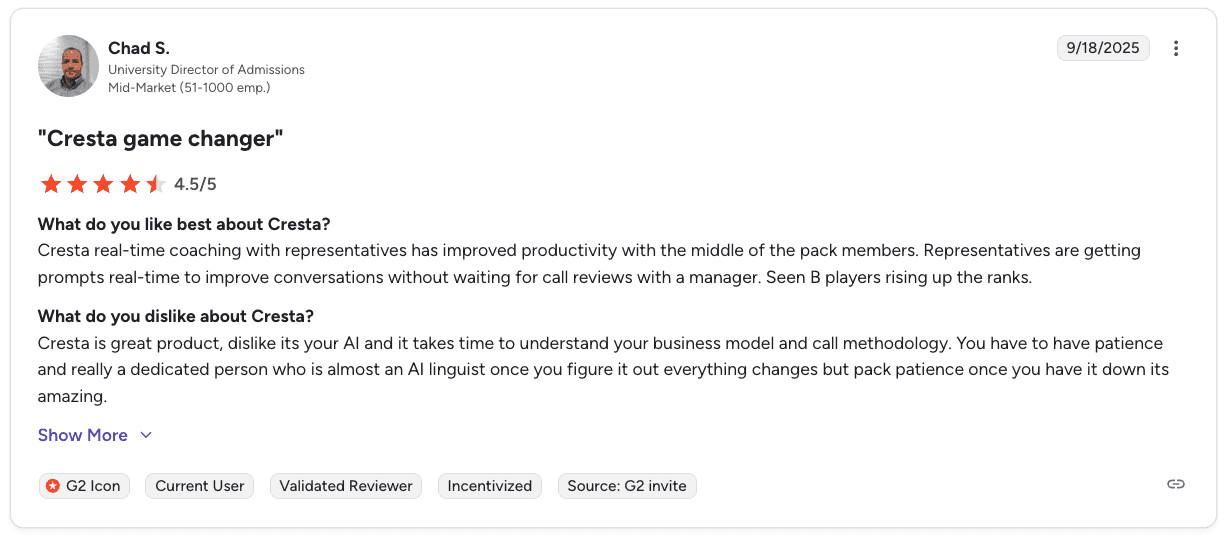
Pro: “Cresta real-time coaching with representatives has improved productivity... Representatives are getting prompts in real-time to improve conversations without waiting for call reviews.” — Chad S., University Director of Admissions, G2
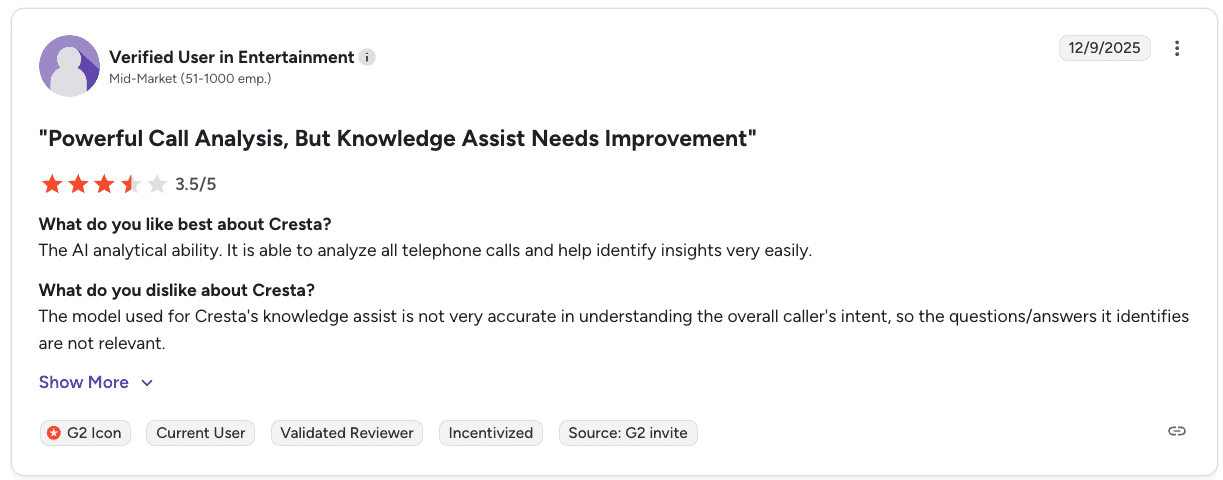
Con: “The model used for Cresta's knowledge assist is not very accurate in understanding the overall caller's intent, so the questions and answers it identifies are not relevant.” — Verified User in Entertainment, G2
Pricing
Custom enterprise pricing based on agents, channels, and features. Request a demo to get your quote.
Bottom line
Cresta is a strong choice for large teams that want both automation and live agent guidance in one platform. Smaller teams may find it more complex and expensive than they need.
Want to compare options? Check out our guide to the Top 7 Cresta competitors for sales coaching (tested).
2. Gong: Best for GTM revenue cycle visibility
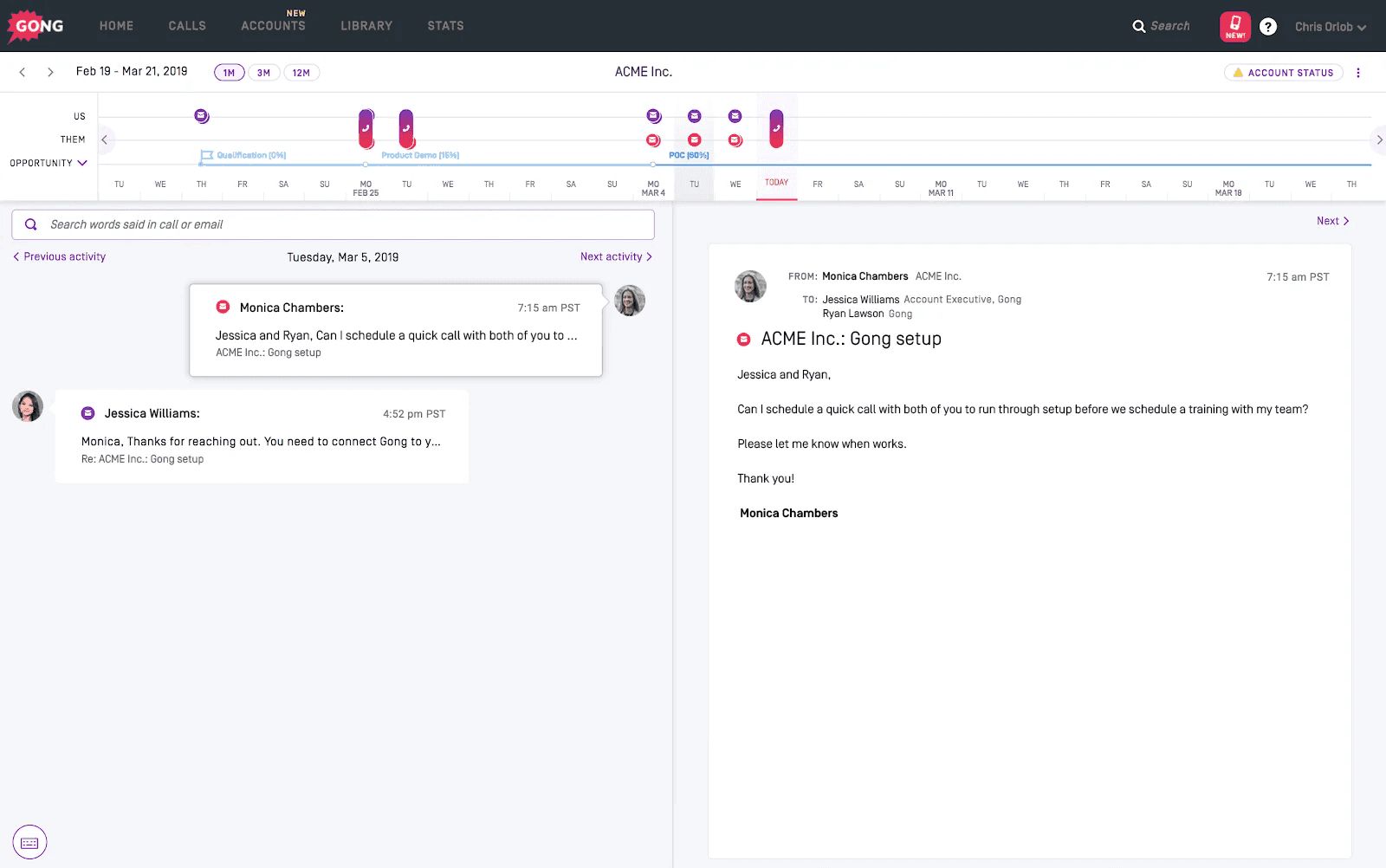
What it does: Gong tracks sales calls and meetings, studies the data, and uses Revenue AI to deliver insights, improve coaching, automate tasks, and sharpen forecasts across the full revenue cycle.
Best for: GTM teams that need full visibility from prospecting through renewal.
Gong gives revenue leaders a complete picture of what's happening across deals and rep conversations. The platform works across 70+ languages, helping distributed teams stay aligned.
Key features
Gong Engage to prioritize and personalize sales outreach
Gong Forecast for AI-powered pipeline and revenue forecasting
Gong Agents to automate follow-ups, pipeline edits, and forecast corrections
Gong Data Engine to unify prospect data and simplify management
Conversation Intelligence to coach reps, track deals, and uncover performance drivers
Pros and cons
✅ Pros | ❌ Cons |
Strong conversation intelligence with full visibility into deals and rep performance | Can only connect to one CRM at a time, which may be limiting for companies using multiple systems |
Forecasting and pipeline analytics improve predictability for GTM leaders | Some users say the platform lacks built-in tools for sharing recaps with leadership |
Works across 70+ languages, helping distributed teams stay aligned | Reporting customization options are limited, according to some reviews |
What users say

Pro: “It automatically captures and analyzes all sales conversations, giving us deep insights into customer interactions without manual effort.” — Hannah L., Customer Success Manager, G2
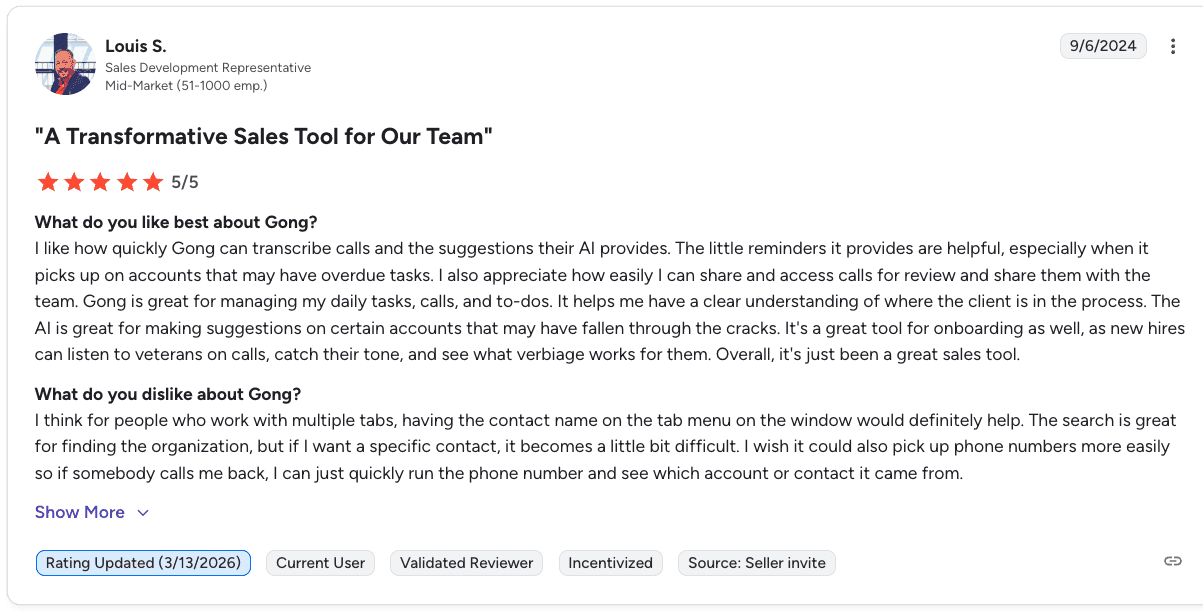
Con: “If I want a specific contact, it becomes a little difficult... I wish it could also pick up phone numbers more easily to quickly see which account it came from.” — Louis S., Sales Development Representative, G2
Pricing
Gong customizes pricing based on team size, with per-user licensing and a platform fee. Tech stack integrations are included at no additional charge. Request a quote to find out how much it may cost you.
Bottom line
Gong works for GTM teams that need revenue-cycle visibility from prospecting through renewals. B2C inside sales call centers may find their B2B framing and pricing more than they need.
Not sure if Gong is the right fit? See our breakdown of the top 6 Gong competitors and sales coaching alternatives in 2026.
3. Observe.AI: Best for voice-first AI agents and QA automation
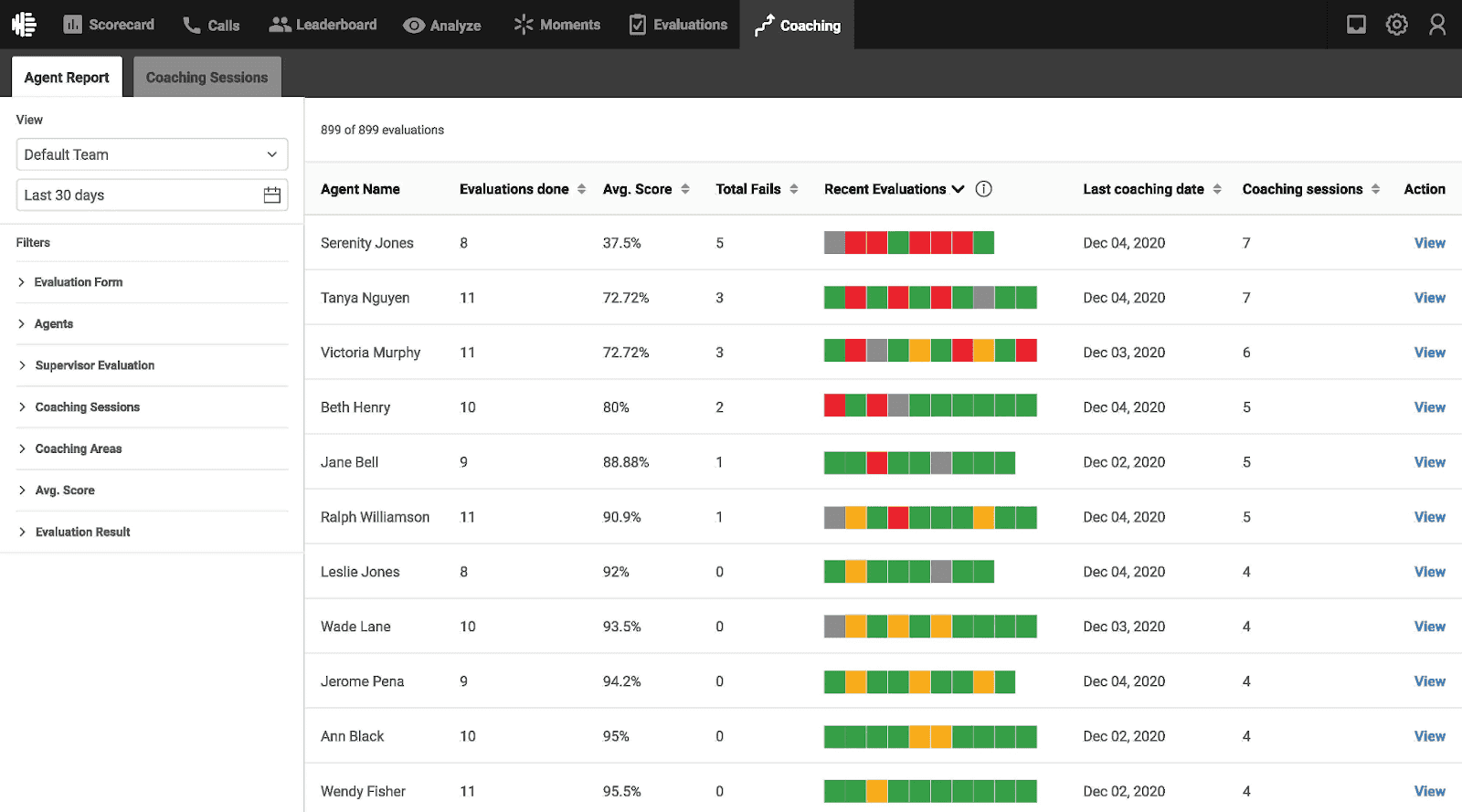
What it does: Observe.AI automates routine calls and monitors compliance, so agents can focus on more complex conversations.
Best for: Healthcare and finance teams looking to reduce call volume with voice-first AI agents while maintaining full QA coverage.
Observe.AI combines automation with a call center monitoring system. AI agents handle routine calls, while Conversation Intelligence tracks 100% of interactions handled by human agents.
Key features
Voice-first AI agents that handle routine calls and reduce agent workload
ChatAI agents for lead generation and fast handoffs
AI Copilots with real-time guidance and automated workflows
Conversation Intelligence with automatic QA across all calls
Pros and cons
✅ Pros | ❌ Cons |
Automates high volumes of calls and chats with natural-sounding AI agents | Transcription and understanding can drop in noisy or complex environments |
Fast insights, coaching, and quick setup for VoiceAI agents | Limited coaching recommendations from QA insights |
Flexible integrations with CCaaS and CRM platforms | Some teams report accuracy issues and manual QA still takes time |
What users say
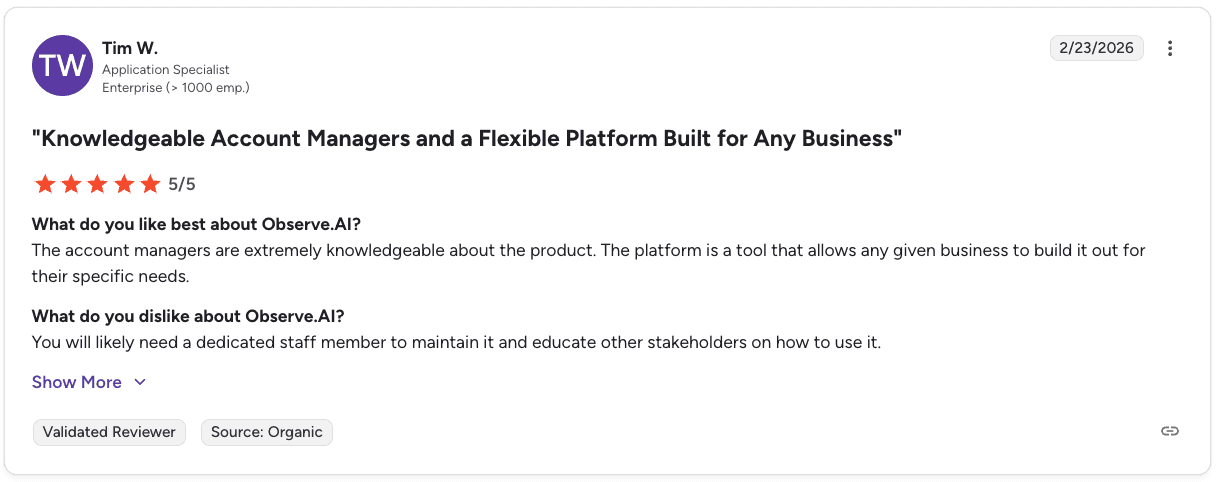
Pro: “The account managers are extremely knowledgeable, and the platform allows any business to build it out for their specific needs.” — Tim W., Application Specialist, G2
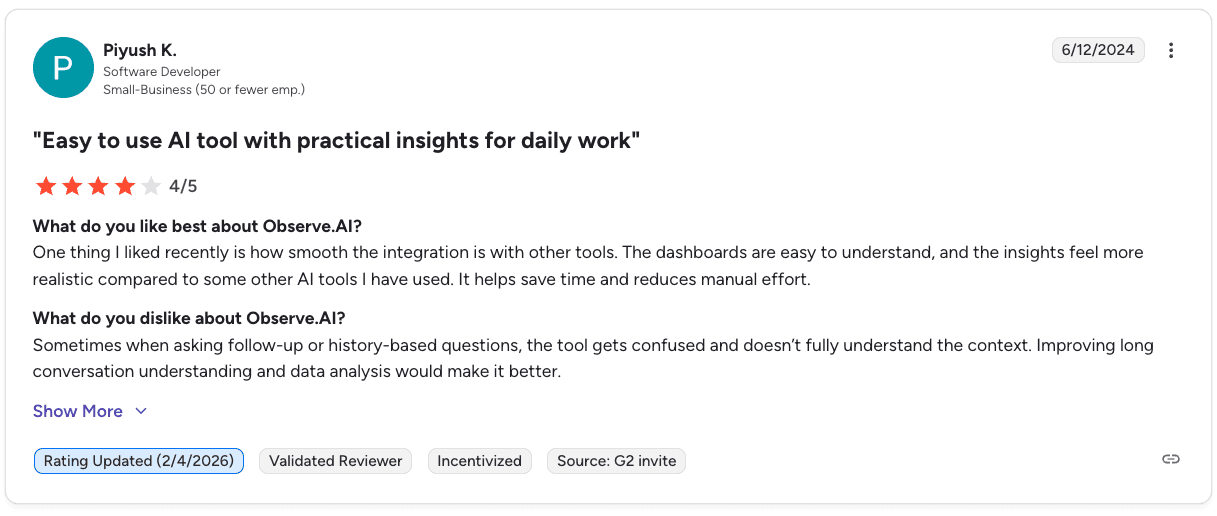
Con: “When asking follow-up or history-based questions, the tool gets confused and doesn’t fully understand the context.” — Piyush K., Software Developer, G2
Pricing
Observe.AI offers four pricing tiers, but what you pay is customized based on team size and compliance needs. Reach out to sales to learn more.
Bottom line
Observe.AI works well for teams that want to reduce call volume with voice-first AI while keeping full QA coverage. Make sure to review integration costs and feature tiers before committing.
4. NICE CXone: Best for large enterprise compliance and QA at scale
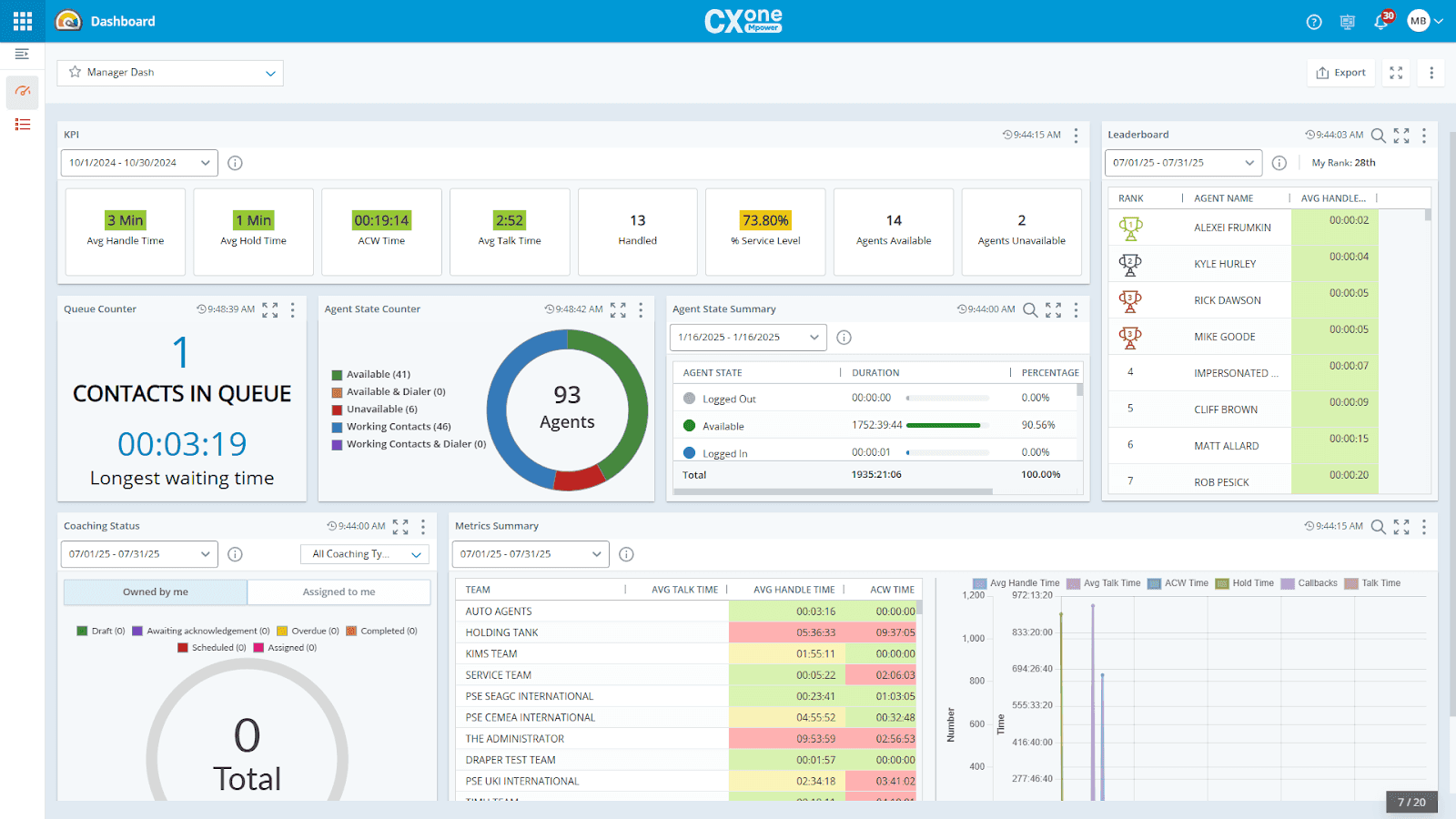
What it does: NICE CXone captures 100% of interactions and uses AI to evaluate performance, coach agents, and surface insights across your operation.
Best for: Large sales teams and enterprises that need full visibility into interactions along with strong compliance support.
NICE CXone is built for scale. It records every interaction, runs QA evaluations, and delivers AI-powered coaching across the entire contact center.
Key features
Interaction recording and management to capture all interactions for compliance and performance
Quality management that evaluates interactions with AI and delivers coaching
Interaction analytics that surface insights from every conversation
Automated note-taking with instant summaries to speed up resolution
Workforce management with AI-based forecasting and scheduling
Pros and cons
✅ Pros | ❌ Cons |
Interaction recording supports compliance across industries | May be too complex for smaller teams |
40+ native first-party apps on a secure and reliable cloud platform | Studio scripting can lag, and documentation can be unclear |
Real-time and historical dashboards in one place | Some users report issues with agent status updates and scripting performance |
What users say
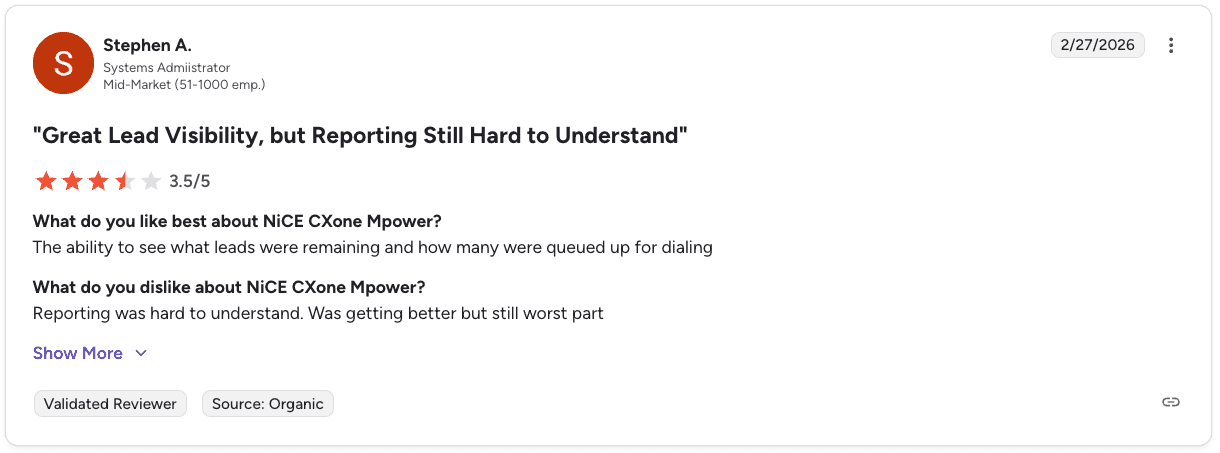
Pro: “The ability to see what leads were remaining and how many were queued up for dialing.” — Stephen A., Systems Administrator, G2
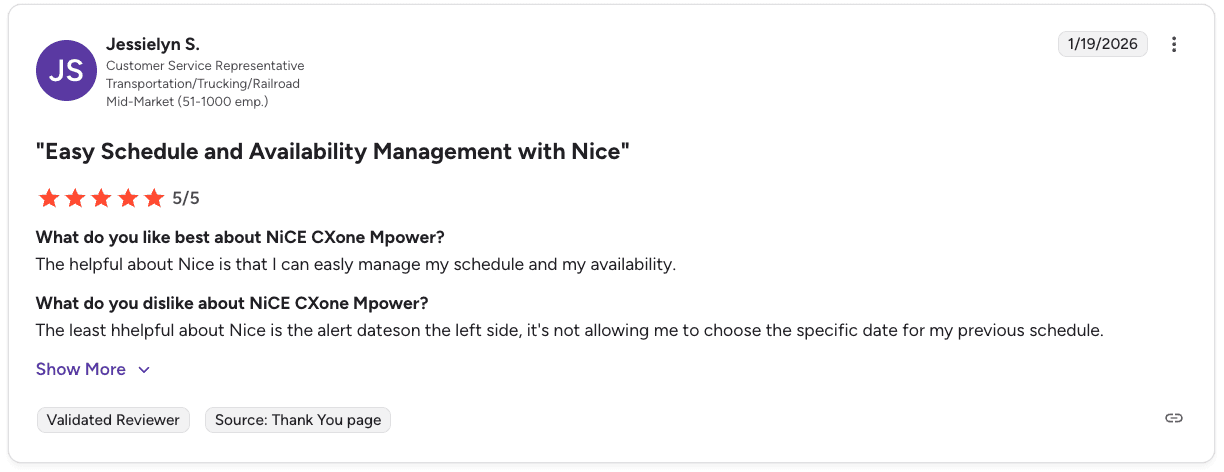
Con: “The alert dates on the left side do not allow me to choose a specific date for my previous schedule.” — Jessielyn S., Customer Service Representative, G2
Pricing
NICE CXone starts at $110 per agent per month for the Omnichannel Suite and goes up to $249 per agent per month or more for the Ultimate Suite. Recording and compliance features are included across all tiers.
Bottom line
NICE CXone is a strong choice for large teams that need full interaction recording and AI-powered QA at scale. Smaller teams may find it more complex than they need.
5. Genesys: Best for full-stack CCaaS with built-in workforce management
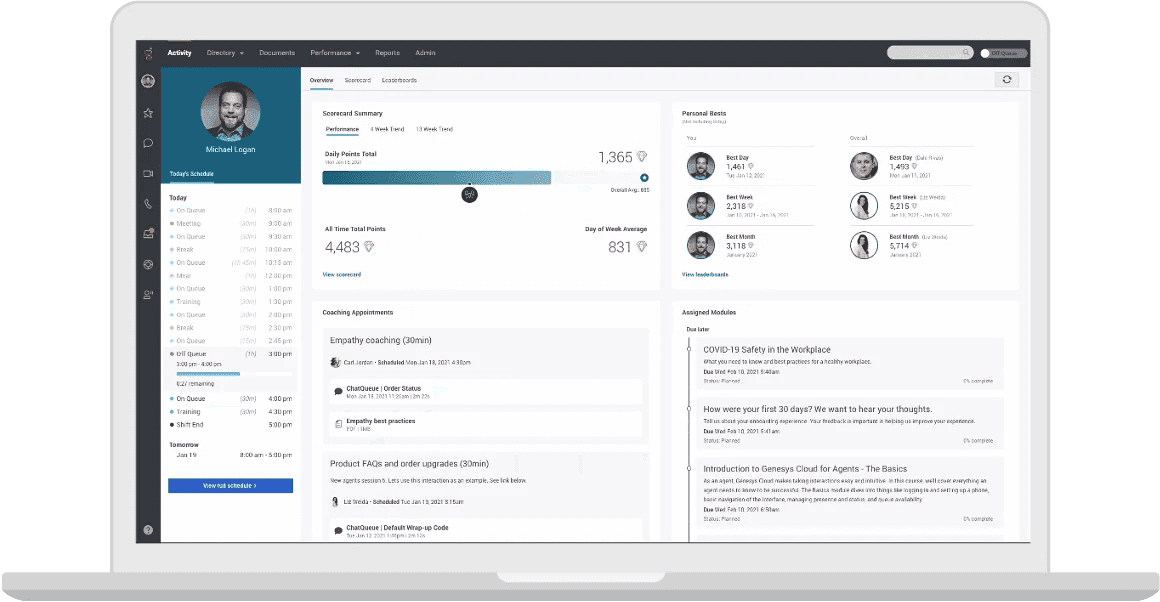
What it does: Genesys is an AI-powered platform that manages calls, emails, chats, and social media in one place. It offers Genesys Cloud CX for contact center operations and Genesys Cloud EX for workforce engagement.
Best for: Large contact centers that want omnichannel routing, AI-driven workforce management, and performance tracking on one platform.
Genesys Cloud CX handles routing, channels, and recording. Genesys Cloud EX adds forecasting, quality management, performance tracking, and agent development. Both run in the cloud and connect with over 600 apps through the AppFoundry Marketplace.
Key features
Genesys Cloud CX:
Routes calls, emails, and chats based on skills and availability
Combines phone, email, chat, SMS, and social in one agent workspace
Uses AI for chatbots, predictive routing, and analytics
Tracks customer journeys across channels
Genesys Cloud EX:
Forecasts demand and builds schedules using AI
Automates QA reviews and compliance checks
Uses scorecards and AI insights for performance management
Adds gamification with challenges and leaderboards
Pros and cons
✅ Pros | ❌ Cons |
Brings voice, email, chat, and social into one platform | Navigation can take time for new users to learn |
Strong integrations and an interface that agents can learn quickly | Some advanced features require extra licenses or usage fees |
Agent Copilot provides real-time AI guidance during calls | Workforce forecasting and scheduling may need manual adjustments |
Predictive routing improves customer outcomes | Built-in reporting lacks depth, and performance can feel slow |
What users say
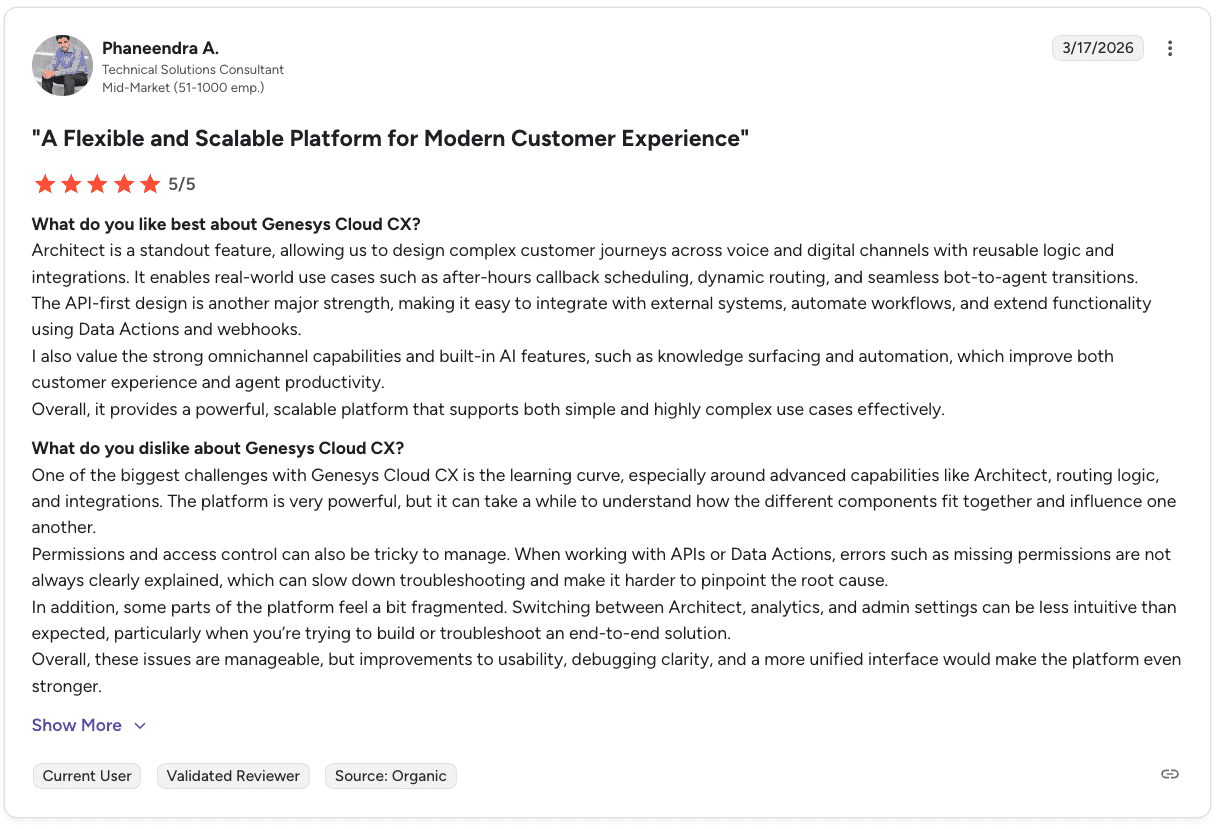
Pro: “It provides a powerful, scalable platform that supports both simple and highly complex use cases effectively.” — Phaneendra A., Technical Solutions Consultant, G2
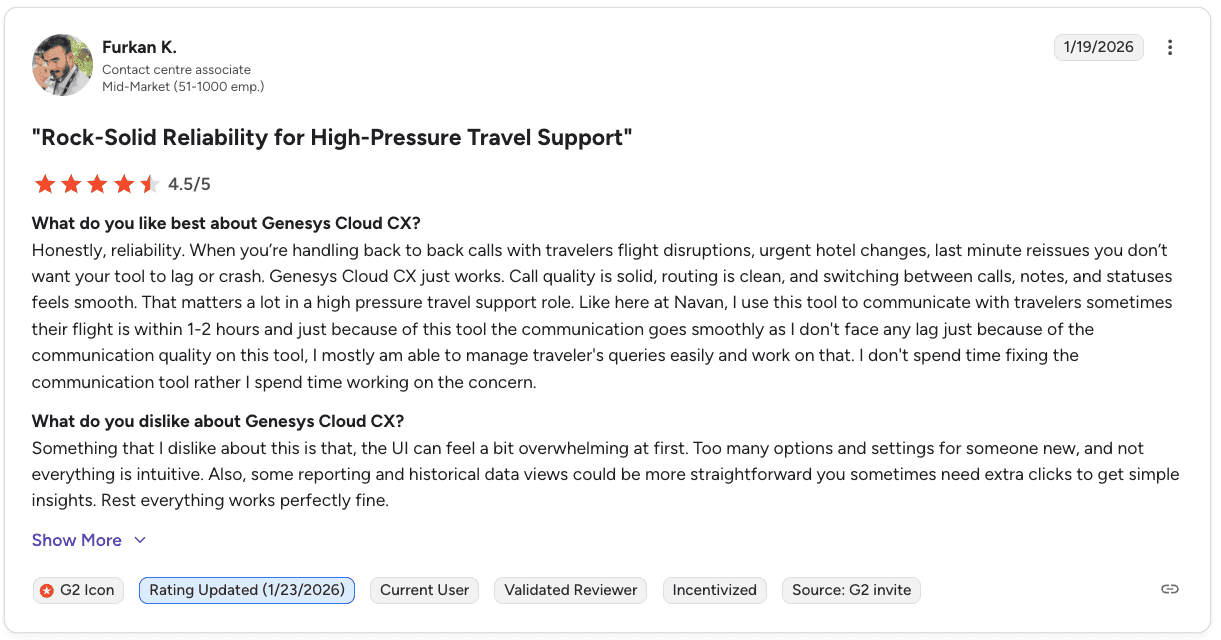
Con: “The UI can feel a bit overwhelming at first with too many options, and some reporting views require extra clicks to get simple insights.” — Furkan K., Contact Centre Associate, G2
Pricing
📦 Plan | 💰 Price | 🎯 Best for |
CX 1 | $75 per user per month | Small voice-only teams |
CX 2 | $115 per user per month | Growing omnichannel teams |
CX 3 | $155 per user per month | Mid-size teams with full WEM needs |
CX 4 | $240 per user per month | Enterprise sales centers |
For a deeper dive, see our full breakdown of Genesys Cloud CX pricing for 2026, including plans and best options.
Bottom line
Genesys is a strong fit for teams that want one platform for routing, omnichannel support, workforce management, and analytics. If you also need deeper sales coaching based on real calls, you may need to pair it with a dedicated coaching tool.
Explore the top Genesys alternatives to find a platform that fits your team’s needs, budget, and workflow better in 2026.
6. AmplifAI: Best for enterprise performance visibility across systems
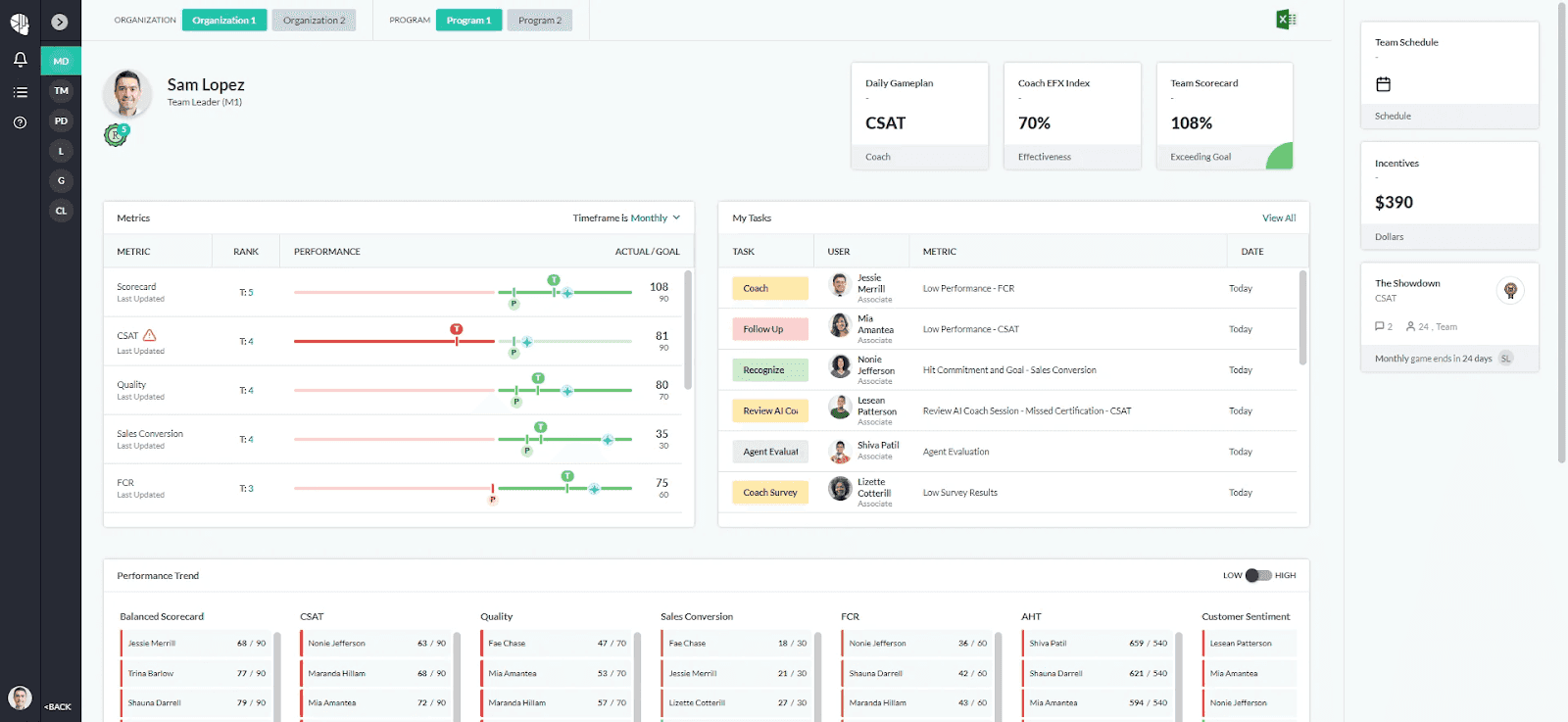
What it does: AmplifAI pulls performance data from QA, workforce management, CRM, and coaching tools into one AI-powered layer. It combines this with gamification, next-best-action recommendations, and over 150 integrations to drive performance across teams.
Best for: Enterprise contact centers and BPOs managing performance across multiple teams, systems, and lines of business.
Most contact center tools operate inside their own ecosystem. AmplifAI connects data from QA platforms, workforce systems, CRMs, and CCaaS providers to create one unified performance view.
For large BPOs running multiple clients across different platforms, this cross-system visibility gives a clearer and more complete picture than any single vendor tool.
Key features
150+ integrations: Connects QA, workforce management, CRM, speech analytics, and legacy systems into one data layer
Role-based dashboards: Separate views and workflows for agents, team leads, QA analysts, and executives
AI-powered next-best actions: Recommends coaching, recognition, and intervention based on unified real-time data
Coaching Effectiveness Index (CEfx): Tracks whether coaching sessions produce measurable KPI improvement over time
Gamification and recognition: Leaderboards, badges, and contests tied to actual performance KPIs
Pros and cons
✅ Pros | ❌ Cons |
Strong cross-system data unification at enterprise scale | Requires integration with your existing stack, which adds setup complexity |
AI-driven next best actions reduce manual coaching effort | May be too complex for teams with fewer than 20 agents |
Coaching Effectiveness Index shows the real impact of coaching | Less specialized for inside sales coaching compared to Alpharun |
Designed for multi-client, multi-site BPO environments | Enterprise focus may feel heavy for simpler use cases |
What users say
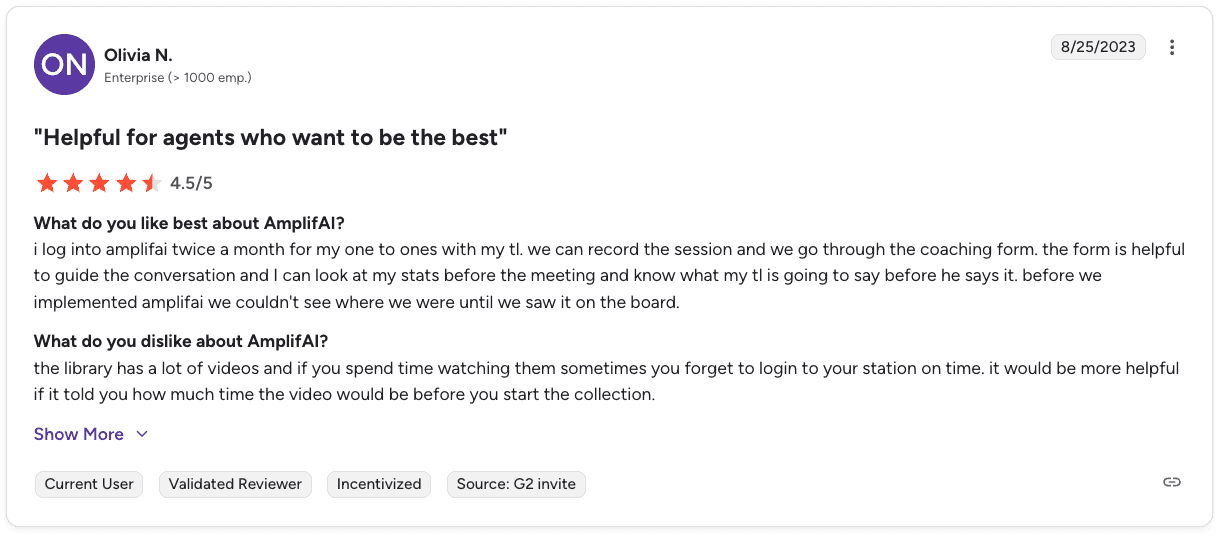
Pro: “The coaching form is helpful to guide the conversation, and I can look at my stats before the meeting and know what my team lead is going to say.” — Olivia N., Enterprise user, G2
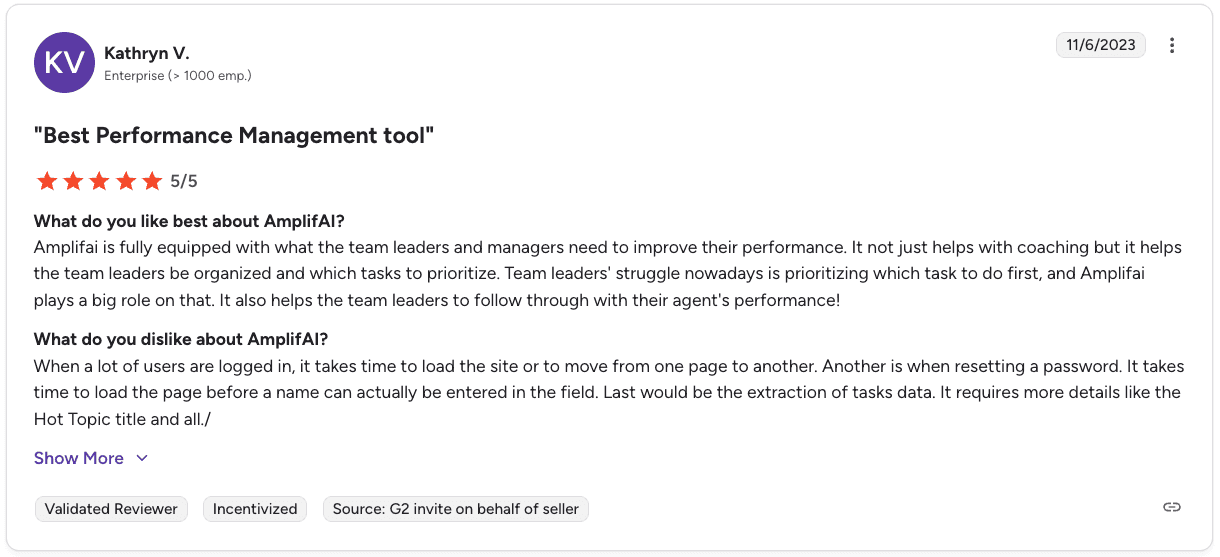
Con: “When a lot of users are logged in, it takes time to load the site or move between pages, and resetting a password can also be slow.” — Kathryn V., Enterprise user, G2
Pricing
AmplifAI doesn’t list pricing publicly, so you’ll need to contact them for a custom quote.
Bottom line
AmplifAI is a strong fit for large contact centers and BPOs that need a clear view of performance across multiple systems. Teams focused mainly on inside sales coaching and playbook consistency may prefer a more specialized solution.
7. Balto: Best for real-time in-call script adherence
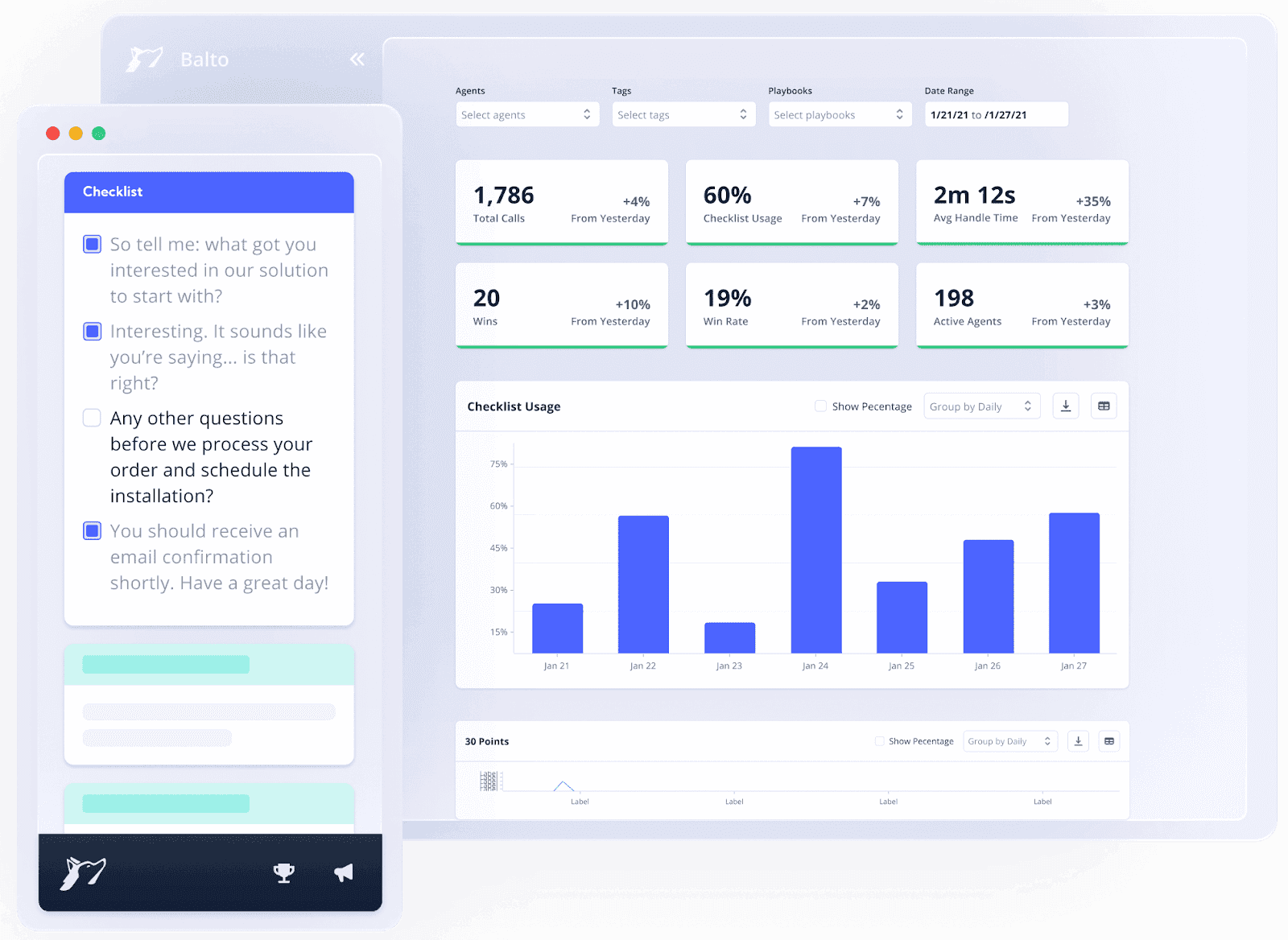
What it does: Balto listens to calls in real time and gives agents on-screen prompts, reminders, and tips so they stay on script and compliant during conversations.
Best for: Call centers that need real-time guidance to keep agents consistent and compliant while calls are happening.
Balto analyzes conversations as they happen and triggers prompts based on keywords, objections, or compliance signals. Managers can also monitor calls live and step in when needed.
The platform focuses on real-time support. It offers fewer tools for post-call analytics and long-term performance development.
Key features
Real-time objection handling tips based on what the customer says
Smart call quality monitoring checklists and dynamic prompts that guide agents step by step
Alerts that flag bad habits before they impact outcomes
Live manager notifications for high-risk or important calls
Coaching dashboards that track script adherence and performance
Pros and cons
✅ Pros | ❌ Cons |
Real-time coaching helps prevent compliance issues during calls | The Agent app can be buggy with timeouts and blank screens |
Works across different CCaaS and CRM platforms | Integrations can take 45 to 60 days to complete |
Prompts, checklists, and alerts keep agents on track | Limited post-call coaching and long-term development tools |
Managers can monitor and step into live calls | Call summarization may struggle with some edge cases |
What users say
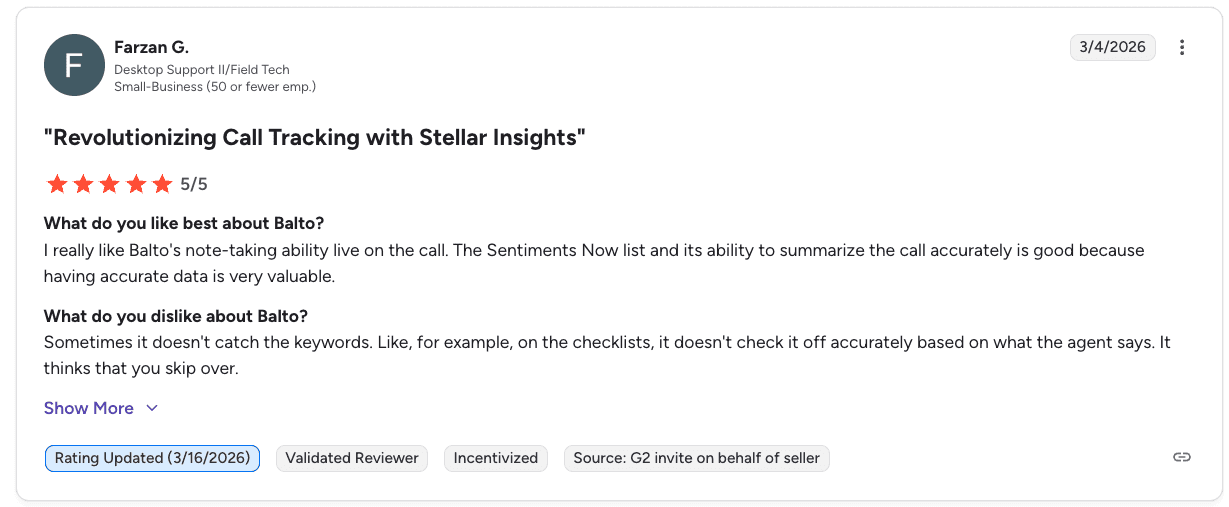
Pro: “Balto's note-taking ability live on the call, and its ability to summarize the call accurately is very valuable.” — Farzan G., Desktop Support II/Field Tech, G2
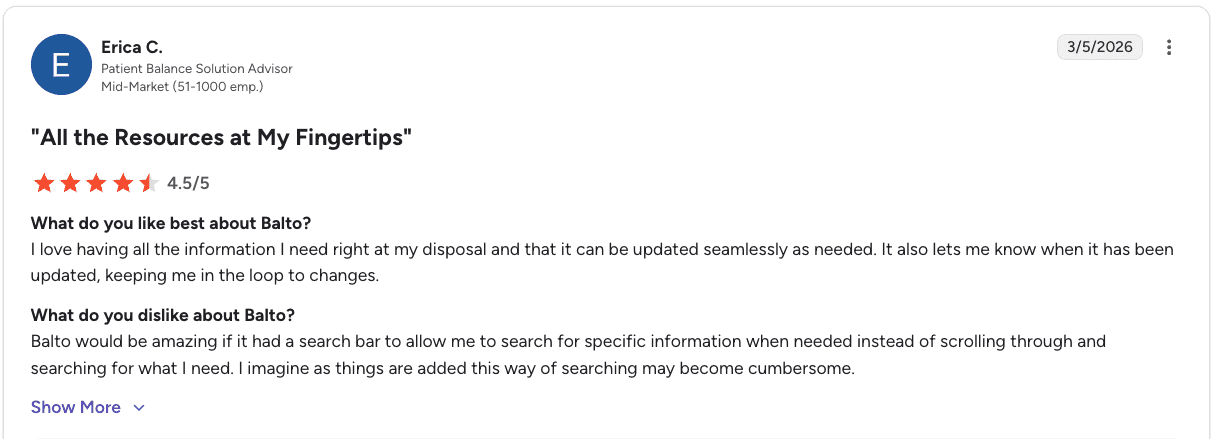
Con: “Balto would be amazing if it had a search bar to find specific information instead of scrolling, which can become cumbersome.” — Erica C., Patient Balance Solution Advisor, G2
Pricing
Custom pricing based on agent count and contract length. The team reviews expected ROI before you commit. Explore our full Balto AI pricing breakdown to understand costs, features, and what you are really paying for.
Bottom line
Balto is a strong fit for teams that need real-time script adherence and compliance support during live calls. If you need deeper coaching and post-call insights, you may need a more advanced platform.
Which contact center performance management software should you choose?
The best tool comes down to what you are trying to fix in your team today. Start with your biggest gap, then pick the platform that solves that first.
Choose Cresta if you:
Run a large enterprise in travel, retail, or financial services
Want both automation and real-time guidance in one place
Work across multiple channels and need strong integrations
Choose Gong if you:
Run a B2B sales team with a CRM-driven pipeline
Need better forecasting and deal visibility
Have a global team working across multiple languages
Choose Observe.AI if you:
Want to reduce call volume with voice-first AI agents
Need full QA coverage across every interaction
Work in healthcare or finance with strict compliance needs
Choose NICE CXone if you:
Need full call recording across your entire operation
Have strong compliance requirements to meet
Want QA and compliance built into your core platform
Choose Genesys if you:
Want one platform for routing, channels, workforce management, and analytics
Need AI-based forecasting and scheduling
Run a large, complex contact center across many channels
Choose AmplifAI if you:
Manage performance data across multiple tools or clients
Want to bring QA, coaching, CRM, and workforce data into one view
Need clearer insights to coach teams at scale
Choose Balto if you:
Run a high-volume call center with strict scripts
Want real-time prompts during live calls
Need alerts so managers can step in when it matters
Skip this category entirely if:
Your team has fewer than 20 reps and doesn’t need complex tooling
Your main issue is staffing or call volume, not performance or coaching
Start with your biggest bottleneck. The right tool should make that problem easier to solve right away.
Final verdict
Each tool on this list focuses on a different part of contact center performance. Some are built for real-time guidance, others for QA and compliance, and others for full platform management or analytics.
Cresta and Balto are strong for real-time support during calls. Observe.AI and NICE CXone focus on QA coverage and compliance at scale. Genesys covers routing, channels, and workforce management in one system. AmplifAI brings performance data together across tools. Gong helps revenue teams track deals and improve forecasting.
The right choice depends on your main priority. If you need better coaching, look at real-time guidance tools. If compliance and QA are the issue, focus there. If you need everything in one place, a full platform may be the better fit.
The gap that these tools don’t close
Your dashboards can show who’s winning. They can’t show how they’re winning. In every team, a few reps consistently outperform the rest, but their approach never gets captured or scaled. Alpharun turns those winning conversations into a repeatable playbook and coaches every rep to follow it.
What Alpharun does:
Builds a custom AI playbook from your top-performing calls, based on what actually drives conversions
Gives sentence-level coaching so reps know exactly what to say, when to say it, and how to improve
Scores reps using your real sales process and compliance requirements, not generic metrics
Highlights coaching priorities based on revenue impact so managers focus on what moves the needle
Sends direct, actionable feedback to reps so coaching doesn’t depend only on managers
Integrates with Five9, Genesys, and other major platforms, with onboarding typically done in about a week
If you are serious about improving close rates, book a demo and see Alpharun in action.
Frequently asked questions
What is contact center performance management software?
Contact center performance management software tracks, measures, and improves agent performance using dashboards, call analytics, and coaching tools. It connects insights to coaching so teams can improve behavior and results.
What is the difference between contact center performance management software and conversation intelligence tools?
The main difference between contact center performance management software and conversation intelligence tools is that conversation intelligence analyzes calls, while performance management connects those insights to coaching, QA, and rep development. Performance management tools focus on improving outcomes.
How do I choose between real-time coaching tools and post-call coaching platforms?
The main difference between real-time coaching tools and post-call platforms is when coaching happens. Real-time tools guide agents during live calls, while post-call platforms focus on long-term skill development. Some platforms sit in between: Alpharun runs real-time QA scoring paired with structured sales coaching, so every call is graded as it lands and the patterns become each rep’s priorities for the week.
What KPIs should contact center performance management software track?
Contact center performance management software should track KPIs like conversion rate, average handle time, first call resolution, QA scores, and customer satisfaction. The best tools link these metrics to coaching and performance improvement.
Is contact center performance management software worth it for smaller teams?
No, most contact center performance management tools are built for larger teams and may not deliver a strong ROI for small teams. Smaller sales teams can still benefit if there are clear performance gaps between top and average reps.

